Prompt
Upload an image
Please upload an image first.
AI Ahegao Video Generator
Animate any character into an expressive ahegao-style clip. Change only the facial expression and keep the face, hair, outfit and background exactly as they are.
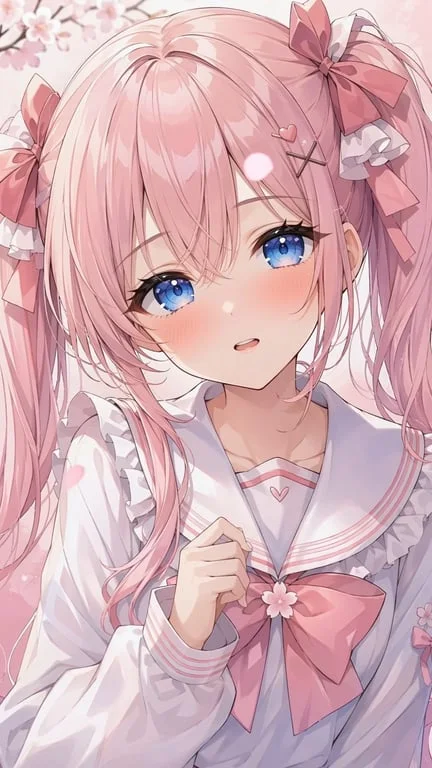
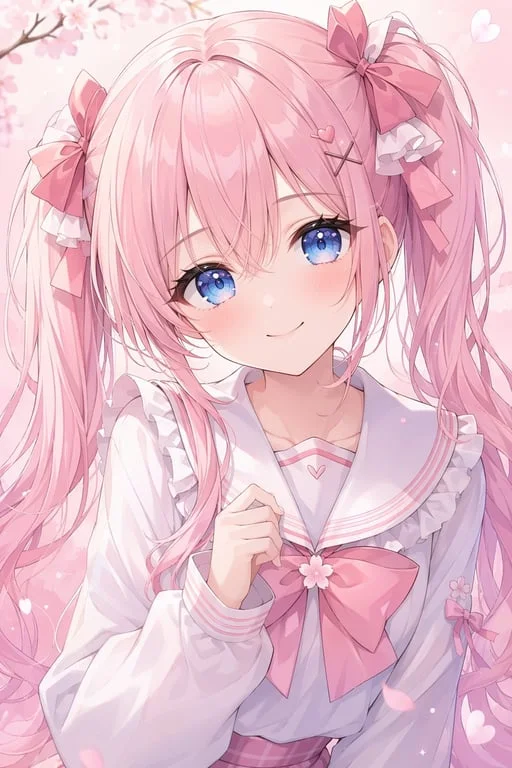
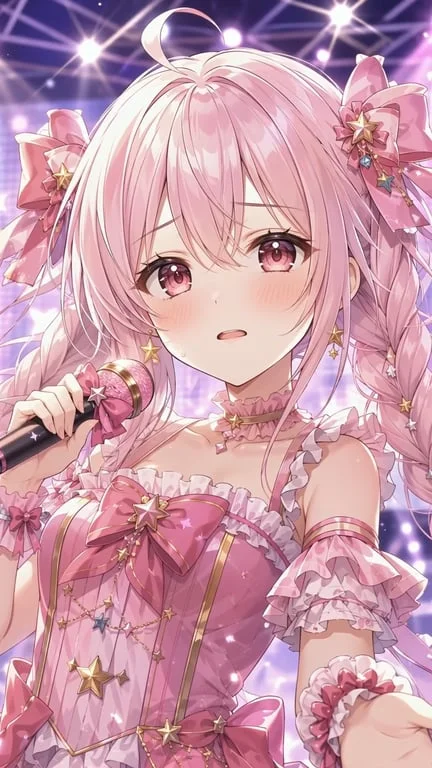
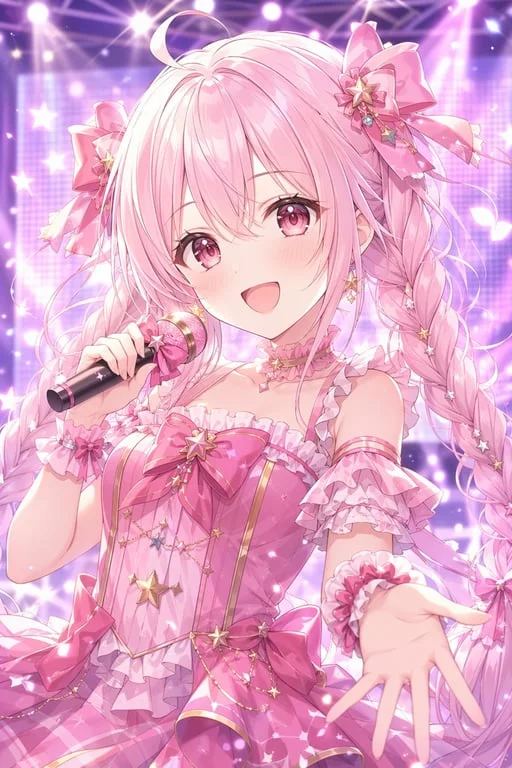
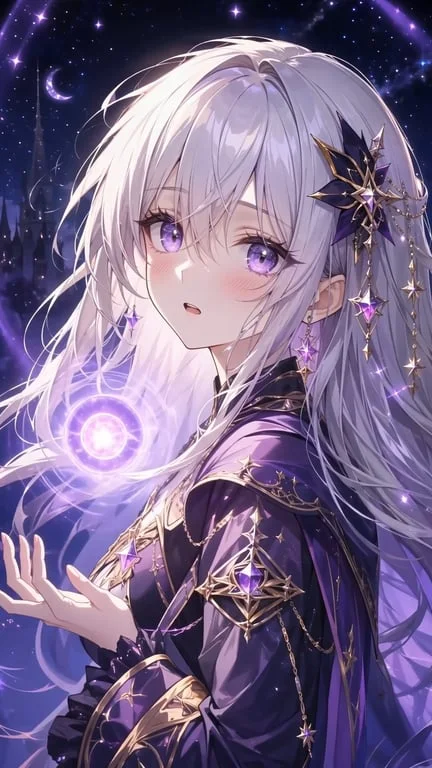
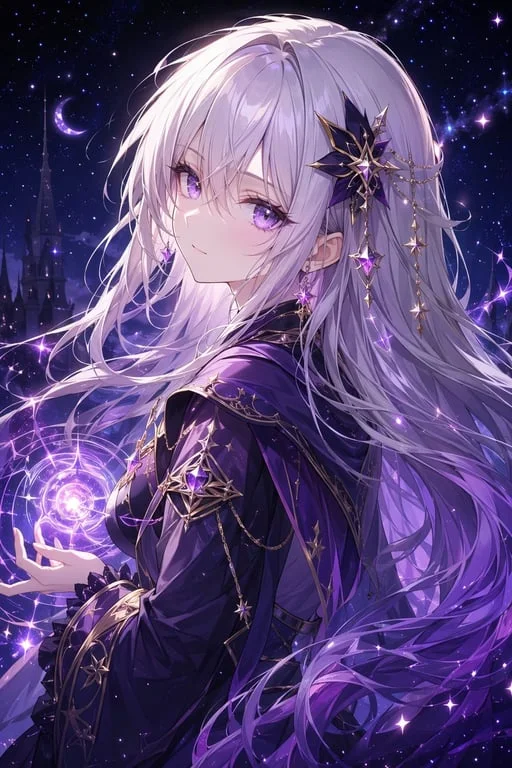
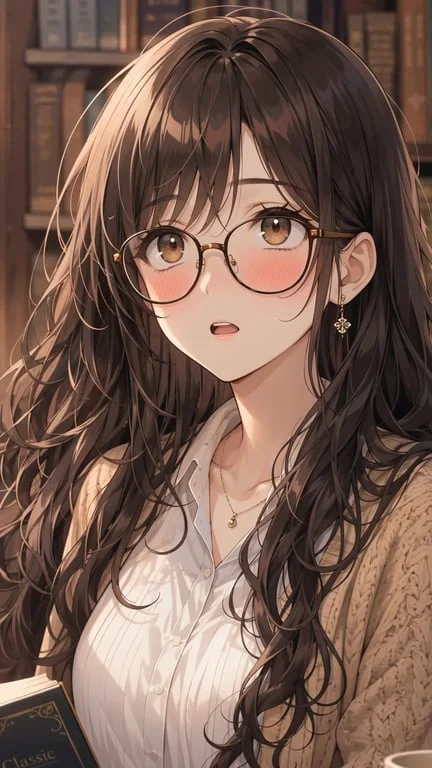
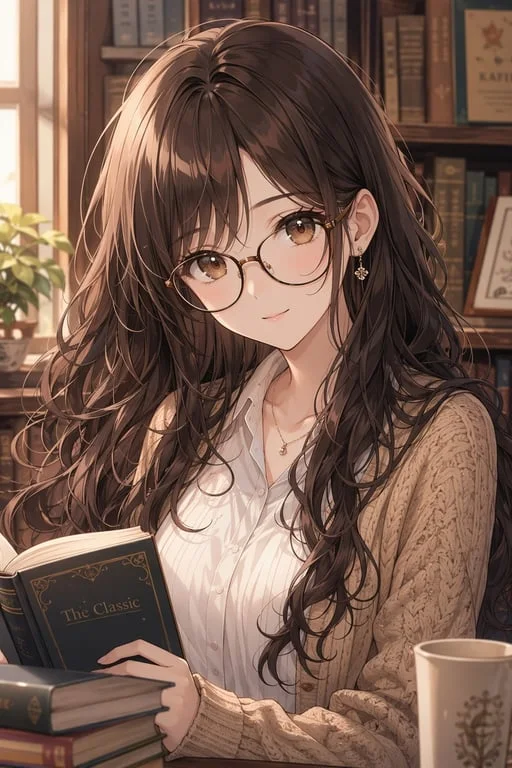
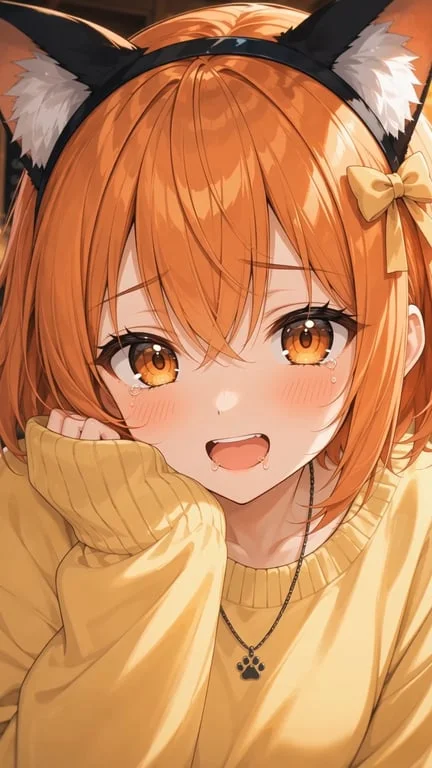
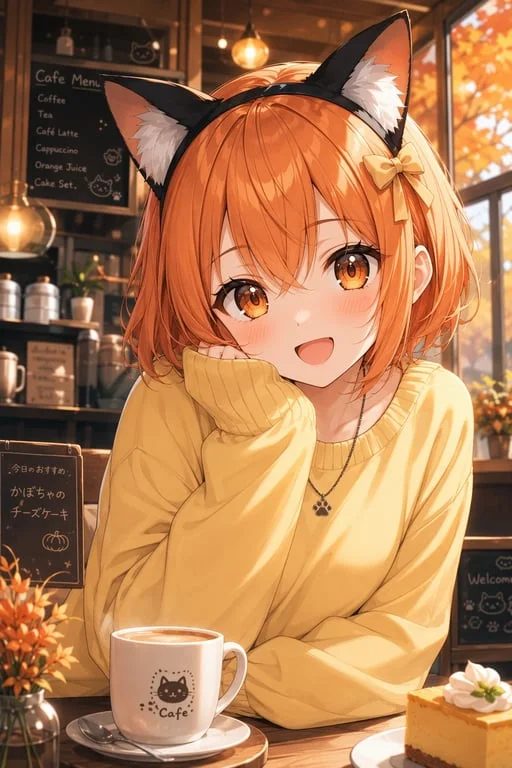
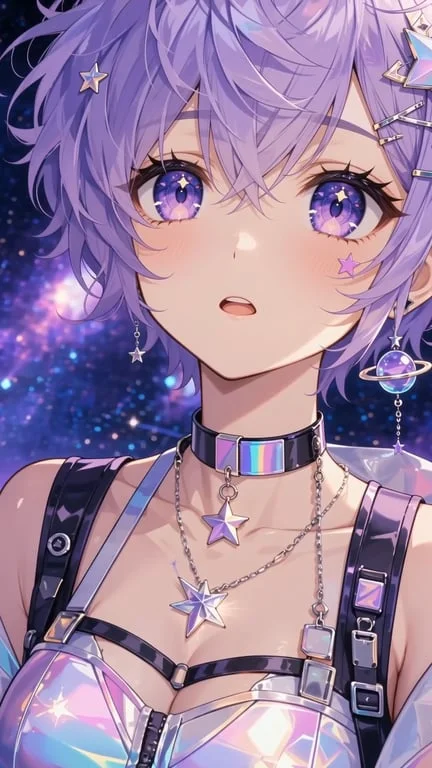
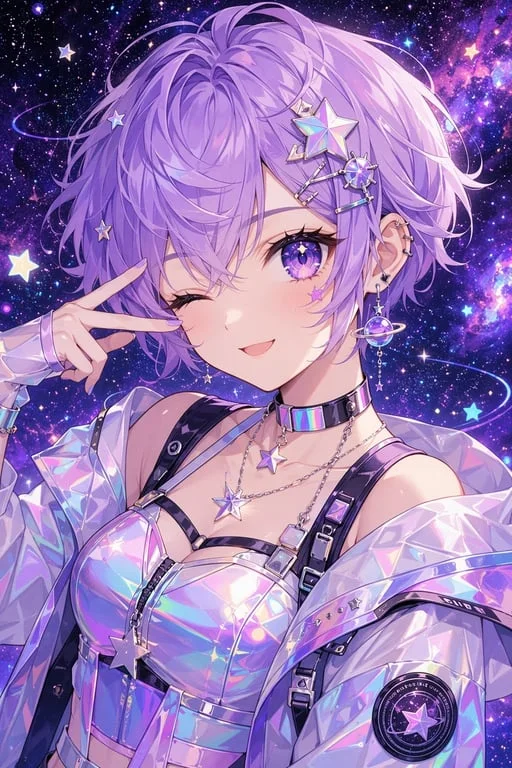
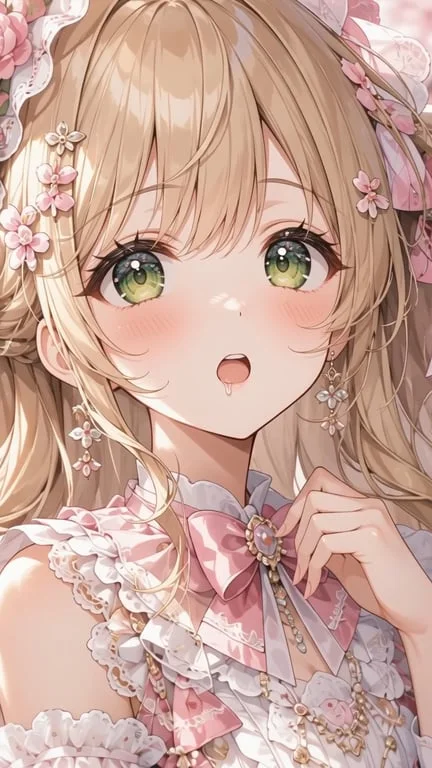
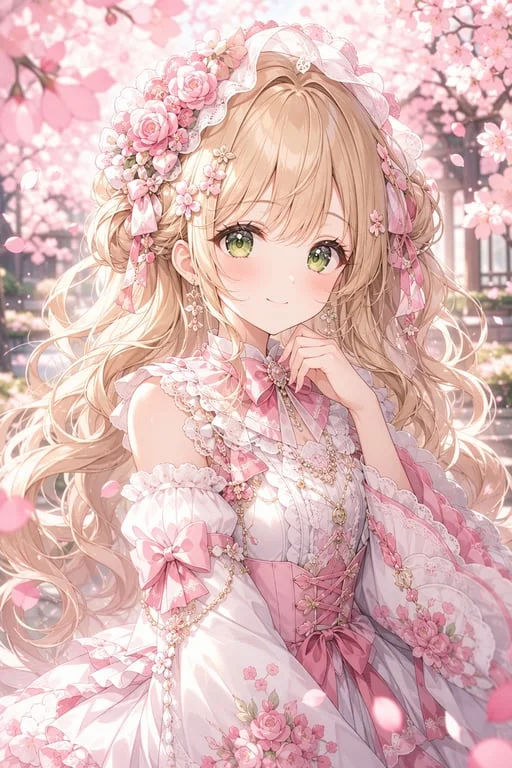
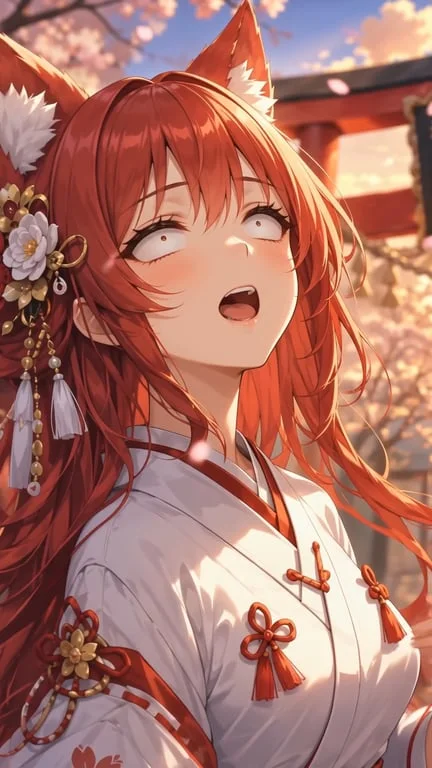
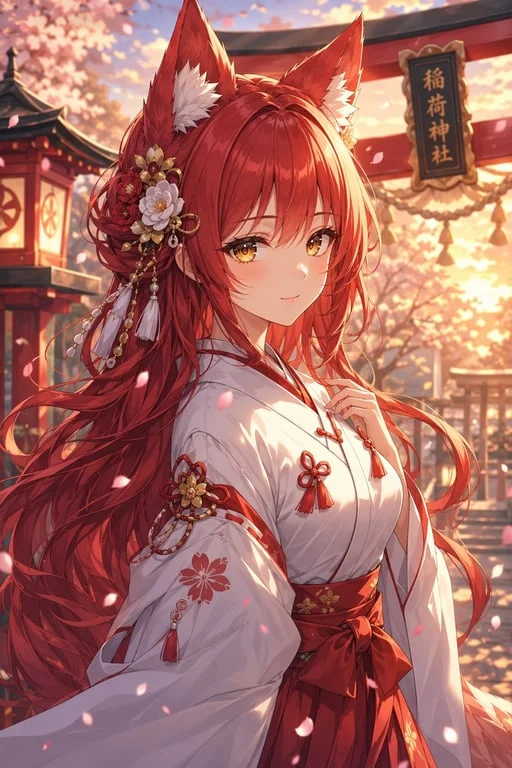
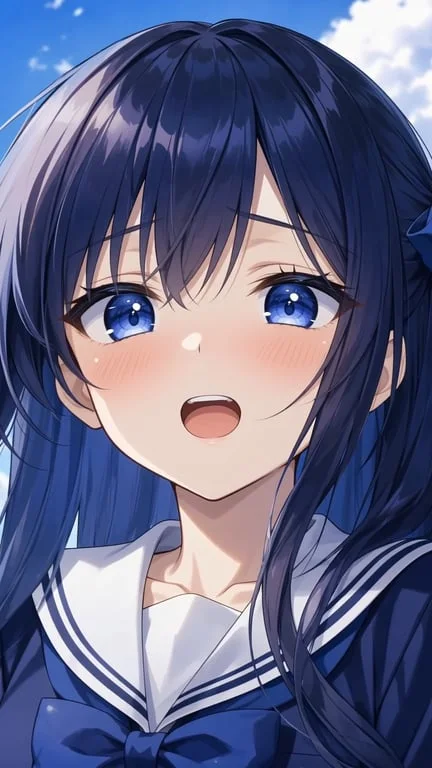
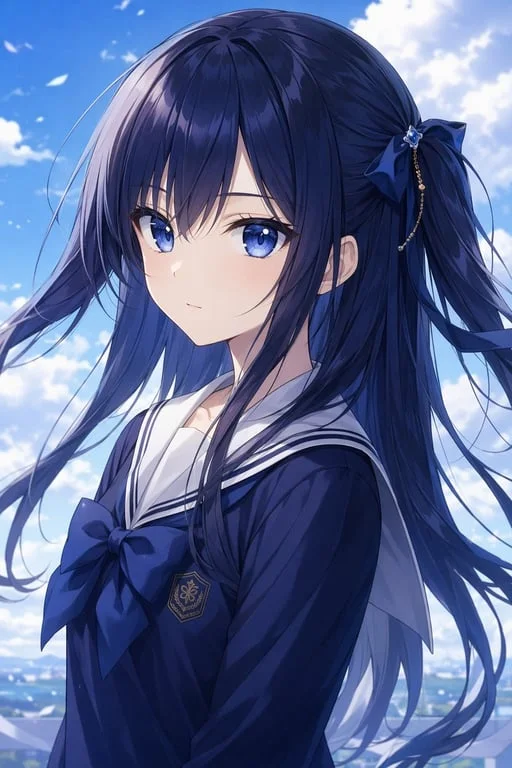
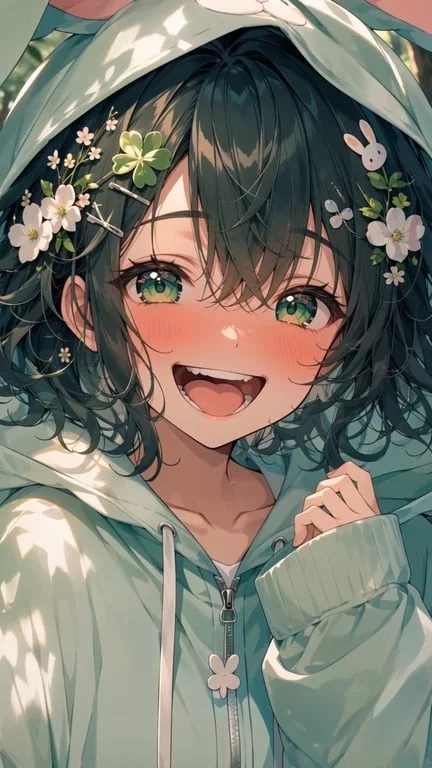
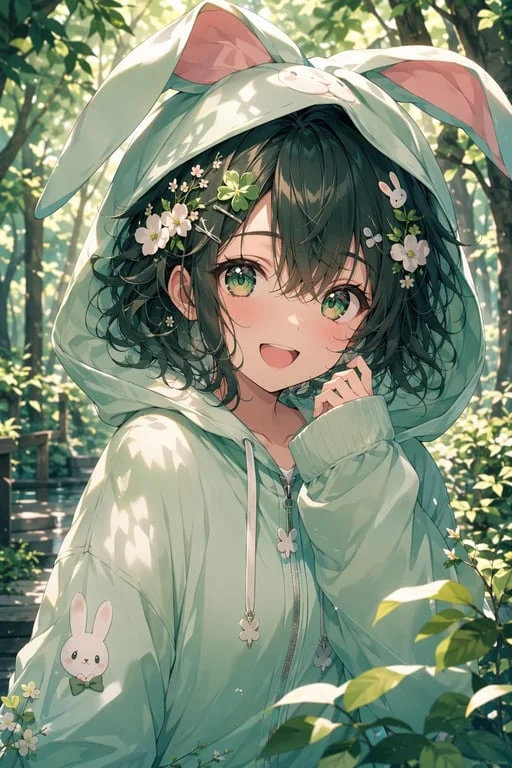
How people use the AI ahegao generator for anime art, reactions and comedy
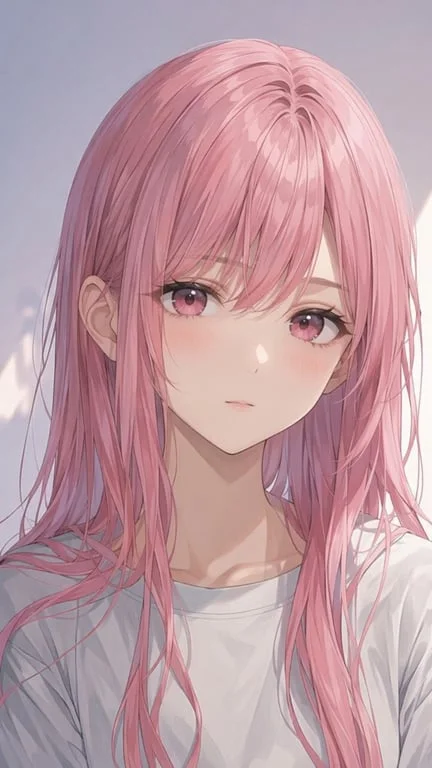
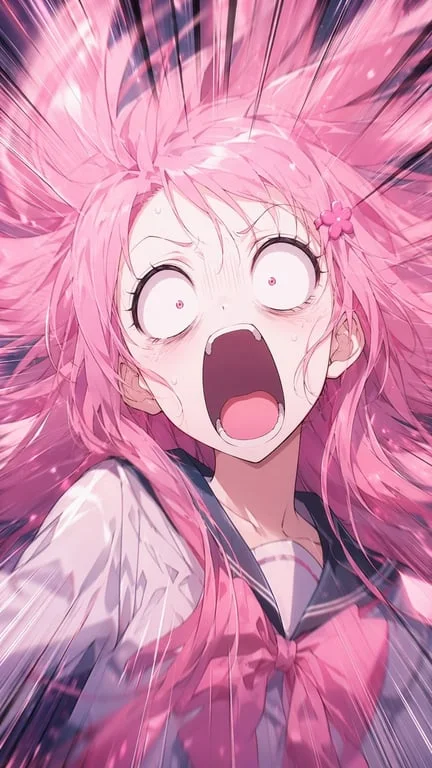
Push a character to an exaggerated reaction
Anime and manga artists use the generator when a panel needs more emotional range than a still can carry. Because the edit is scoped to the expression only, the face shape, hair, pose, outfit and background all survive untouched, so the result still reads as the same character in the same scene. That restraint is what lets the exaggerated face land as a reaction beat instead of a different drawing.
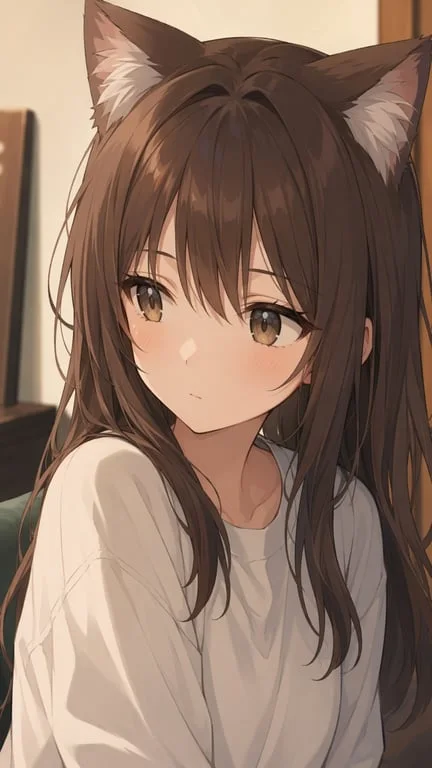
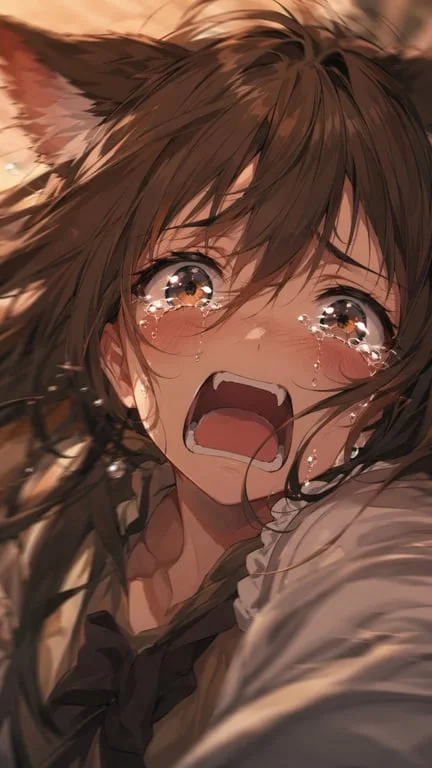
Animate fan art without redrawing it
Fan communities on X, DeviantArt and TikTok constantly repurpose character art as reaction content. A static illustration of a favourite character can be turned into a short animated beat in seconds rather than hours of redrawing, which makes producing reaction content feasible at the speed those communities actually consume it. The art style is preserved, so the clip is still unmistakably the original piece.
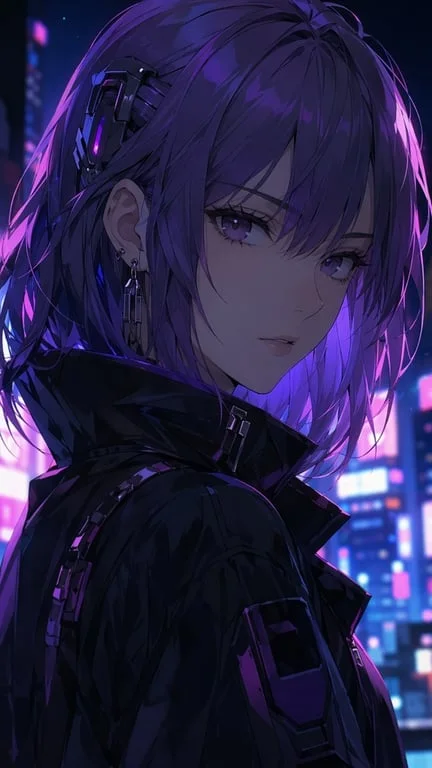
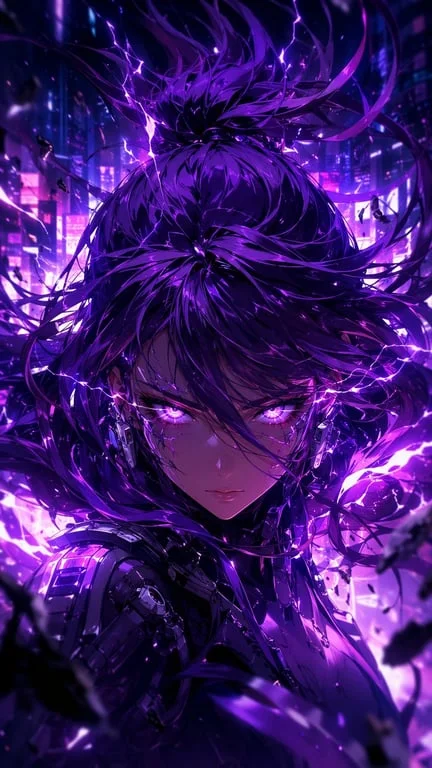
Add a comedic beat to existing edits
Video editors and meme accounts use it to punctuate a punchline on an existing image — a beat timed to land on the joke. The source photo, cosplay shot or illustration is used as-is and only the expression is changed, so the frame still matches the surrounding footage in colour, lighting and framing. That makes it usable inside a real edit rather than only as a standalone post.
Why choose Toty
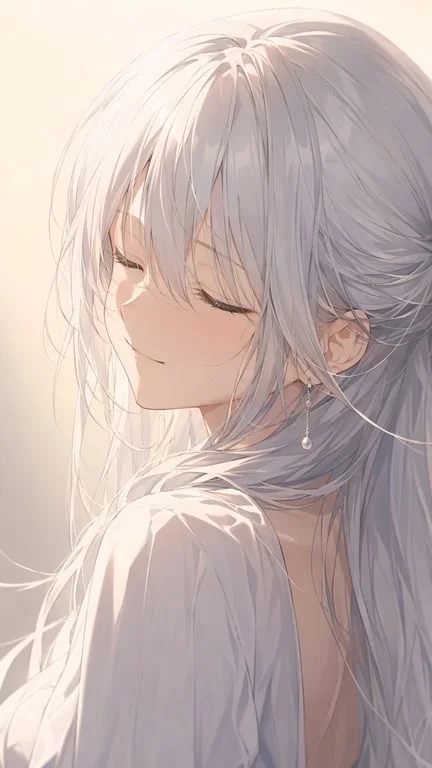
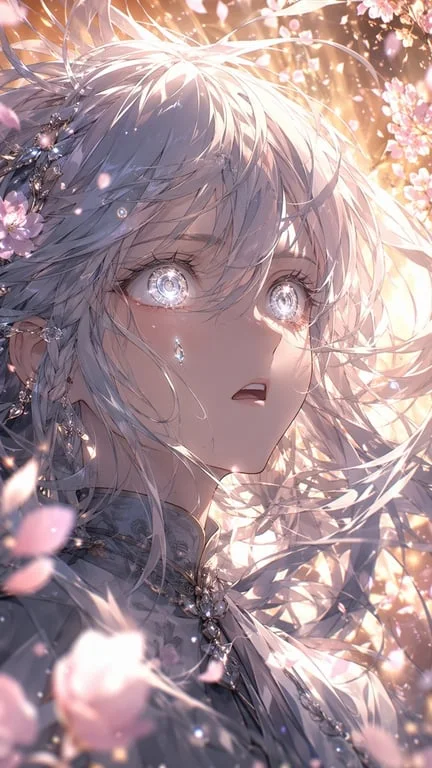
Only the expression changes
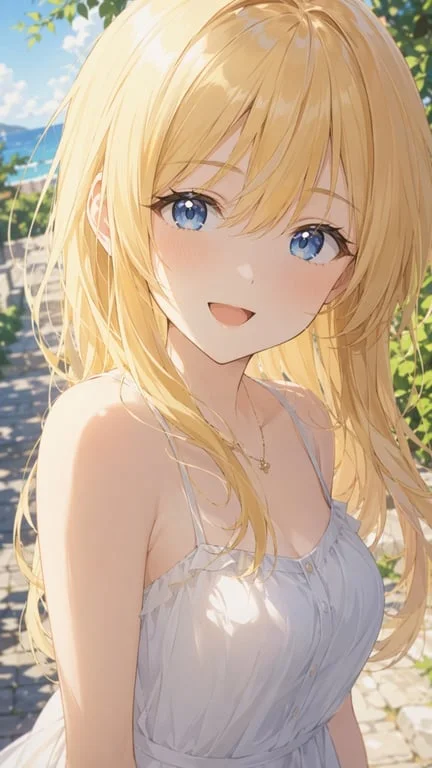
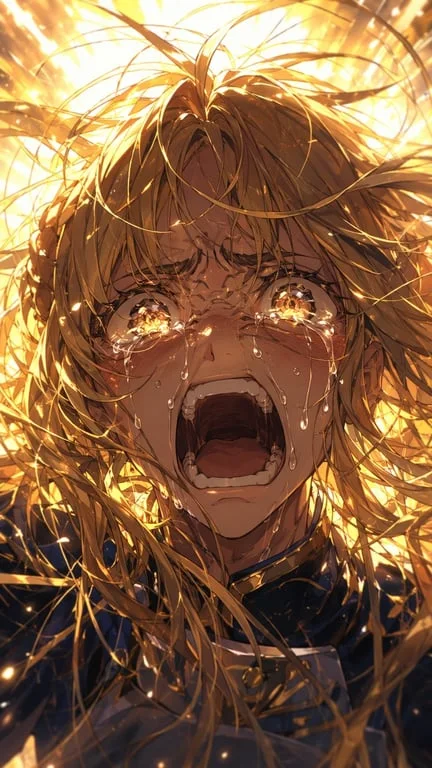
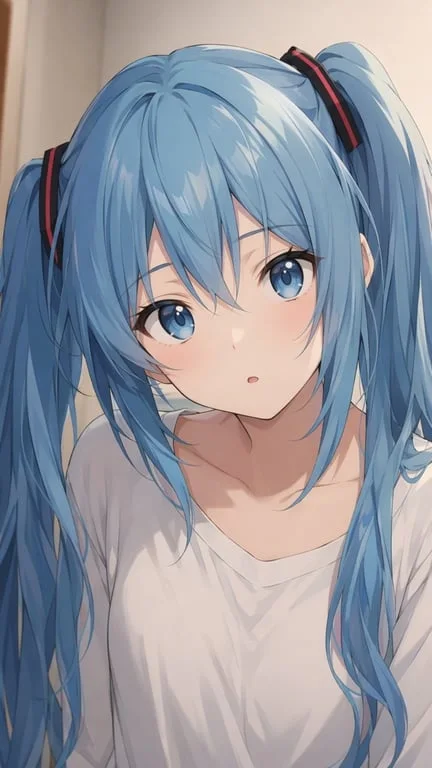
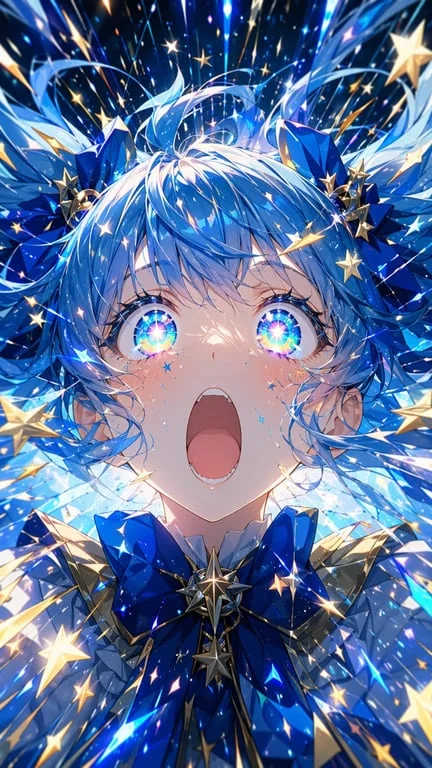
Face structure, eye shape, hair, skin tone, body, outfit, accessories, pose and background are all held constant. The generator is deliberately scoped to one thing, which is why the output still looks like the image you started from.
Works on real photos and drawn art
Photographs, cosplay, anime illustration and character references all work, and the result adapts to the source style. A drawn character stays drawn rather than being flattened into a photographic face.
Ready to post in under a minute
Upload, prompt, download. The clip is delivered as a short file suited to TikTok, Reels and Shorts, ready to publish straight away.
How to create with Toty
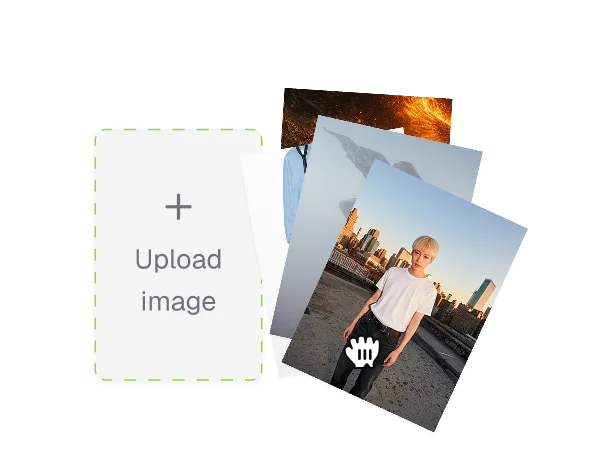
Upload a photo or character art
Choose the face you want to change. A clear, front-facing or three-quarter view with the expression already readable works best.
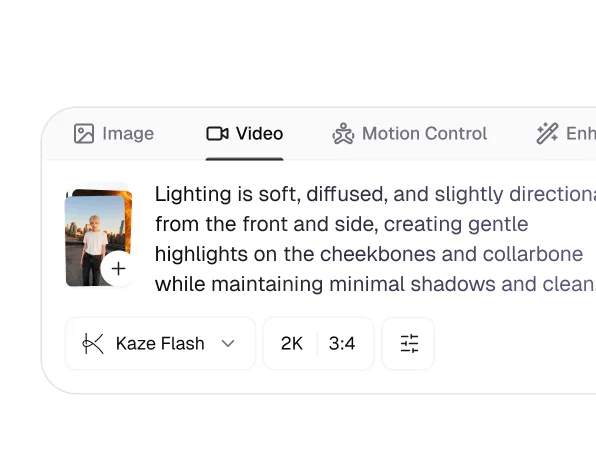
Describe the expression
Say how intense the reaction should be and what should stay fixed — the hair, the outfit, the pose, the background, the lighting. The more specifically you state what must not change, the closer the result stays to your source.
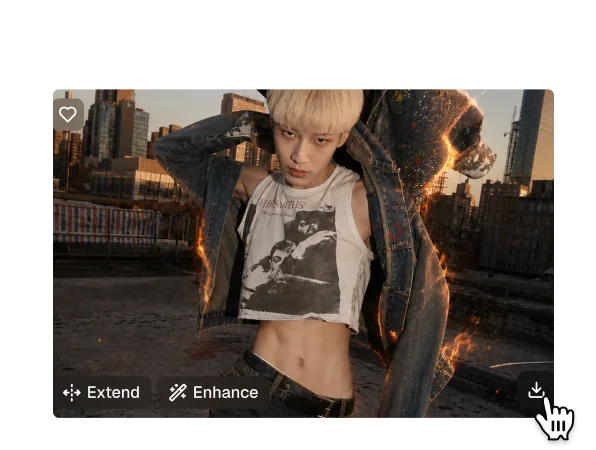
Download and share
Your clip generates in seconds as a ready-to-post file. Download it or share it from the results page, and try several prompts against the same image.

Trusted by over 1M creators
Community of over 1M+ users
Aiko M.Anime artist
Only the face moved. Hair, outfit and background are pixel-identical, which is the whole point.
Ben T.Fan artist
Turned a piece I posted in January into an animation. Hours of work became a minute.

Lucia V.Video editor
The colour matched my footage exactly, so it dropped straight into the timeline.
Ren K.Cosplay photographer
My wig, costume and lighting all survived. Only the expression moved, as promised.
Dario P.Meme creator
Timed it to the punchline and it landed. The restraint of only changing the face is why it works.

Sara W.Storyboard artist
Useful for showing a character at an emotional extreme without redrawing the panel.
FAQ
It regenerates the facial expression while holding everything else fixed: face shape, eye shape, hair, skin tone, body, outfit, accessories, pose, background and lighting. Because it works from your source image rather than redrawing the character, the rest of the frame stays intact.
Yes. Upload a photo or illustration, describe the expression and download the result without signing up.
Yes. Photographs, cosplay, anime illustration and character references all work, and the result adapts to the source style so a drawn character stays drawn.
No. The generator is scoped to the expression only. The reference prompts all emphasise keeping the face, hair, body, outfit, accessories, pose, background and lighting exactly the same, and that is what the tool is built to respect.
Yes. Uploaded images are encrypted, processed in isolation and deleted after generation, and are never used for training or shared.
Standard formats including JPG, PNG and WebP. A clear face with a readable expression gives the strongest result.
Explore more AI features
Discover new Toty features here