Prompt
Upload an image
Please upload an image first.
AI Explode Video Generator
Blow up any photo into a cinematic blast. Upload an image and watch it explode into solid chunks flying outward in seconds.
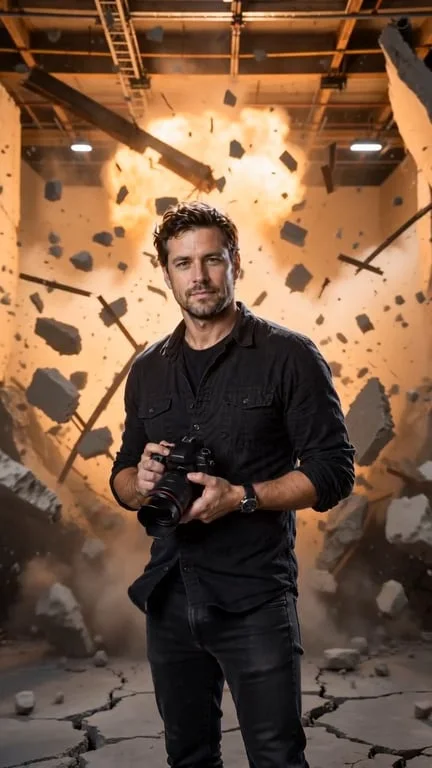
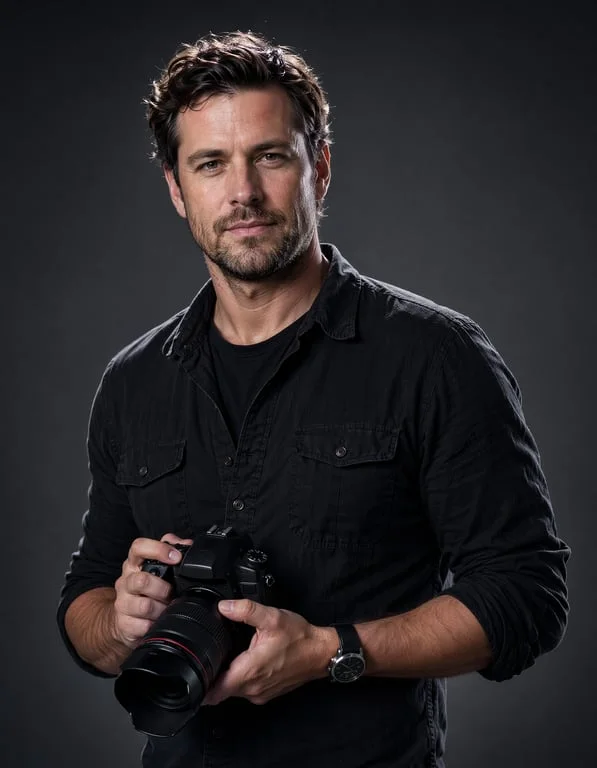
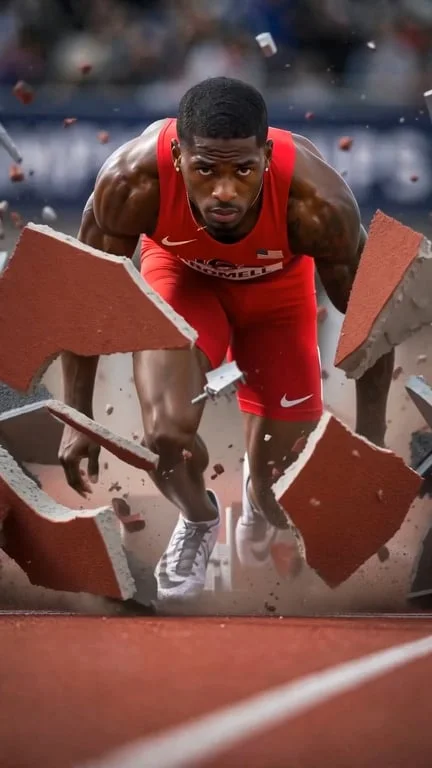
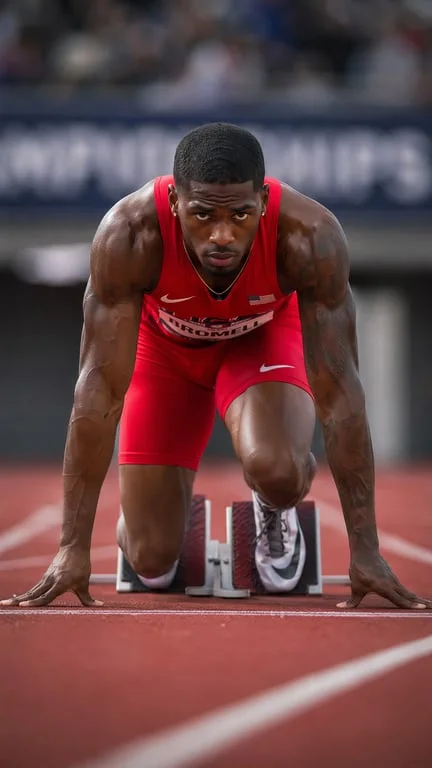


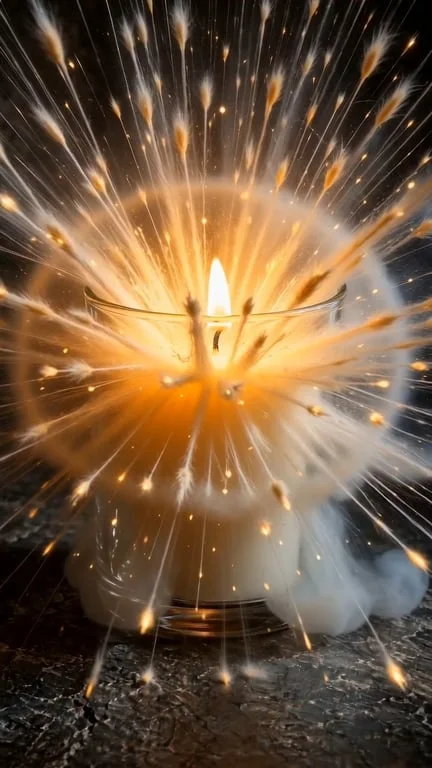
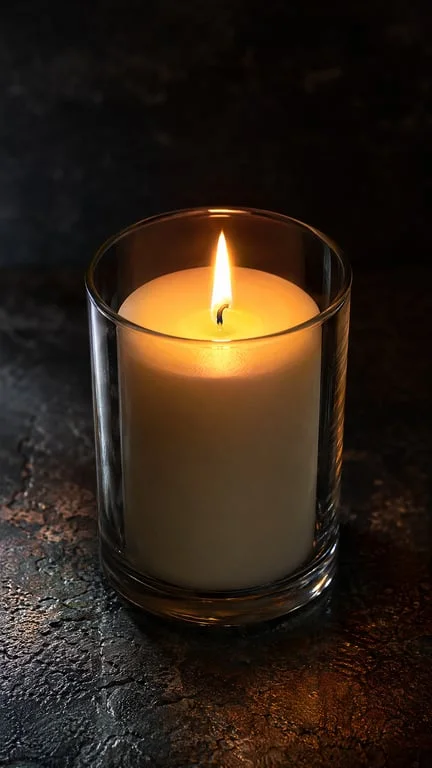
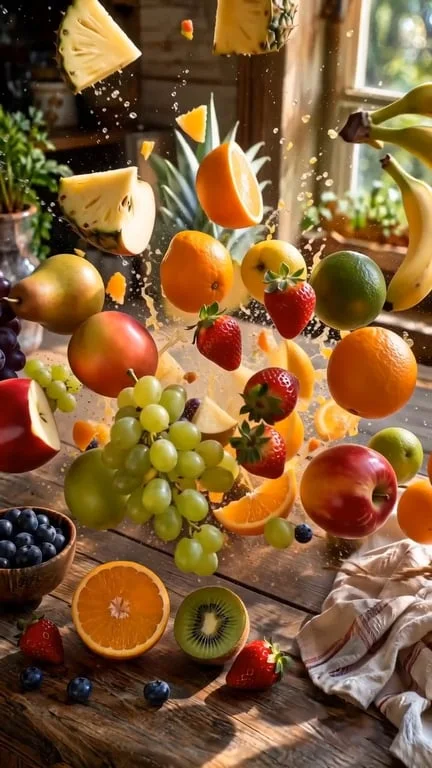
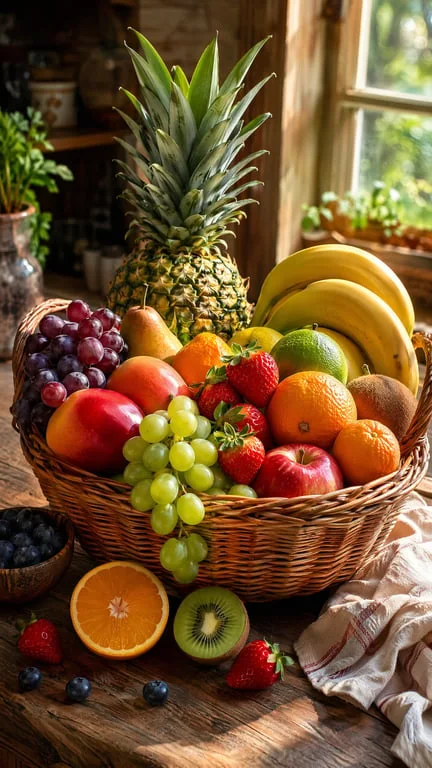
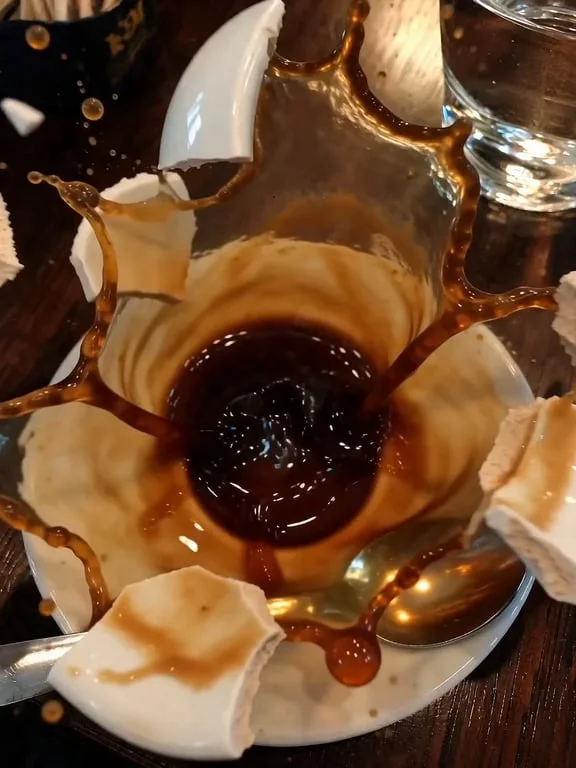

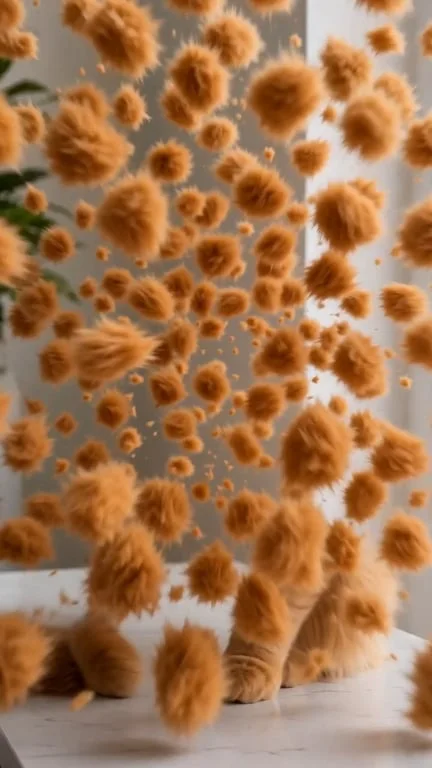

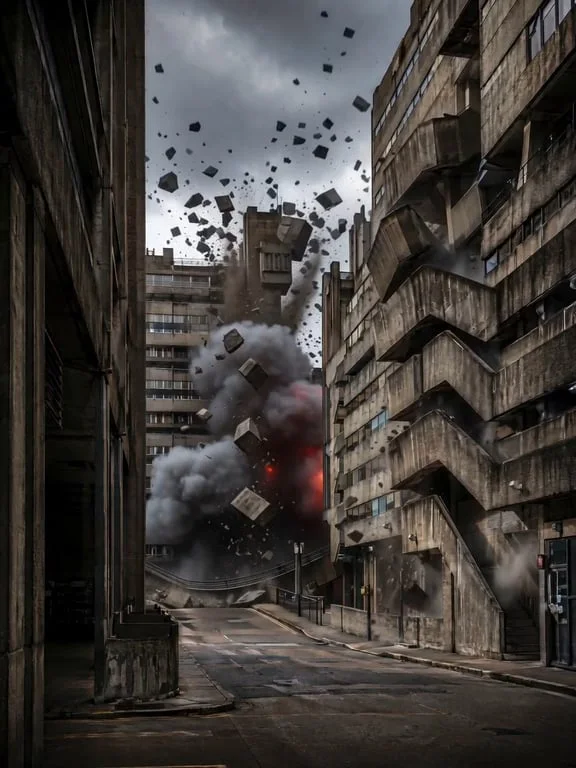
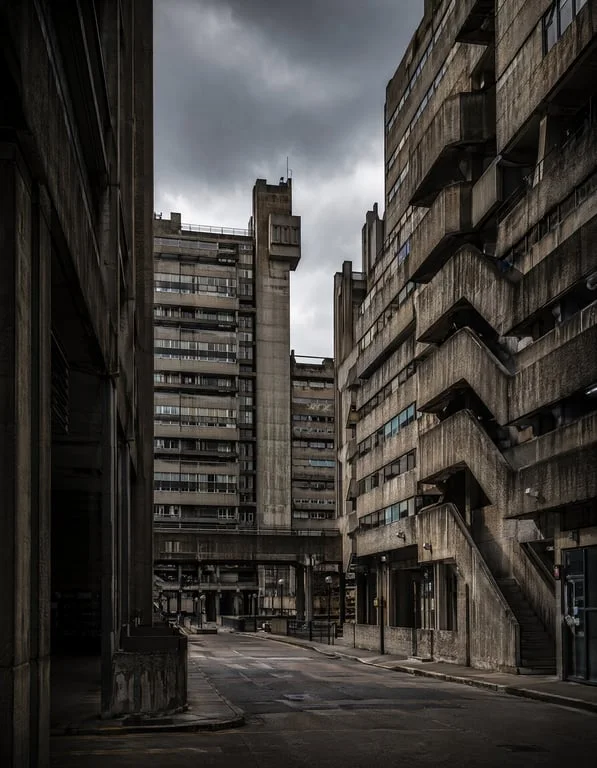
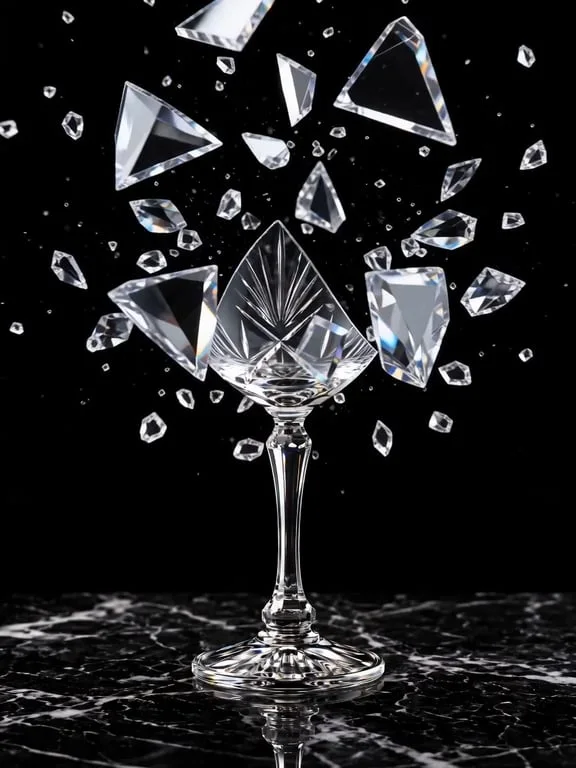

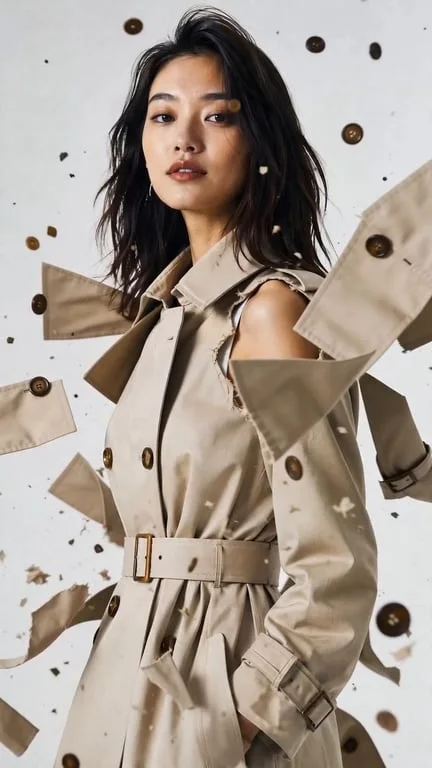
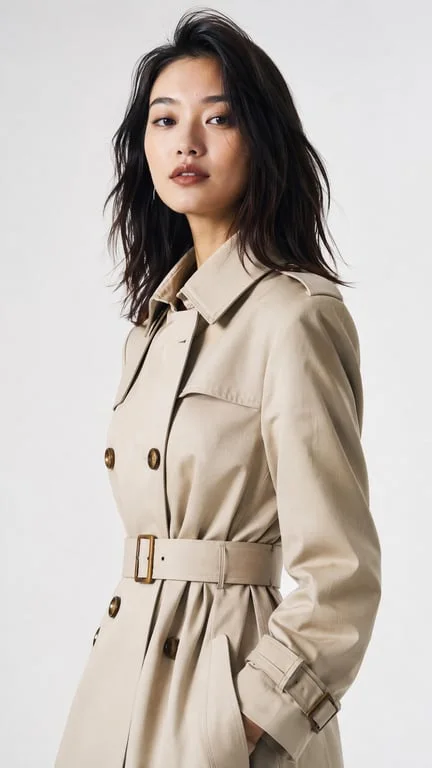
How people use the AI explode generator for VFX, transitions and visual effects

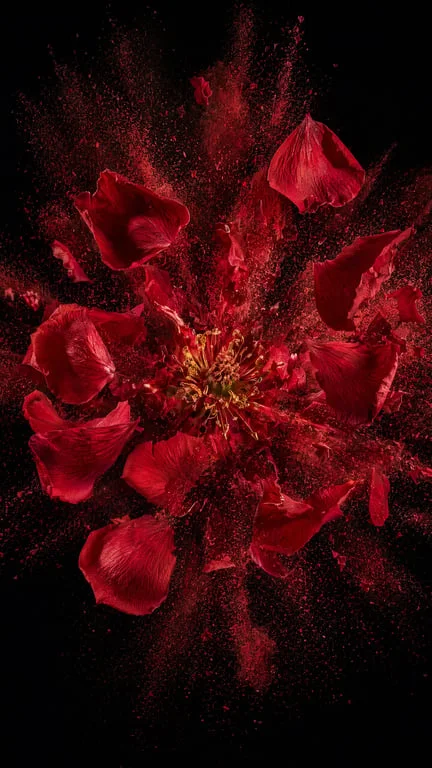
Create an explosion effect without VFX skills
Motion designers and video editors who need a blast on a tight deadline use the generator instead of building one in After Effects. The subject is held still for a beat and then blown apart into large, solid pieces that fly radially outward, with the source framing and lighting preserved. Because the pieces read as real solid objects rather than a particle smear, the shot drops into a real edit without anyone checking whether it was rendered or generated.
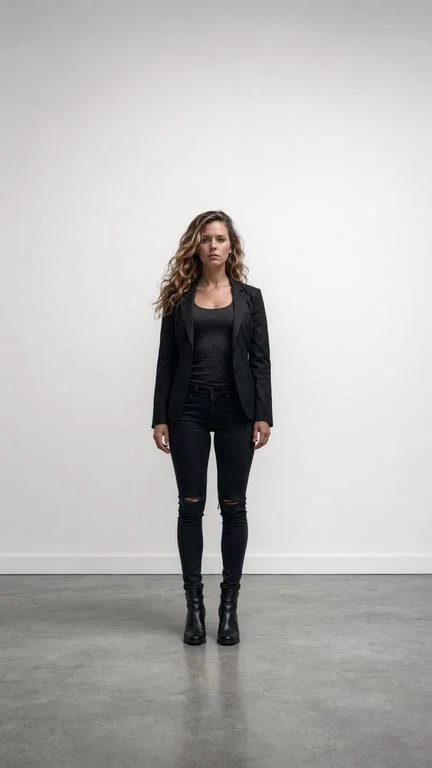
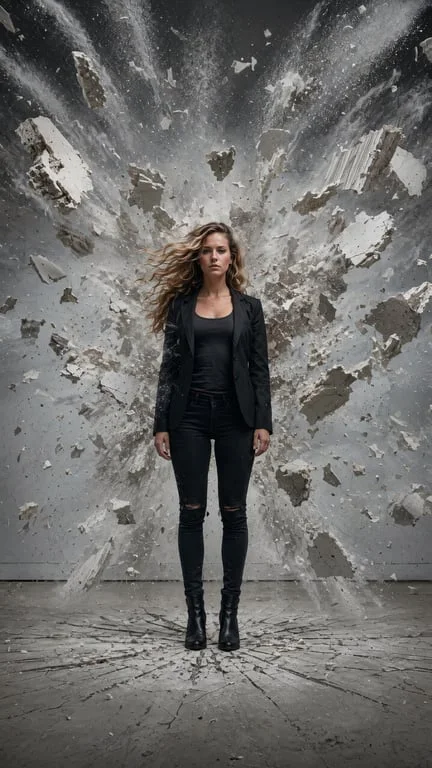
Punch up transitions and reveal shots
A blast is a reliable way to cut between two setups. Creators animate the outgoing shot exploding and use the scattered debris as the transition into the next scene, or reverse it so a subject reforms before it blows. The held-still beat before the blast is what sells it, and keeping the subject centred and recognisable means the effect reads as an event in the scene rather than a filter over the footage.
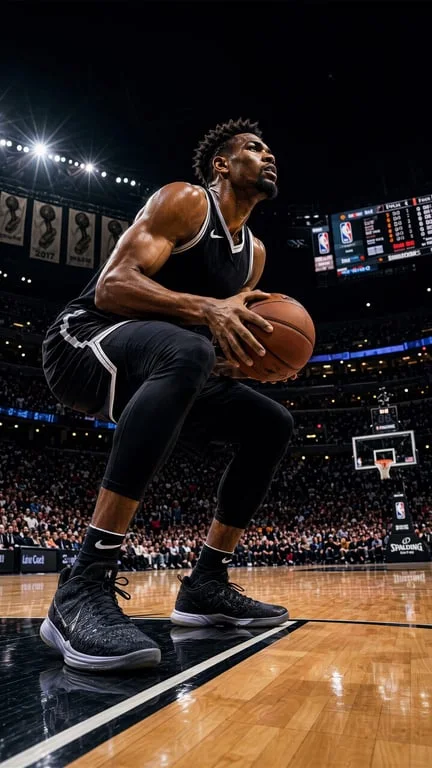
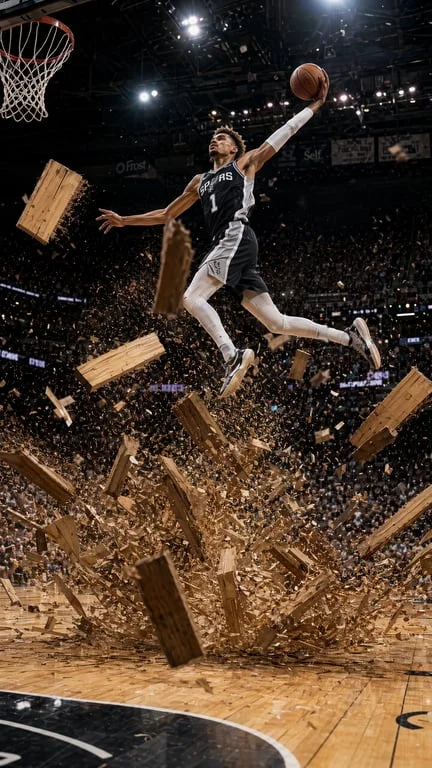
Visualise destructive concepts for brands and games
Game studios, VFX portfolios and product teams use the effect to show a concept in motion: a wall giving way, a glass vessel bursting, a building collapsing from its core. Rendering a destruction shot normally means modelling debris and simulating it, so a still concept image is often as far as a pitch gets. Generating the blast in seconds turns that still into something the team can actually react to.
Why choose Toty
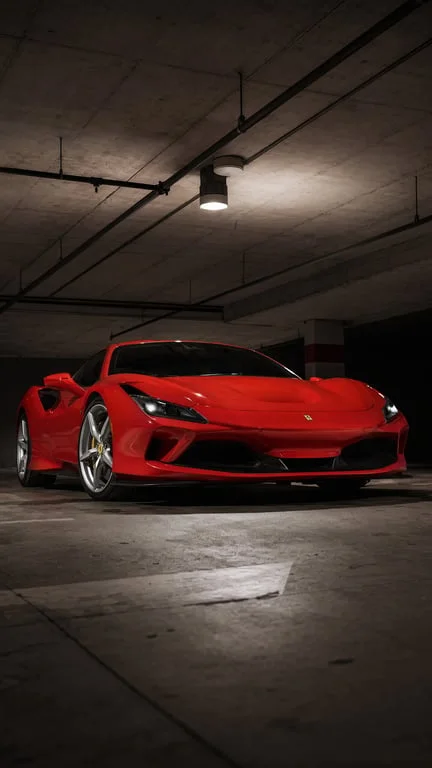
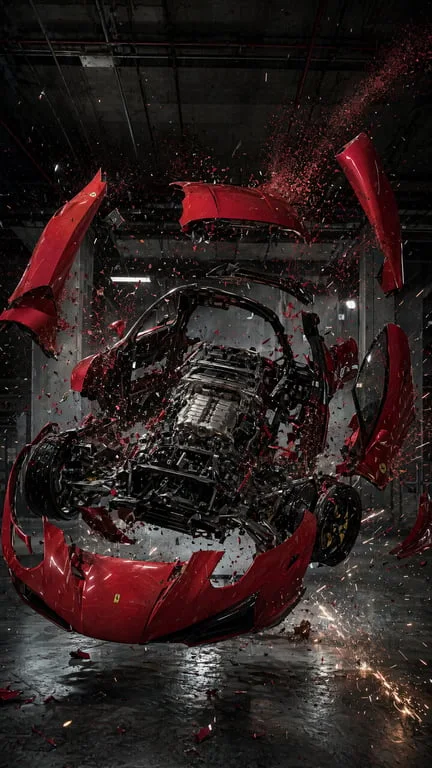
Solid debris, not a particle smear
The blast throws large, solid chunks and shards with distinct silhouettes, so the effect reads as physical matter breaking apart. That is the difference between an explosion and a coloured blur, and it is what makes the result usable in a finished edit.
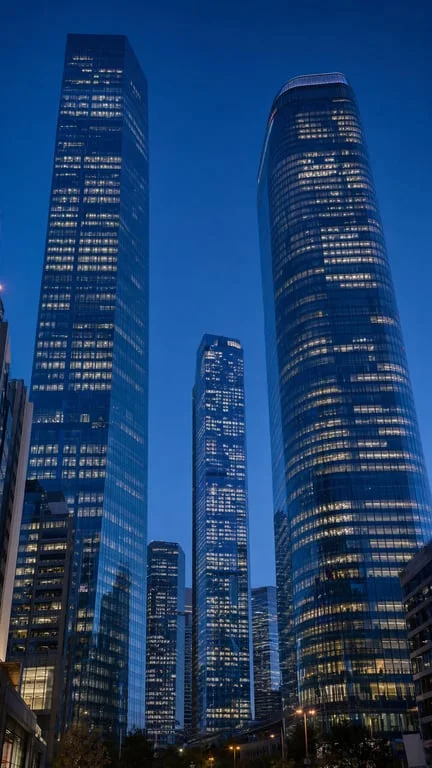
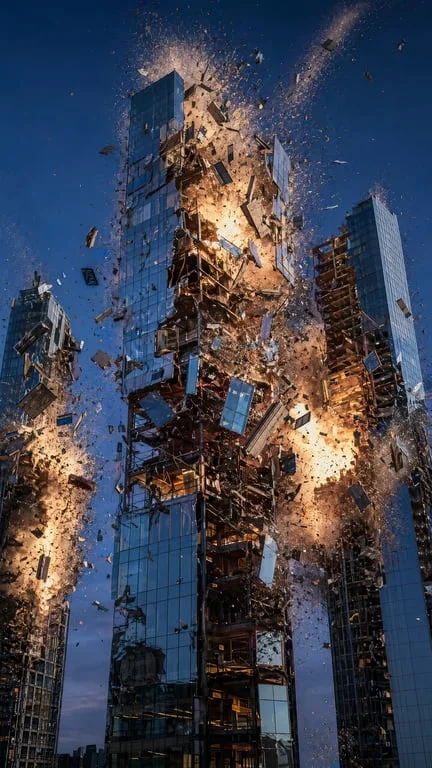
The subject stays put
The subject is held still and centred while the blast comes from its core, exactly like the reference. Identity, framing and lighting carry through, so the shot reads as an event inside your scene rather than a filter applied to it.


Ready to post in under a minute
Upload, prompt, download. The clip is delivered in a short format suited to TikTok, Reels and larger edits alike, ready to publish or integrate.
How to create with Toty
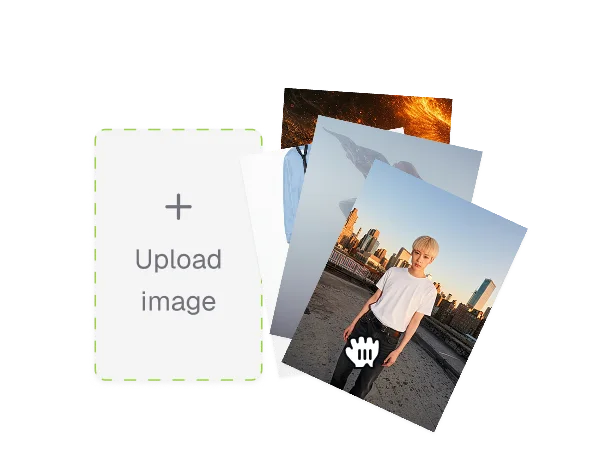
Upload a photo
Choose what should explode. A clear, centred subject works best — people, objects, food, glass, buildings and scenery all react well.
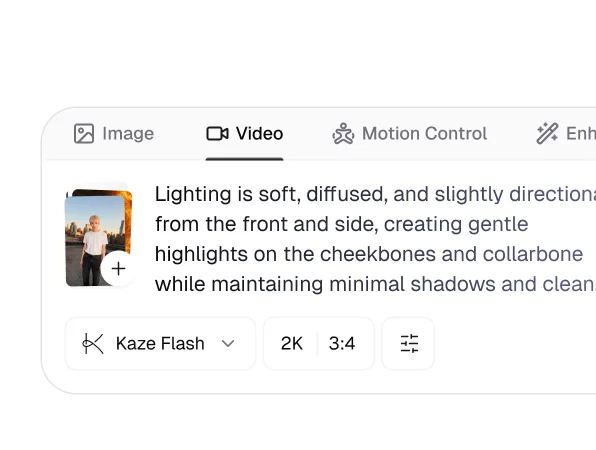
Describe the blast
Say how it should go off: a radial burst from the core, a shatter into large solid pieces, or a fireball. Mention what the fragments should look like and whether the camera should hold steady or shake.
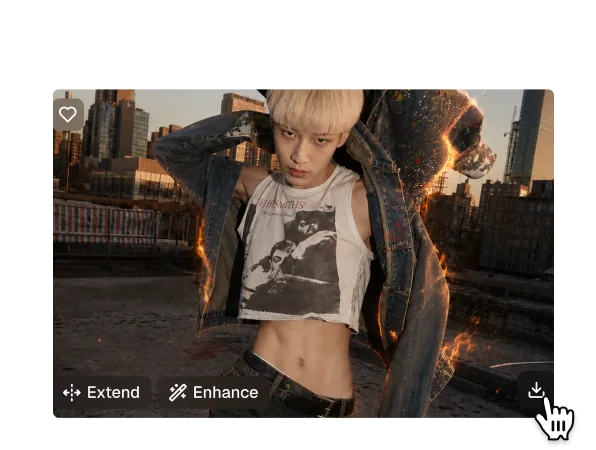
Download and share
Your explosion clip generates in seconds as a ready-to-post file. Download it or share it from the results page, and try several prompts against the same photo.

Trusted by over 1M creators
Community of over 1M+ users

Diego M.Motion designer
The debris reads as solid pieces, which is the only reason this is usable in a real edit.

Hana S.Video editor
Used it as a transition on a two-scene cut. Nobody in the comments guessed it was AI.

Ruben A.Game artist
Our concept still finally became a shot the whole team could react to. That is worth a lot.

Clara N.VFX student
I have watched this a dozen times and the still beat before the blast is what makes it convincing.

Tobias K.Content creator
Fast, and it did not smear the background the way every free tool I tried did.

Mina F.Brand designer
The concept went from static to a shareable clip in under a minute.
FAQ
It holds the subject still, then regenerates each frame of the burst so large solid chunks and shards fly radially outward from the core. Because it animates from your source photo rather than regenerating the scene, the subject, framing and lighting stay the same.
Yes. Upload a photo, describe the blast and download the result without signing up.
Anything. The reference gallery covers a man in a studio, a rose, a fruit basket, a cat, crystal glass, a sprinter on his blocks, a candle, a coffee cup, a building and a woman in a trench coat.
A particle overlay smears colour across the frame and leaves the subject unreadable. This throws large, solid pieces with distinct silhouettes, so the blast reads as physical matter breaking apart — which is what makes it usable in a finished edit.
Yes. Uploaded photos are encrypted, processed in isolation and deleted after generation, and are never used for training or shared.
Standard formats including JPG, PNG and WebP. A centred subject on a clear background gives the cleanest blast.
Explore more AI features
Discover new Toty features here