Prompt
Upload an image
Please upload an image first.
AI French Kiss Video Generator
Upload a photo of two people and generate a cinematic french kiss video in seconds. No editing skills, no camera, no coordination needed.
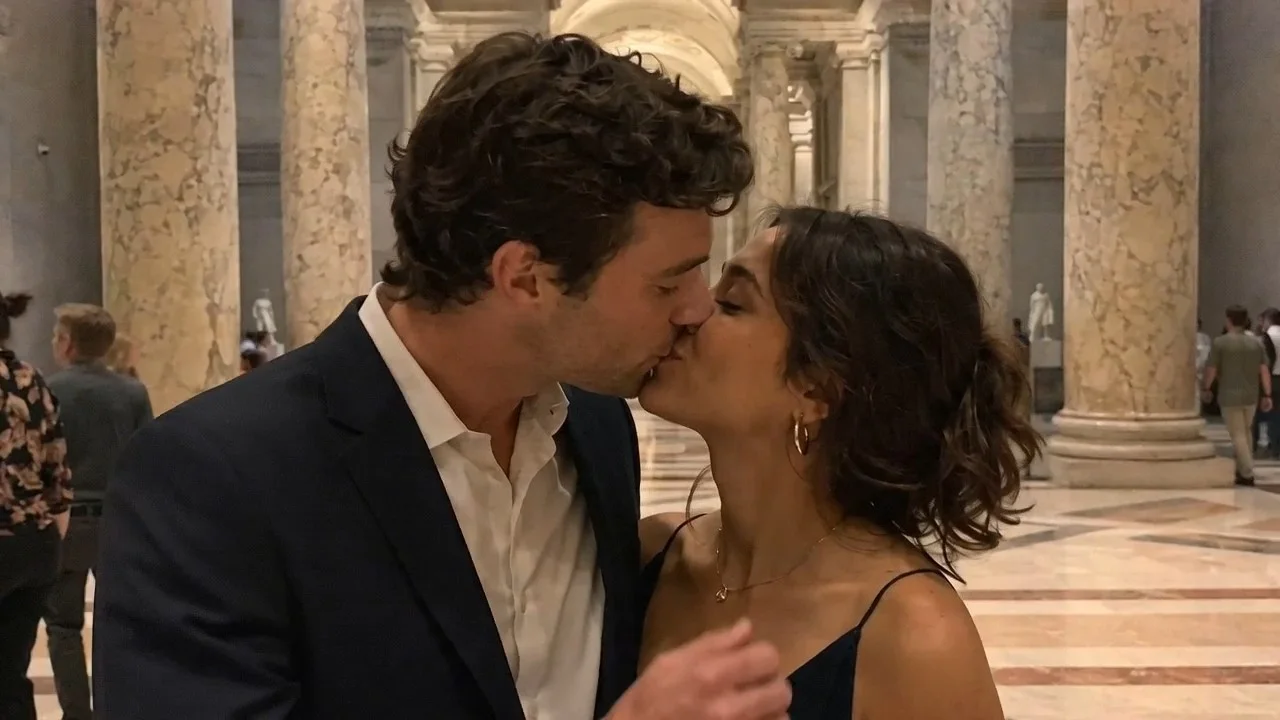
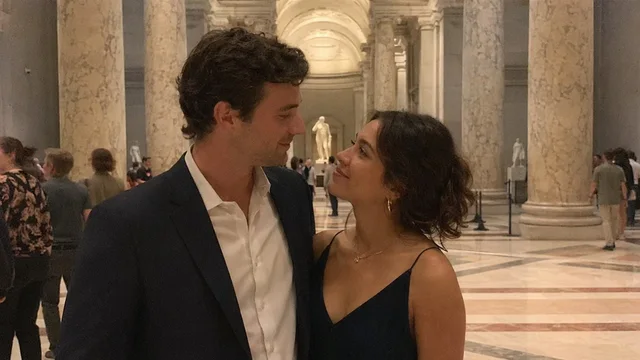
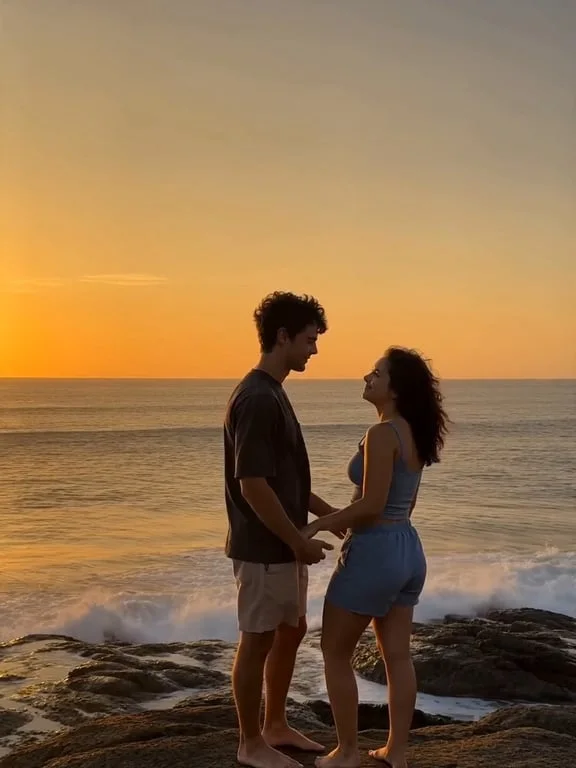
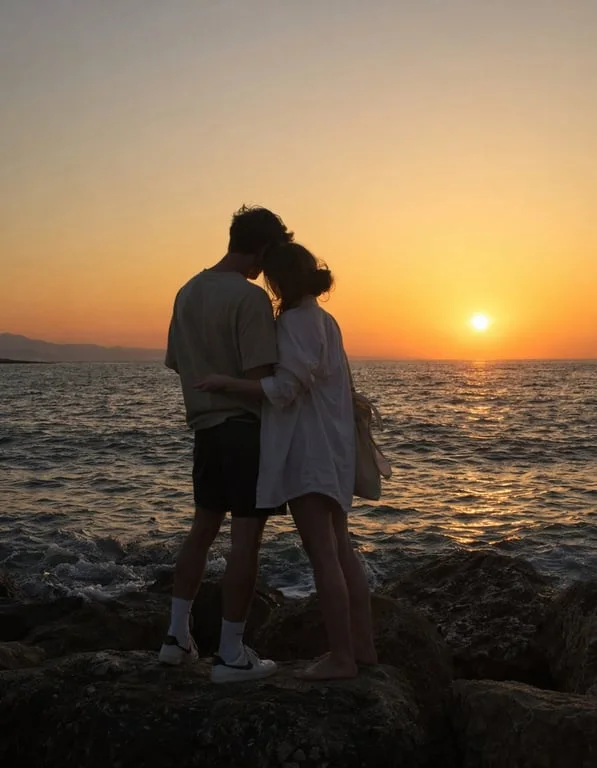
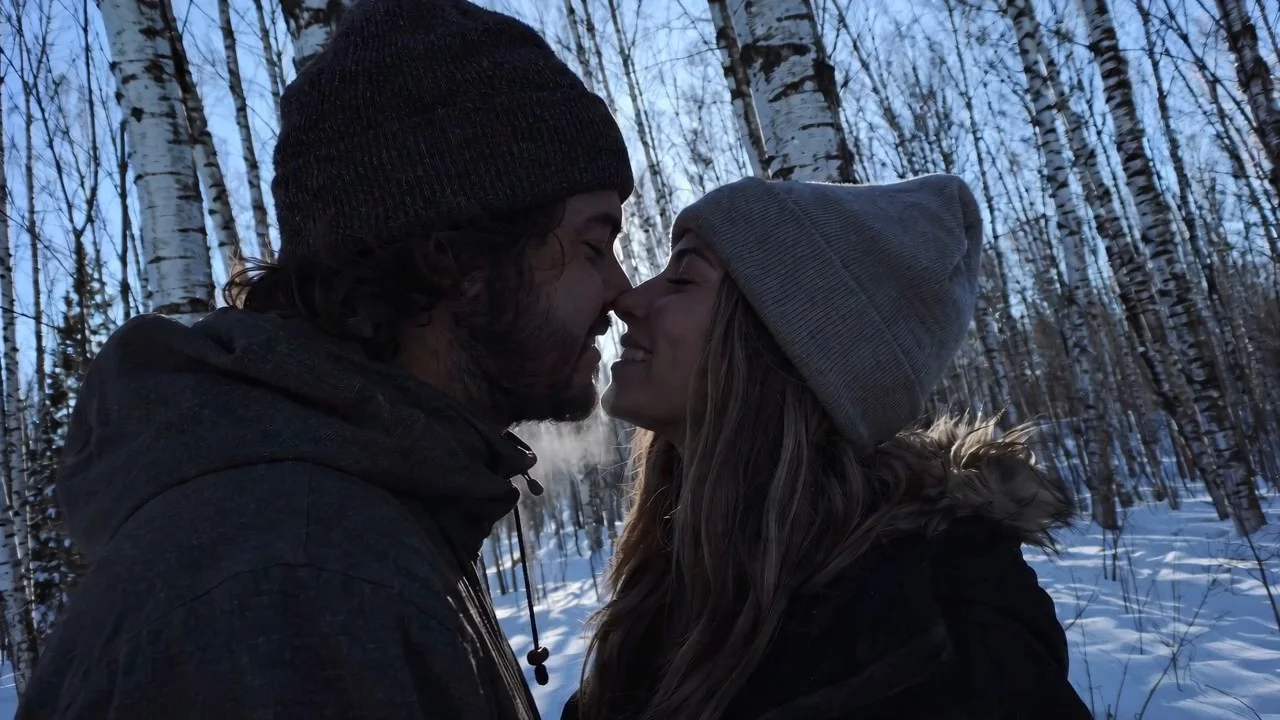
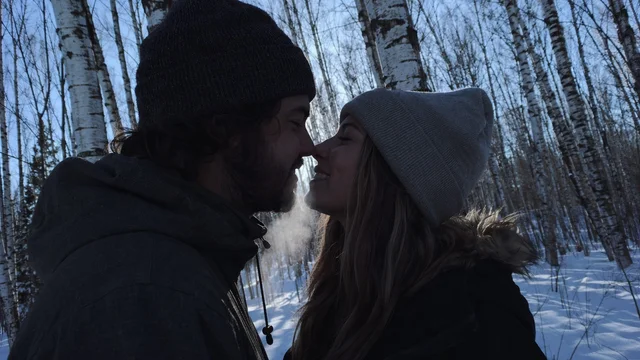
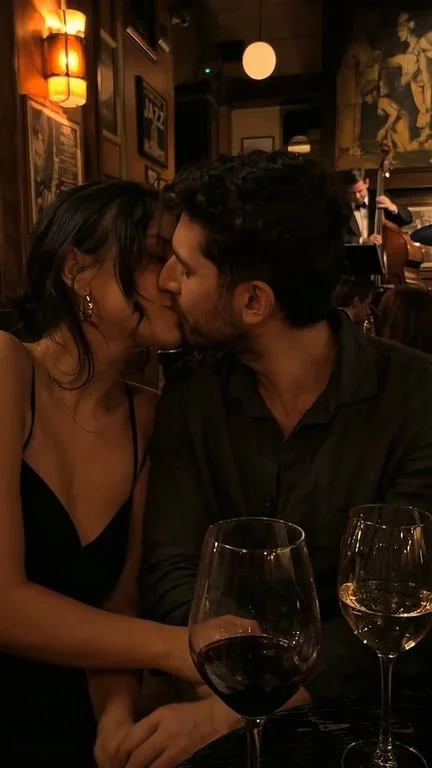
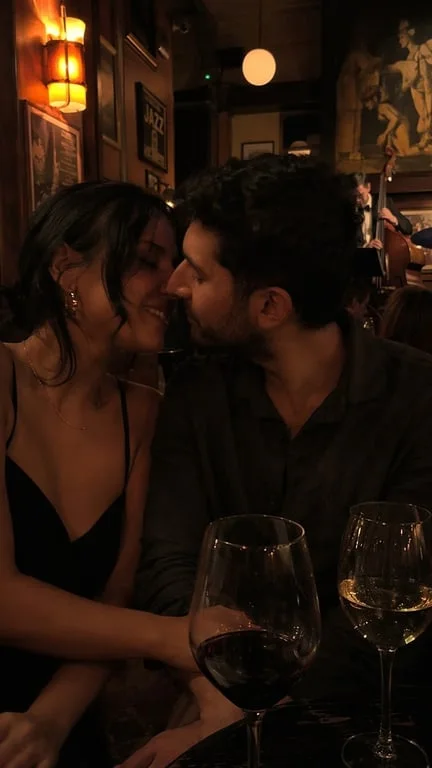
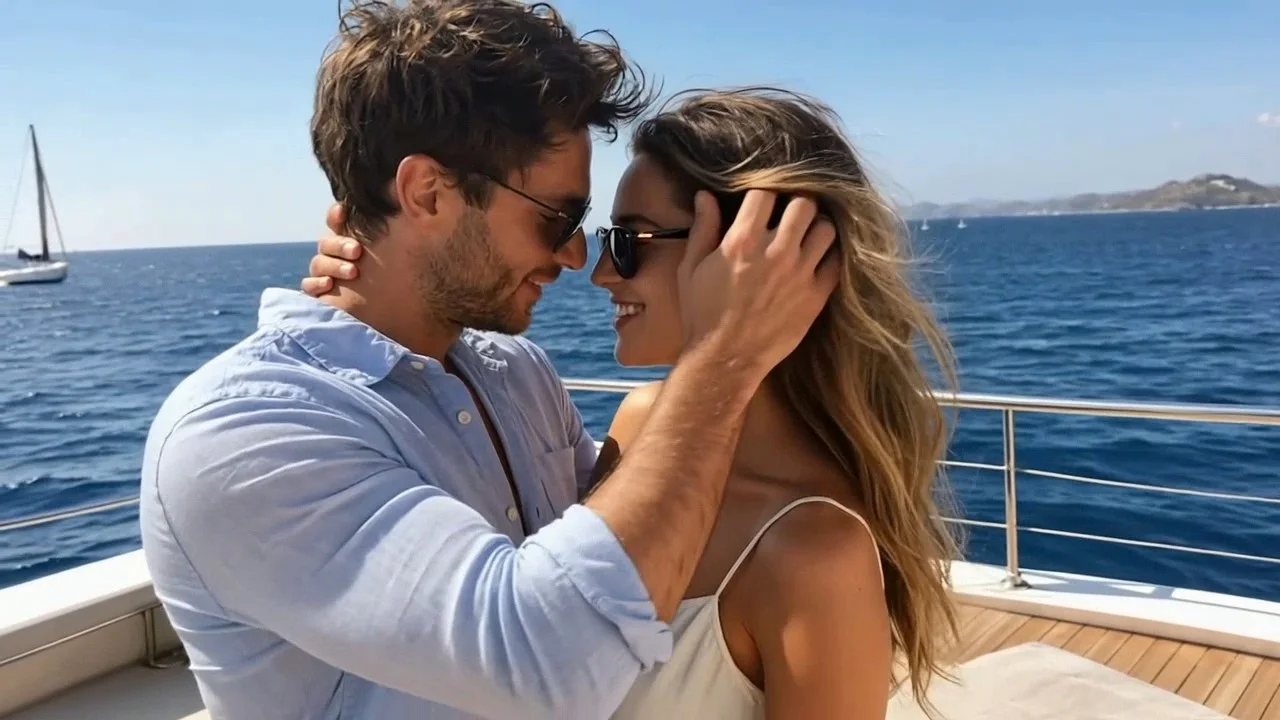
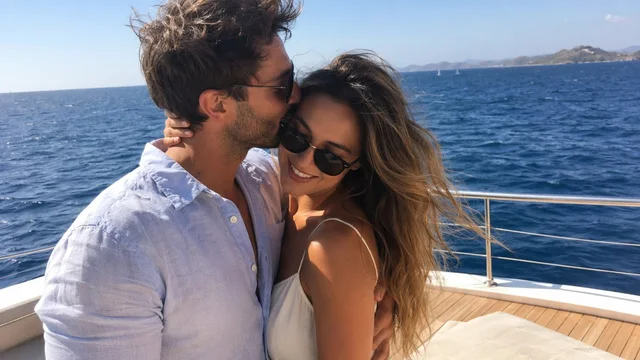
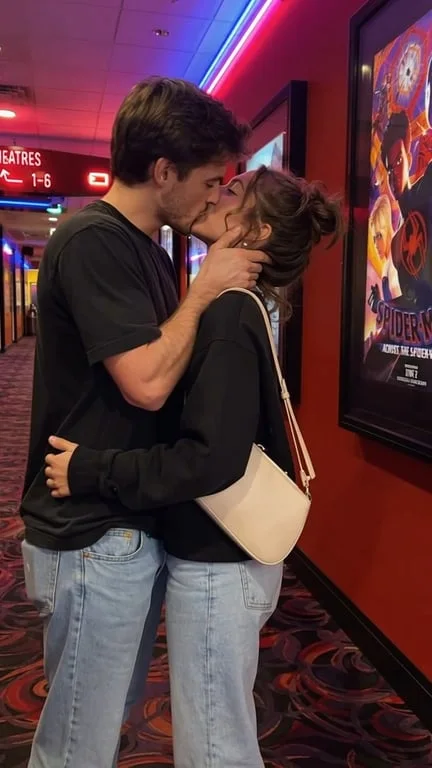
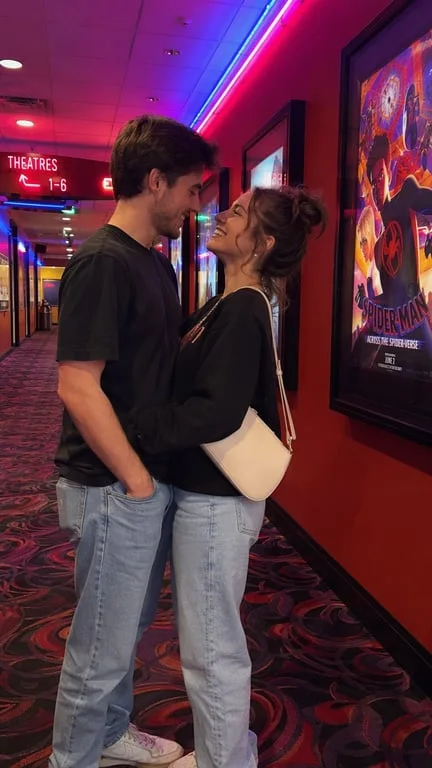
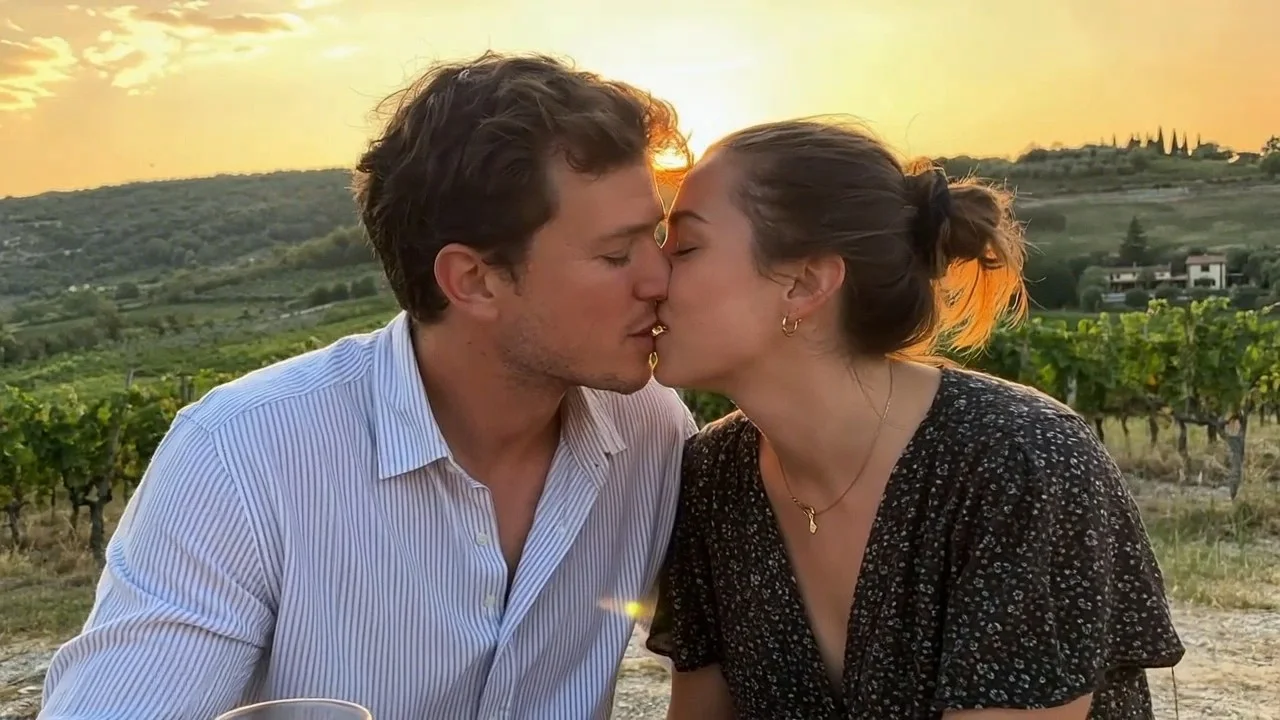
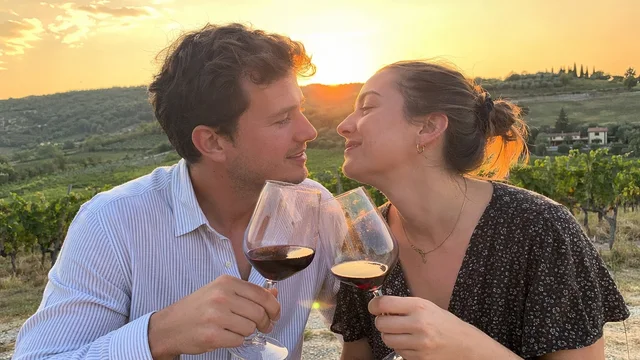
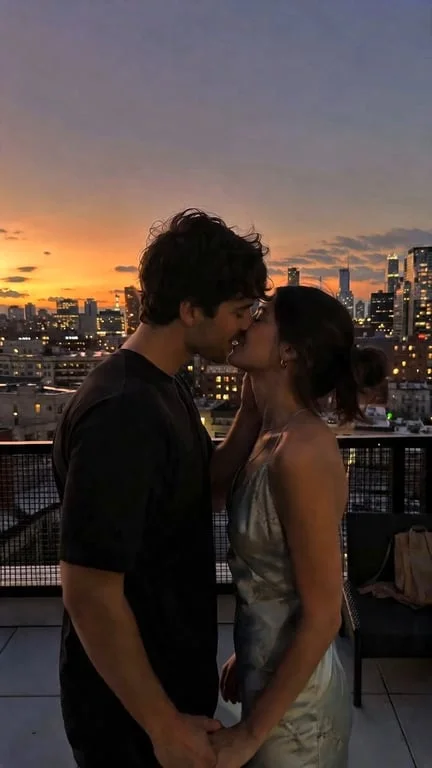
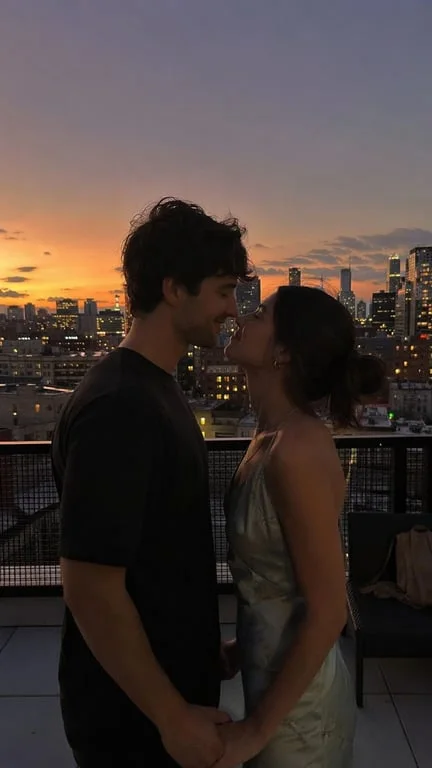
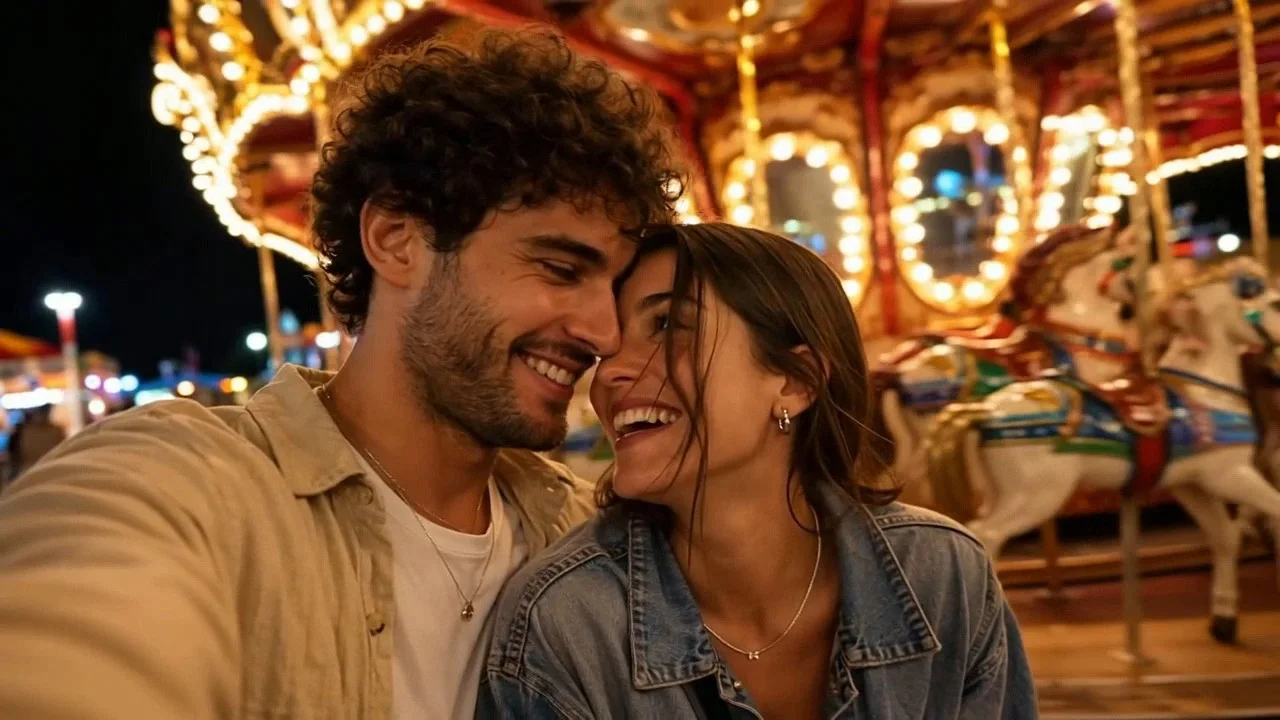
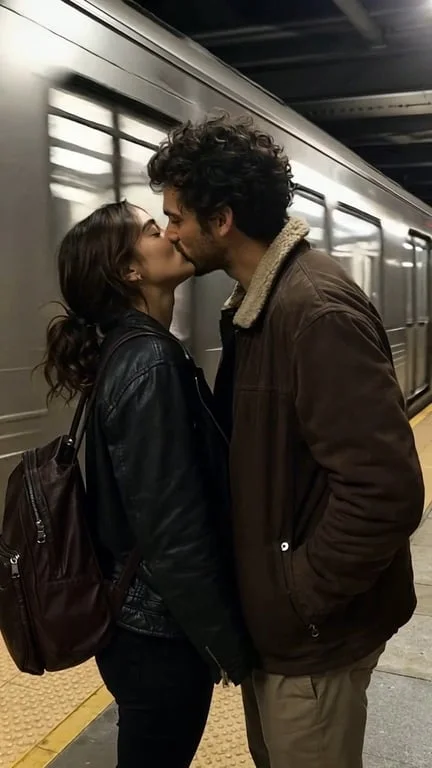
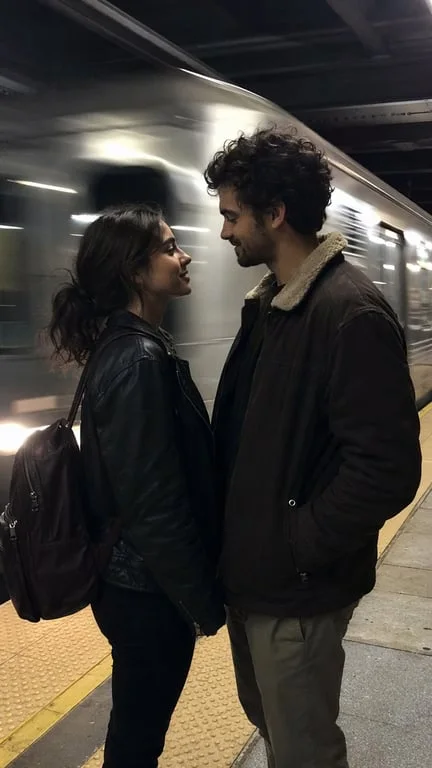
How people use the AI french kiss generator for romance, storytelling and social content
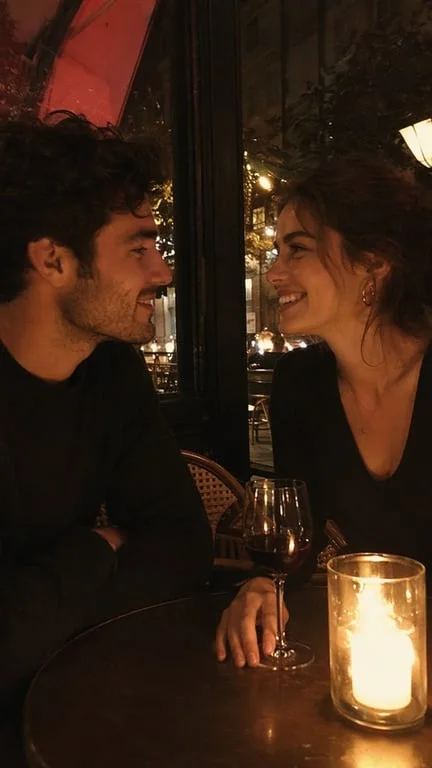
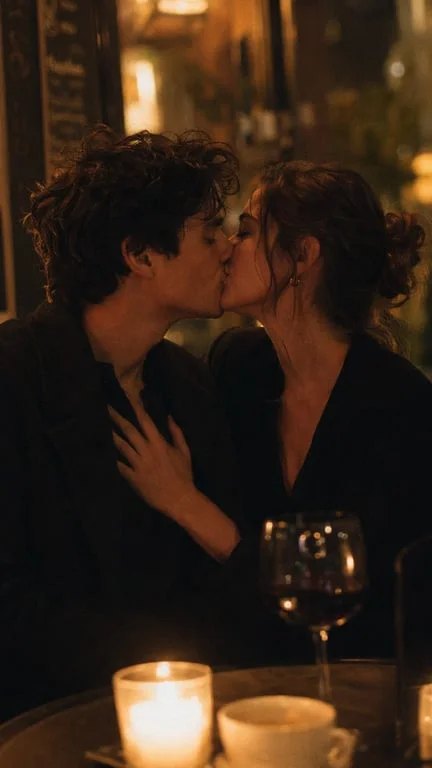
Turn a couple photo into a cinematic kiss scene
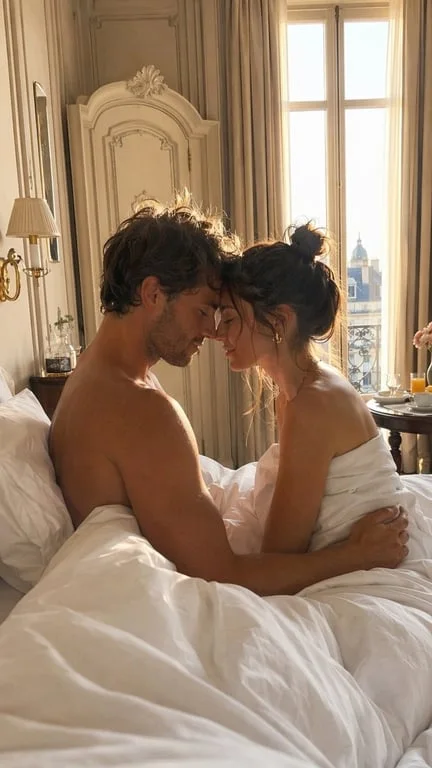
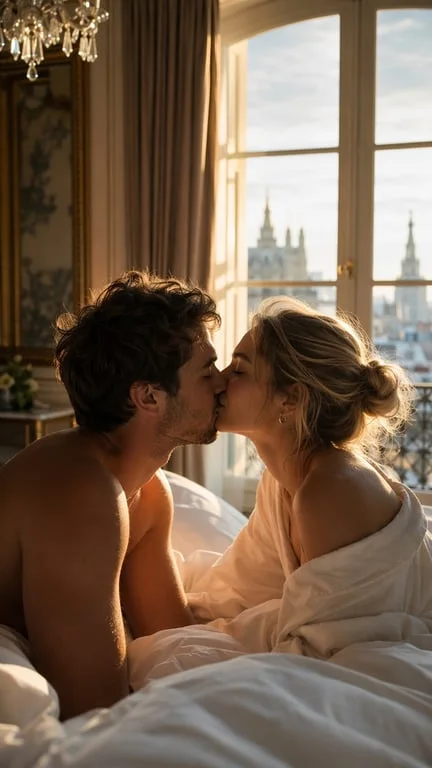
Romance storytellers, fan editors and social accounts all need a way to show two people kissing without a shoot. The generator takes an ordinary photo of a couple and produces a short clip in which they lean in and share a natural kiss, with the original lighting, framing and background preserved. That makes it usable for anniversary posts, short films, mood reels and engagement announcements where a static photo feels flat.
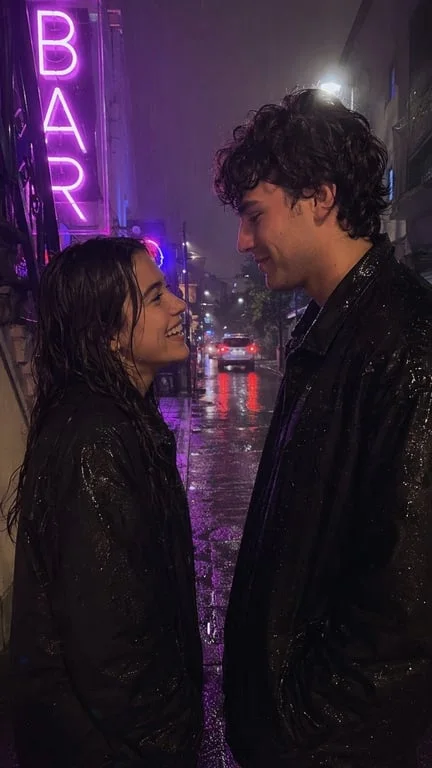
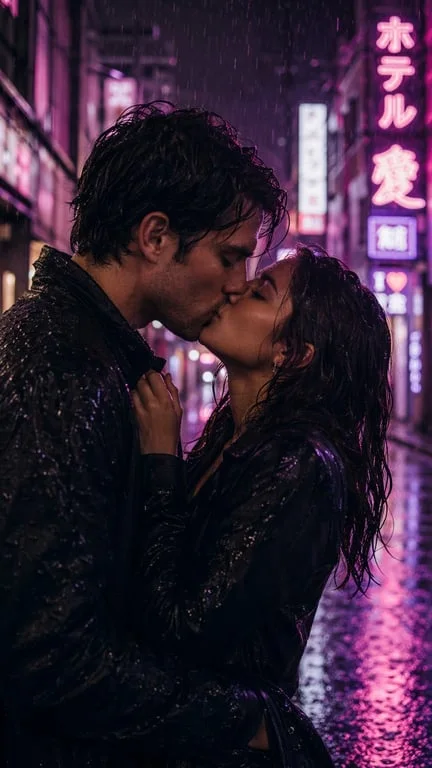
Animate characters and illustrated subjects
Illustrators, animators and fandom communities can use character art — anime, manga or digital painting — as the source image. The animation adapts the kiss to the source style, keeping line weight, colour palette and character design consistent, so an illustrated couple can be shown in a scene that still reads as the same artwork rather than a photo pasted into a video.
Add a romantic beat to existing footage
Editors working on short-form content use the generator to close a scene on a kiss without booking a location or coordinating two performers. A still from a shoot, a cosplay photo or a candid snapshot can be turned into a finished romantic beat in seconds, then cut into a larger edit. The result keeps the subject's identity and the scene's original look, so it drops into existing timelines without a visible mismatch.
Why choose Toty
Natural motion, not a slide transition
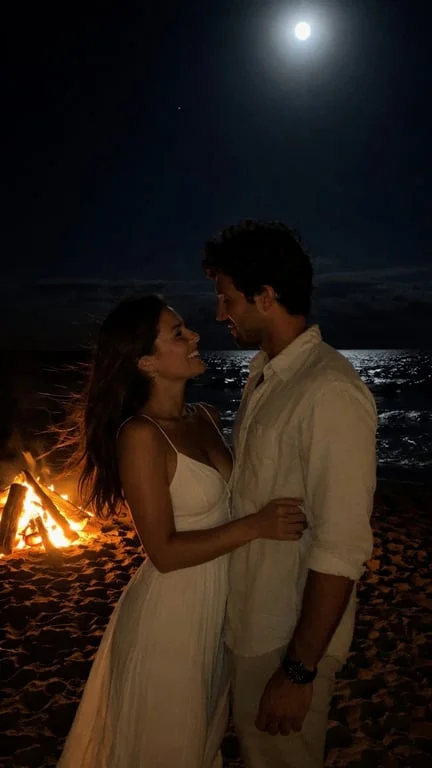
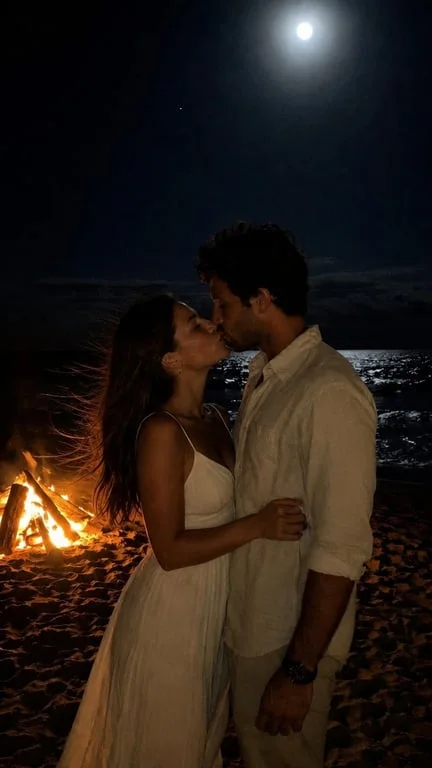
The generated clip animates the lean-in, the moment of contact and the settle afterwards, with believable timing on both subjects. The result reads as a filmed moment rather than a cross-fade, and both people stay recognisable throughout.
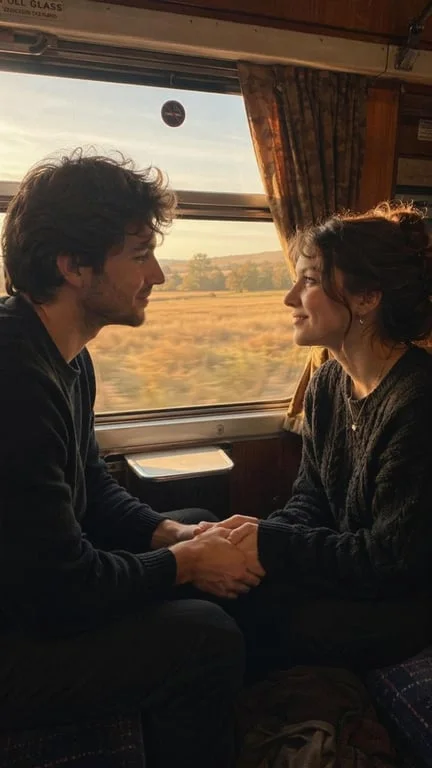
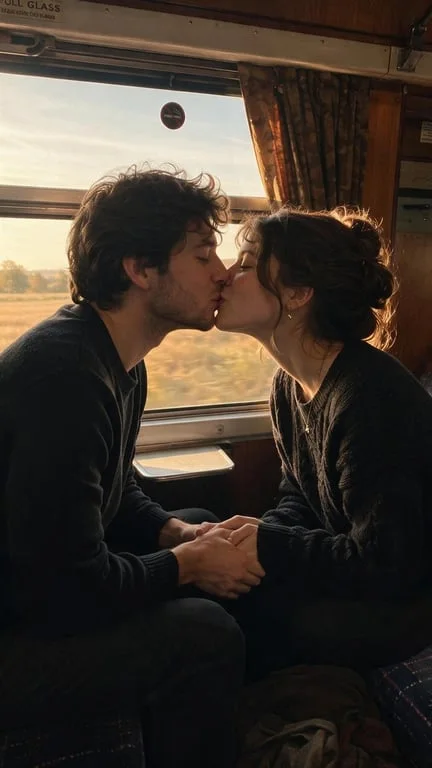
Keeps the photo you started from
Faces, hair, clothing and the background are preserved from the source image. Only the motion is added, so the finished video still looks like the picture you uploaded — which matters when the photo is of a specific real couple.
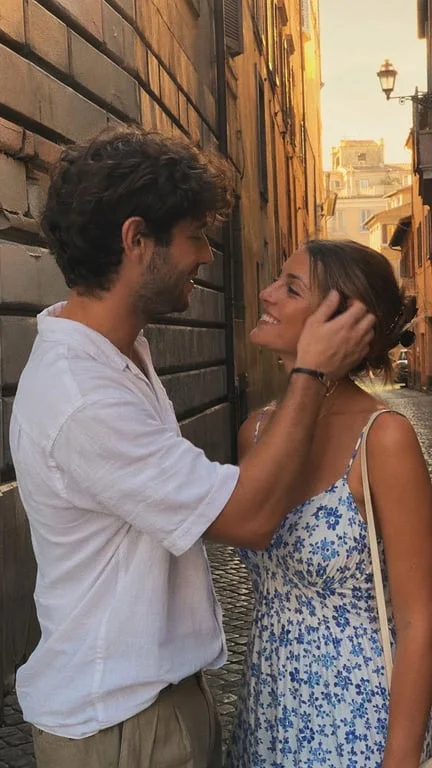
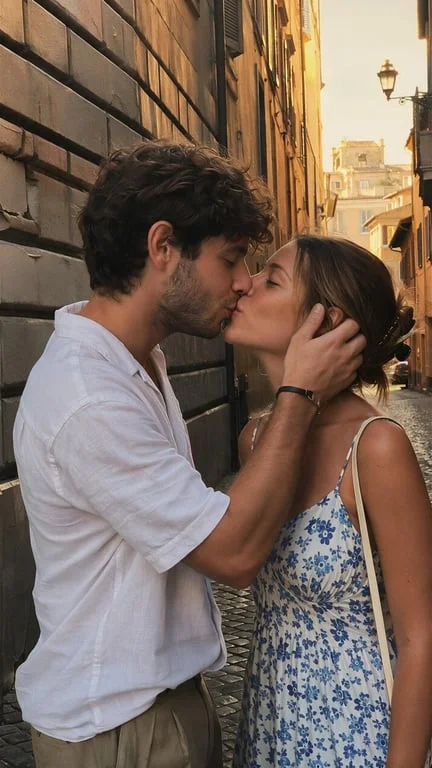
Ready to post in under a minute
Upload, describe the moment, generate. The clip is delivered in a portrait-friendly format suited to TikTok and Reels, ready to publish or drop straight into a larger edit.
How to create with Toty
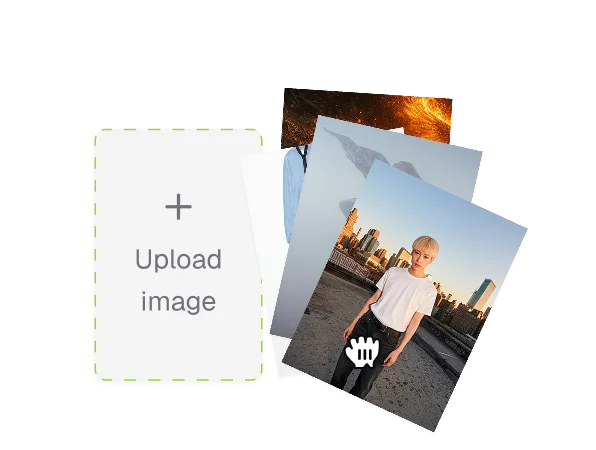
Upload a photo with two people
Pick the photo you want to animate. A clear shot showing both faces gives the best result, and the AI also works on illustrations, cosplay and anime art.
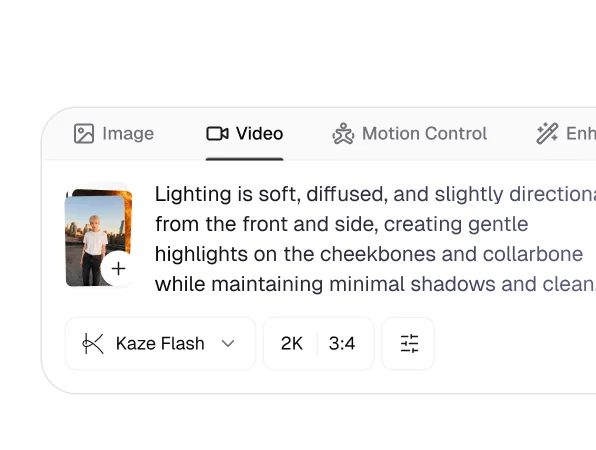
Describe the kiss and the setting
Say how the kiss should play — slow and tender, playful, or a surprise kiss — and add the mood you want: golden hour, rain, a busy city street, or keep the background you already have.
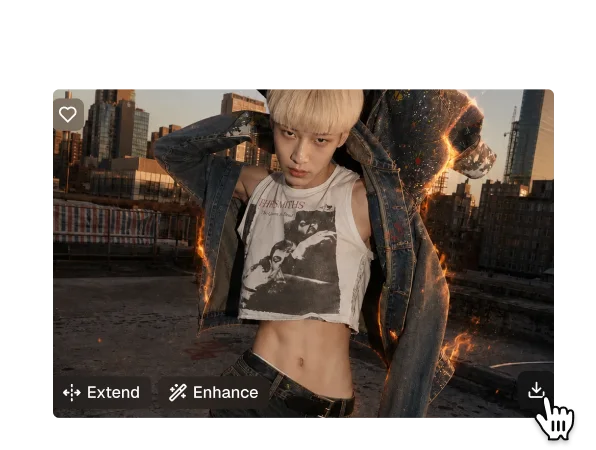
Download and share your video
Your video generates in seconds and is delivered as a ready-to-post file. Download it or share it straight from the results page, and try several prompts against the same photo to get different takes.

Trusted by over 1M creators
Community of over 1M+ users
Marta L.Wedding photographer
I used this for an anniversary post and it genuinely looked shot, not generated. Both of them stayed completely recognisable.
Devon K.Short film editor
I needed a closing beat for a two-hander and got a usable take in about a minute. It slotted into the timeline with no grading work.
Priya S.Fan artist
The line weight and palette of my illustration survived intact. It still reads as my art, just moving.
Tomas R.Social media manager
Our engagement on the anniversary post was the best of the month. Same photo, ten times more watch time.
Hana Y.Cosplay photographer
The costume detail stayed crisp the whole way through, which was my main worry going in.
Alex J.Meme creator
Tried it on a silly stock photo of two raccoons. Ten seconds of my life, instantly worth it.
FAQ
It animates the two subjects toward each other, models the contact moment, and blends the result back into the original frame. Because it works from the source photo rather than generating a new scene, the faces, clothing and background stay the same as your upload.
Yes. You can upload a photo, describe the moment and download the result without signing up.
Yes. Results are delivered as high-quality files in a portrait format sized for TikTok and Reels, ready to post.
A filter overlays a canned effect. This regenerates the motion frame by frame — the lean-in, the contact and the recovery are modelled, so the two people read as genuinely moving together rather than as a static image with an effect on top.
Yes. Uploaded photos are encrypted, processed in isolation and deleted after generation. They are never used for training or shared.
Standard formats including JPG, PNG and WebP. Images where both faces are clearly visible produce the strongest results.
Explore more AI features
Discover new Toty features here