Prompt
Upload an image
Please upload an image first.
AI Jiggle Video Generator
Turn any photo into a funny wobbling, bouncing clip. Upload an image and watch the whole subject jiggle like soft rubber in seconds.



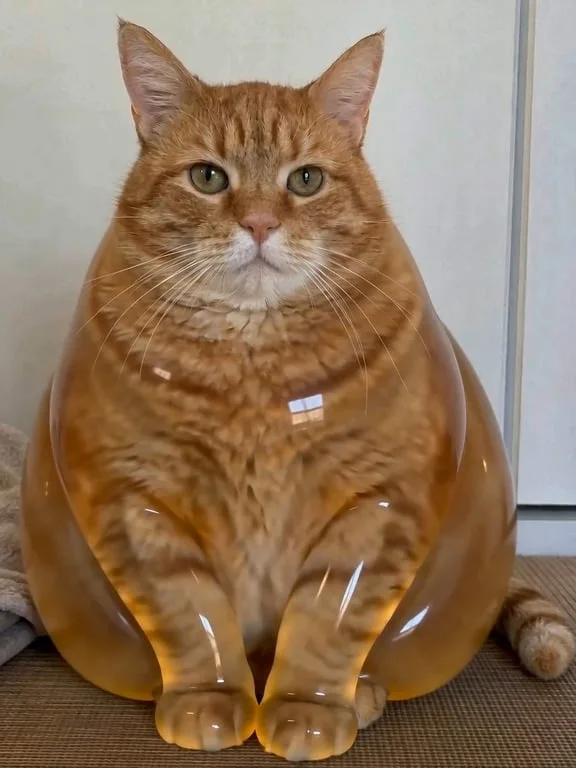
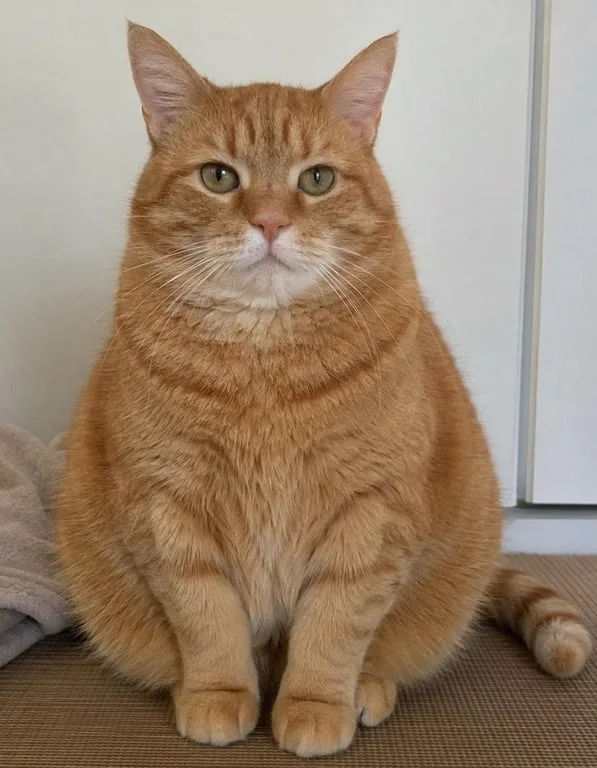
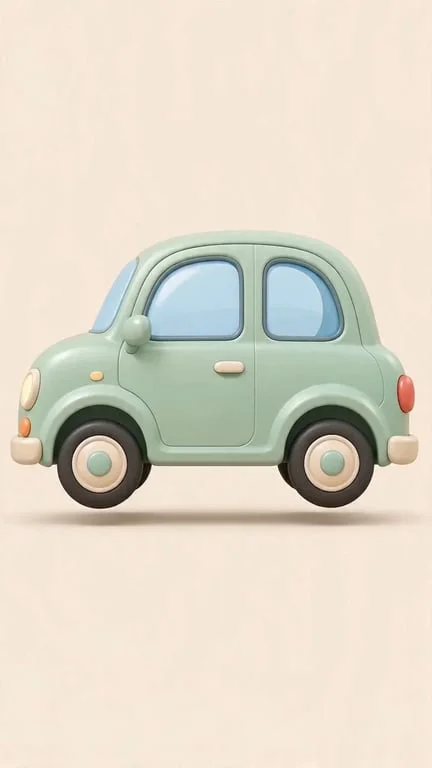
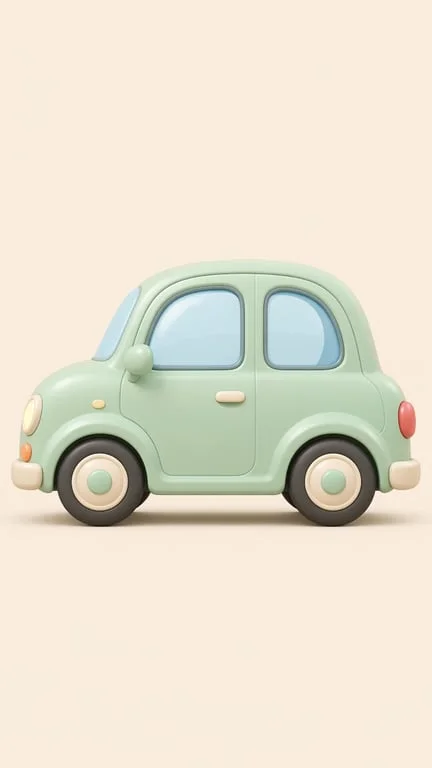
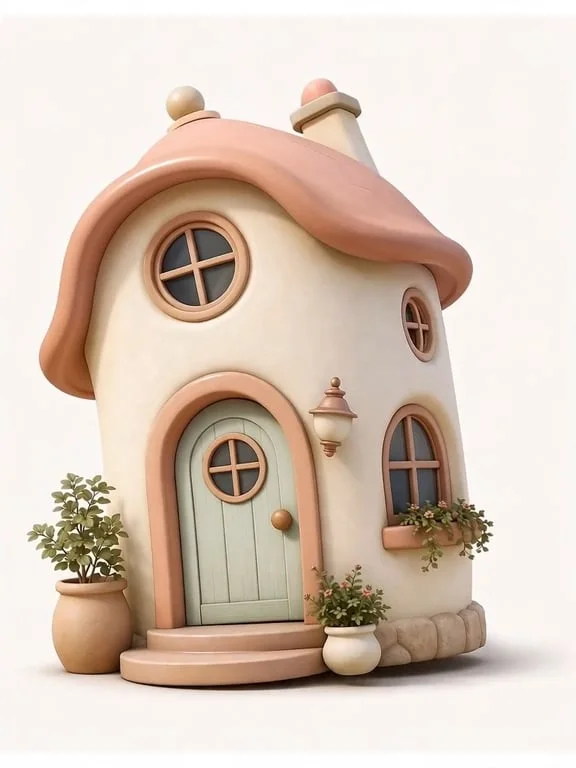
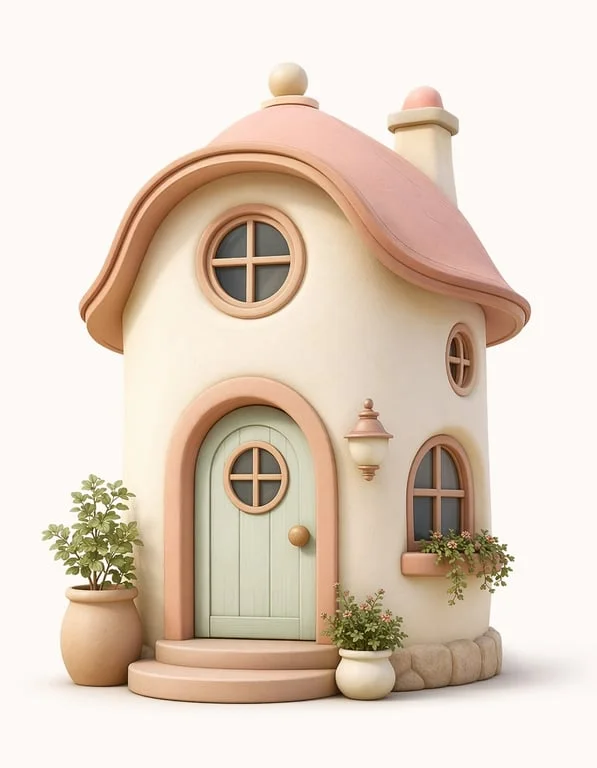
How people use the AI jiggle generator for humor, memes and social content
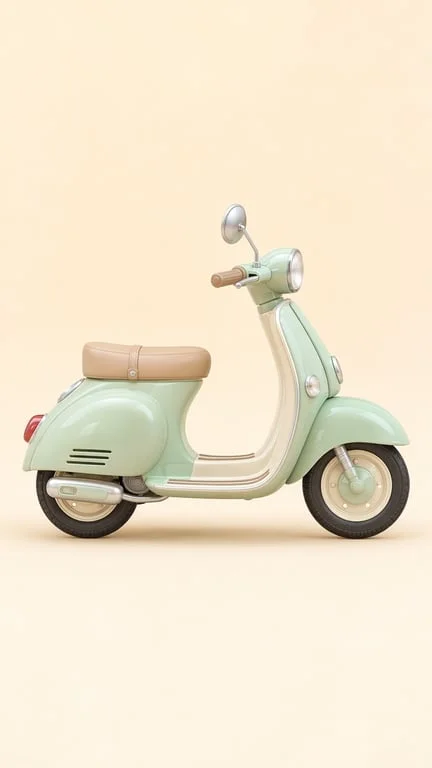
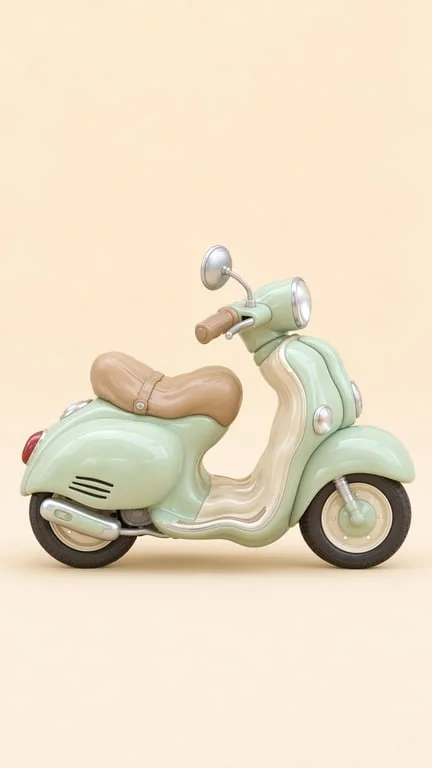
Make the whole subject wobble, not just one part
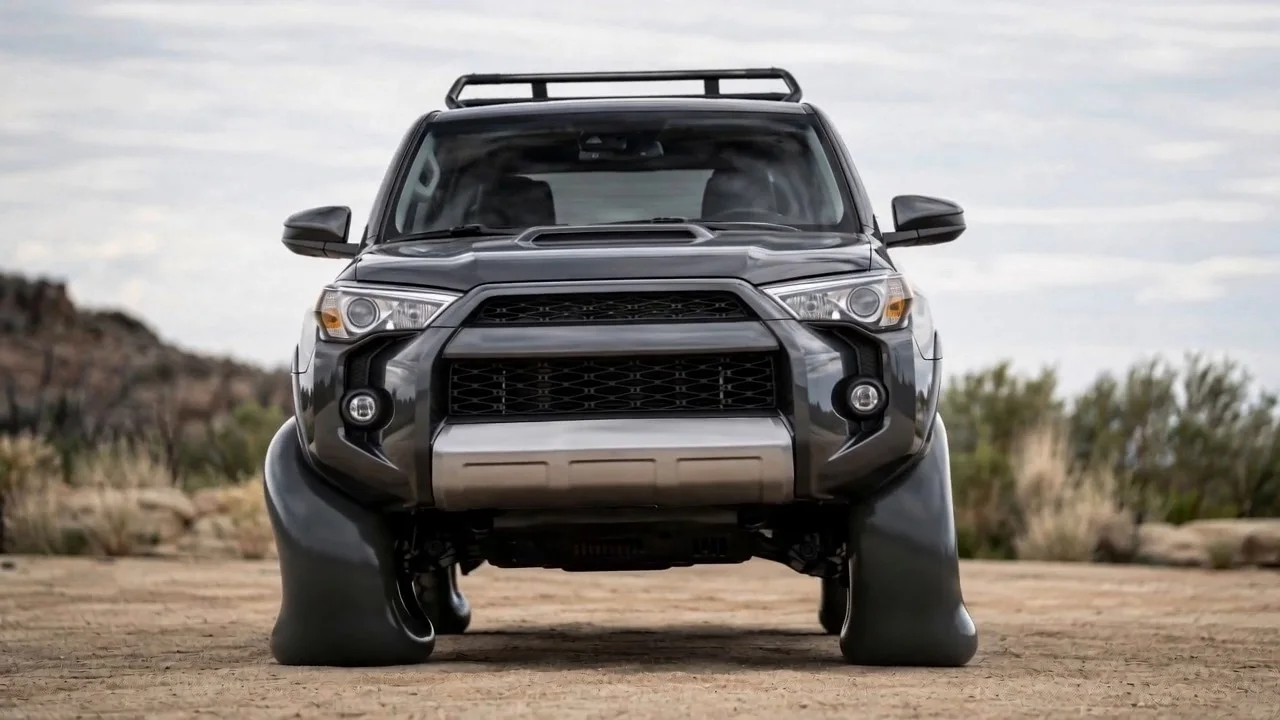
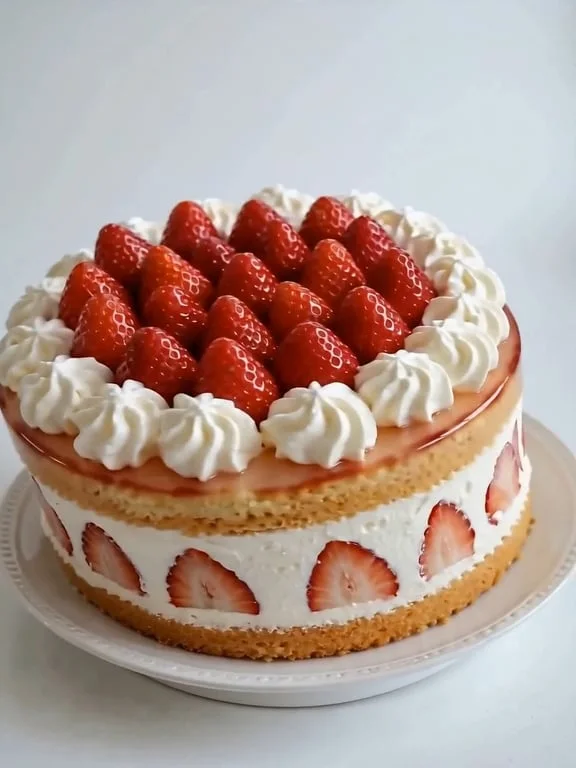
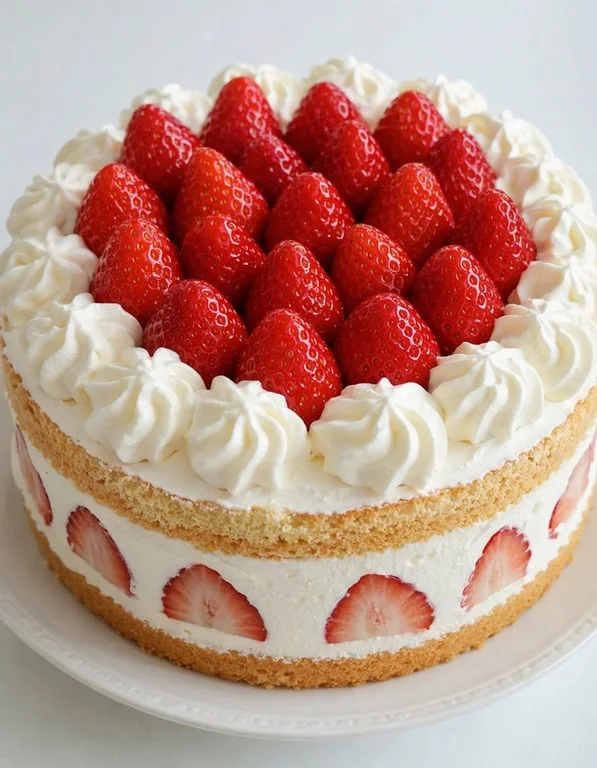
Most cheap wobble filters animate a single region and leave the rest of the frame locked, which immediately reads as broken. This generator treats the subject as one elastic mass — the whole car leans, the whole cake sways and its top strawberry keeps moving with inertia — so the motion is consistent across the frame. That consistency is what makes the result look like a real soft object reacting to a tap rather than a filter laid over a photo.
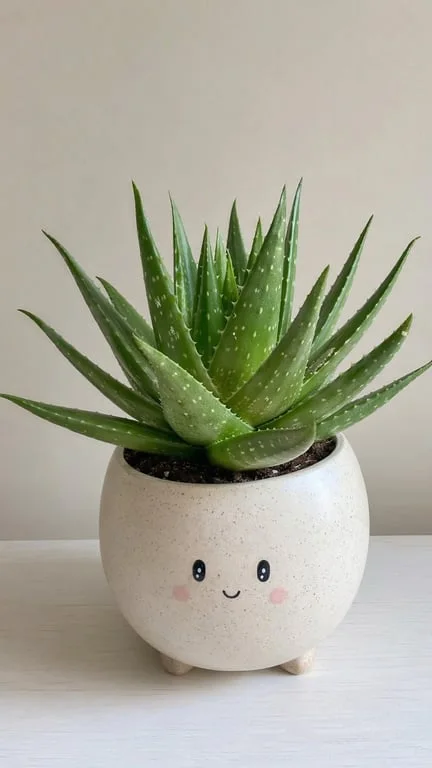
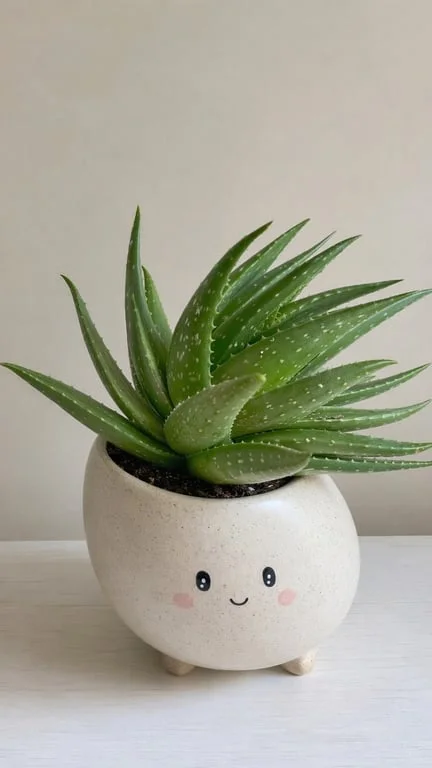
Turn everyday subjects into comedy beats
Comedy creators and meme accounts use the effect on the most unremarkable images possible — a building, a vehicle, a pastry, a pet — because giving something absurd bounce is inherently funny. The humour comes from the contrast between a static subject and physical comedy, and the clip lands because the subject's identity, colours and background never change, so the gag stays legible.
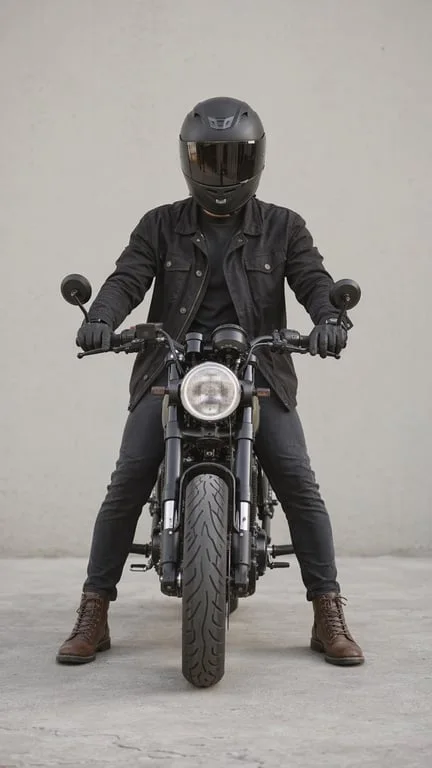
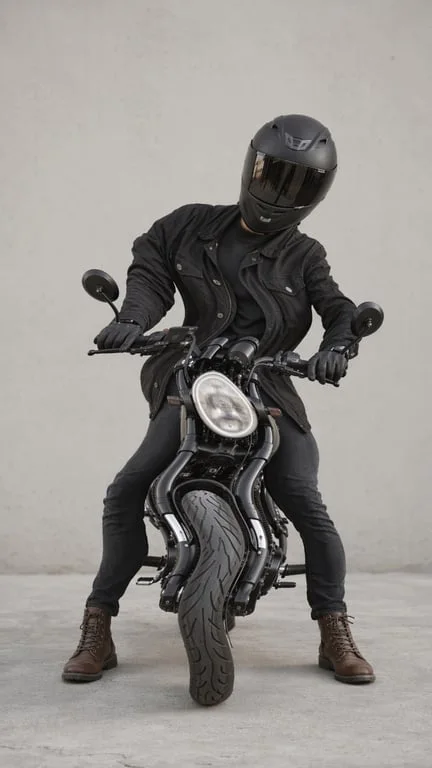
Add life to product and food content
Food photographers, snack brands and product marketers use the jiggle to make a still shot feel tactile. A wobble communicates softness, bounciness and weight in a way a photograph cannot, and the short loop works as a thumbnail, a story sticker or a playful ad bumper. Because the original lighting and composition carry through, it still reads as the same product shot you already had.
Why choose Toty
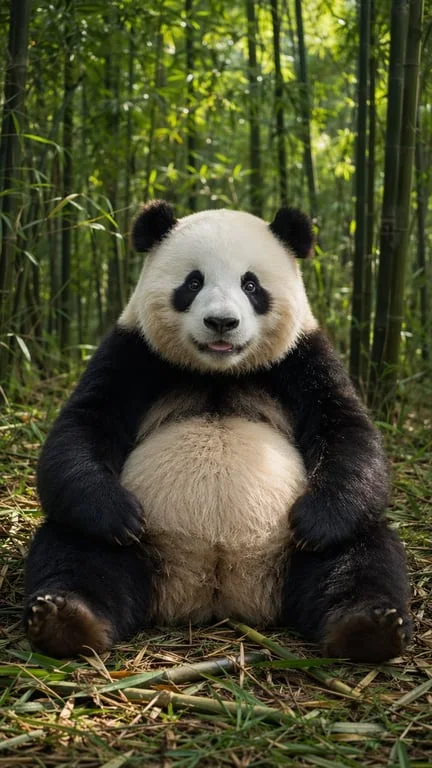
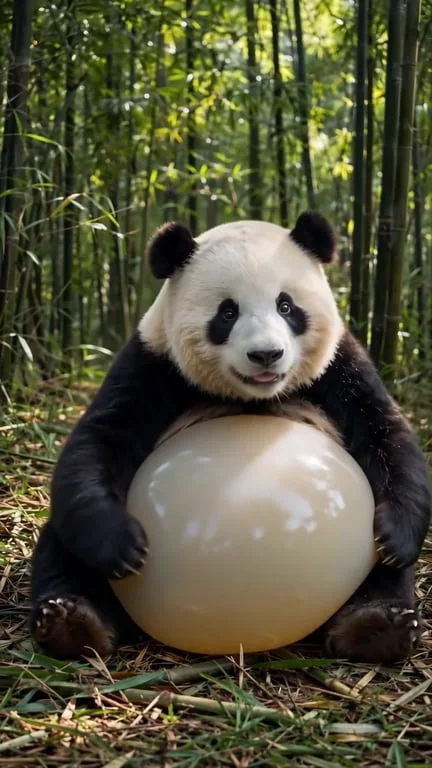
Whole-subject elastic physics
Compression, bulge and settle are modelled across the entire subject, with secondary elements lagging behind on inertia. The result has the energy of real soft-body motion instead of a uniform ripple pasted over the image.

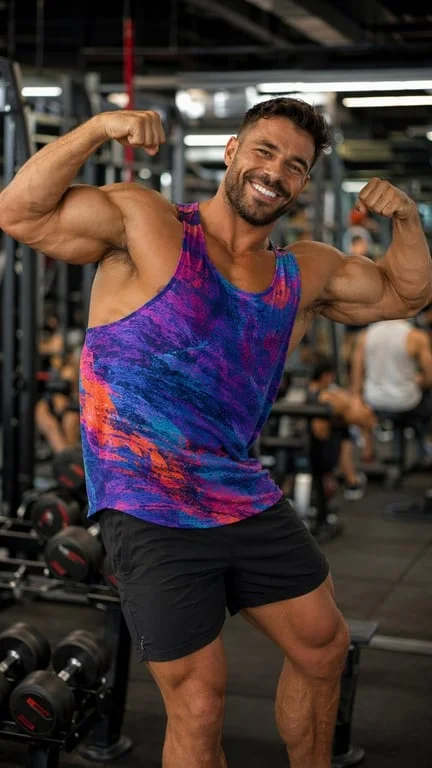
Works on anything with a silhouette
Pets, food, vehicles, buildings, characters and people all work. The subject stays recognisable and the background is untouched, so the clip is unmistakably your source image in motion.
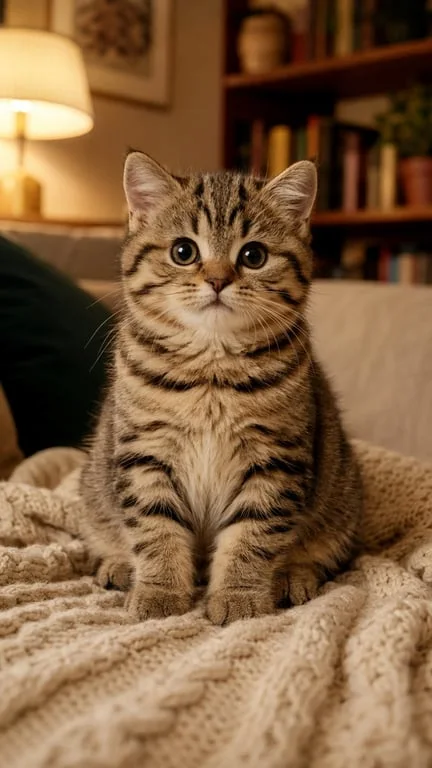
Ready to post in under a minute
Upload, prompt, download. The clip is delivered as a short loop suited to TikTok, Reels and Shorts, ready to publish straight away.
How to create with Toty
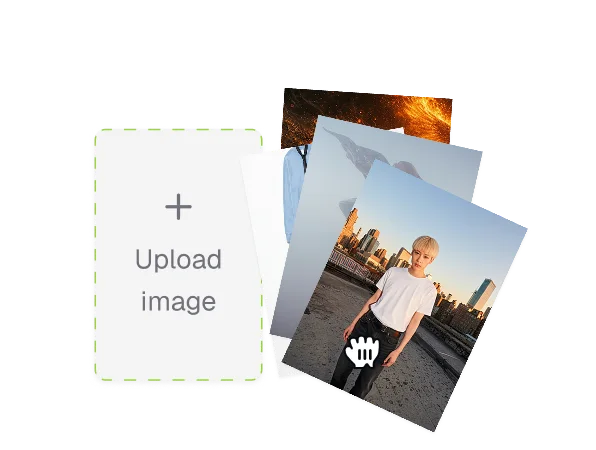
Upload a photo
Pick the subject you want to jiggle. Anything with a clear outline works — a pet, a cake, a car, a building or a character.
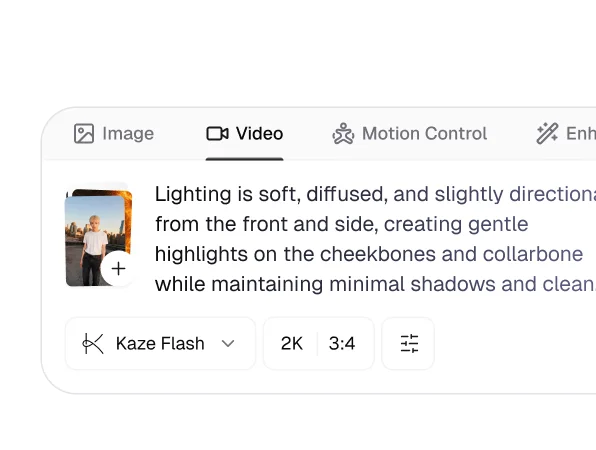
Describe the wobble
Say how energetic it should be — a gentle rock, a hard shake, a slow elastic lean — and mention anything that should follow the motion, like loose accessories or soft parts.
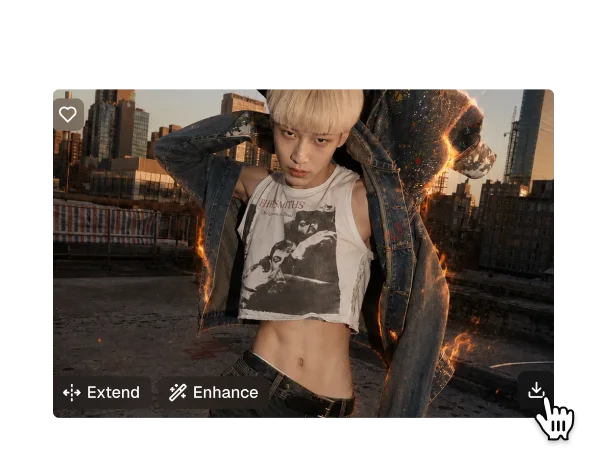
Download and share
Your clip generates in seconds as a ready-to-post file. Download it or share it from the results page, and try several prompts against the same photo.

Trusted by over 1M creators
Community of over 1M+ users

Jordan K.Meme creator
The entire subject moves, not a random patch. That is the whole joke and this gets it right.

Emiko T.Food photographer
The wobble actually sells the softness of the cake. It looks like something you could reach into.

Rafael C.Comedy creator
Put a wobble on a building. Nobody expects it, which is exactly why it works.

Nina W.Product marketer
Our snack thumbnail got a lot more attention. Same photo, ten seconds of extra work.
Owen F.Motion designer
The inertia on the smaller elements is a nice touch. It does not feel like a single flat ripple.

Grace L.Social manager
Fast, free and it did not smear the logo. Three wins in one tool.
FAQ
It models the subject as a single elastic mass and generates the compression, bulge and settle frame by frame, with smaller elements trailing behind on inertia. Because it animates from your source photo rather than regenerating the scene, the subject and background stay the same.
Yes. Upload a photo, describe the wobble and download the result without signing up.
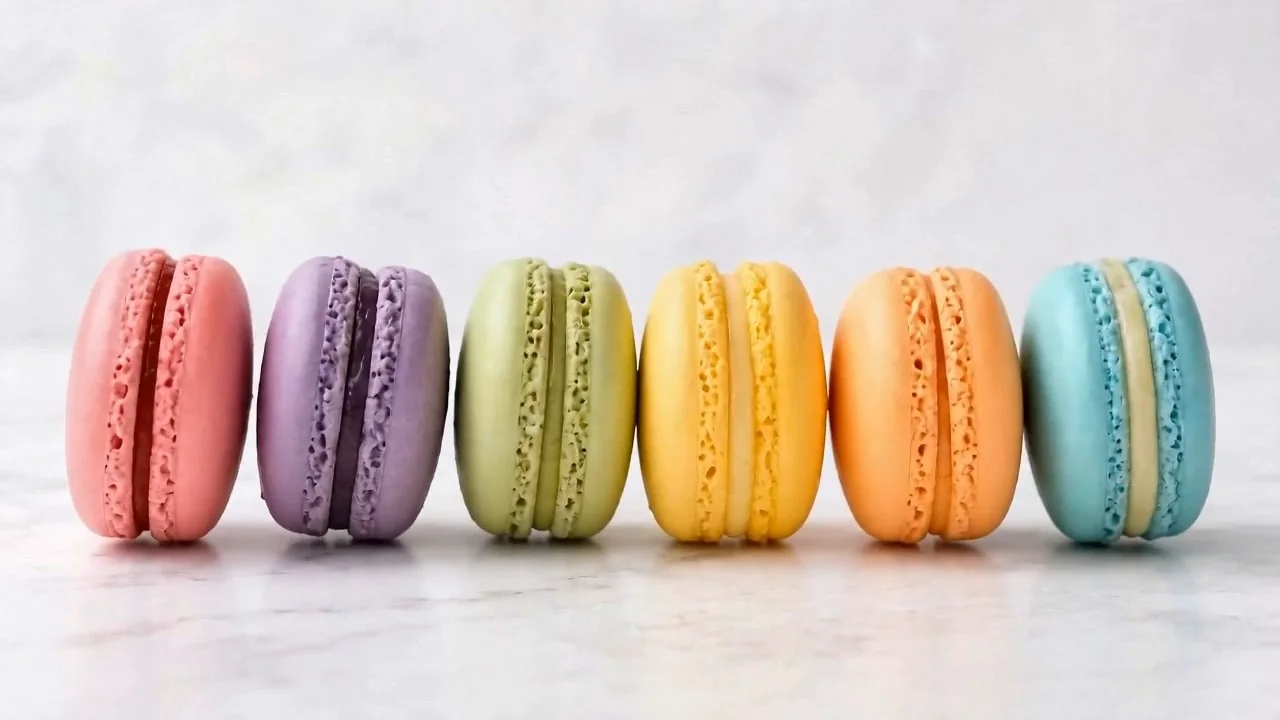
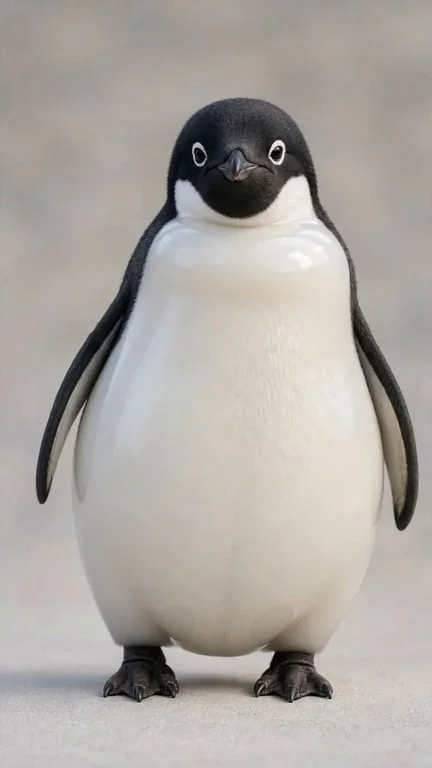
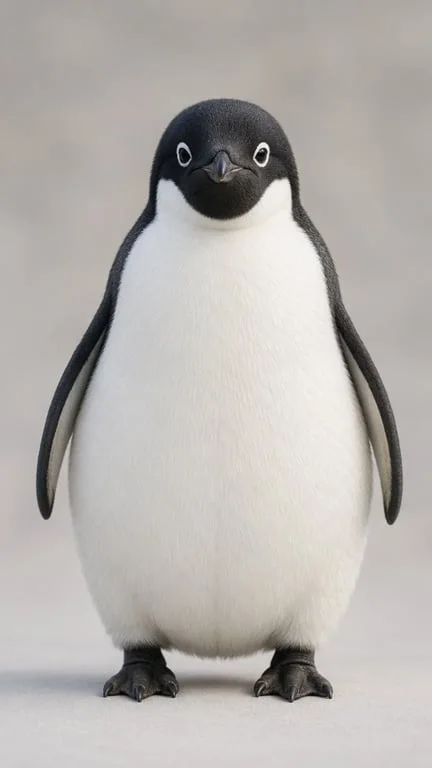
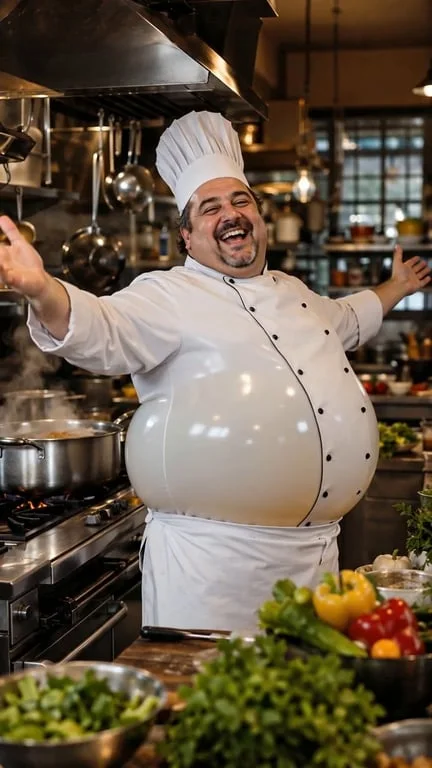
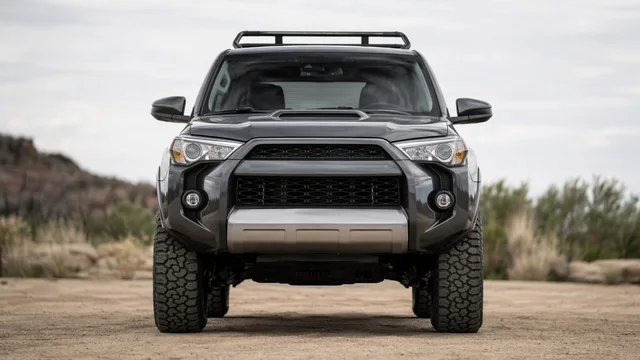
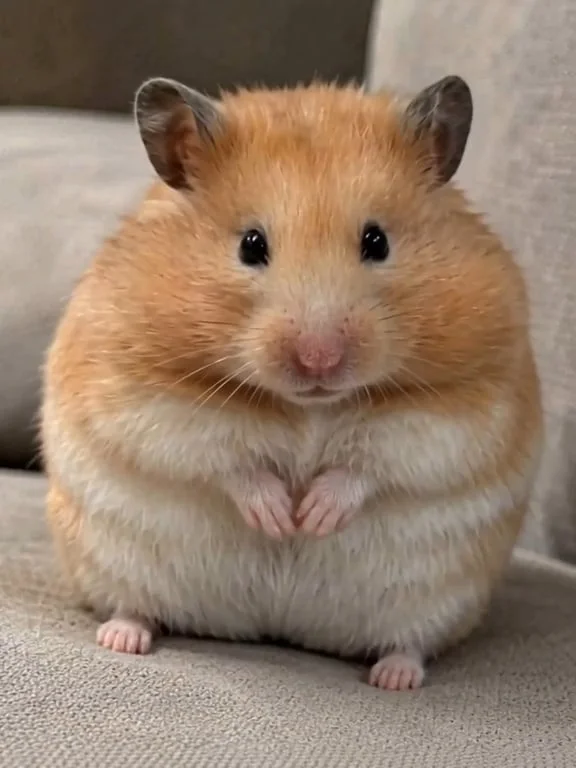
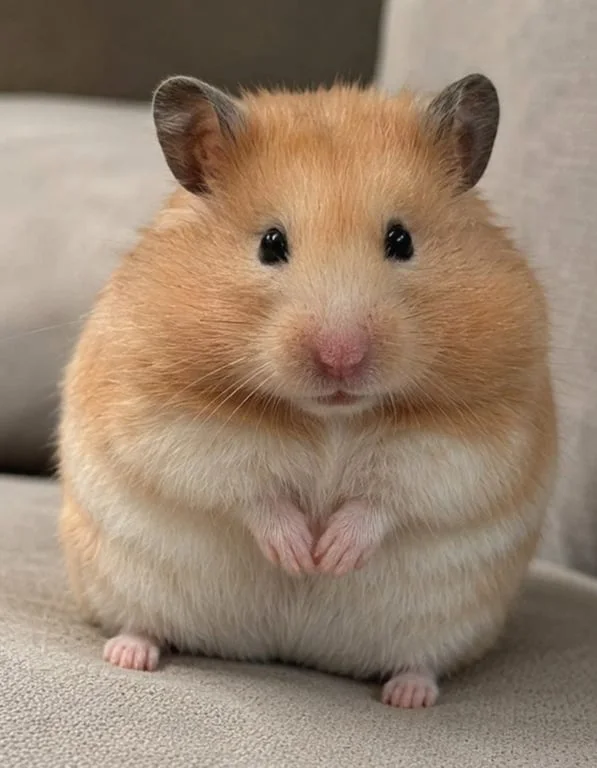
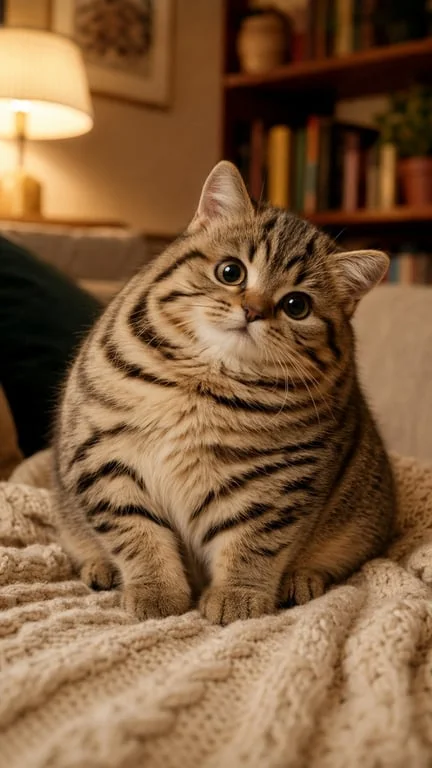
Almost anything with a clear outline — pets, food, vehicles, buildings, characters and people. The reference gallery shows macarons, a palace facade, an SUV, a hamster, a penguin, a chef, a cat, a cake and a tower house.
A wobble filter usually animates one region and leaves the rest of the frame static, so the result reads as broken. This regenerates the whole subject as one elastic mass, with consistent motion across the frame and inertia on secondary details.
Yes. Uploaded photos are encrypted, processed in isolation and deleted after generation, and are never used for training or shared.
Standard formats including JPG, PNG and WebP. Photos with a clean subject and a simple background give the cleanest motion.
Explore more AI features
Discover new Toty features here