Prompt
Upload an image
Please upload an image first.
Labubu AI Video Generator
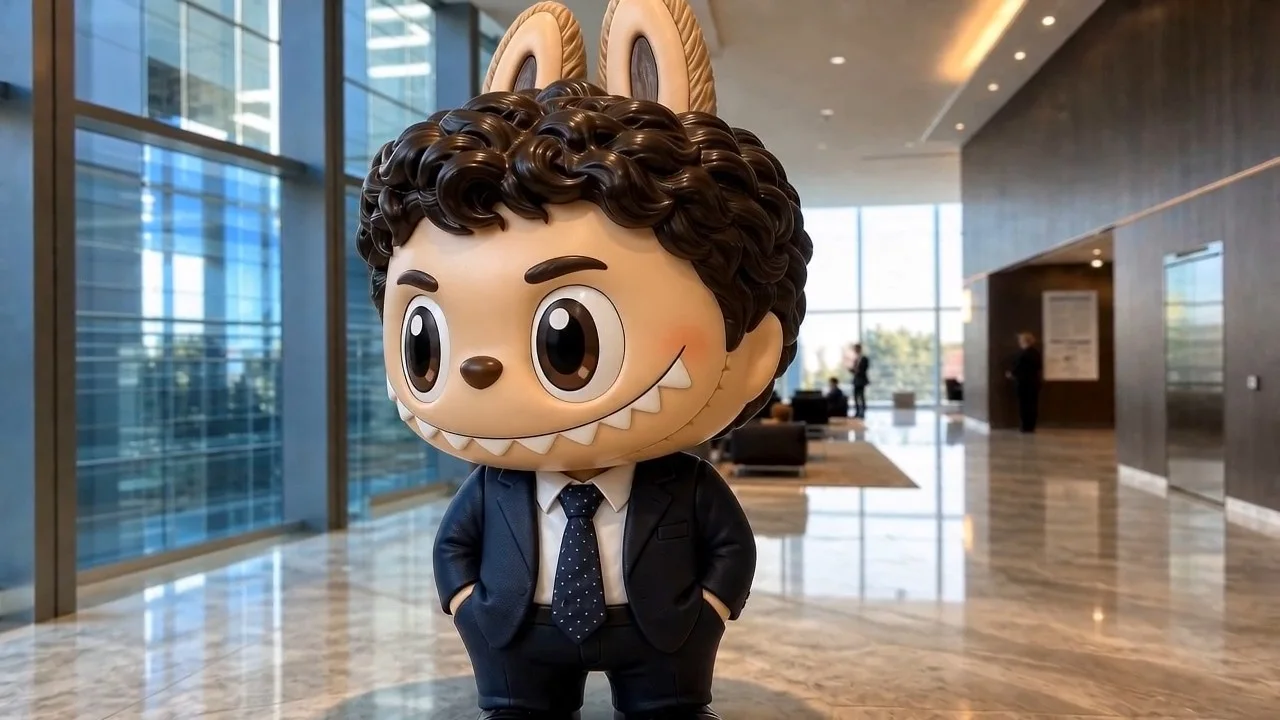
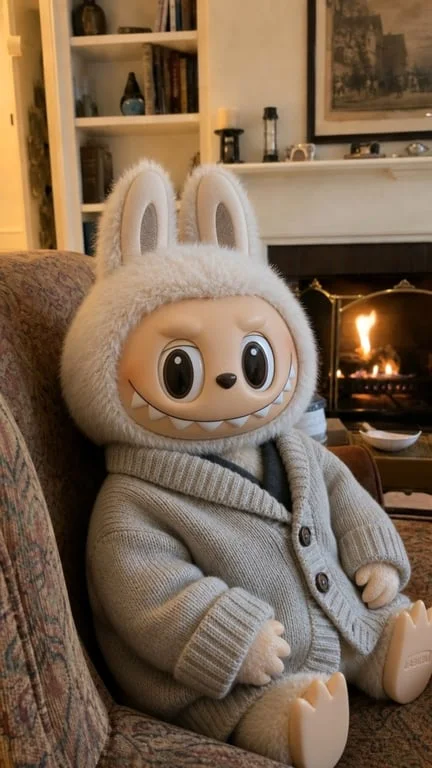
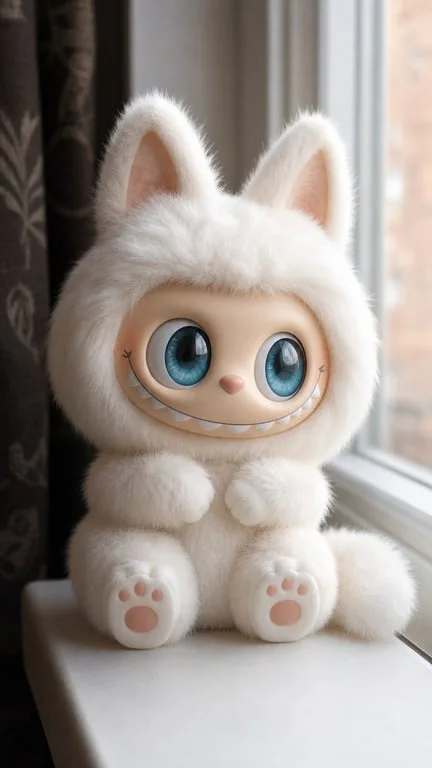
Turn yourself, a friend or a pet into a Labubu character in seconds. Upload a photo and watch it transform while keeping the pose, outfit and background.
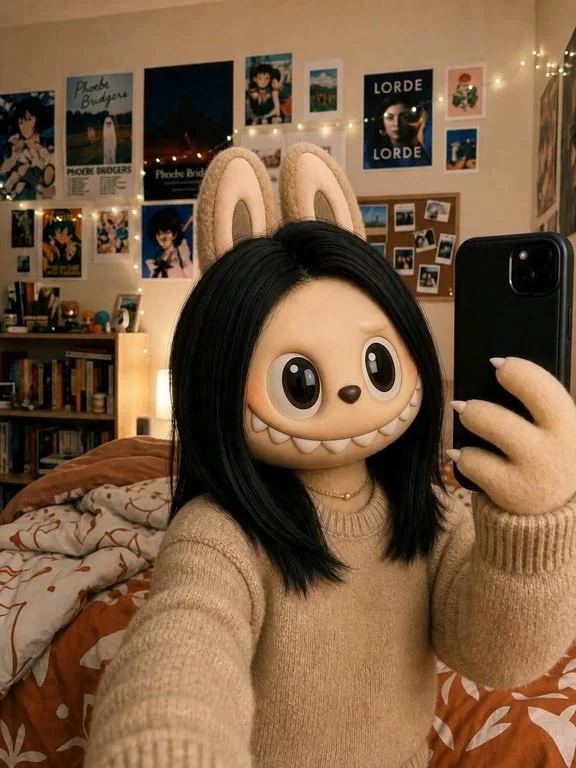
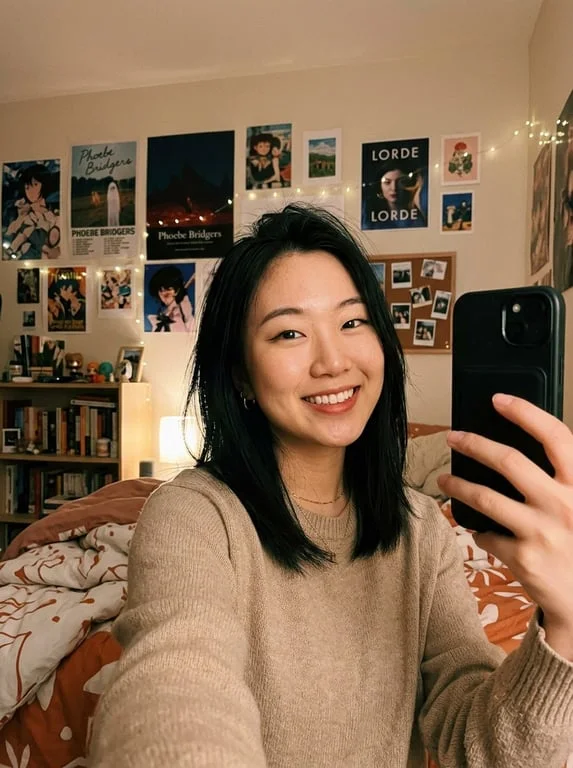
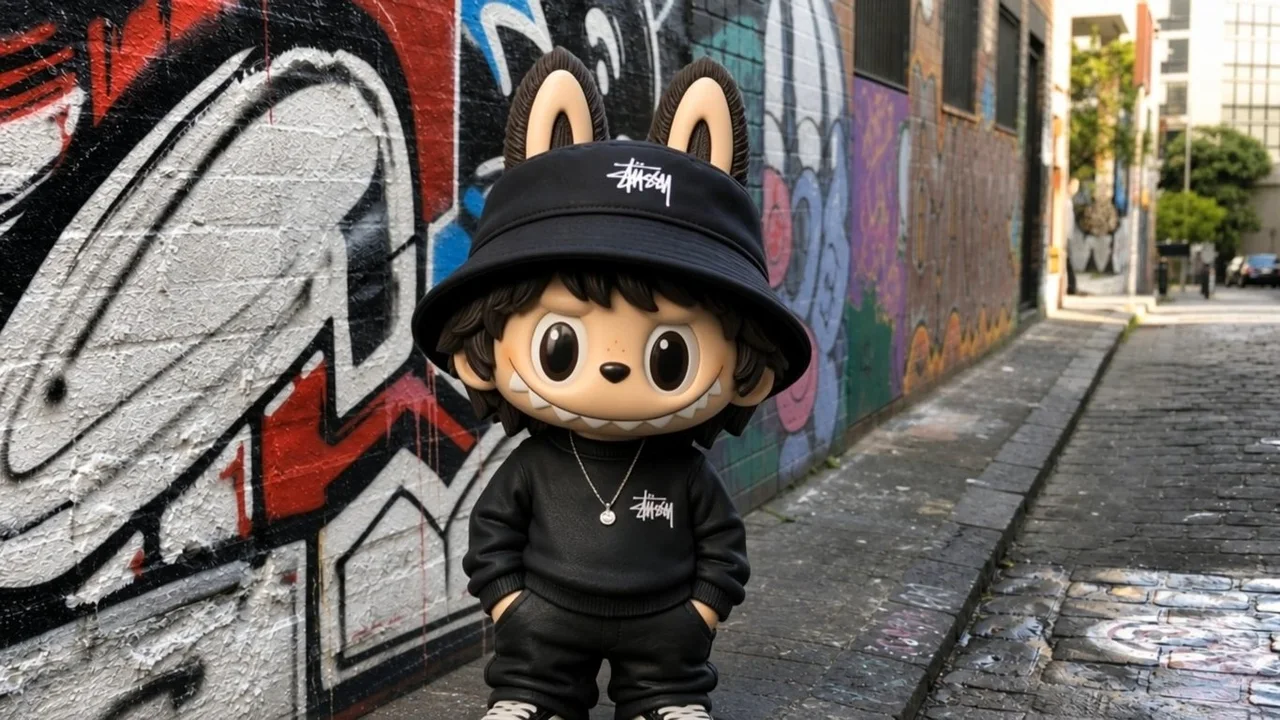
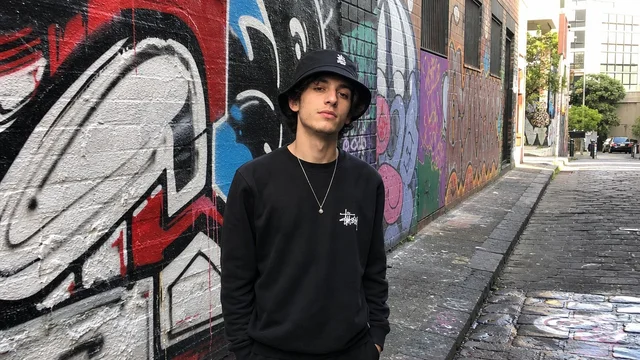
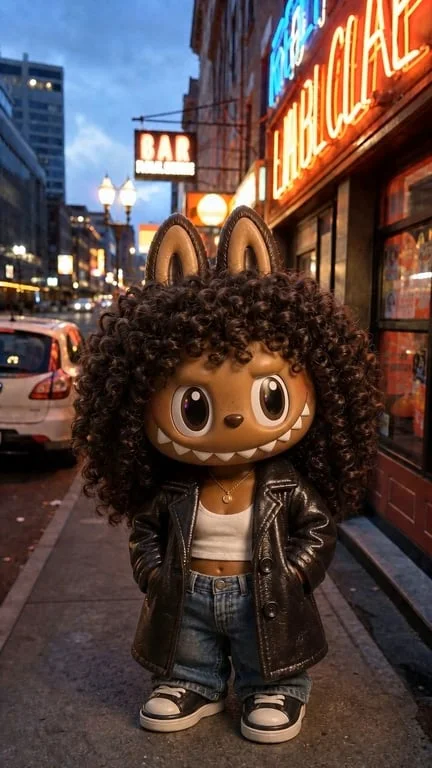
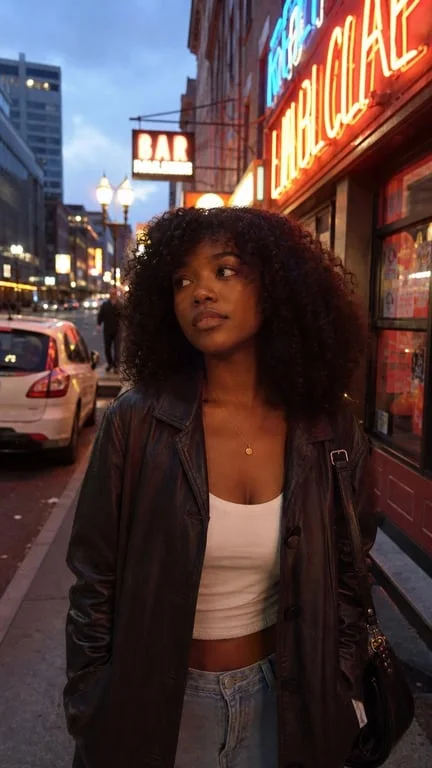
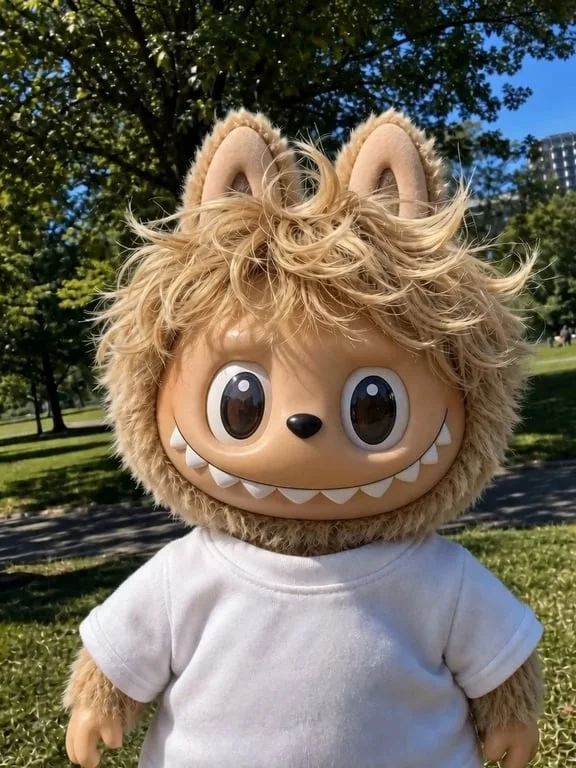
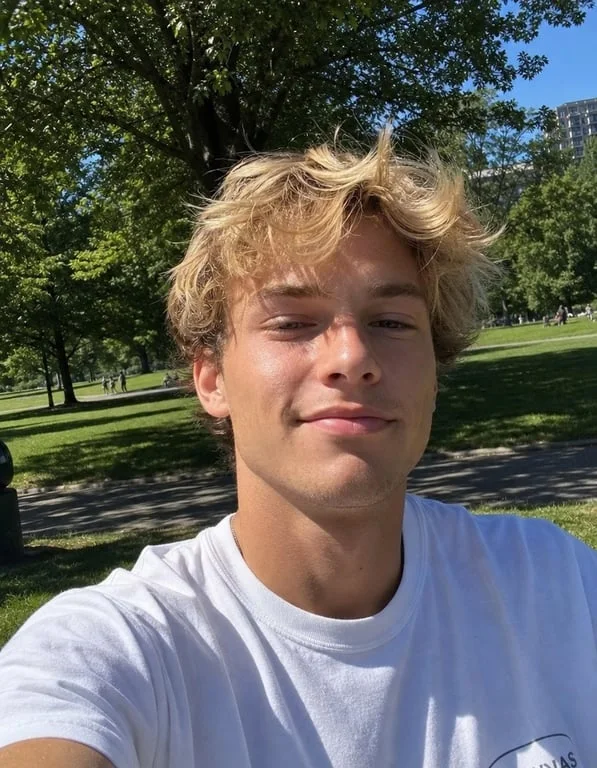
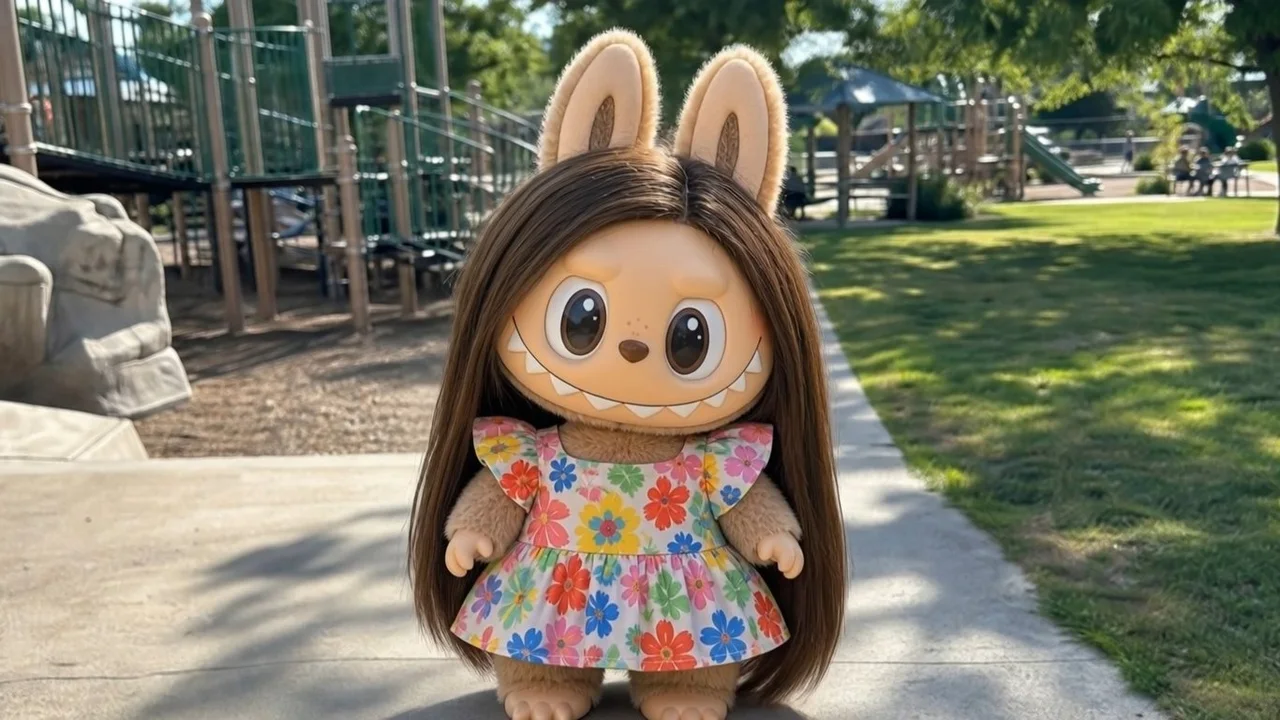
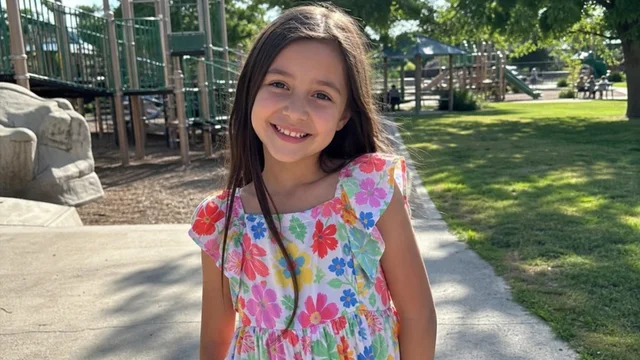
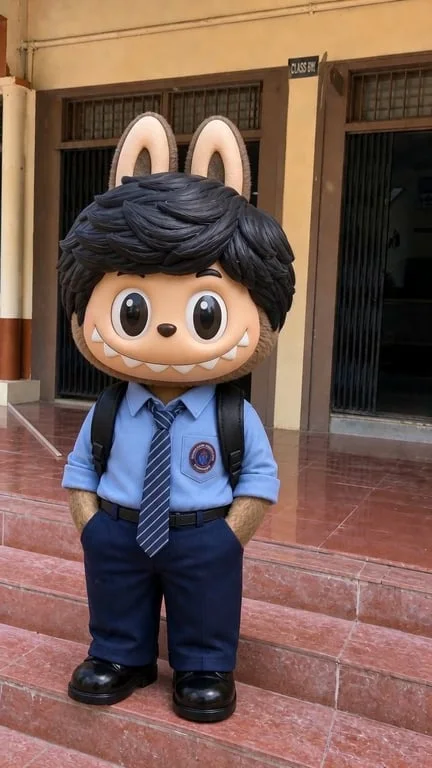
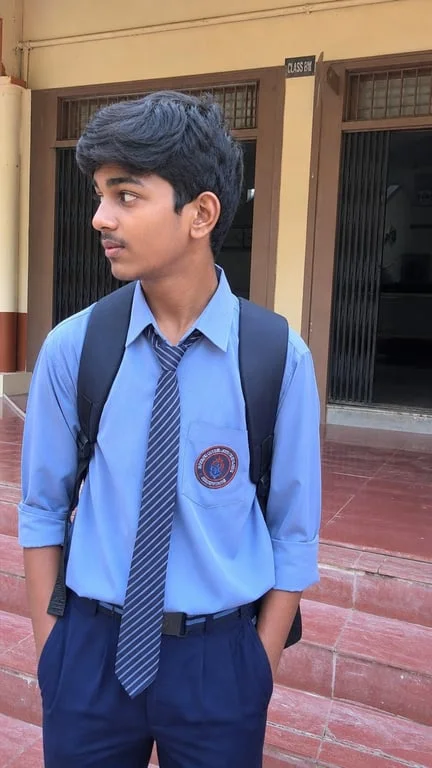
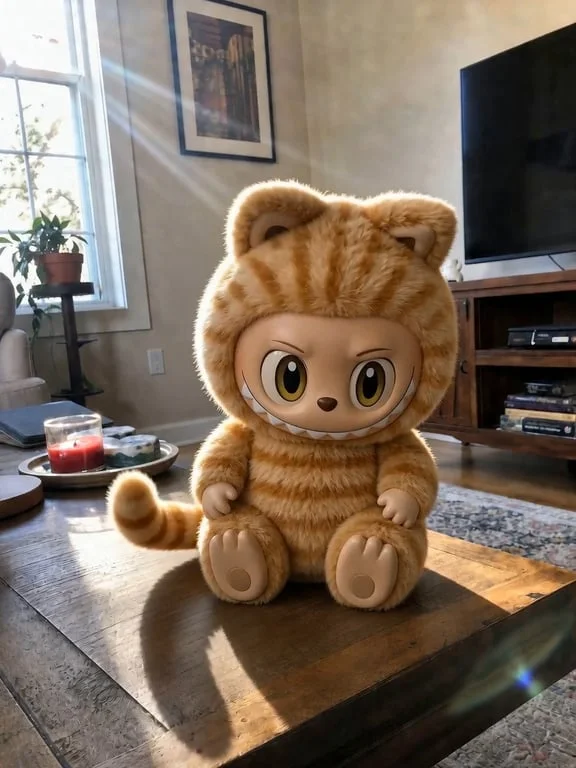
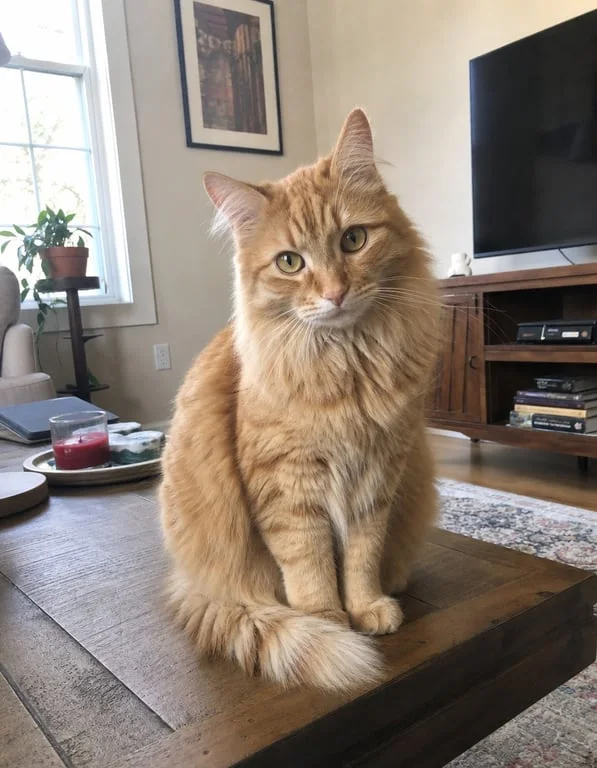
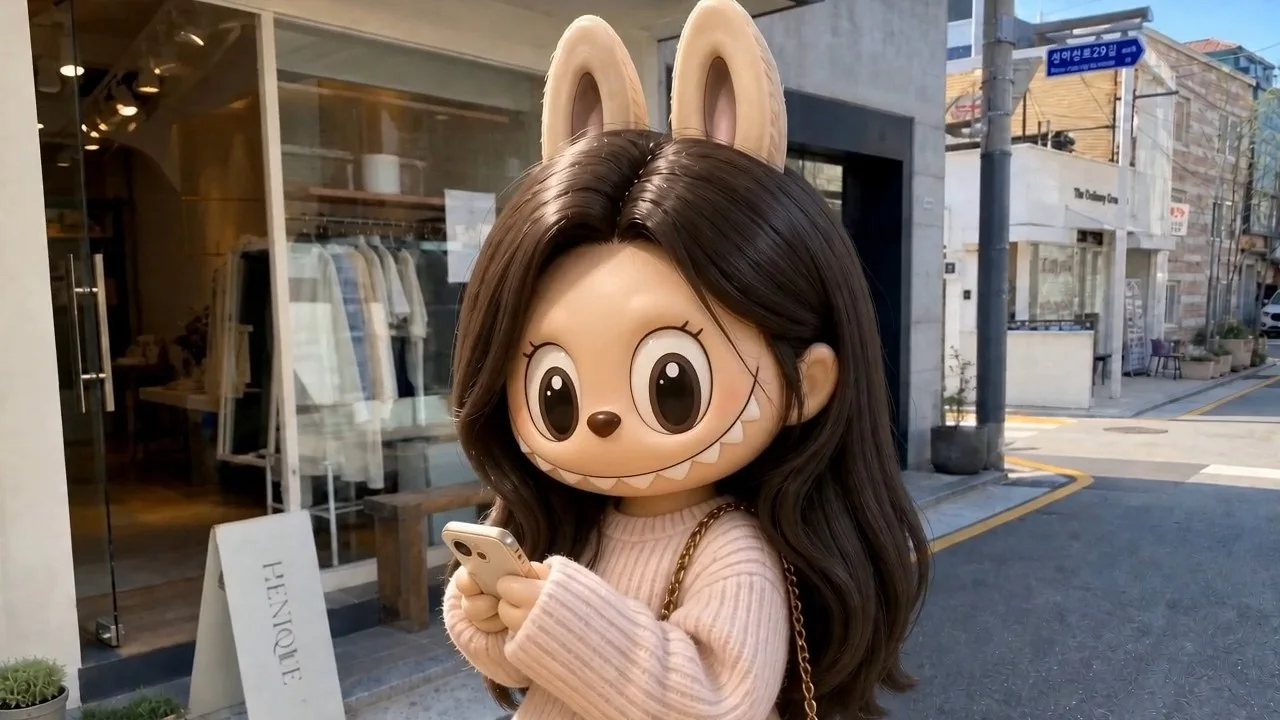
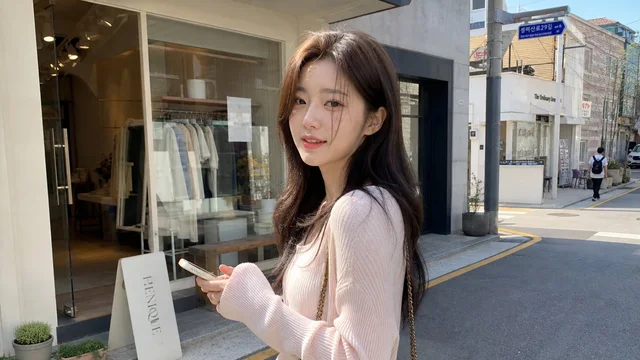
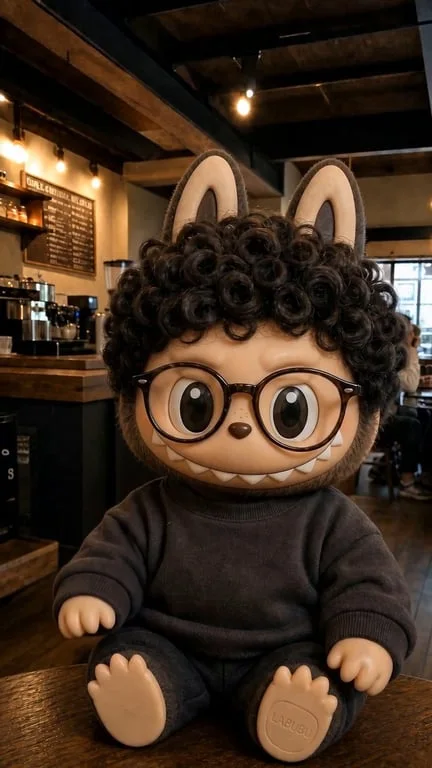
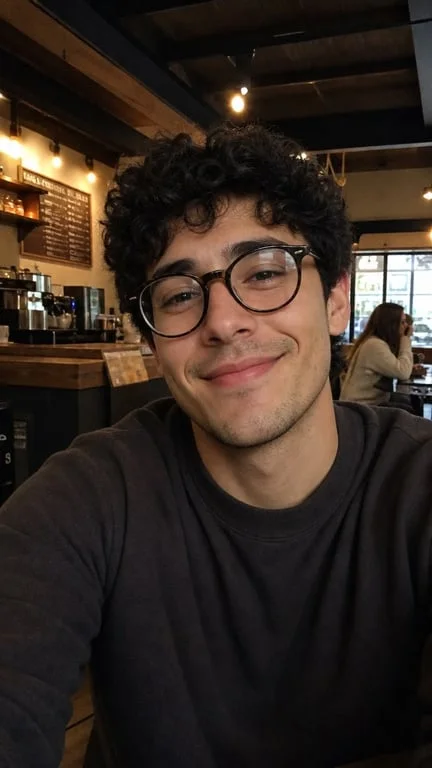
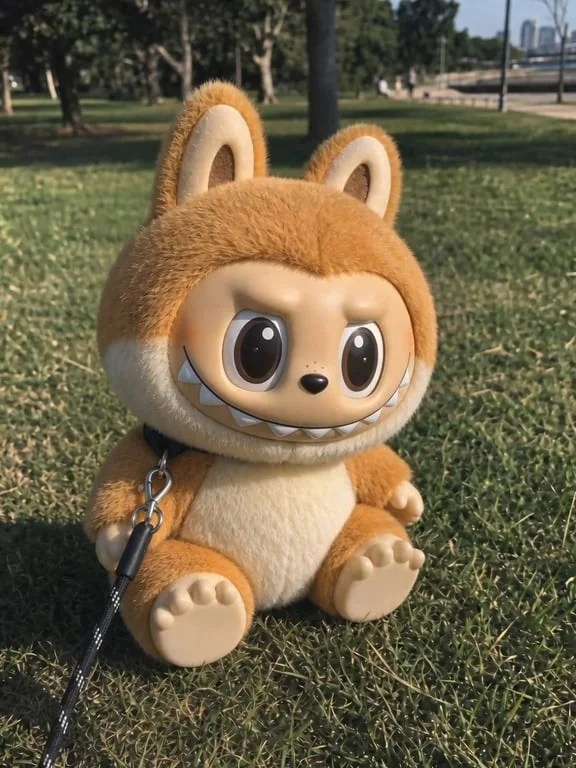
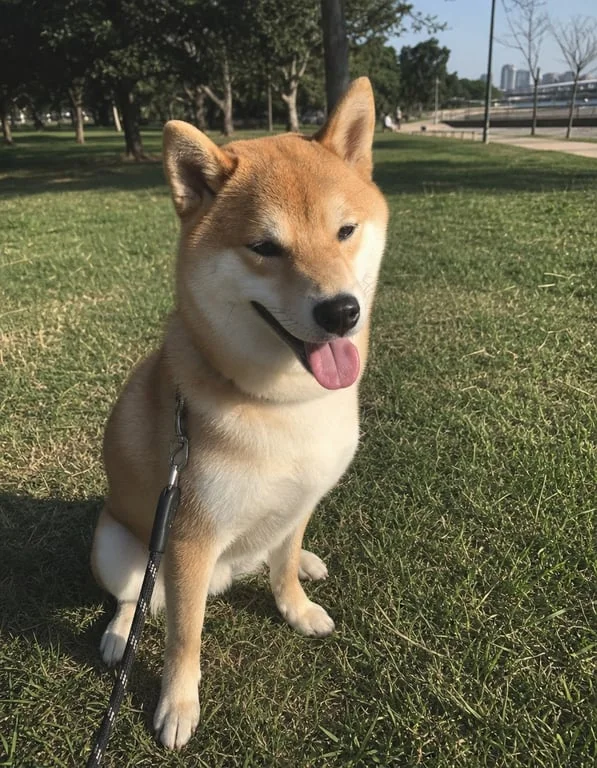
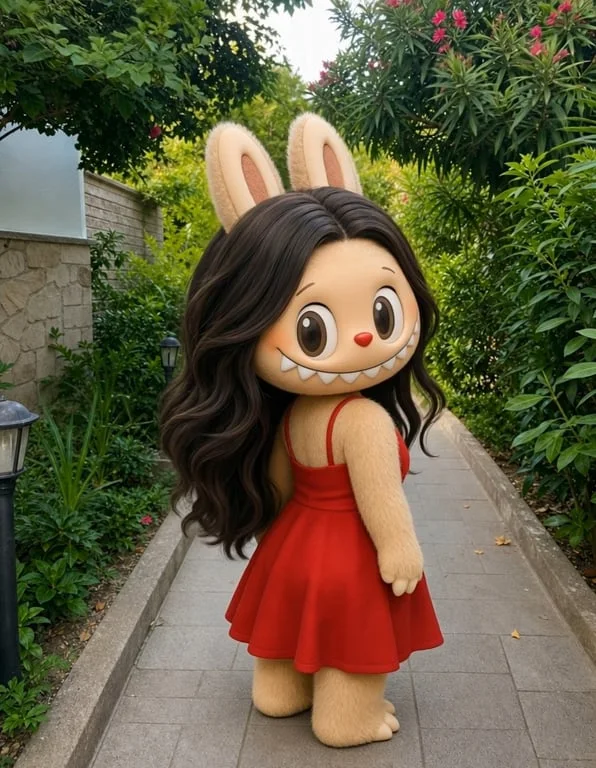
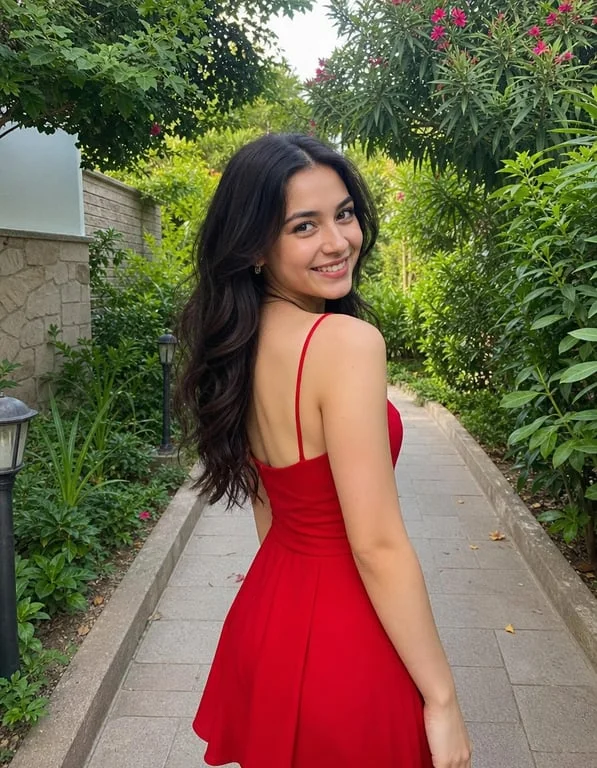
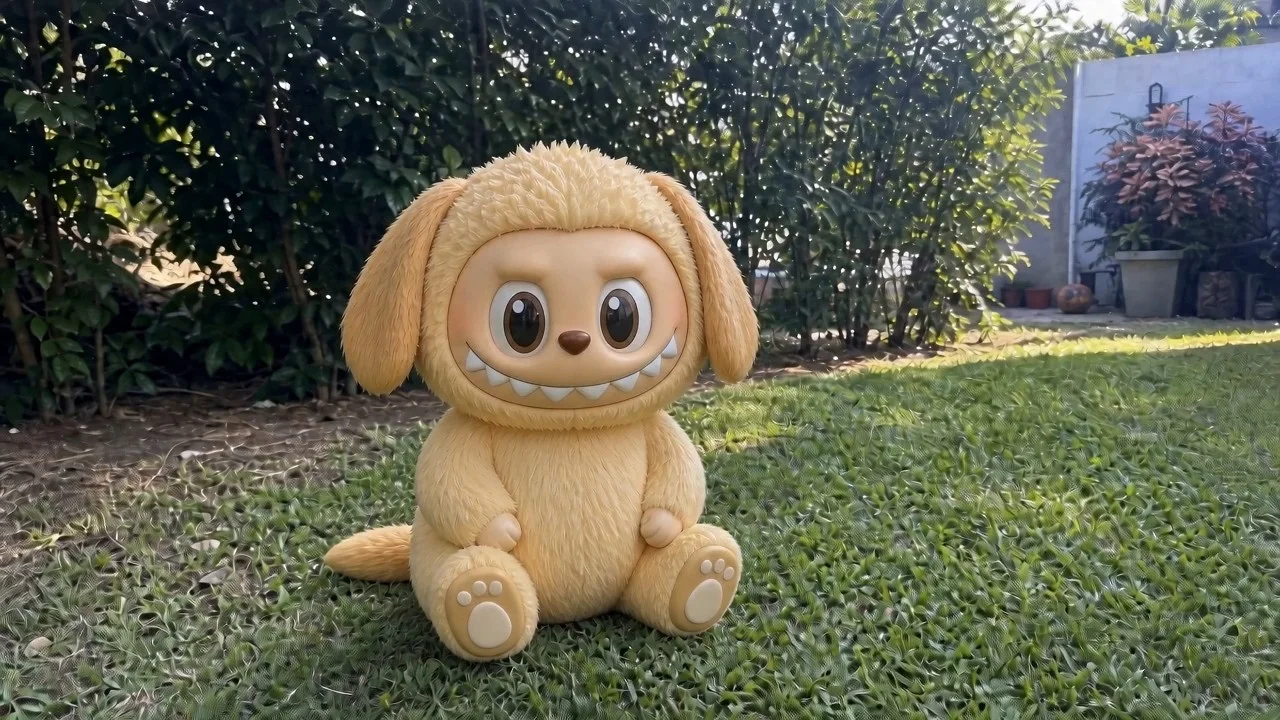
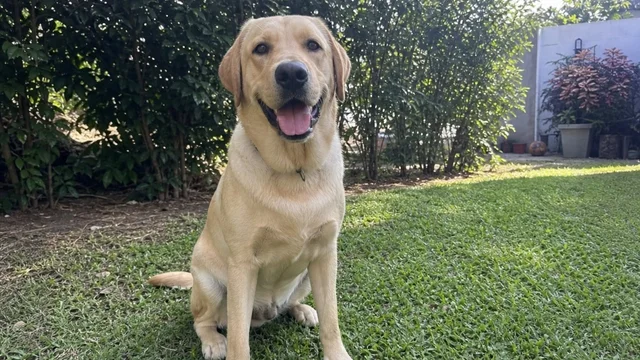
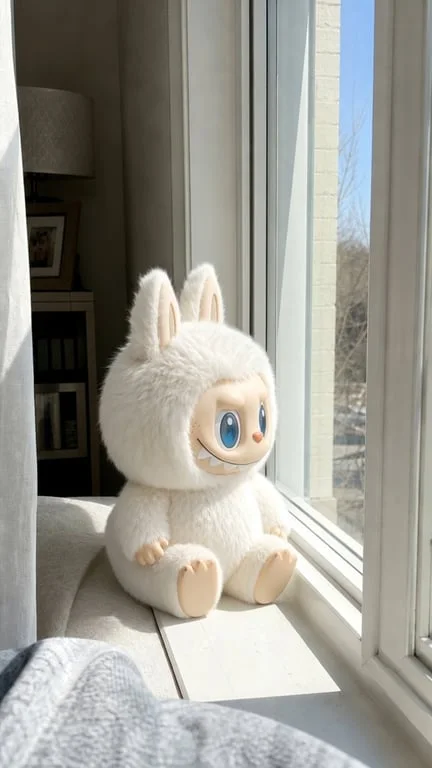
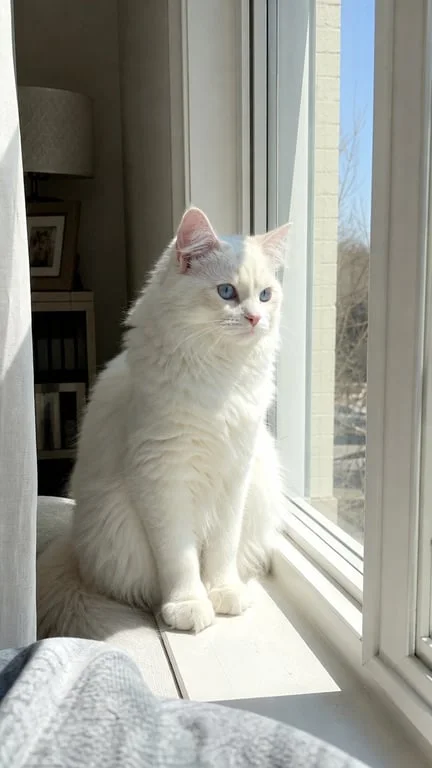
How people use the Labubu generator for character art, wallpapers and social clips
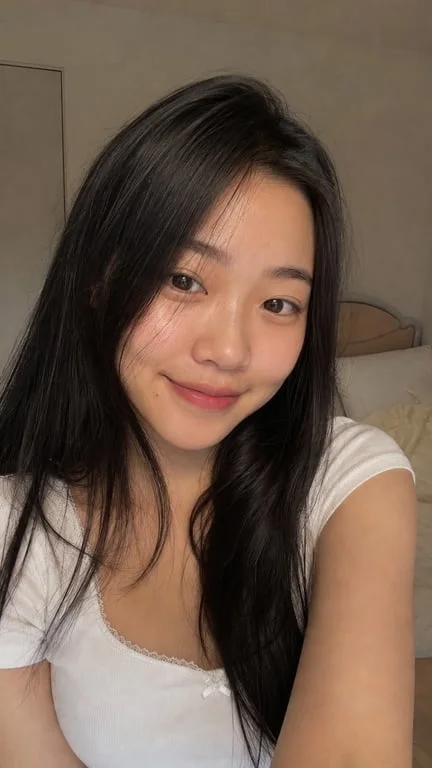
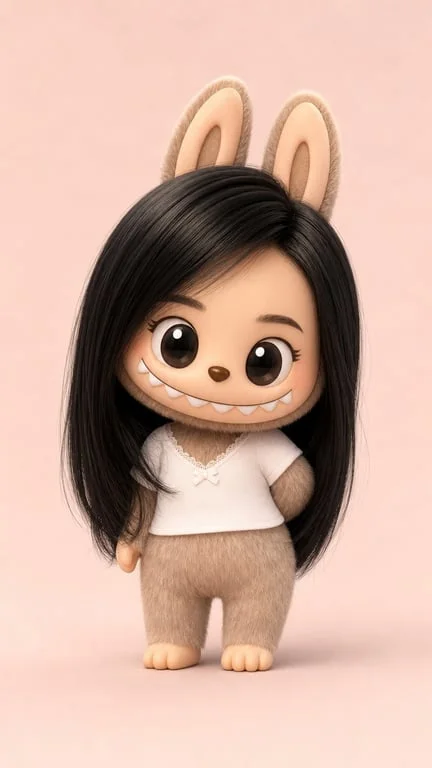
Become the character with your own photo
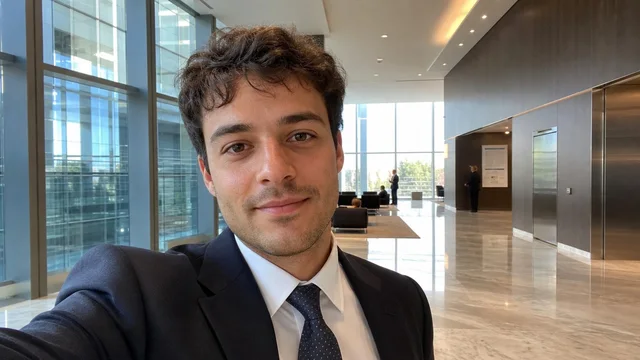
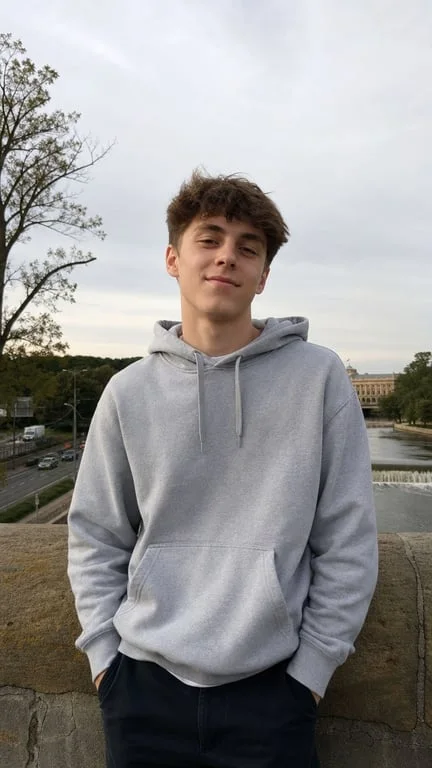
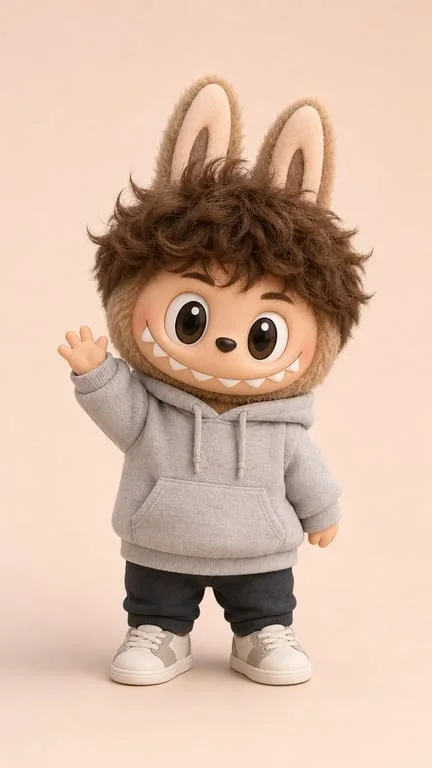
The trend started with fans turning themselves into the character, and that is still the main use. Upload a selfie and get a short clip of you as a Labubu, keeping your pose, outfit and background intact. Because the transformation is animated onto your photo rather than replacing it, the result still reads as you — which is exactly the part that makes it worth posting.
Make wallpapers and profile art from anything
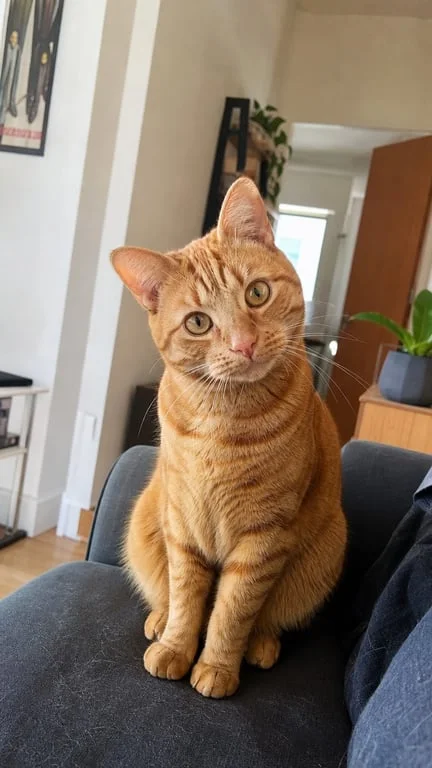
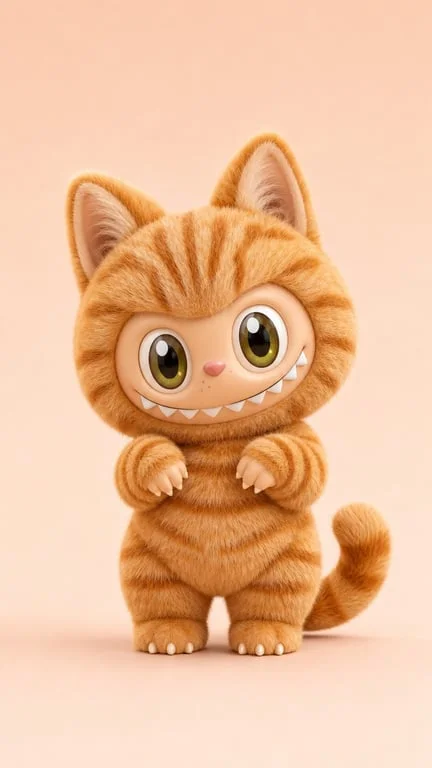
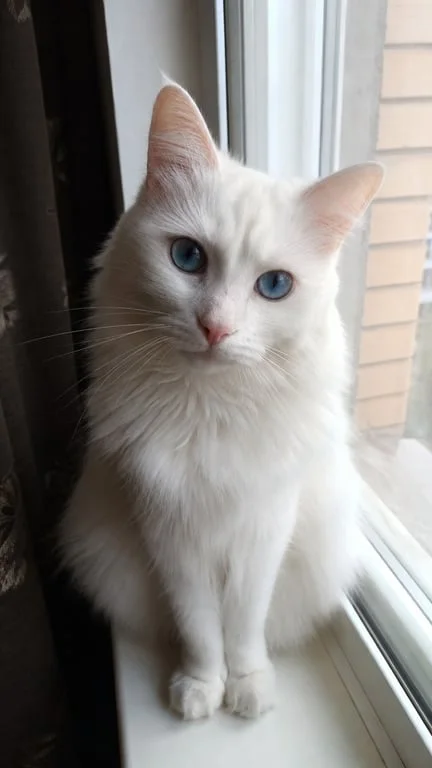
Designers and social accounts use the generator to turn a pet, a plush toy or a friend into character art for wallpapers, avatars and story stickers. The reference gallery covers a tabby cat, a Shiba Inu, a golden retriever, a white cat and a child in a floral dress, which shows the range of subjects that convert cleanly. It is a fast way to get consistent character-styled art without commissioning anything.
Repurpose photos as shareable reaction clips
Fan communities use the transformation as reaction content on TikTok, X and DeviantArt — a birthday post, a group chat punchline, a holiday card. The clip is short, the transformation is instant, and the source photo stays recognisable throughout, so the joke still lands. That combination is what makes it a reliable format for high-volume posting rather than a one-off novelty.
Why choose Toty
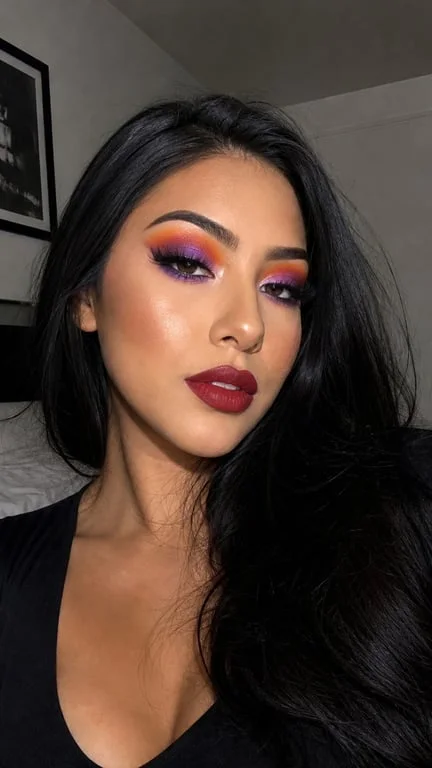
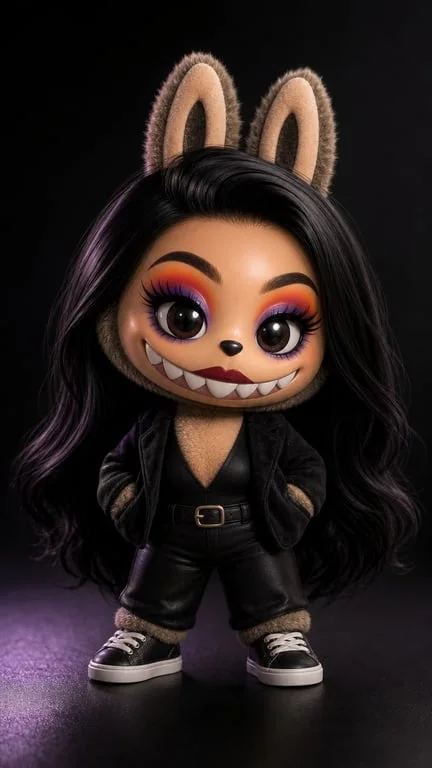
Transforms without replacing
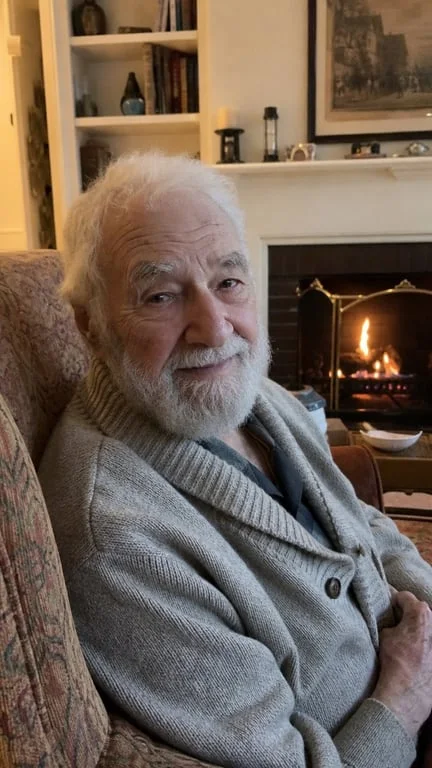
The subject keeps their pose, clothing, colours and background through the swap. That is what separates a transformation from a reskin — you can still tell who it is, which is the whole appeal.
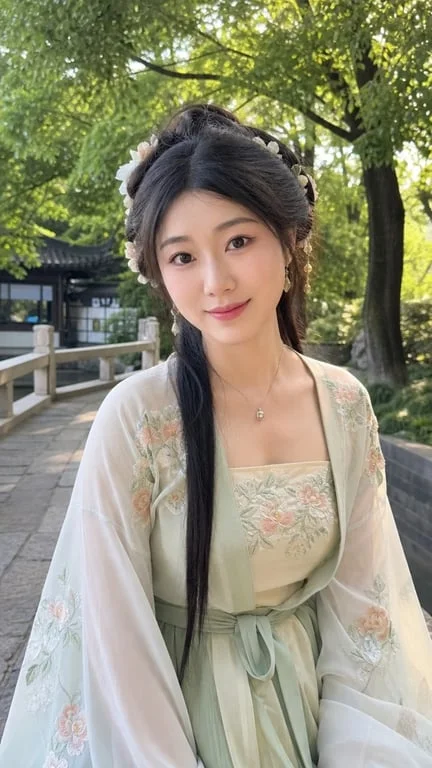
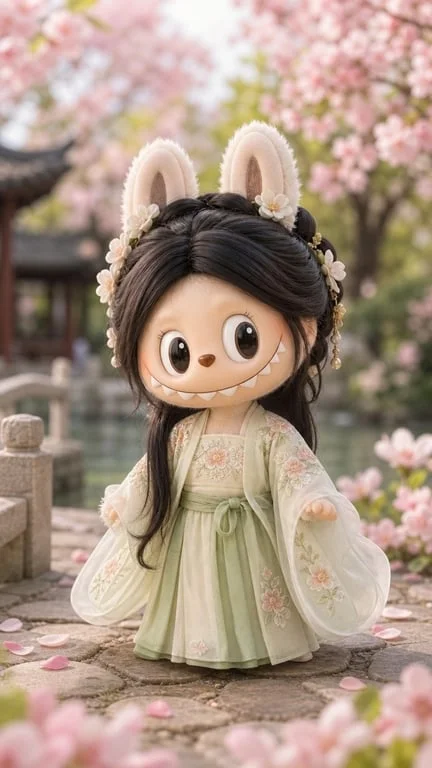
People, pets and everyday subjects
Selfies, pets, plush toys, children and cosplay all work. The reference gallery shows a mirror selfie, a boy in a park, a cat on a coffee table, a Shiba Inu, a golden retriever and more.
Ready to post in under a minute
Upload, prompt, download. The clip is delivered in a short, loop-friendly format sized for TikTok and Reels, ready to publish immediately.
How to create with Toty
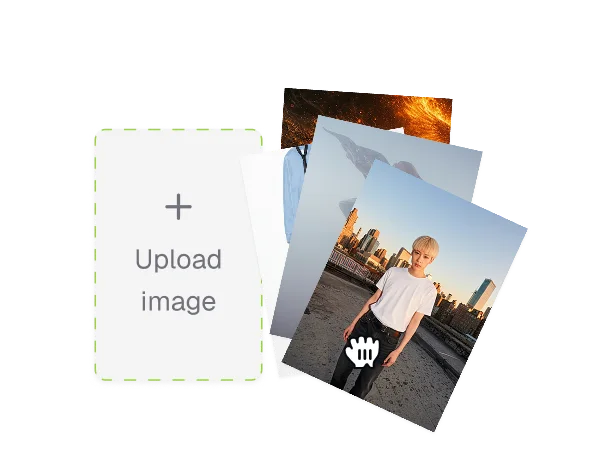
Upload a photo
Pick the subject you want to transform — yourself, a friend, a pet or a toy. A clear, well-lit photo where the subject is easy to see works best.
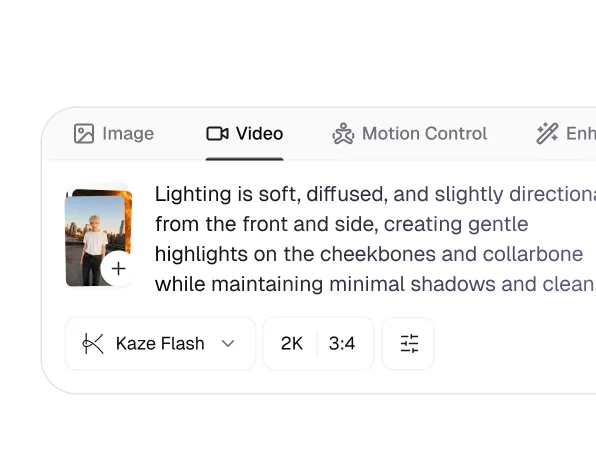
Describe the transformation
Say how the change should happen — a swirl of sparkles, a flash of light, drifting particles — and what should stay the same: pose, outfit, background, hair colour and glasses.
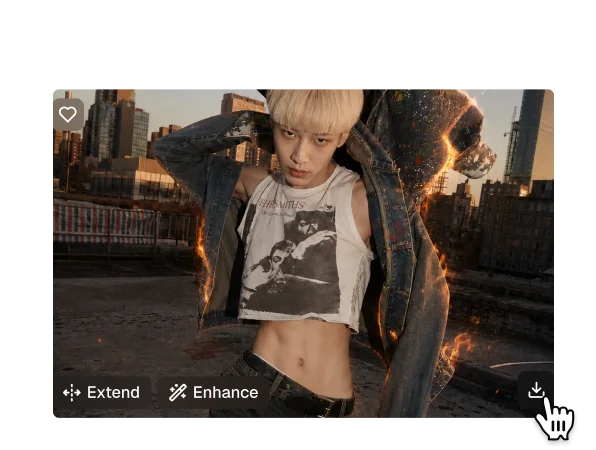
Download and share
Your clip generates in seconds as a ready-to-post file. Download it or share it from the results page, and try different prompts against the same photo.

Trusted by over 1M creators
Community of over 1M+ users
Yuki T.Content creator
My outfit and background stayed exactly the same. It still looks like me, just as a Labubu.

Ben S.Pet owner
Did my tabby cat. The round shape and colours came through and everyone asked how I made it.
Mari K.Social manager
We post a lot of seasonal content and this fills a slot that used to need a designer.

Ada L.Digital artist
Used it for a wallpaper. Clean output, and it did not take twenty minutes to iterate.
Tom R.Fan artist
The glasses and hairstyle survived, which is the part I always worry about.

Nina C.Group chat person
Posted it as a birthday message. Genuinely the fastest reaction content I have made.
FAQ
It animates a transformation onto your source photo: the subject holds their pose while sparkling light or particles swirl, and they take on the Labubu form. Because it works from your image rather than generating a new scene, the pose, outfit and background stay recognisable.
Yes. Upload a photo, describe the transformation and download the result without signing up.
People, pets, plush toys and everyday subjects. The reference gallery includes mirror selfies, children in school uniforms, a boy in a park, cosplay, a tabby cat, a Shiba Inu, a golden retriever, a white cat and a sleepy white rabbit.
No. The prompts are written to keep the same pose, clothing, colours, hairstyle, glasses and background, so the result still reads as your original photo.
Yes. Uploaded photos are encrypted, processed in isolation and deleted after generation, and are never used for training or shared.
Standard formats including JPG, PNG and WebP. A clearly lit subject with a simple background gives the cleanest transformation.
Explore more AI features
Discover new Toty features here