AI Skinny Filter – Slim Your Body and Face in Photos Free
Toty naturally slims your waist, arms, legs, hips, shoulders, and face without distorting the background or clothing. Free, no signup, results in seconds.
UploadUpload an image
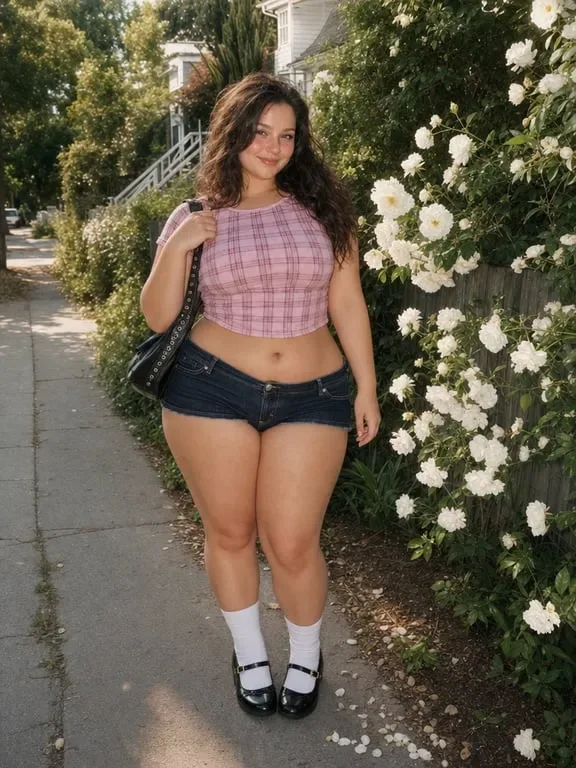
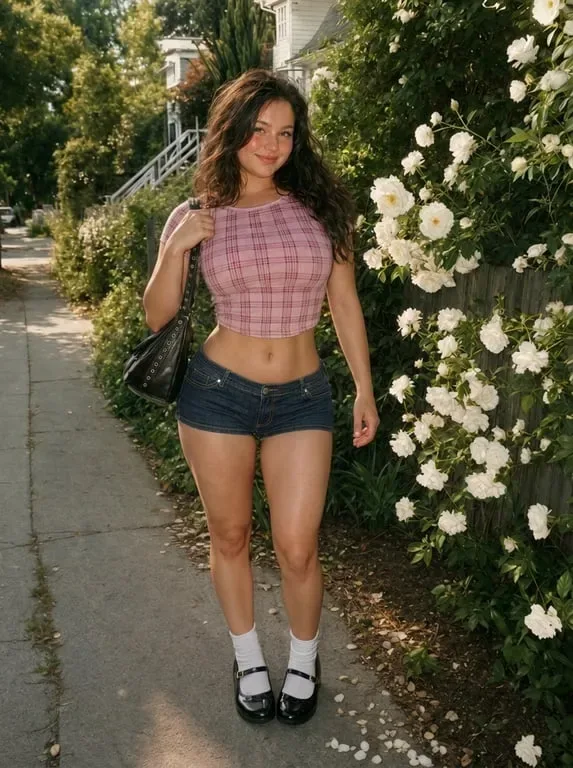
Create faster with examples

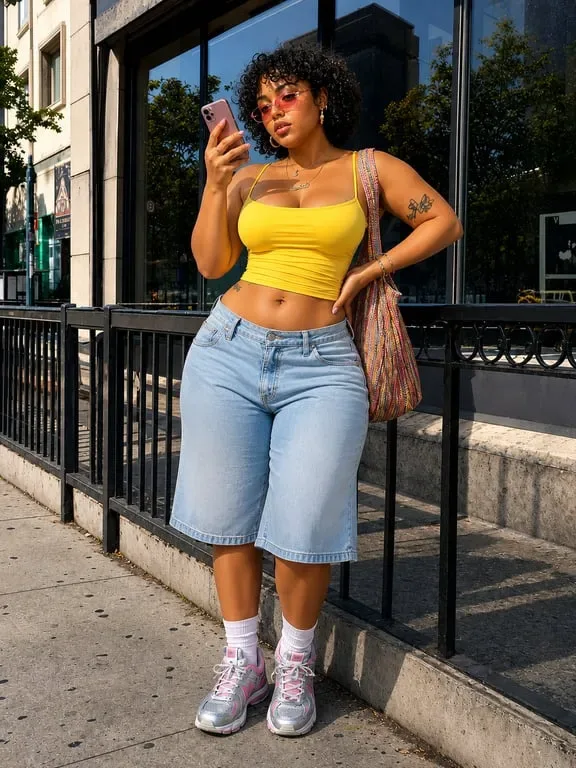
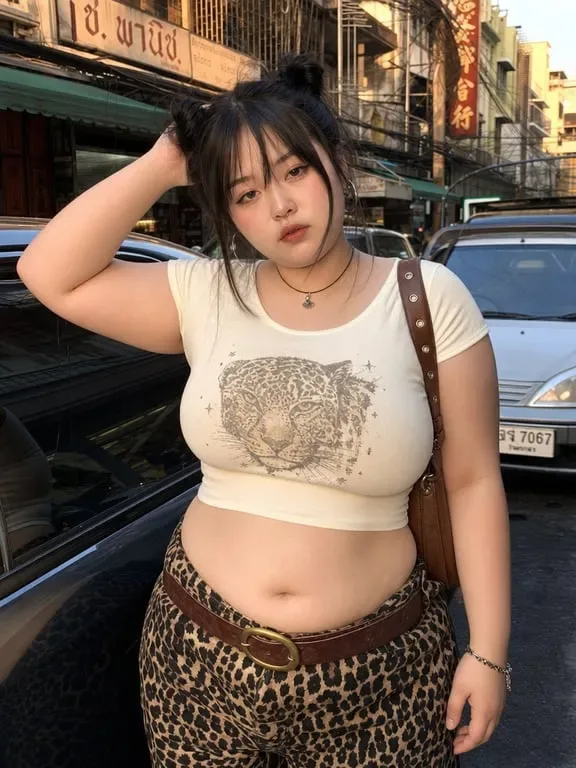
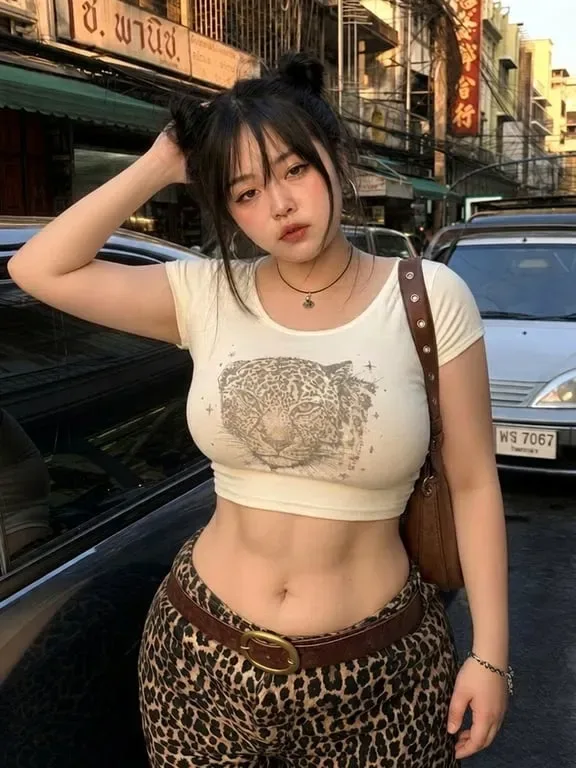


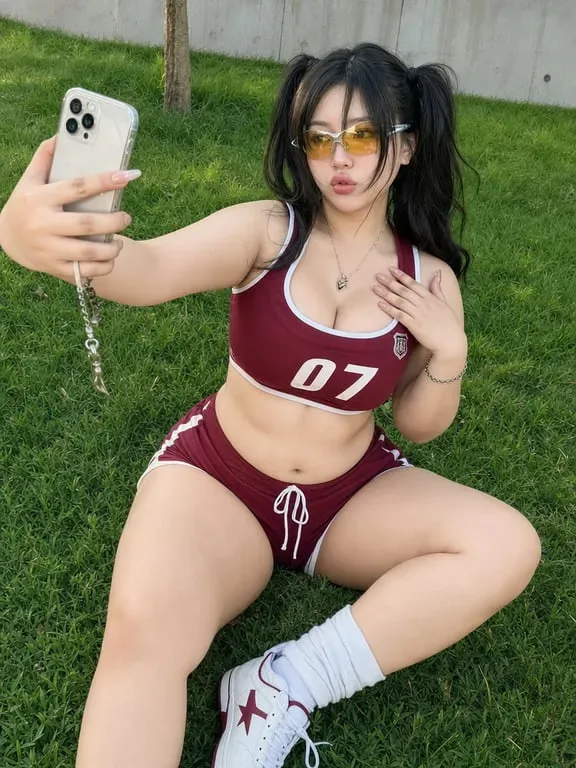
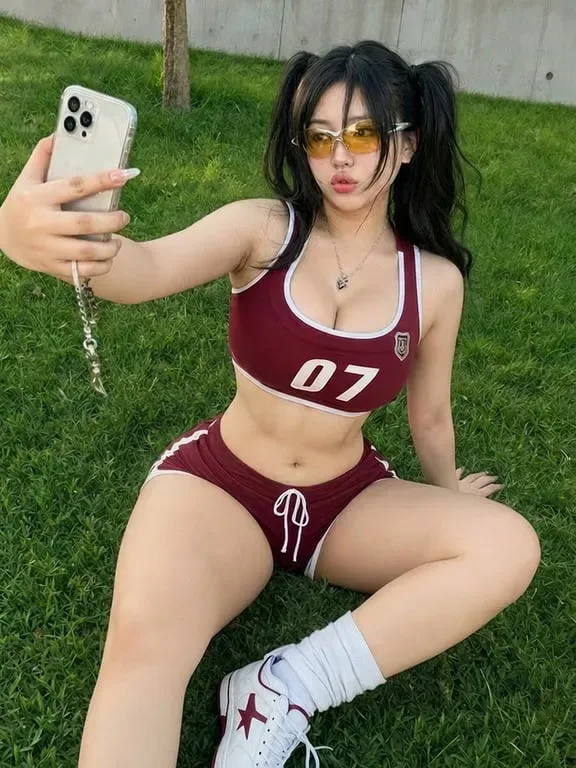


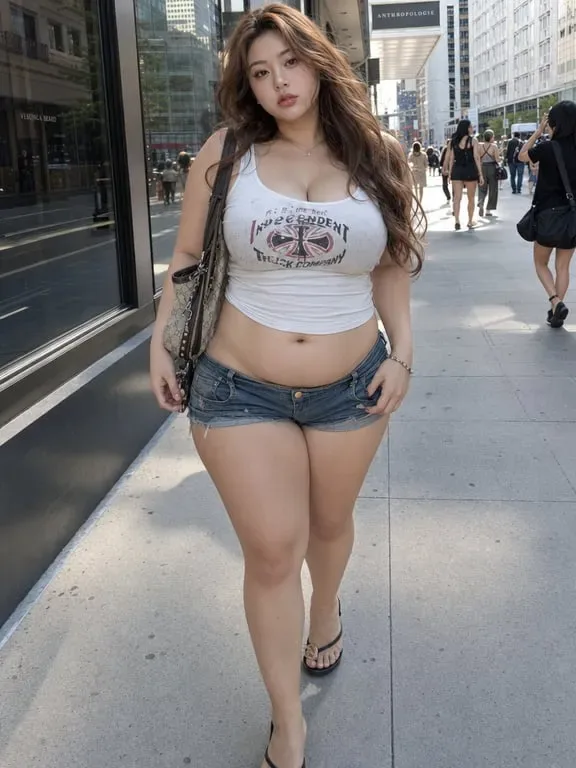
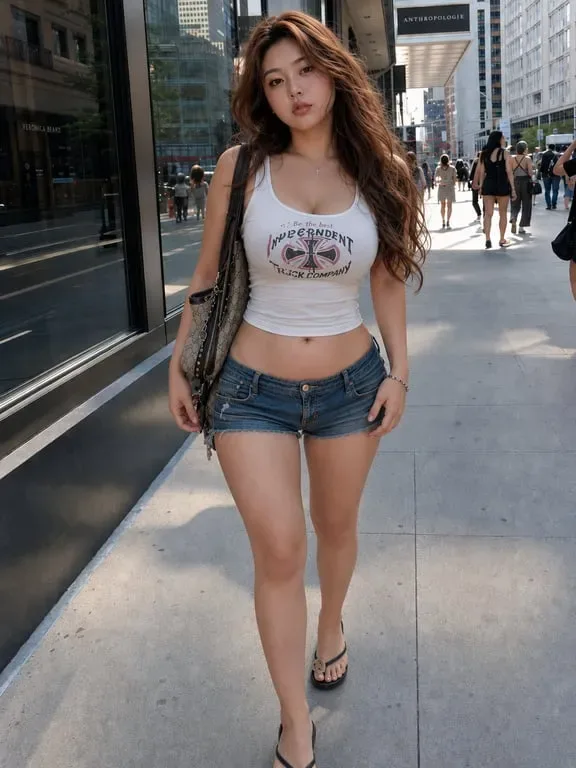
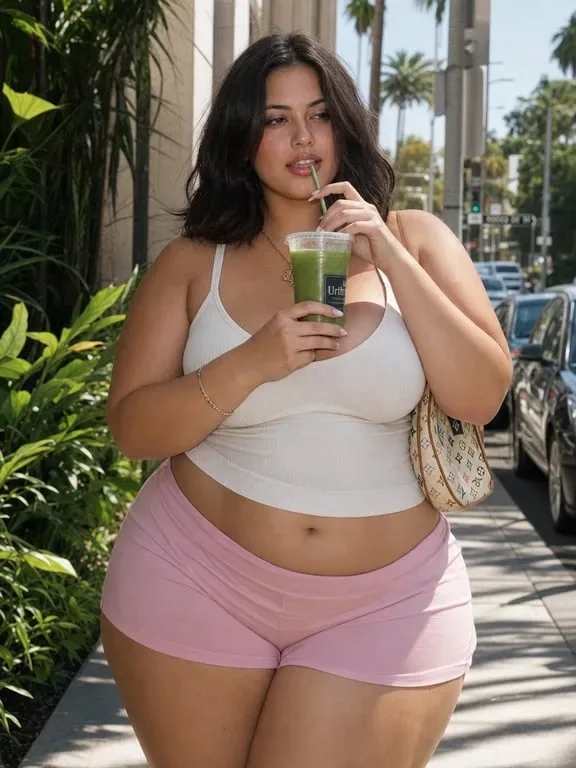
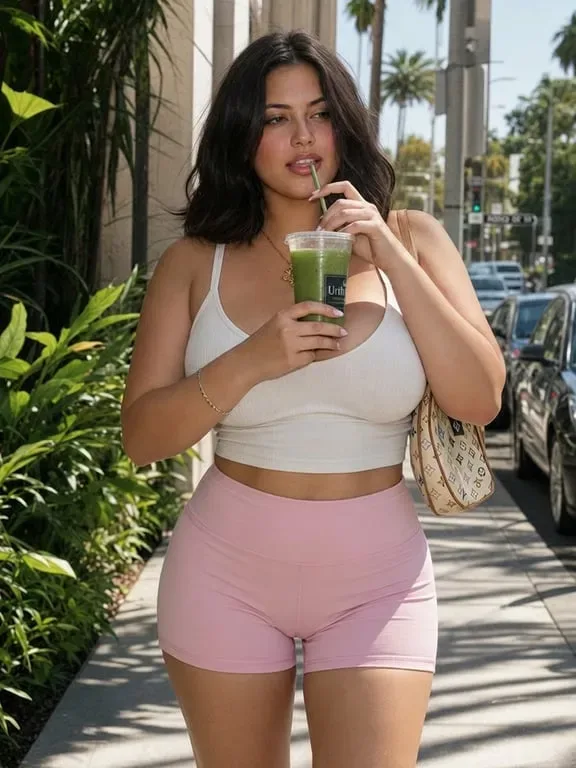
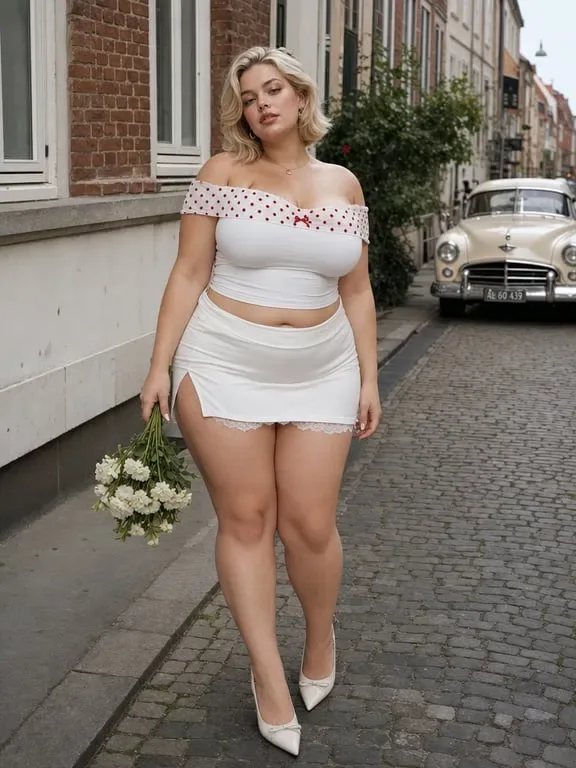

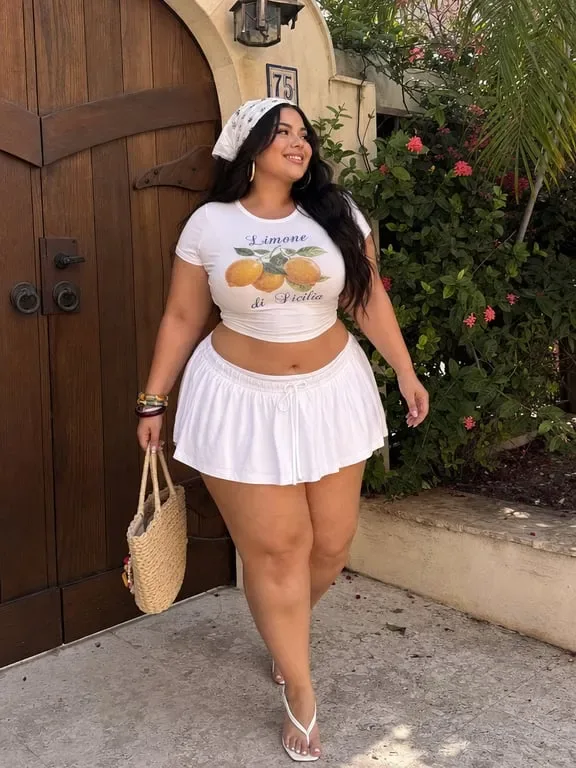

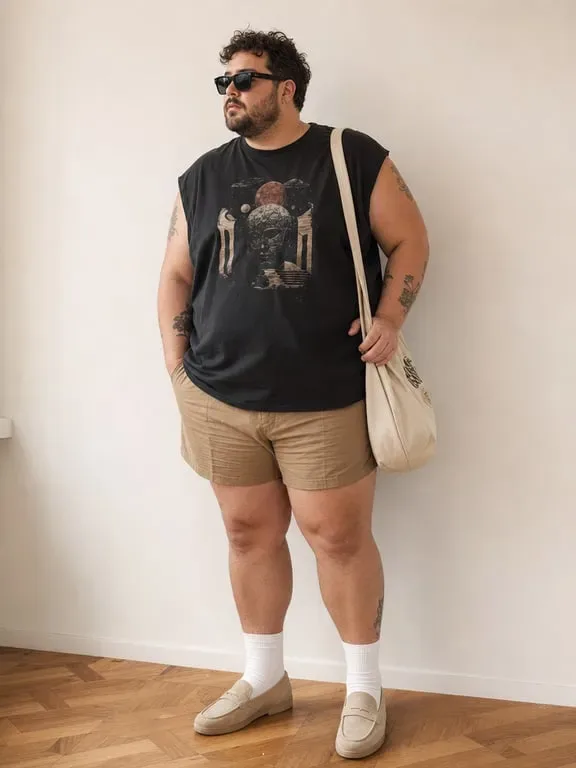
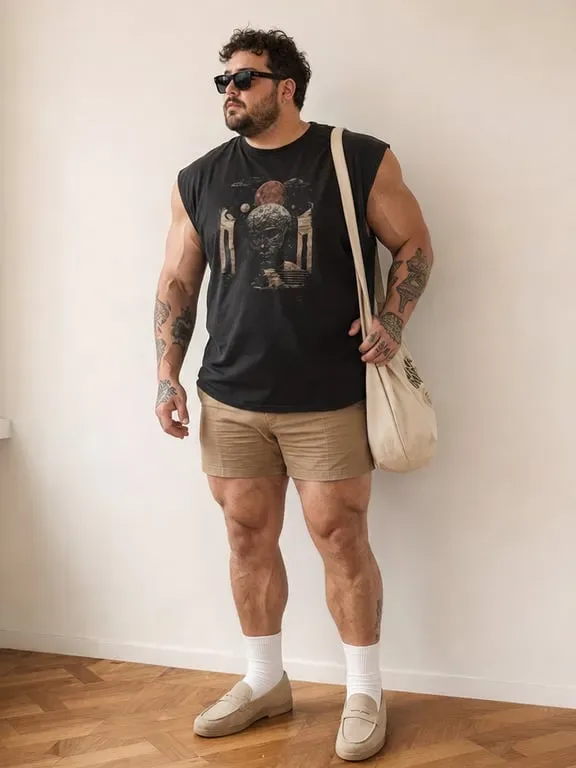
How people use AI Skinny Filter for Social Media, Fitness & Personal Confidence
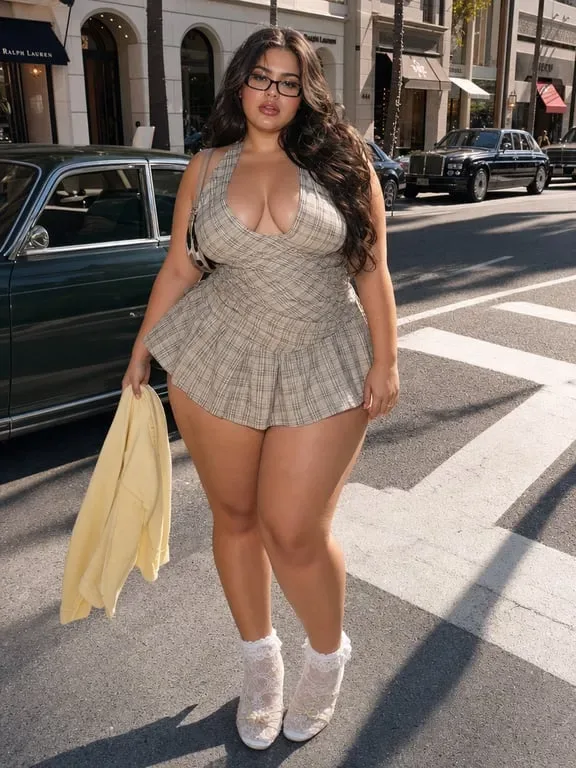
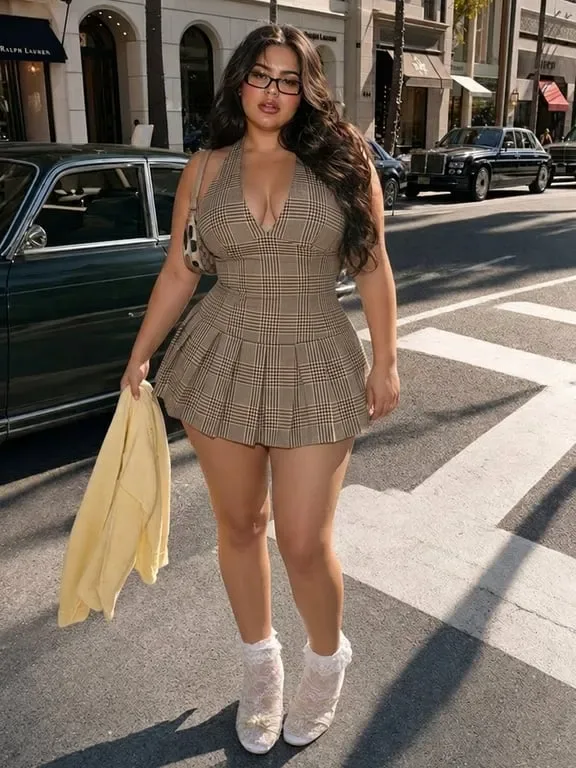
Slim your photos for social media and personal confidence
Toty's AI skinny filter lets you apply natural body and face slimming to selfies, portraits, and full-body shots before sharing on Instagram, TikTok, or dating apps. The AI automatically detects body contours and applies proportional slimming across the waist, arms, legs, and face without affecting the background, clothing, or surroundings. Results look like a natural, well-lit photo rather than an obviously edited image. No manual brush selection, no Photoshop skills, and no warped edges. Just a clean, confident version of your photo ready to share instantly.


Visualize fitness goals and create motivational before/after content
Fitness enthusiasts, coaches, and health content creators use Toty's free AI skinny filter to visualize goal physiques on their actual photos and create motivational before/after content. Upload your current photo, apply the slimming adjustment, and generate a side-by-side preview showing how you might look after reaching your fitness target. This is widely used for staying motivated, presenting transformation content, and creating fitness challenge posts. The AI skinny filter also removes double chin and refines jawline in the same edit, making it ideal for full-face and body before/after posts.
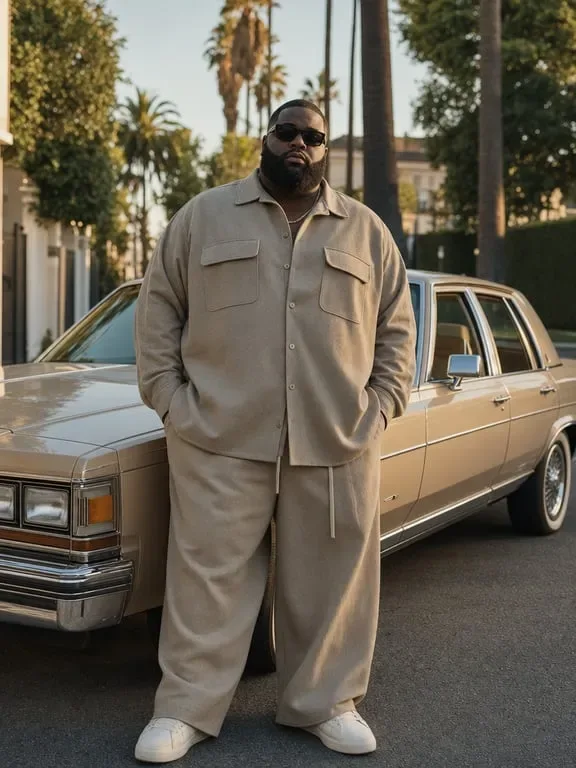

Improve dating app and profile photos
Many users apply Toty's AI skinny filter to improve dating app profile photos on Tinder, Hinge, and Bumble before publishing. Subtle body and face slimming creates a more polished, confident look while keeping the result natural enough to represent how you actually look. The AI adjusts proportions without touching the background or changing your facial identity, making the edited photo believable for real-life first impressions. Fast, free, and works directly from your phone browser with no account needed.
Why Toty
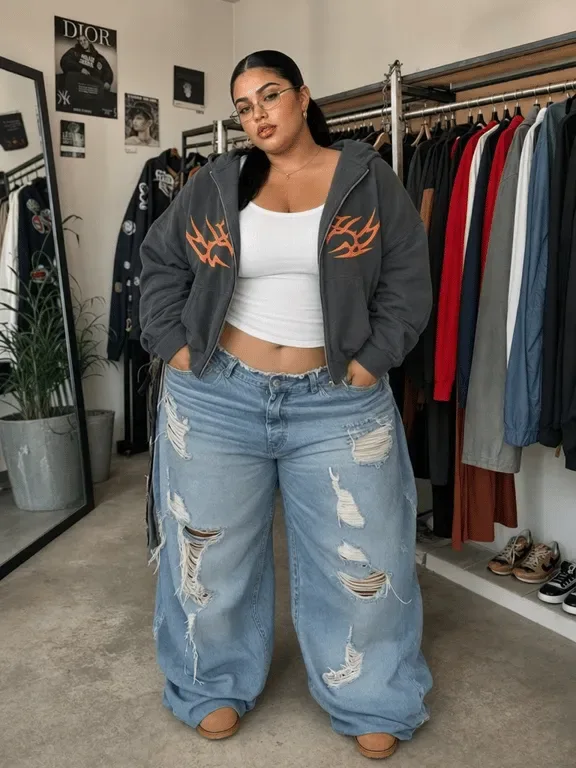
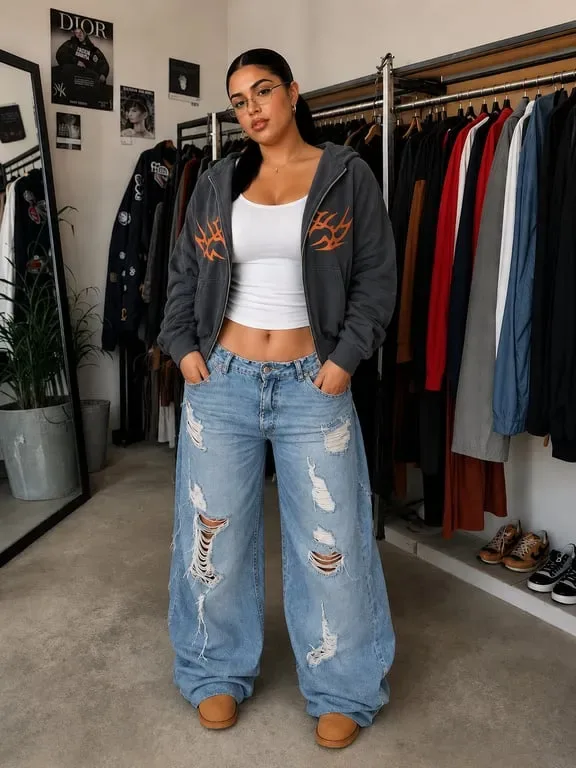
Natural results, no warped edges or liquify distortion
Toty's AI skinny filter analyzes the full image before applying any adjustments, understanding how the body, clothing, and background relate to each other spatially. The AI applies proportional slimming across the relevant body areas while leaving edges, clothing lines, and the background completely intact. Unlike manual liquify tools that create visible warps when applied too strongly, Toty generates edits that look like part of the original photograph.
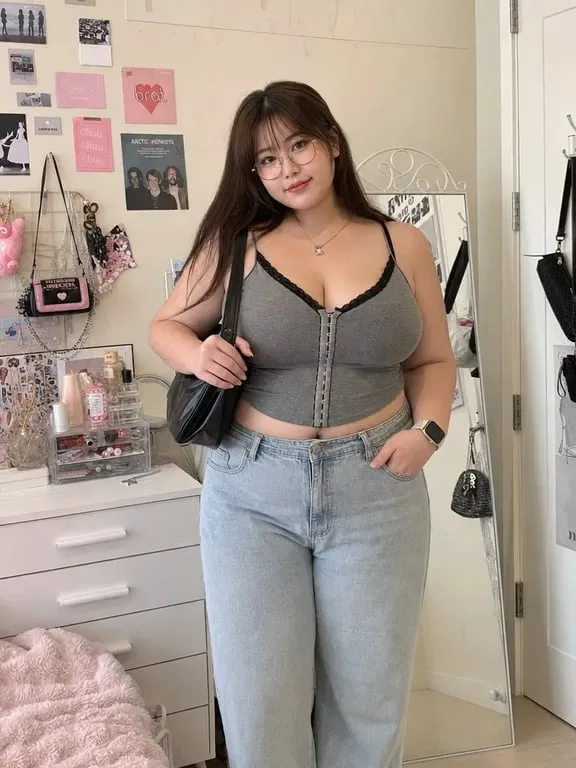

Fully automatic, no manual selections required
Toty's free AI skinny filter detects the human subject, identifies all slimmable areas including waist, torso, legs, arms, hips, and facial jawline, and applies proportional slimming automatically without any manual brush selection or slider adjustments. It also handles specific problem areas like double chin removal, tight-clothing waist compression, and bad-angle body correction automatically. This makes it faster and less error-prone than manual tools like Facetune or Snapseed.
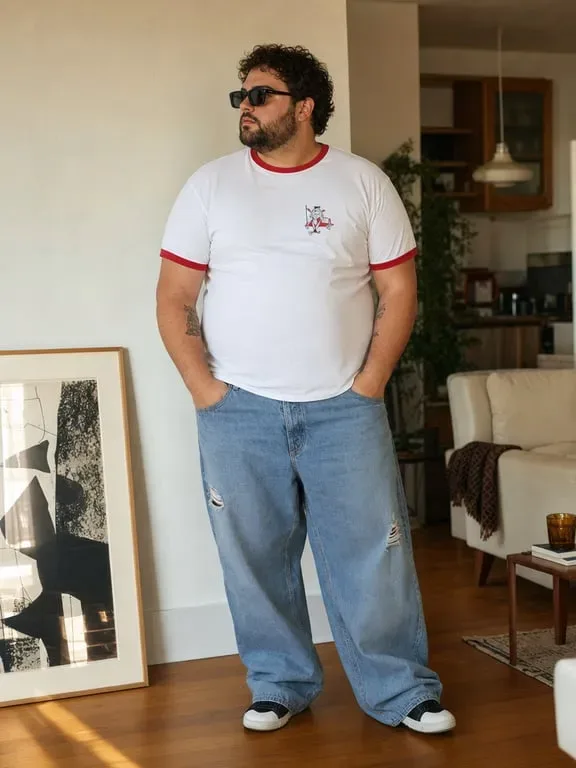
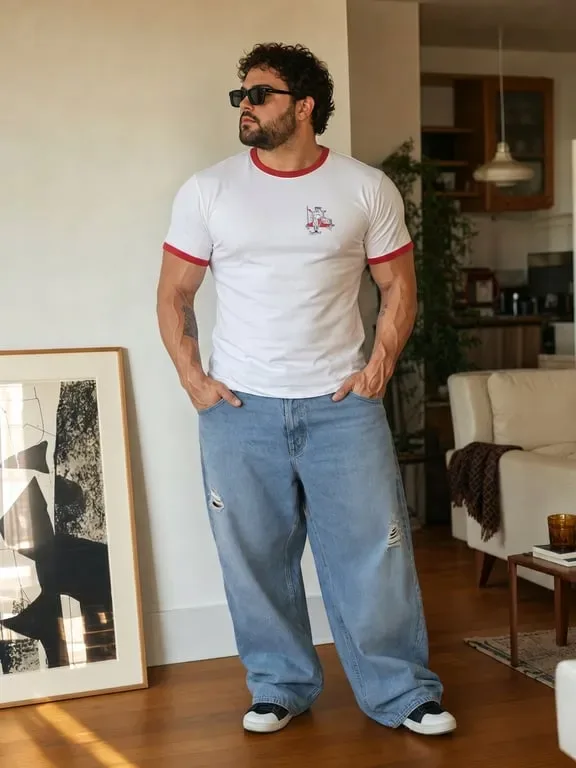
Your photos are fully private
All images uploaded to Toty's AI skinny filter are encrypted, processed in an isolated environment, and permanently deleted immediately after your result is generated. Toty never stores, reviews, or uses your photos for any purpose. Your privacy is fully protected for every session, with no additional settings required.
How to create with Toty
Upload your photo to the AI skinny filter
Upload any selfie, portrait, full-body photo, or fitness image to Toty's free AI skinny filter. JPEG, JPG, PNG, and WebP formats all work. For the cleanest results, use a well-lit photo where your full body or face is clearly visible without obstruction.
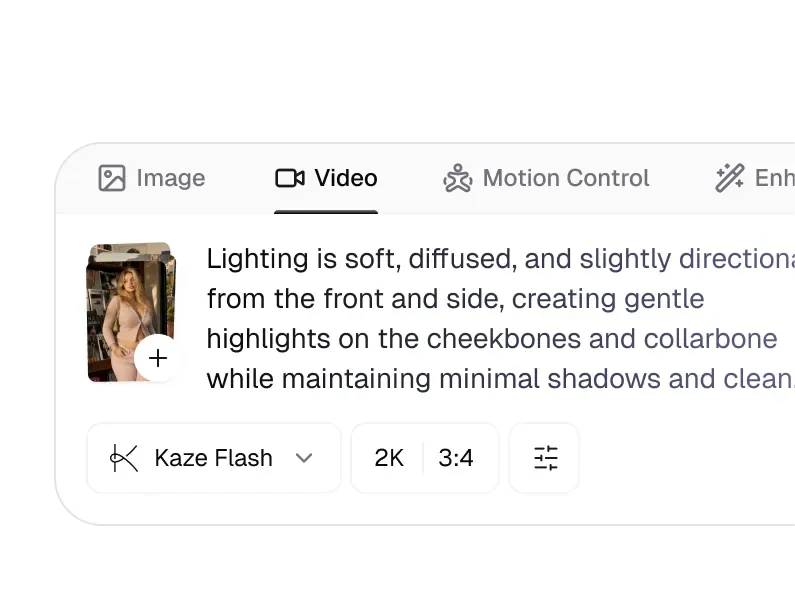
Describe the slimming direction you want
Type a plain-language description of your desired slimming effect: slim waist and body naturally, reduce face width, slim arms and legs. You can also specify style direction such as subtle enhancement or more noticeable slimming. The AI skinny filter adapts to your description and applies it proportionally.
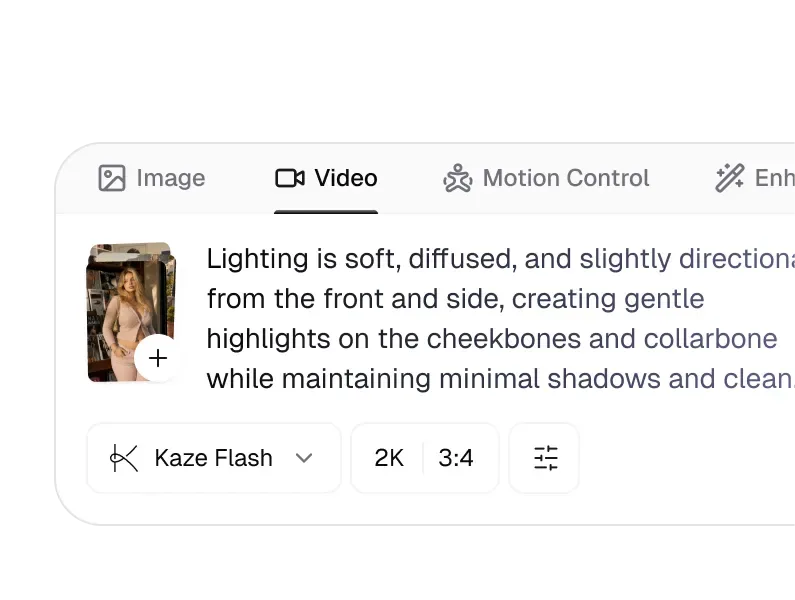
Generate and download your slimmed photo
Toty's AI skinny filter processes your photo in seconds, delivering a natural slimming result that preserves your background, clothing, and facial features. Review the result, refine the prompt if needed, and download in high resolution. Free, no account, no watermark.

Trusted by over 1M creators
Community of over 1M+ users

Lily K.
Toty's AI skinny filter gave my photos the toned look I have been working toward without making it look fake or overdone. It's my go-to before every post.

Jason R.
Clients love how confident they look with just a subtle touch-up. It smooths proportions just right and always looks natural. Big upgrade for my workflow.

Michelle T.
I used to spend hours editing manually. Now one upload and I get the exact contouring I want. No distortion, no stress. Just results.

Noor H.
I model my own boutique products and this filter helped me feel more polished in promotional shots. It's boosted both my confidence and my conversion rate.

Kevin L.
Toty helped me enhance my beach shots enough to feel confident sharing them. The before and after is subtle but powerful. The background stays perfect.

Sara M.
I use the skinny filter to create motivational before/after content for my clients. The AI understands body proportions and the results look genuinely realistic.
FAQ
Toty Skinny Filter is a free online tool that uses artificial intelligence to slim body and face proportions in any photo. Upload a photo, describe the slimming adjustment you want, and Toty automatically generates a natural-looking, proportional result without distortion. Free, no signup, no editing skills required.
Upload your photo to Toty's free AI skinny filter at toty.ai/skinny-filter. Describe the adjustment you want such as slim waist naturally or reduce face width, and the AI applies proportional slimming in seconds. Download the result for free with no account required.
No. Toty's AI skinny filter applies proportional slimming that preserves the background, clothing edges, and surrounding image elements. Results look like a naturally photographed version of you rather than an obvious manual liquify edit. The AI aims for subtle enhancement rather than dramatic distortion.
Both. Toty's AI skinny filter can slim your full body including waist, arms, and legs, apply face slimming targeting jawline and cheek width, or combine both adjustments in a single edit. Describe what you want in plain language and the AI applies it accurately.
Yes. Toty's skinny filter is widely used for fitness transformation before/after content. Upload your photo, apply the slimming adjustment, and download the result for side-by-side comparison posts on Instagram or TikTok.
Facetune and Snapseed require manual brush selection and precise dragging to slim specific areas. Toty's AI skinny filter is fully automated. Upload your photo and the AI detects and adjusts the relevant areas automatically with no manual input, making it significantly faster and less prone to distortion caused by imprecise manual edits.
Yes. Toty's AI skinny filter is completely free with no account, no credit card, and no signup required. Upgrade to unlock unlimited generations, higher resolution downloads, and more precise slimming controls.
Yes. Toty runs in your browser on iOS and Android with no app download required. Upload your photo directly from your phone camera roll and download the slimmed result to share instantly.
The fastest way to look thinner in photos is to use Toty's free AI skinny filter. Upload your photo and the AI automatically slims your waist, legs, face, and overall body proportions in seconds without distortion. For best results, use a well-lit, clear photo. You can also improve results at the shooting stage by using flattering angles, extending one leg forward, and avoiding direct-facing stances that add visual width.
Explore more AI features
Discover new Toty features here