Prompt
Upload an image
Please upload an image first.
AI Squish Video Generator
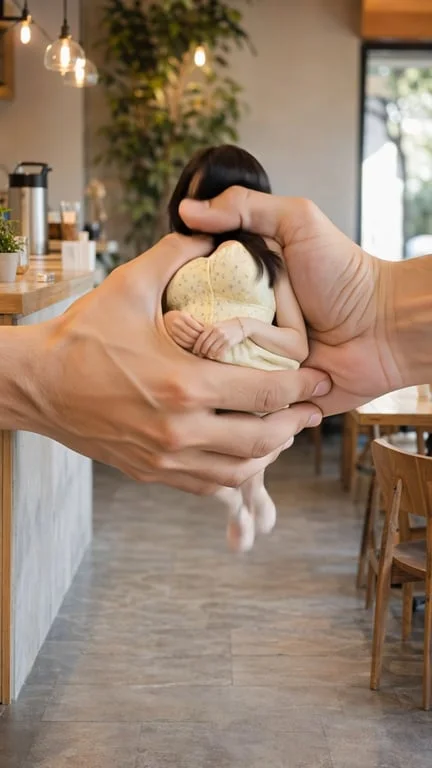
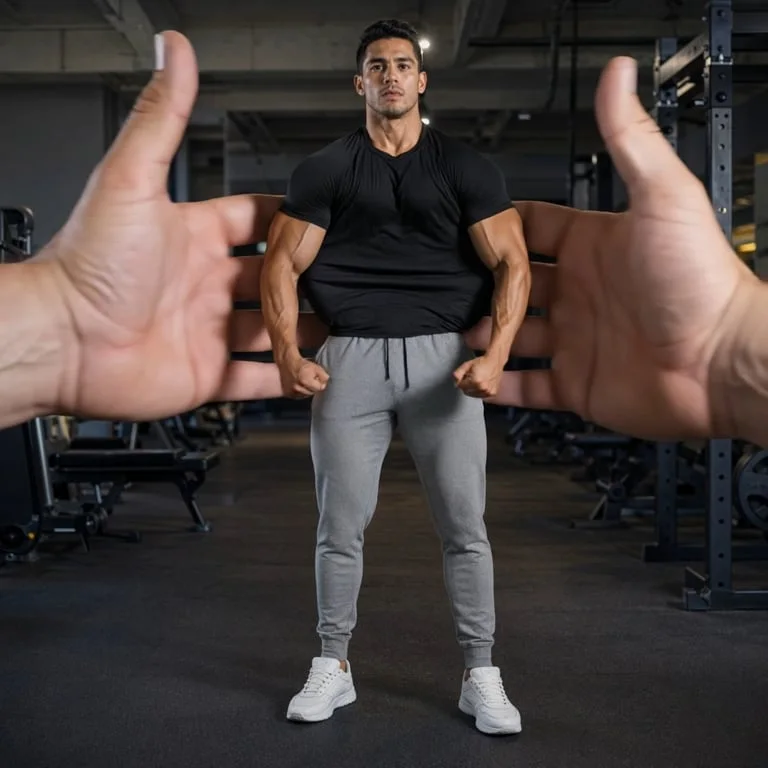
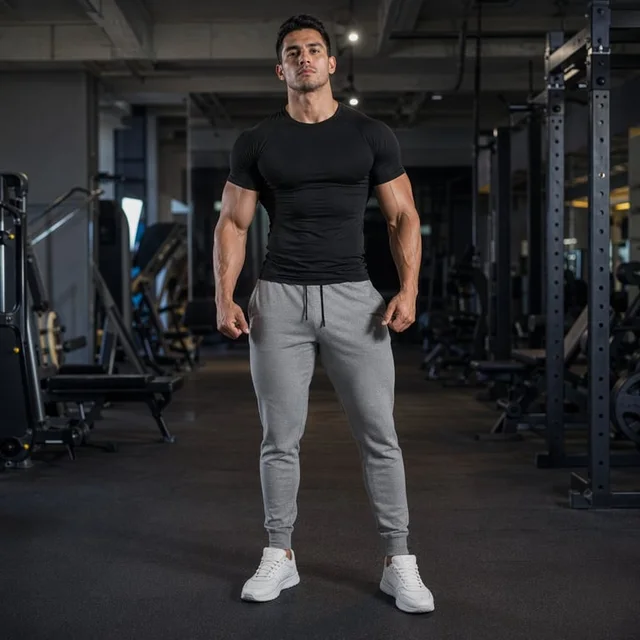
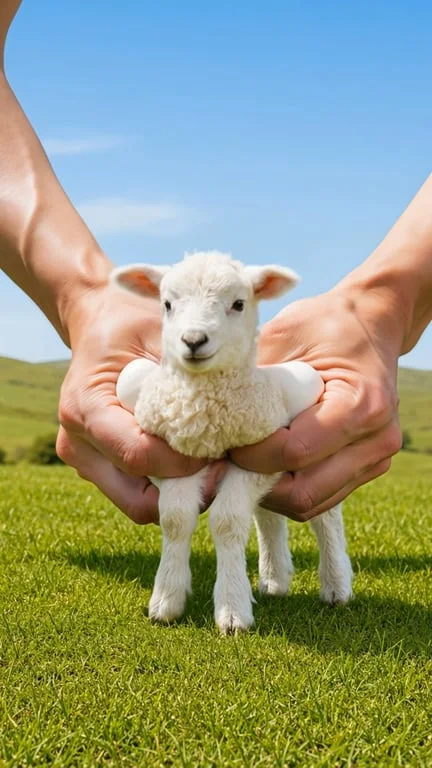
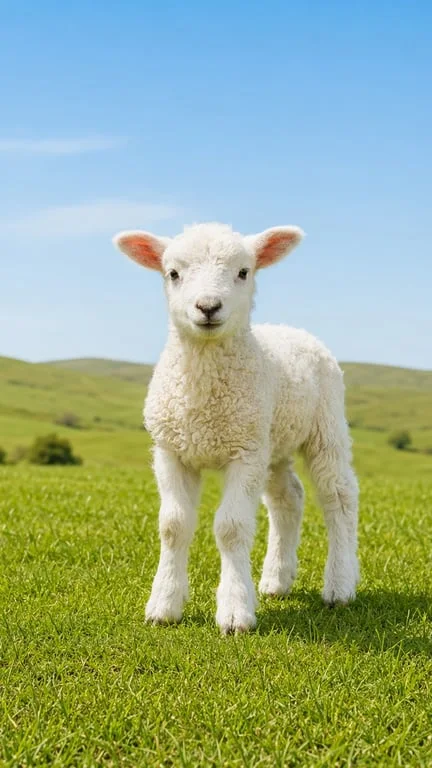
Turn any photo into a satisfying elastic squish clip. Upload an image and watch giant hands press and squeeze it in seconds.
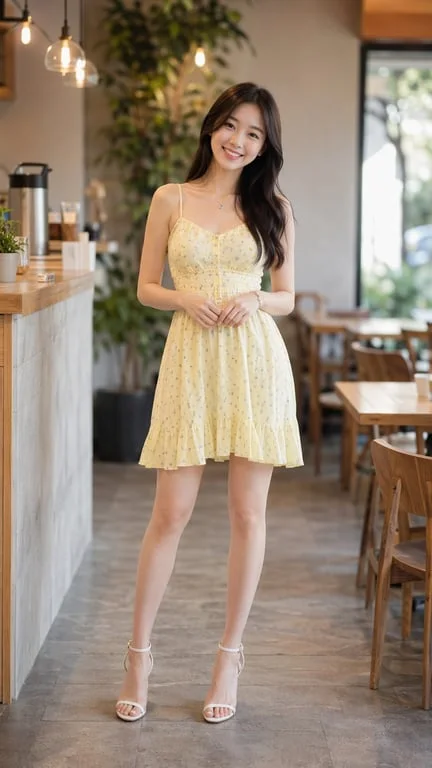
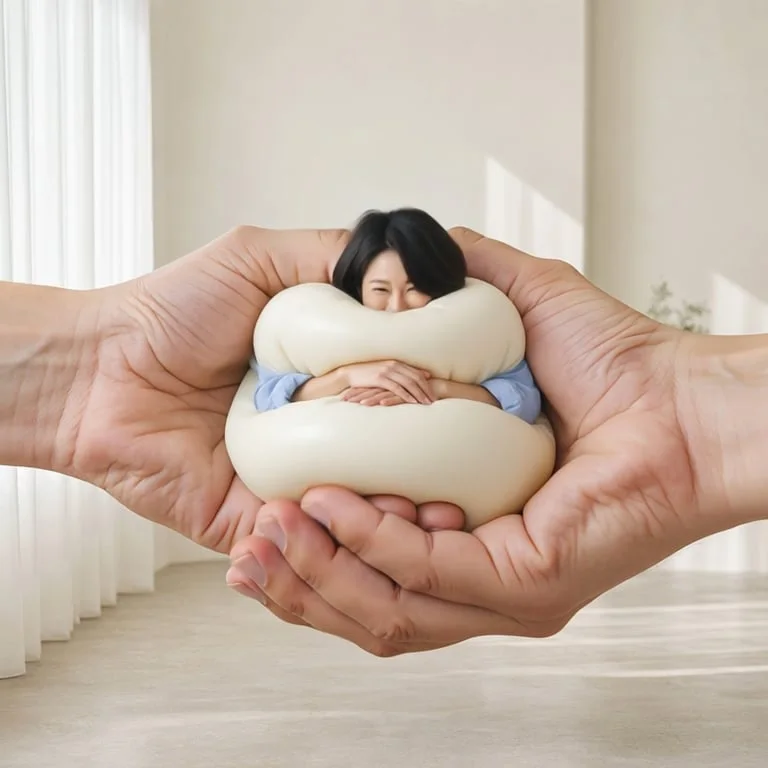

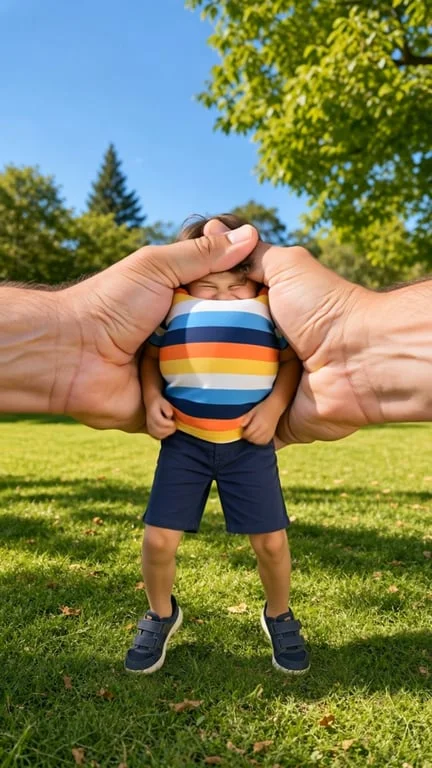
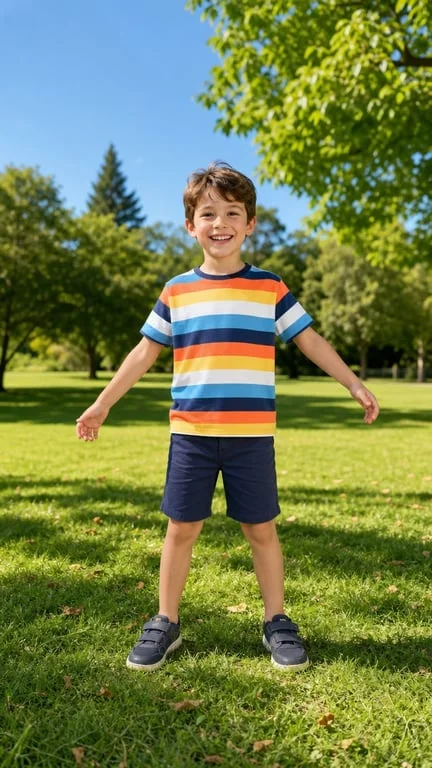
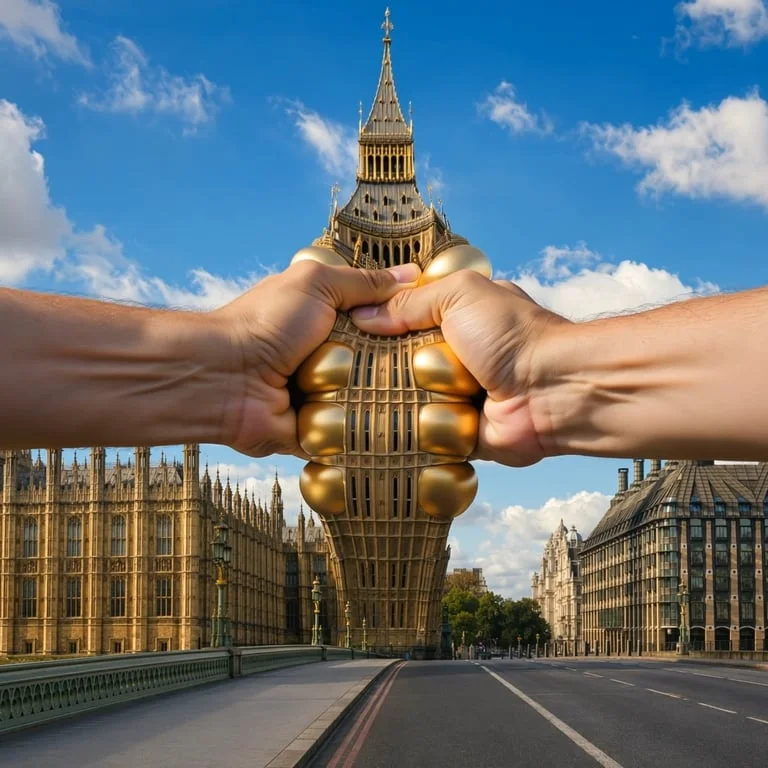

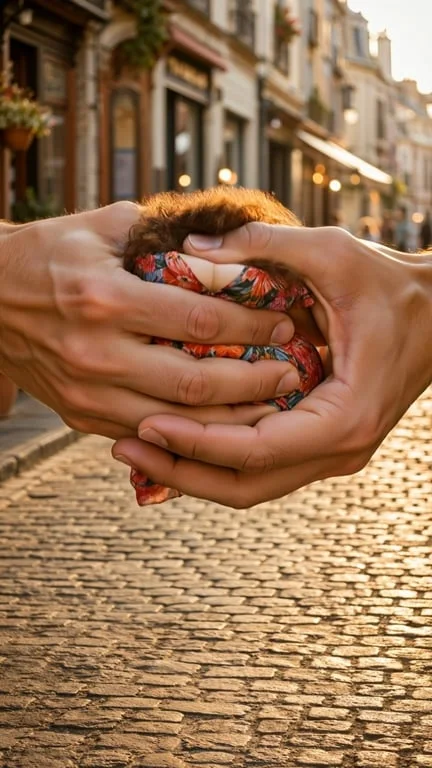
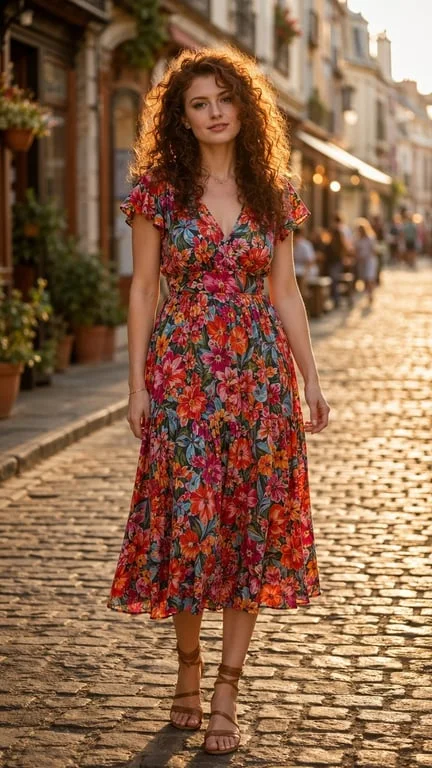
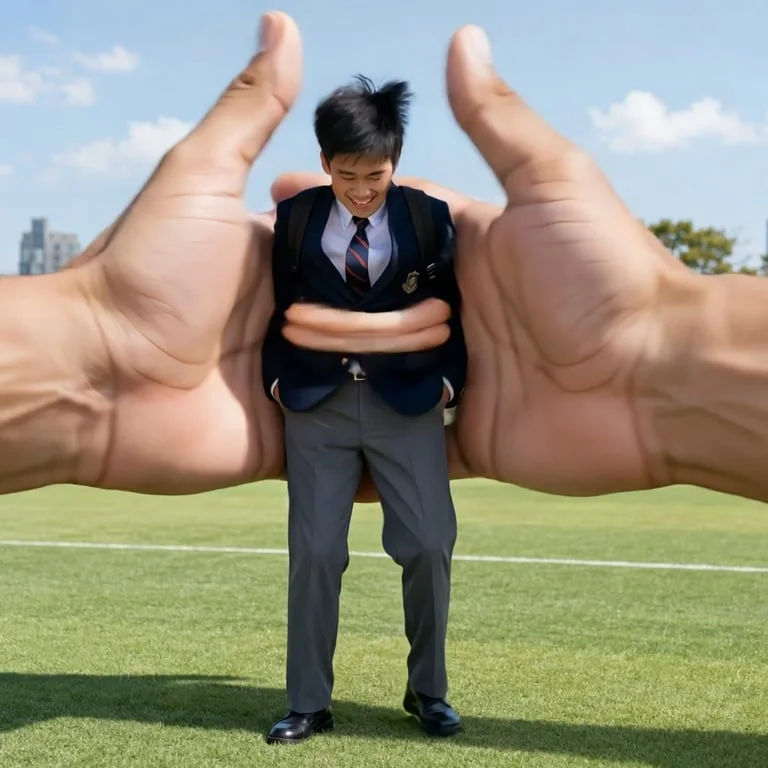
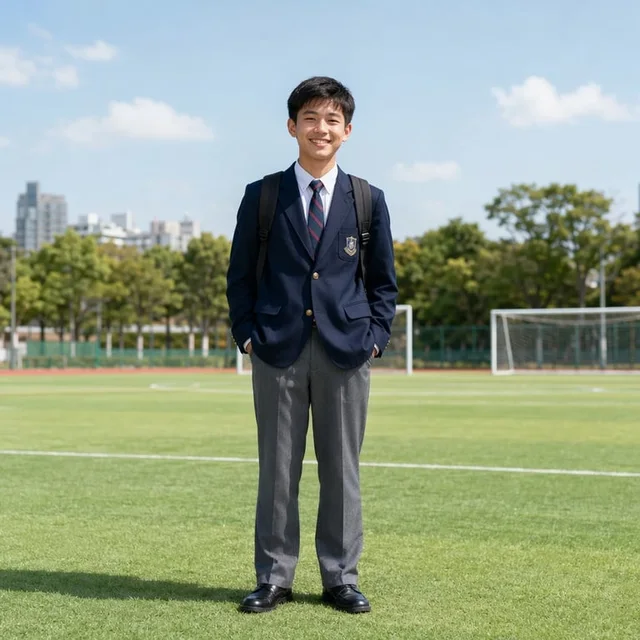
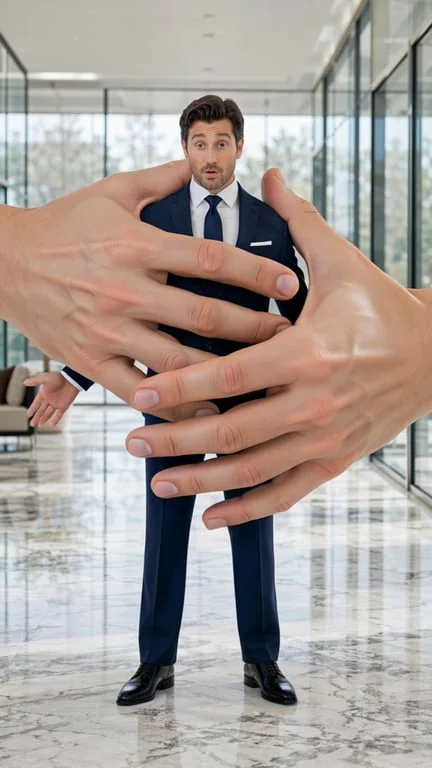

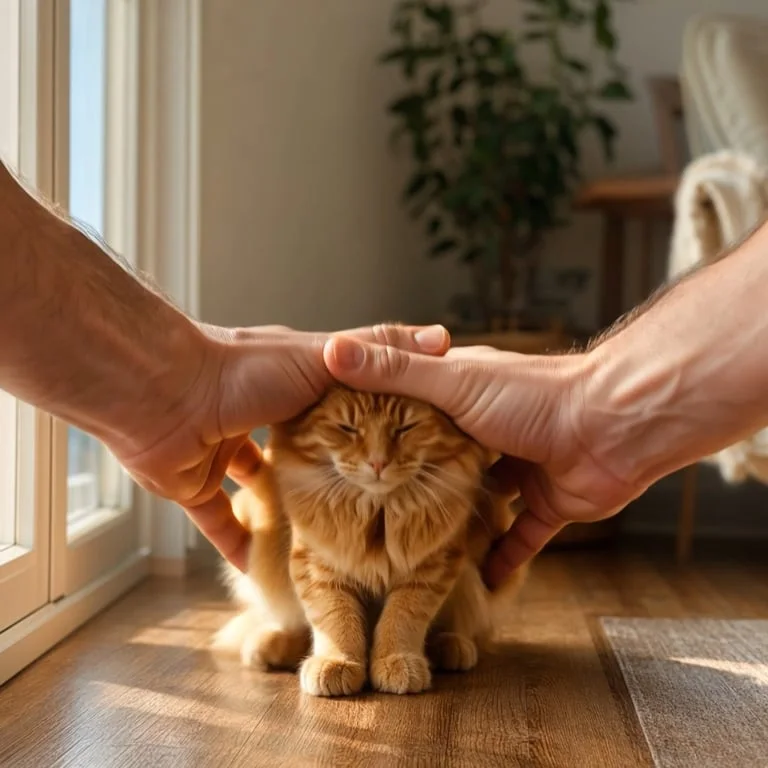
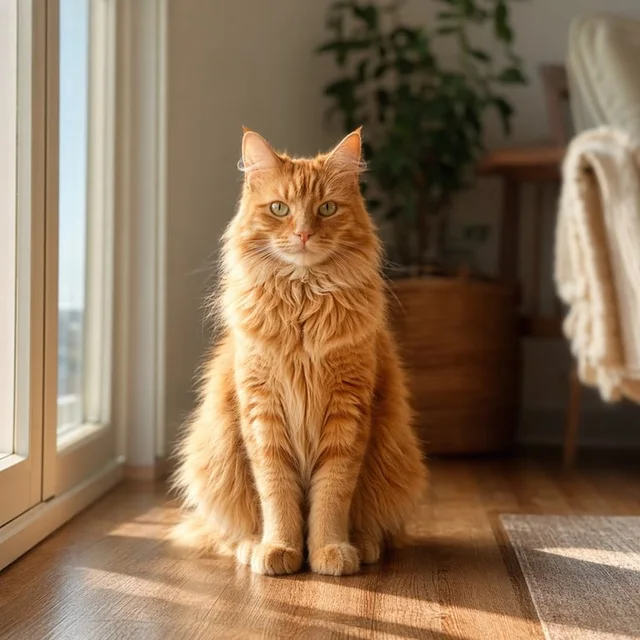
How people use the AI squish generator for comedy, memes and satisfying content
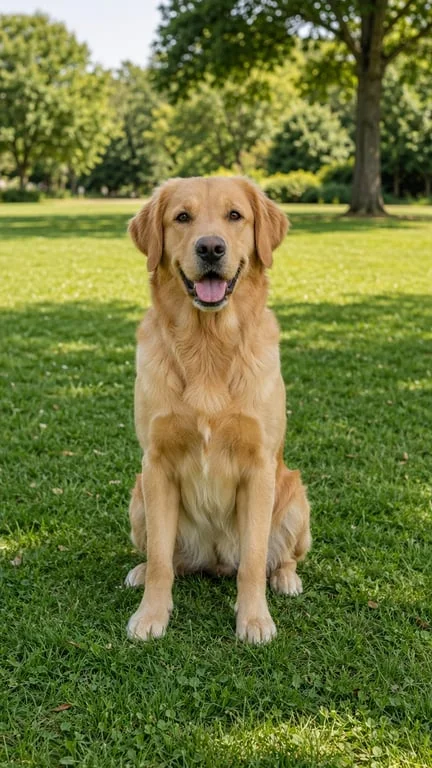
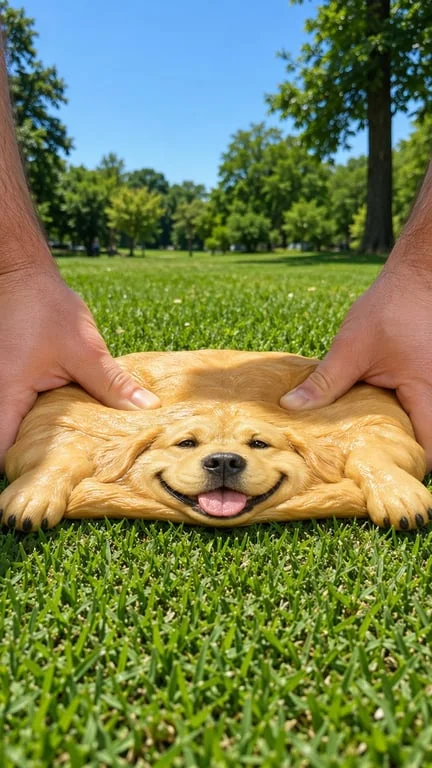
Make satisfying squash content for social feeds
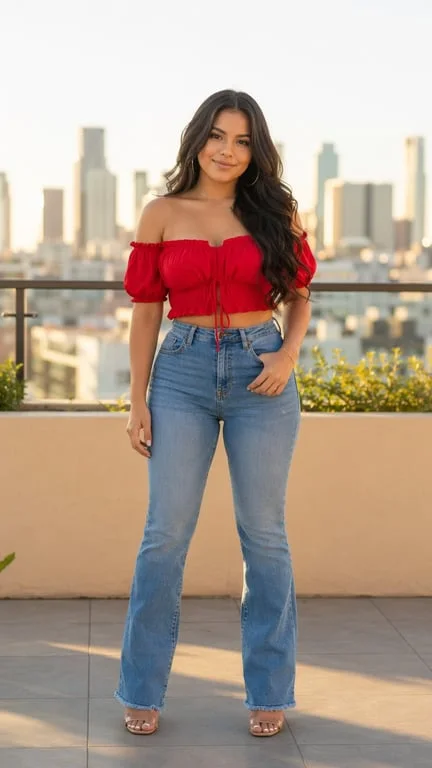
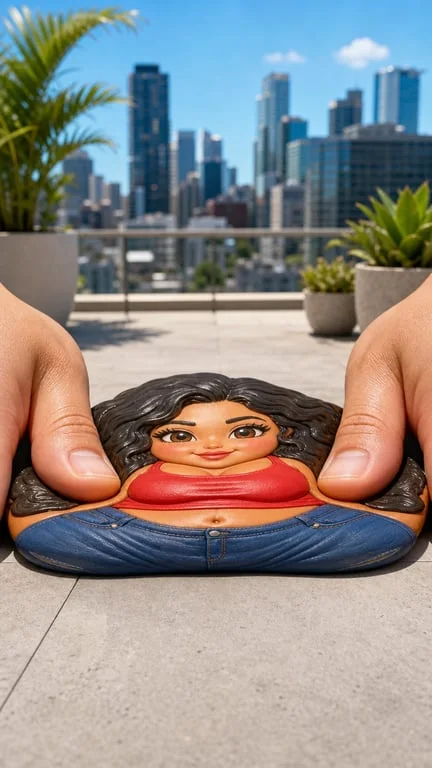
Short-form audiences respond strongly to squeeze and release loops, and the effect works on almost any subject — a pet, a snack, a plush toy or a person. Creators upload a photo, pick the direction of the press and the amount of stretch, and get a clip back in seconds. Because the deformation is regenerated per frame, the subject keeps its identity and background instead of smearing, which is what separates a convincing squish from a cheap warp filter.
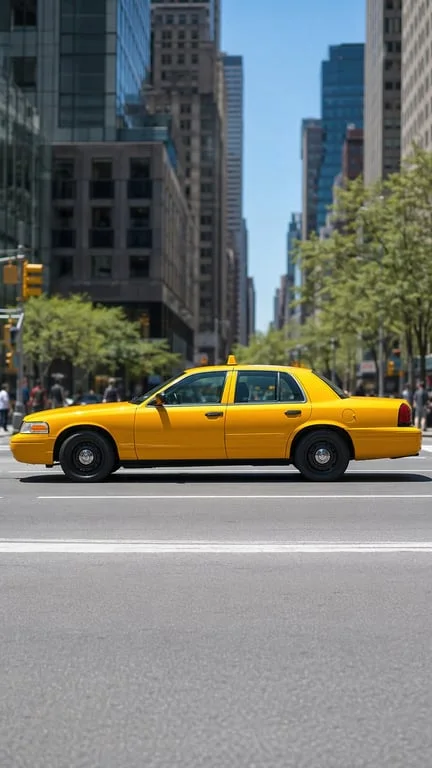
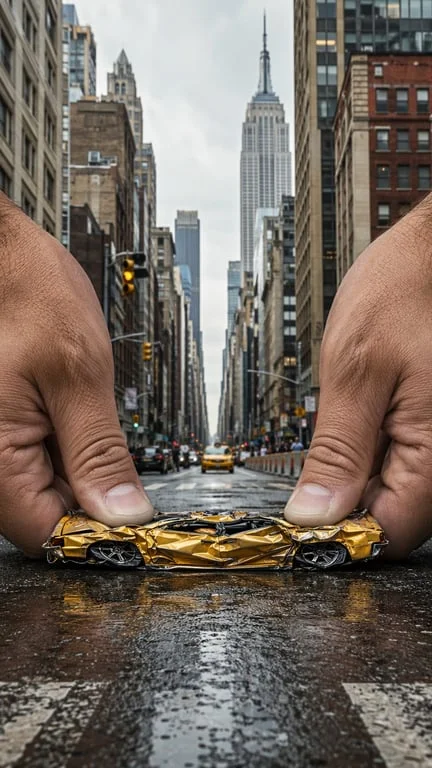
Add a reaction beat to memes and skits
Meme makers and comedy skit accounts use the generator to punctuate a punchline — a slow squeeze that builds anticipation, then a release. Because the hands read as physically present and correctly scaled relative to the subject, the gag lands, whereas a generic distortion filter just looks like a broken image. Pairs well with a caption or a trending audio for a quick turnaround clip.
Animate products and food for playful promos
Food creators, snack brands and novelty gift shops use the effect to make a static product shot interactive. A squeeze and rebound communicates texture and softness — something a still photo can imply but never prove — and the result is a short loop usable as an ad bumper or a story sticker. The source image's lighting and composition carry through, so it still reads as the same product shot.
Why choose Toty

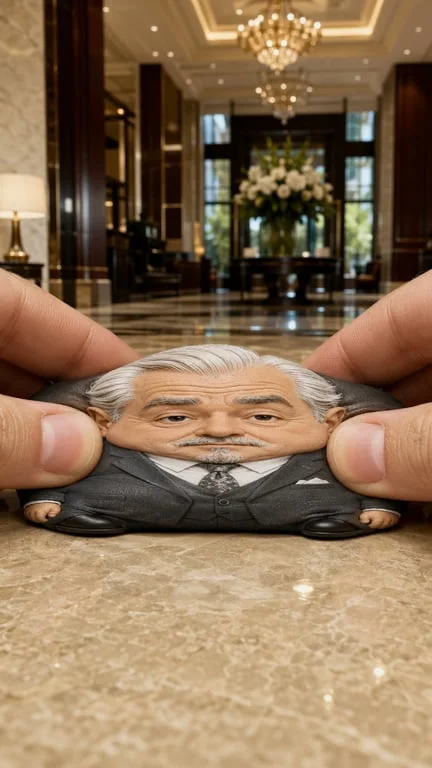
Elastic motion that returns to normal
The clip models the press, the hold and the rebound, with the material deforming and recovering instead of stretching and staying warped. That return is what makes the result read as a physical object rather than a broken image.

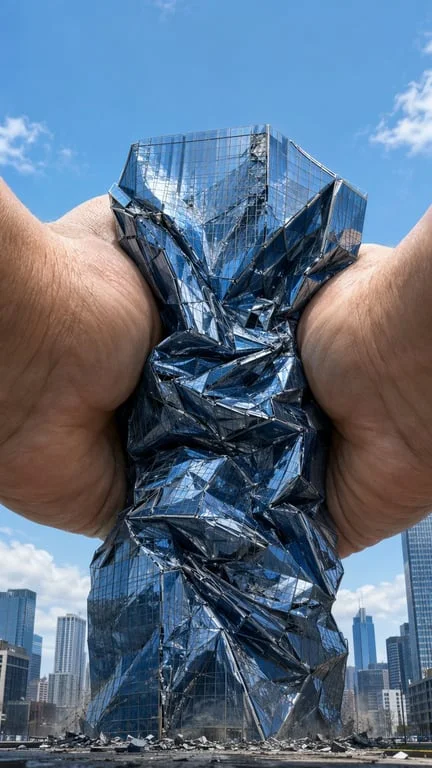
Any subject, kept recognisable
People, animals, food, vehicles and objects all work. The subject's face, colours and the surrounding background are preserved, so the clip is clearly the photo you uploaded — only squashed.

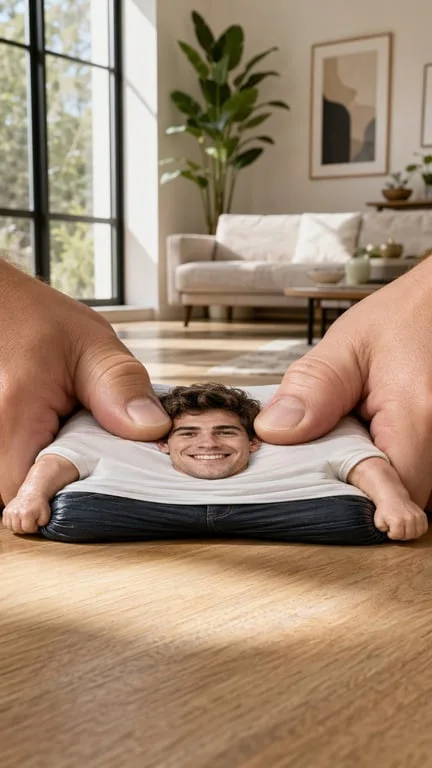
Ready to post in under a minute
Upload, prompt, download. The clip is delivered in a short, loop-friendly format suited to TikTok, Reels and Shorts.
How to create with Toty
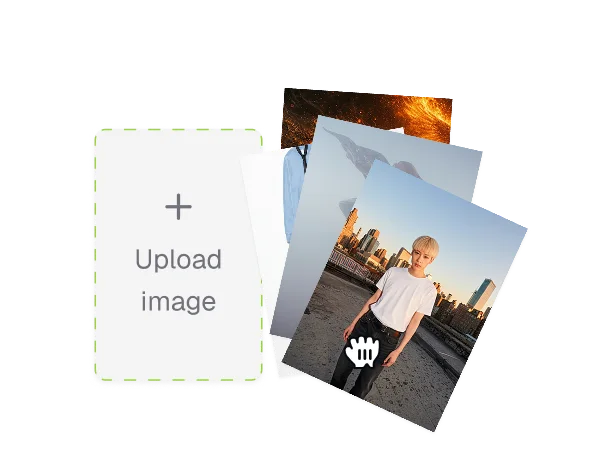
Upload a photo
Choose the subject you want to squeeze. Clear, well-lit photos work best, and the AI handles people, pets, food and objects alike.
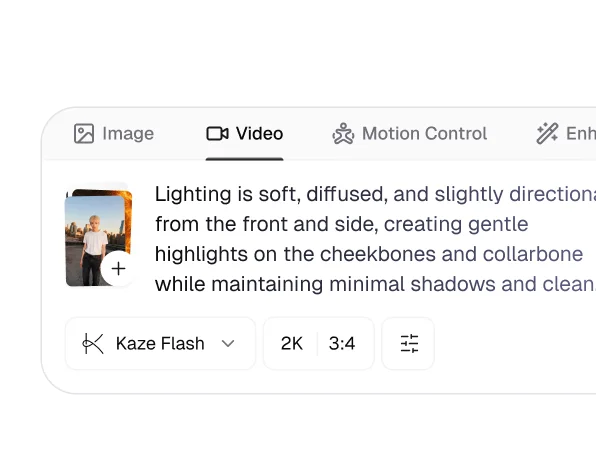
Describe the squeeze
Say how the press should feel — slow and deep, quick and bouncy, playful or firm — and how far it should stretch. You can also specify where the hands enter from and whether the background should stay fixed.
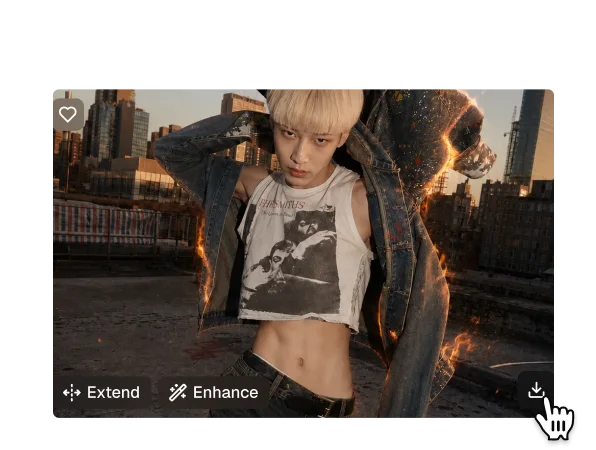
Download and share
Your squish clip generates in seconds as a ready-to-post file. Download it or share it from the results page, and generate several takes from the same photo.

Trusted by over 1M creators
Community of over 1M+ users

Casey B.Comedy creator
The hands actually look like hands and the right size. That is the whole difference between this working and not working.

Yuki M.Meme maker
Made one, dropped it in a video at 1am, it did numbers the next day. Speed is the whole game here.

Lena H.Food blogger
It sells the texture of the food far better than a still ever could. My sponsor noticed.

Omar D.Brand designer
Used it for a snack ad bumper. The client approved it on the first pass.

Sofia R.Pet photographer
My subject stayed completely recognisable while squishing, which was the thing I doubted.

Nick P.Video producer
The rebound is the detail that sells it. It does not stay warped like every other tool I tried.
FAQ
It animates the press, the deformation and the rebound over your source photo, generating each frame so the subject stretches and recovers with consistent volume. Because it works from your image rather than regenerating the scene, the subject and background stay the same.
Yes. Upload a photo, describe the squeeze and download the result without signing up.
People, pets, food, vehicles, toys and objects. Nearly anything with a clear, well-lit silhouette works best.
A warp filter stretches pixels and leaves the image distorted. This regenerates the motion frame by frame with a press, a hold and a spring-back, and adds correctly scaled hands — so the result looks like a physical object being squeezed.
Yes. Uploaded photos are encrypted, processed in isolation and deleted after generation, and are never used for training or shared.
Standard formats including JPG, PNG and WebP. Higher-resolution source photos give the cleanest result.
Explore more AI features
Discover new Toty features here