Braces Filter
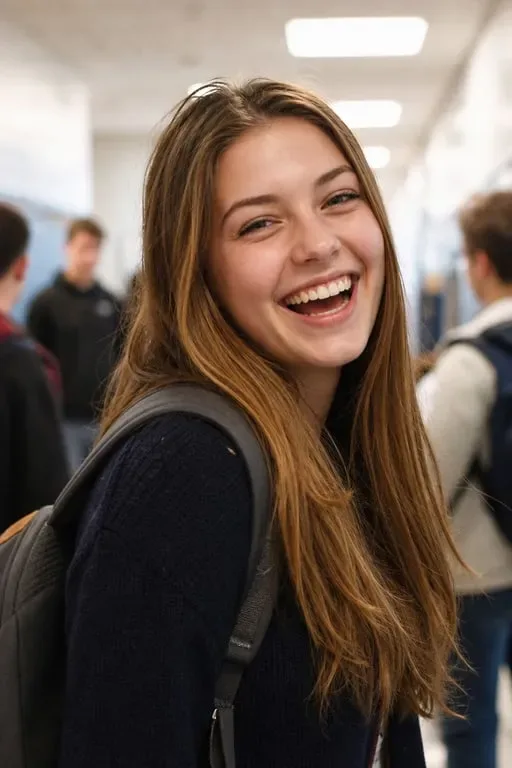
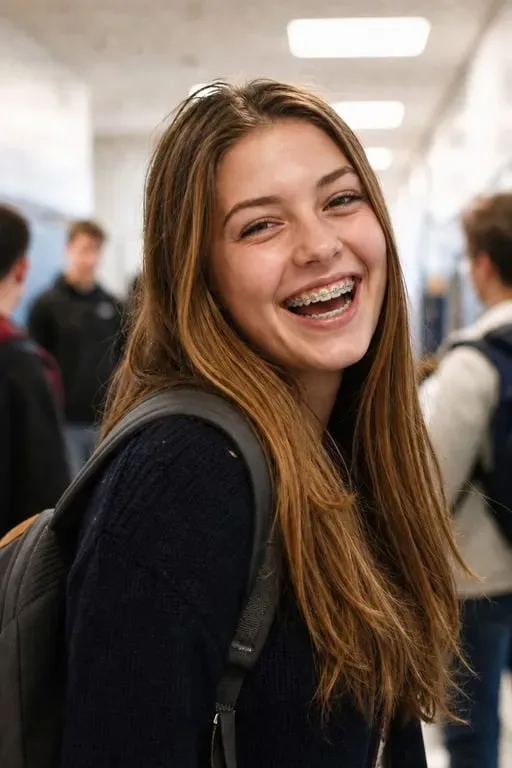
Upload any photo and try on metal, ceramic, or clear braces in seconds. Instantly apply a realistic braces filter to your smile from fun edits to trying out orthodontic looks.
UploadUpload an image
Create faster with examples



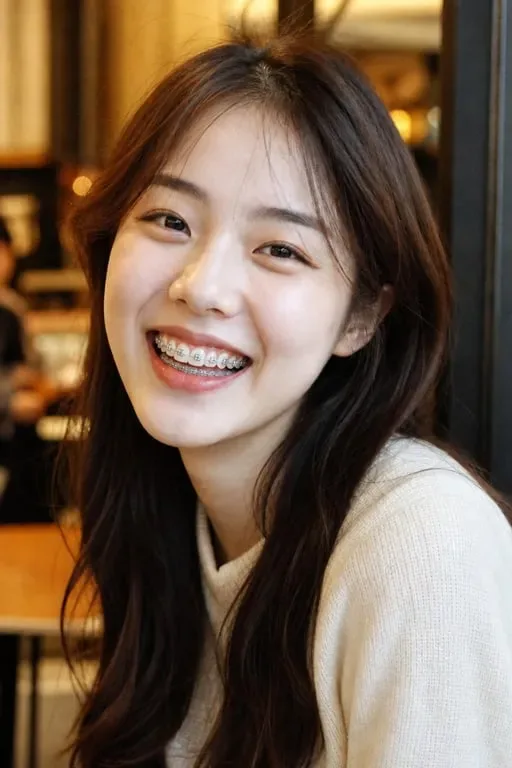

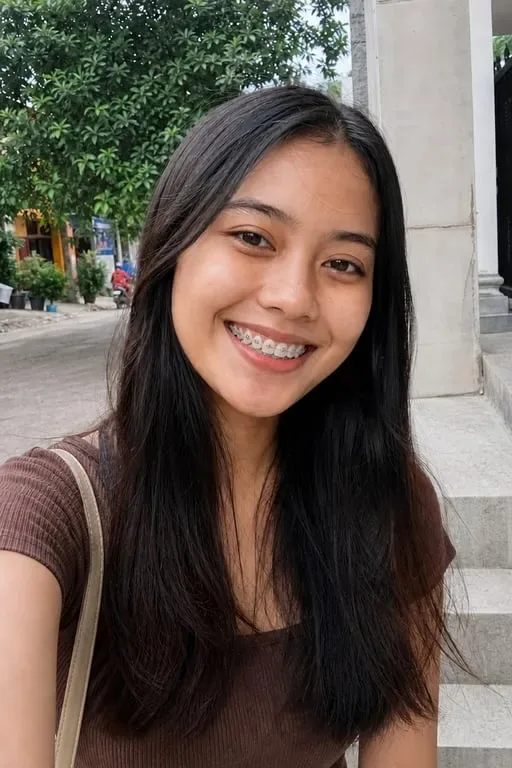









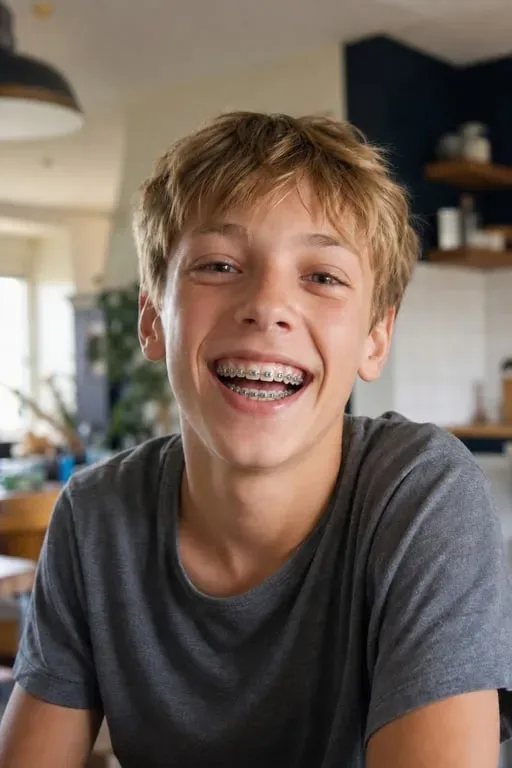

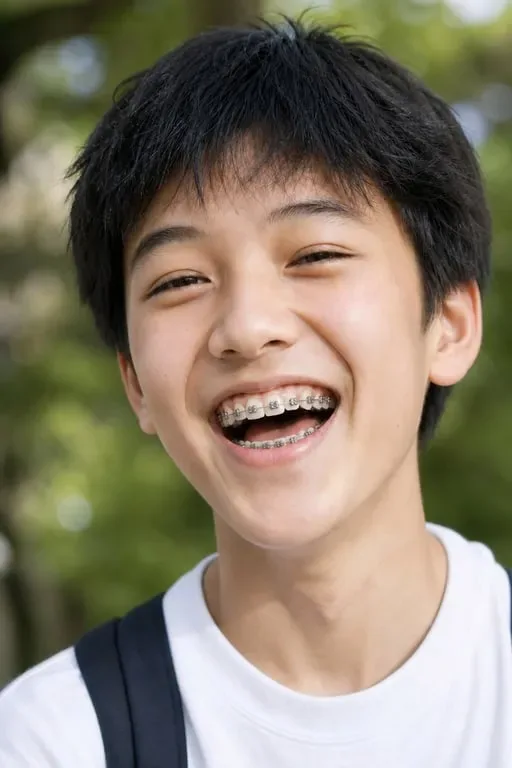



Curious About Orthodontic Treatment
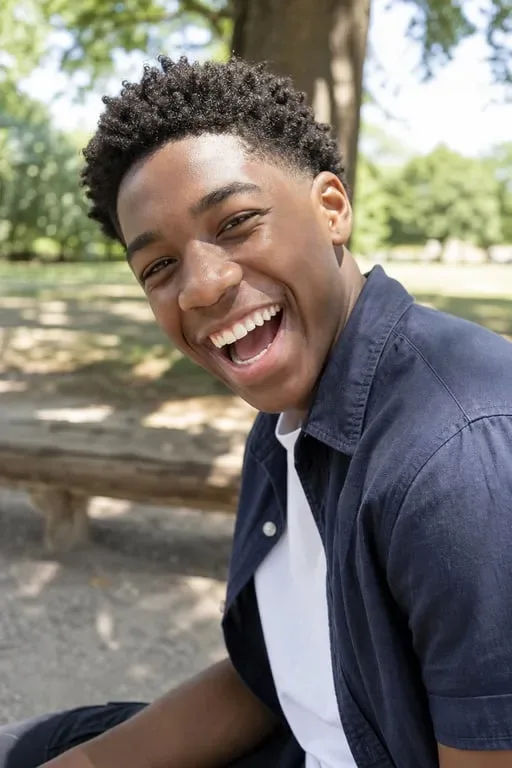
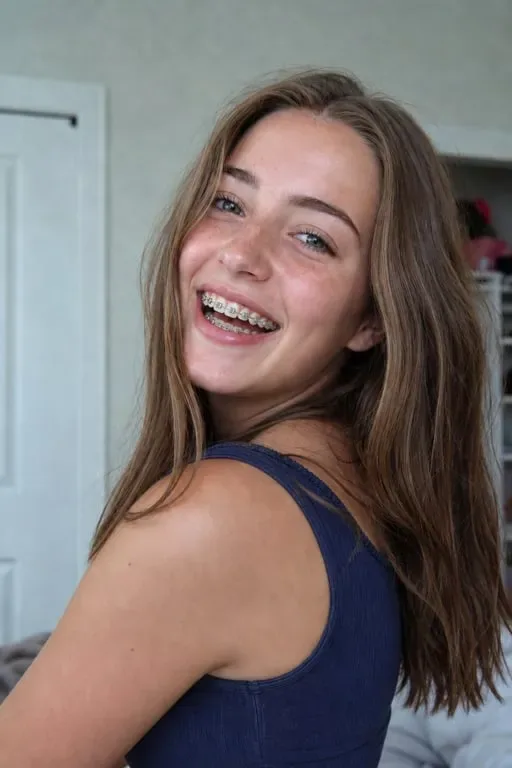
Many people considering braces want to know how they'll look before committing to treatment. With Toty's braces filter, you can upload a current photo and instantly preview metal or ceramic braces on your real smile. It takes the guesswork out of one of the most common orthodontic worries: will I look different? Will it suit my face? Instead of relying on imagination, you get a realistic AI-generated preview that mimics how actual braces sit on teeth, complete with brackets and wires. Patients share these previews with their orthodontists to discuss options, making consultations more productive and decisions feel less daunting.


Fun Social Media Content
Braces have become a nostalgic and playful aesthetic on social media, especially on platforms like TikTok and Instagram. Content creators use the braces filter to join trending transformation challenges, recreate their "middle school era" looks, or simply post a funny throwback-style photo. The filter generates attention-grabbing before-and-after content that performs well in Reels and Stories formats. Because the result looks genuinely realistic, with proper metal wires, brackets, and optional colored rubber bands, it's far more convincing than basic face filters, giving creators a unique edge in engagement.
Parenting and Family Moments
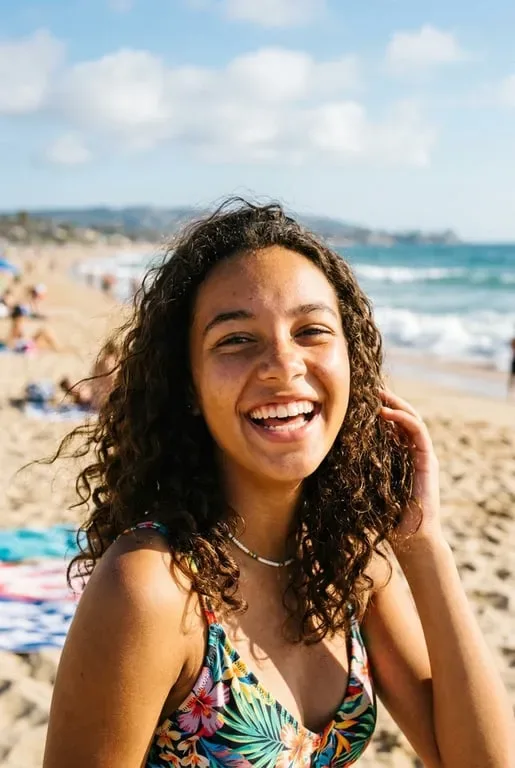
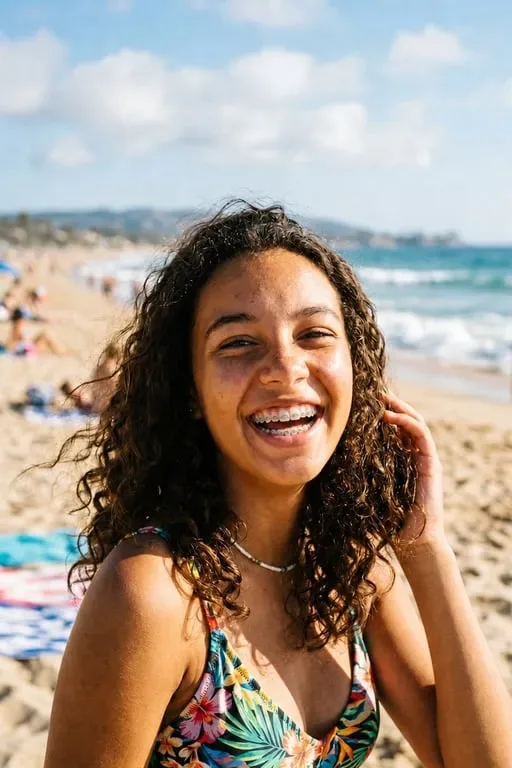
Parents whose children are about to get braces often use the filter to show their kids a preview of what to expect, making the idea feel less scary and more exciting. Some families turn it into a bonding activity, running the filter on multiple family members to see who pulls off braces best. The lighthearted results are easy to share in family group chats or print as keepsakes. It's a small but meaningful way to normalize the orthodontic journey for kids and teenagers who might feel anxious about their upcoming treatment.
Why Toty
Realistic, Not Cartoonish
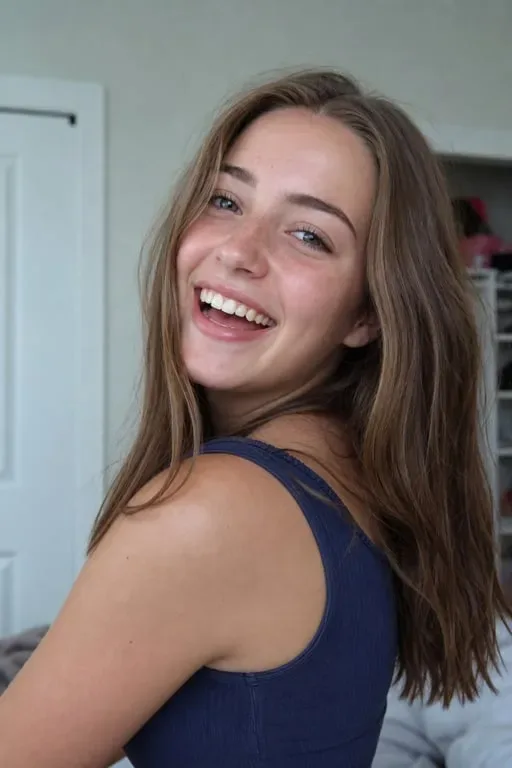
Unlike basic face-swap filters, Toty renders braces with accurate dental anatomy, proper bracket placement, metal wires, and natural tooth coloring. The result looks like a real orthodontic photo, not a costume effect. Whether you choose metal or ceramic, the output is detailed enough to use in genuine previews and consultations.


Every Braces Style, One Tool
From classic silver metal brackets to barely-visible clear aligners, Toty covers the full range of orthodontic options. Switch between styles instantly without re-uploading your photo. Experiment with colored rubber bands, ceramic brackets, or Invisalign-style aligners, all in one place, all for free.


No App, No Account, No Wait
Open your browser, upload your photo, and get your result in seconds. No app store download, no account creation, and no subscription wall blocking your first try. Toty runs entirely in the browser, so you can use it on any device, phone, tablet, or desktop, wherever you are.
How to create with Toty
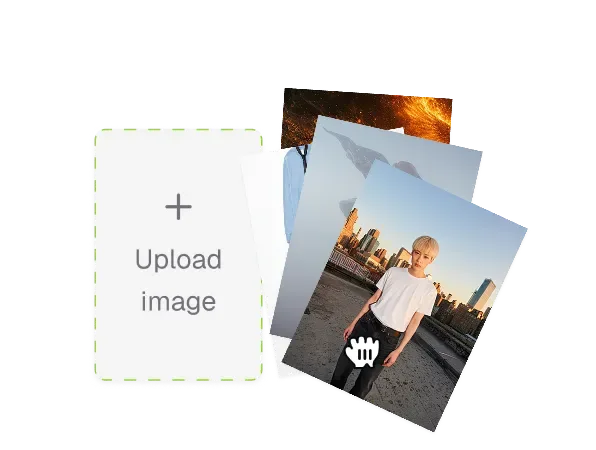
Upload Your Photo
Choose a photo where your face is clearly visible with a natural or slight smile. Front-facing portraits work best. The AI performs better when teeth are at least partially visible, and a relaxed open-mouth expression gives the most accurate braces placement.
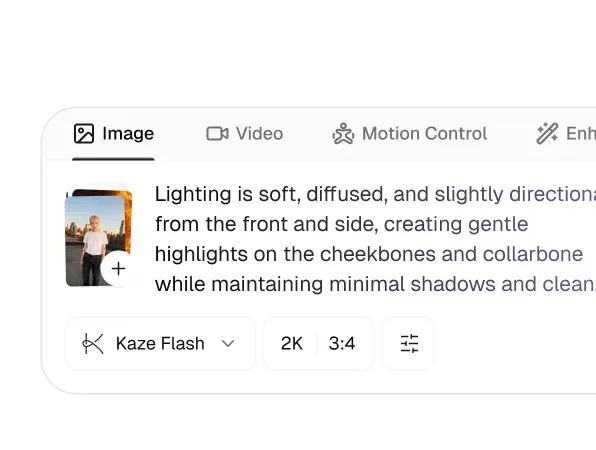
Select Your Braces Style
Pick from metal, ceramic, or clear aligner styles. You can also customize rubber band colors for metal braces. Try classic silver, or go bold with blue, pink, or green bands to see how different color combinations look on your smile.
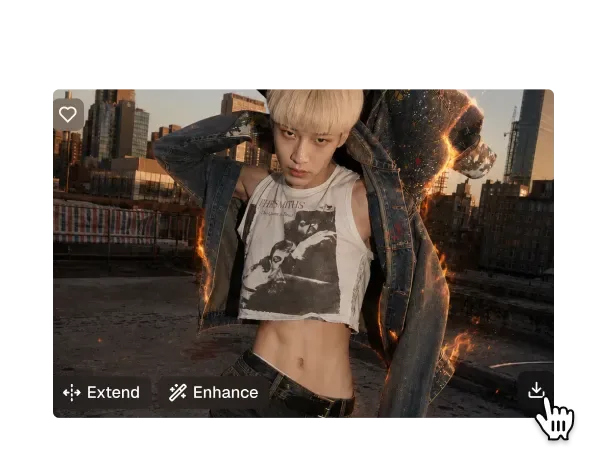
Generate and Download
Hit generate and your result is ready in seconds. Download your braces photo directly to your device or share it straight from the results page. Run the filter again to try a different style or starting photo. Each run is free.

Trusted by over 1M creators
Community of over 1M+ users
Emily C.
"I've been on the fence about getting braces for years. Seeing exactly how they'd look on my smile using Toty finally helped me book the appointment. The preview looked so real."
Marcus L.
"My orthodontist loved that I came in already knowing which bracket style I wanted. I'd tried them all on my photo with Toty beforehand — saved so much consultation time."

Sofia D.
"I made a 'what I'd look like with braces' video and it got 200k views. Toty made the braces look genuinely realistic — not like a bad Snapchat filter."

Zach R.
"We use Toty to show patients what braces could look like on their smile before treatment starts. It's a great tool for consultations and reduces patient anxiety."

Amina H.
"My friends and I all tried the braces filter together for fun. Mine looked so real my mum thought I'd actually gotten them. Hilarious and impressive at the same time."
Frequently Asked Questions
The Toty Braces Filter is an AI-powered photo tool that allows you to add realistic braces to your smile in just a few clicks. Whether you're visualizing orthodontic changes or having fun with digital effects, the tool is fast, easy, and completely online.
Yes! You can use the basic braces styles on Toty for free. We also offer premium customization options like different bracket styles and colors through our upgrade plans.
Yes. Toty is mobile-friendly and web-based, meaning you can access the braces filter directly from your browser on iOS or Android—no app download required.
Yes. Our AI is trained to accurately detect your mouth and align the braces naturally with your smile. Shadows, placement, and proportions are automatically adjusted to ensure a realistic, photo-quality result.
Not at all. Toty is designed for beginners. The entire process is automated — just upload your photo, select a braces style, and let the AI do the work.
Yes. Once you're happy with the result, you can download your image in high resolution (JPG or PNG format) for printing, sharing, or saving.
No. All uploaded photos are processed securely and automatically deleted after your session. Your data remains private at all times.
Yes. Toty.ai lets you try multiple braces styles — metal brackets, clear ceramic, and colored elastic bands — on the same photo. This makes it easy to compare options before discussing choices with your orthodontist.
The braces filter is designed to give a realistic visual approximation of what braces would look like on your smile. While it's not a clinical simulation, many users find it useful as a starting point for orthodontic consultations to discuss bracket placement and style preferences.
Explore more AI features
Discover new Toty features here