Ghibli Style - Transform Your Photos into Miyazaki Anime Art
Upload any photo and Toty reimagines it as a breathtaking hand-drawn Ghibli scene - dreamy skies, soft watercolor textures, and the timeless warmth of Studio Ghibli animation.
UploadUpload an image

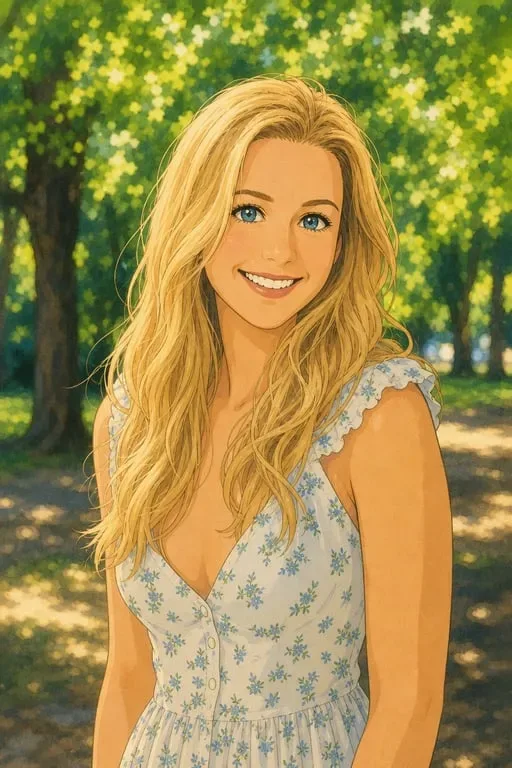
Create faster with examples
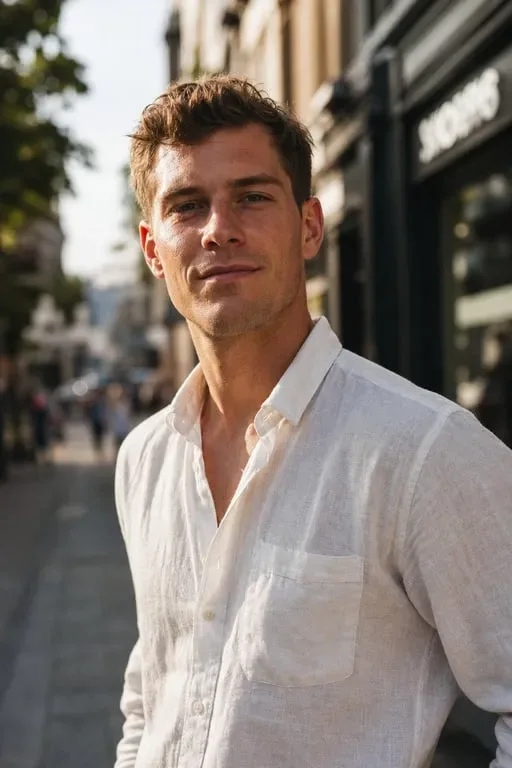
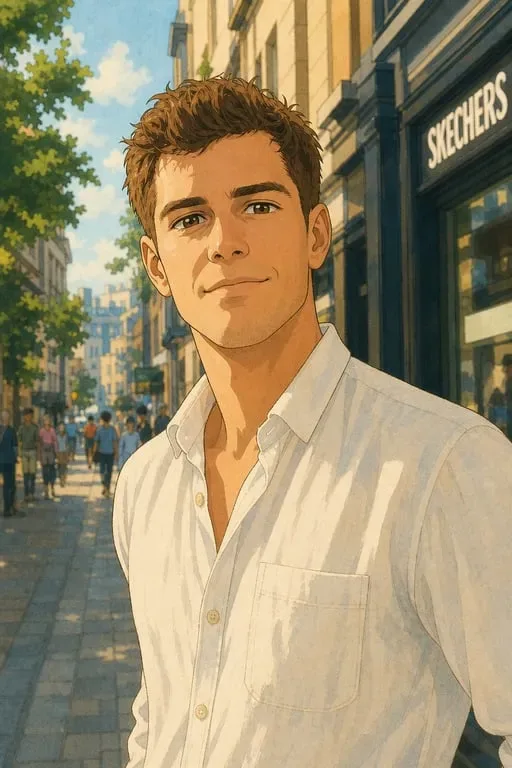
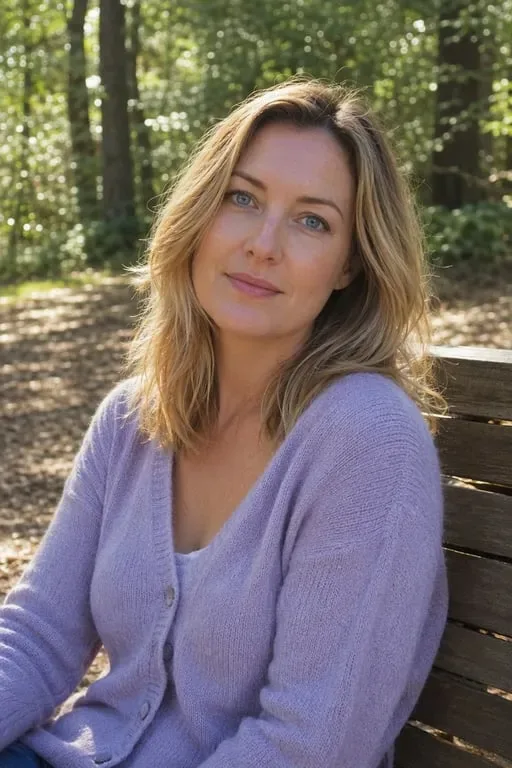
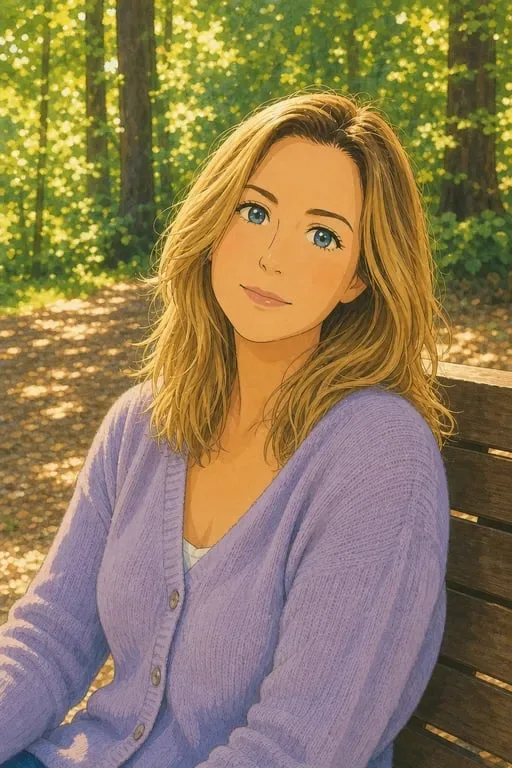
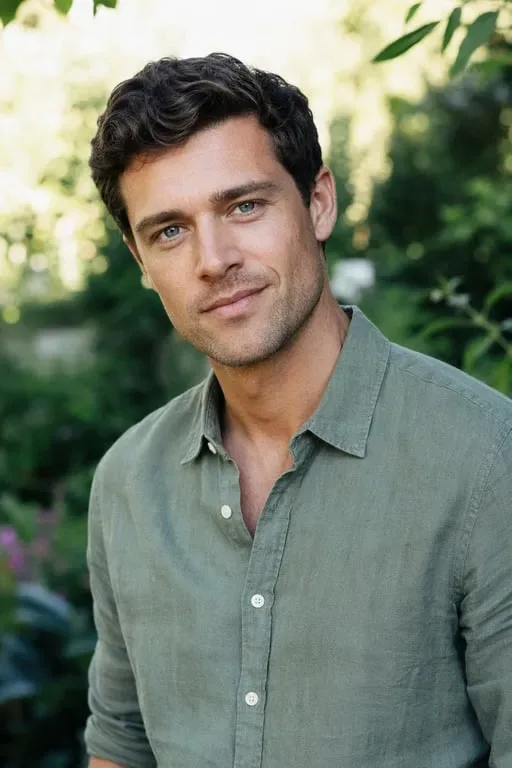
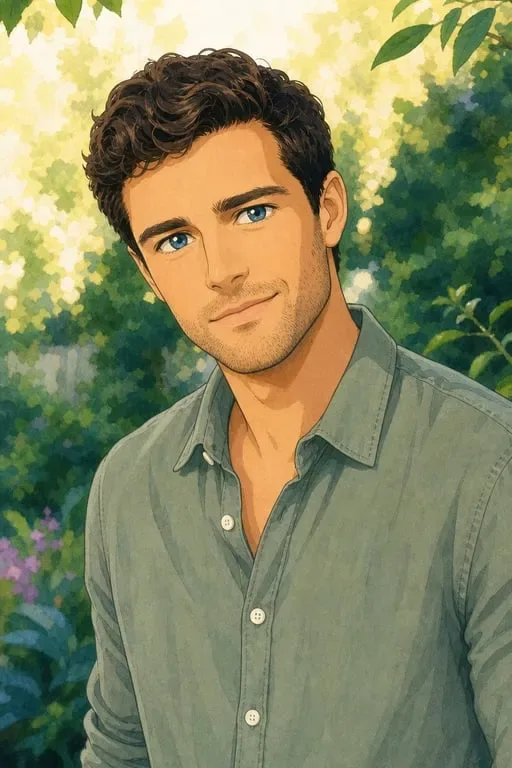
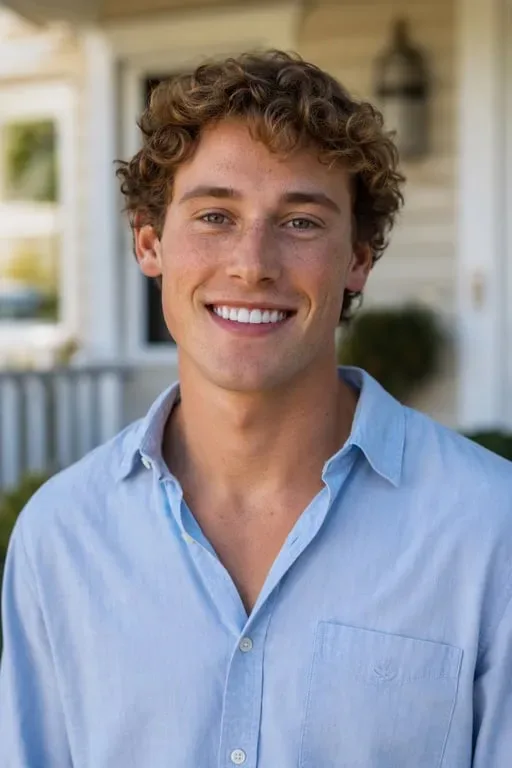
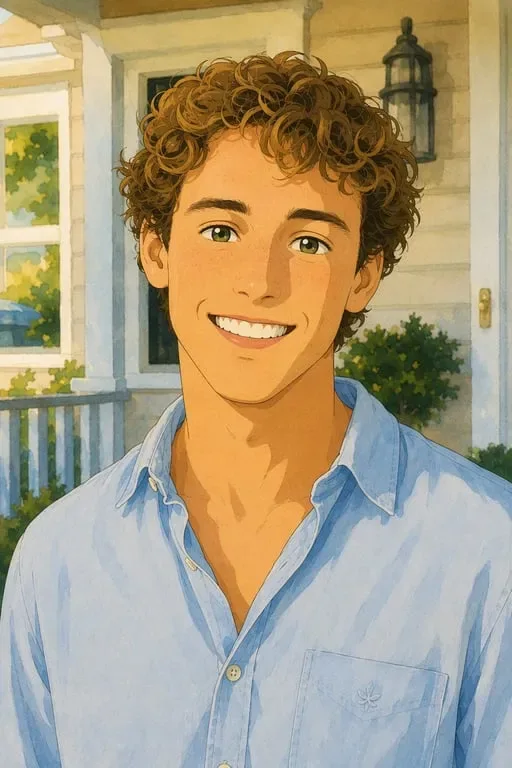

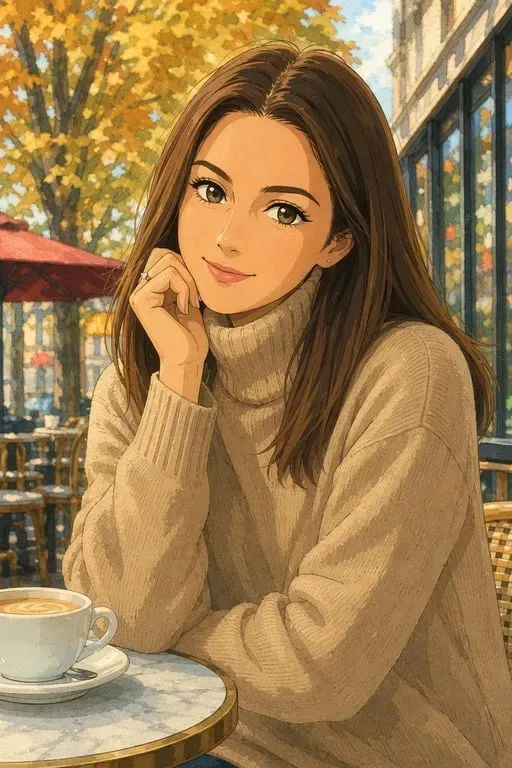
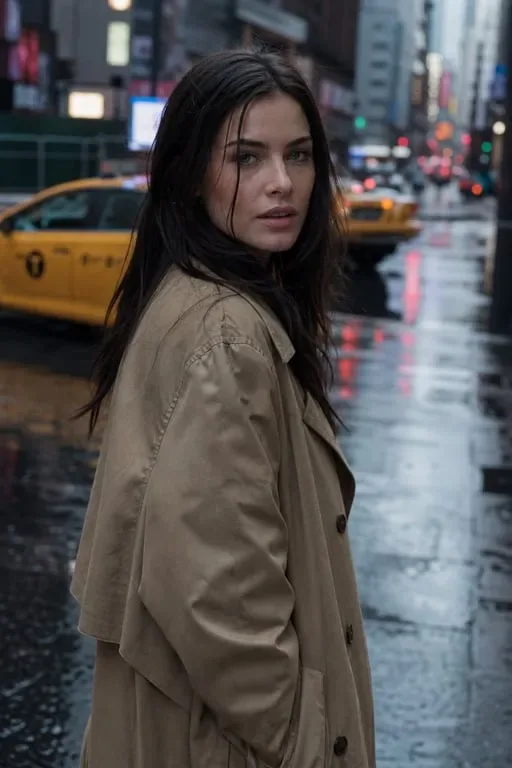
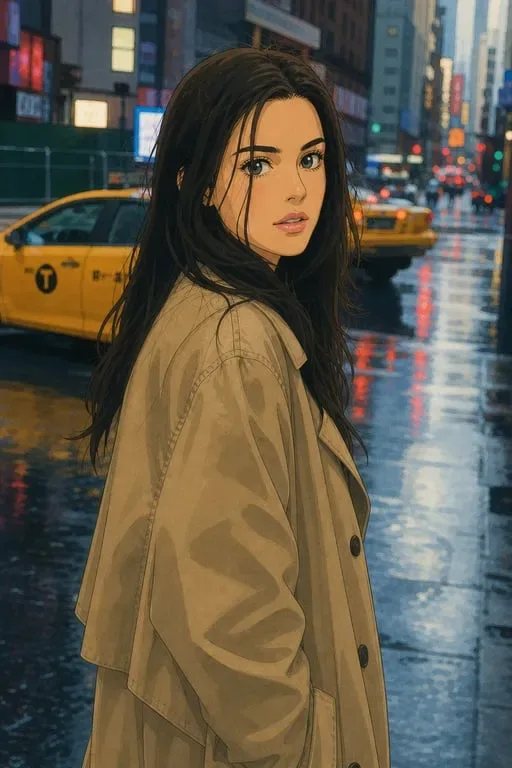
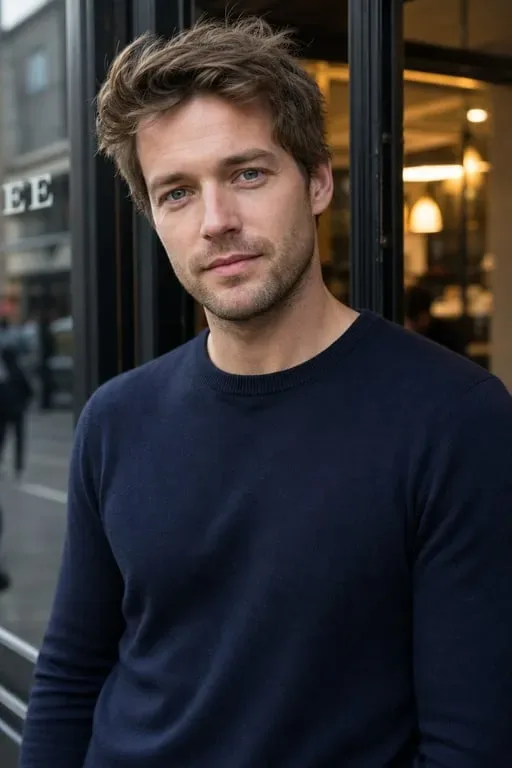
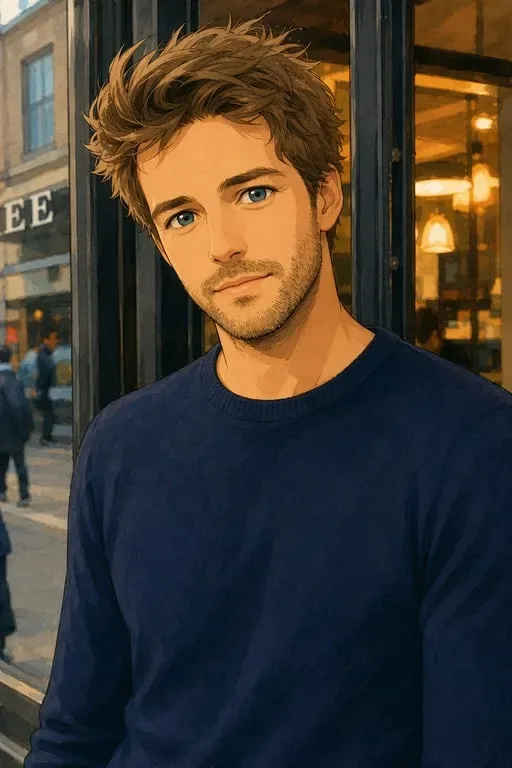

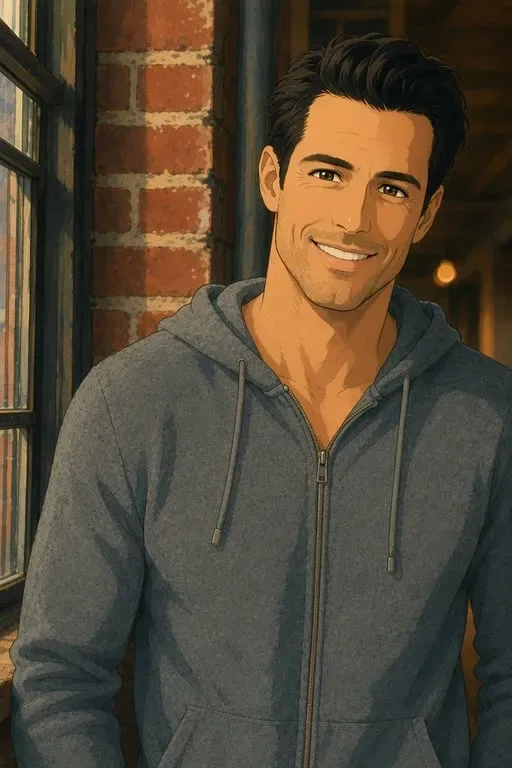
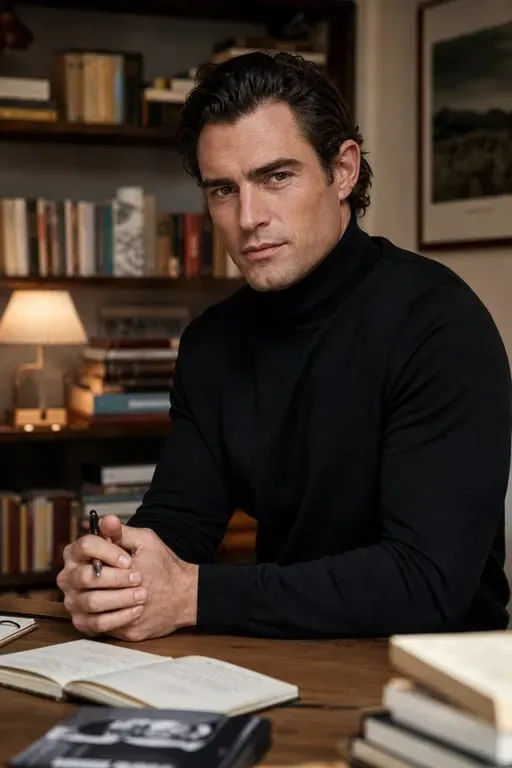
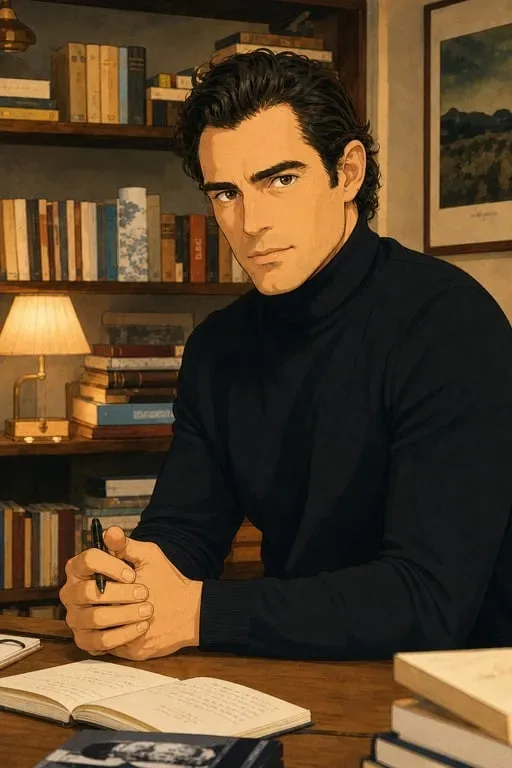
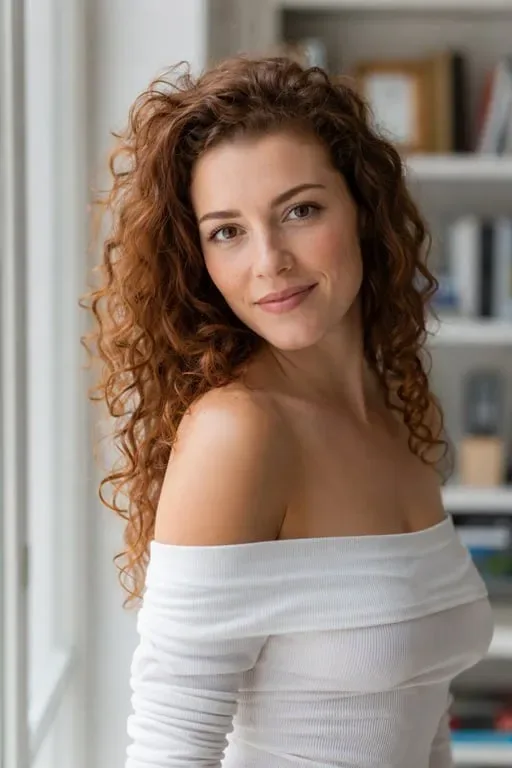
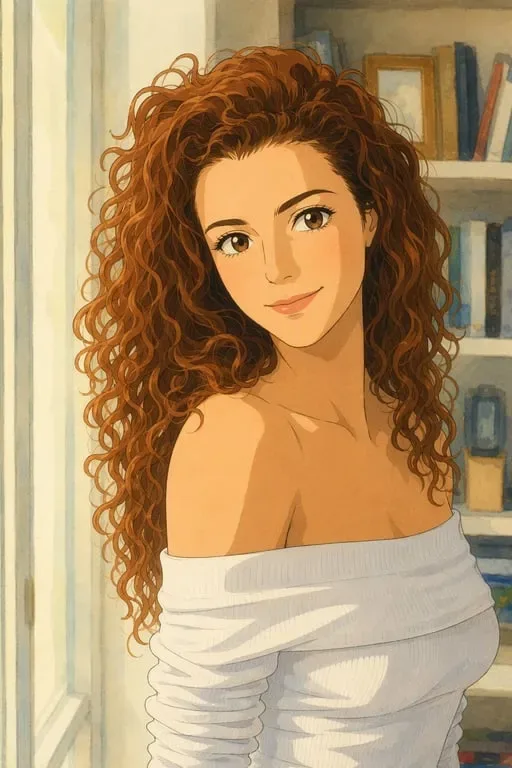
Bring Miyazaki Magic to Every Image

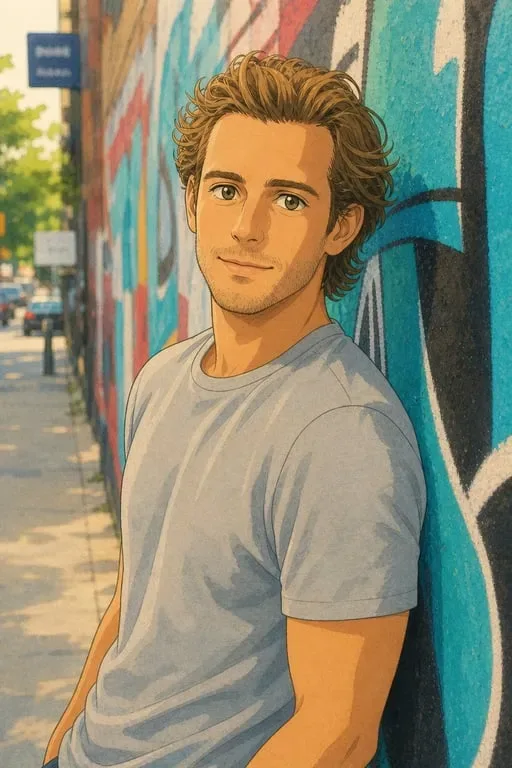
Dreamy Ghibli Portraits
Transform your selfies into soft, hand-painted anime portraits with the instantly recognizable warmth of Studio Ghibli.
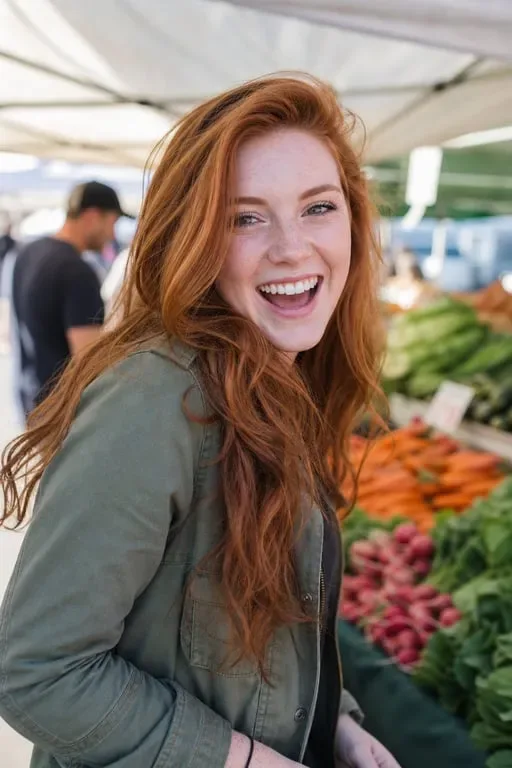
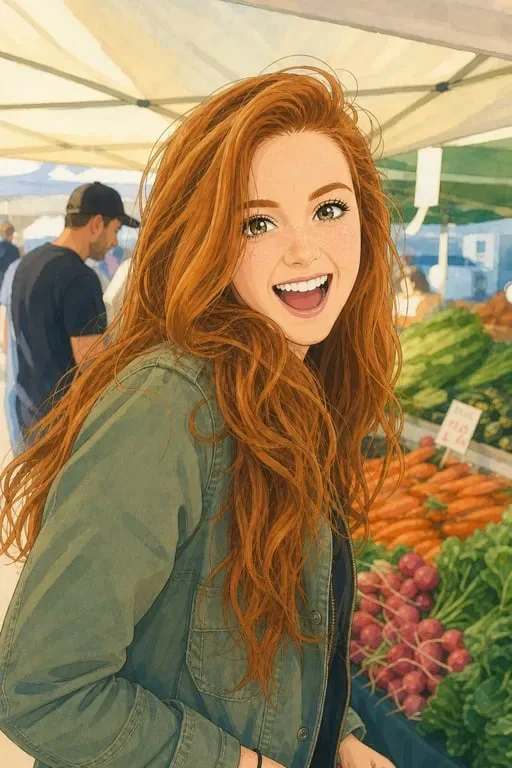
Whimsical Travel & Landscape Scenes
Turn your favorite travel and nature photos into sweeping Ghibli landscapes with lush skies, rolling hills, and storybook charm.

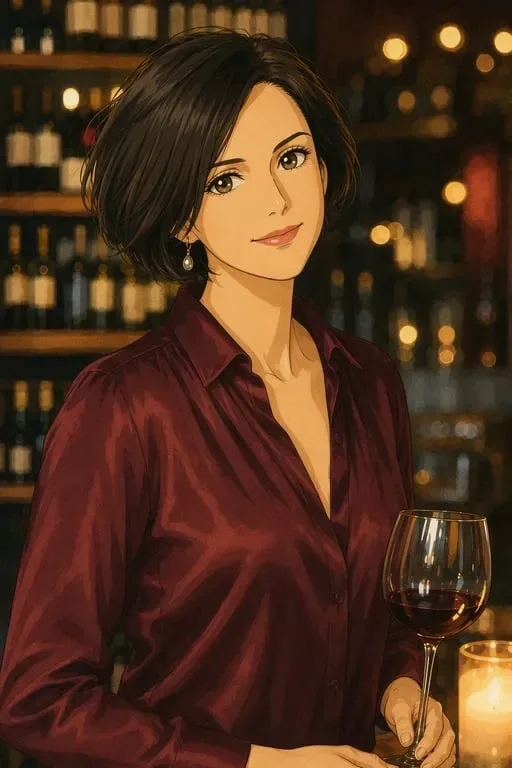
Storybook Family & Pet Memories
Rewrite your family moments and pet photos as heartwarming anime scenes straight out of a Miyazaki film.
Why Toty for Ghibli Style
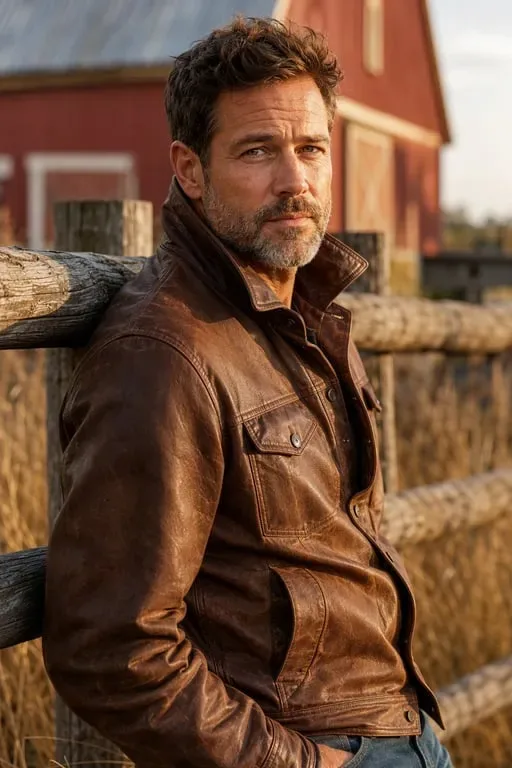
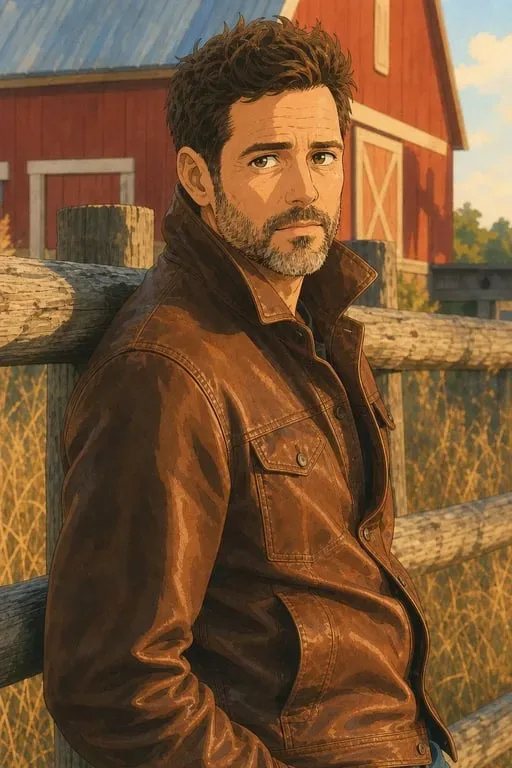
One-Click Ghibli Transformation
No manual editing. Upload any image and Toty instantly renders it as a hand-painted Ghibli-inspired scene with authentic watercolor and line art.
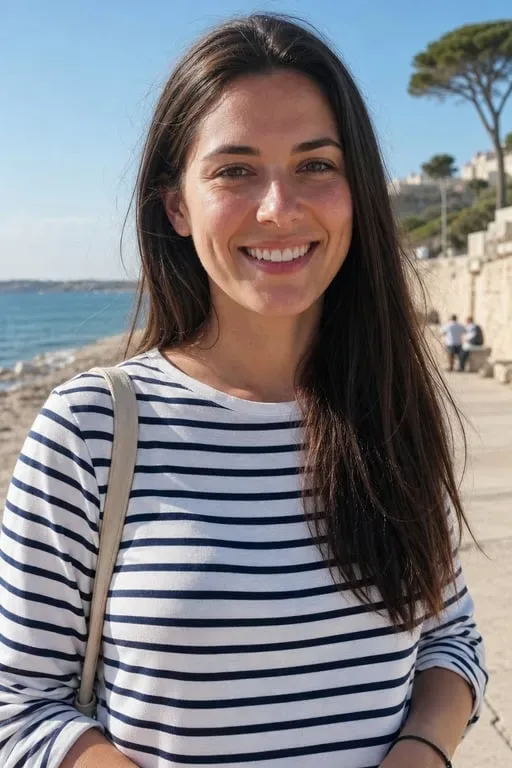
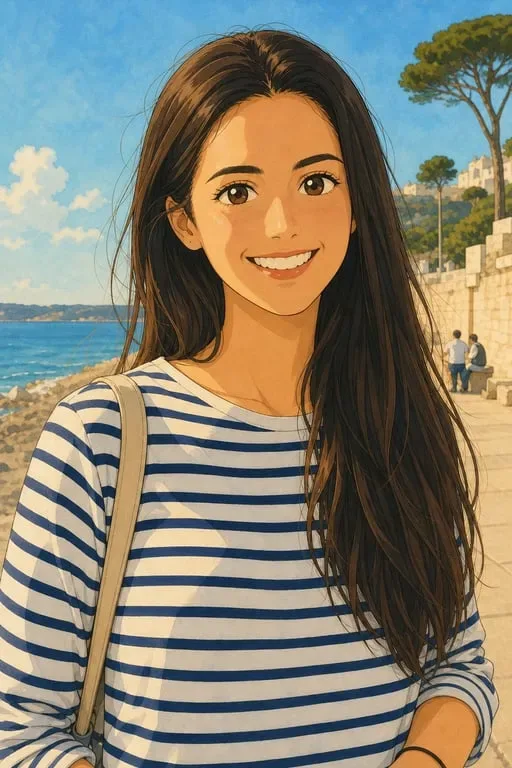
Faithful Scene & Emotion Preservation
Toty keeps the mood, composition, and characters of your original photo while wrapping them in the nostalgic Ghibli aesthetic you love.
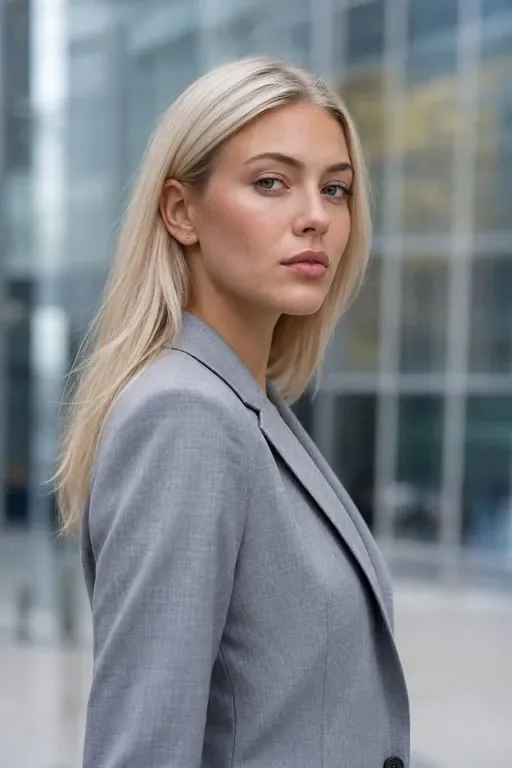
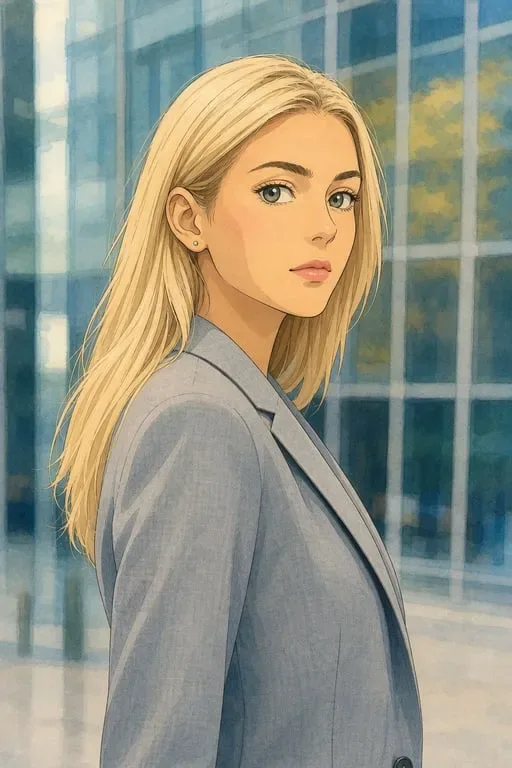
High-Resolution Hand-Drawn Output
Get crisp, gallery-worthy Ghibli-style images perfect for prints, wall art, gifts, and social media - rendered in high resolution.
How to Create Ghibli Style with Toty
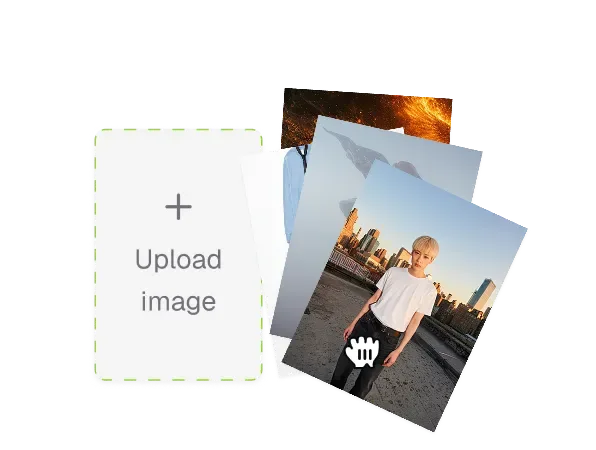
Upload Your Image
Choose any photo - a portrait, travel shot, pet picture, or landscape - that you want to transform into Ghibli anime art.
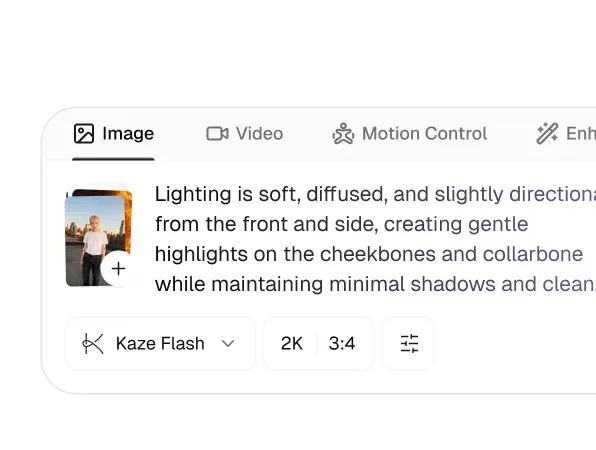
Set Your Style Prompt
Type a prompt like 'dreamy Ghibli landscape' or pick a preset to guide the watercolor look, colors, and atmosphere.
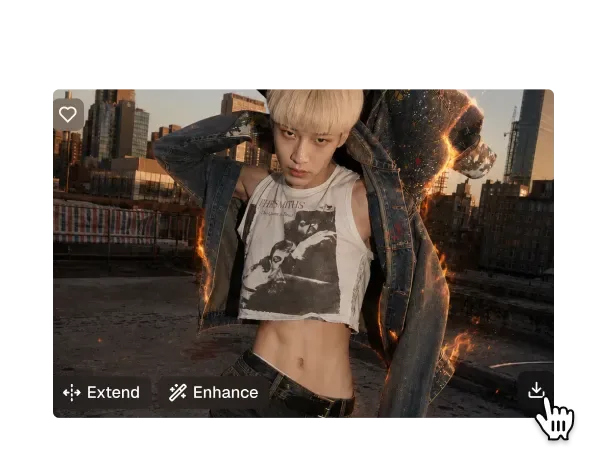
Generate & Share
Click generate and Toty renders your Ghibli masterpiece in seconds. Download, print, or share your nostalgic artwork.

Trusted by over 1M creators
Community of over 1M+ users
Hannah M.
Toty turned my Italy trip photos into dreamy Ghibli landscapes. The soft colors and hand-drawn feel are absolutely stunning. Total nostalgia!
Chris P.
My audience went crazy when I posted a Ghibli style version of my portrait. Toty makes it look like it came straight out of a Miyazaki film.
Anna B.
I was skeptical about AI art, but the watercolor texture and line work from Toty's Ghibli style are genuinely impressive and faithful.

Ryan D.
We created Ghibli-style versions of couples' engagement photos as keepsake gifts. Toty delivered beautiful, high-resolution artwork that clients adore.
Laura S.
Ghibli style content performs so well on our feed. Toty makes it effortless to turn ordinary photos into scroll-stopping anime art.

Kevin F.
Turned a cute photo of my daughter into a heartwarming Ghibli scene. It captured the emotion perfectly and the quality blew me away.
FAQ
Ghibli style photo editing transforms regular photos into artwork inspired by the hand-drawn look of Studio Ghibli films by Hayao Miyazaki - soft watercolor shading, dreamy skies, pastel colors, and nostalgic hand-drawn line art. Toty recreates this aesthetic from any image.
Yes. Toty restyles portraits, travel photos, landscapes, pets, and family pictures into Ghibli-inspired scenes. The AI preserves your photo's composition and emotion while wrapping it in the authentic anime look you love.
Toty offers a free tier so you can transform your first photo into Ghibli style at no cost. Afterwards, flexible plans give you unlimited high-resolution Ghibli artwork with more control over colors and atmosphere.
Toty renders Ghibli-style images in high resolution with refined hand-drawn textures and soft gradients, making them suitable for prints, posters, wall art, and digital use without visible quality loss.
Absolutely. Toty preserves the subjects, composition, and emotional tone of your original image while applying the Ghibli aesthetic. Your characters and scenes stay true to the source photo, just beautifully reimagined.
Explore more AI features
Discover new Toty features here