Turn Photo into Line Drawing
Transform portraits, landscapes, and objects into stunning pencil sketches and ink line art instantly. No drawing skills required. Just upload and let Toty do the artistry.
UploadUpload an image

Create faster with examples

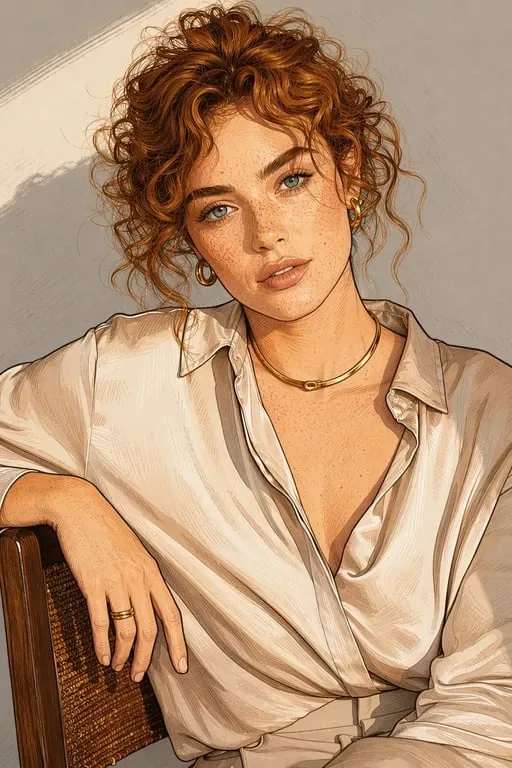

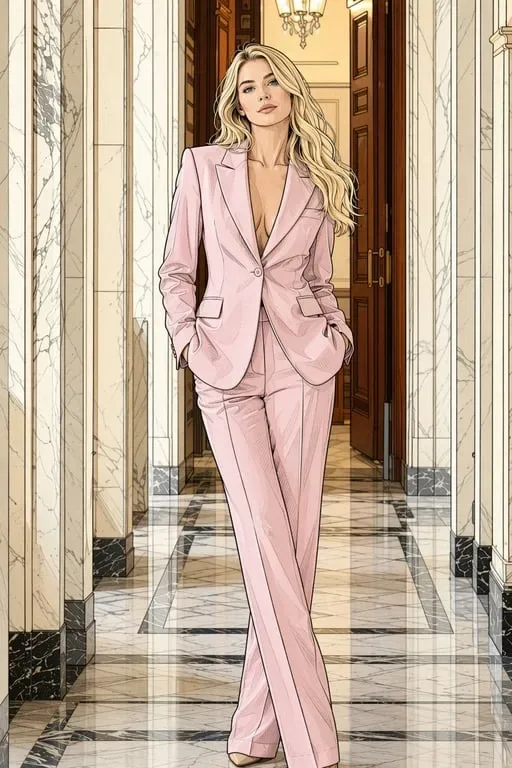

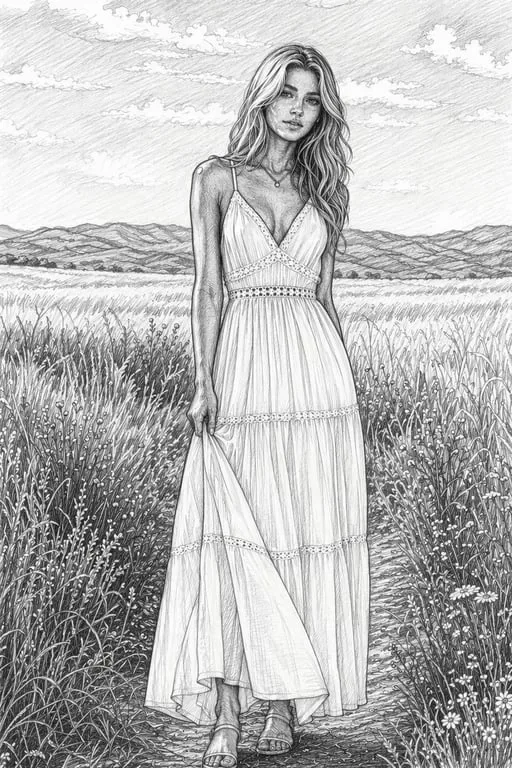
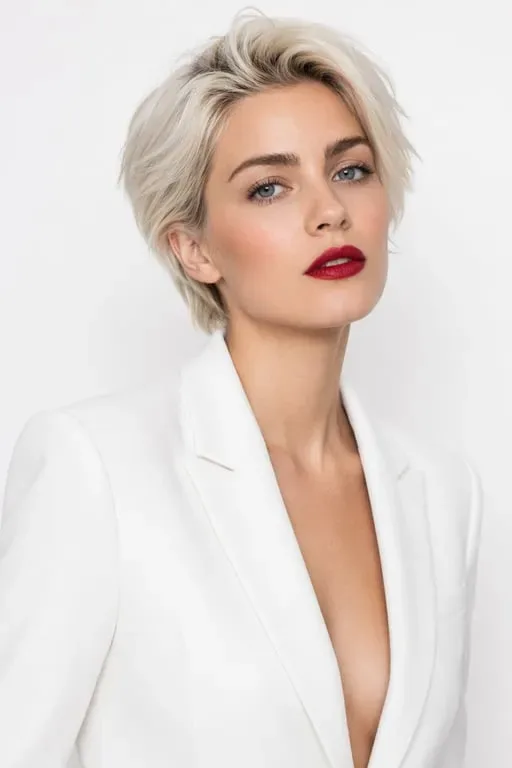
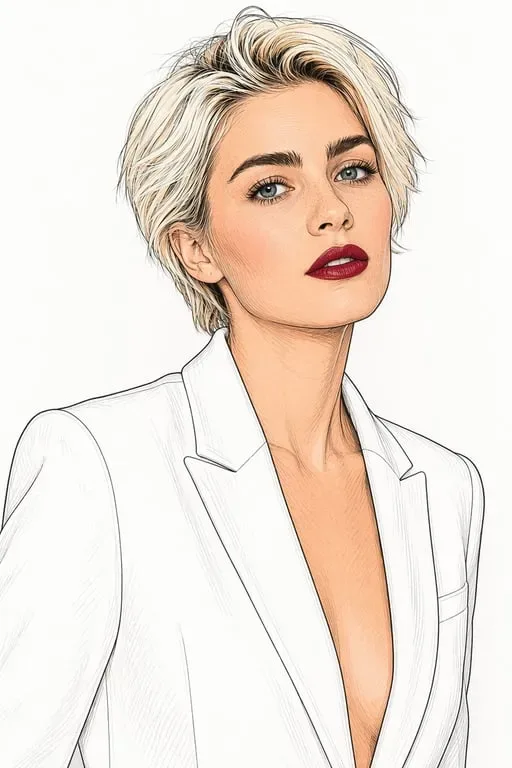
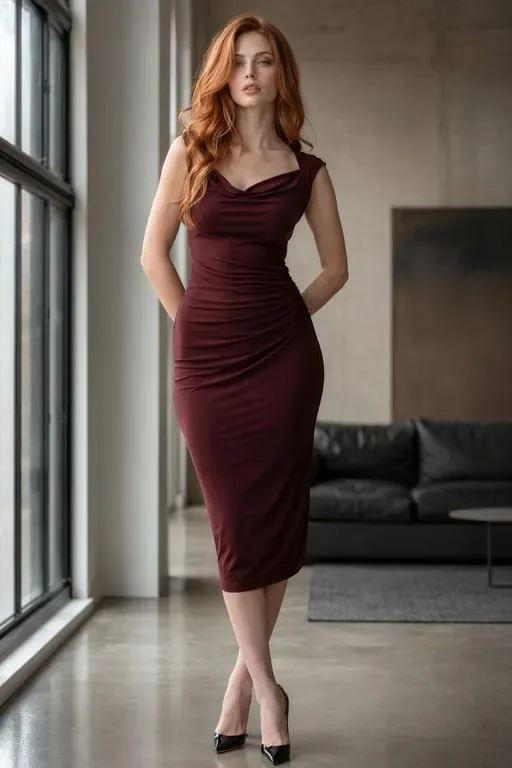
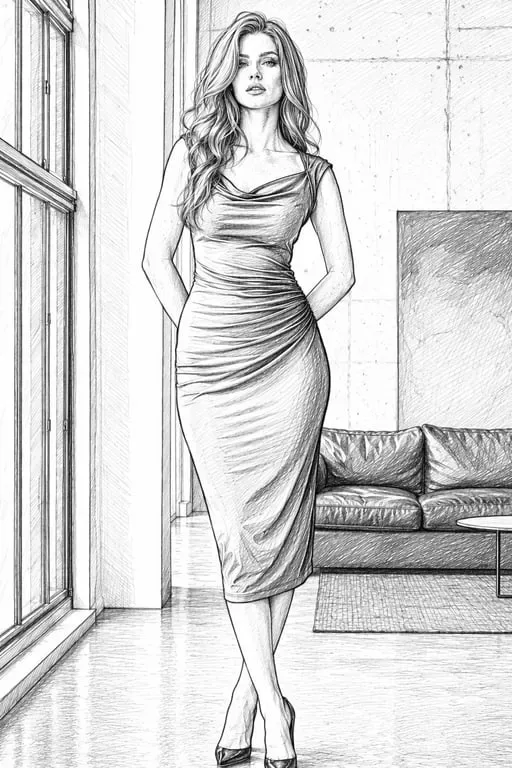
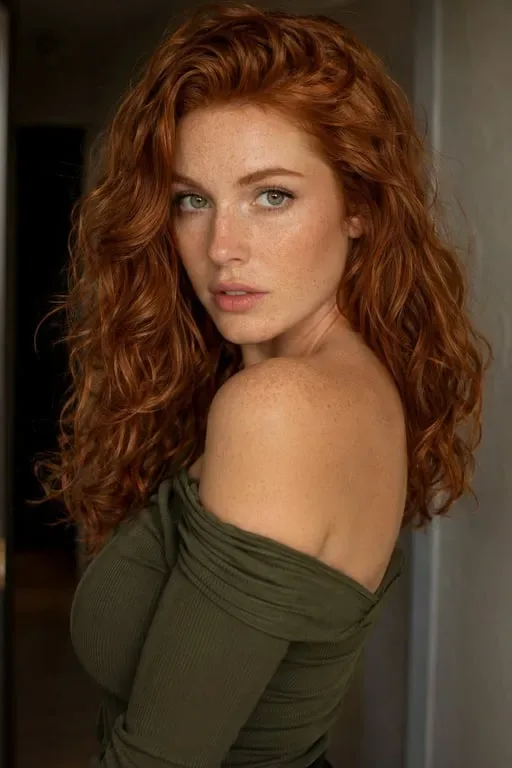
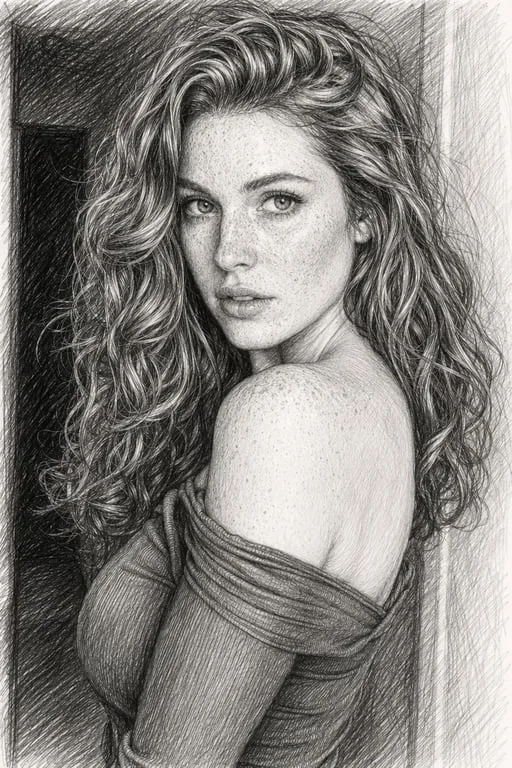
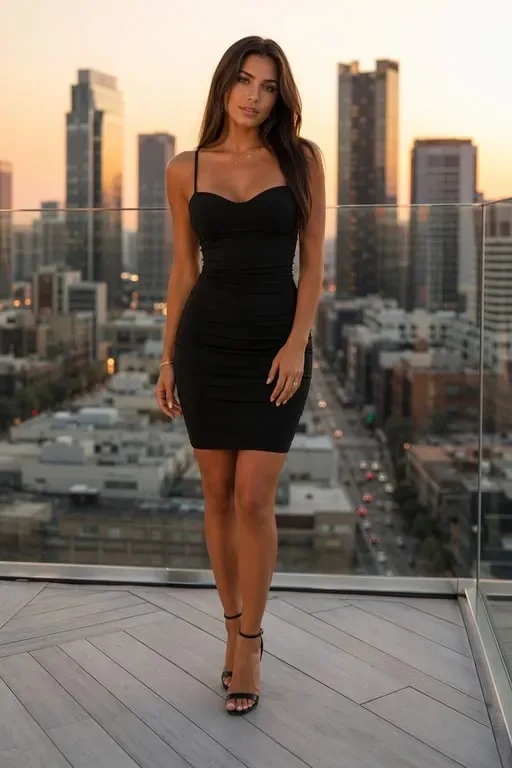
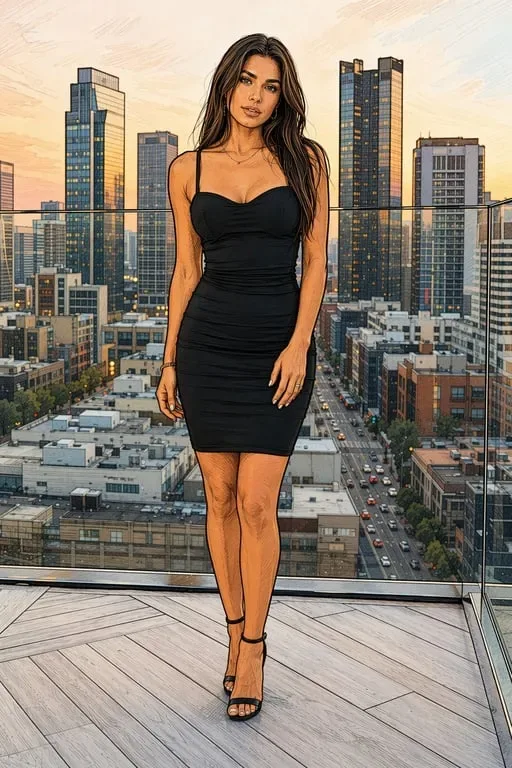

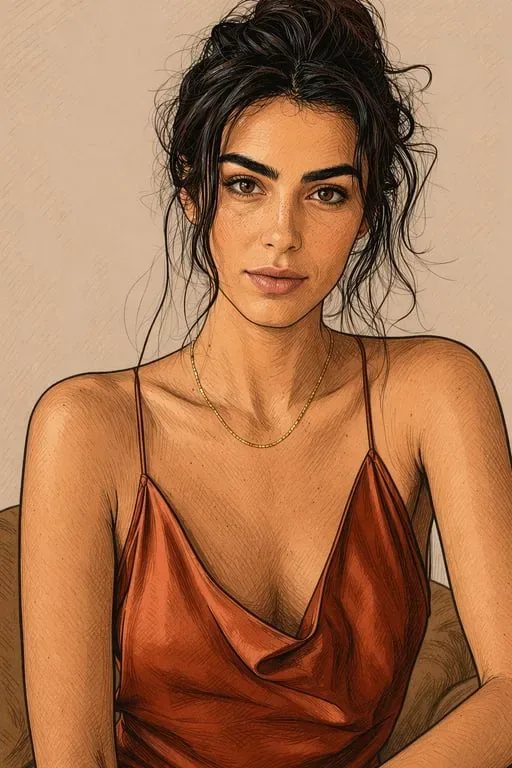

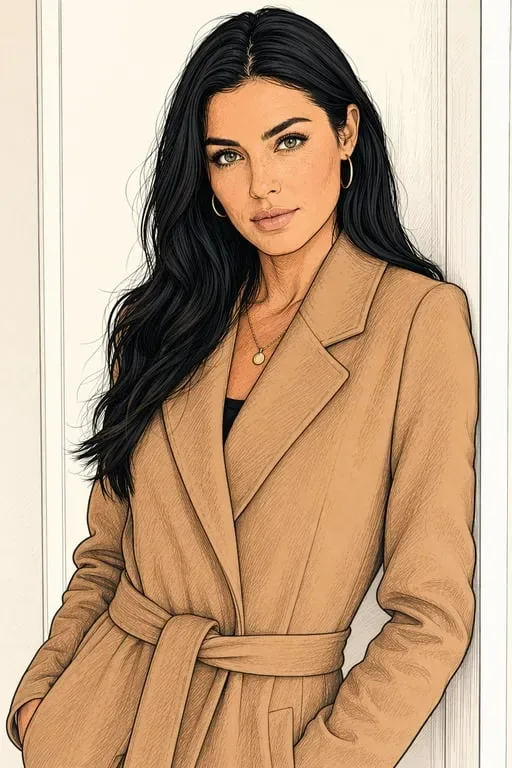
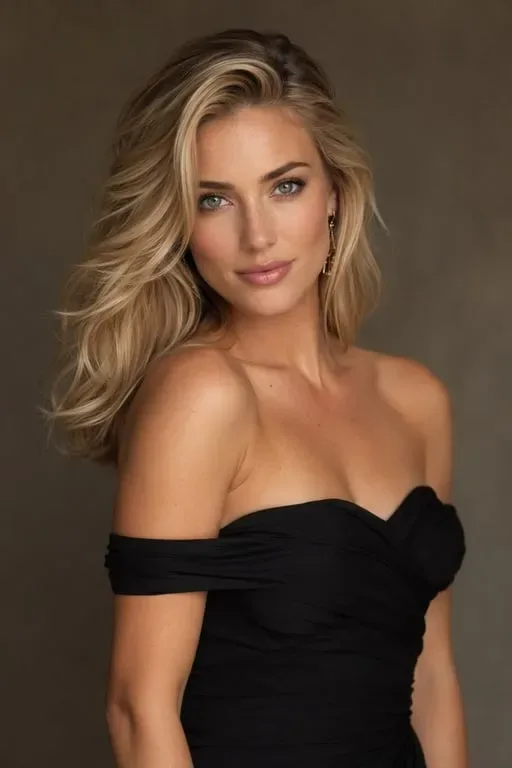
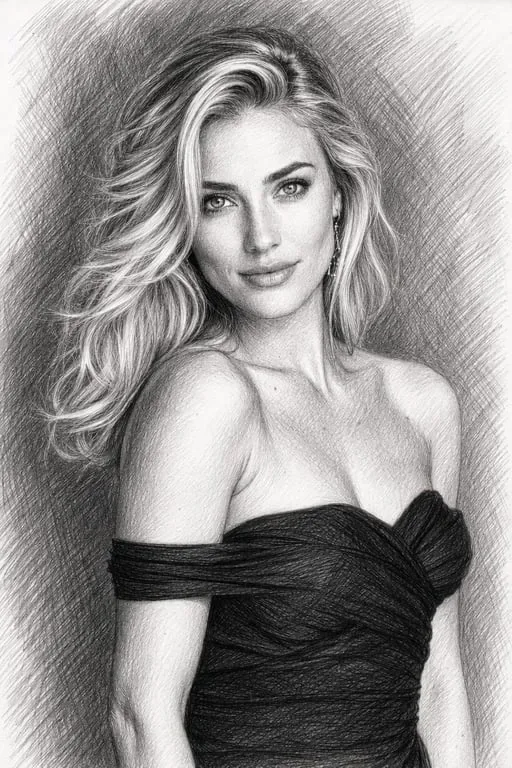
Line Art for Every Purpose

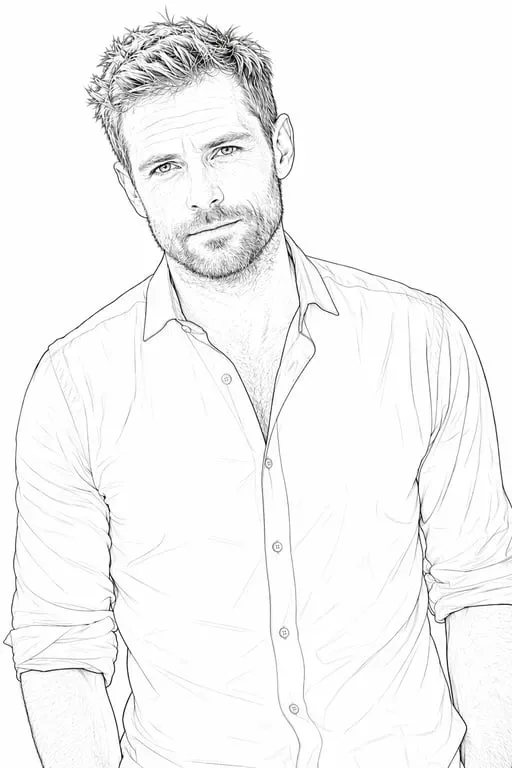
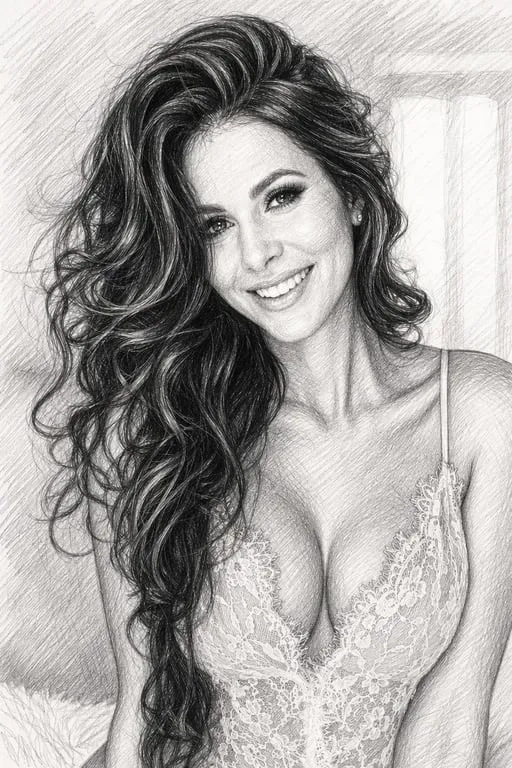
Portrait to Pencil Sketch
Turn any portrait photo into a beautiful hand-drawn pencil sketch. Perfect for gifts, wall art, or creative profile pictures.

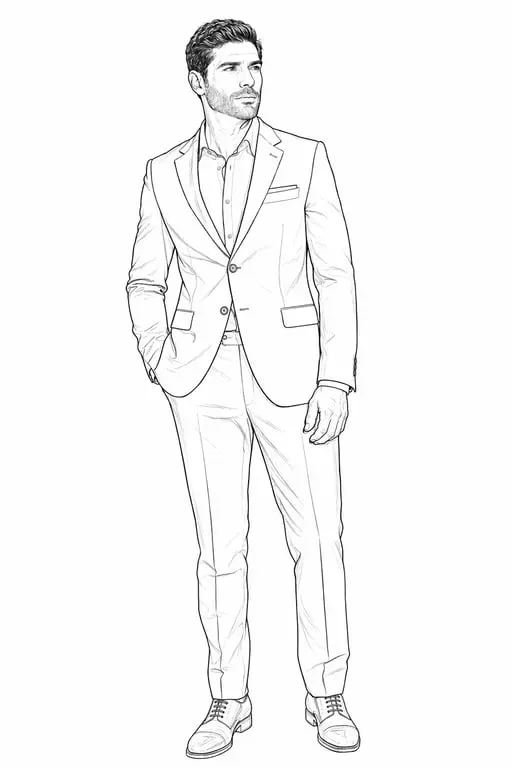
Photo to Coloring Page
Convert any photo into a clean outline coloring page. Great for kids' activities, adult coloring books, or printable art projects.

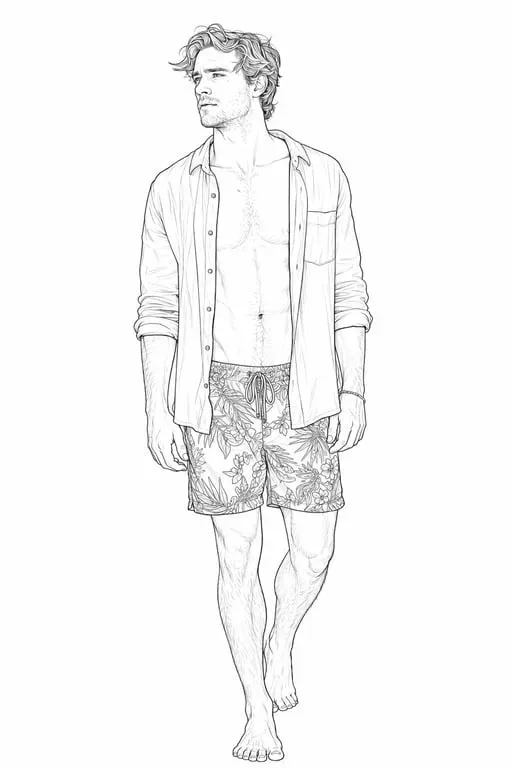
Landscape Line Art
Transform landscape and architecture photos into elegant line drawings. Ideal for prints, tattoo references, or minimalist décor.
Why Toty
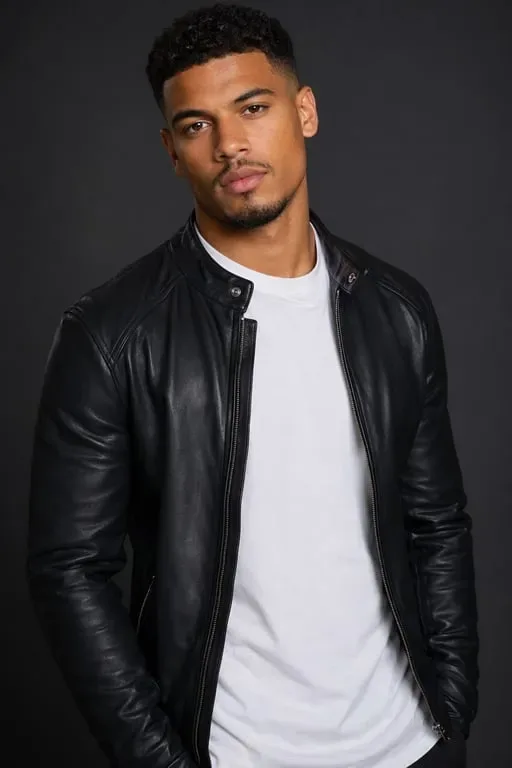
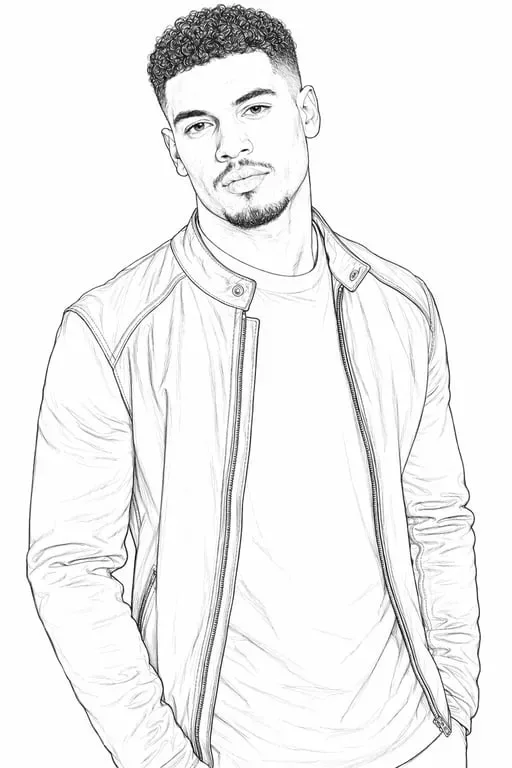
True-to-Detail Line Conversion
Toty analyzes every edge, texture, and contour in your photo to generate line drawings that look genuinely hand-crafted by a skilled artist.
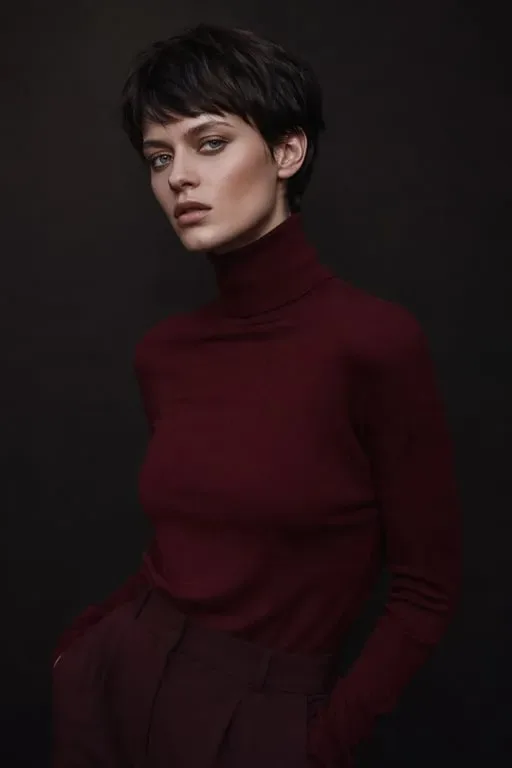
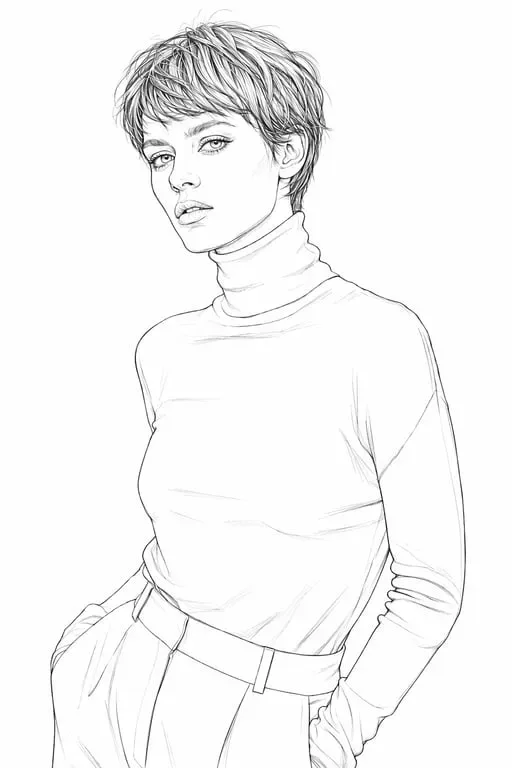
Multiple Line Art Styles
Choose from pencil sketches, clean ink outlines, manga-style lines, coloring pages, and fine art contours — or describe your own style with a prompt.
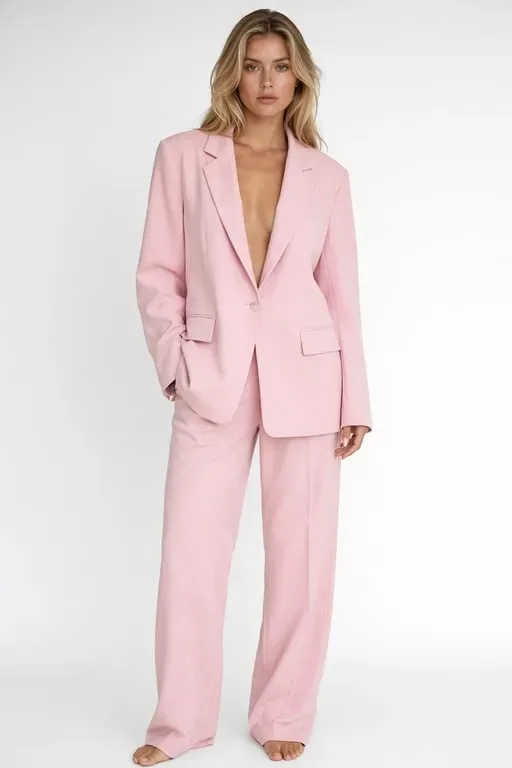
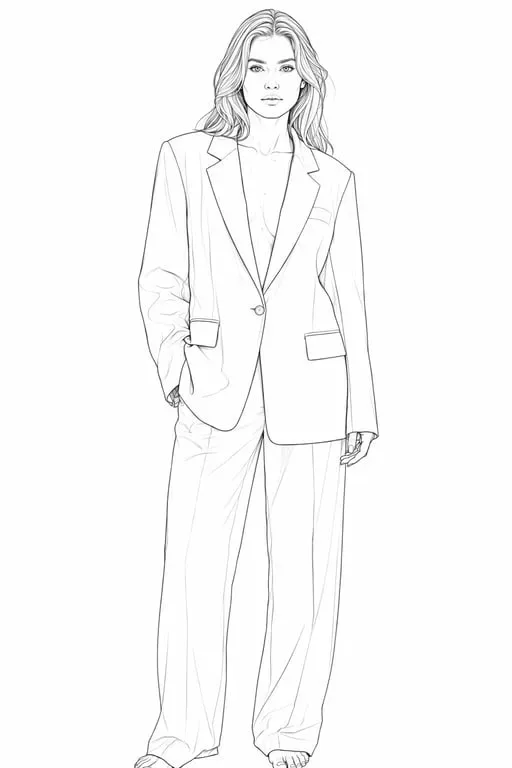
Instant, High-Resolution Output
Get sharp, print-ready line drawing results in seconds. Export at high resolution for printing, digital use, or professional design projects.
How to create with Toty
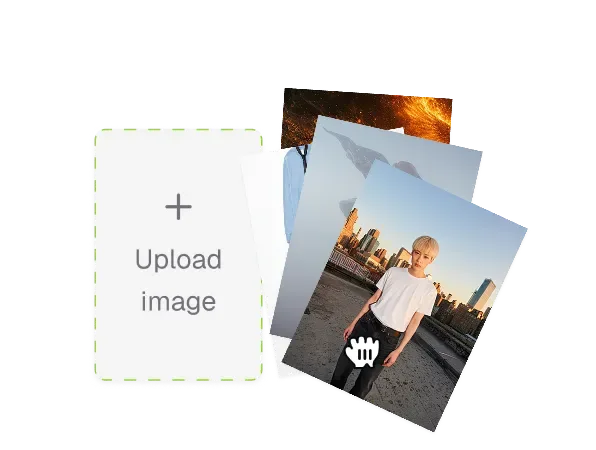
Upload Your Photo
Choose any photo — portrait, landscape, product, or object. Toty works with all common image formats.
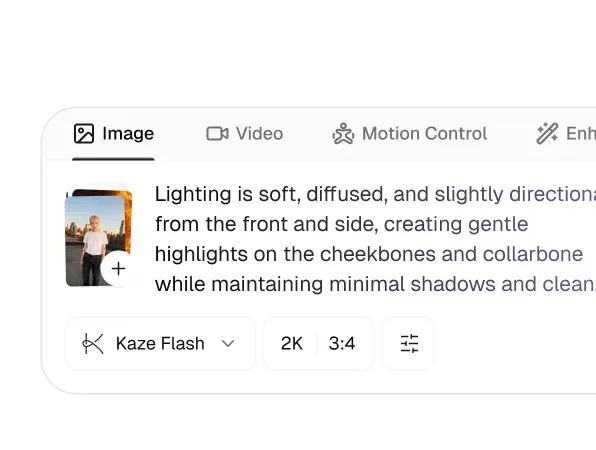
Choose Your Line Style
Select a preset style like pencil sketch, ink outline, or coloring page — or describe your preferred style with a custom prompt.
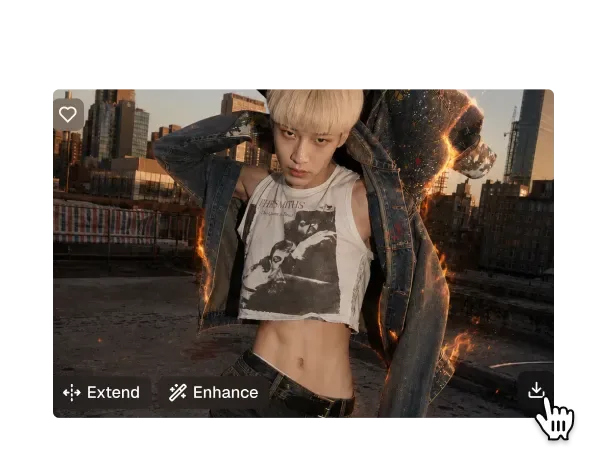
Download Your Line Art
Your line drawing is ready in seconds. Download in high resolution for printing, digital art, or sharing online.

Trusted by over 1M creators
Community of over 1M+ users
Maya R.
I used Toty to turn client photos into line art references and it saved me hours. The detail accuracy is incredible — looks like I traced it by hand. Absolute game changer.

Tom H.
My clients send me photos and I convert them to line drawings with Toty before every session. The clean ink outline style is perfect for stencil prep. Saves so much time!

Jessica L.
Made custom coloring pages for my class using Toty — the kids went absolutely crazy! The coloring page mode is so clean and easy to print. Will use it every month.

Daniel K.
Toty's line art quality rivals what I could produce manually in Illustrator in 20 minutes. It captures every nuance of the original photo. Genuinely impressive.

Sophia W.
Turned my travel photos into line drawings for my Instagram and engagement went through the roof. Toty makes my feed look like a beautifully illustrated travel journal.

Sophie R.
I turned a simple portrait into a clean line drawing in seconds. The outlines are crisp, detailed, and look like they were hand-drawn. Toty has completely changed my design workflow.
FAQ
AI photo to line drawing by Toty uses advanced edge detection and style transfer to convert any photo into hand-drawn line art. Upload your photo, choose a style, and get detailed results in seconds — no software needed.
Toty works with portraits, landscapes, architecture, animals, and objects. Photos with clear subjects and good lighting produce the most accurate and detailed line art results.
Yes! Toty's Coloring Page style converts photos into clean, closed-line outlines perfect for printing and coloring — ideal for kids' sheets, adult coloring books, and custom art projects.
Yes. Toty offers free access to the photo-to-line-drawing feature with no signup required. Create your first line art instantly and upgrade for unlimited high-resolution downloads.
Toty supports pencil sketch, ink outline, coloring page, manga-style line art, and fine art contour lines. You can also enter a custom prompt to describe any style you have in mind.
Explore more AI features
Discover new Toty features here