Turn Photo Into Sketch
Your ultimate AI tool for transforming photos into pencil sketches for portraits or art projects.
UploadUpload an image
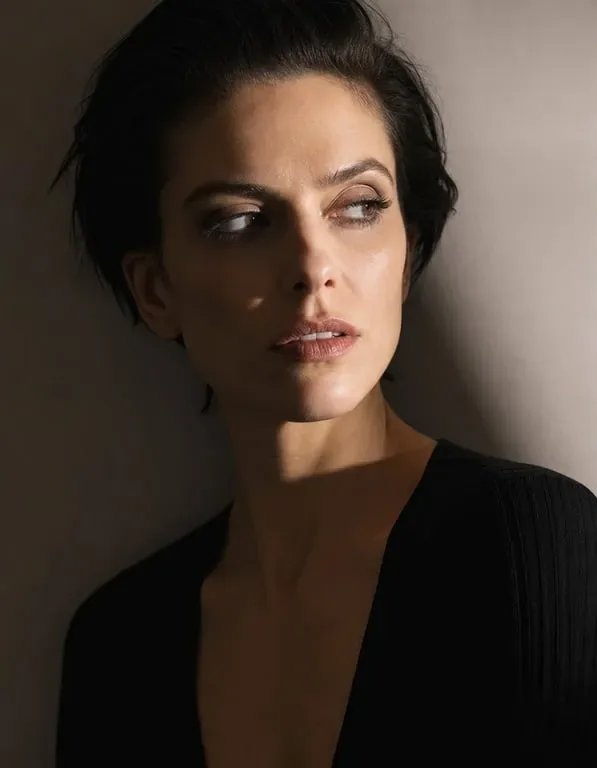
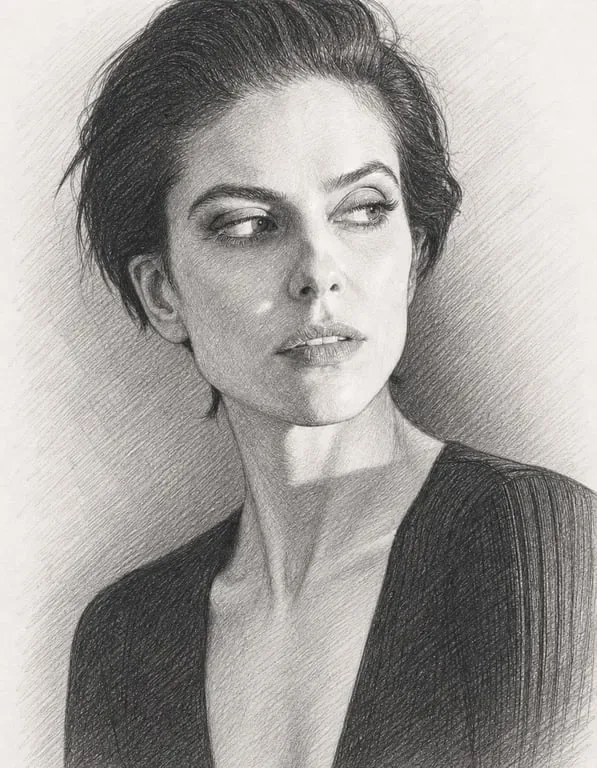
Create faster with examples
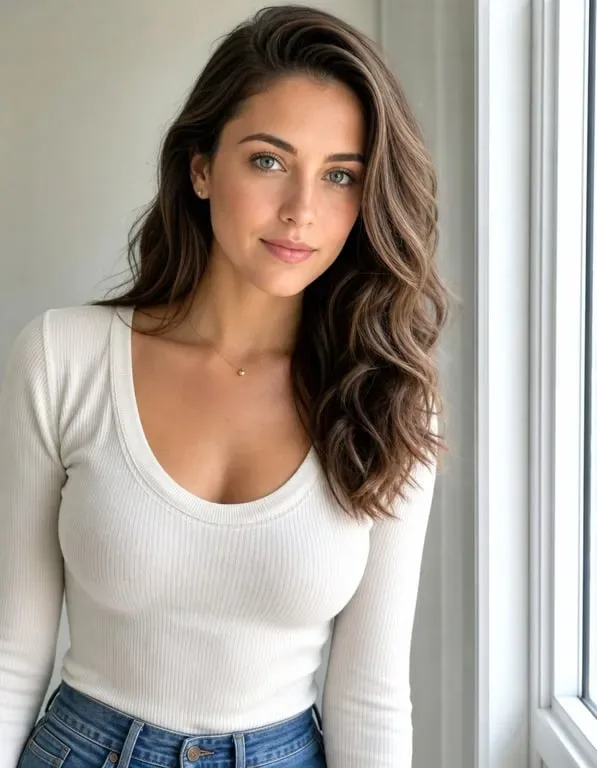
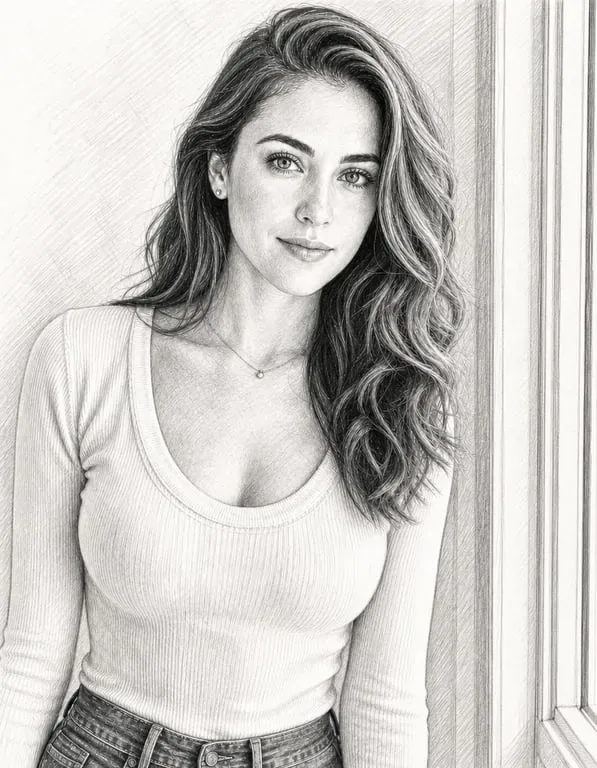
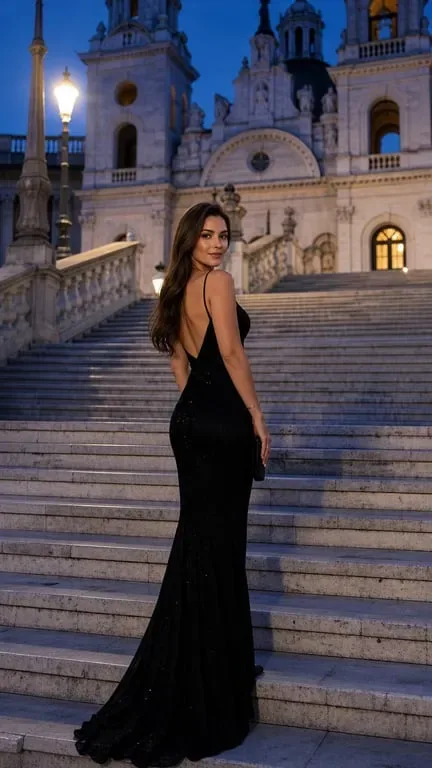
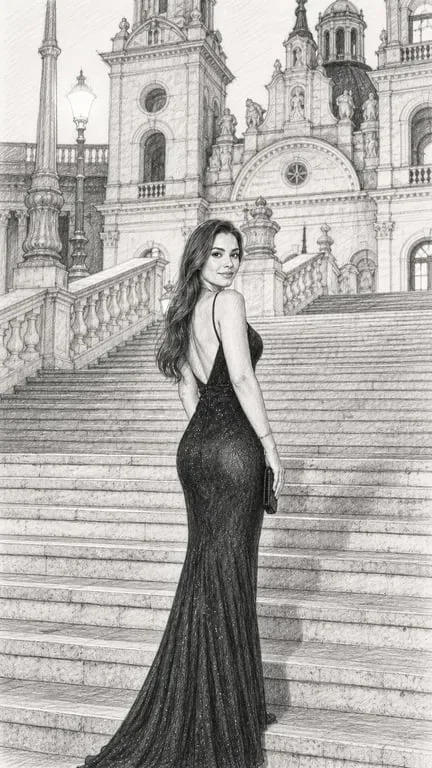
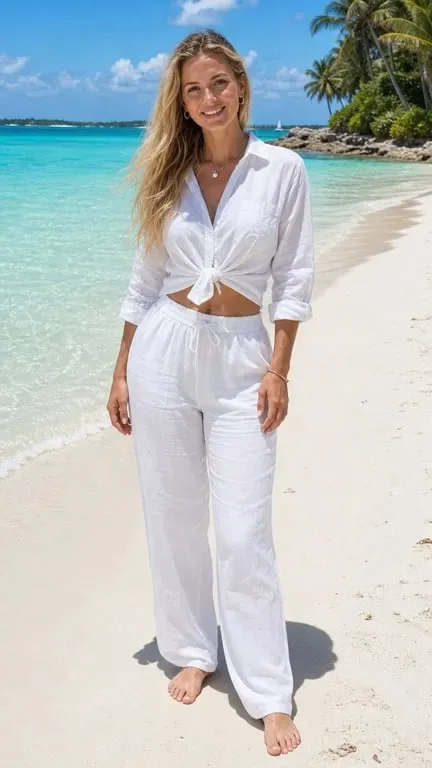
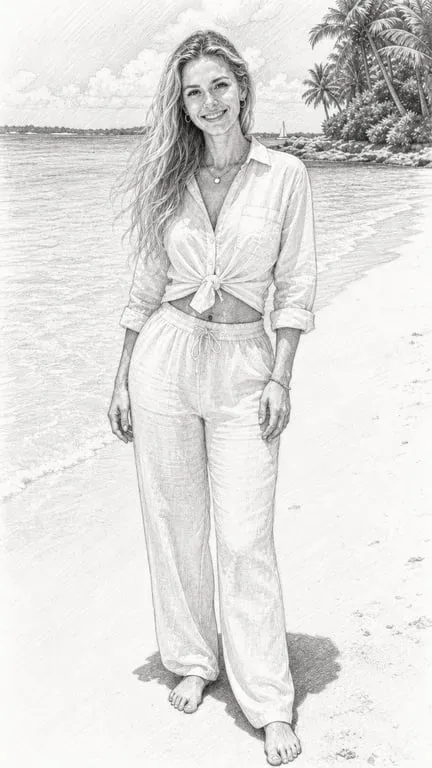
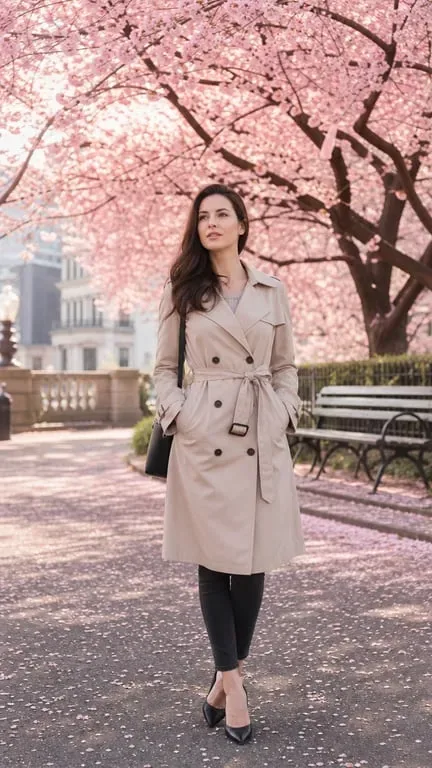
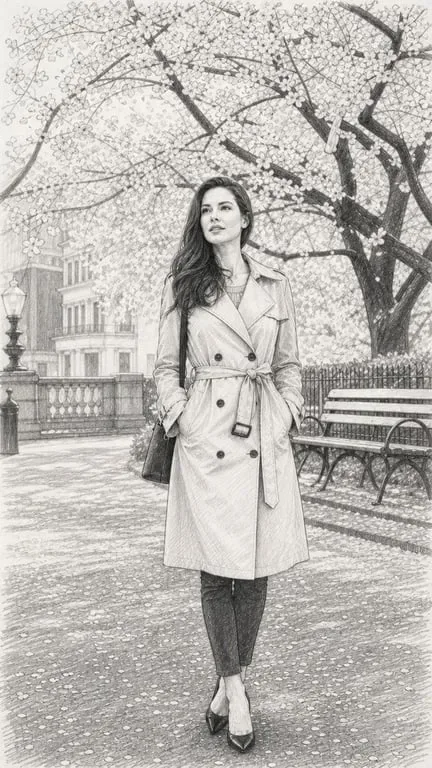
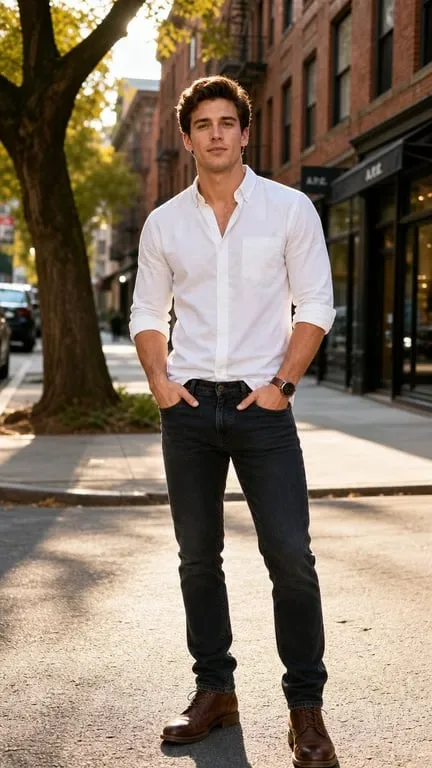
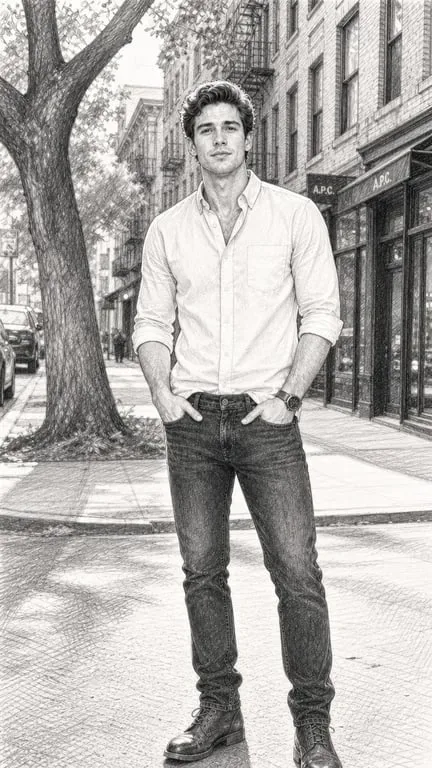
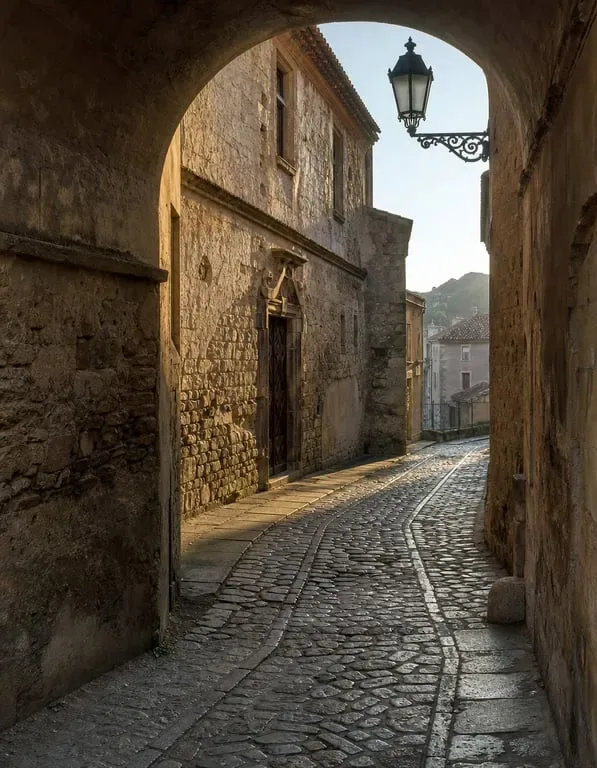
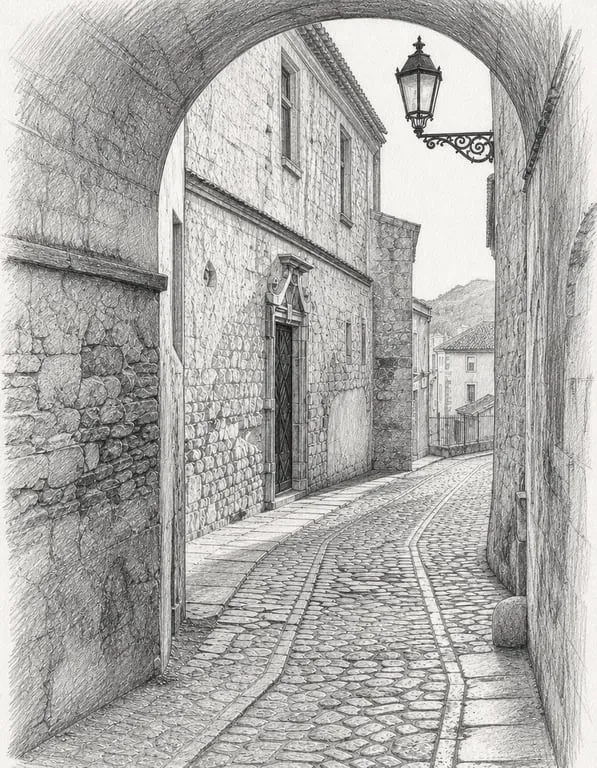
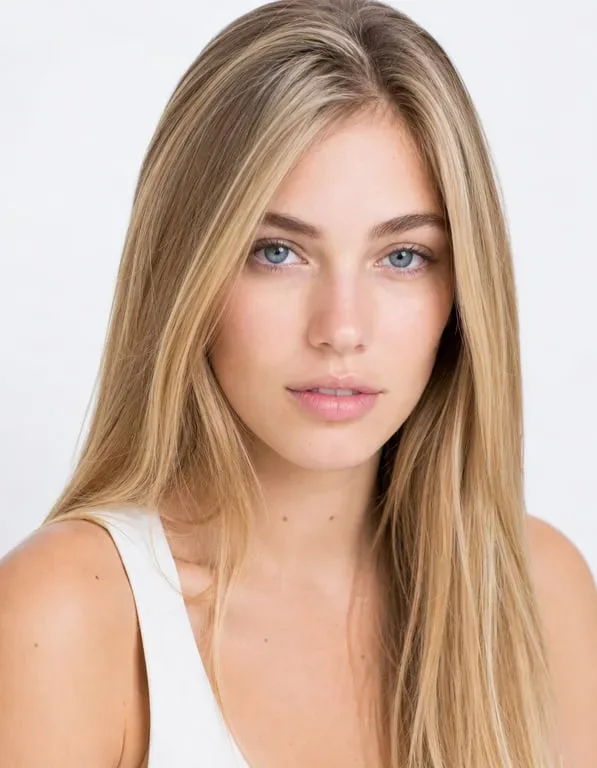
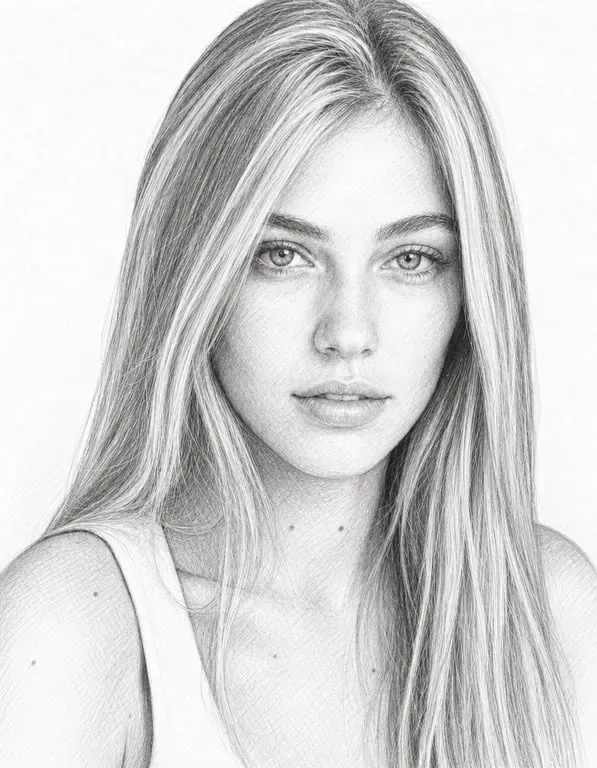
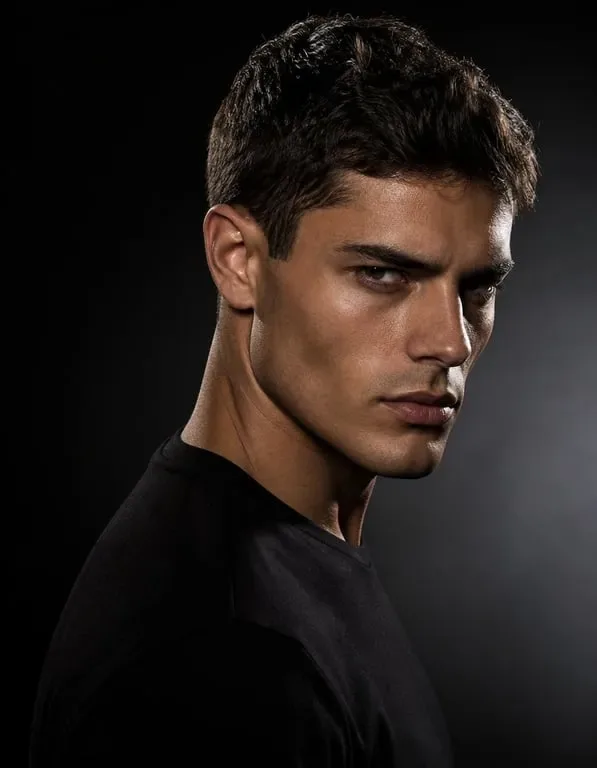
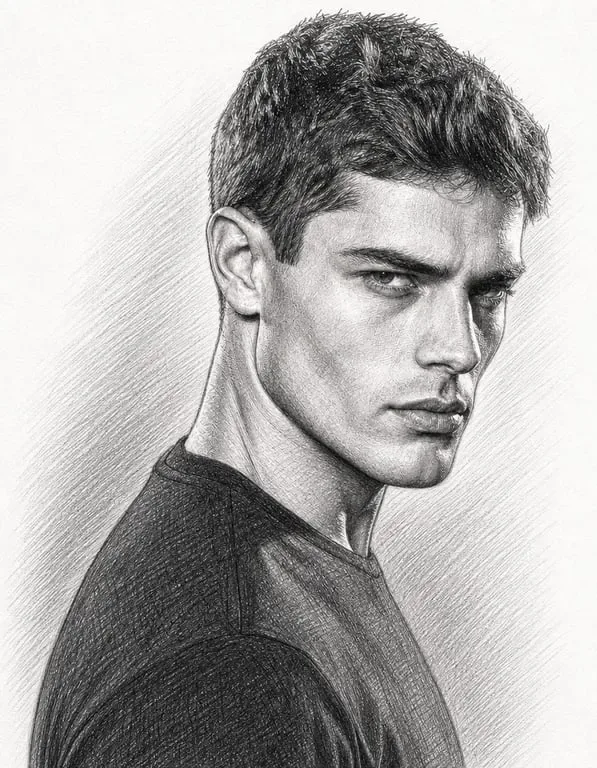

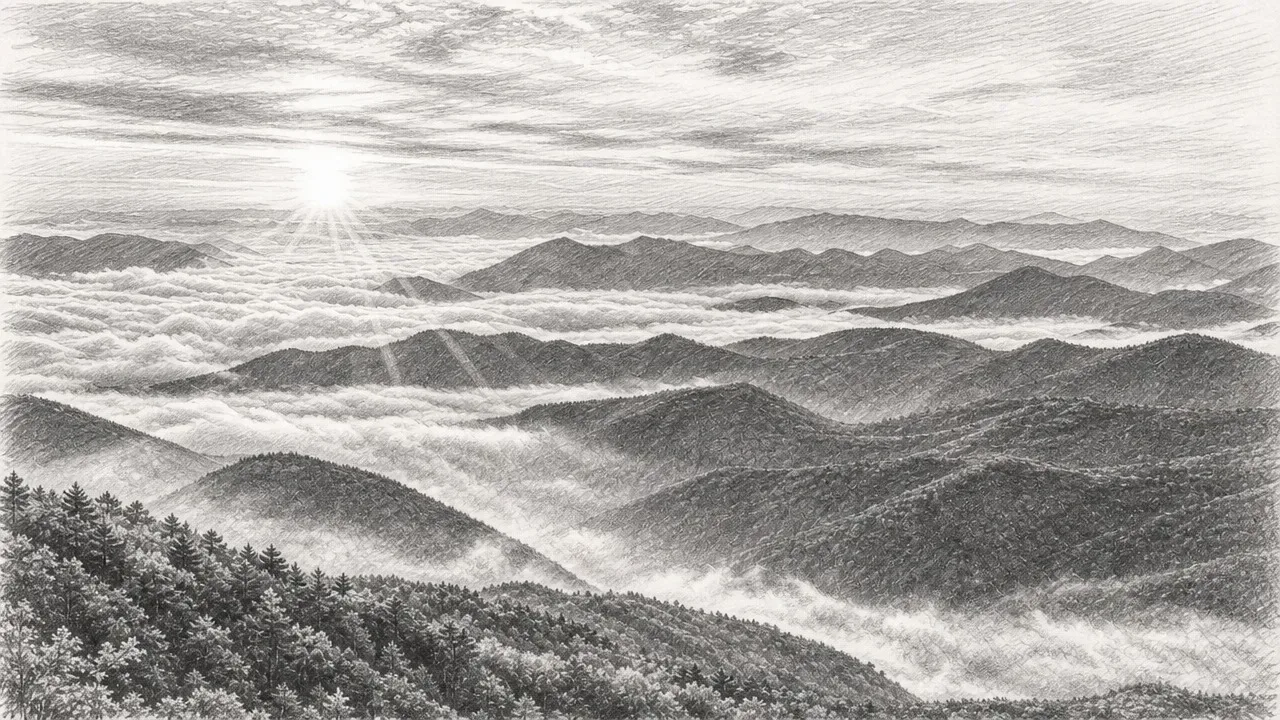
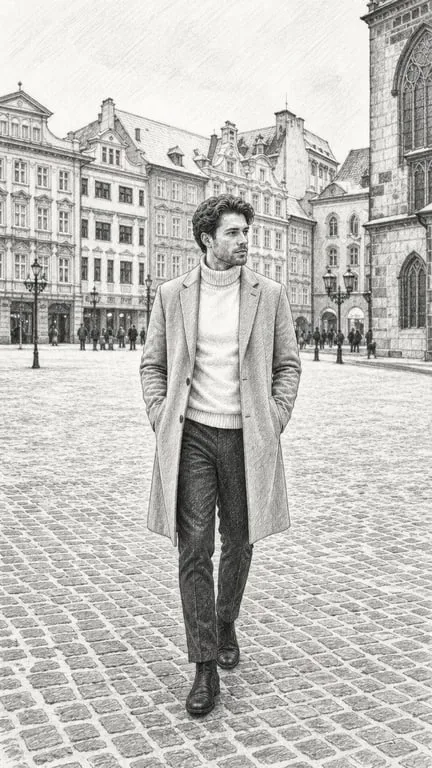
How People Use Turn Photo Into Sketch
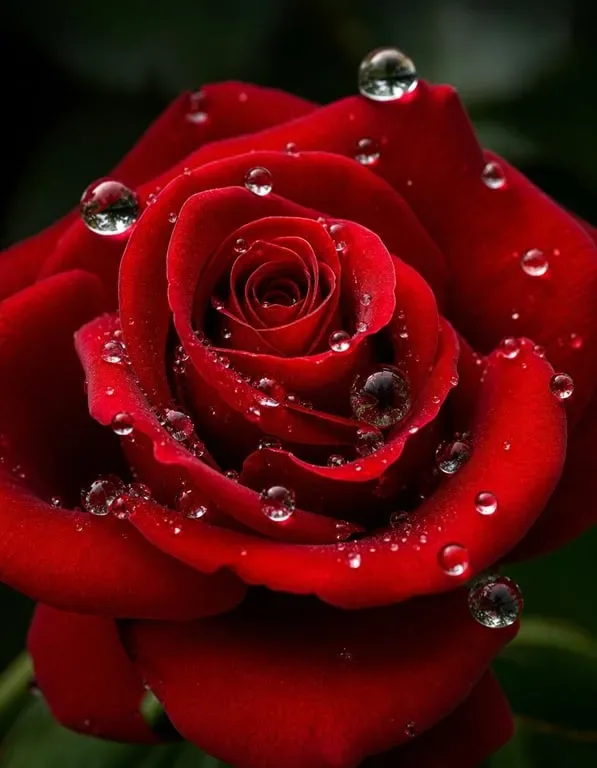
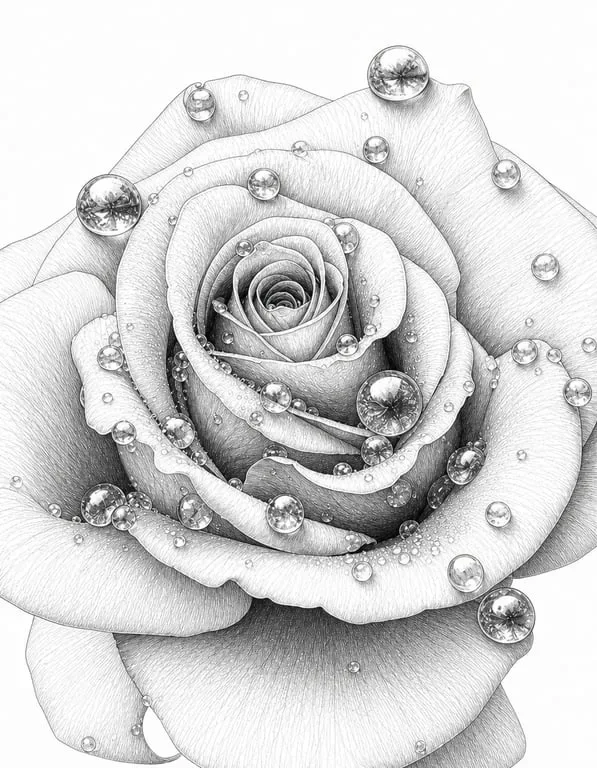
Artists and Creatives Use Photo-to-Sketch as a Study and Warm-Up Tool
Learning to draw accurately from reference has always required either real freehand ability or access to tracing methods, both of which have limitations for developing artists. Toty's photo-to-sketch conversion works as a powerful learning tool, showing students and emerging artists what a striking pencil rendering of any reference photograph can look like. By comparing the AI's sketch interpretation with their own hand-drawn attempts, artists can study proportion, value, and line quality more effectively than by working from a blank page. Studios use it to generate warm-up exercises, to build reference sheets quickly, and to let students focus on observation rather than on setup. The output is detailed enough to serve as a genuine study reference, which turns a passive reference photo into an active teaching tool.

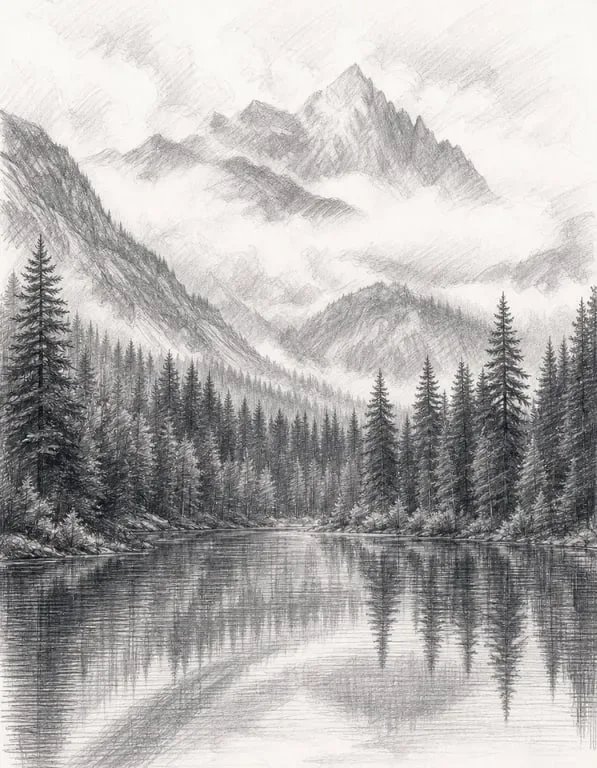
Gift and Keepsake Creators Make Personalized Sketch Art
The appeal of a hand-drawn portrait as a personalized gift is universal — but actual commissioned sketches are expensive and time-intensive to produce. Toty's photo-to-sketch conversion allows anyone to create beautiful, personalized sketch art from meaningful photos — a wedding portrait, a graduation picture, a beloved pet's photo, a family gathering — and use it as the basis for custom gifts. These AI-converted sketches are printed as framed wall art, transferred onto greeting cards, notebooks, custom mugs, and countless other personalized gift products. Recipients consistently respond with the warm emotion that hand-drawn portrait art provokes — the personal quality of a sketch, capturing someone's likeness through rendered lines, carries deep emotional resonance that a simple photograph, despite equal technical quality, often doesn't. The combination of a meaningful photo and the aesthetic warmth of pencil art produces a genuinely memorable gift.
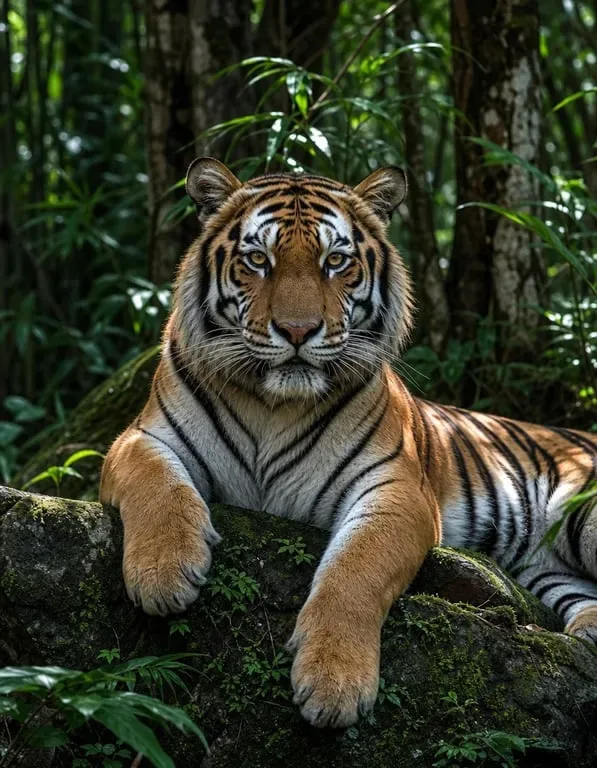
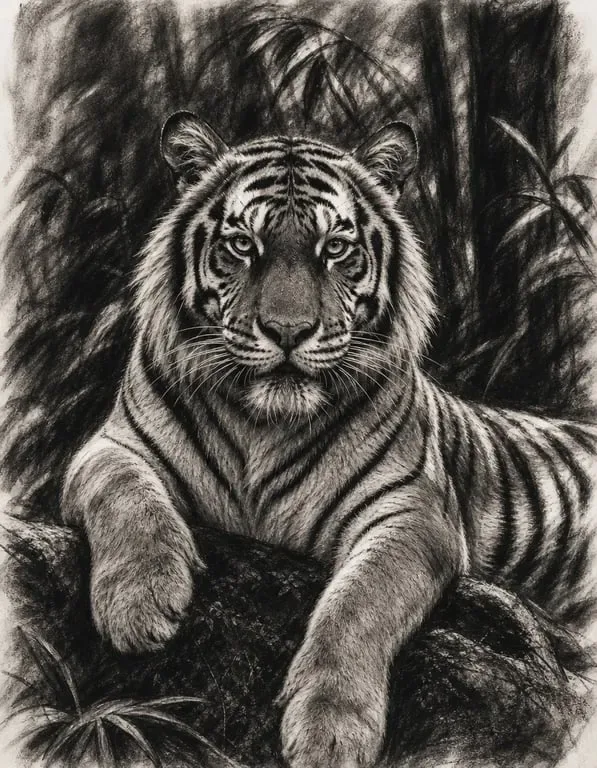
Social Media Creators and Designers Use Sketch Effects for Visual Content
The pencil sketch aesthetic has enduring popularity across social media platforms, design projects, and digital content — it conveys a sense of craftsmanship, personality, and human touch that polished photography sometimes lacks. Content creators who want to add visual variety to their social feeds use photo-to-sketch conversion to create alternative artistic presentations of their lifestyle and portrait photography. Graphic designers use sketch-style images as distinct visual elements in editorial layouts, brand presentations, and campaign materials where the hand-drawn aesthetic communicates warmth or artisanal values. Wedding content creators convert ceremony and reception photos into sketch art for use in wedding albums, venue signage, and anniversary gifts. The versatility of the sketch effect across creative contexts — from serious artistic reference to casual social media use — makes it one of the most broadly applicable AI photo transformations available.
Why Toty
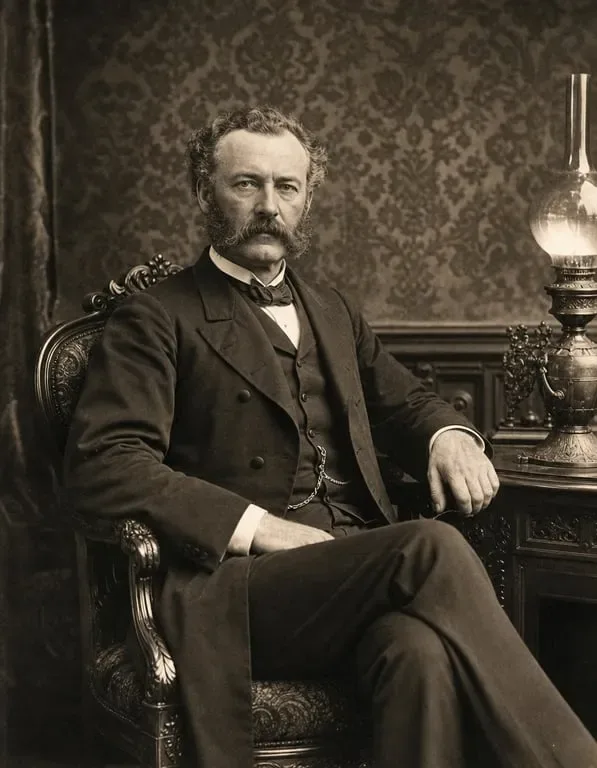
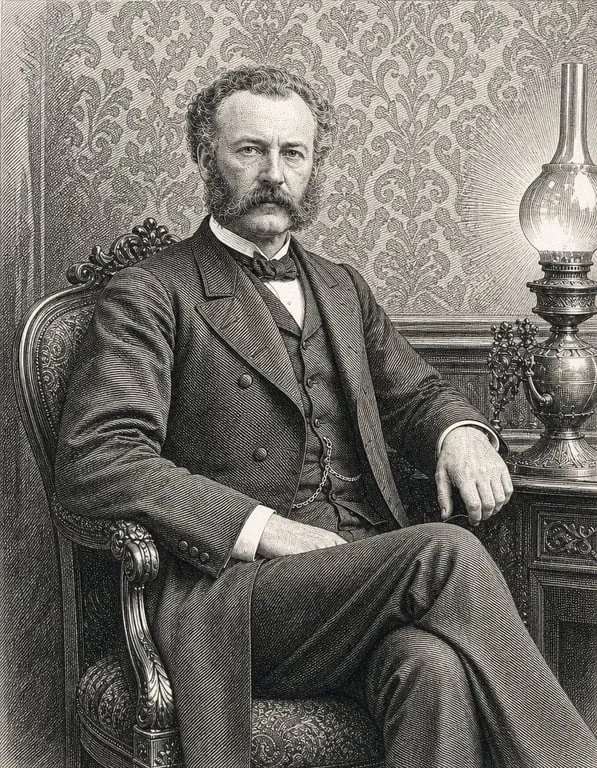
Authentic Pencil Sketch Quality, Not a Simple Filter
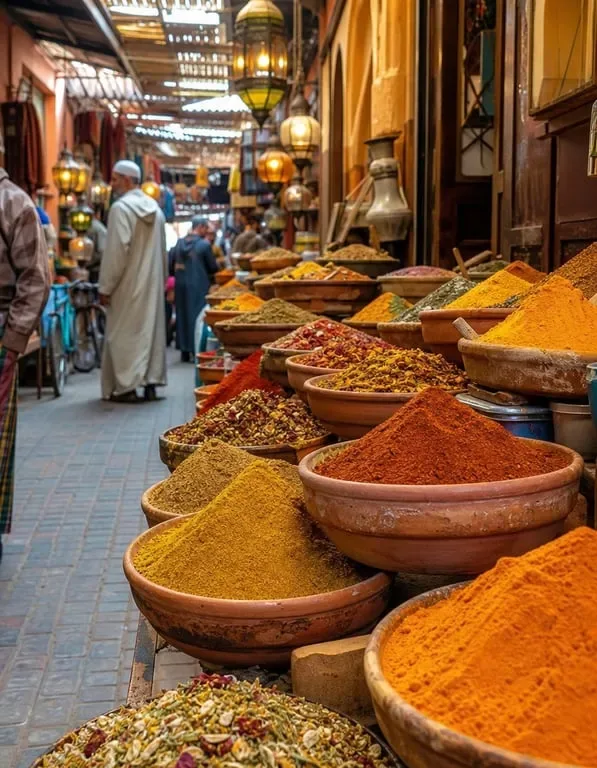
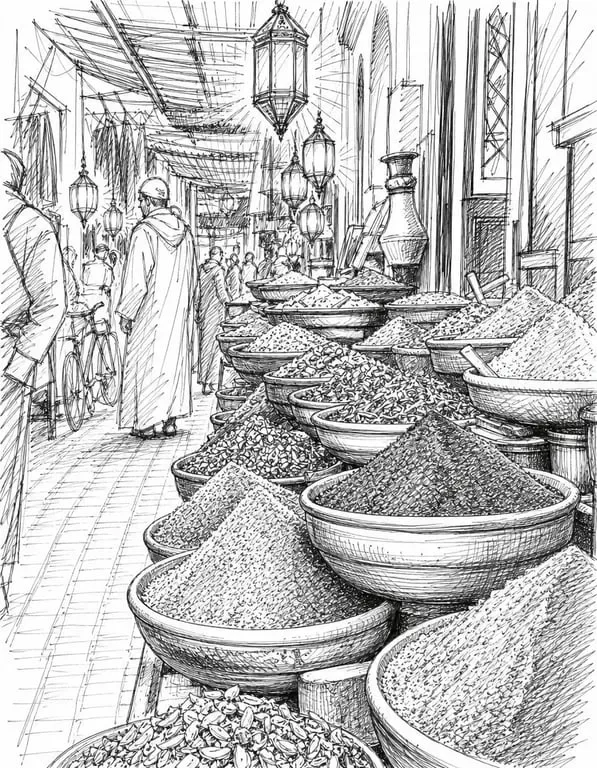
Toty's photo-to-sketch conversion doesn't apply a mechanical filter — it genuinely interprets the photo's composition, tonal values, and important edges to produce a result that resembles an actual pencil drawing. The AI understands where shading should be heavy versus light, where lines should be crisp versus soft, and how to render facial features, textures, and backgrounds in convincing hand-drawn style. The difference from simple filter apps is visible immediately.
Multiple Sketch Styles Available
Different sketch aesthetics serve different purposes and preferences. Toty offers a range of pencil and drawing interpretations — fine detailed pencil work, expressive charcoal style, loose gestural drawing, architectural technical sketch, soft portrait shading, and ink line art. Specify your preferred sketch style in the instruction, or let the AI choose the most appropriate interpretation for your photo's content.
Any Photo, Instantly Transformed
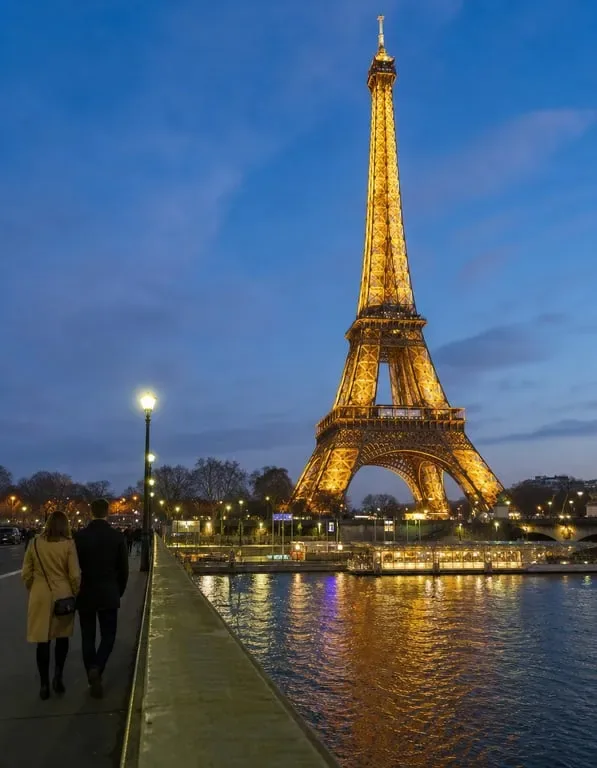
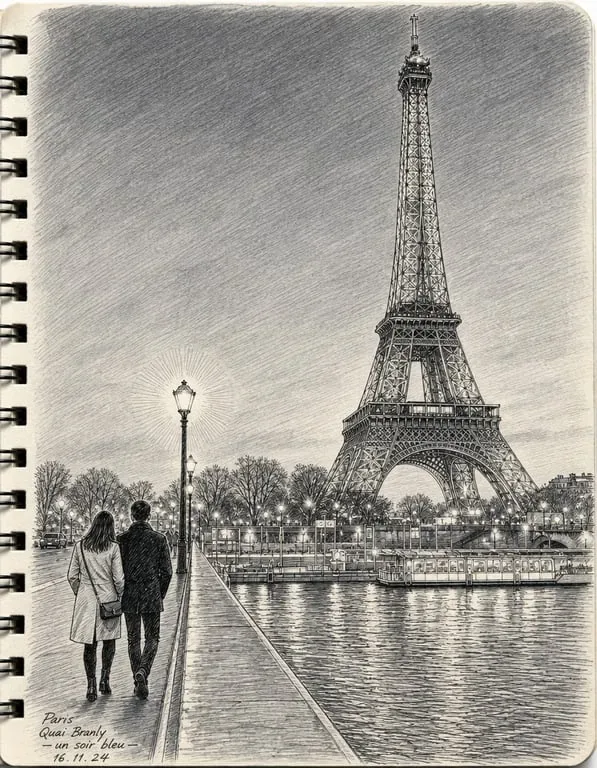
Portrait, landscape, pet, building, still life, group shot — Toty's sketch conversion works with any photographic subject. Upload your favorite photo from your camera roll and receive a beautiful sketch version in seconds. The transformation is high-quality regardless of the original photo's lighting conditions or composition complexity.
How to create with Toty
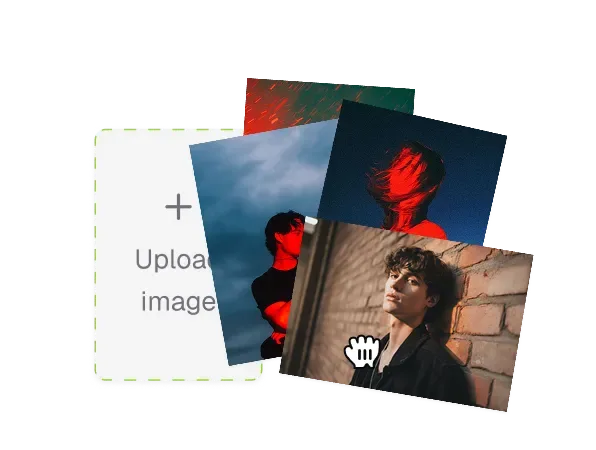
Upload Your Photo
Click upload and select the photo you want to convert to a sketch. Any photo from your device will work — portrait, landscape, still life, pet, or any subject. Photos with clear subjects and reasonable lighting tend to produce the most detailed and readable sketch results, but Toty handles a wide range of photo conditions effectively.
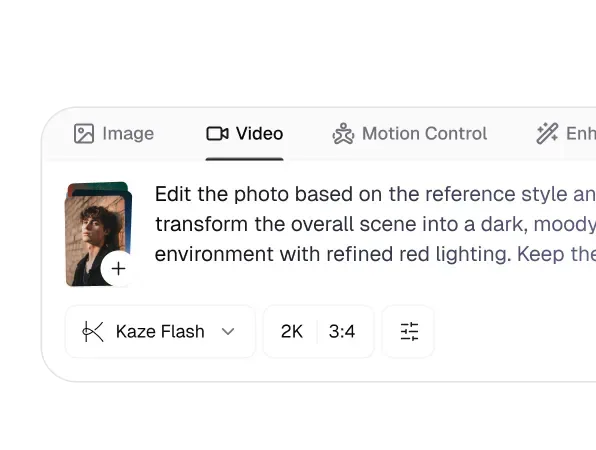
Request Your Sketch Style
Type your sketch instruction in the chat box — "turn this into a pencil sketch," "convert to a detailed charcoal drawing," or "make this look like a hand-drawn illustration." You can specify the level of detail, the shading style, and whether you want a clean line drawing or a fully shaded realistic sketch. Toty processes your photo and instruction together to produce the most appropriate result.
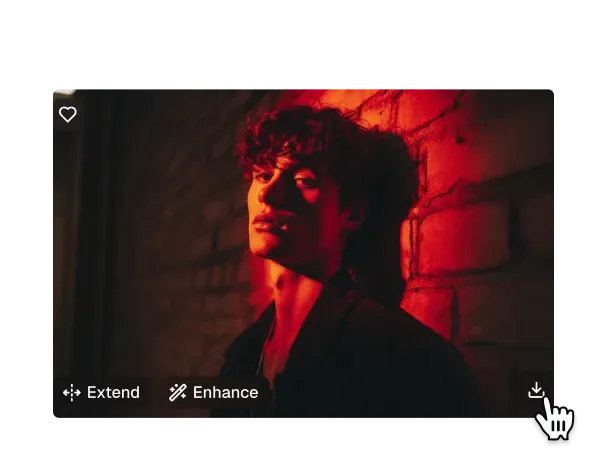
Download and Use Your Sketch Art
Review the generated sketch and download your favorite version. Use it for printing, sharing, digital projects, or as reference for hand-drawn work. The high-resolution output is suitable for printing at large sizes, ensuring your sketch art looks crisp whether displayed as a framed print or used in a digital design project.

Trusted by over 1M creators
Community of over 1M+ users
Lila B.
I turned a photo of my golden retriever into a pencil sketch using Toty—and now it's framed on my wall. It looks like something an artist spent hours on. Absolutely stunning!
Marcus J.
Toty gave me a clean line sketch from a simple portrait, and I used it in a client's custom print design. It's fast, elegant, and incredibly accurate. A perfect creative tool.
Aria M.
I use Toty to turn customer photos into custom sketch cards. Everyone loves the personal touch—and it takes just seconds to create something beautiful and unique.
Leo W.
The sketch versions of my selfies get more likes than the original photos! Toty transforms my images into delicate, shareable art. It's perfect for aesthetic posts.
Juno K.
I'm not great at drawing, but Toty helped me make my own sketch-style portraits for my art project. It looks hand-drawn—and my teacher thought I did it myself!

Evan S.
I surprised my wife with a pencil-style sketch of our wedding photo using Toty. She cried when she saw it. We had it printed and framed—it's now her favorite gift.
Frequently Asked Questions
A sketch filter is a digital effect that transforms your photo into a hand-drawn-style sketch. Toty uses advanced AI to convert your color photo into a high-contrast monochrome or pencil-like drawing, mimicking the look of traditional line art with clean strokes and shading.
Yes! With Toty, you can easily transform any portrait, landscape, or object photo into a realistic sketch. Just upload your image, choose your preferred sketch style, and let our AI do the rest—all within seconds.
Absolutely. Toty is fully mobile-friendly and works directly in your browser. No app download is required—simply open our website on your Android or iOS device, upload your image, and apply a sketch effect instantly.
High-resolution images with clear subjects and good lighting work best. Portraits, pet photos, scenic views, and still-life images all produce excellent results with Toty's sketch styles.
Not at all. Toty ensures that your converted sketch maintains high resolution and sharp detail, making it suitable for digital sharing or even printing.
No design experience needed! Toty is beginner-friendly and fully automated—just upload your image and let our AI instantly turn it into a sketch with one click.
Explore more AI features
Discover new Toty features here