Rap style
8-second portrait clip · 160 credits · failed runs are free
Theme (optional)
Upload an image
Please upload an image first.
Sign in required. Credits follow the model and settings, and the button shows the cost. Signing in adds 4 credits to try the image models.
AI Rap Video – Turn a Photo into a Rap Clip
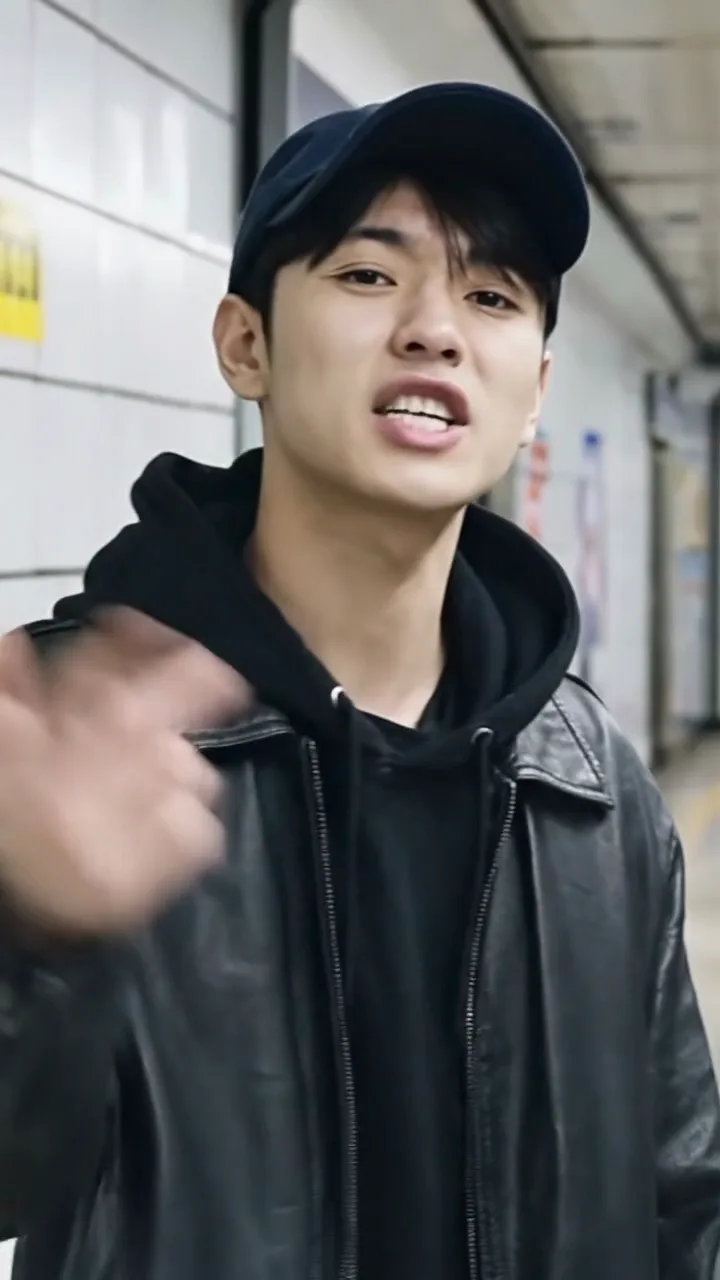
Upload a photo and pick a style. Toty writes two rhyming lines for the person in it and makes an 8-second rap clip: lip-synced, on beat, with vocals and a beat.

Modern trap — Hit the block, coffee hot, stepping smooth, can't be stopped. / Victory lap, grind on tap, rise and shine, I'm the map.
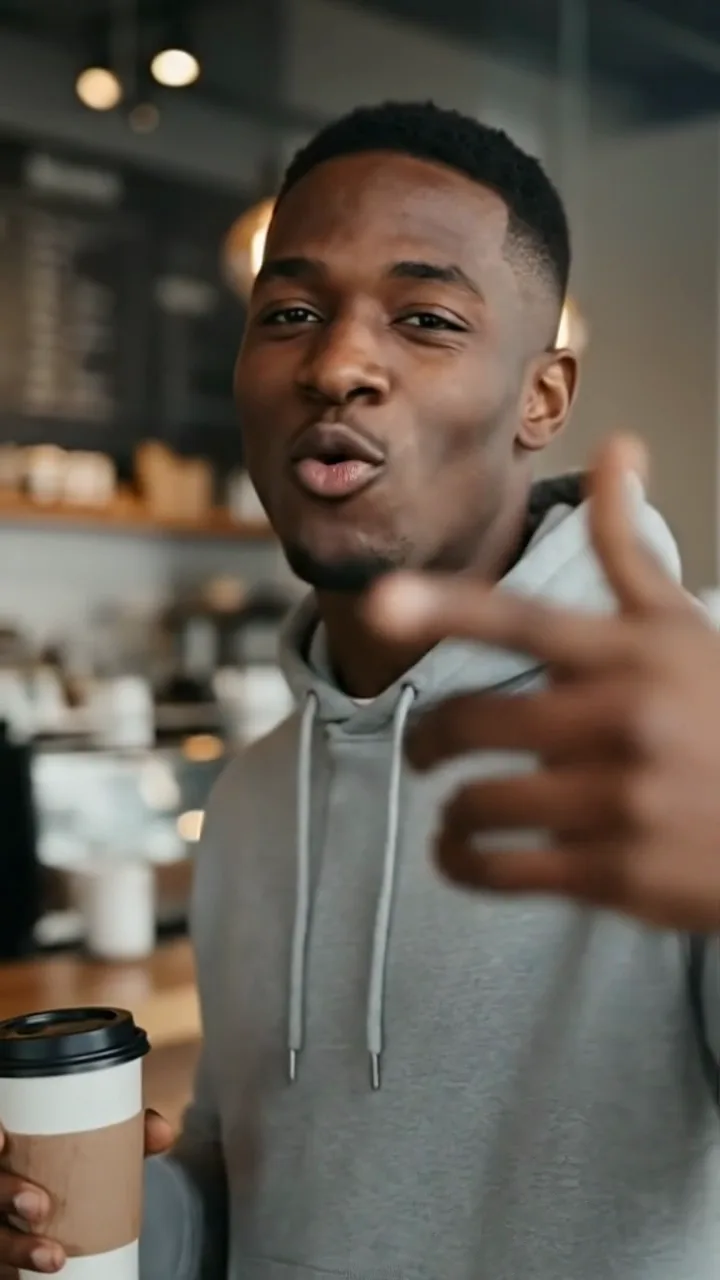
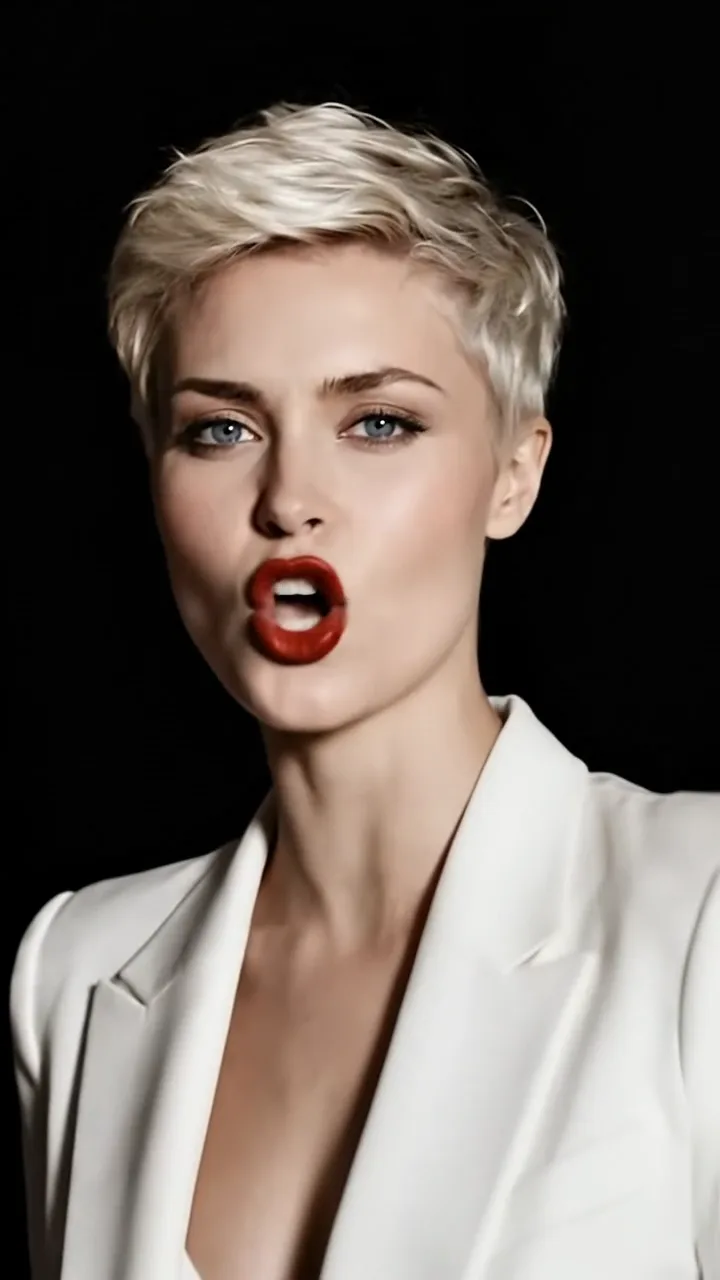
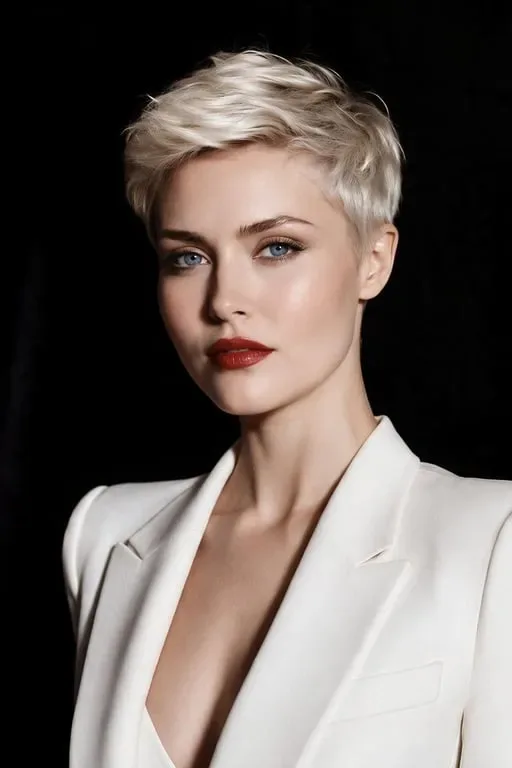
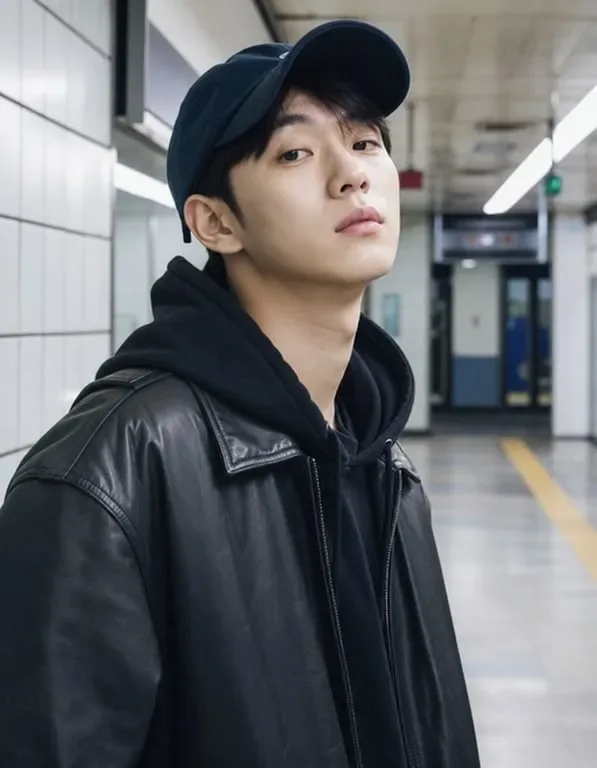
What people use the AI rap video for
Why use Toty for the AI rap video
Lyrics written for your photo
AI looks at the person and the scene, then writes two rhyming lines in the style you pick, or raps your own words.
Lip-synced, with a beat and vocals
Made with Google Veo 3: the mouth follows the lyrics, gestures follow the beat, the music and vocals come with it, and the face and outfit stay the same.
160 credits a clip, failures free
Each 8-second portrait clip is a flat 160 credits, shown on the button before you submit; blocked or failed runs are not charged.
How to use the AI rap video
- Upload photoStep 1
Upload a photo
Pick a clear, front-facing photo, ideally from the waist up. JPEG, PNG and WebP are supported.
A weekend out with friends, feeling unstoppable
720p5sGenerateStep 2Pick a style, add a theme or lyrics
Choose Trap, Old School, Melodic or Drill and add a theme, or tick “use my lyrics” to rap your own two lines.
- DownloadStep 3
Generate and download
Generate, and in a minute or two you get an 8-second rap clip ready to download and share.
Frequently Asked Questions
160 credits per 8-second clip. Failed runs are free.
By default Toty writes two rhyming lines from the photo and your theme. Tick “use my lyrics” to have your own two lines rapped instead.
Only use your own photo or one you have permission to use, and never to impersonate or mislead.
The model blocks some content, such as minors, celebrities or explicit material. Blocked runs are not charged.
Yes. Generating needs a Google or email account. New accounts receive a few welcome credits to try it.
Each generation uses credits based on the model, resolution and image count. The submit button shows the exact amount, and failed tasks are not charged.
Videos usually take one to a few minutes, depending on the model, length and queue.
Only upload photos of yourself or of people who agreed to it. Do not use results to impersonate, harass or mislead anyone; see the acceptable use policy.
Keep exploring
New models and popular tools, one click away.