AI Ghost Mannequin 3D Garment Photos Without a Model
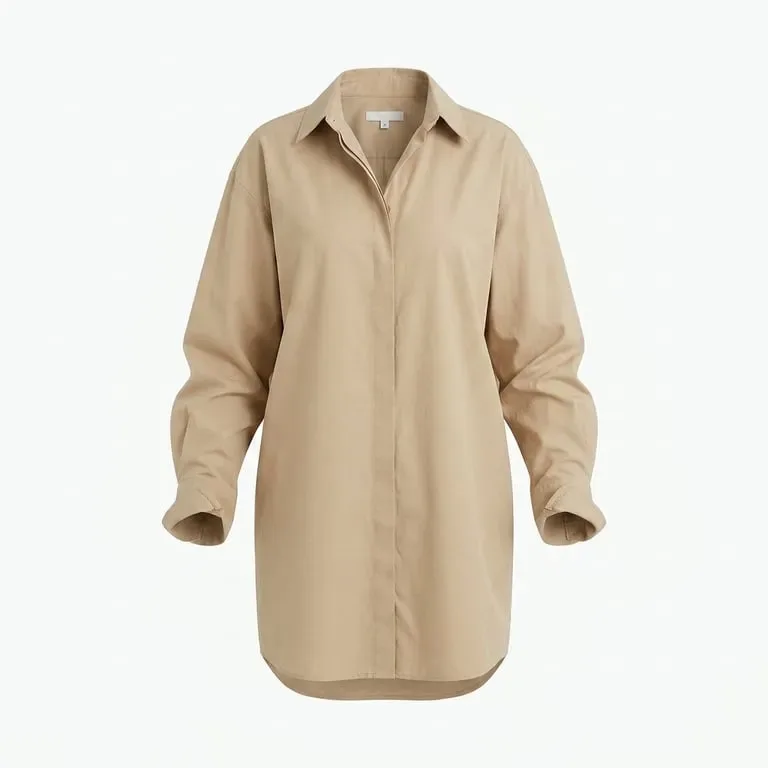
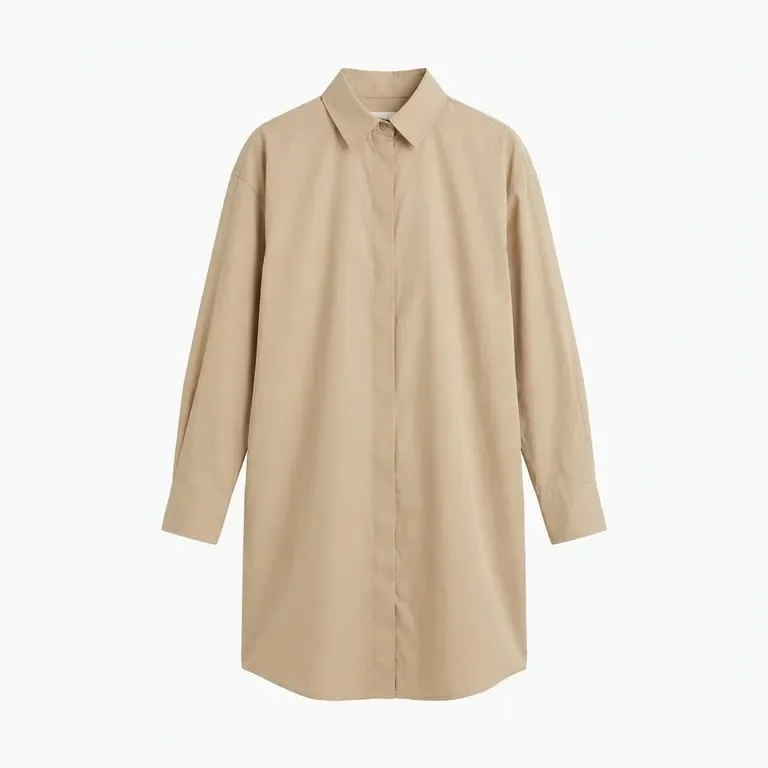
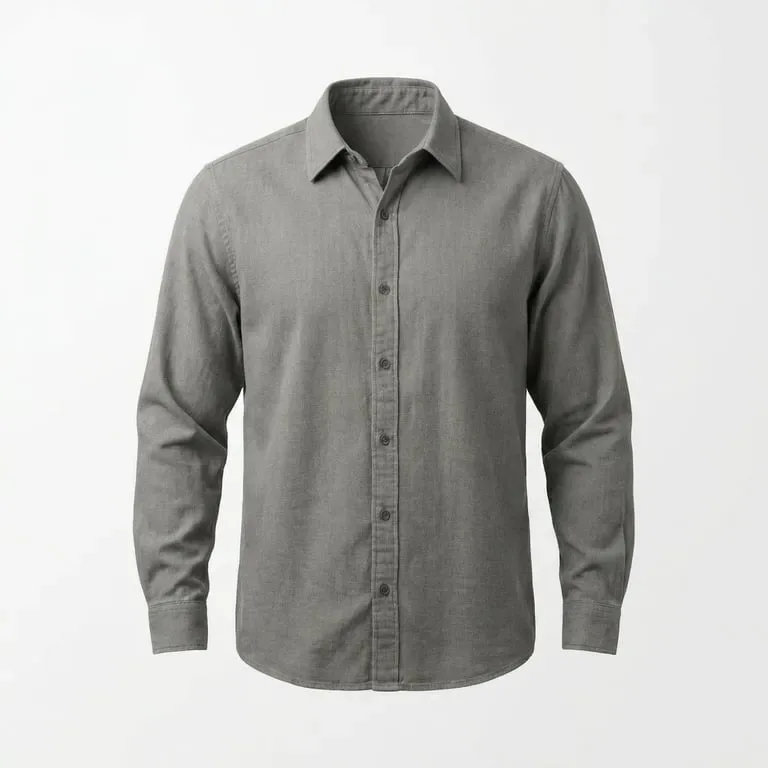
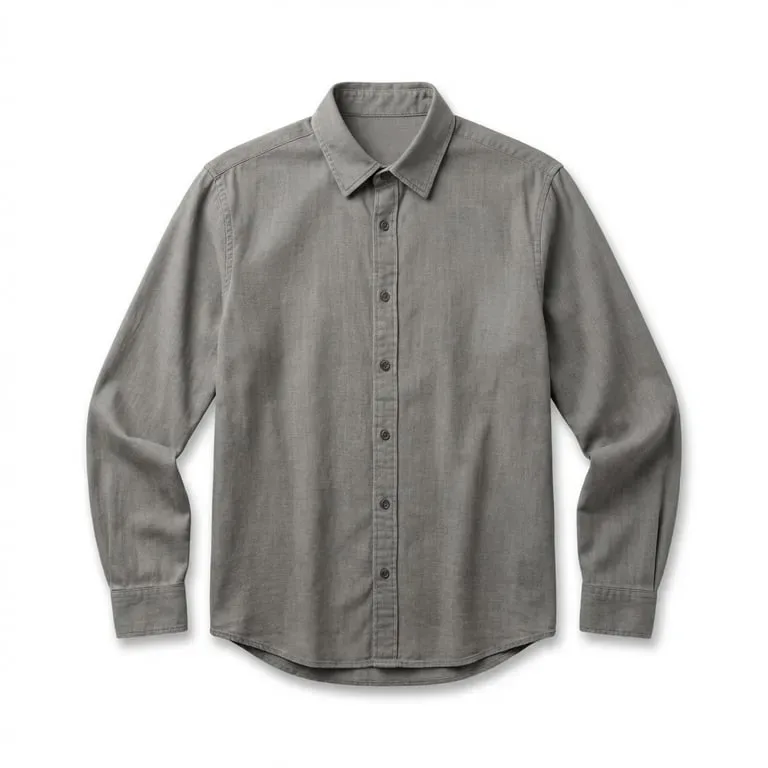
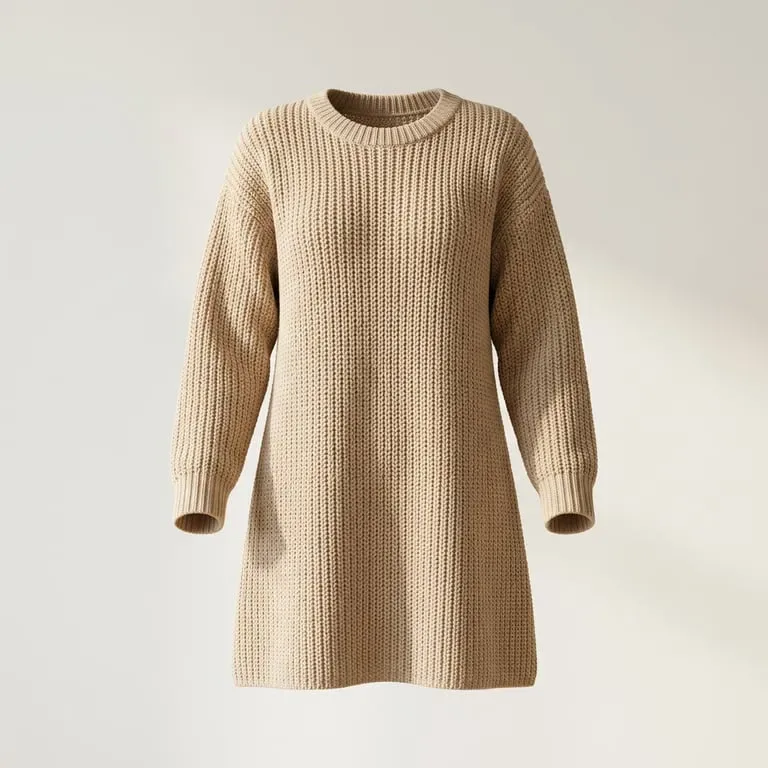
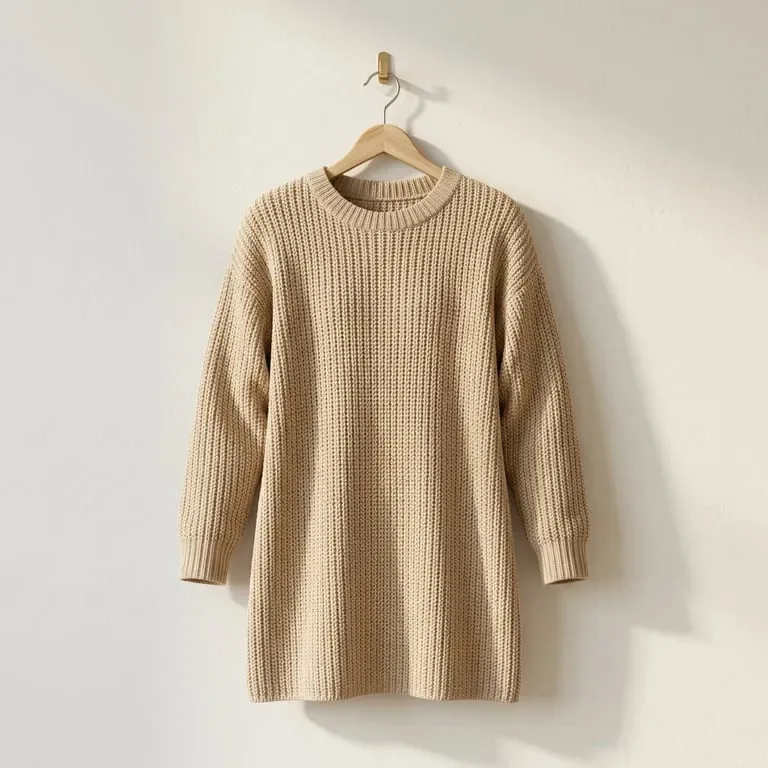
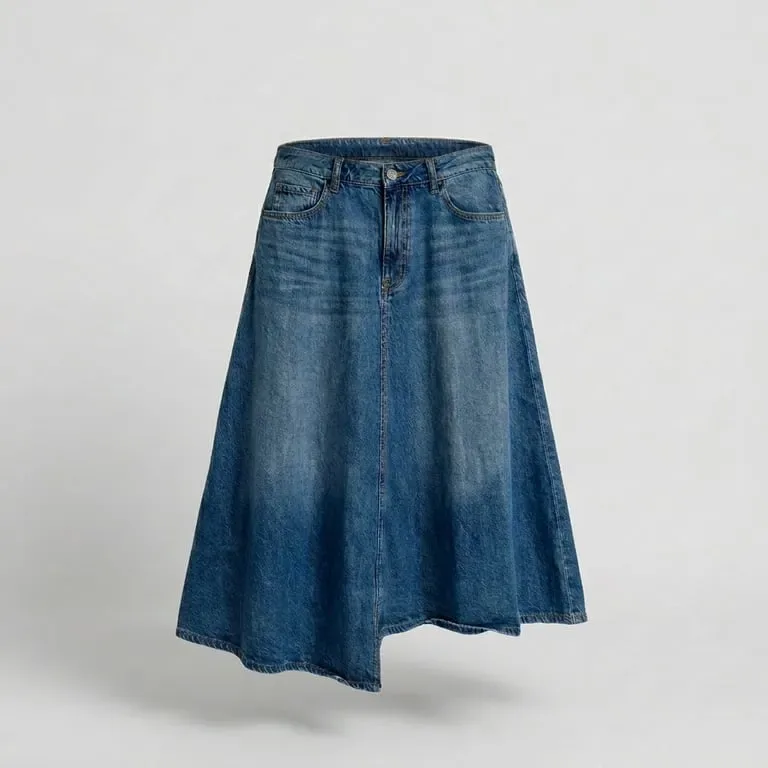
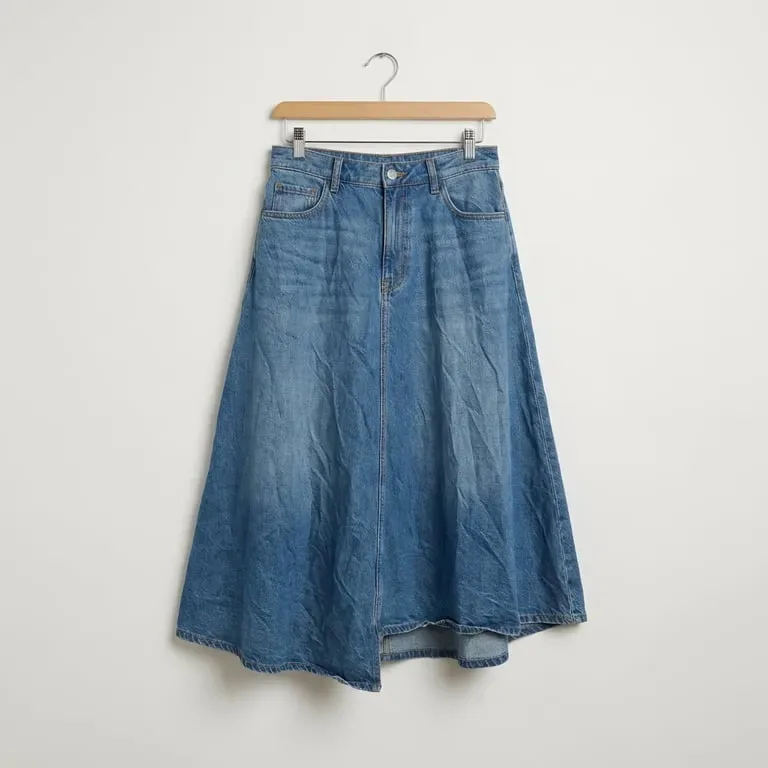
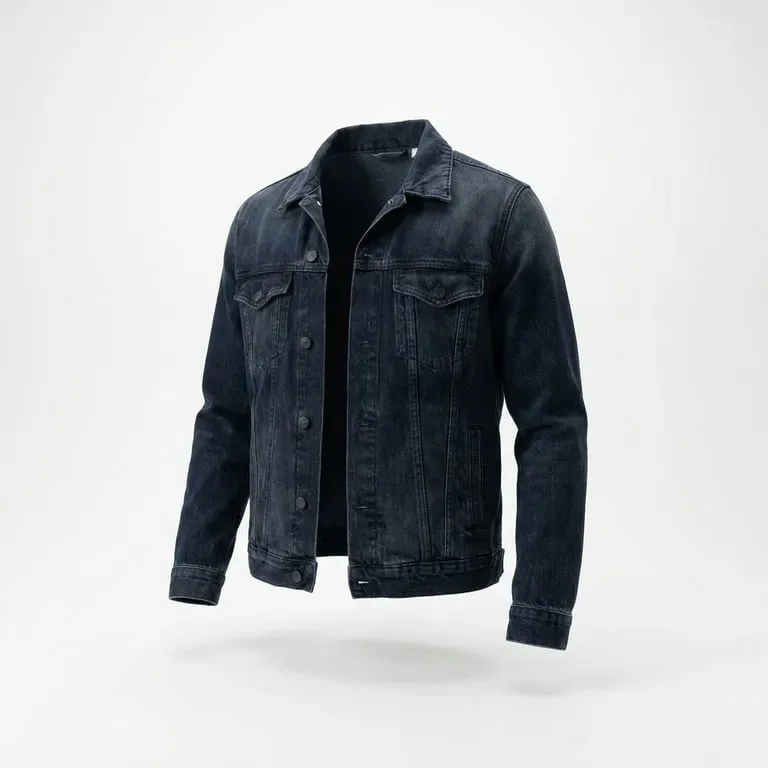
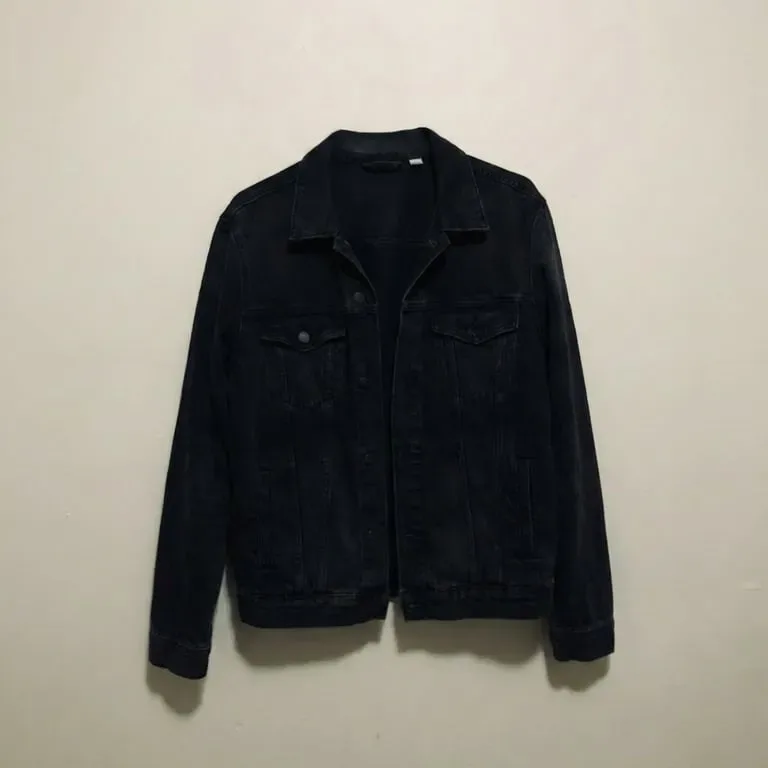
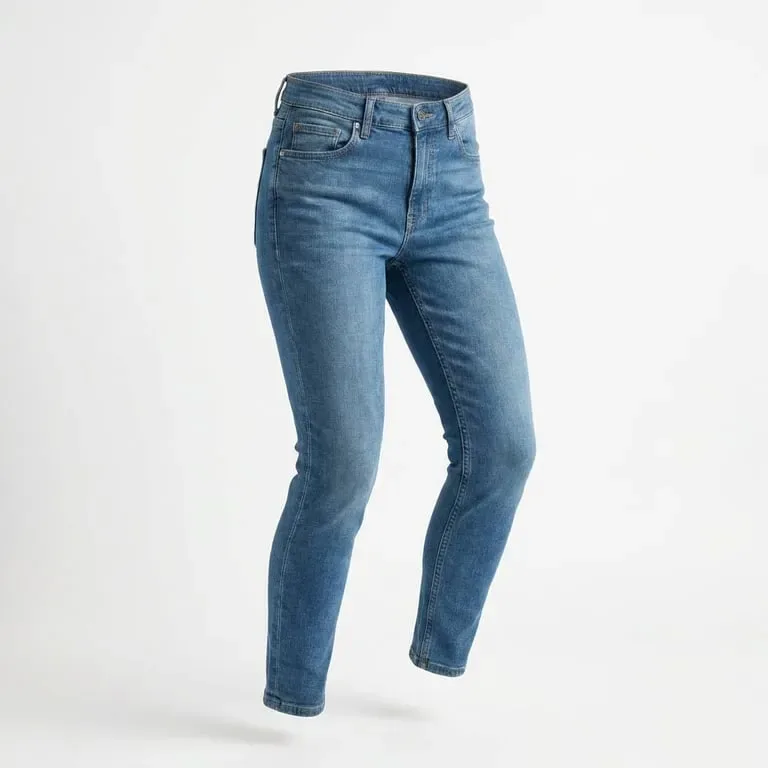
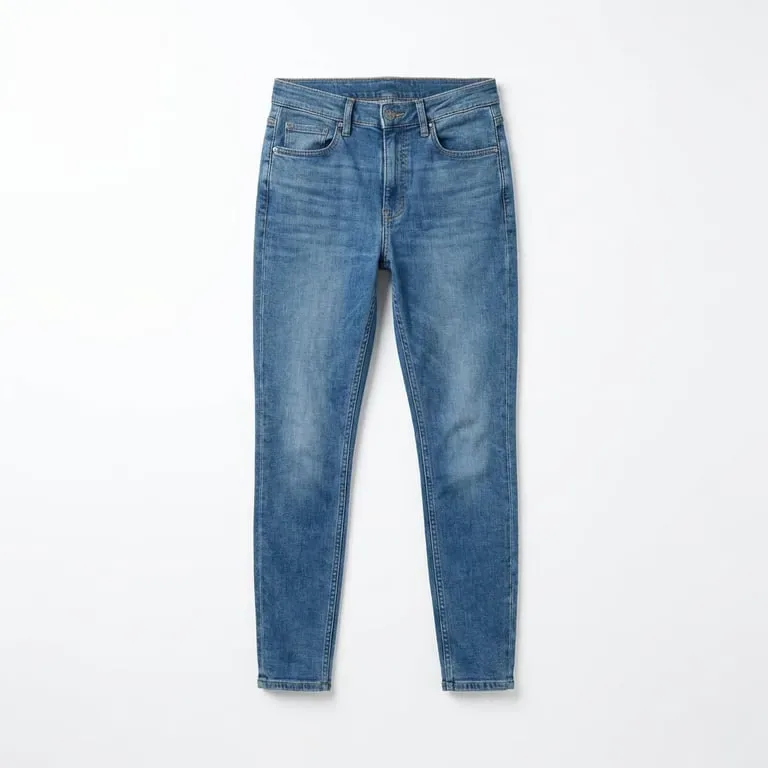
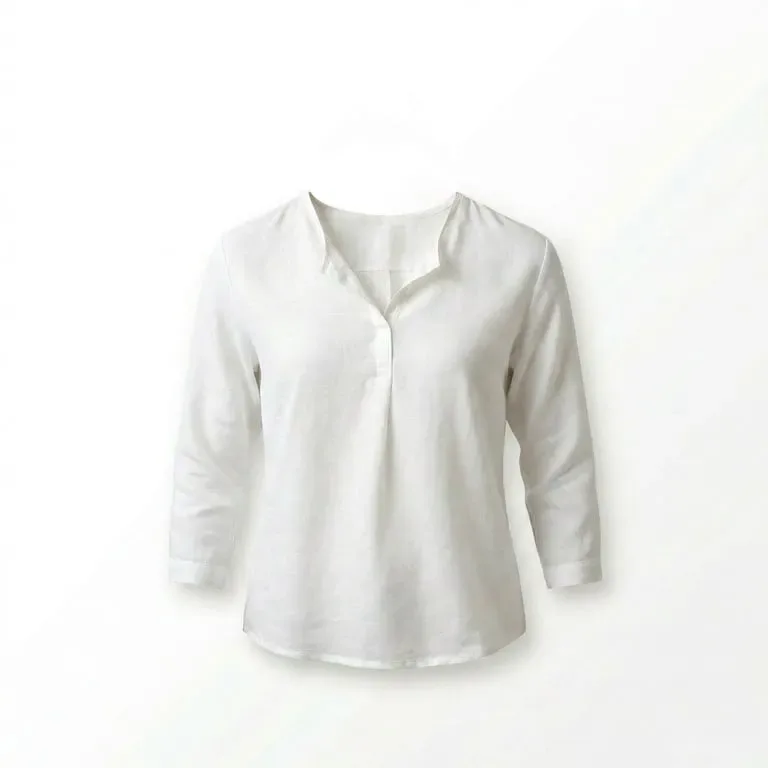
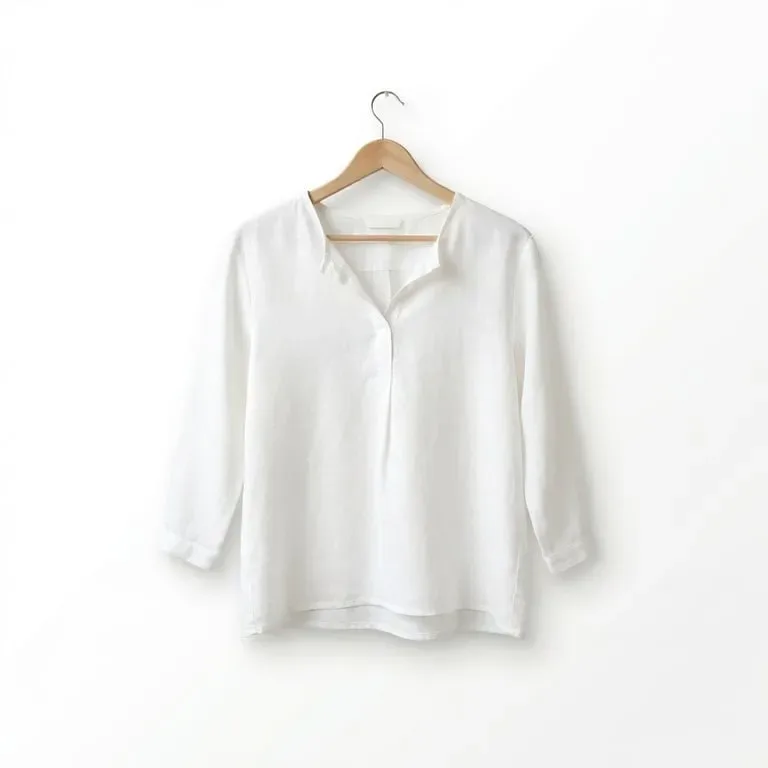
Remove the mannequin or model from a garment photo and fill the neckline and lining for a 3D ghost-mannequin shot.
Sign in to generate. Failed runs are free.
Feature Highlights
Hidden Area Fill
Fills the space the body occupied convincingly.
Garment Shape
Keeps the garment's structure without a body inside.
Shadow Cleanup
Removes cast shadows and mannequin edges.
Listing Ready
Outputs a clean cutout for marketplace use.
Use Cases
More Toty tools
Watermark Removal
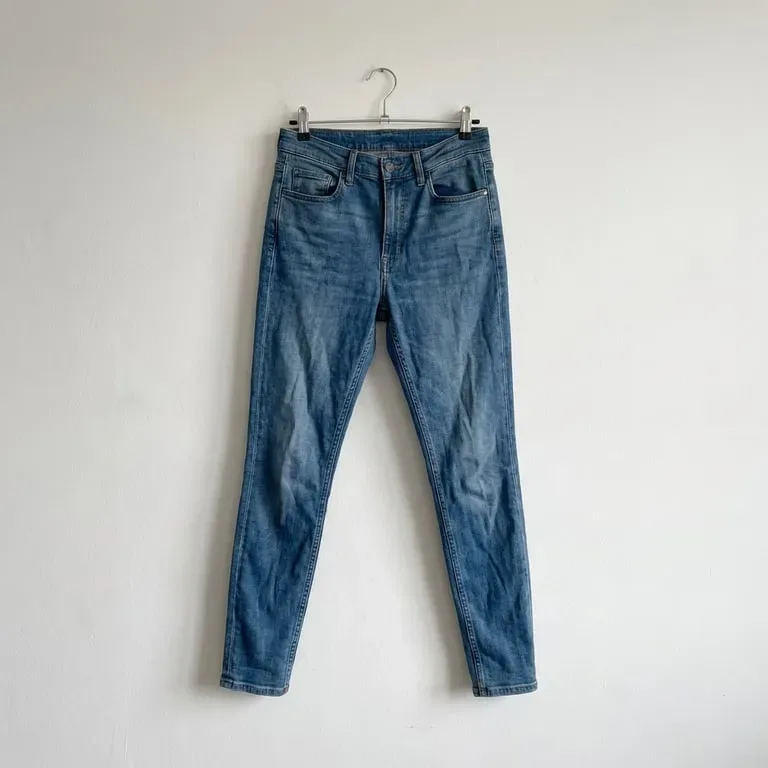
Remove a watermark, logo or caption from a photo you own and fill the area naturally.
Start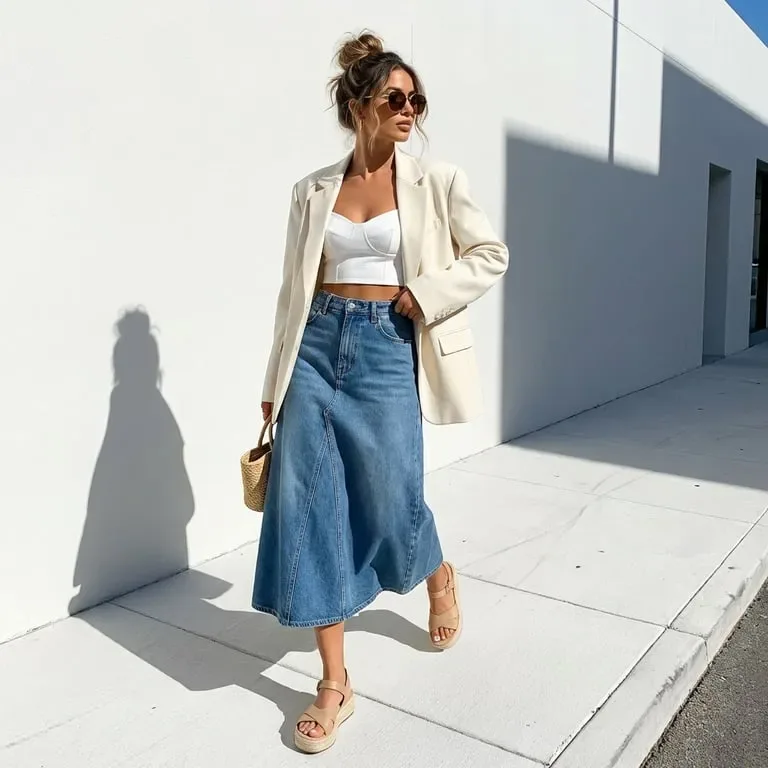
Photo Restoration
Repair scratches, fading and blur in old photos, and add color if you want.
Start
AI Image Expander
Extend a photo past its edges to a new ratio, with the added area matching the scene.
Start
Body Editor
Adjust body shape in a photo while keeping the face, clothes and background.
Start
Fashion Product Photography
Put apparel on a model in a clean studio setting for store listings.
StartFrequently Asked Questions
Generating needs a Google or email account, and each generation uses credits based on the model, resolution, and image count. New accounts get a few welcome credits, the submit button shows the exact cost, and failed tasks are not charged.
Every model, one clear price
Sign in for a few welcome credits. The button shows the cost before every run.