All tools, pick one to start
AI tools need an account and use credits by model; local tools run in your browser and never upload files.
 Try
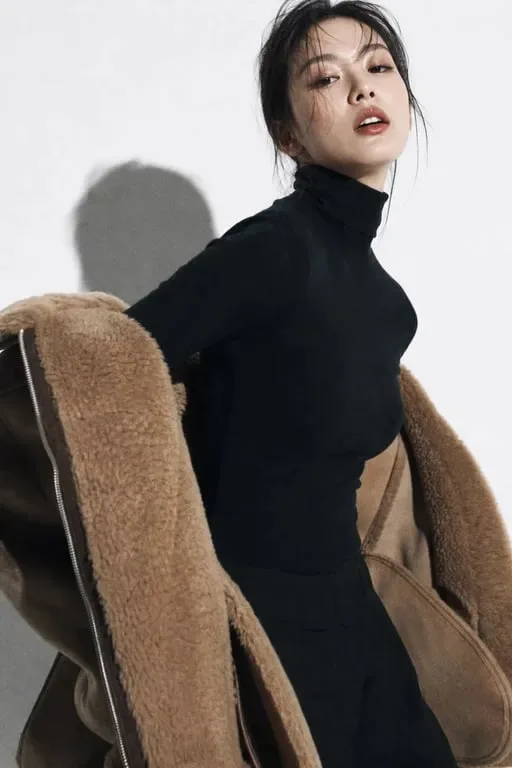
AI Clothing Replacer
Replace the outfit in a photo with the clothes you describe, keeping the face, pose and background.
 Try
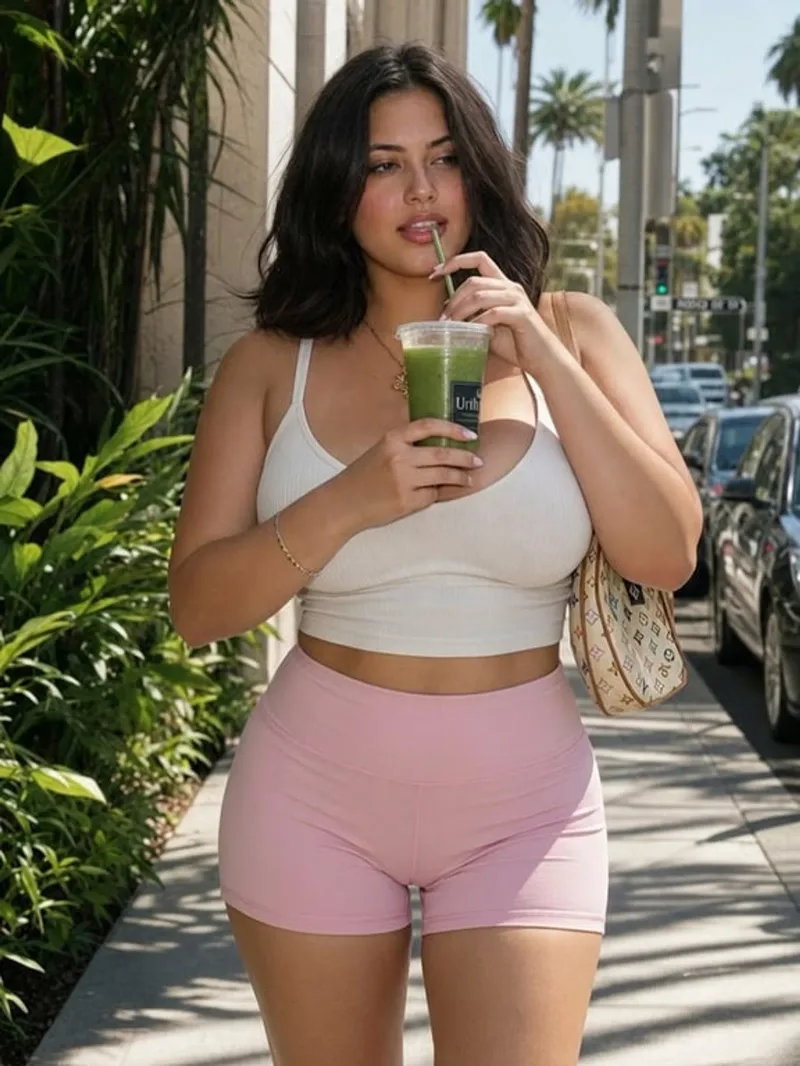
Body Editor
Adjust body shape in a photo, such as a slimmer waist or longer legs, while keeping the face, clothes and background.
 Try
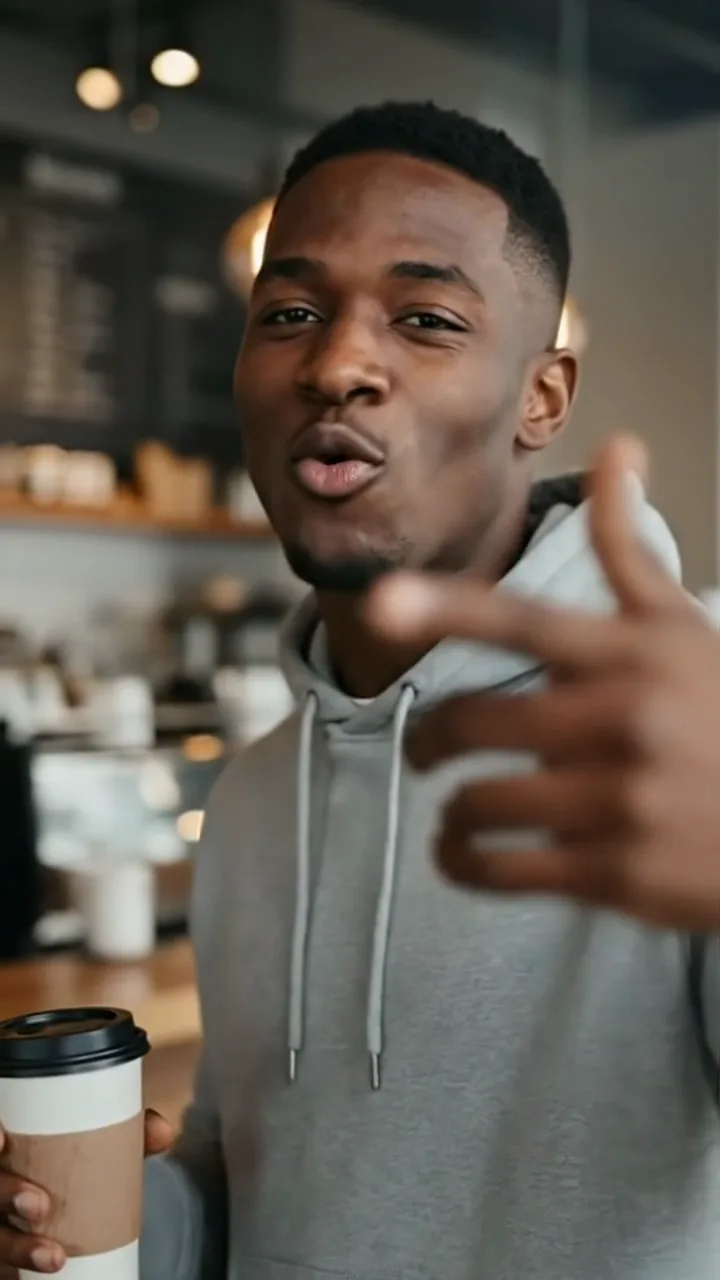
AI Rap Video
Upload a photo and get an 8-second lip-synced rap clip with lyrics written for you.
 Try
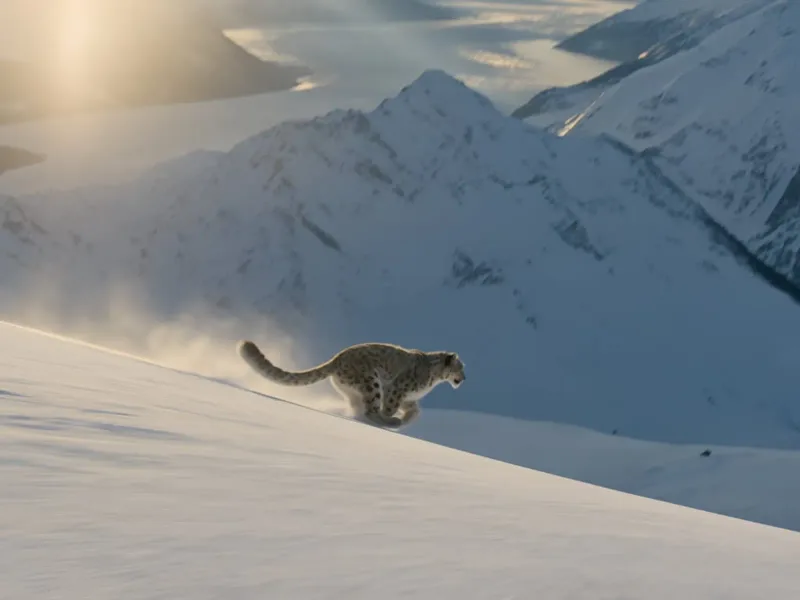
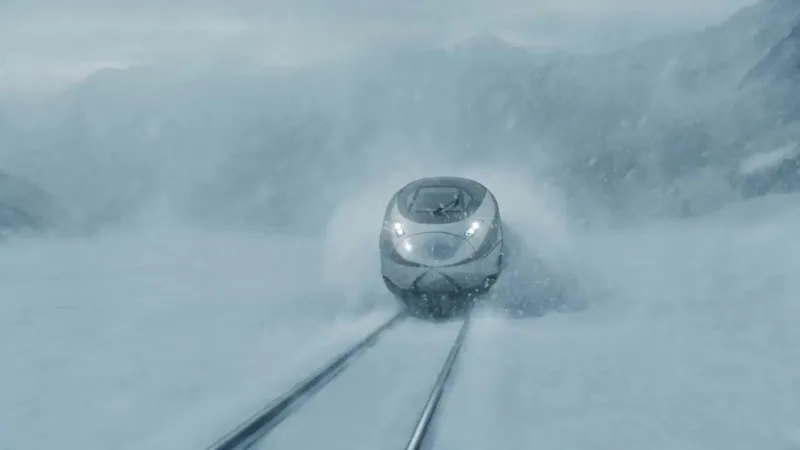
Seedance 2.5
ByteDance's newer video model with clips up to 30 seconds, 480p to 1080p, with first and last frames.
 Try
Seedance 2.0
ByteDance's video model for text-to-video and first/last-frame video, 4–15 seconds, up to 4K.
 Try
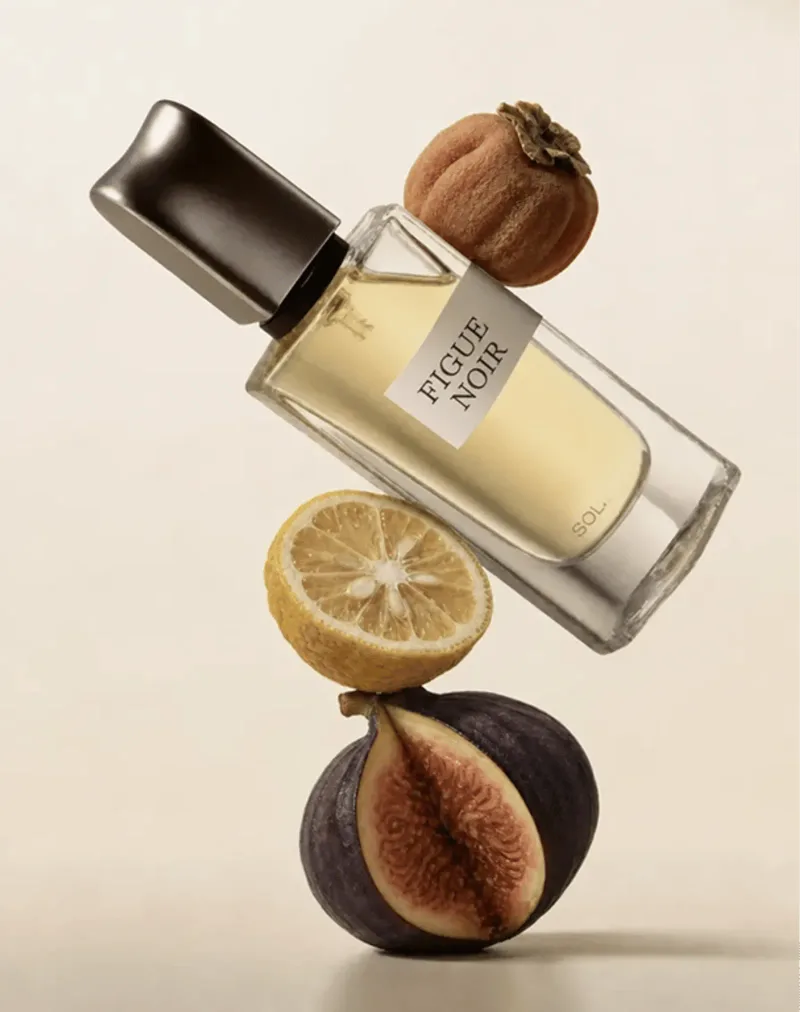
AI Product Photography
Upload a product photo to get a white-background listing image or a styled scene, with the product kept as it is.
 Try
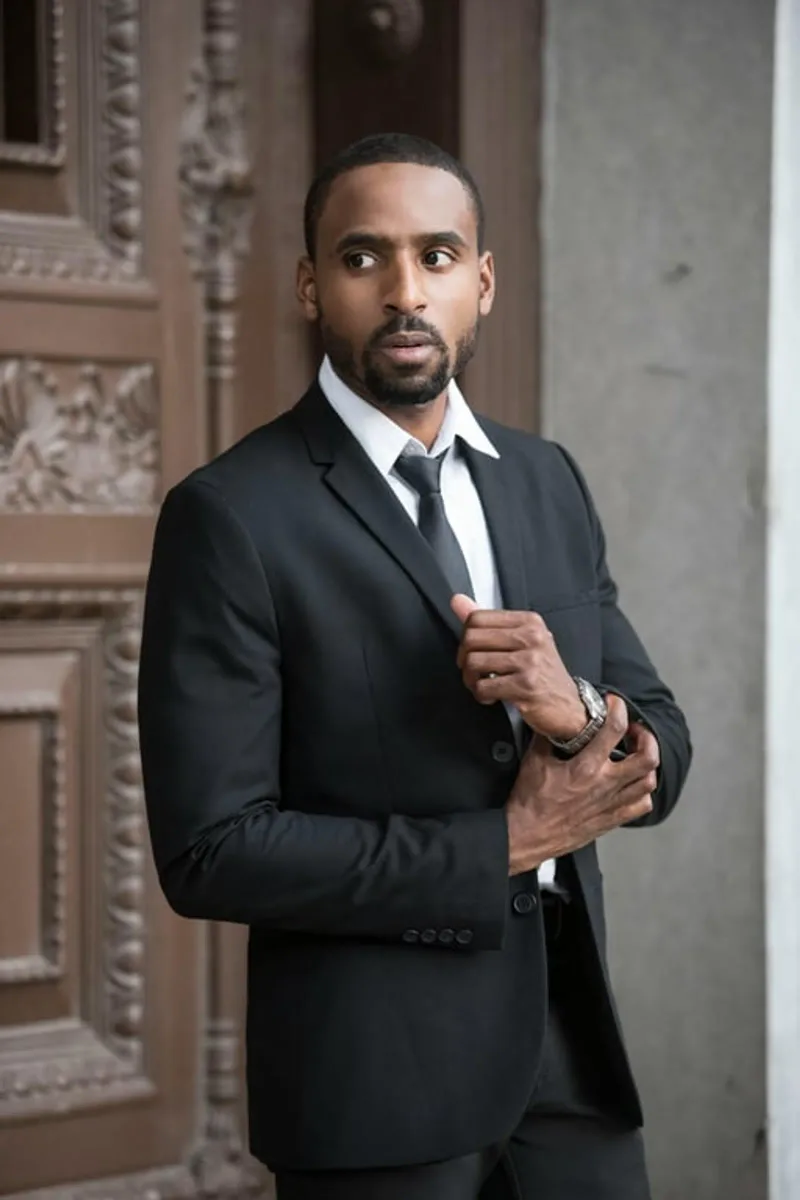
AI Clothes Changer
Upload a portrait, describe the outfit, and Toty swaps the clothing while keeping the person, pose and background.
 Try
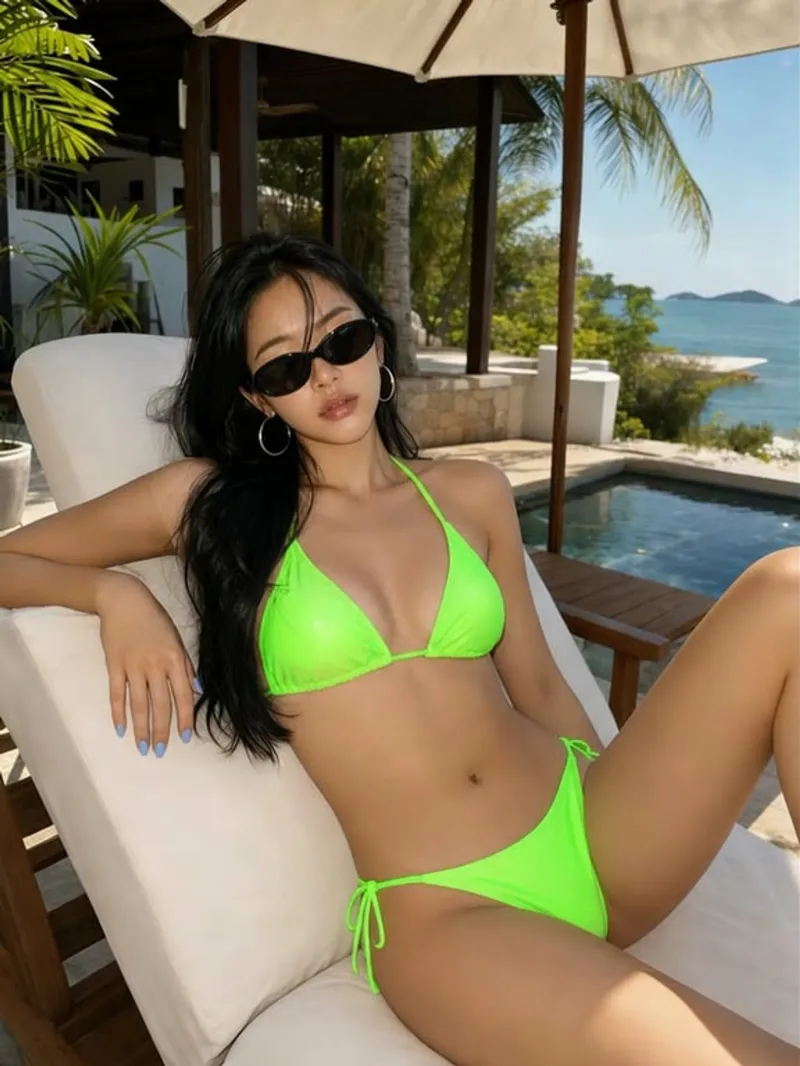
AI Bikini
Upload a photo of yourself, describe the bikini, and Toty changes the swimwear while keeping your face, figure and background.
 Try
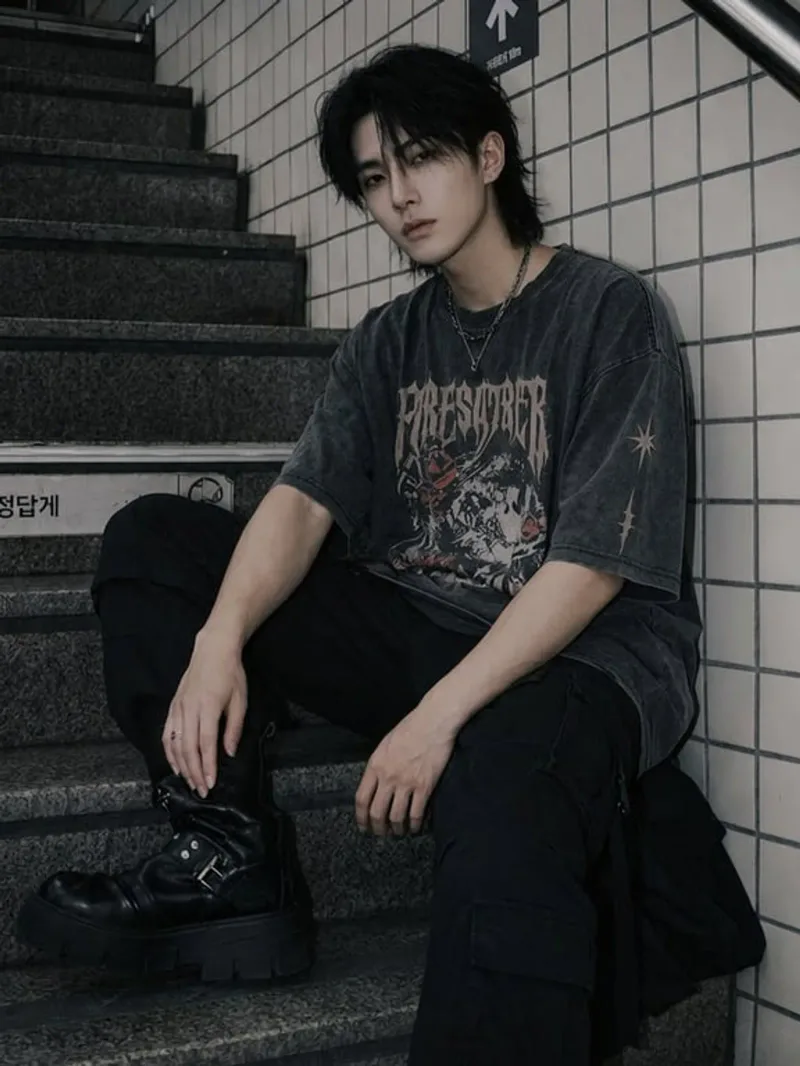
AI Gender Swap Filter
Upload a front-facing photo and Toty adjusts hair, contours and makeup to show another gender while you stay recognisable.
 Try
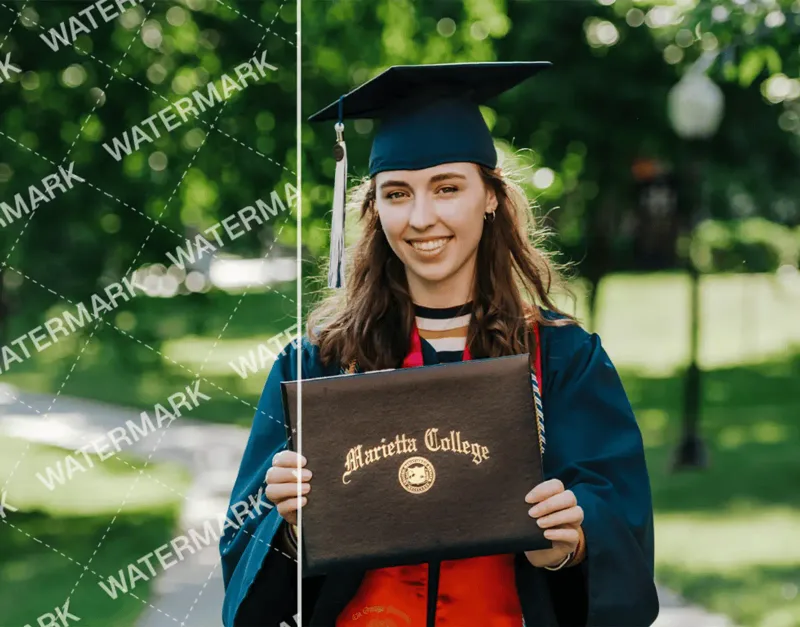
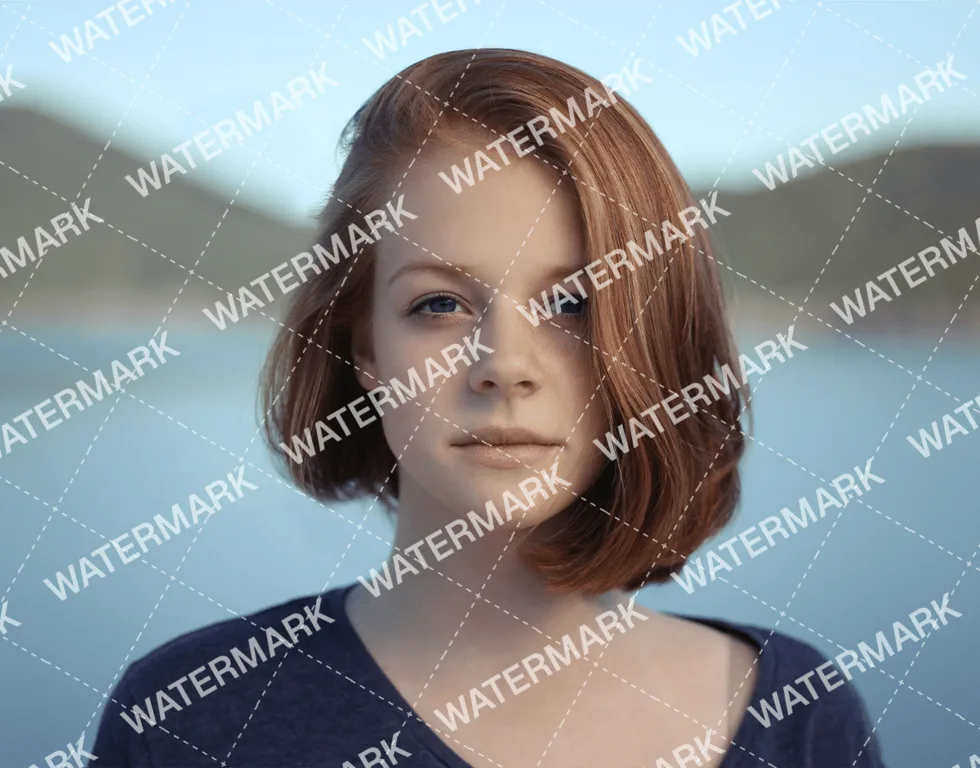
Watermark Removal
Remove a watermark, logo or text from your own image and fill the area from its surroundings.
 Try
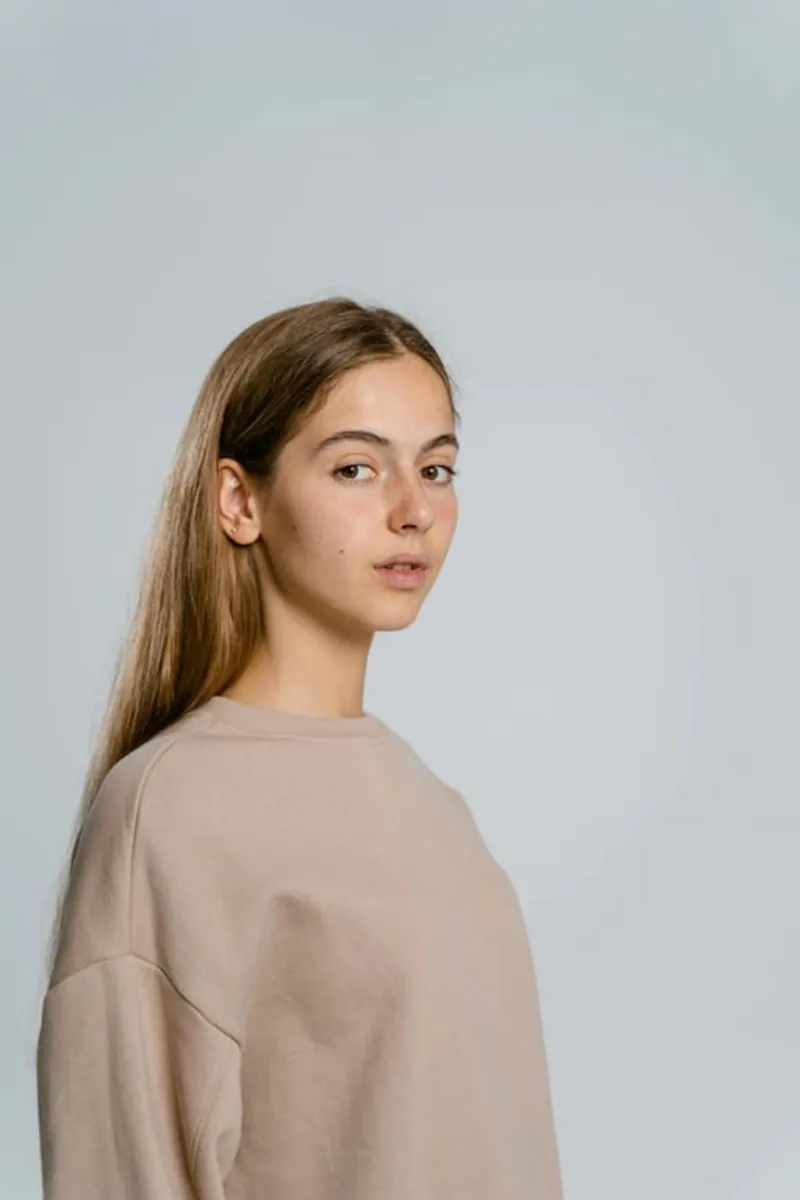
AI Skin Color Changer
Upload a portrait, describe the tone, and Toty adjusts skin color evenly while keeping texture, shading and features.
 Try
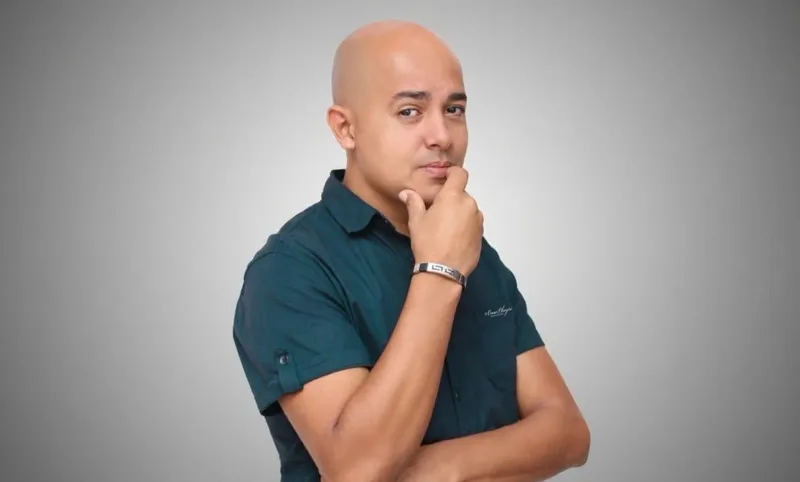
Bald Filter
Upload a portrait to remove the hair while keeping the face, expression and background.
 Try
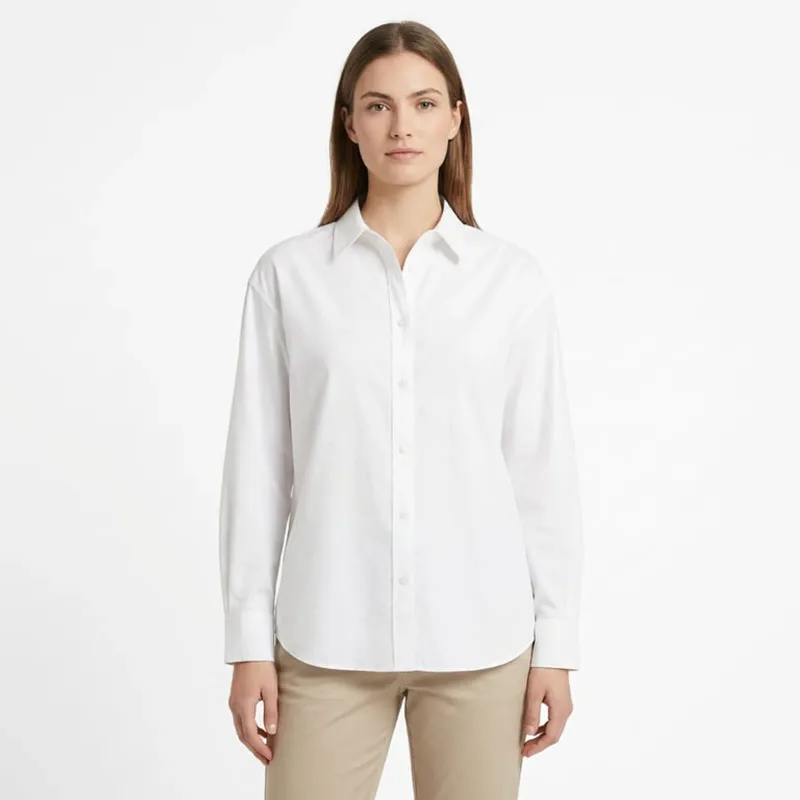
AI Model for clothing
Put a garment on an AI model to show how it looks when worn.
 Try
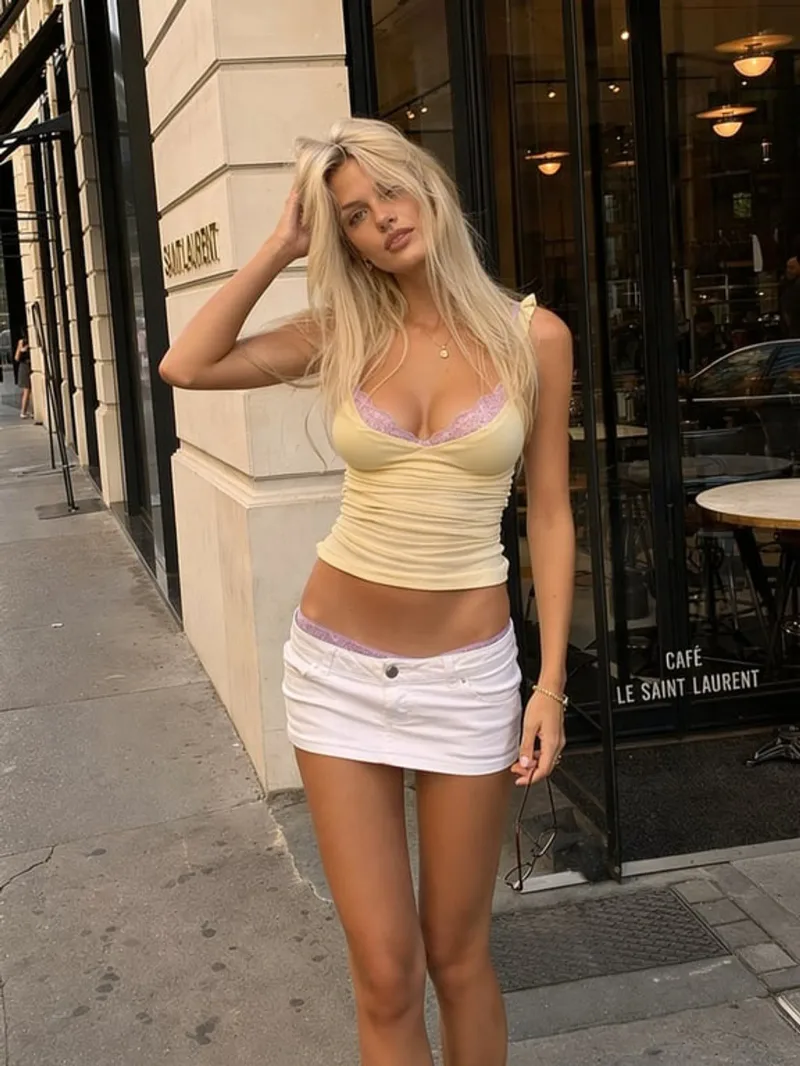
Breast Reshaping
Adjust bust size and shape in a photo as described, keeping clothes, skin tone and background.
 Try
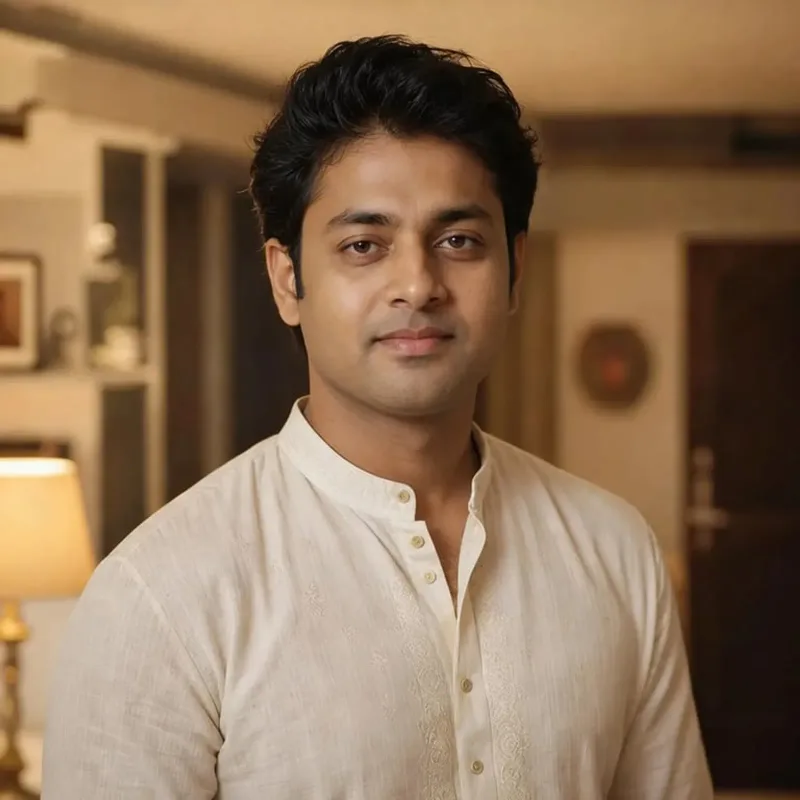
AI No Beard Filter
Upload a photo with a beard and Toty removes it with natural skin underneath, keeping the face shape and expression.
 Try
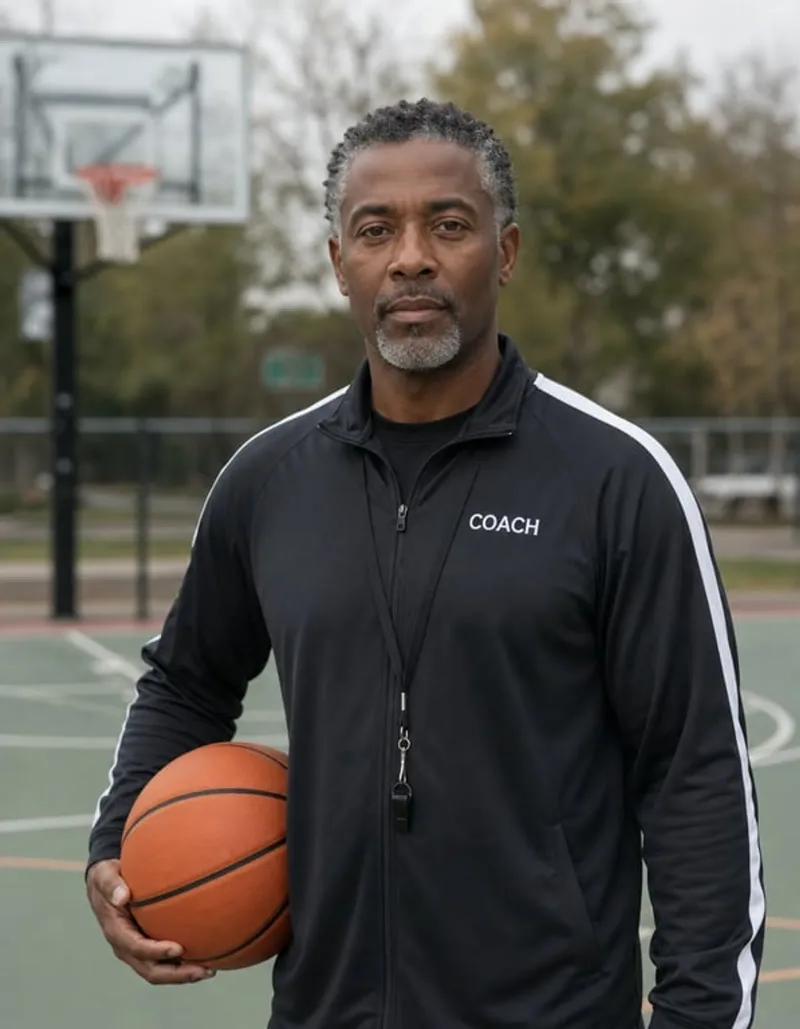
AI Age Progression
Upload a clear front-facing photo, choose an age, and Toty adjusts skin, hair color and facial structure while keeping the person recognisable.
 Try
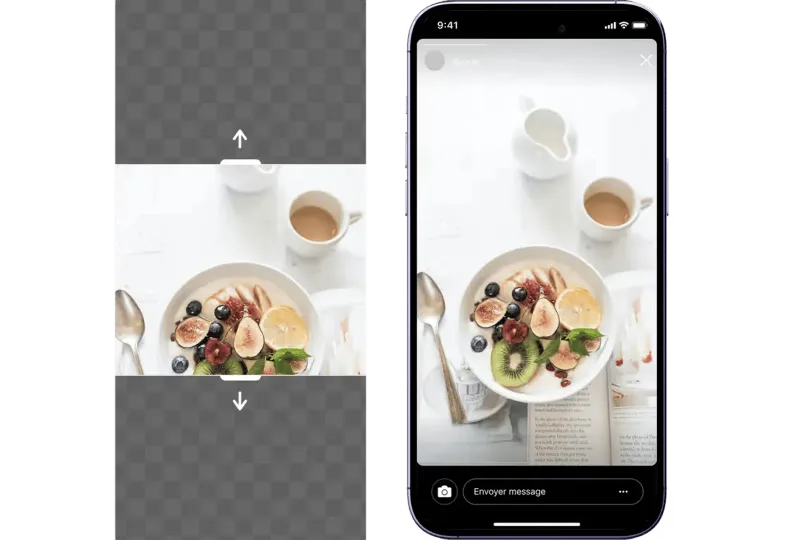
AI Expand
Extend a photo beyond its edges to a new ratio, with new sky, ground or background that blends into the original.
 Try
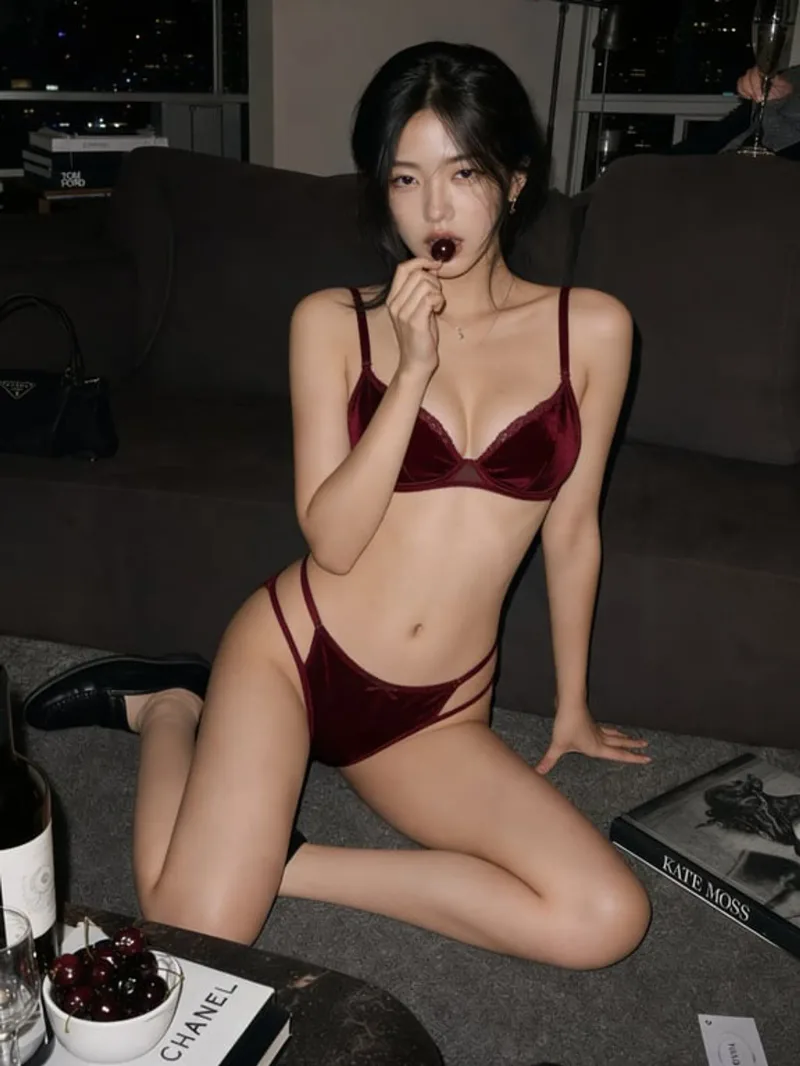
AI Lingerie
Upload a photo of yourself and preview lingerie styles and colors while your face and figure stay the same.
 Try
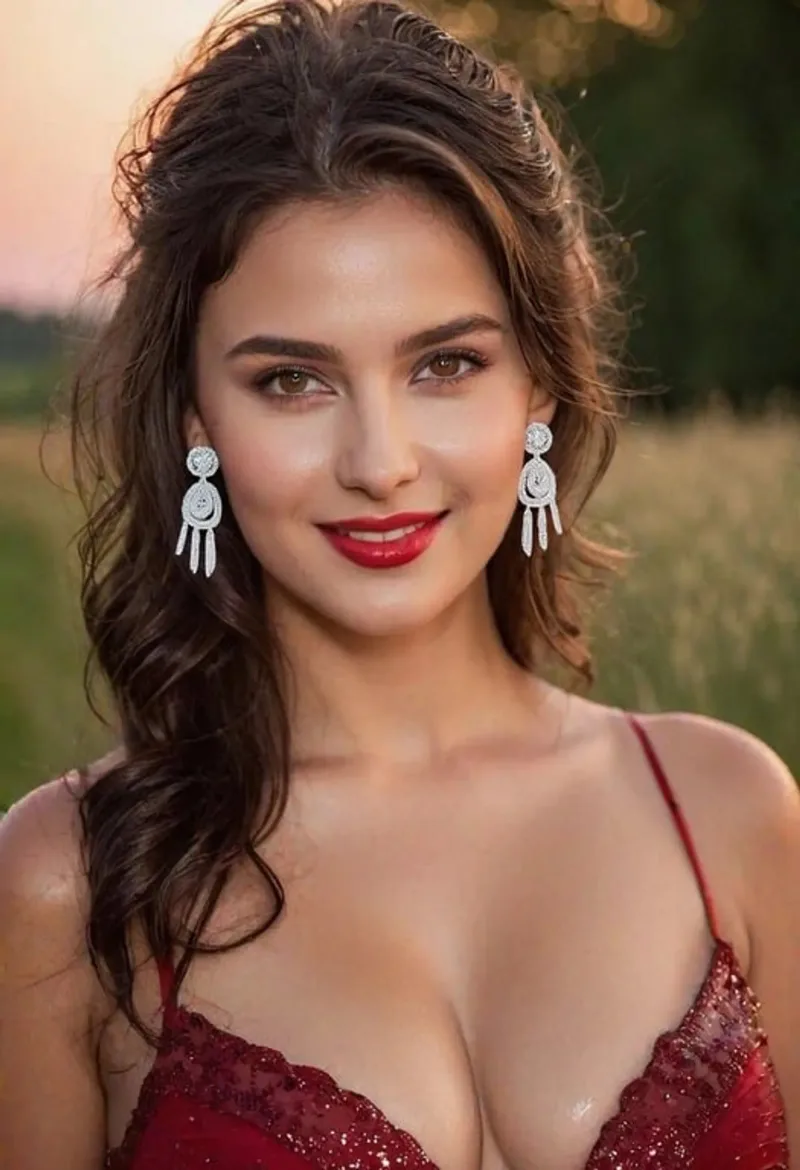
AI Piercing Filter
Upload a photo, choose a spot and jewelry, and Toty adds an earring, nose ring or lip ring naturally.
 Try
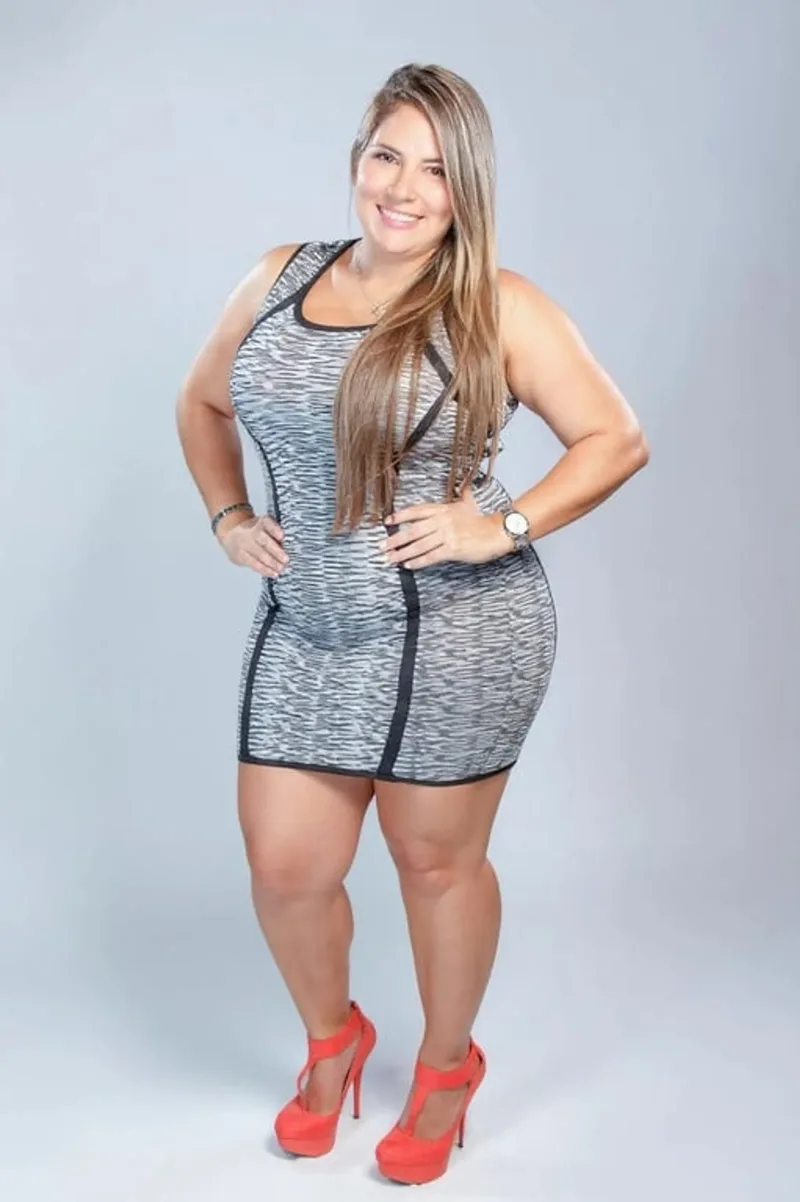
AI Fat Filter
Upload a photo and Toty makes the face and figure fuller while keeping features, clothes and background.
 Try
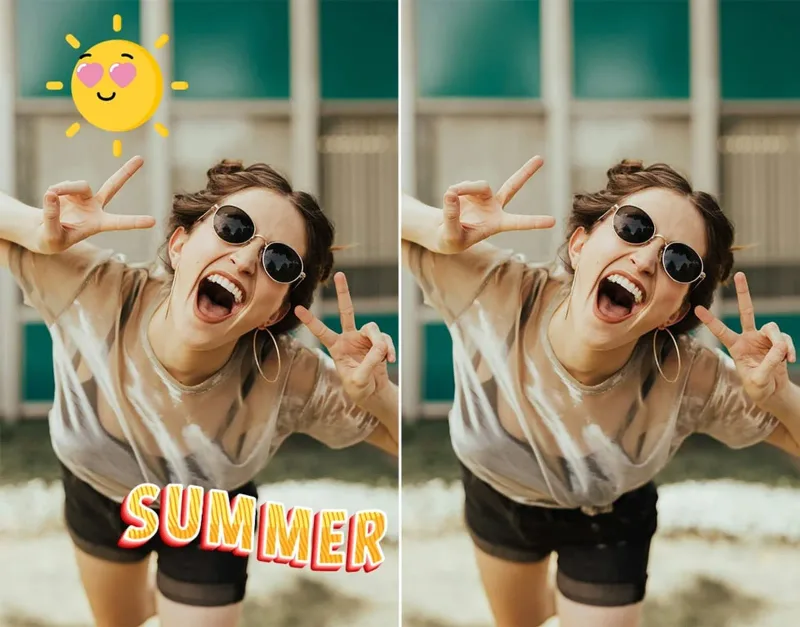
Sticker Remover
Remove stickers, emoji and decorations from a photo and restore what they covered.
 Try
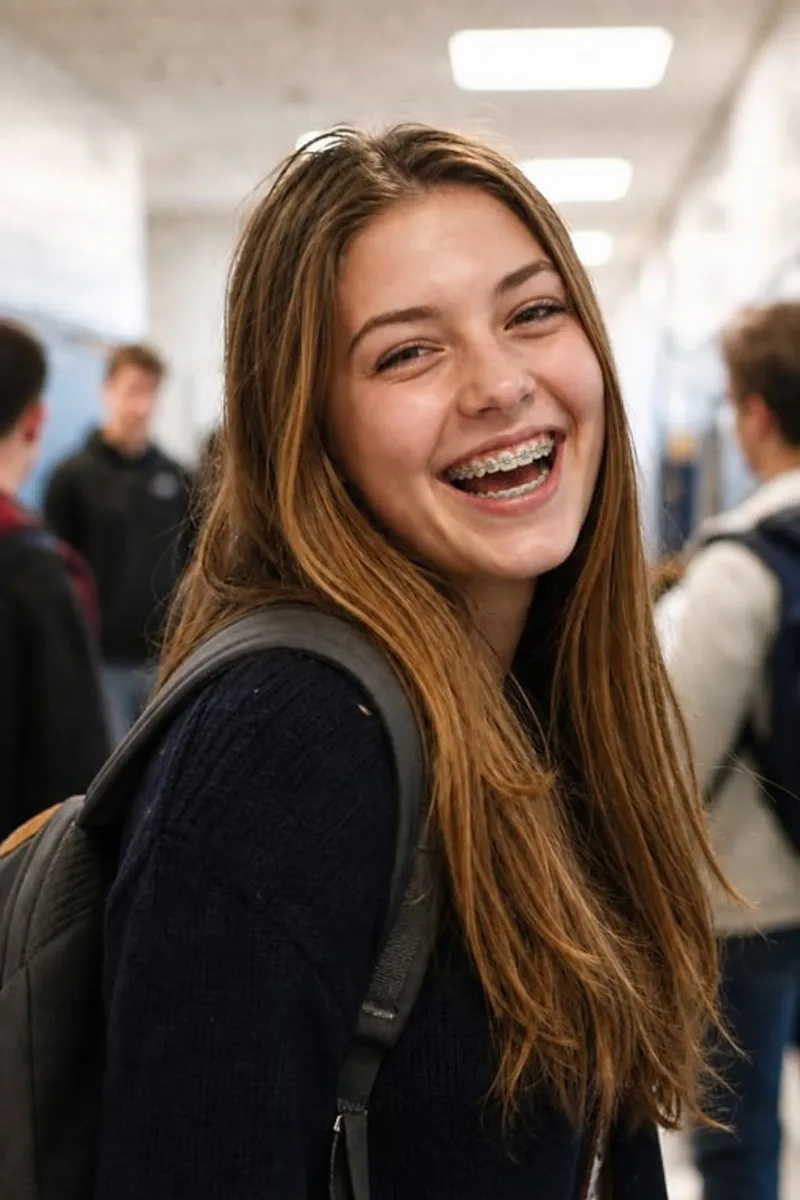
Braces Filter
Upload a smiling photo and Toty adds metal or clear braces while keeping your face and expression.
 Try
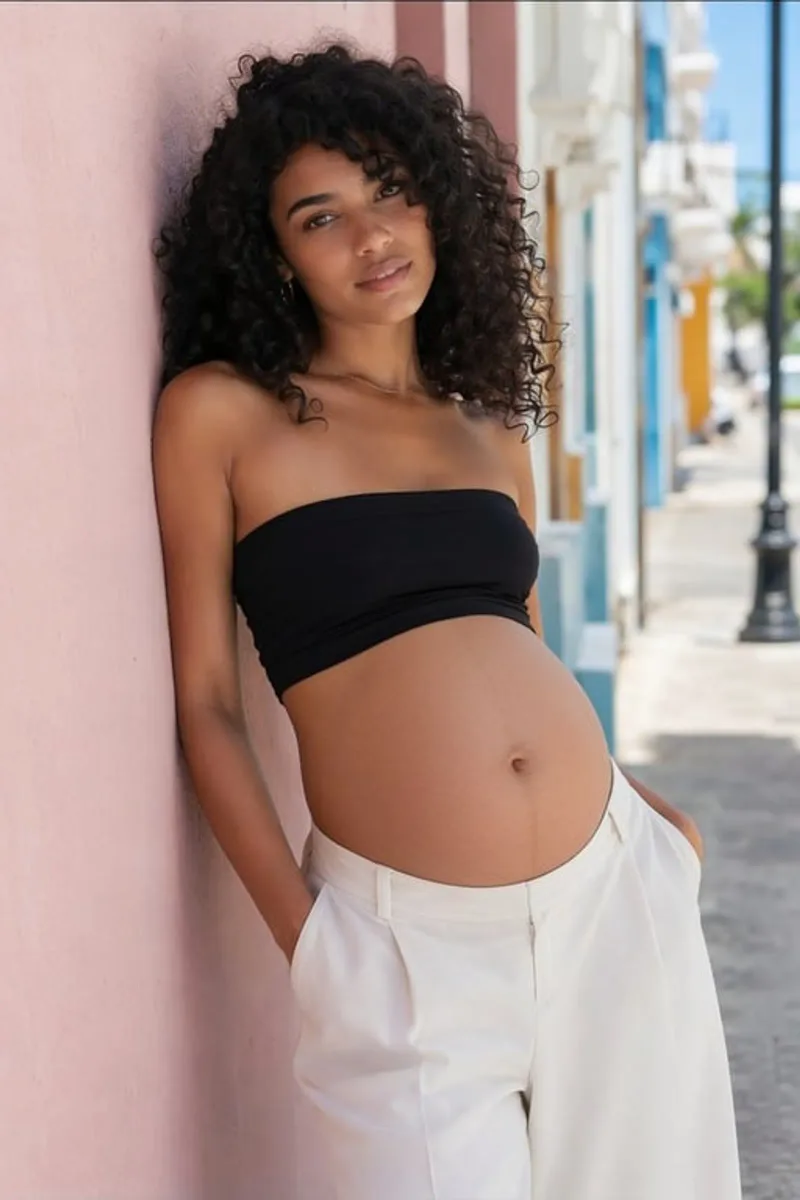
AI Pregnant Filter
Upload a photo of yourself and Toty adds a natural pregnancy bump while keeping your face, outfit style and background.
 Try
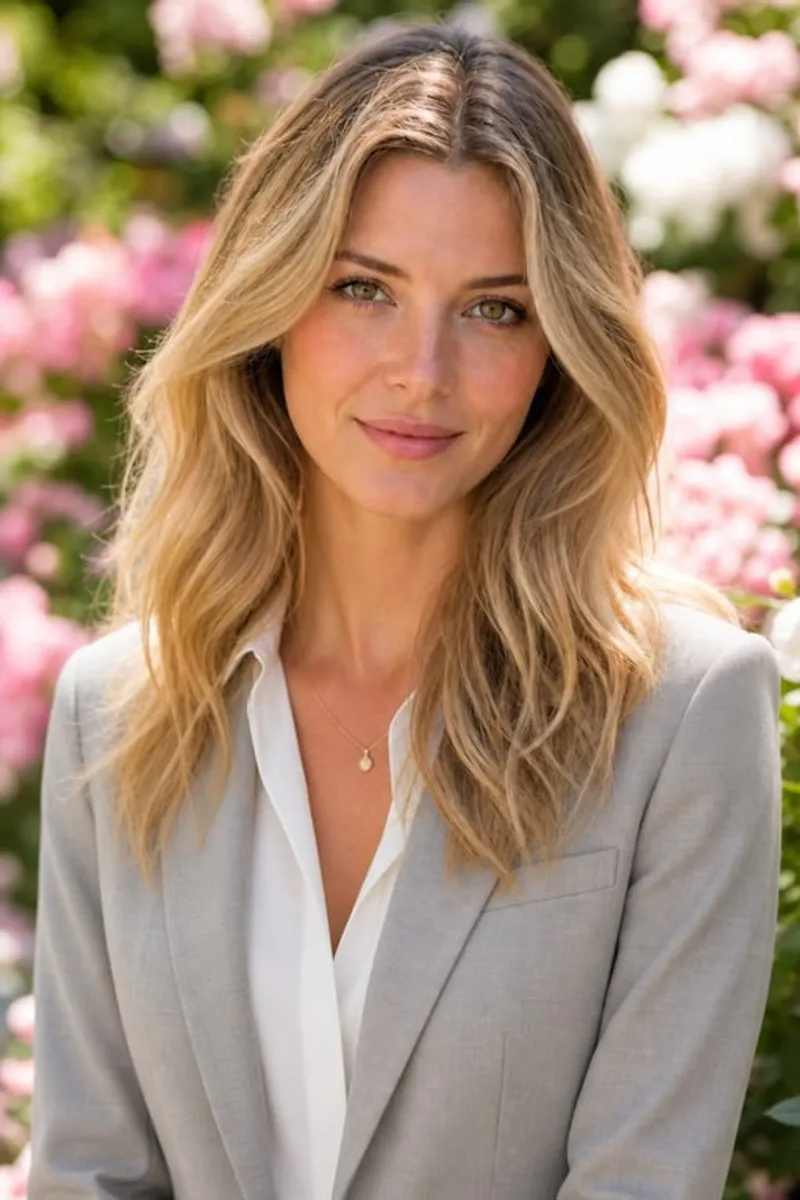
AI Add Suit to Photo
Upload a portrait and Toty dresses you in a fitted suit and shirt while keeping your face, hair and pose.
 Try
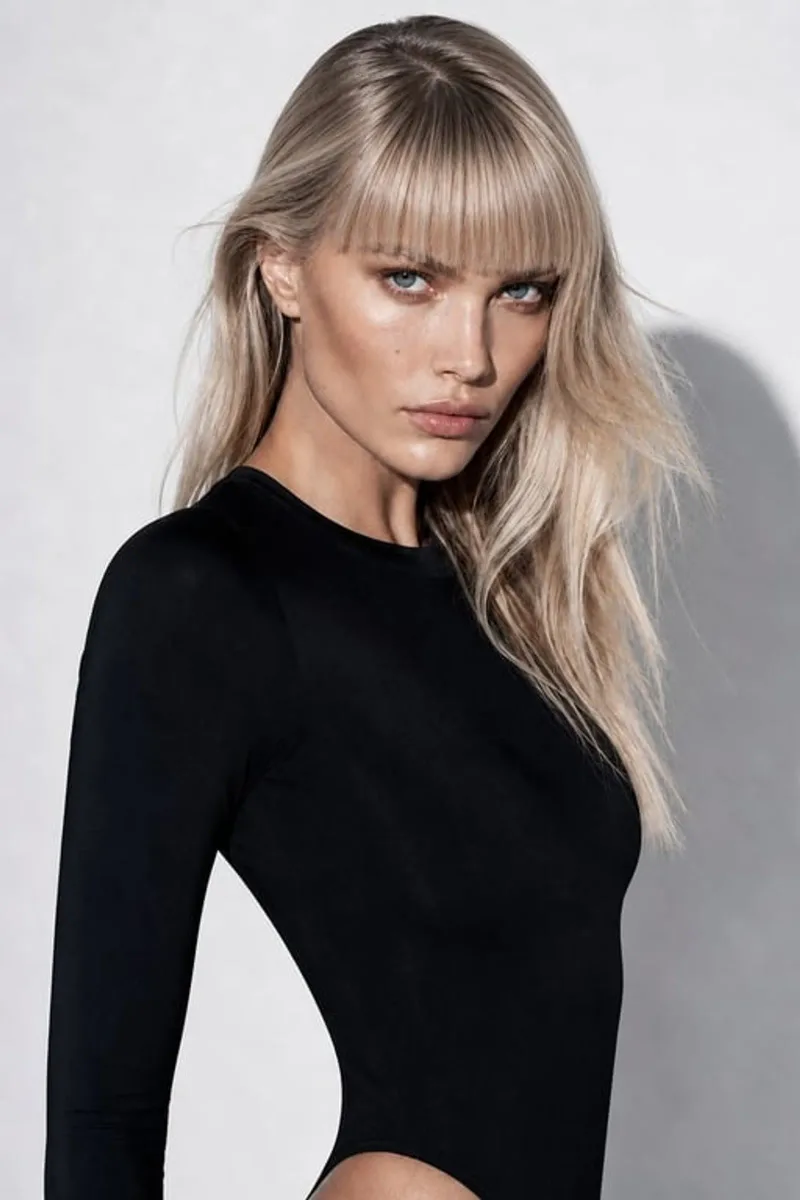
AI Bangs Filter
Upload a front-facing photo, pick a style of bangs, and Toty adds them in your hair color and texture while keeping the rest the same.
 Try
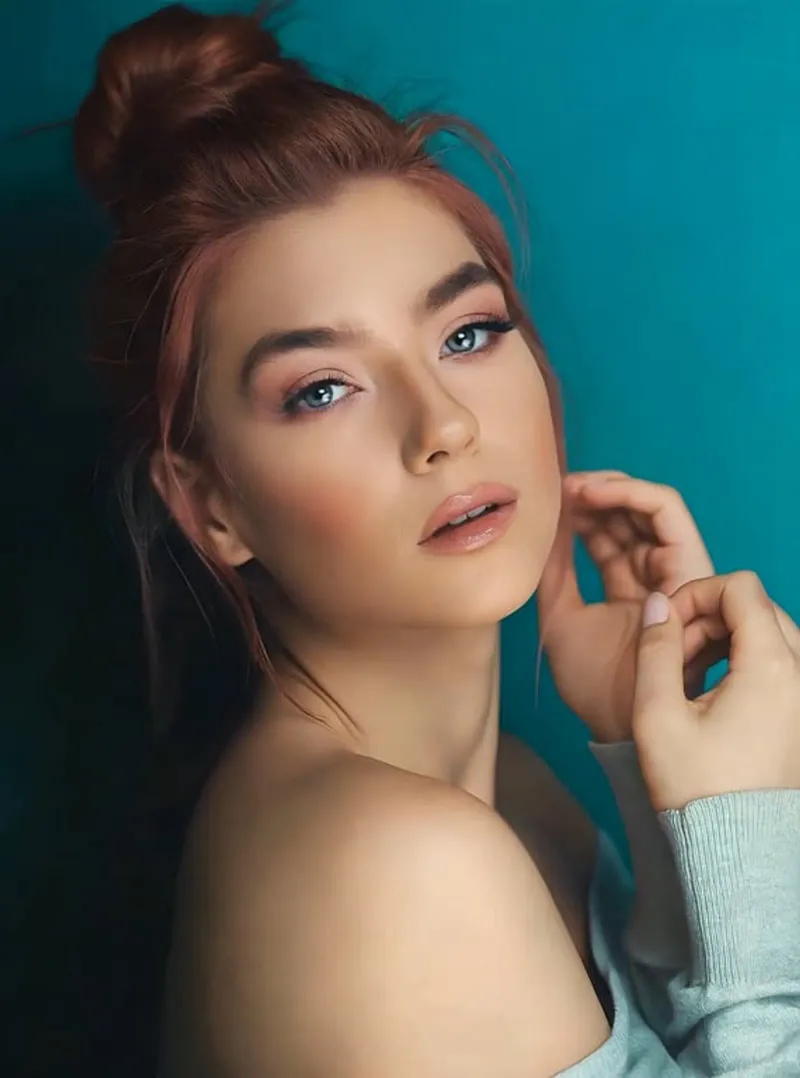
AI Add Glasses
Upload a front-facing photo, describe the frames you want, and Toty fits the glasses naturally while keeping the face and expression.
 Try
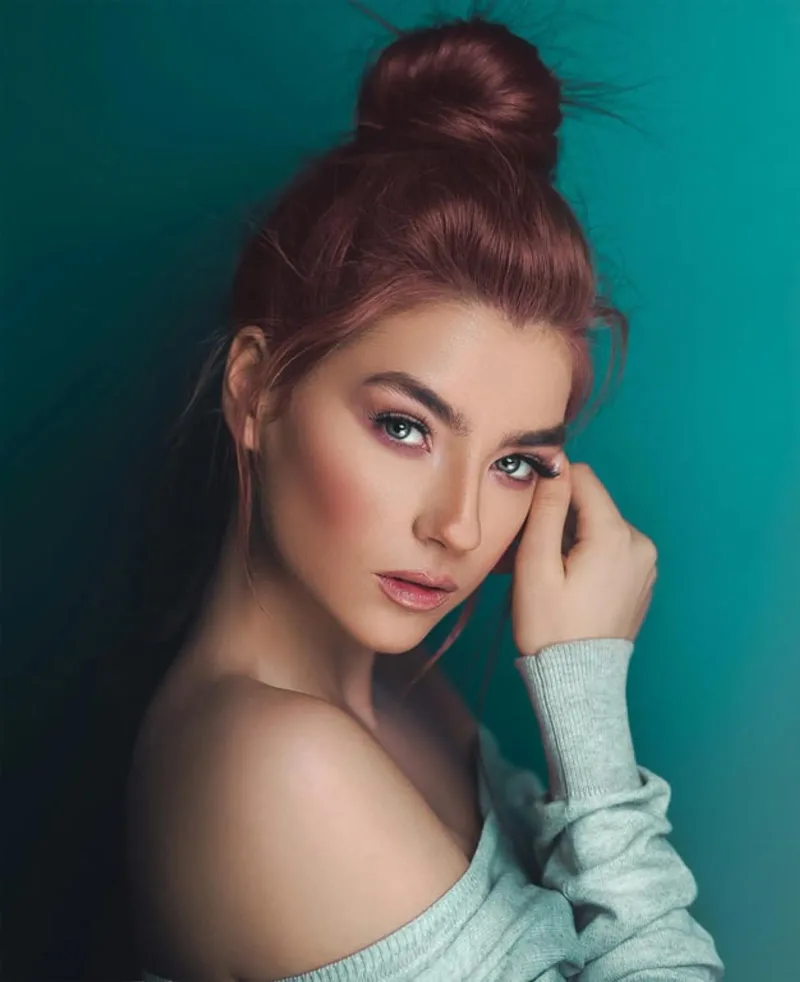
AI Face Zoom Filter
Create a zoom-in effect that moves from the full scene to the face.
 Try
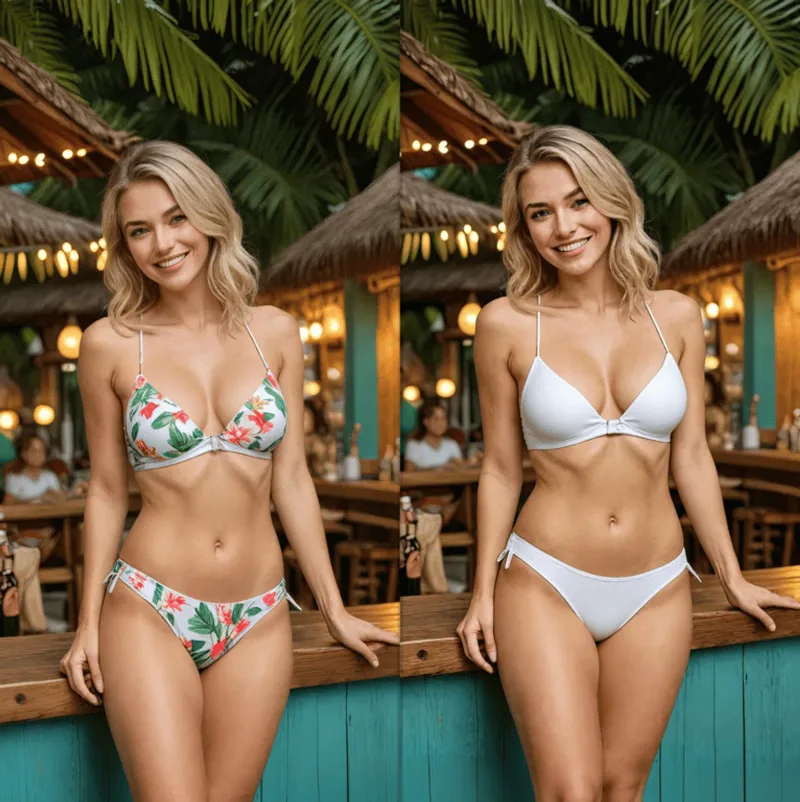
AI Beauty Filter
Upload a portrait and Toty softens blemishes, evens skin tone and lifts the light while keeping skin texture so it still looks real.
 Try
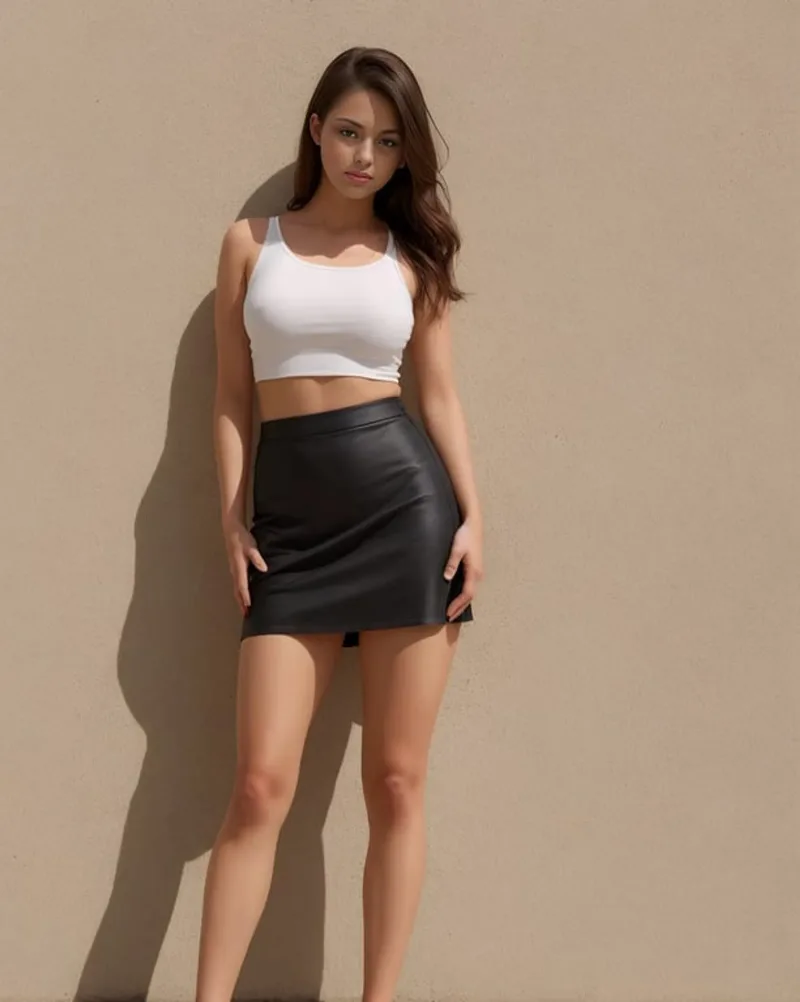
Change Color of Image
Change the color of clothing, objects or the background in a photo, keeping the rest the same.
 Try
AI Fat to Fit
Upload a photo and Toty shows a leaner, more toned version while keeping the face, clothes and background.
 Try
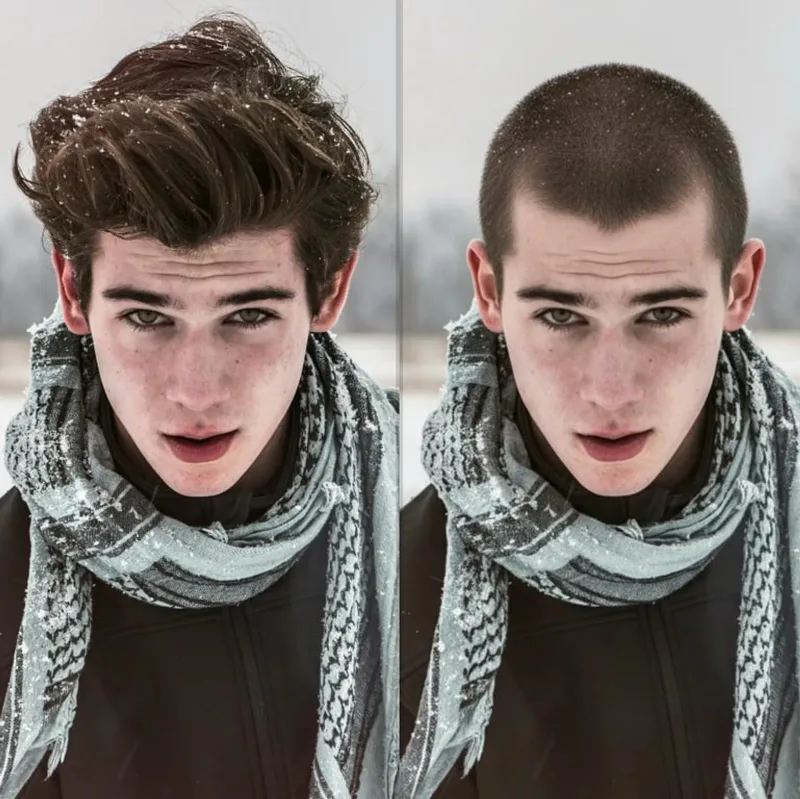
AI Buzzcut Filter
See yourself with a buzzcut while keeping your face and background.
 Try
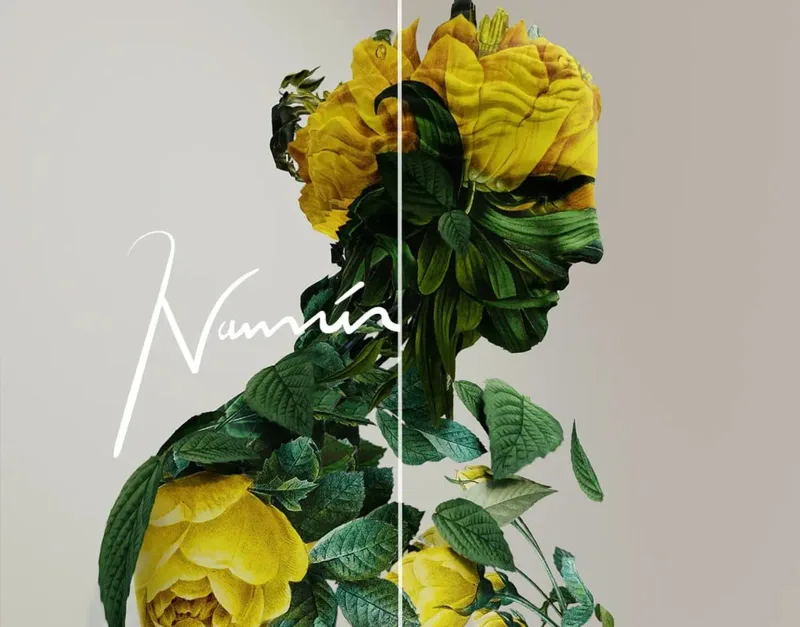
Remove Signature
Remove signatures, handwriting and marks from your own documents or images while keeping the rest.
 Try
AI Cartoon to Realistic
Upload a cartoon or anime character and Toty renders a realistic photo that keeps its hair, outfit and colors.
 Try
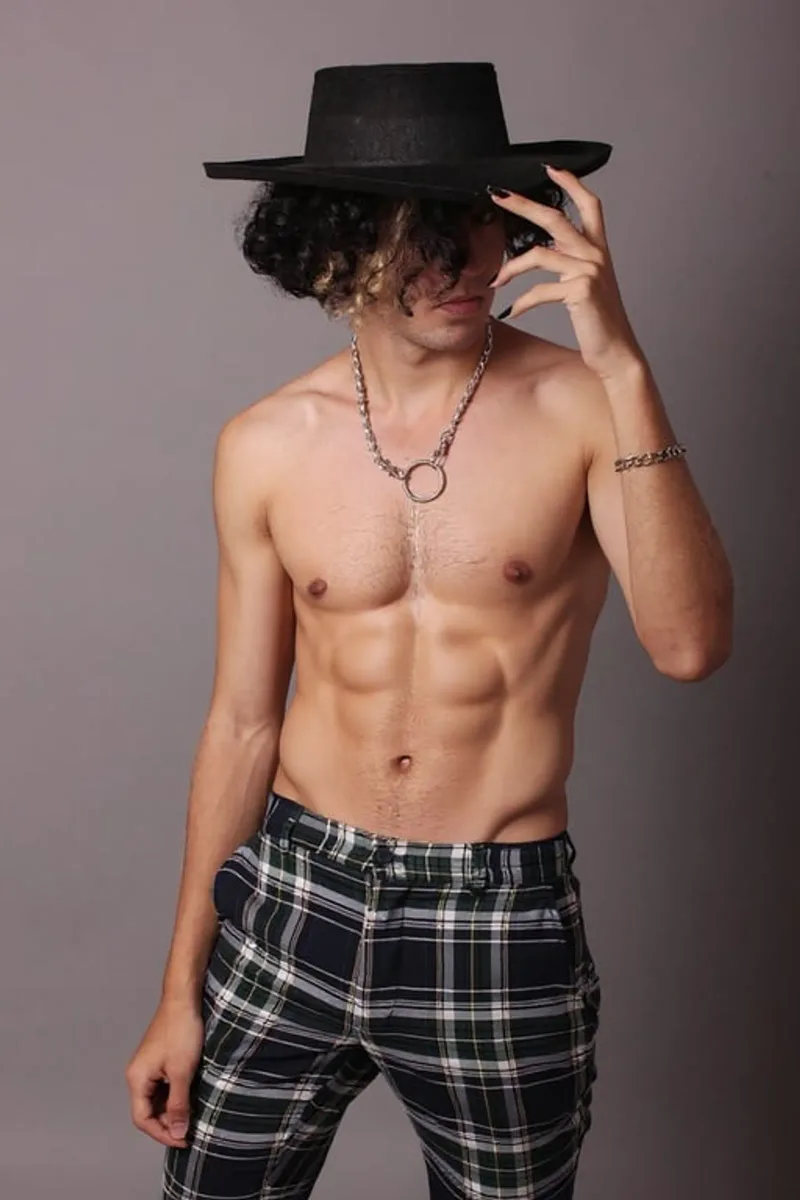
AI Muscle Generator
Add muscle definition to a figure in a photo while keeping the face and clothes.
 Try
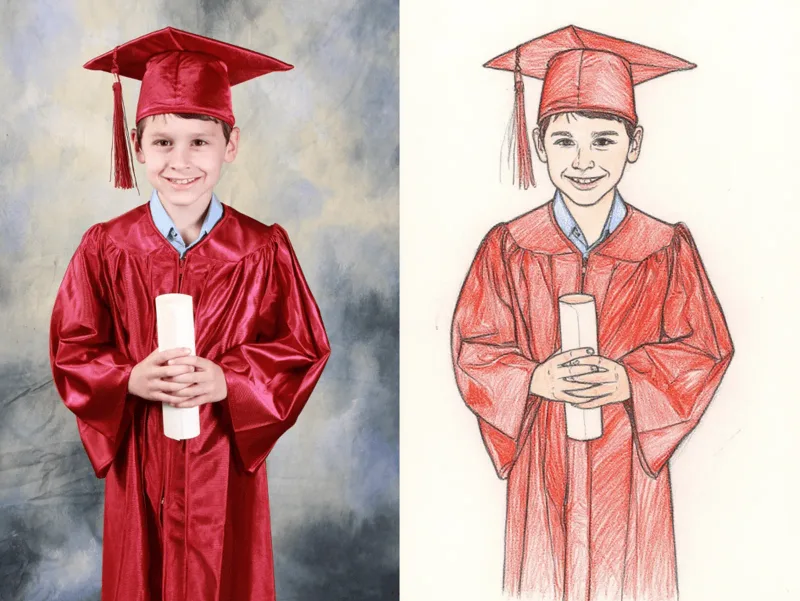
Turn Photo into Sketch
Upload a photo and Toty draws it as a shaded pencil sketch while keeping the people and composition.
 Try
Anime Filter
Upload a photo and Toty redraws it as clean-lined, cel-shaded anime while keeping the person and composition.
 Try
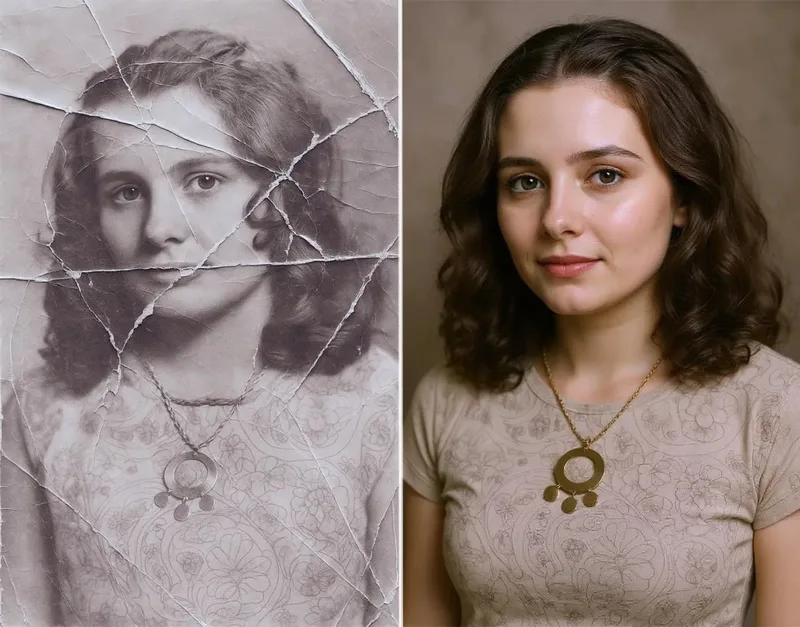
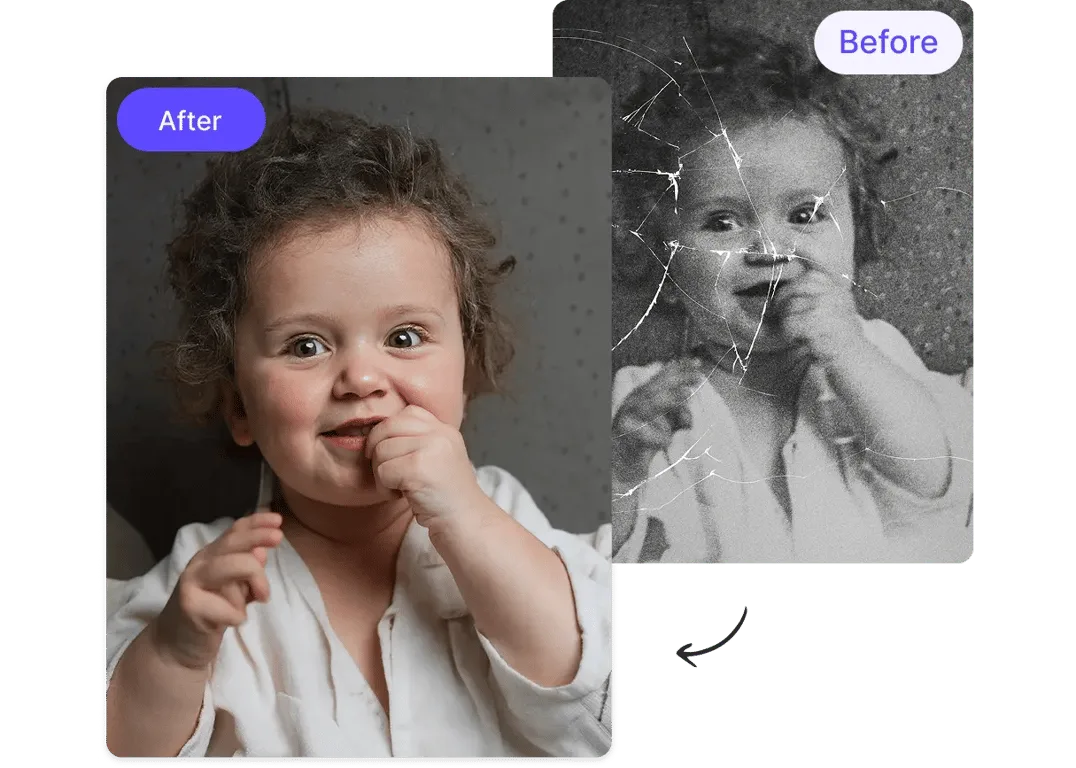
Photo Restoration
Repair scratches, creases, fading and blur in old photos, and colorize black-and-white ones.
 Try
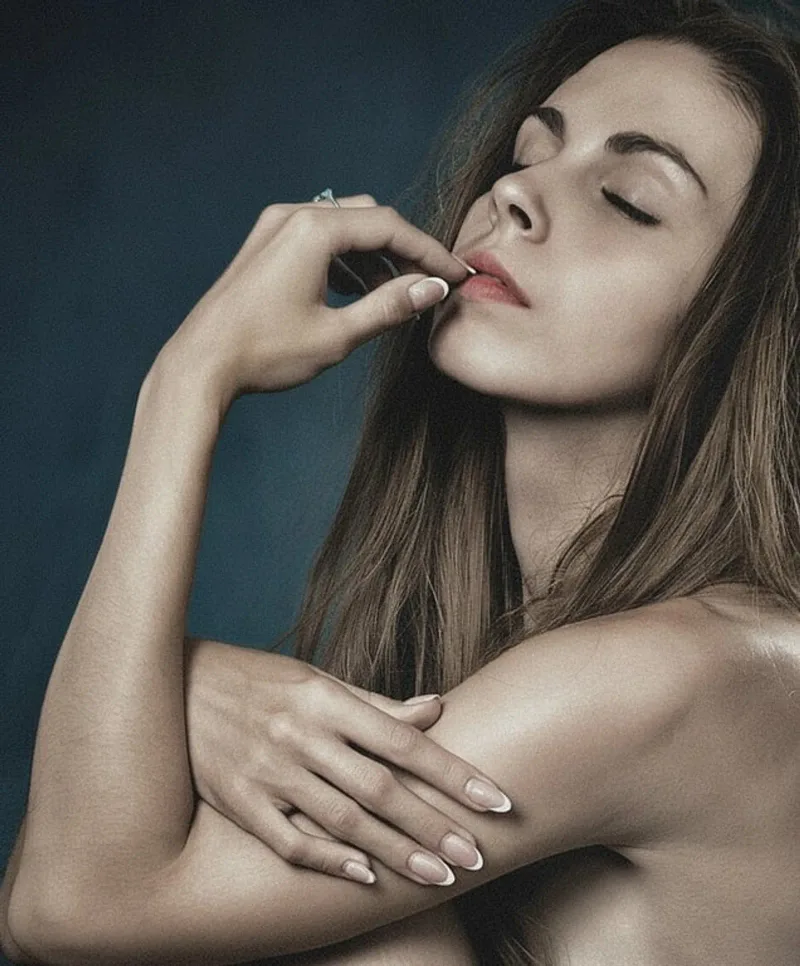
AI Aesthetic Filter
Give a photo a film, soft-light or vintage mood.
 Try
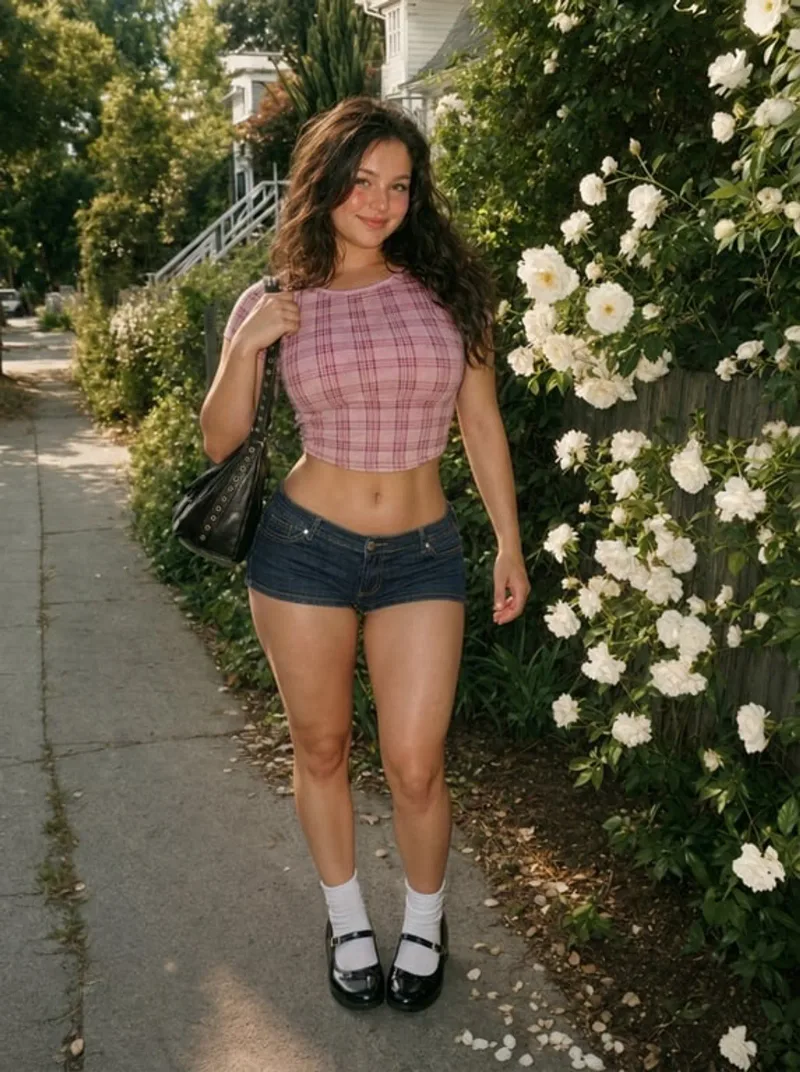
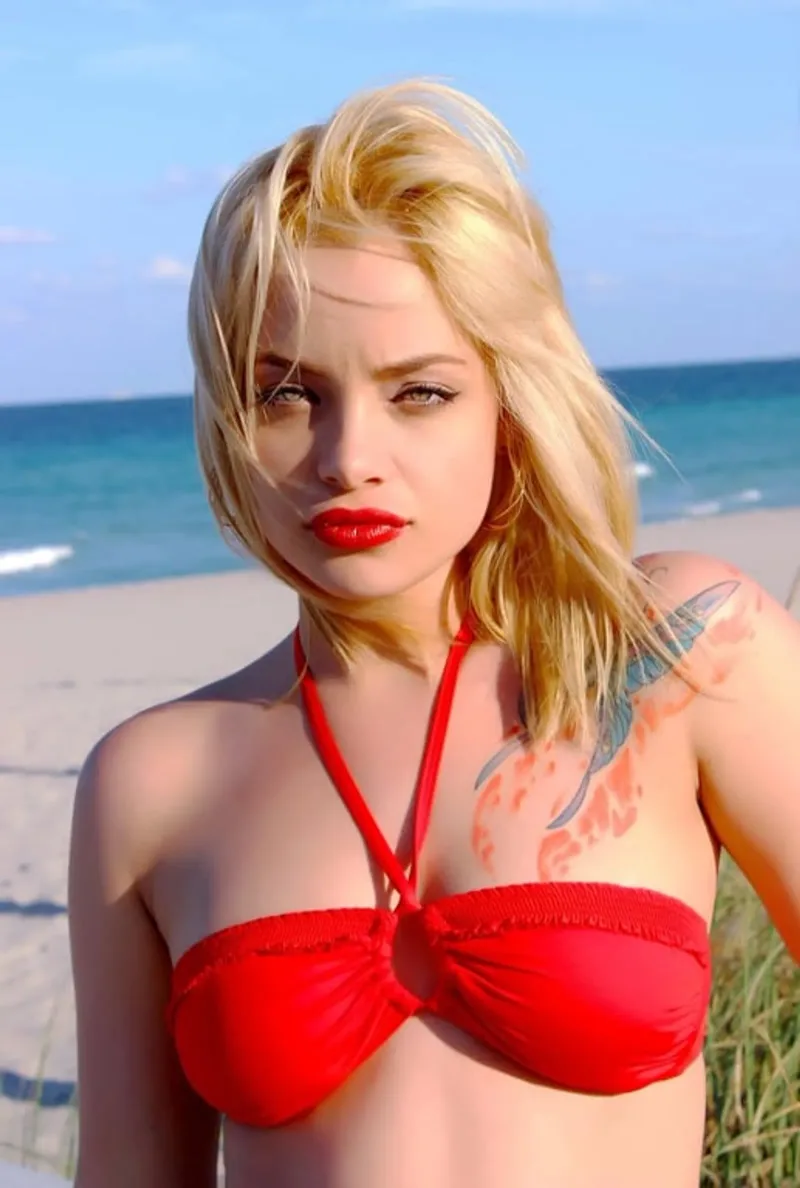
AI Skinny Filter
Upload a photo and Toty slims the figure and face while keeping clothes, background and proportions free of distortion.
 Try
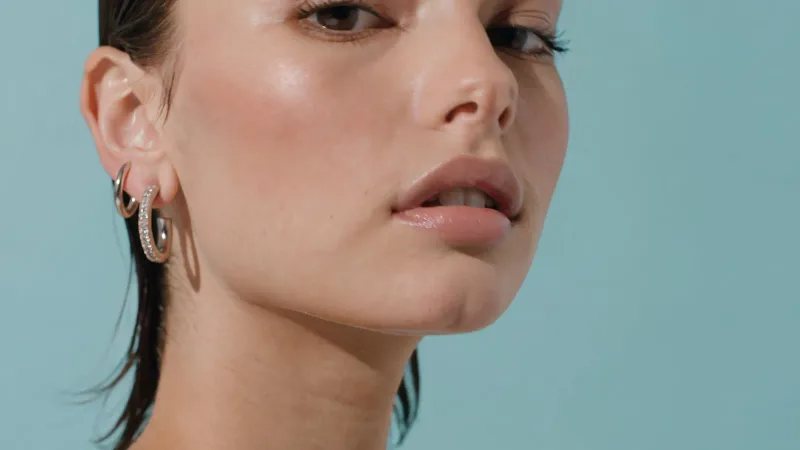
AI Face Slimmer
Upload a portrait and Toty slims the jaw and cheeks slightly while keeping proportions and background free of warping.
 Try
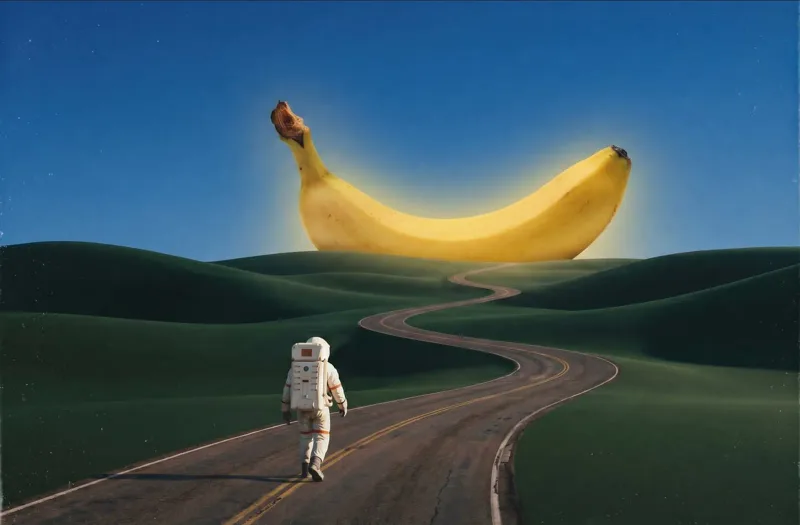
Kling 3.0
Kuaishou's video model for text- and image-to-video, 5 or 10 seconds, 720p and 1080p, in standard and pro modes.
 Try
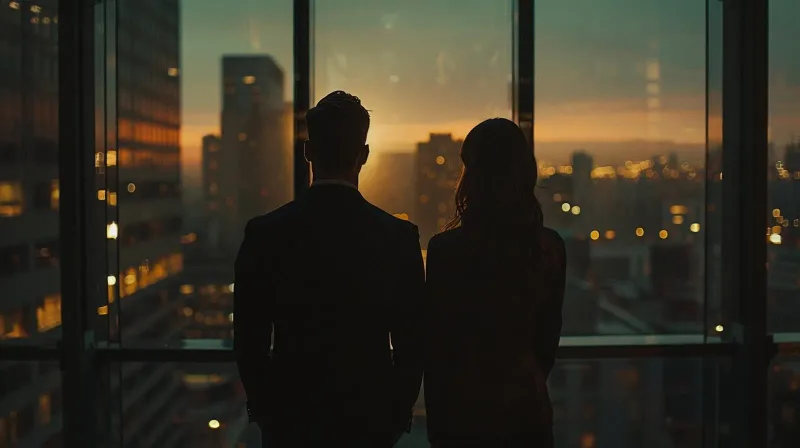
Nano banana 2.0
Built on Google's Gemini 3.1 Flash Image: fast and low cost, with reference images and 1K to 4K output.
 Try
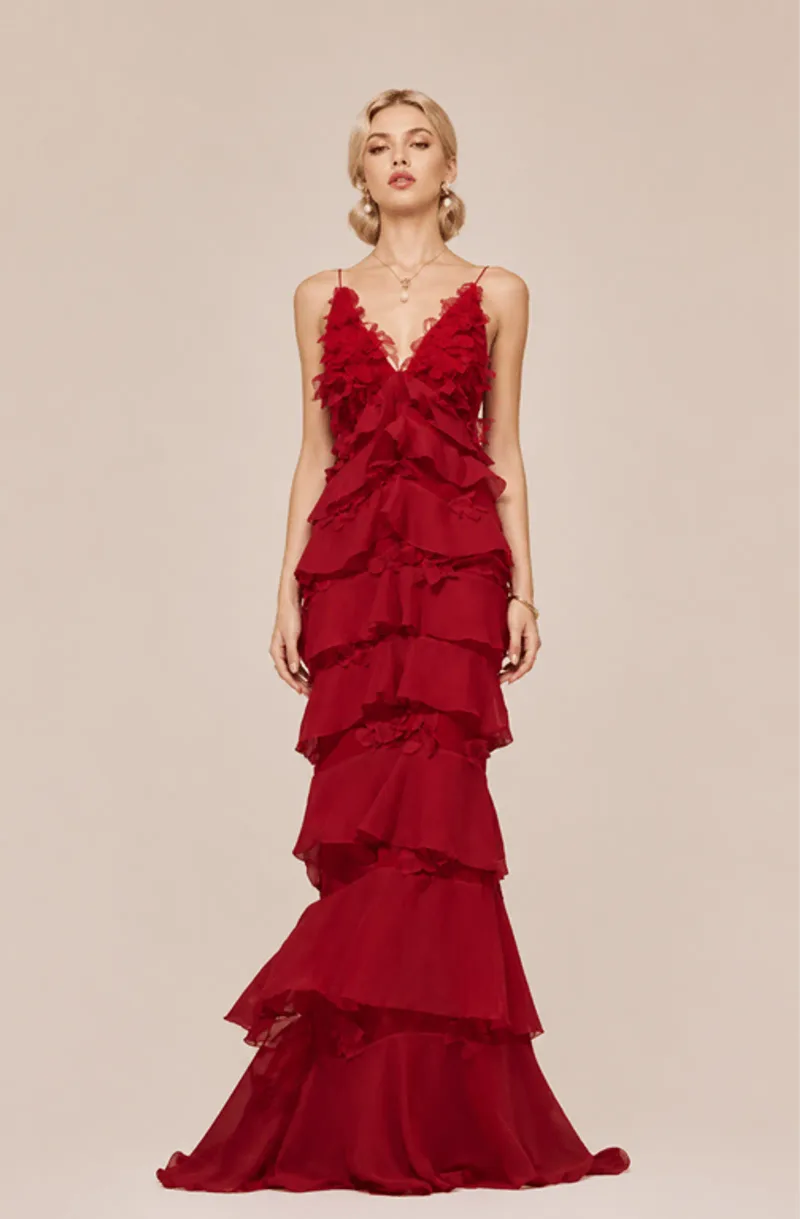
Nano Banana Pro
Built on Google's Gemini 3 Pro Image: steadier detail and in-image text, with reference images and up to 4K output.
 Try
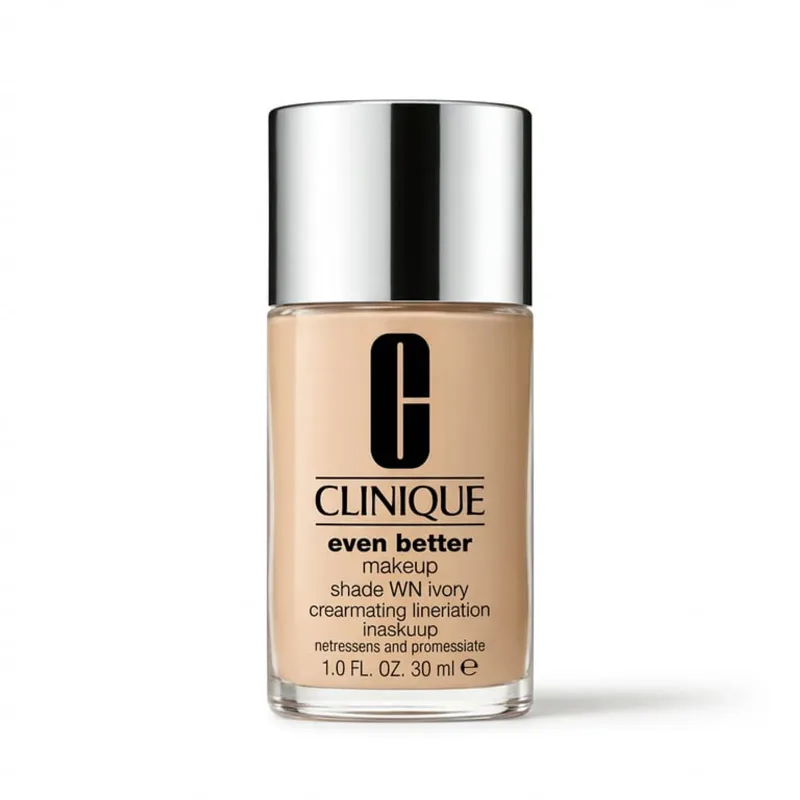
AI Fashion Photoshoot
Upload a garment or outfit, pick a template, and get studio or street shots with the clothing kept as it is.
 Try
AI Amazon Photoshoot
Make white-background main images and scene shots that fit marketplace requirements.
 Try
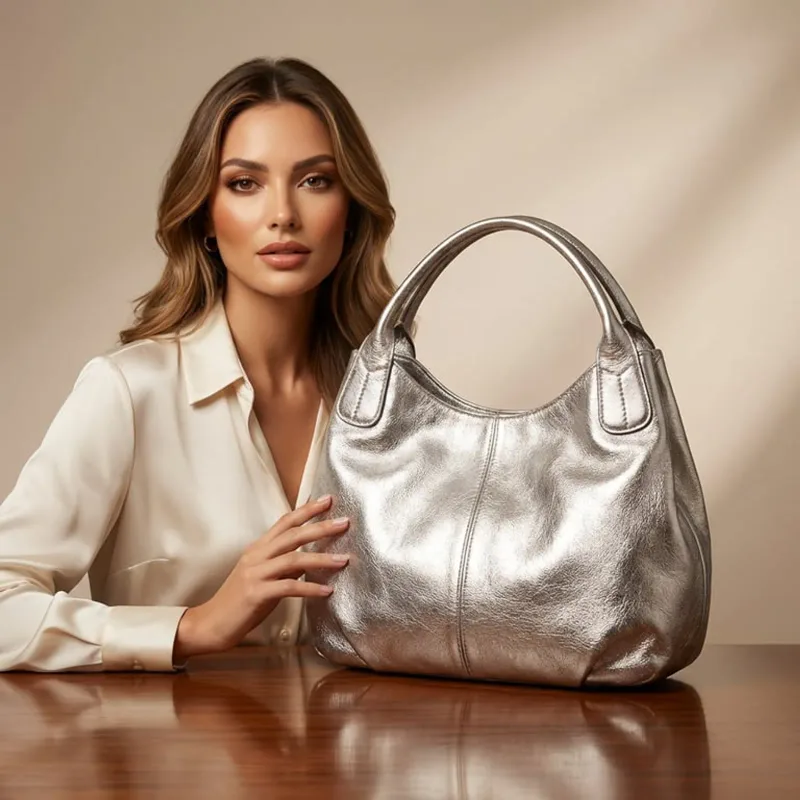
Fashion product Photography
Put apparel on a model in a clean studio setting for store listings.
 Try
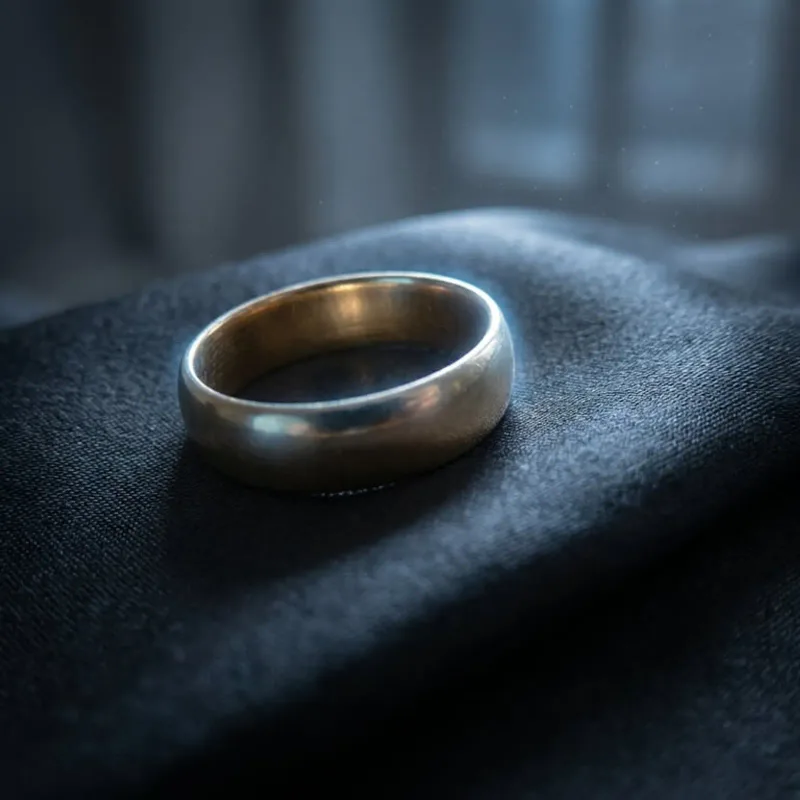
Jewelry Product Photography
Make clean product shots or worn shots of jewelry that show off metal and stones.
 Try
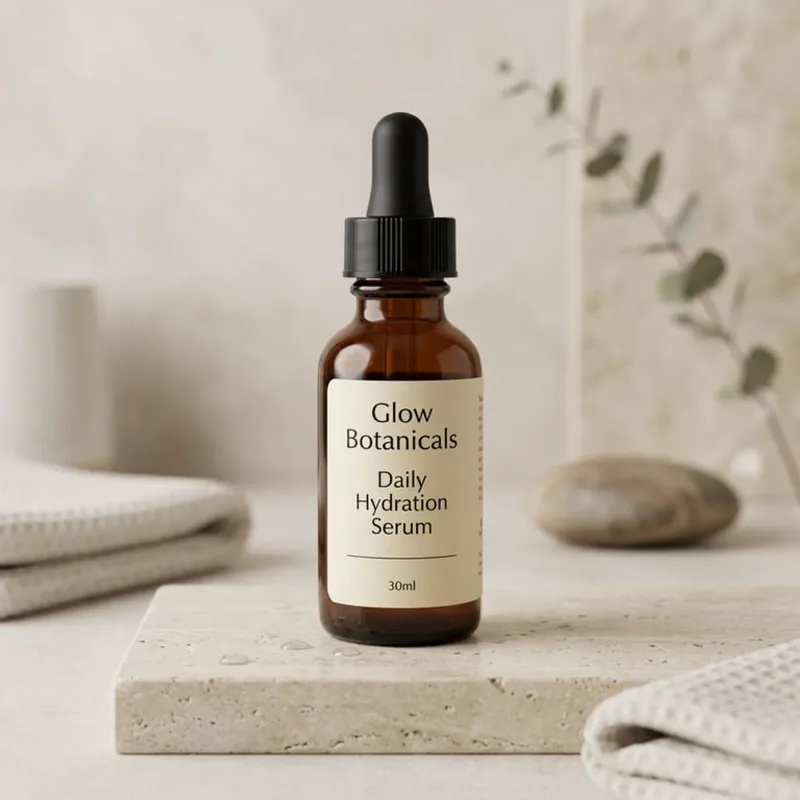
Skincare Product Photography
Make clean product and scene shots of skincare products.
 Try
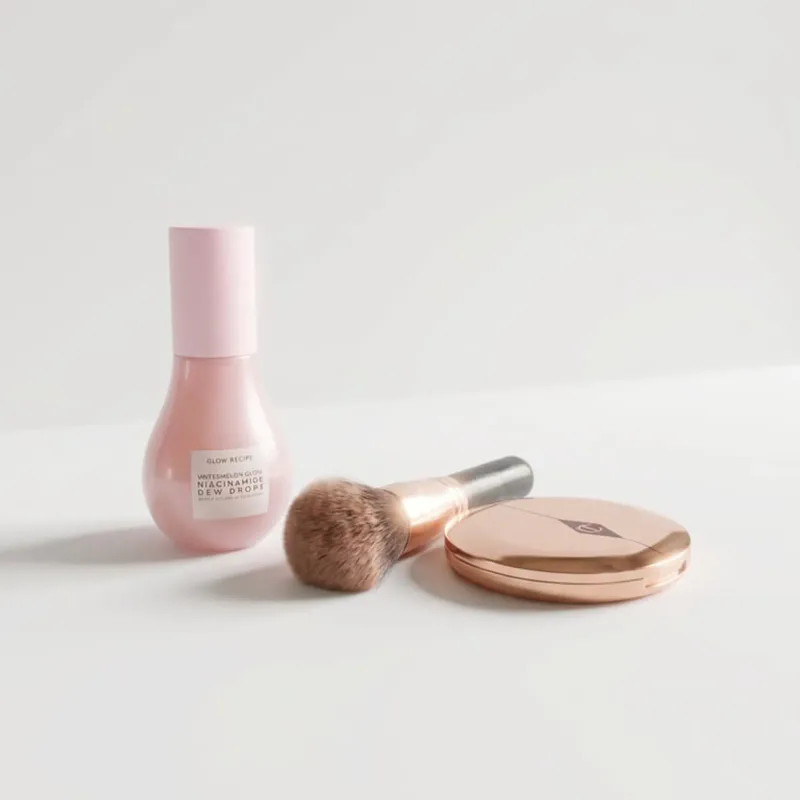
Cosmetic Product Photography
Make product and texture shots of cosmetics.
 Try
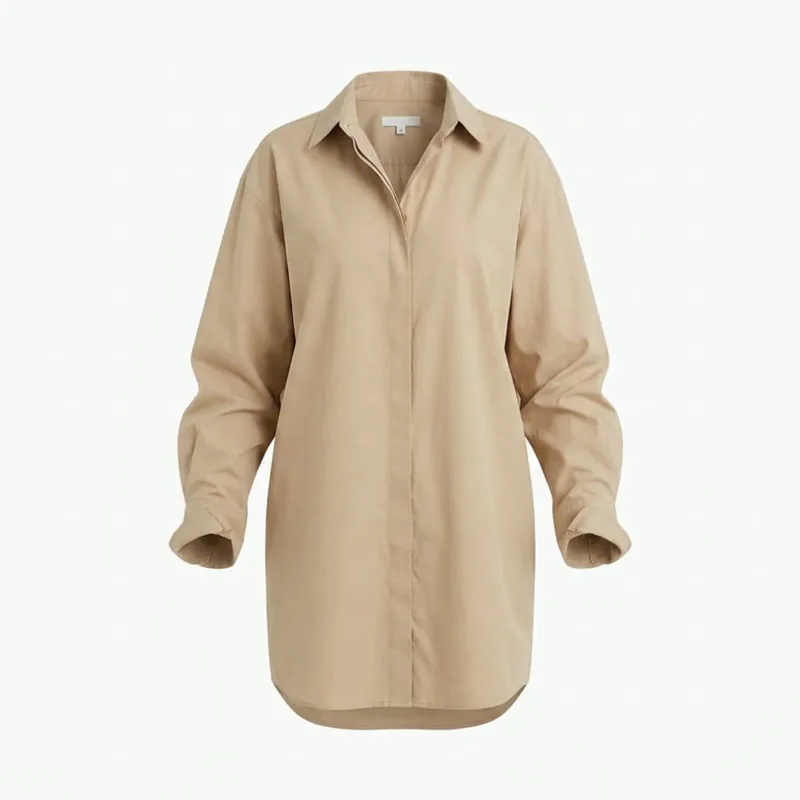
Ghost mannequin
Remove the mannequin or model to make a 3D ghost-mannequin garment image.
 Try
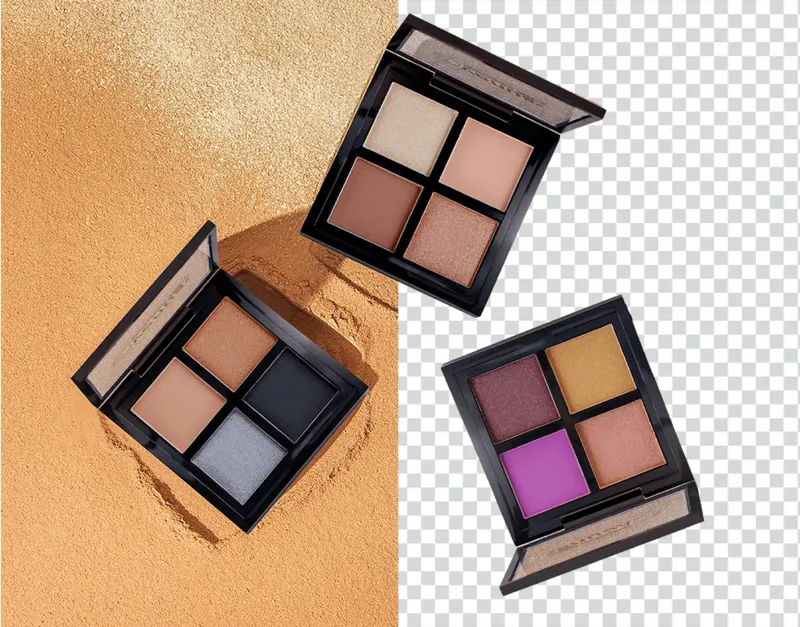
PNG Maker
Turn any image into a transparent PNG with clean subject edges, ready for design.
 Try
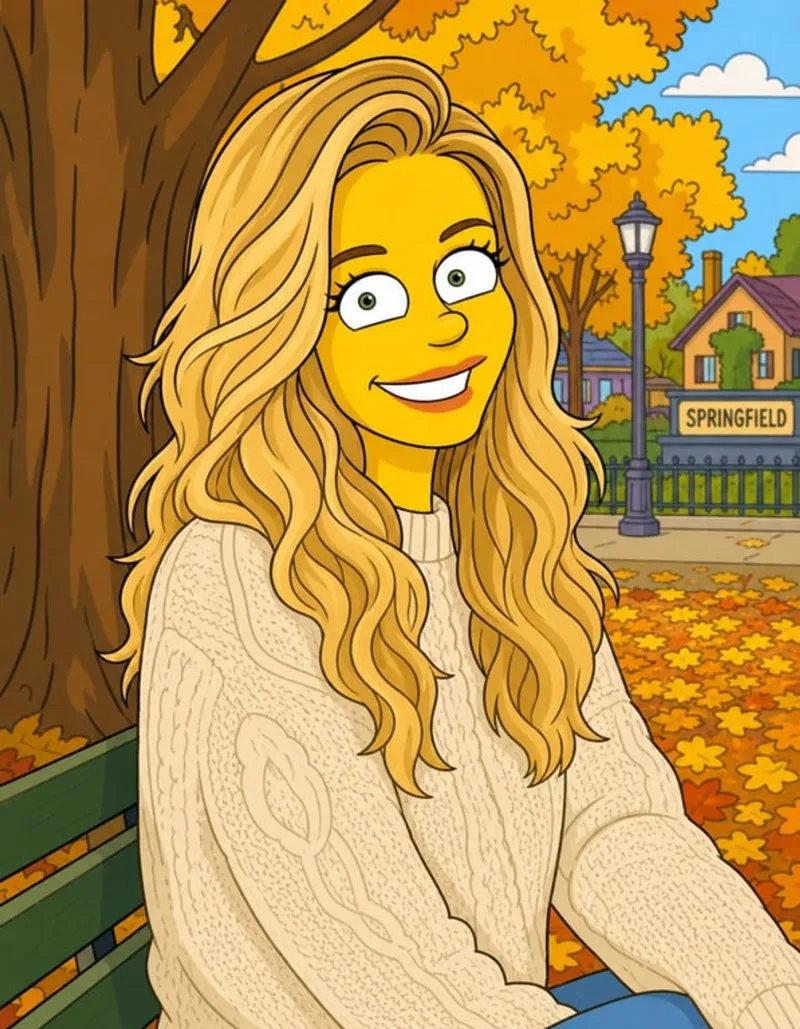
AI Simpsons Character Creator
Upload a portrait and Toty draws it as a yellow-skinned, big-eyed sitcom cartoon, keeping the hair and outfit.
 Try
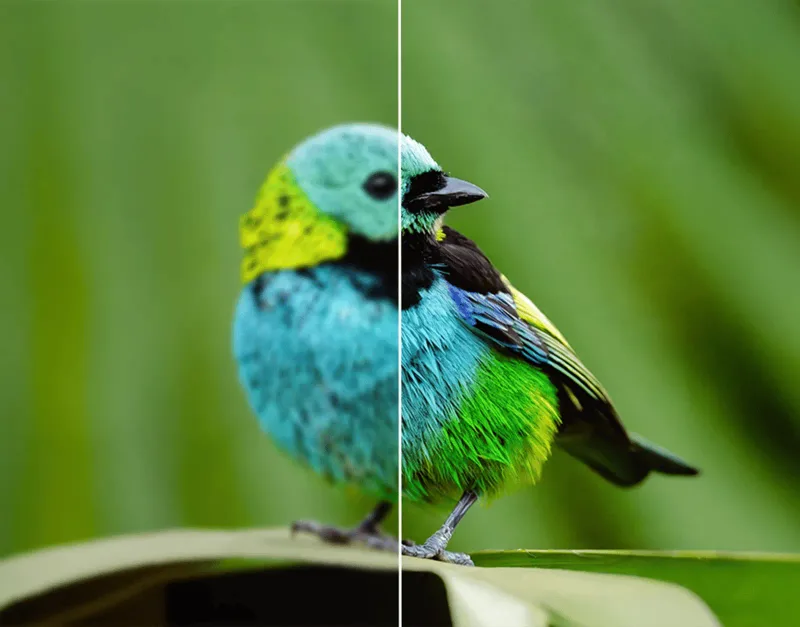
Unblur Image
Fix blur from shake, missed focus or motion so photos and screenshots are sharp again.
 Try
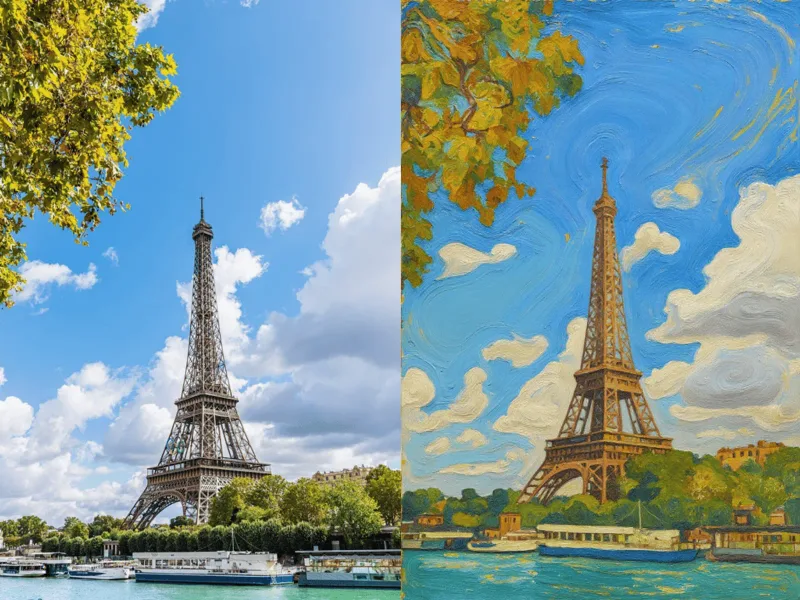
Turn Photo into Painting
Upload a photo, choose a medium, and Toty paints it with visible brushwork while keeping the composition and people.
 Try
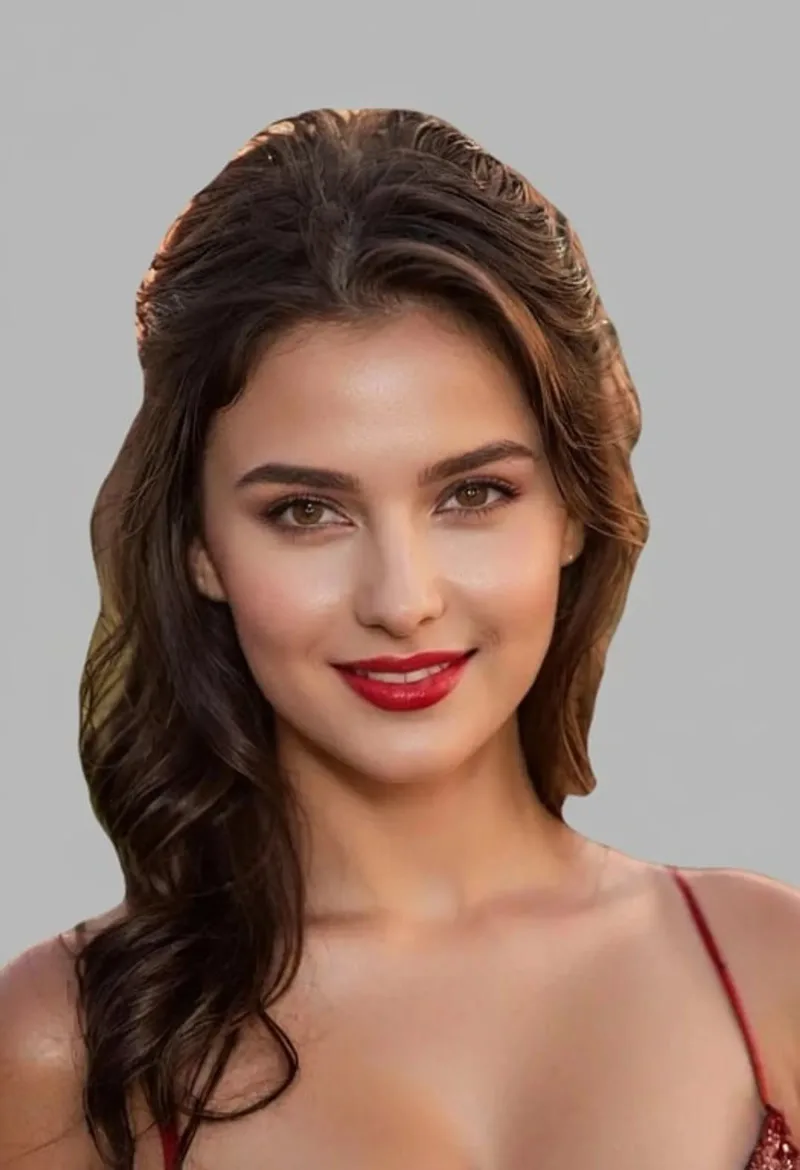
AI Face Cut Out
Upload a photo and Toty cuts out the face and hair onto a transparent or solid background with clean edges.
 Try
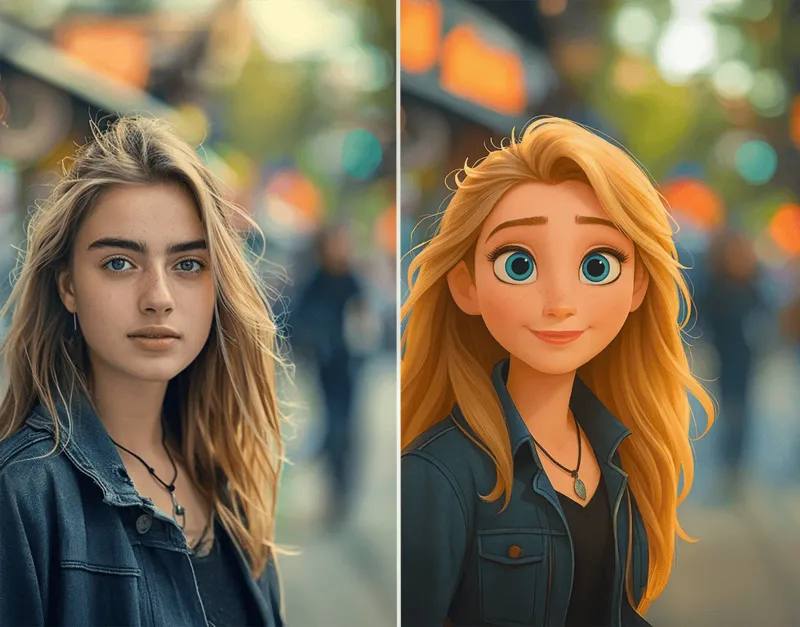
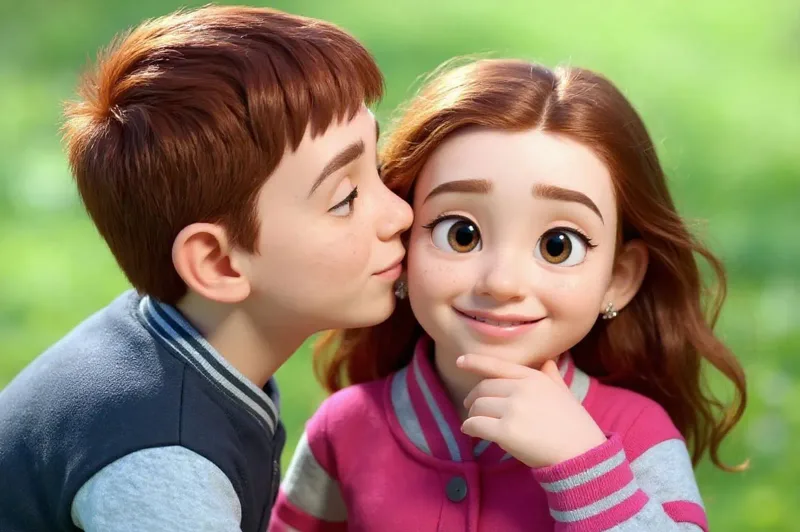
AI Disney Style
Upload a portrait and Toty redraws it in a 3D animated-film look with big eyes and soft features, keeping the hair and outfit.
 Try
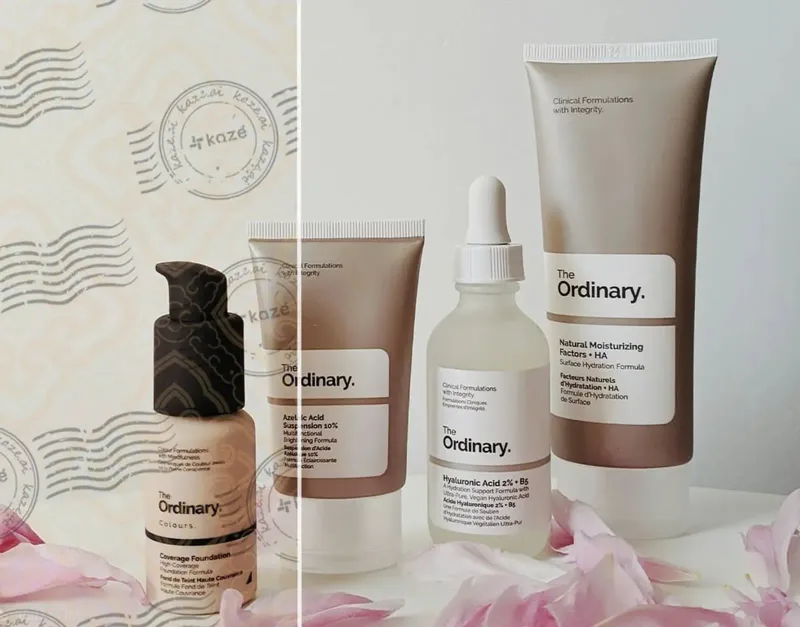
Photo Stamp Remover
Remove date stamps, seals or text marks from a photo and fill the covered area naturally.
 Try
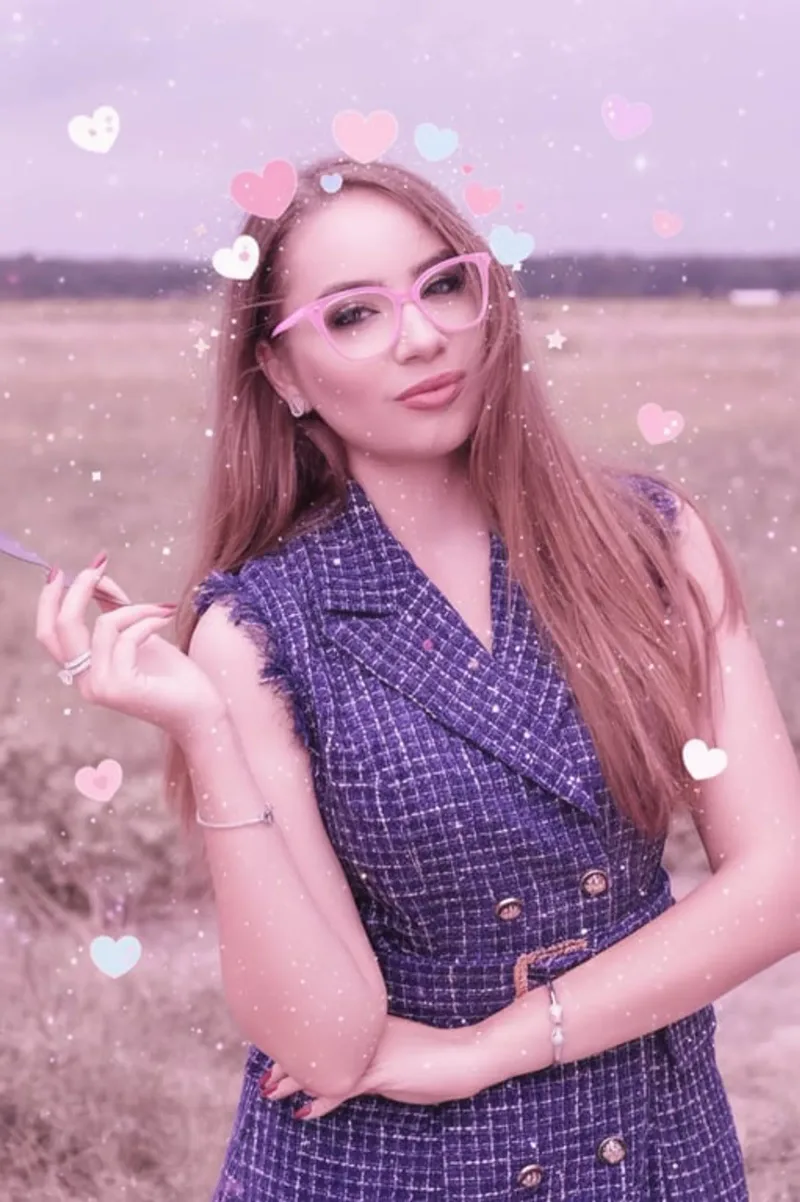
AI Kawaii Filter
Redraw a photo in a cute style with big eyes and soft colors.
 Try
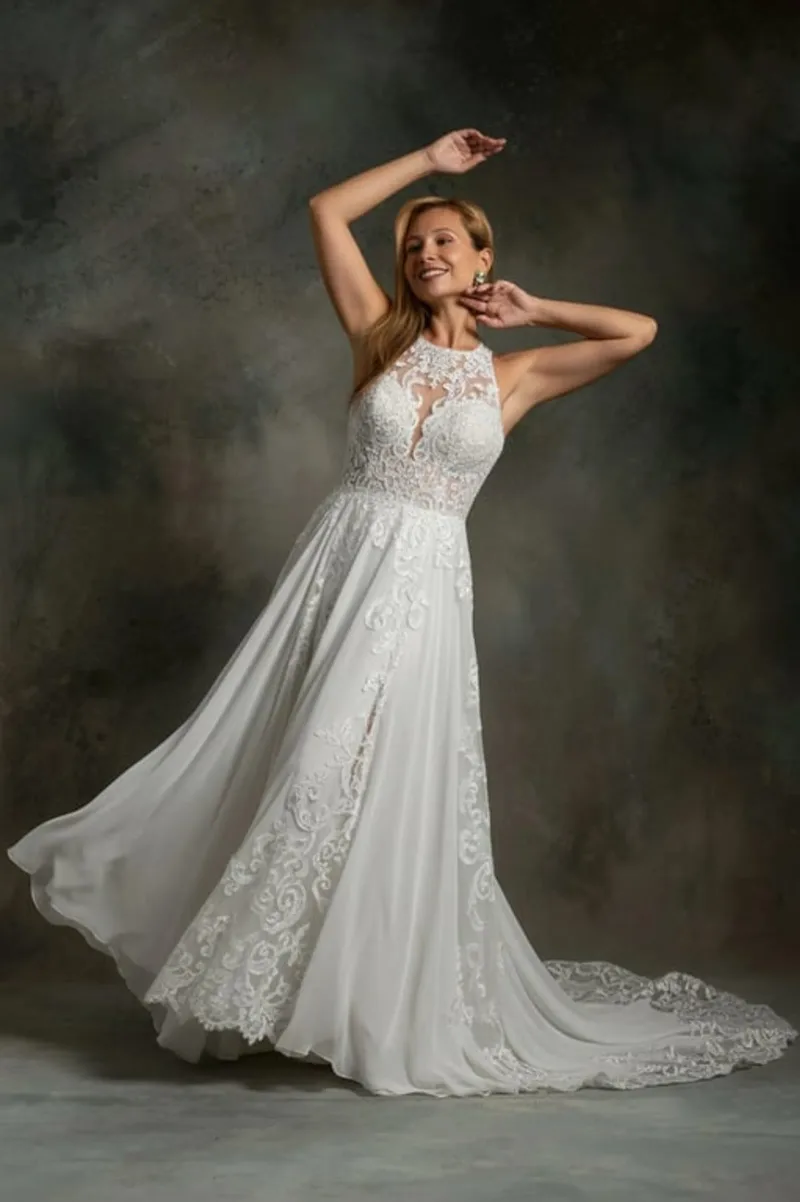
AI Wedding Dress
Upload a photo of yourself, describe the gown, and Toty dresses you in it while keeping your face, hair and figure.
 Try
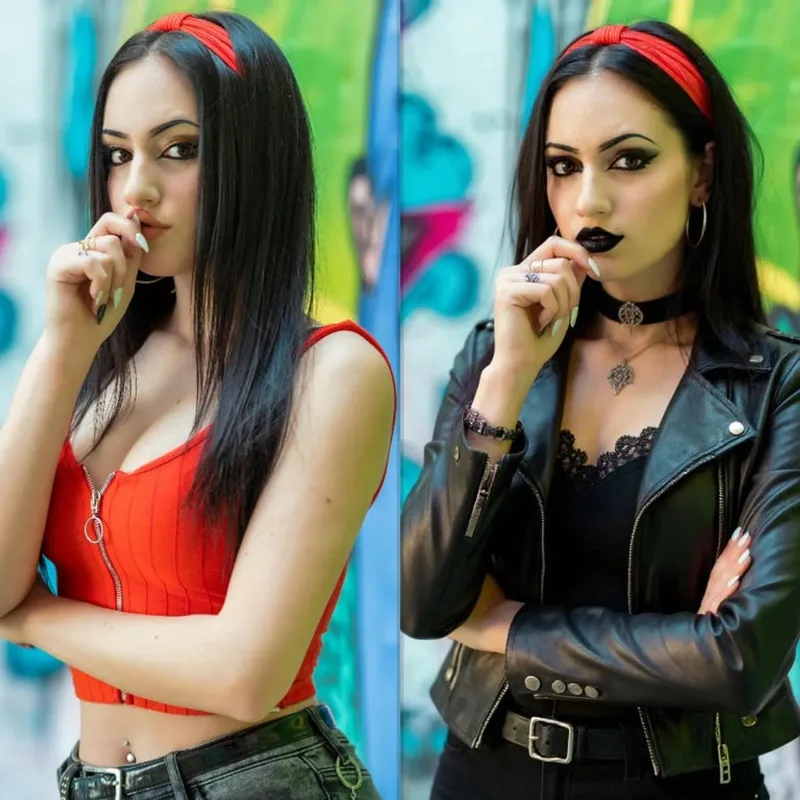
AI Goth AI
Upload a portrait and Toty adds black clothing, dark makeup and moody light while keeping your face and pose.
 Try
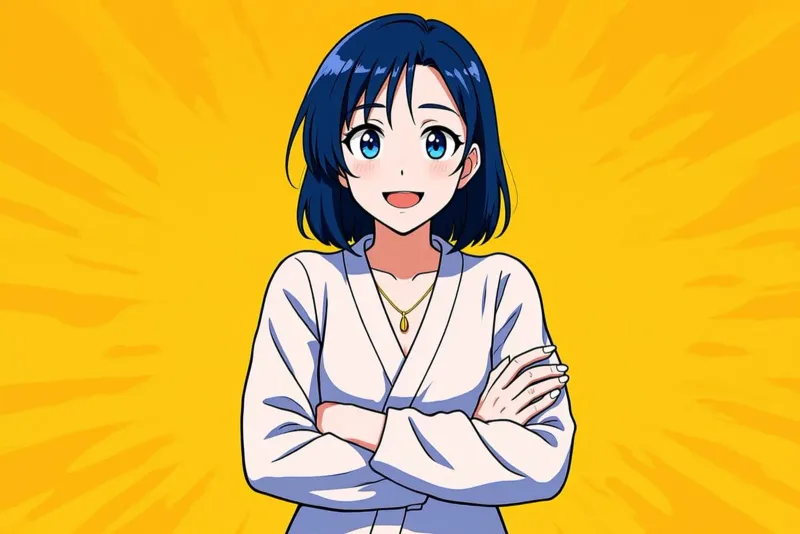
AI My Hero Academia Art Style
Redraw a photo in a bold Japanese action-comic style. Not affiliated with the rights holders.
 Try
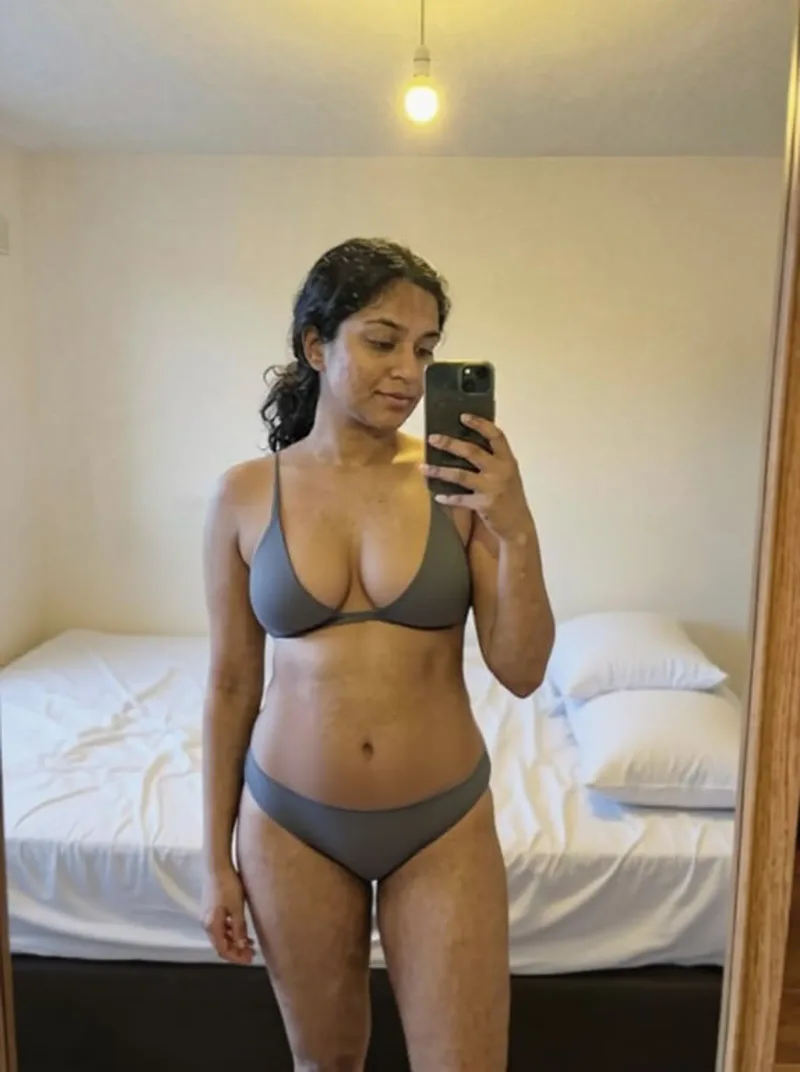
AI Bikini Generator
Upload a full or half-body photo, describe the swimsuit, and Toty changes the outfit while keeping the person and pose.
 Try
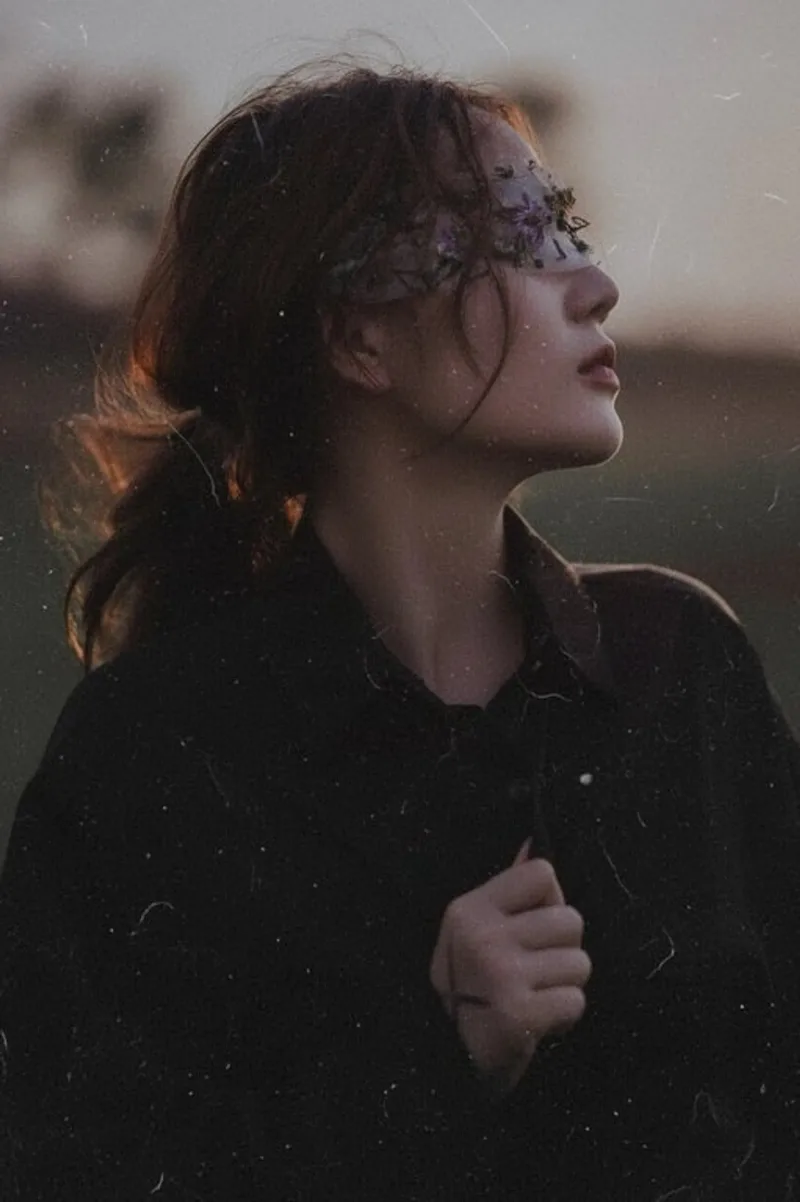
AI 90s Filter
Upload a photo and Toty adds nineties film color, grain and on-camera flash while keeping the people and framing the same.
 Try
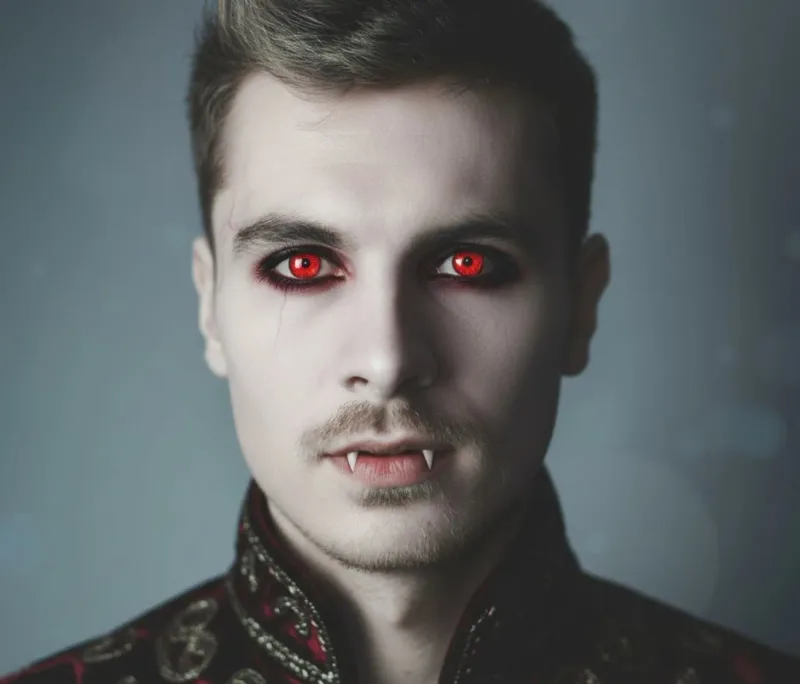
AI Vampire Filter
Add pale skin, red eyes and dark lighting for a vampire look.
 Try
AI Remove Watermark from Getty Images
Clean leftover watermarks and text from stock images you have licensed.
 Try
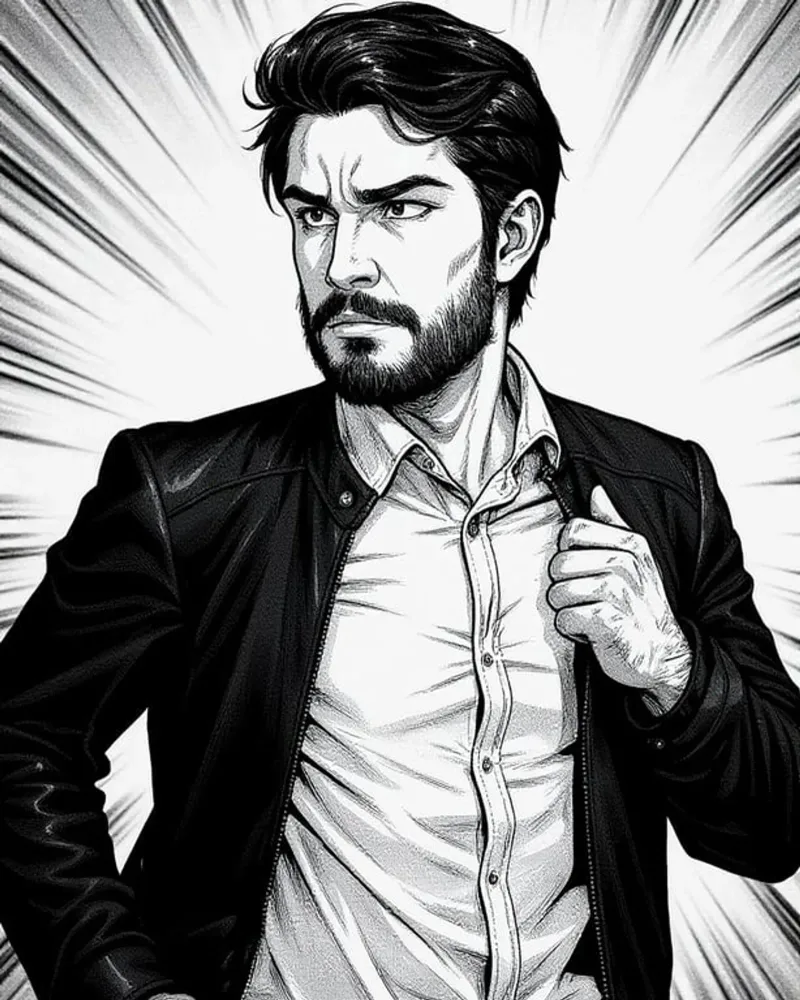
AI Manga Art Style
Redraw a photo as black-and-white Japanese manga with screentone.
 Try
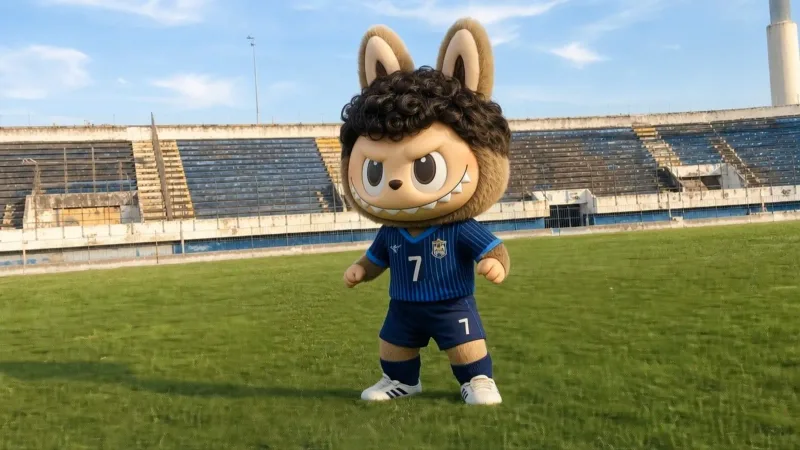
AI Labubu
Upload a photo and make a short clip of it turning into a Labubu-style character.
 Try
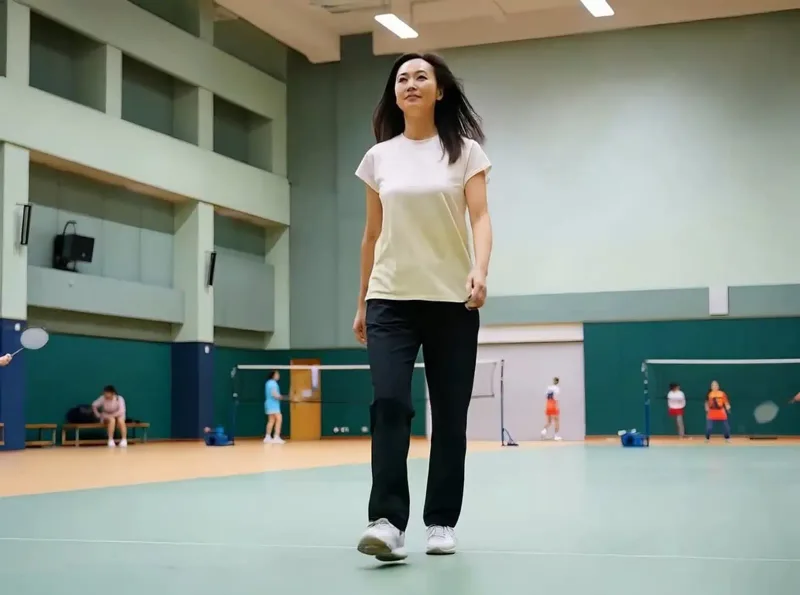
AI Walking
Make the person in a photo walk forward in a short clip.
 Try
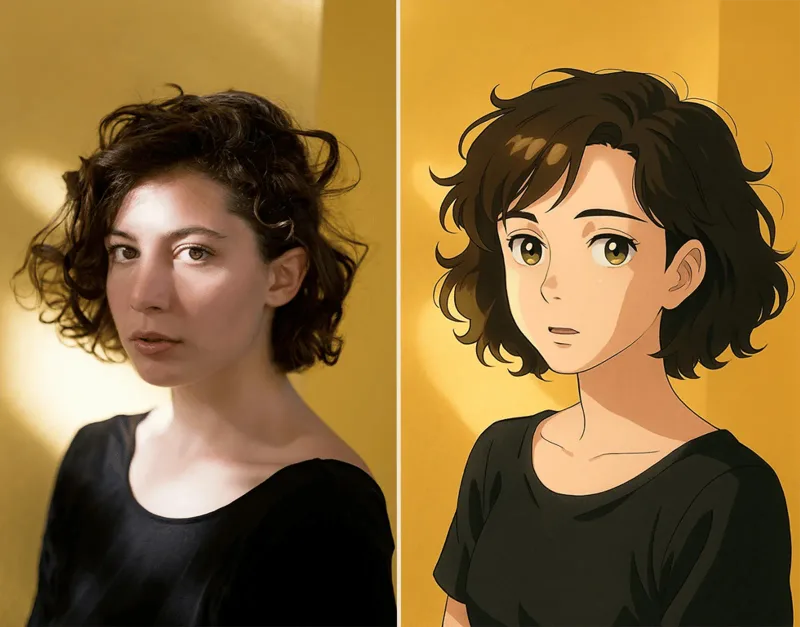
Ghibli Style
Upload a photo and Toty paints it in a soft, hand-drawn animated-film style while keeping the people and scene.
 Try
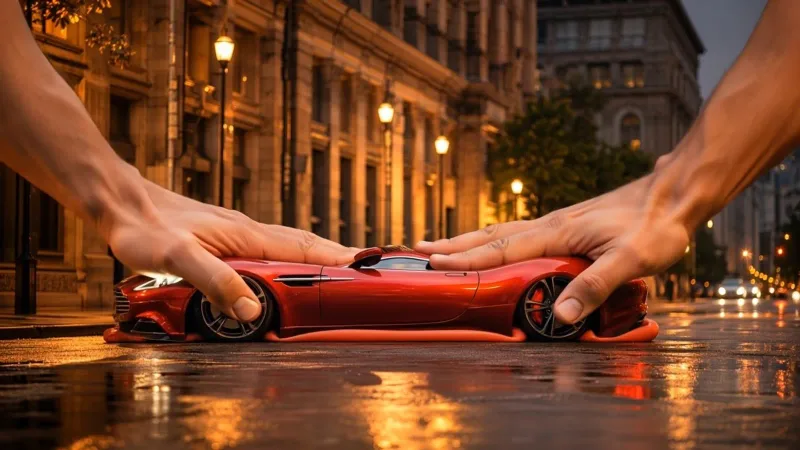
AI Squish AI
Make a funny clip of two hands squeezing the subject of a photo.
 Try
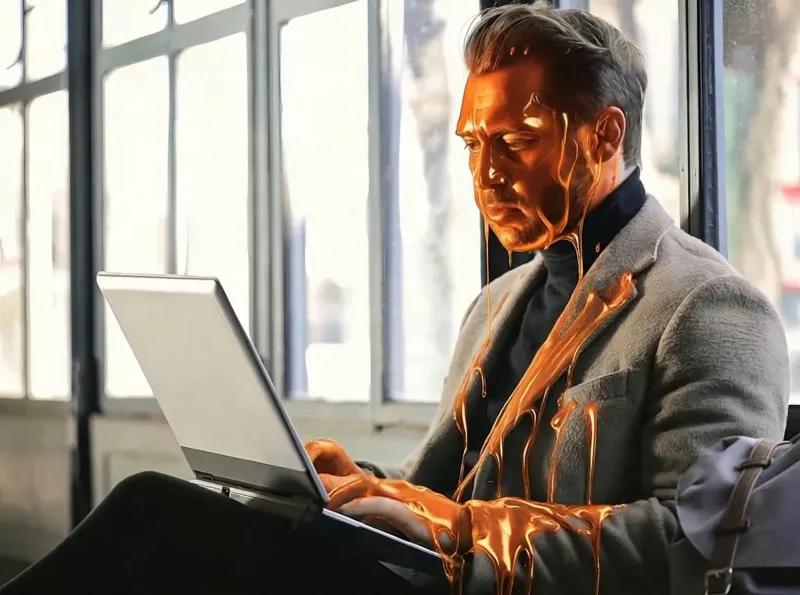
AI Melting Effect
Make a short clip of the subject slowly melting.
 Try
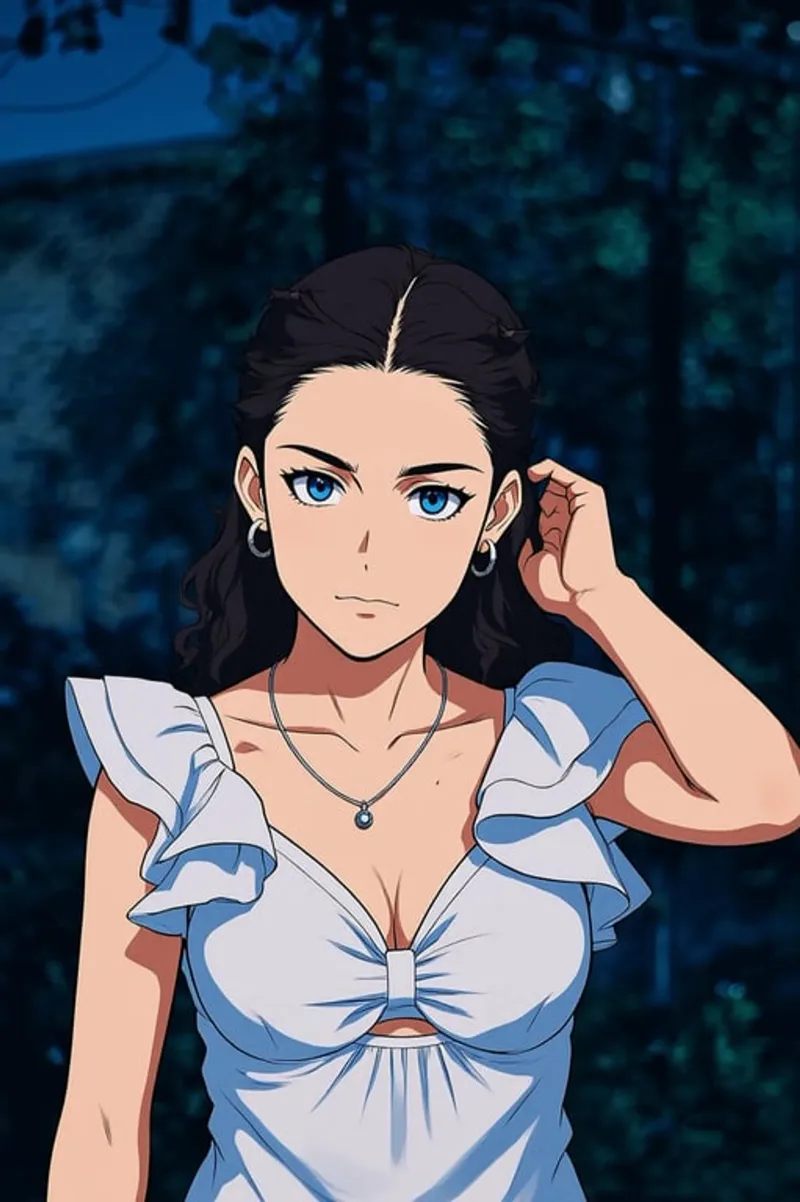
AI Jujutsu Kaisen Art Style
Redraw a photo in a dark Japanese action-comic style. Not affiliated with the rights holders.
 Try
AI Lingerie Product Photography
Make clean flat-lay and mannequin shots of lingerie products.
 Try
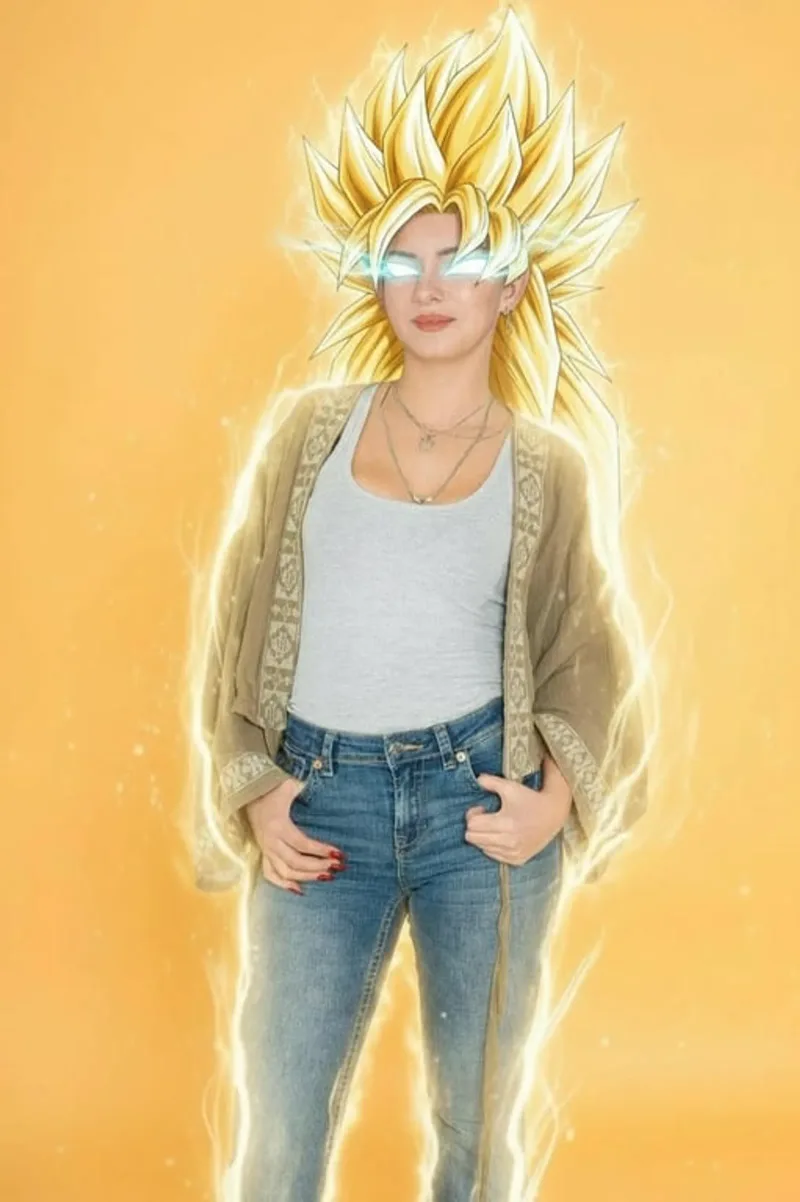
AI Dragon Ball Art Style
Redraw a photo in a classic Japanese fighting-comic style. Not affiliated with the rights holders.
 Try
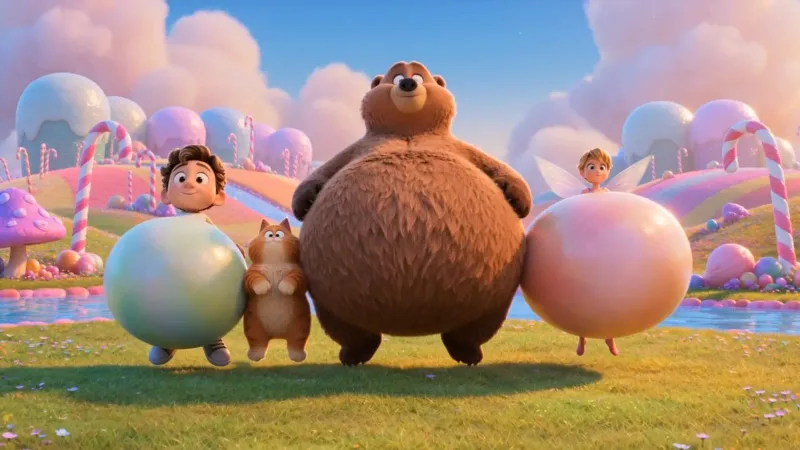
AI Belly Inflation AI
Make a comic clip of a belly slowly puffing up like a balloon.
 Try
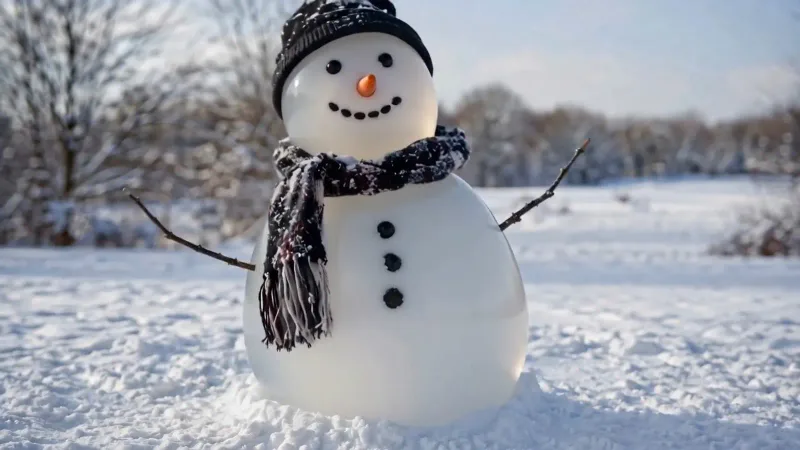
AI Explode AI
Make a short clip of the subject bursting apart from its center.
 Try
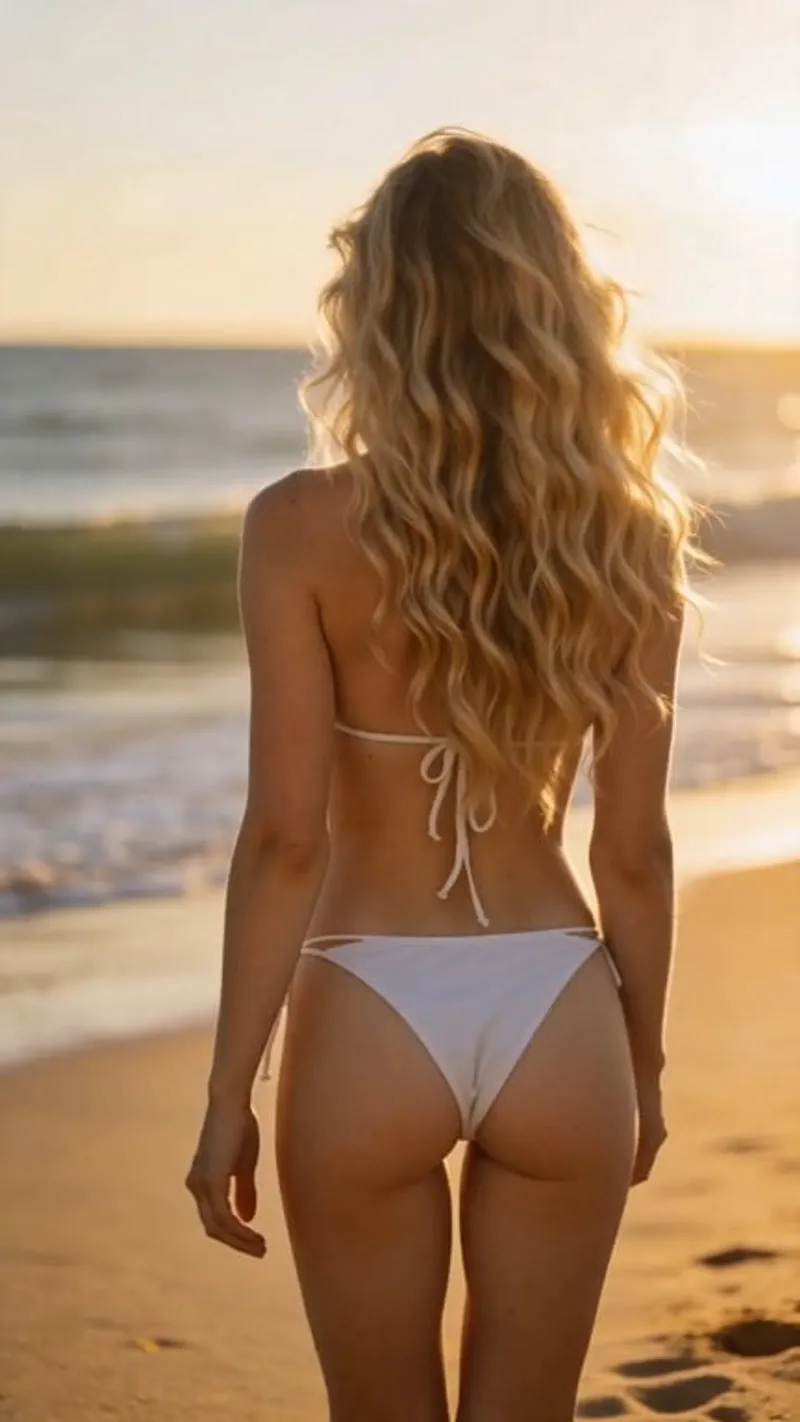
AI Jiggle AI
Make a funny clip of the subject bouncing and wobbling like jelly.
 Try
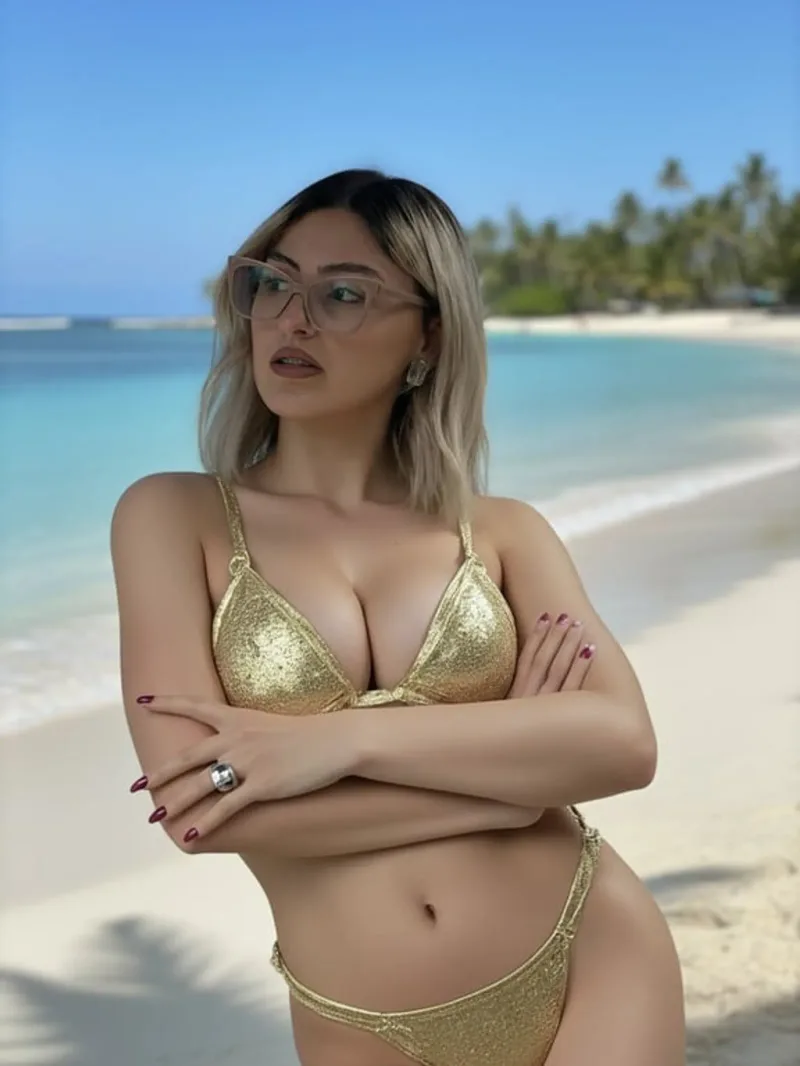
AI Twerk Video Generator
Upload a full-body photo and get a short clip of the person twerking.
 Try
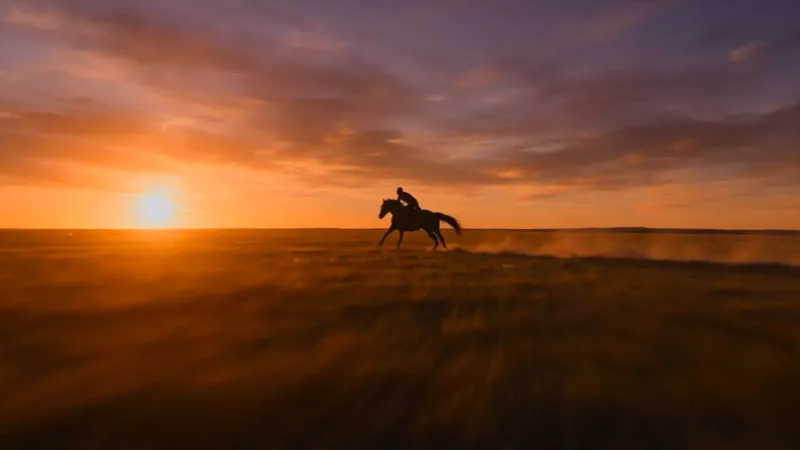
AI Swimsuits
Upload a photo of yourself, describe a swimsuit, and Toty changes it while keeping your face, figure and pose.
 Try
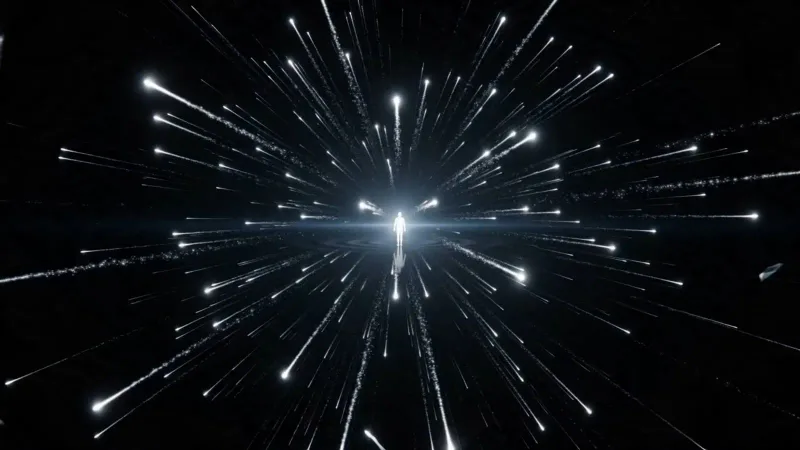
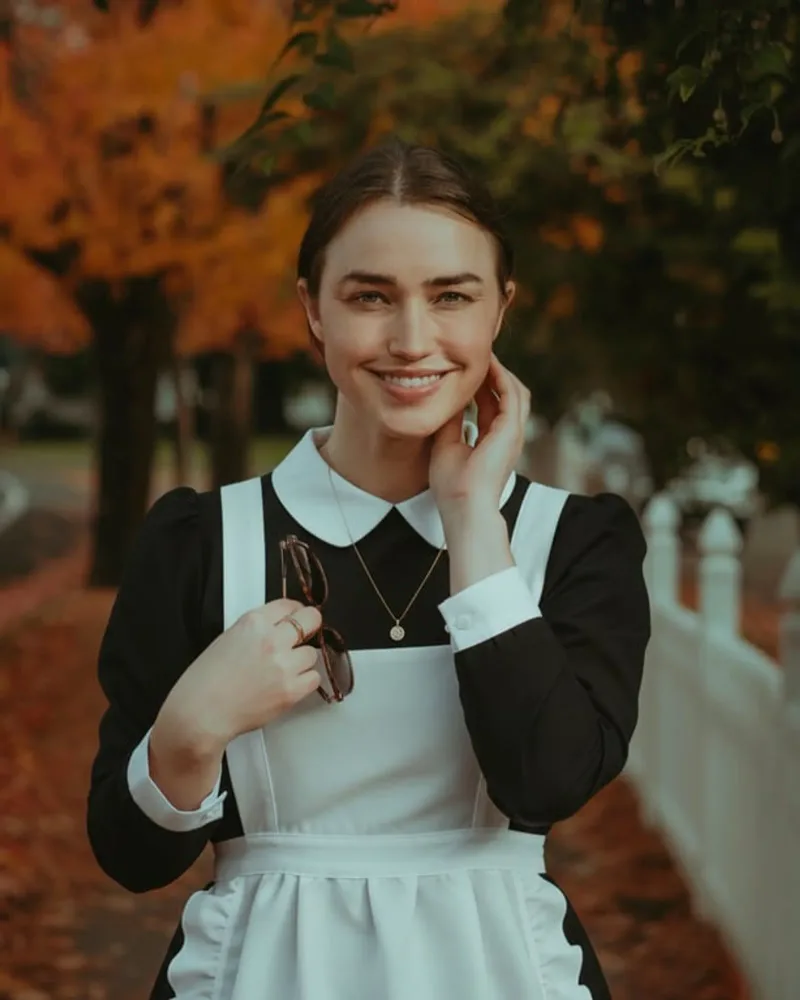
AI Zoom In On The Earth
Make one continuous shot from Earth in space down into your photo's scene.
 Try
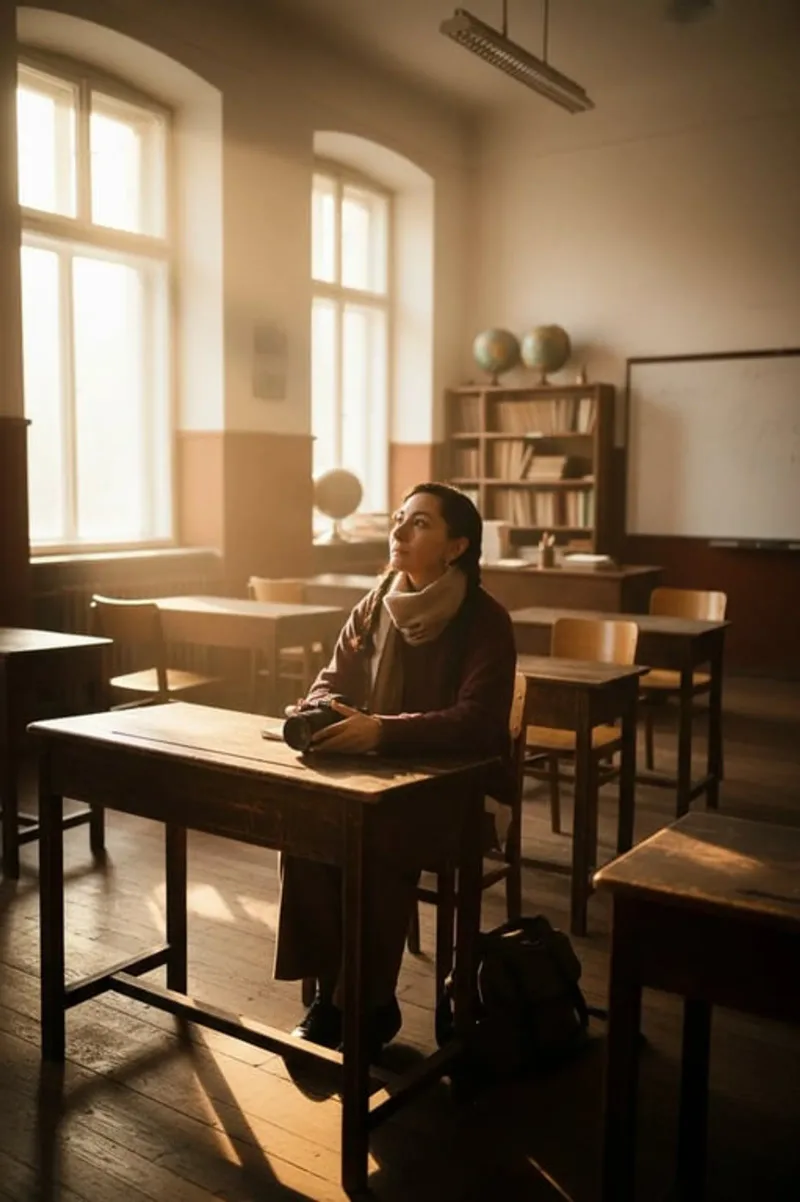
AI Maid Outfit
Put on a maid outfit while keeping the person and pose.
 Try
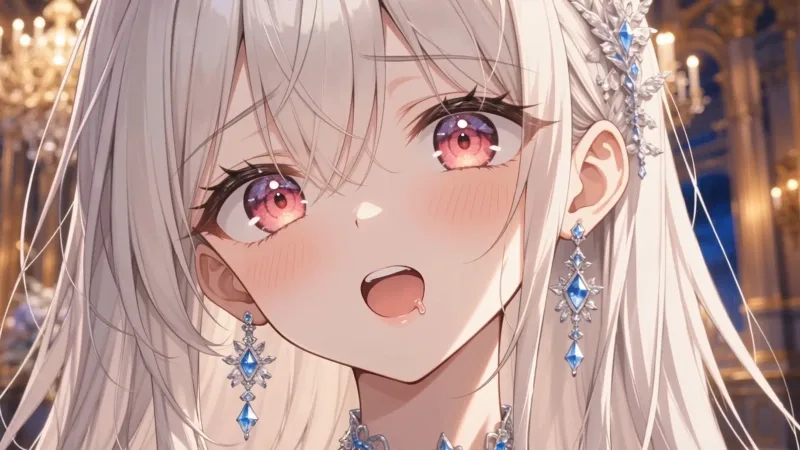
AI School Uniforms
Try on different school uniforms while keeping the face and background.
 Try
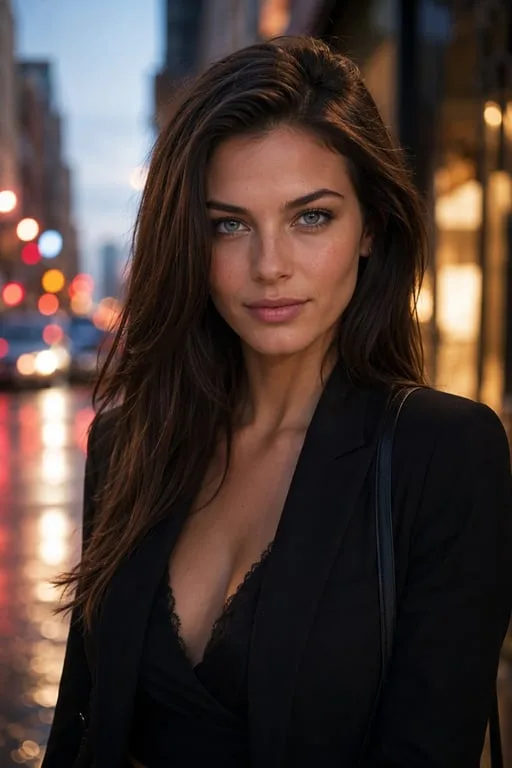
AI Ahegao
Change an anime character's face to an exaggerated ahegao expression in a short clip.
 Try
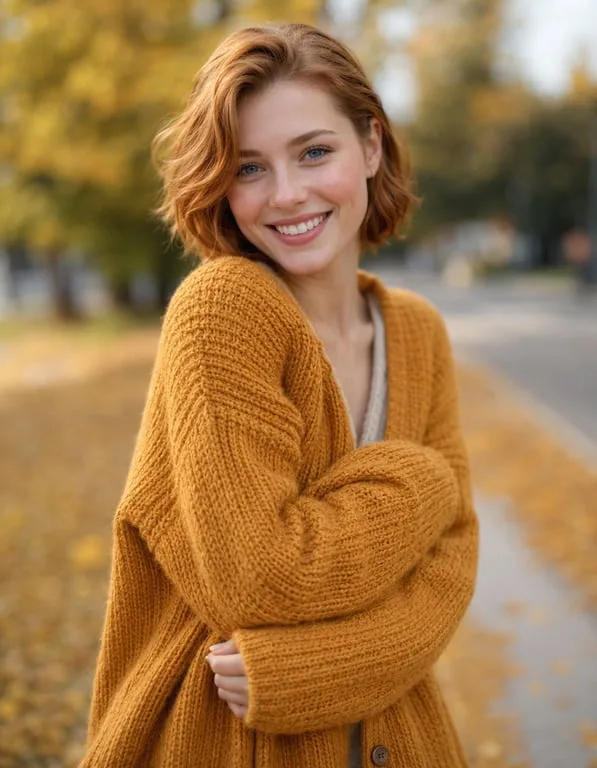
AI Hair
Upload a front-facing photo, describe a cut or color, and Toty changes your hair while keeping your face and background.
 Try
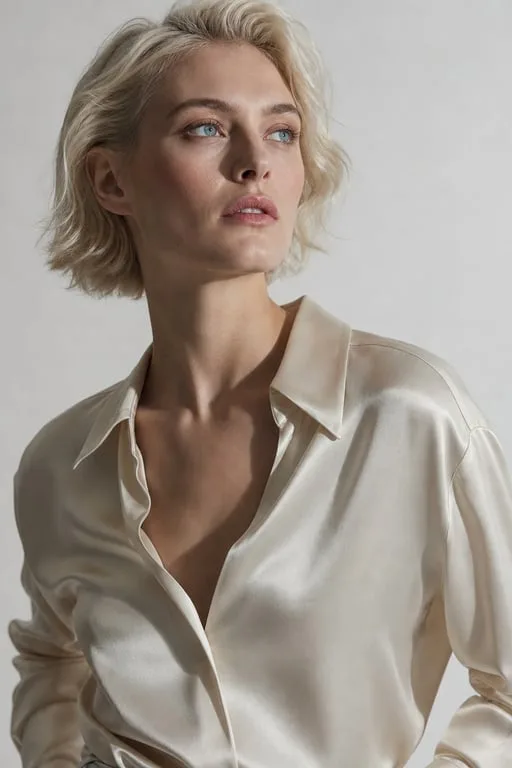
Long Hair Filter
Upload a photo and Toty grows your hair long in your color and texture while keeping everything else.
 Try
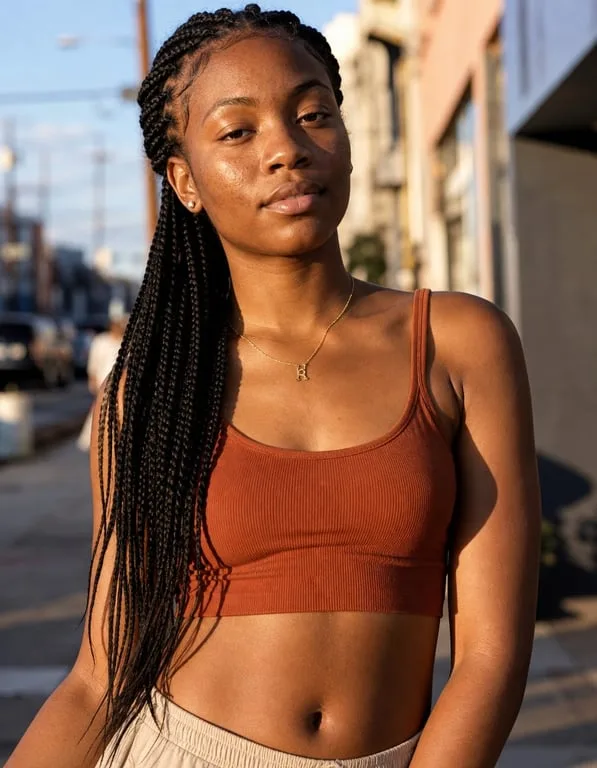
AI Eye Contact Correction
Upload a photo where someone looks away and Toty turns the eyes toward the camera, leaving everything else as it is.
 Try
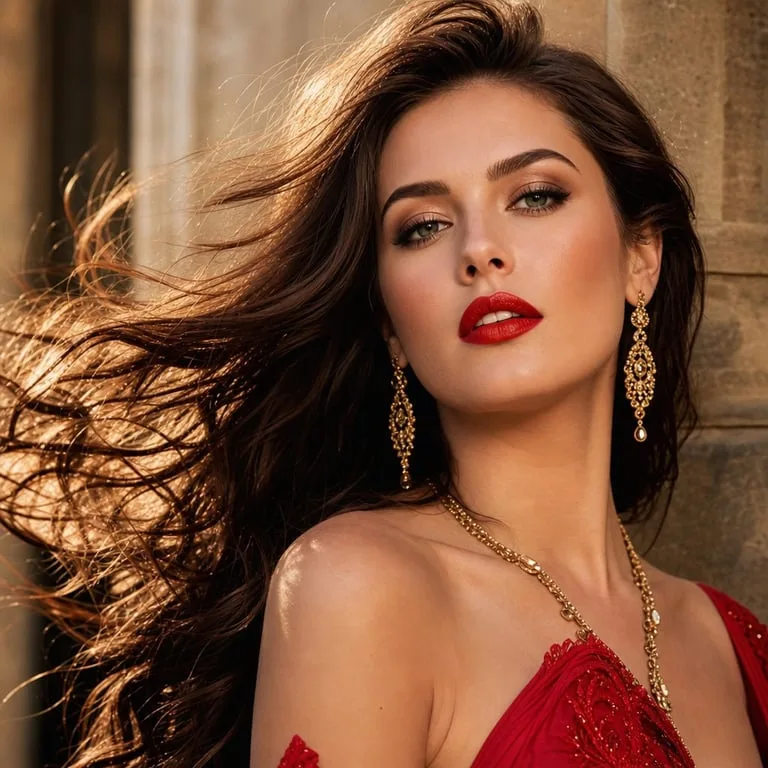
Makeup Filter
Upload a bare or light-makeup photo, describe the look, and Toty applies it naturally while keeping skin texture and features.
 Try
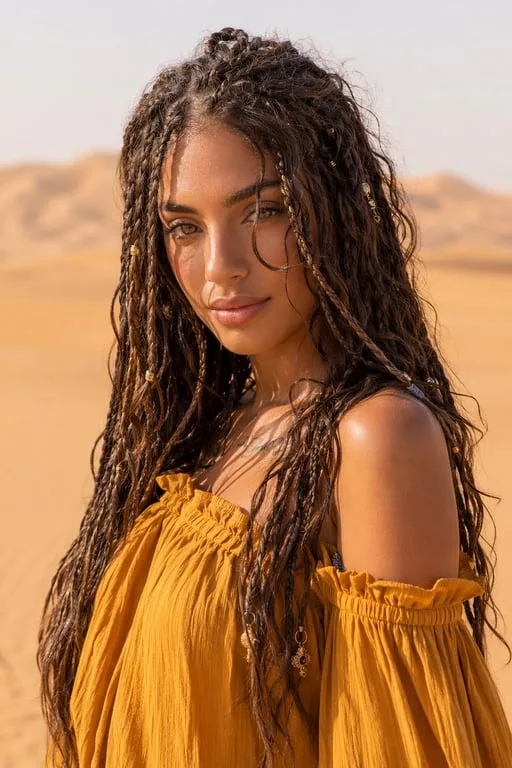
Eye Color Change
Upload a photo where the eyes are clear, choose a color, and Toty changes only the iris while keeping highlights and texture.
 Try
Stencil Maker
Upload a photo and Toty turns it into a high-contrast black-and-white stencil with connected shapes for spray paint, engraving and cutting.
 Try
Turn Photo into Line Drawing
Upload a photo and Toty traces the main outlines into clean black-and-white line art you can color or print.
 Try
Silhouette Maker
Upload a photo of a person or object and Toty makes a solid silhouette with crisp edges, ready for design work.
 Try
South Park Character Creator
Upload a portrait and Toty draws it as a round-headed, simple cut-out cartoon, keeping hair, clothes and colors.
 Try
AI Chibi Maker
Upload a photo of a person or pet and Toty draws a big-head chibi version that keeps the hair, outfit and colors.
 Try
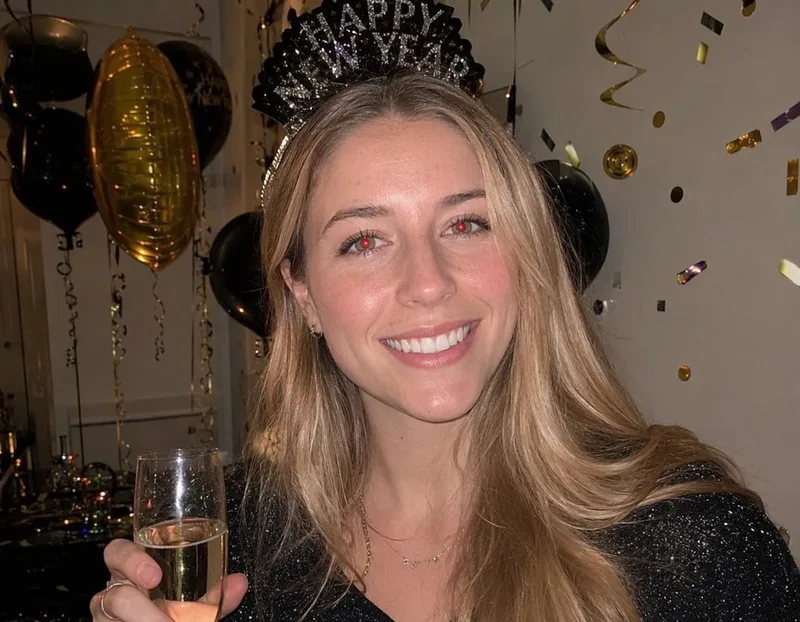
Red Eye Remover
Upload a photo with red eye and Toty restores a natural pupil color and highlight, leaving the rest unchanged.
 Try
Add Santa Hat to Photo
Put a Santa hat on people in a photo, fitted naturally.
 Try
Brat Style Generator
Turn a photo into a brat-style cover with neon green and blurred type.
 Try
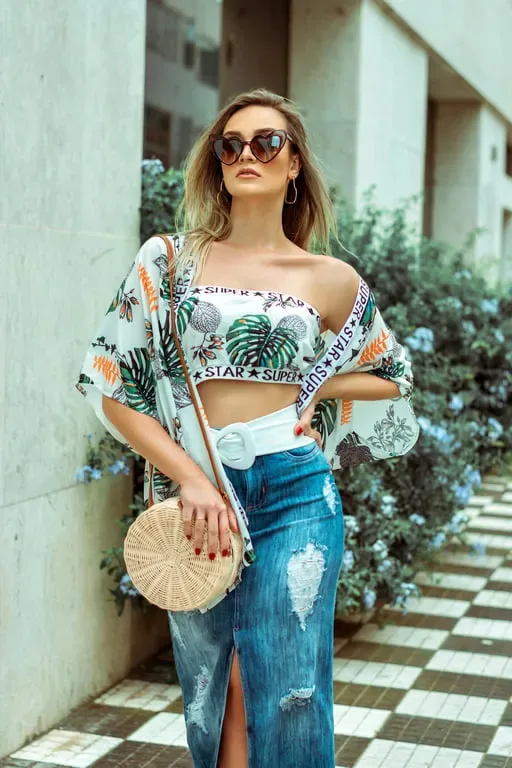
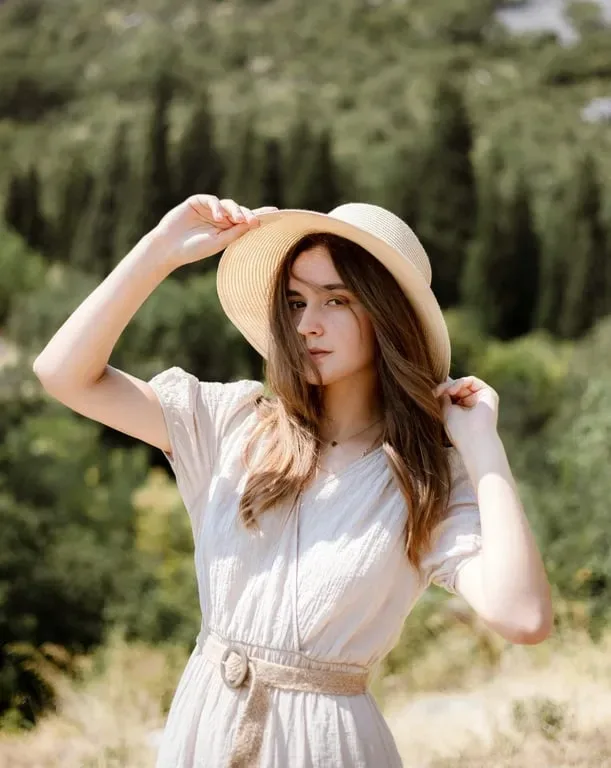
AI Dress
Put someone in a dress or gown with realistic drape and proportions.
 Try
AI Halloween Costume
Turn a photo into a pumpkin, ghost or witch Halloween costume.
 Try
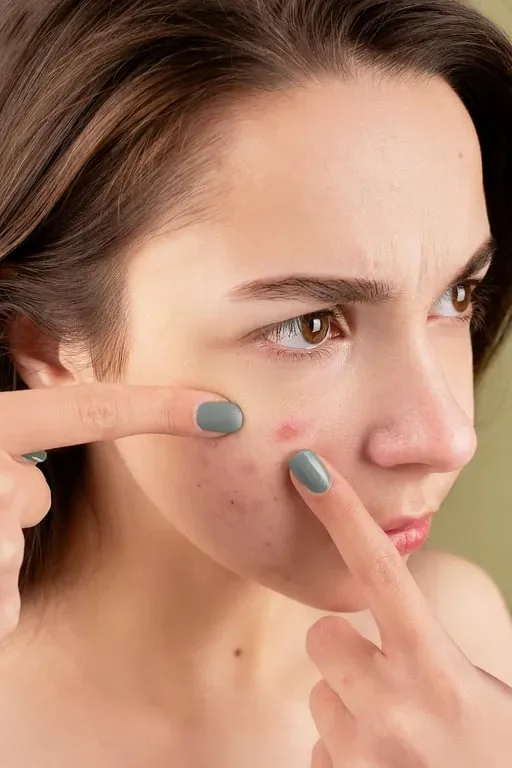
Blemish Remover
Soften acne marks, spots and blemishes while keeping natural skin texture.
 Try
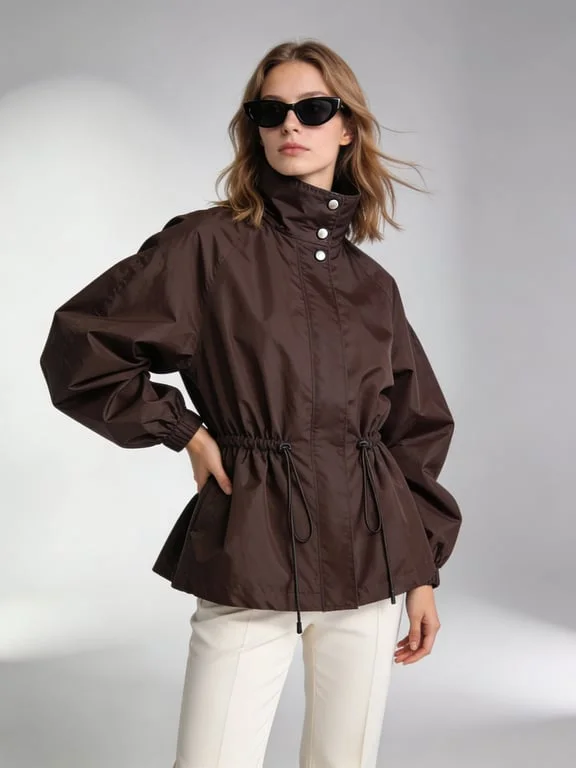
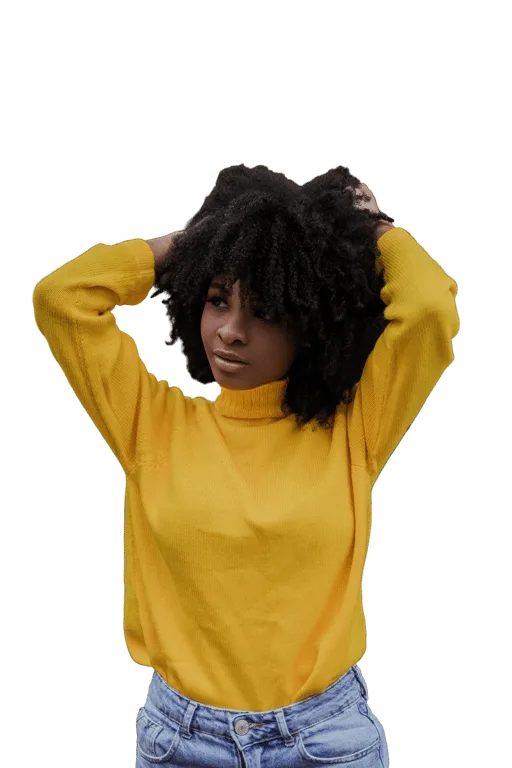
Professional headshot
Turn an everyday photo into a shoulders-up professional headshot, keeping the person, with even light and a simple background.
 Try
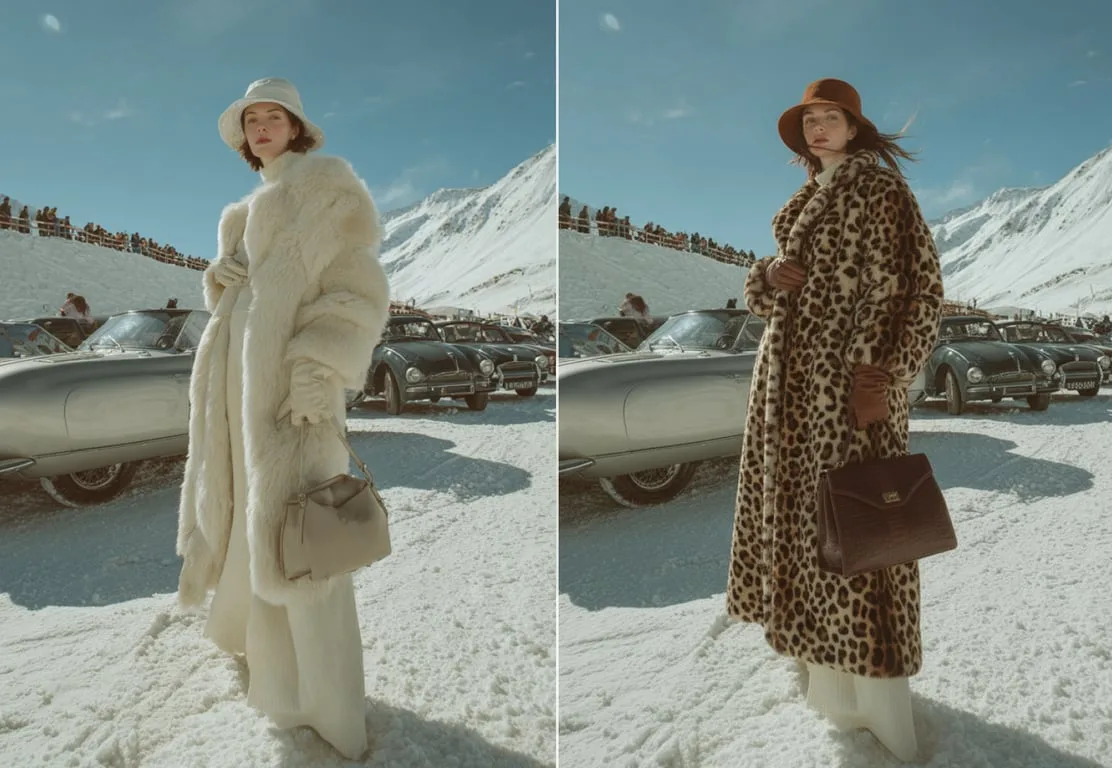
Dating profile photo
Turn a casual photo into a natural dating-profile portrait, with flattering light and a tidy background, without a major change to face or body.
 Try
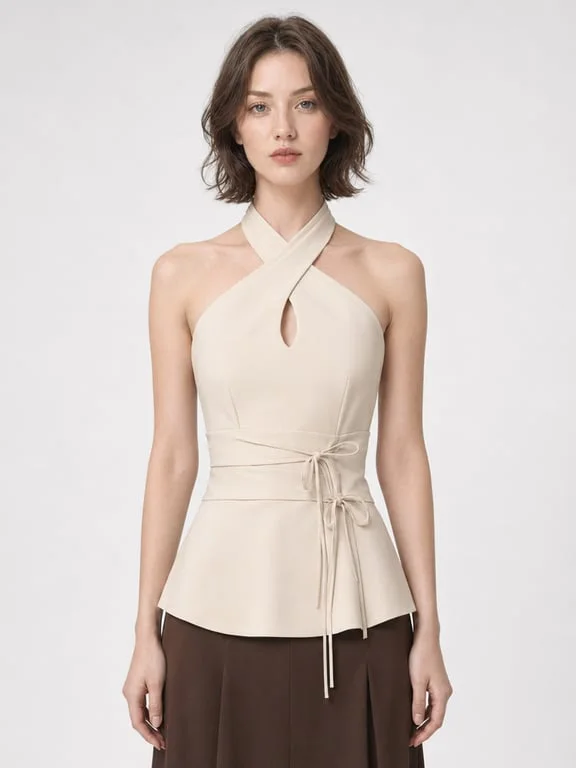
Plain portrait
Make a front-facing head-and-shoulders portrait on a plain light background. This is not an official ID photo and is not guaranteed to meet any country's document rules.
 Try
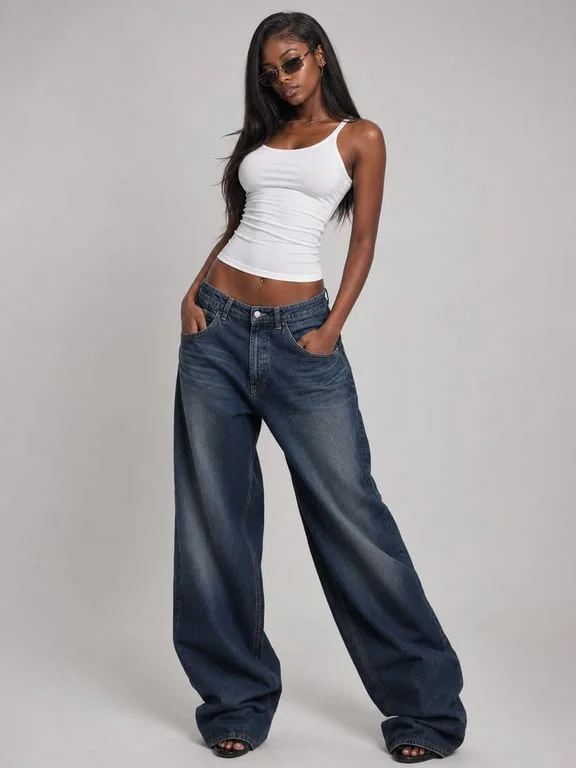
Open closed eyes
When someone blinked, open the eyes naturally toward the camera. The face, clothes, and background stay as they are.
 Try
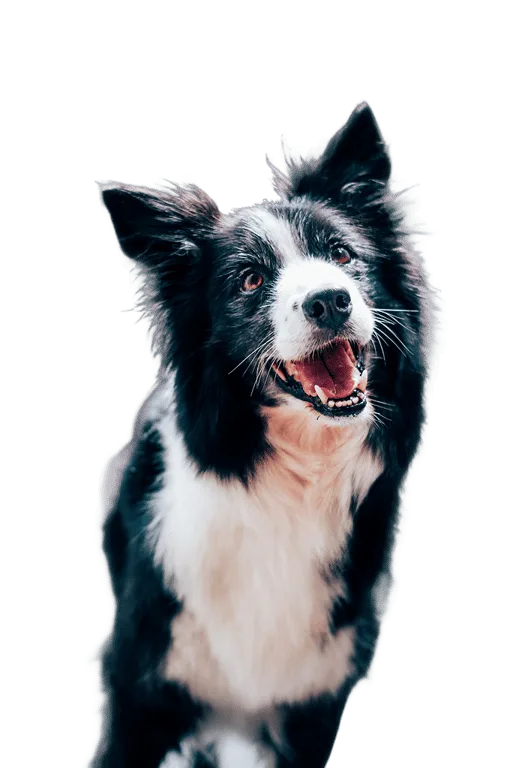
Remove the AI look
Make a generated image look more like a photograph, with skin texture and natural light, while the person, pose, and composition stay.
 Try
Pet portrait
Turn a pet photo into a formal portrait. Coat color and the main features stay, with no added person and no change into another animal.
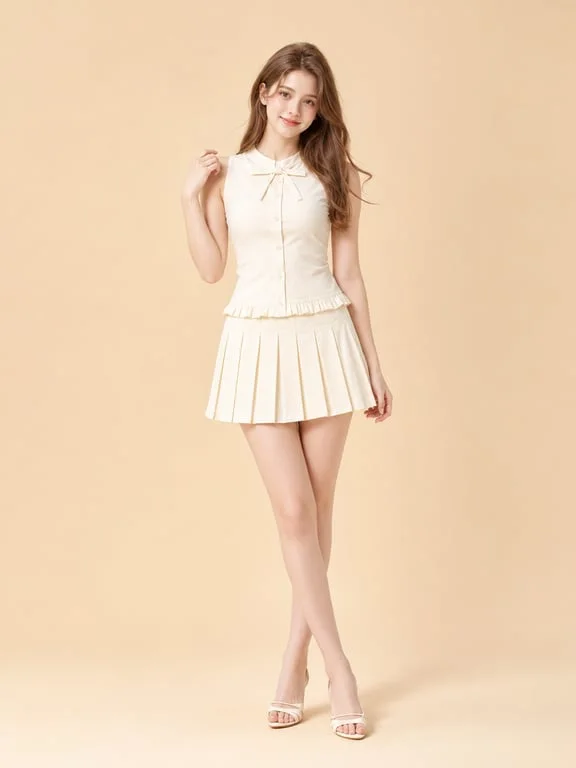 Try
Background swap
Replace the background with a scene whose light matches the subject. The person and clothes stay, without a hard cutout edge.
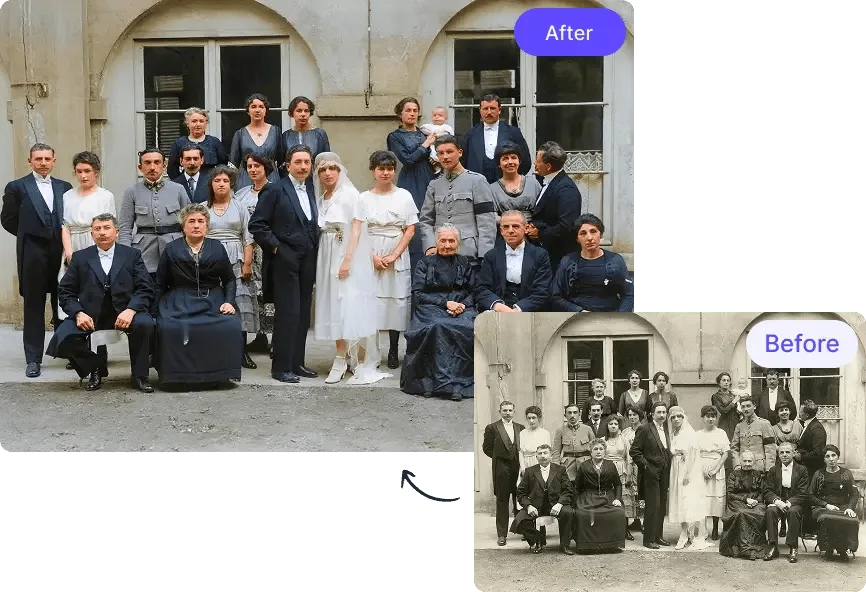 Try
Relight
Change the light to something soft and natural. The person, pose, clothes, and what is in the background stay as they are.
 Try
Style transfer
Turn a photo into an illustration that still shows the subject, or open a live style page such as Ghibli, anime, or painting.
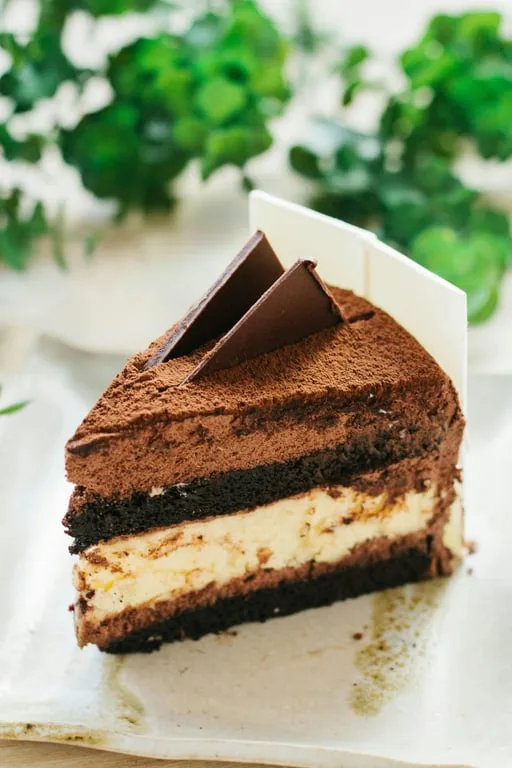 Try
Background Remover
Cut out the subject and remove the background, then export a transparent PNG or a solid color.
Try
White Background Maker
Place the subject on a clean white background for store listings, ID photos and product shots.
Try
Black Background Maker
Place the subject on a clean black background for product shots, portraits and high-contrast images.
 Try
Image Enhancer
Sharpen blurry, low-resolution images and clean up noise and compression artifacts.
 Try
Image Upscaler
Upscale small images 2x or 4x with clean added detail for printing and large screens.
Try
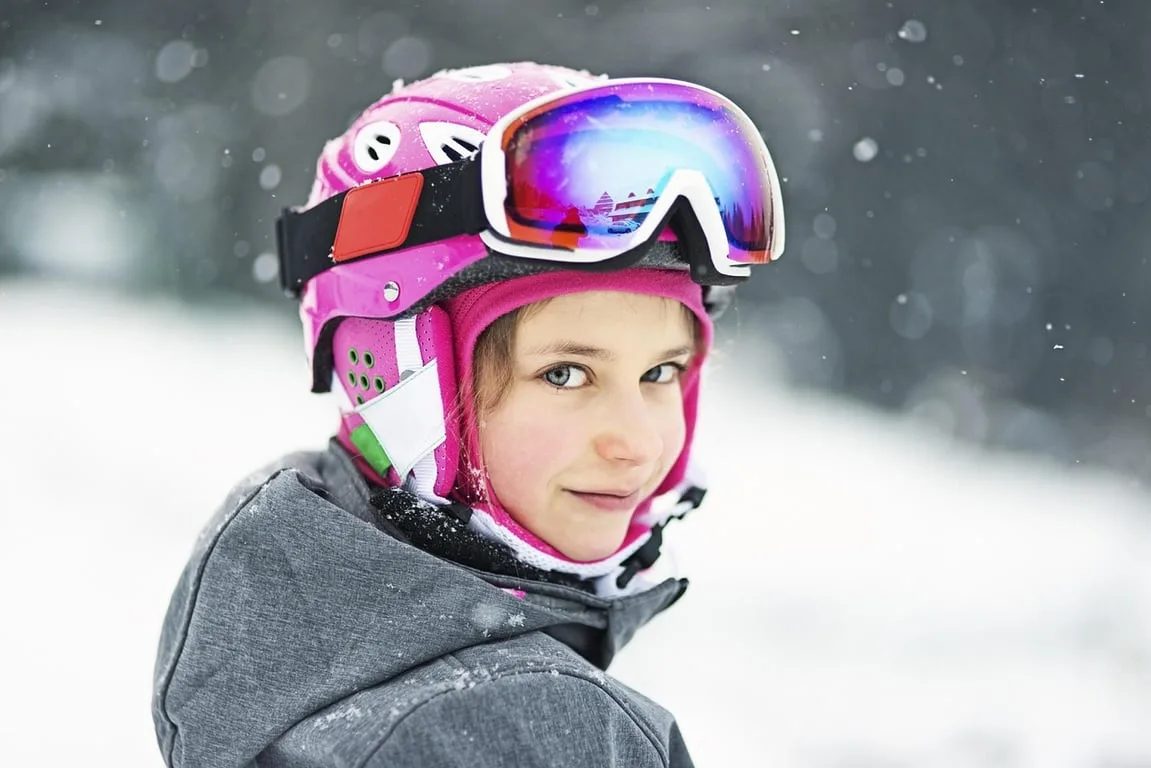
Logo Remover
Remove a logo or icon from your own image and fill the area from its surroundings.
 Try
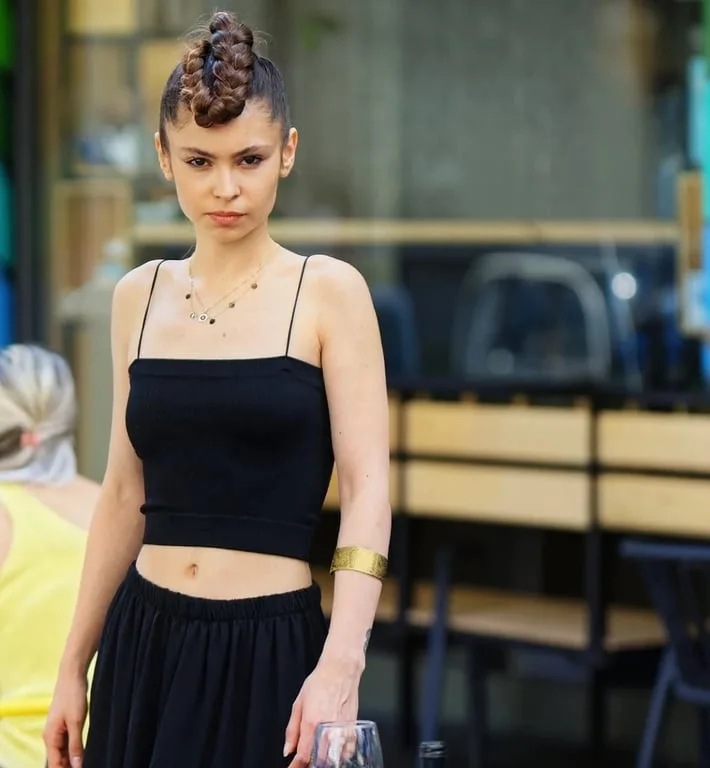
Black and White Photo
Turn a color photo into black and white with full tonal range, soft or high-contrast.
 Try
Remove People from Photos
Remove unwanted people from a photo and fill the space with the surrounding scene.
 Try
Text Remover
Remove text, titles and captions from an image and rebuild the background behind them.
Try
AI Professional Headshot
Upload a clear photo of your face and get a polished headshot for LinkedIn, a CV or a company page, with your face kept as it is.
Try
Add a Santa Hat to a Photo
Upload a photo and add a Santa hat, an elf hat or reindeer antlers that sit naturally on the head, for cards and profile pictures.
Try
AI Christmas Photo
Upload a photo and place yourself in a Christmas scene, by a fireplace, in the snow or beside a decorated tree.
Try
AI Hair Color Changer
Upload a photo and see your own haircut in a new colour before you book the salon. Only the colour changes.
Try
Buzz Cut Filter
Upload a photo and see yourself with a buzz cut, a fade or another short haircut before the clippers come out.
Try
Curly Hair Filter
Upload a photo and try waves, curls or a perm in your own hair colour and length.
Try
AI Beard Filter
Upload a photo and add stubble, a full beard, a goatee or a moustache that matches your hair colour.
Try
AI Smile Filter
Upload a photo where the expression is flat and add a natural smile. The rest of the face and the photo stay the same.
Try
AI Teeth Whitening
Upload a photo with a visible smile and whiten the teeth naturally, without the over-bleached look.
Try
AI Freckles Filter
Upload a portrait and add natural freckles across the nose and cheeks, or clear them, with real skin texture kept.
Try
AI Tattoo Filter
Upload a photo and see a tattoo on your arm, shoulder or neck before you book the artist.
Try
AI Muscle Filter
Upload a photo and see a more muscular version of yourself, from lightly toned to a bodybuilder build.
Try
AI Background Changer
Upload a photo and swap the background for a beach, an office, a city or a clean studio, with the light on the subject matched.
Try
AI Photo Colorizer
Upload a black-and-white photo and get a natural colour version, with skin, clothing and scenery coloured believably.
Try
AI Cyberpunk Filter
Upload a photo and restyle it as a cyberpunk scene with neon light, rain and futuristic detail.
Try
AI Pop Art Filter
Upload a photo and turn it into pop art with flat colour, halftone dots and thick outlines.
Try
AI Caricature Maker
Upload a photo and get a caricature with playful exaggeration that still looks like the person.
Try
AI Comic Book Filter
Upload a photo and redraw it as comic-book art with inked lines, bold colour and dramatic shading.
Try
AI Pixel Art Maker
Upload a photo and convert it to pixel art, from chunky 8-bit to a detailed game sprite.
Try
AI Claymation Filter
Upload a photo and turn it into a hand-made clay figure, with fingerprints, soft edges and stop-motion lighting.
Try
AI Action Figure Maker
Upload a photo and get yourself as a boxed action figure, a vinyl collectible or a trading card.
Try
AI Pet Portrait
Upload a photo of your dog or cat and get a portrait as a royal, an astronaut or a watercolour painting.
Try
AI Vintage Photo Filter
Upload a photo and give it the look of another decade, from 1920s sepia to an instant-camera print.
Try
AI Halloween Filter
Upload a photo and try a Halloween look, a zombie, a vampire or skull makeup, without the face paint.
Try
AI Traditional Outfit Try-On
Upload a photo and try on traditional dress from different cultures, with your face and pose kept.
Try
AI Superhero Filter
Upload a photo and see yourself as a superhero in an original costume, with your own face.