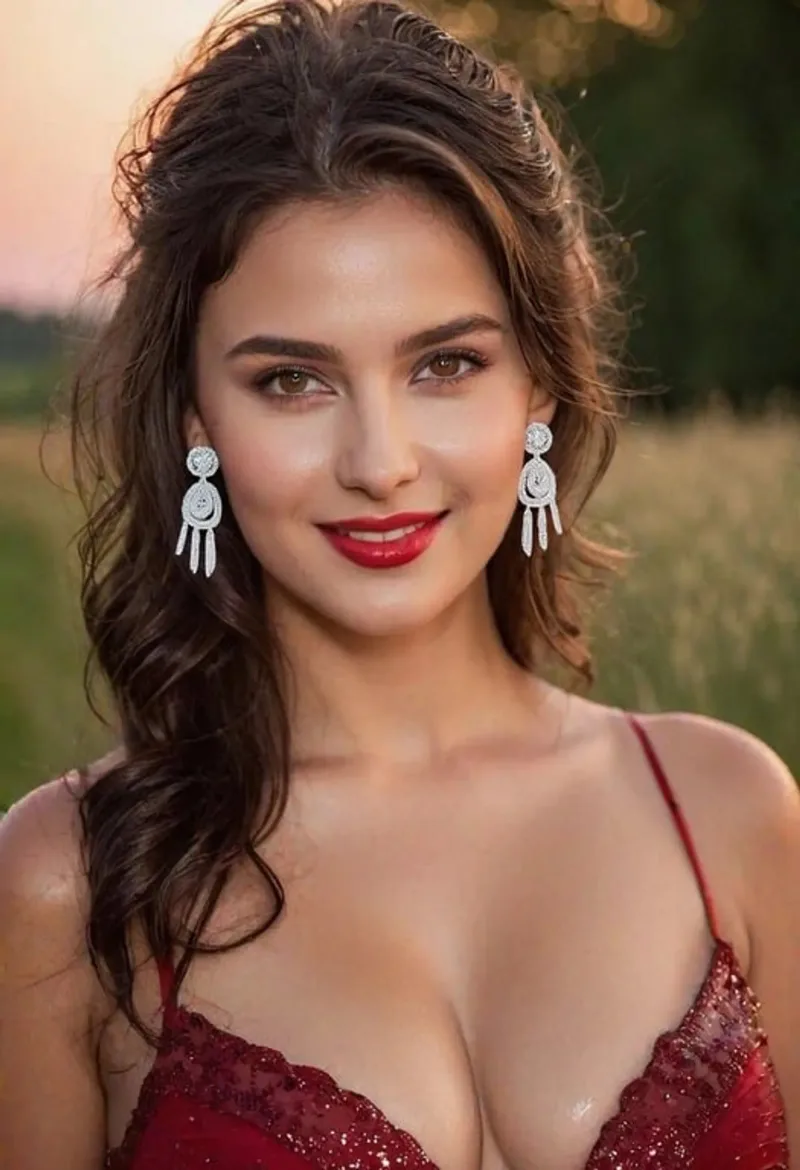
AI Makeup Filter Try Makeup Without Applying It
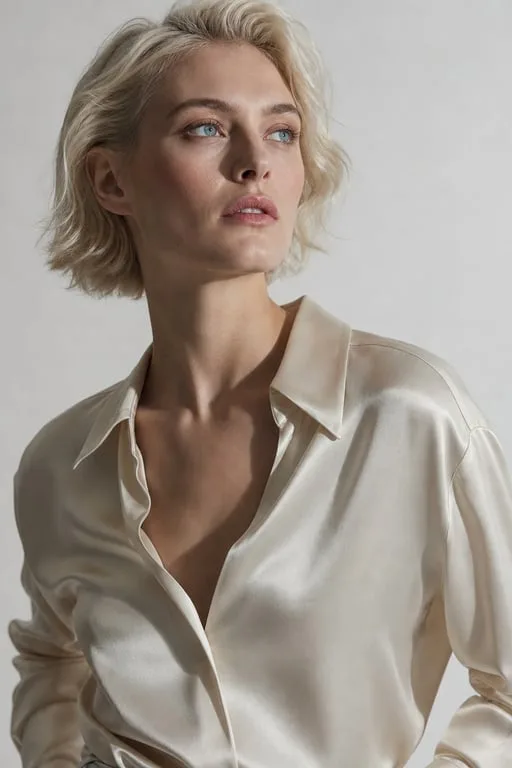
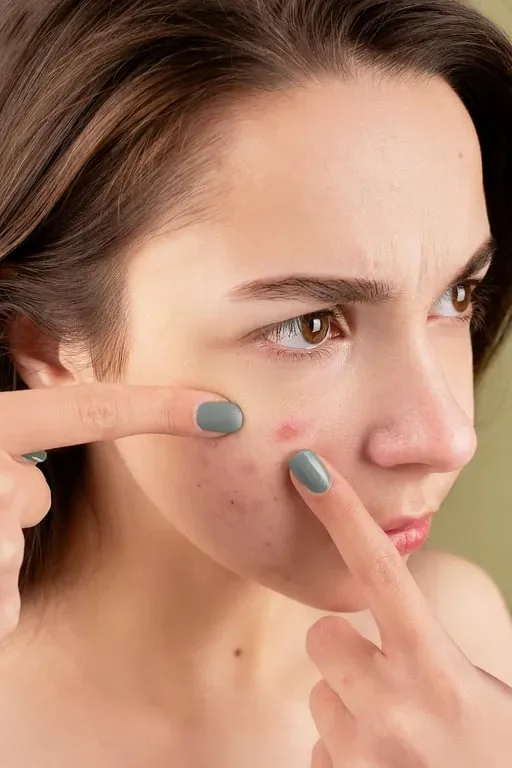
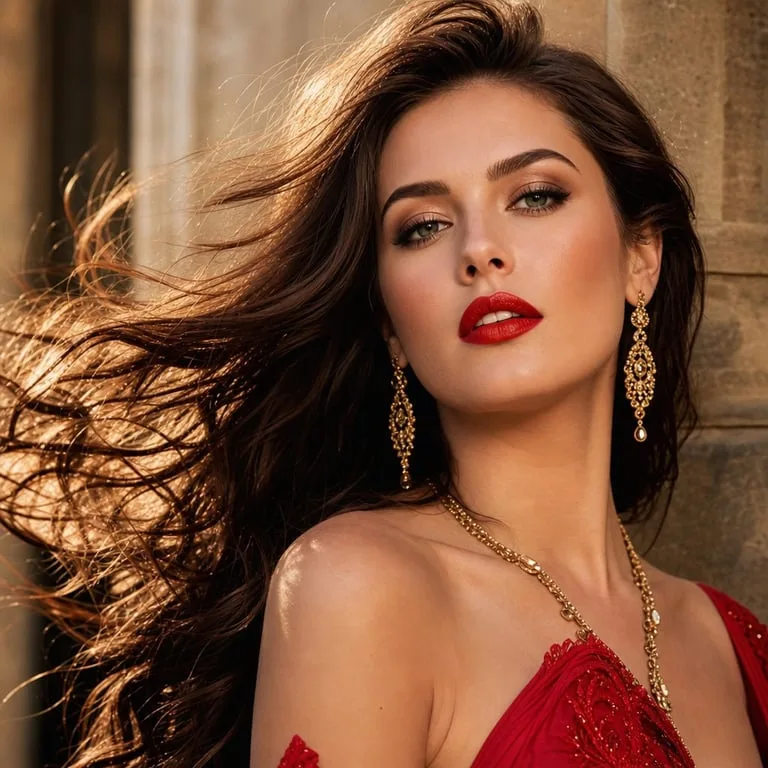
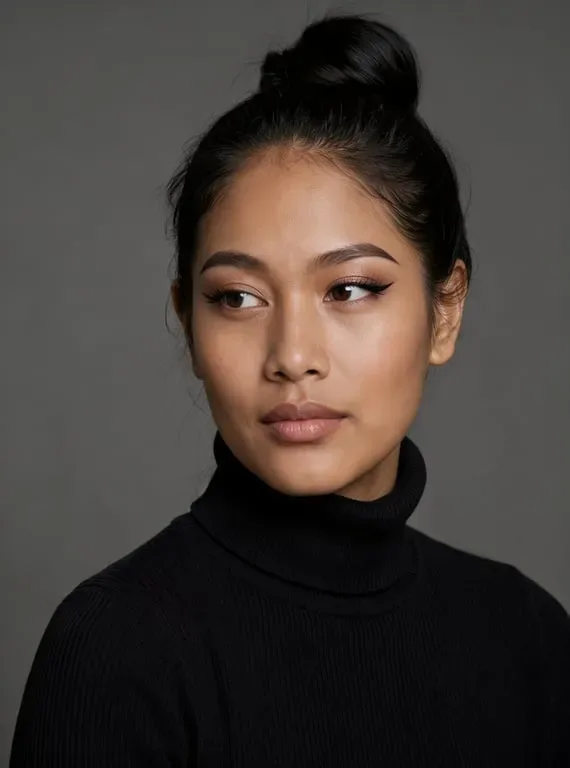
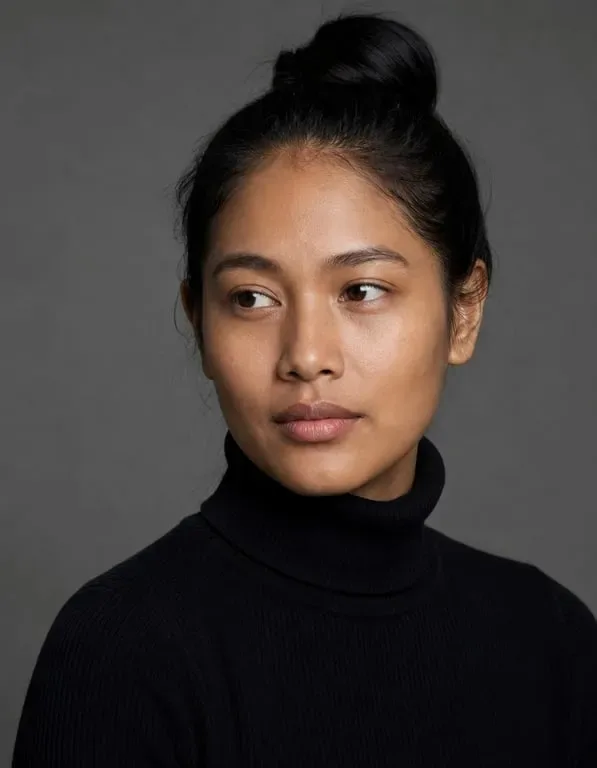
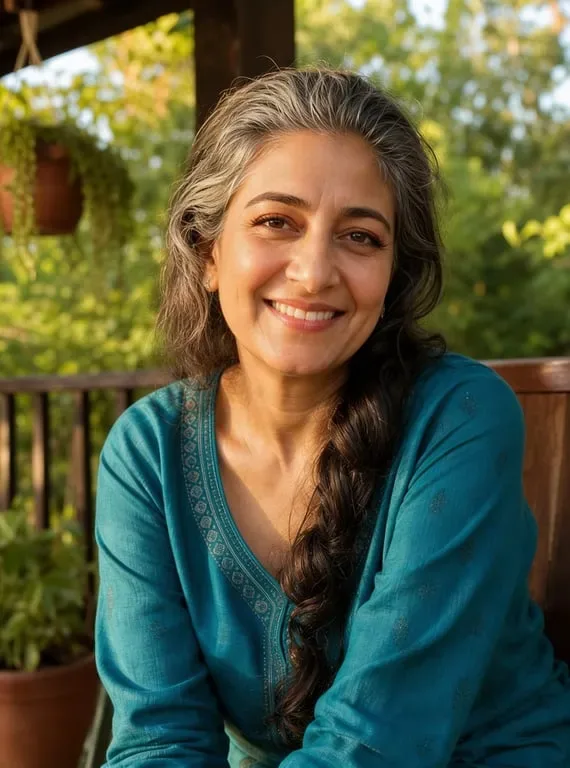
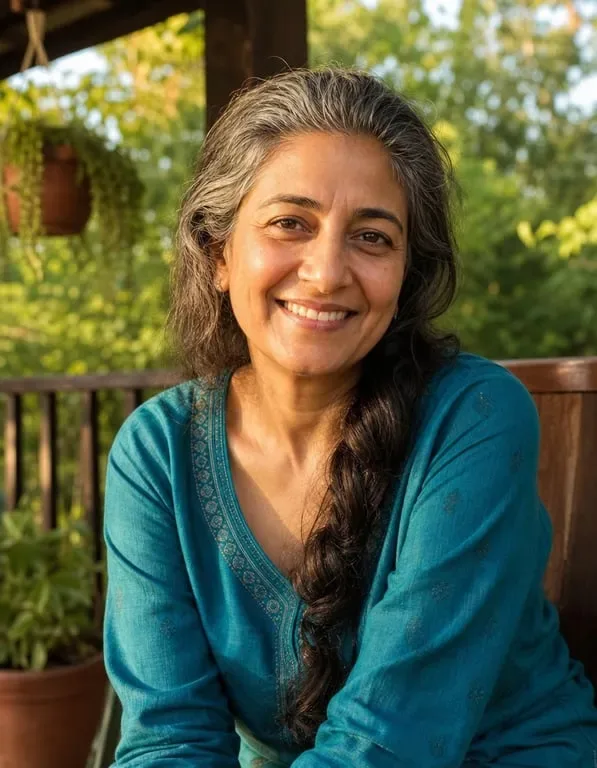
Upload a bare or light-makeup photo, describe the look, and Toty applies it naturally while keeping skin texture and features.
Sign in to generate. Failed runs are free.
Examples

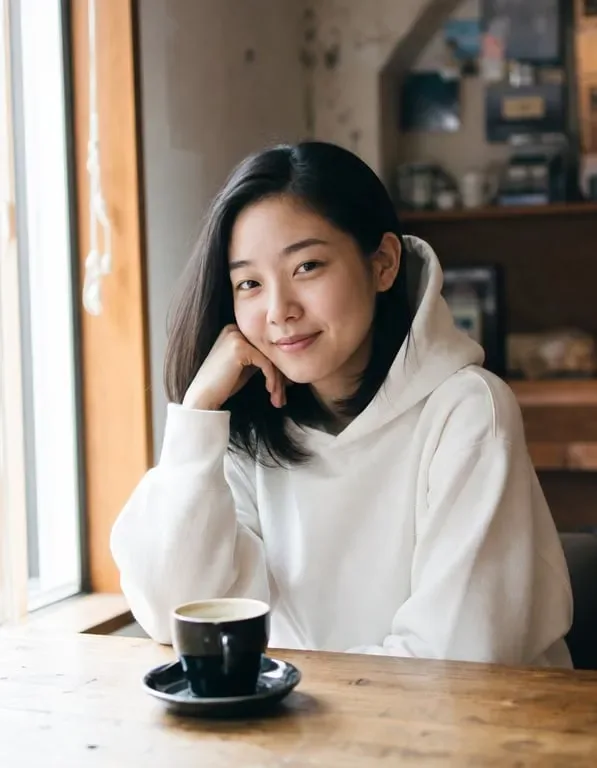
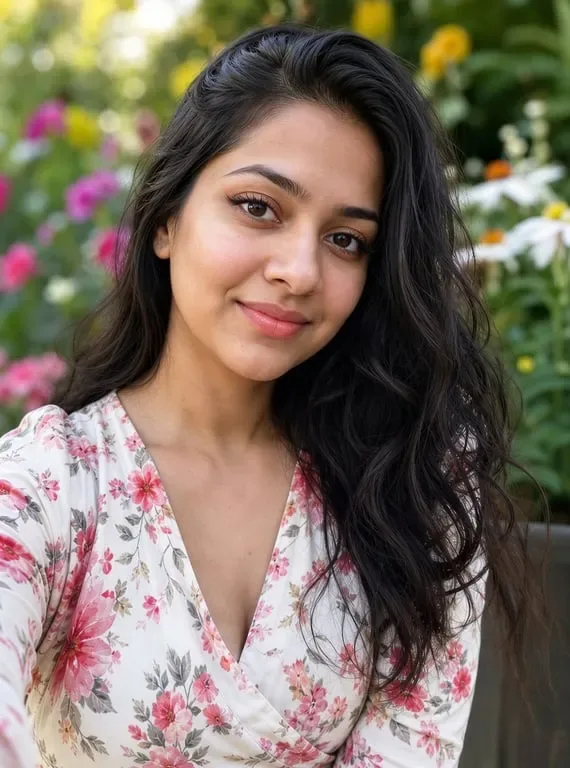
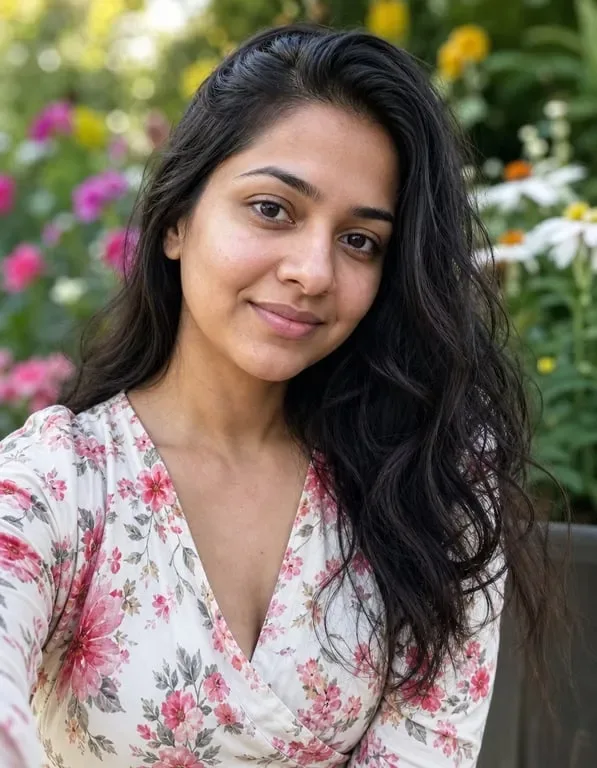
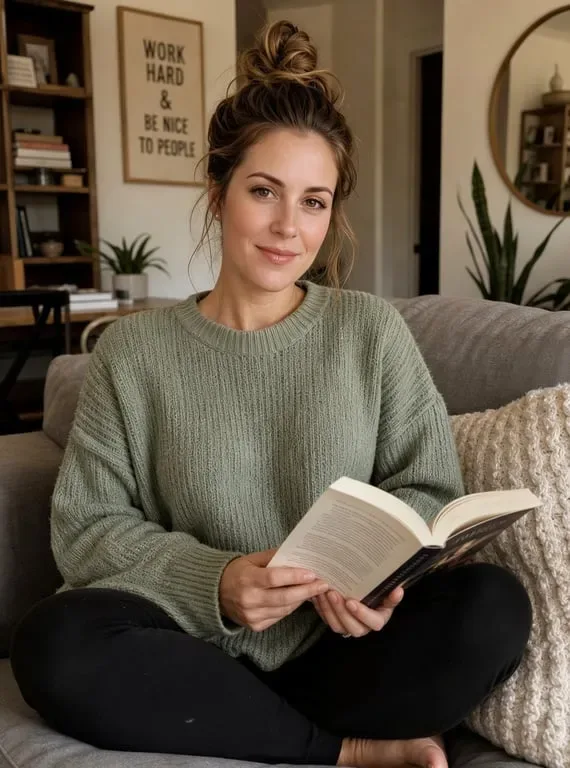
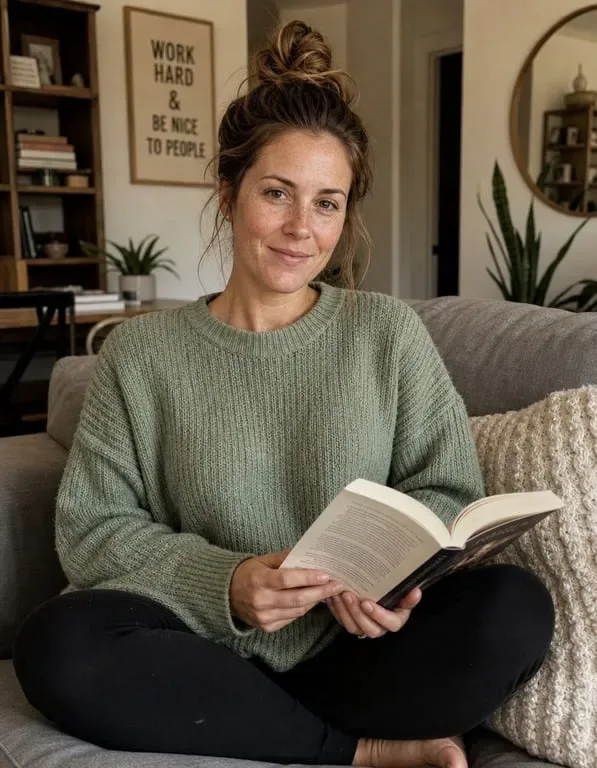
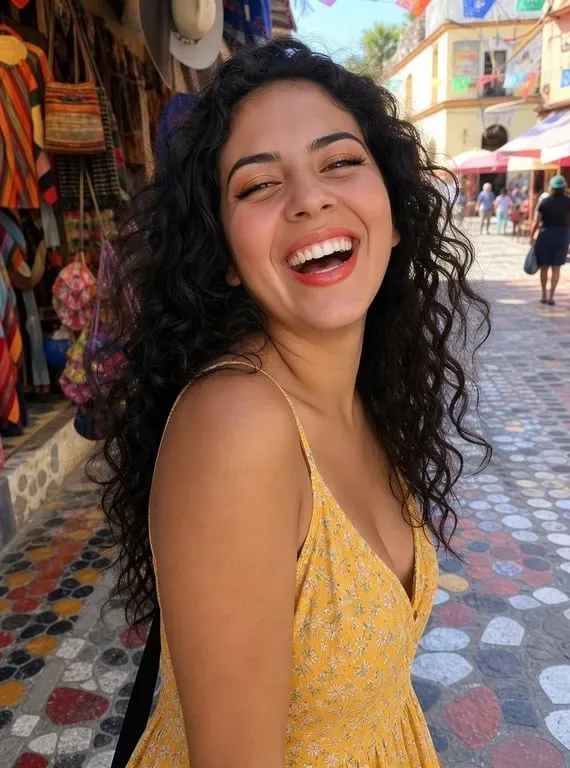
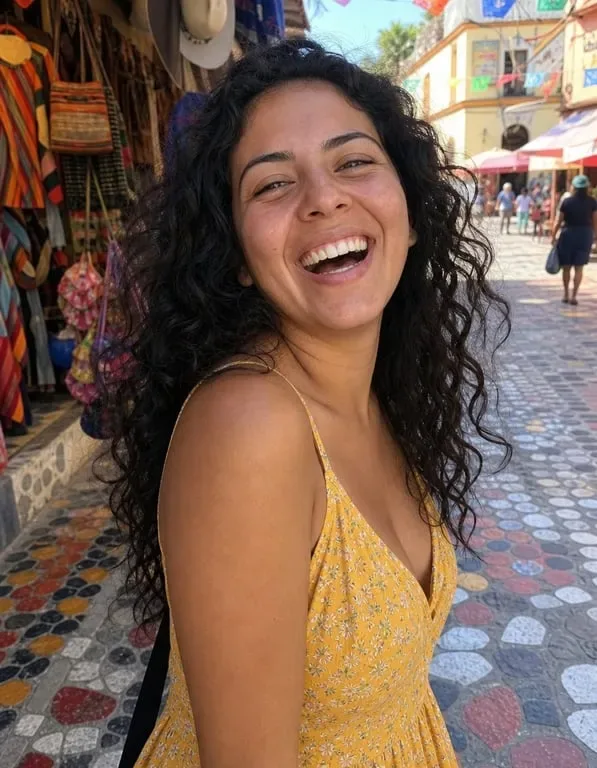
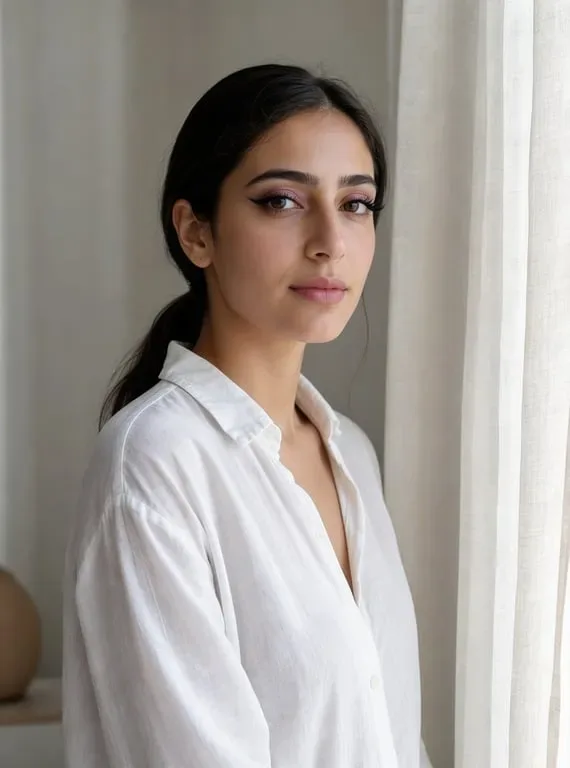
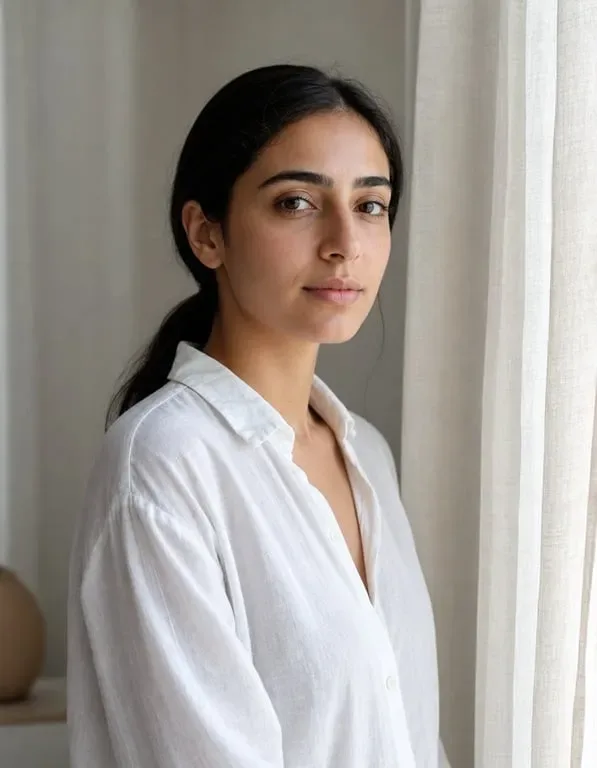
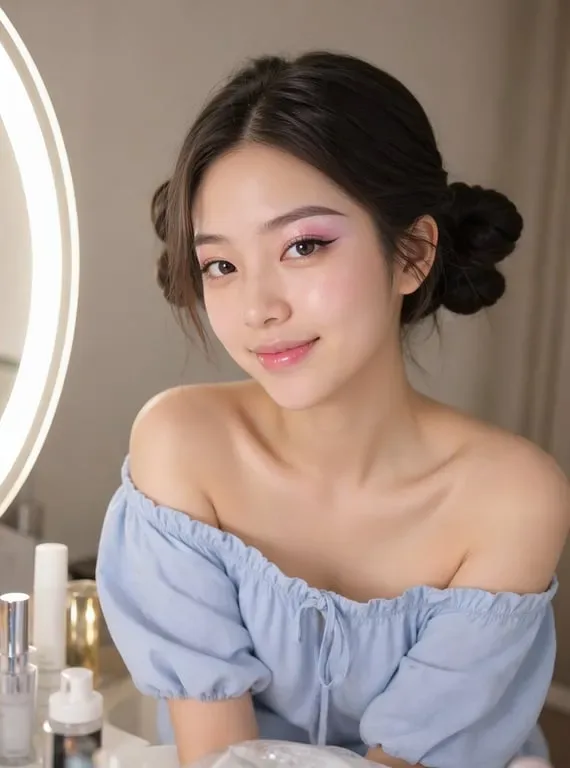
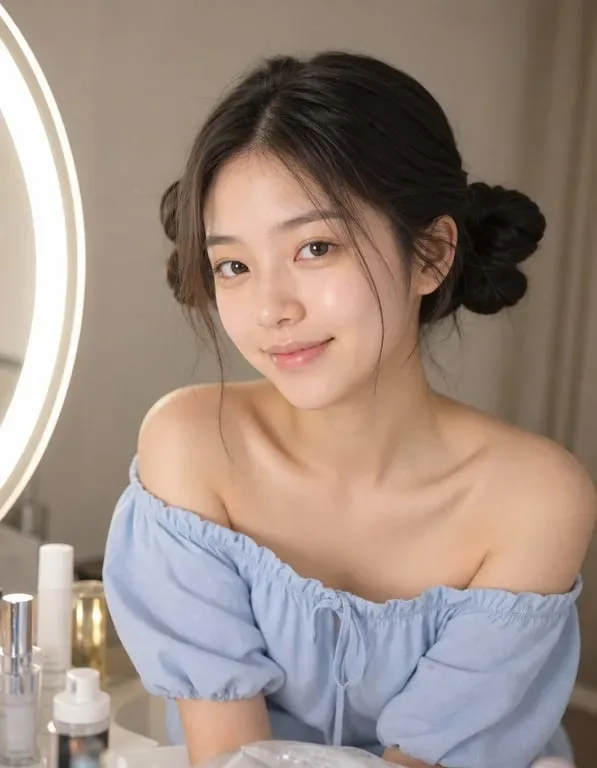
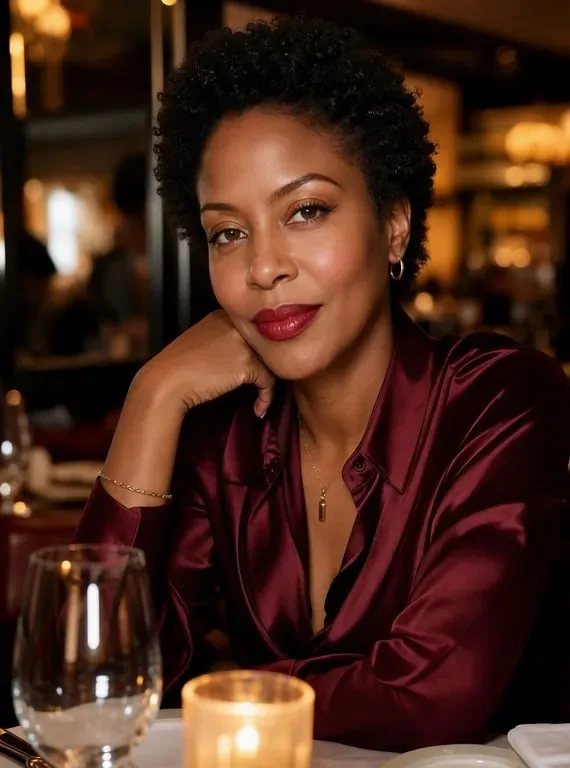
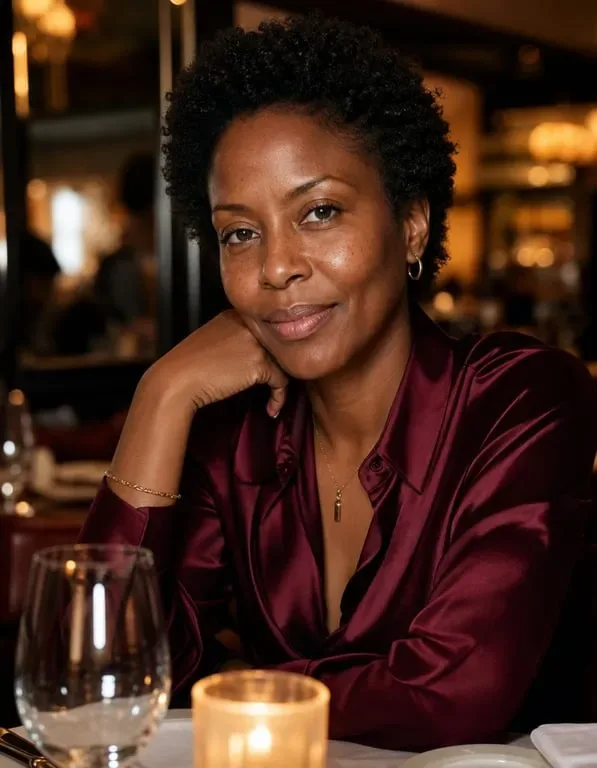
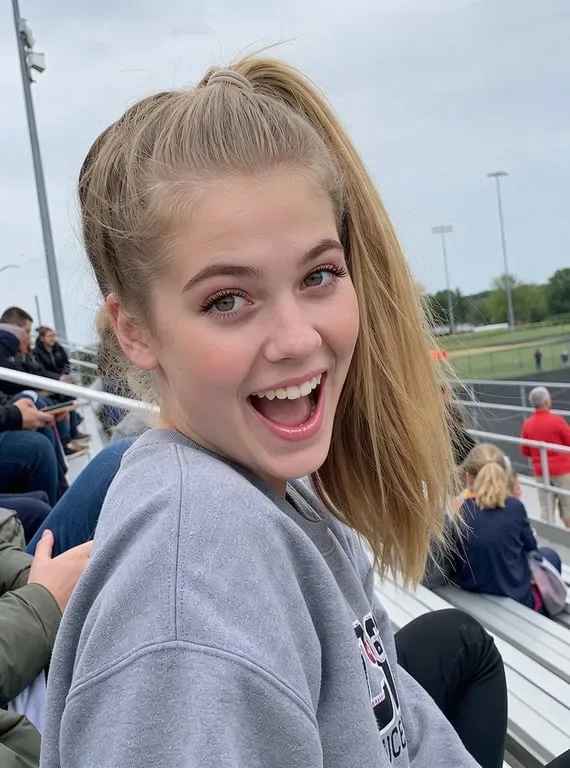
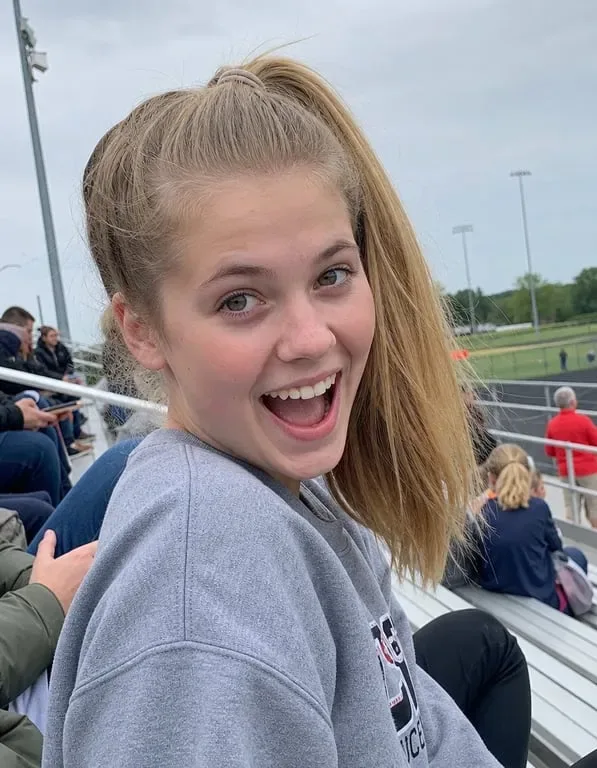
What people use the makeup filter for
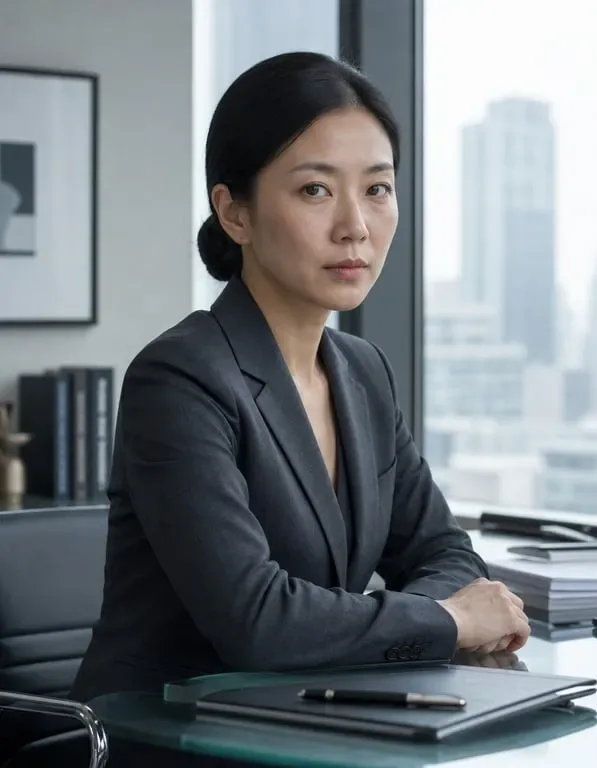

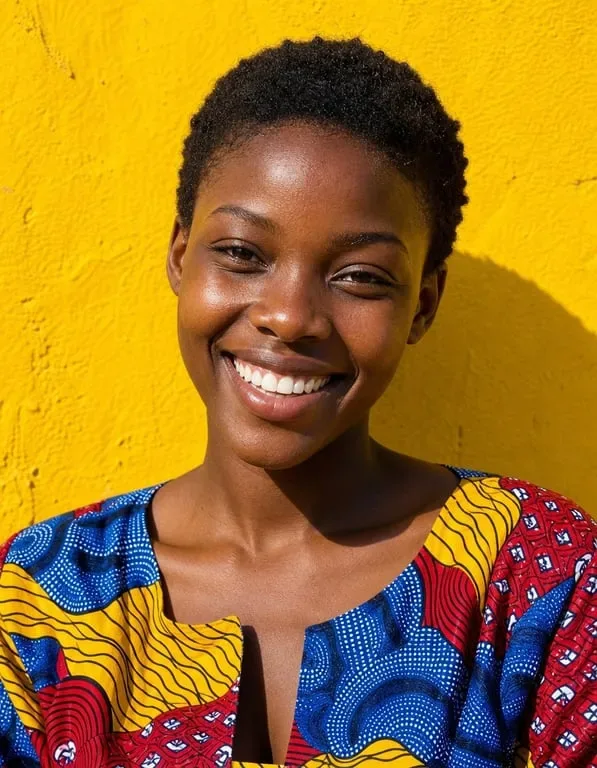
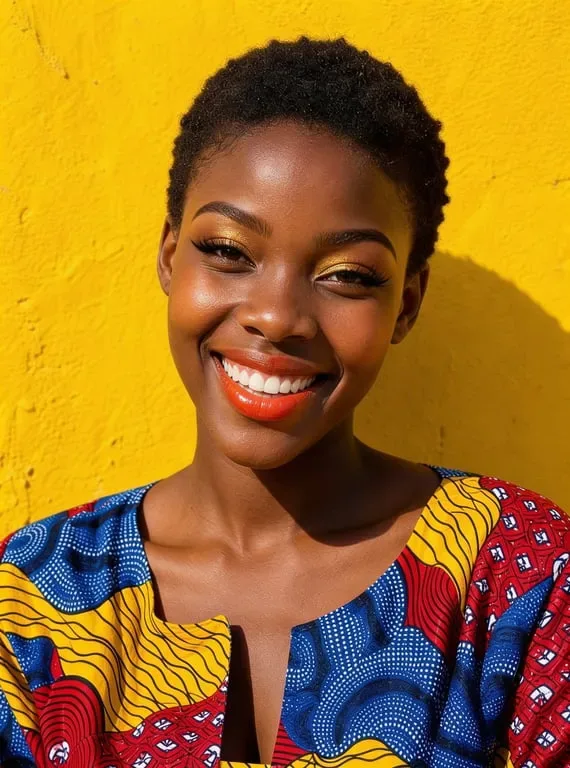
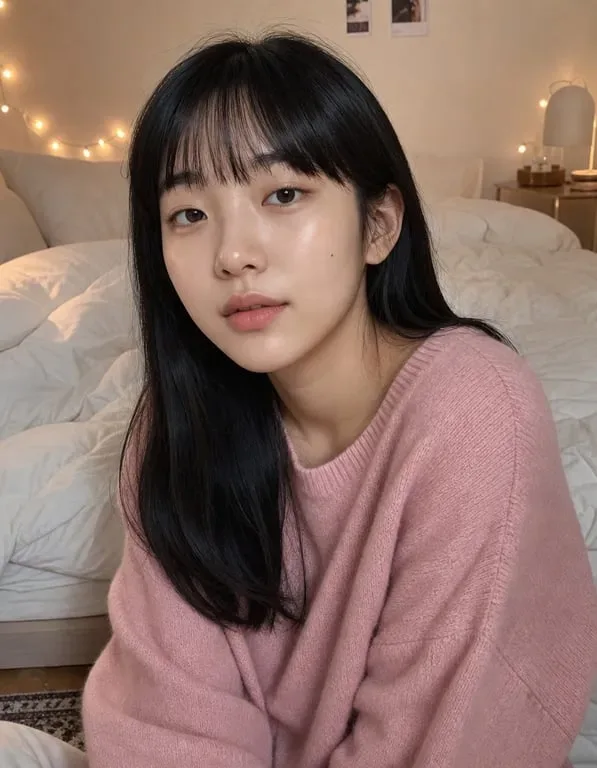
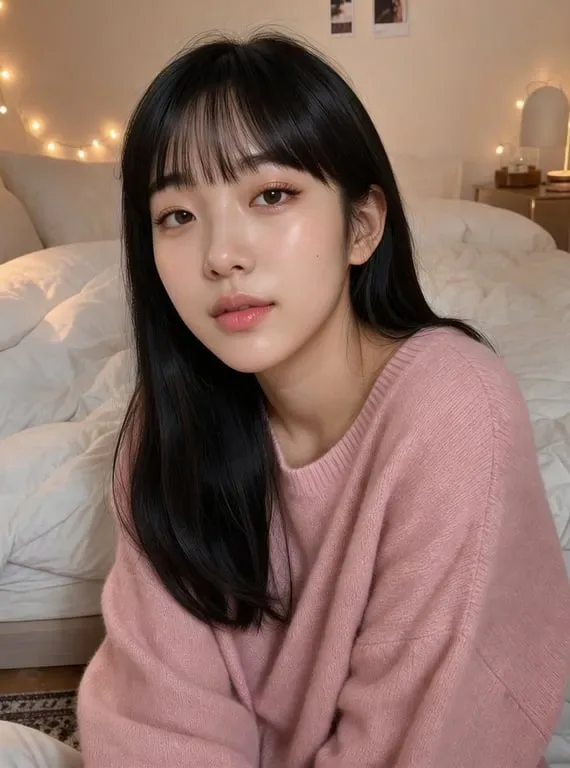
Why use Toty for the makeup filter
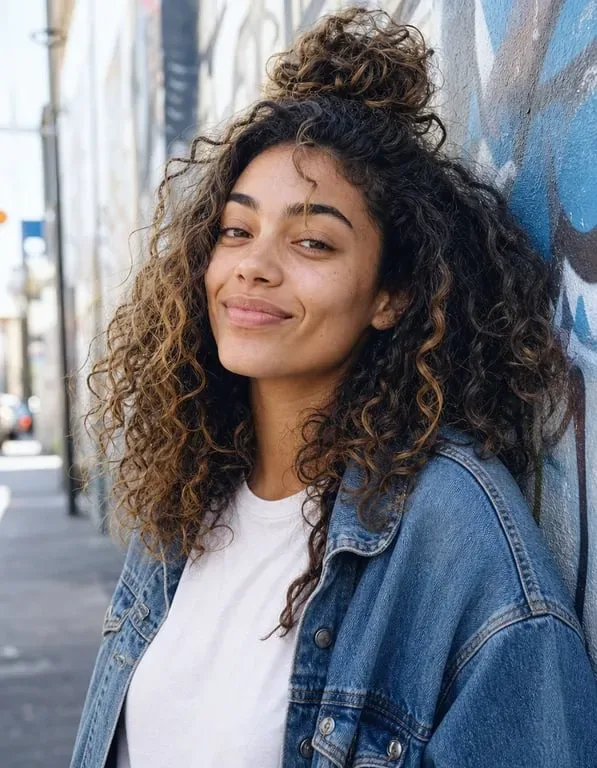
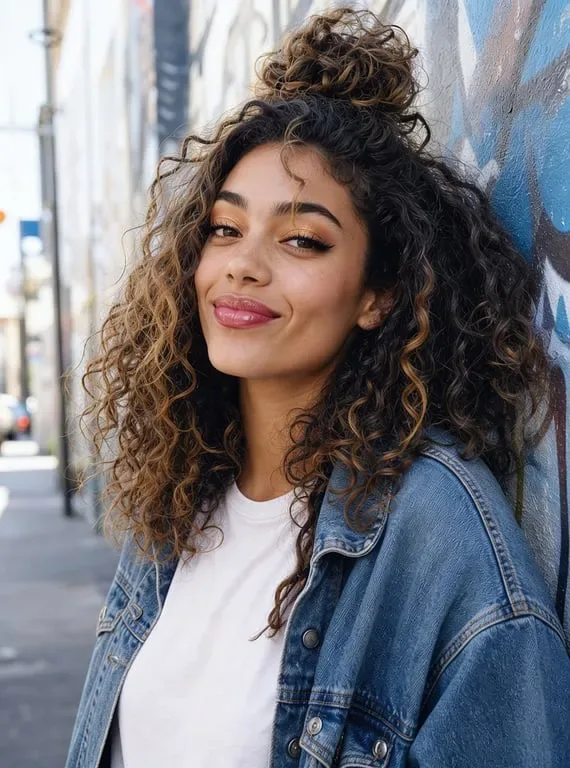
Only what you ask changes
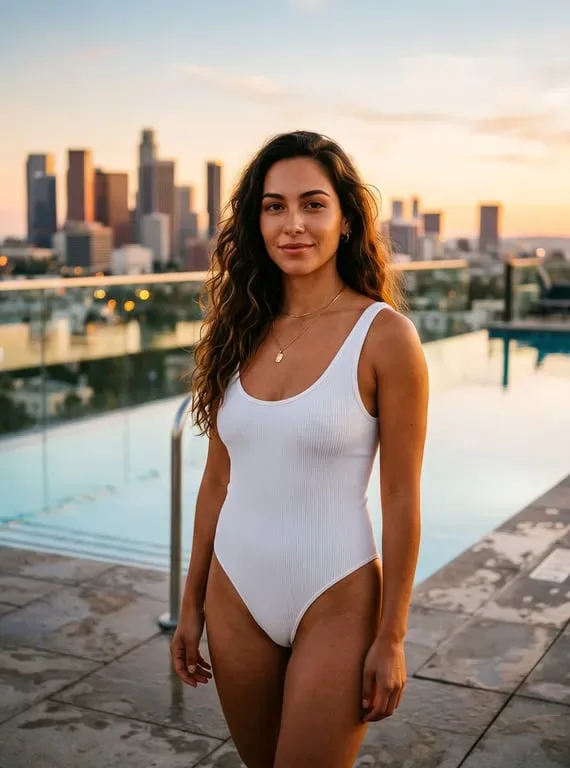
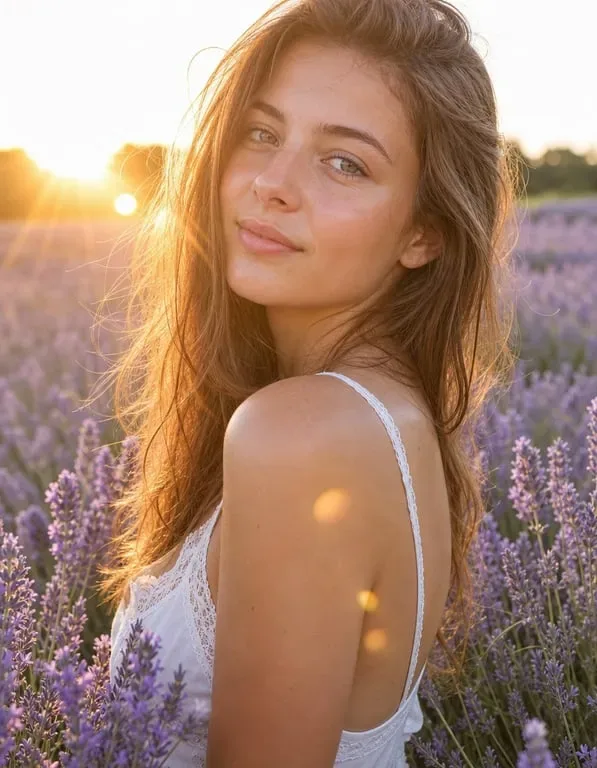
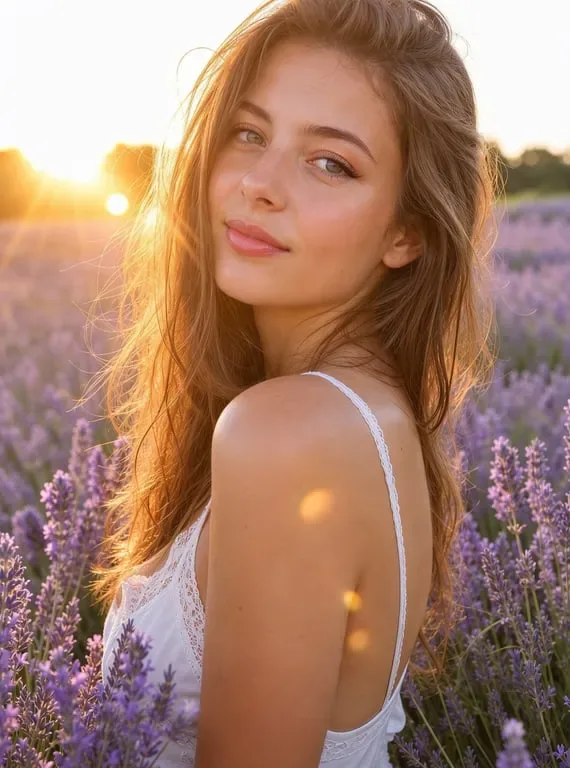
The default prompt keeps the face, expression, clothing and background, and changes only the part you describe, so the person still looks like themselves.
Pick your model
GPT Image, Nano Banana, Seedream and more are available, so you can choose by look and price.
Clear credit cost
Sign in to generate. The submit button shows the credits the selected model and resolution will use, and a failed task costs nothing.
How to use the makeup filter
- Upload photo
 Step 1
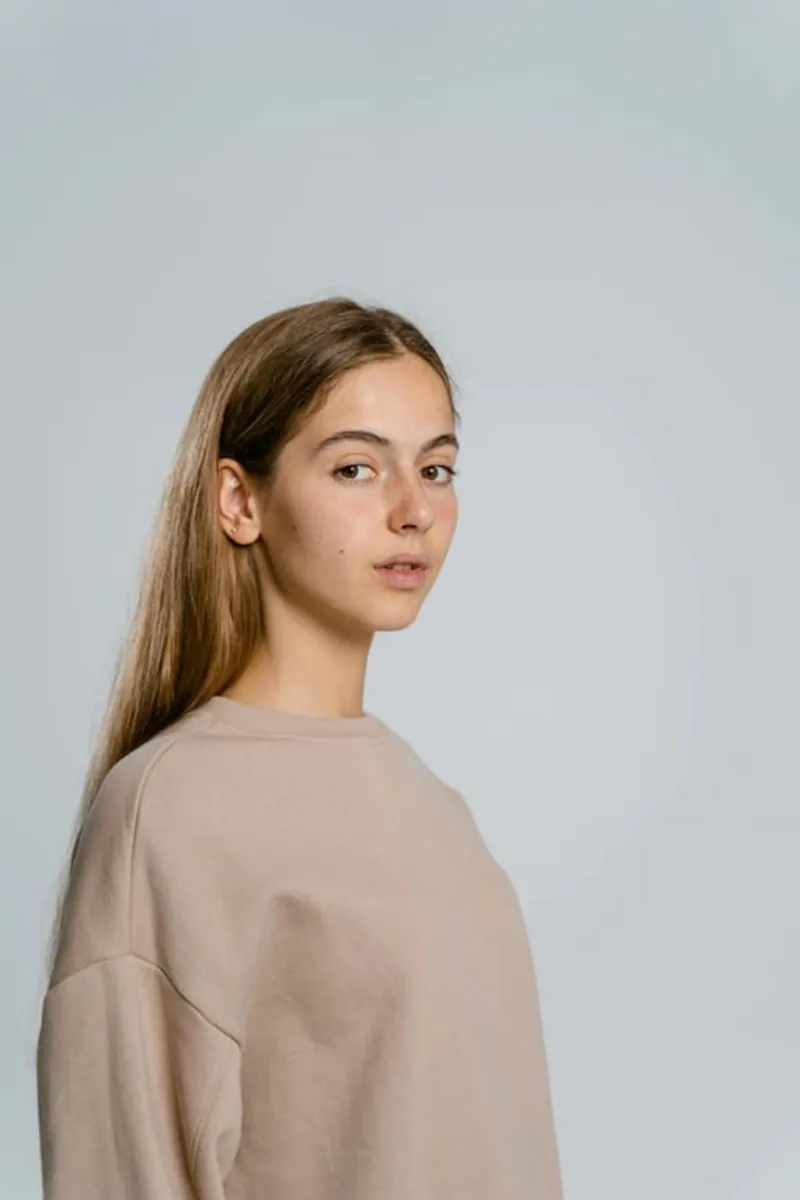
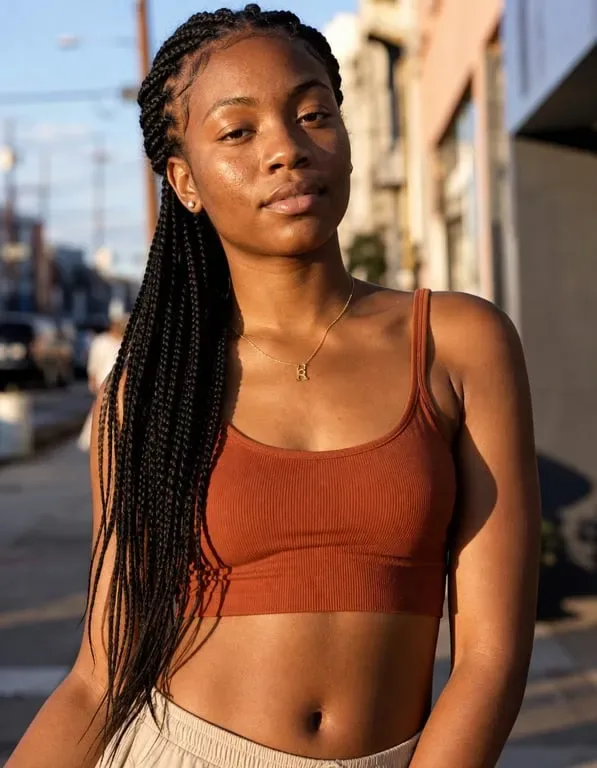
Upload a photo
Use a clear, well-lit photo. JPEG, PNG and WebP are supported.
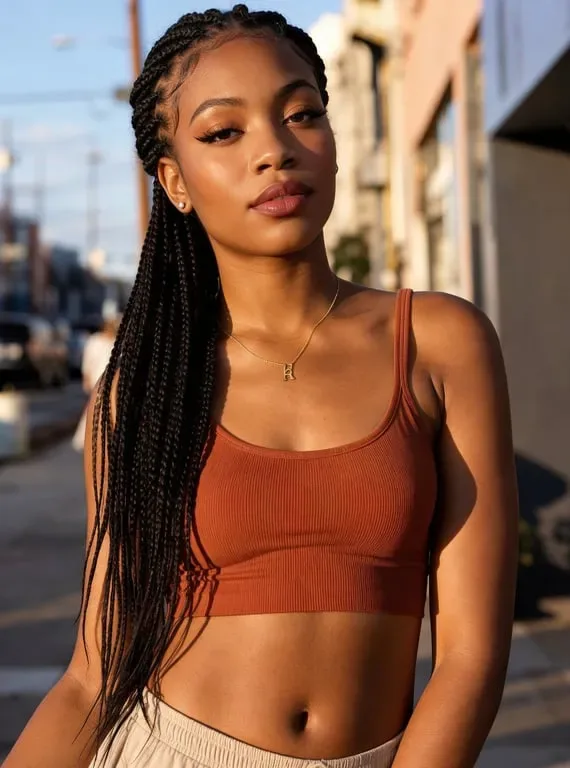
Apply a polished AI makeup filter to this exact same woman. Keep every single element completely unchanged — her face shape, features, long box braids over the shoulder, rust-colored ribbed crop top, gold necklace, posture, and the blurred golden hour street background. Only apply makeup: bold, sharply defined arched brows, warm bronze and amber eyeshadow blended across the lid and crease, thick precise black eyeliner with a slight wing, dramatic full lashes, sculpted contour along the jawline and cheekbones, a warm terracotta blush, and a deep berry-nude matte lip. The result should look like a high-quality beauty filter applied over the original image.
2K3:4GenerateStep 2Adjust the prompt
Describe the details, such as matte red lips, thin liner and a light base.
 DownloadStep 3
Generate and download
Sign in, check the credit cost on the button, and generate. Download the result when it is ready.
Frequently Asked Questions
Yes. Write remove the current makeup and apply ….
Yes. Generating needs a Google or email account. New accounts receive a few welcome credits to try it.
Each generation uses credits based on the model, resolution and image count. The submit button shows the exact amount, and failed tasks are not charged.
Usually between ten seconds and a minute, depending on the model and how busy it is.
Only upload photos of yourself or of people who agreed to it. Do not use results to impersonate, harass or mislead anyone; see the acceptable use policy.
Keep exploring
New models and popular tools, one click away.