AI Bald Filter See Yourself Bald in Seconds
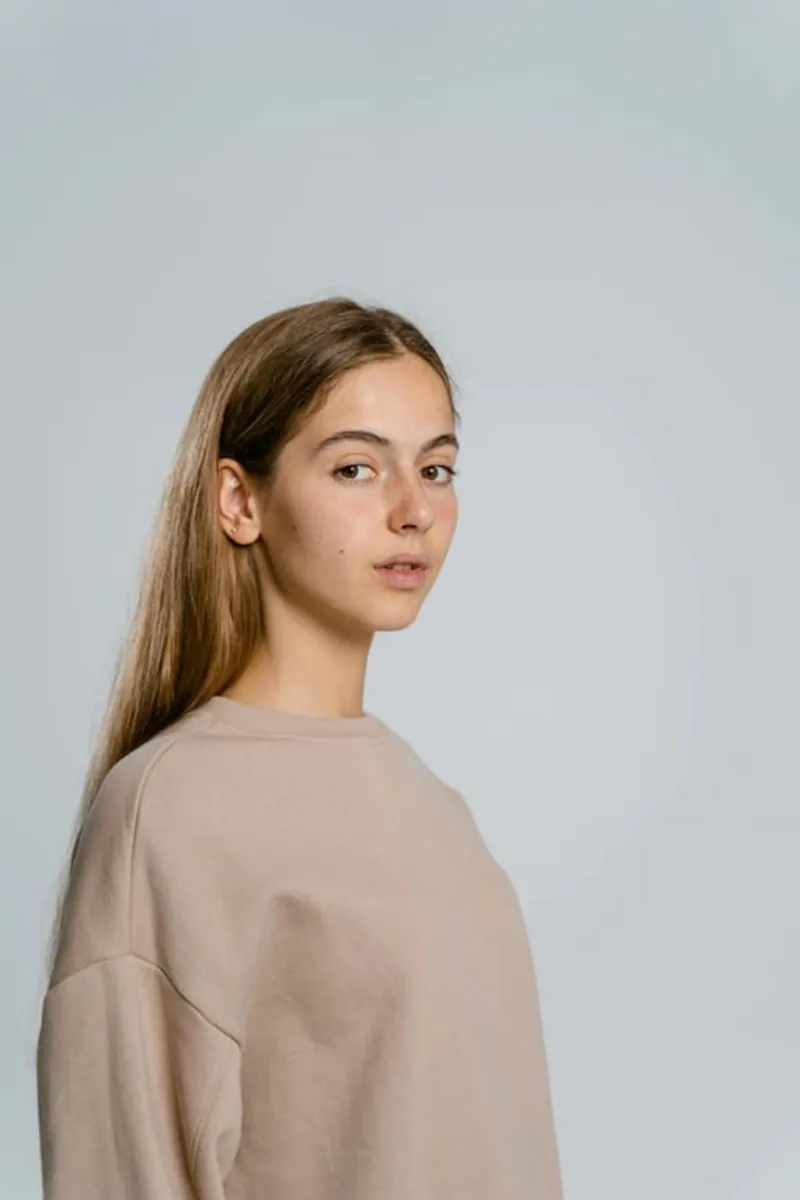
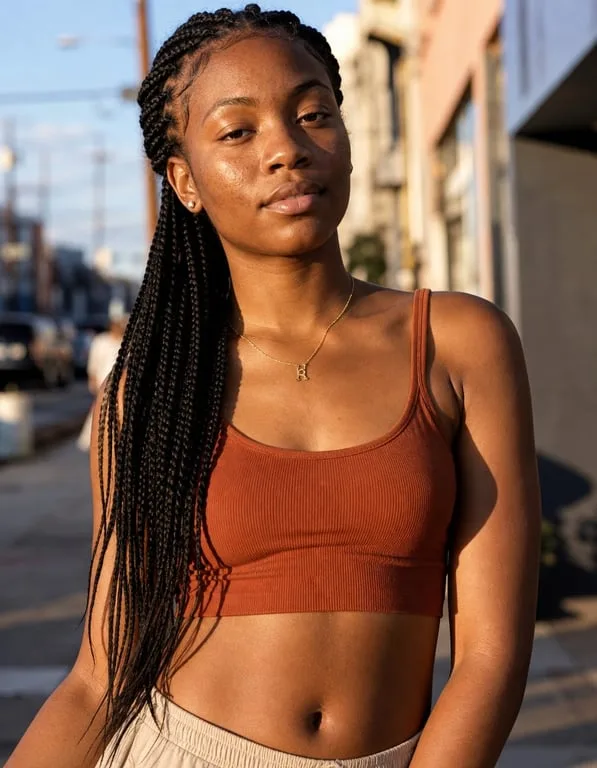
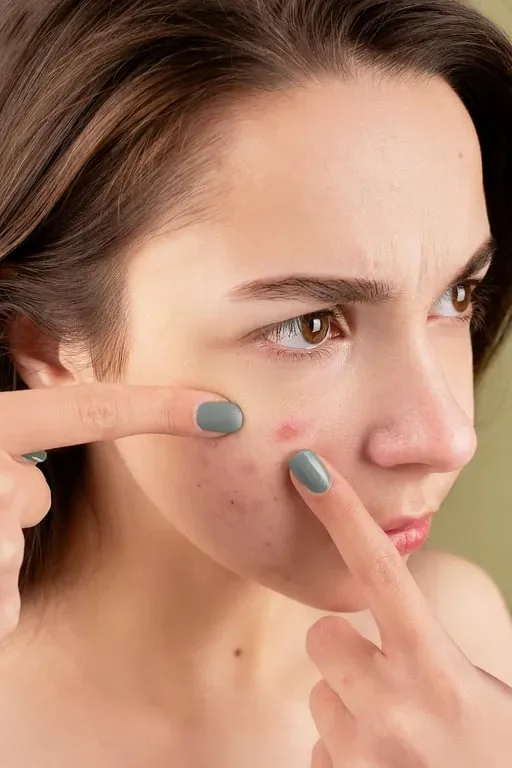
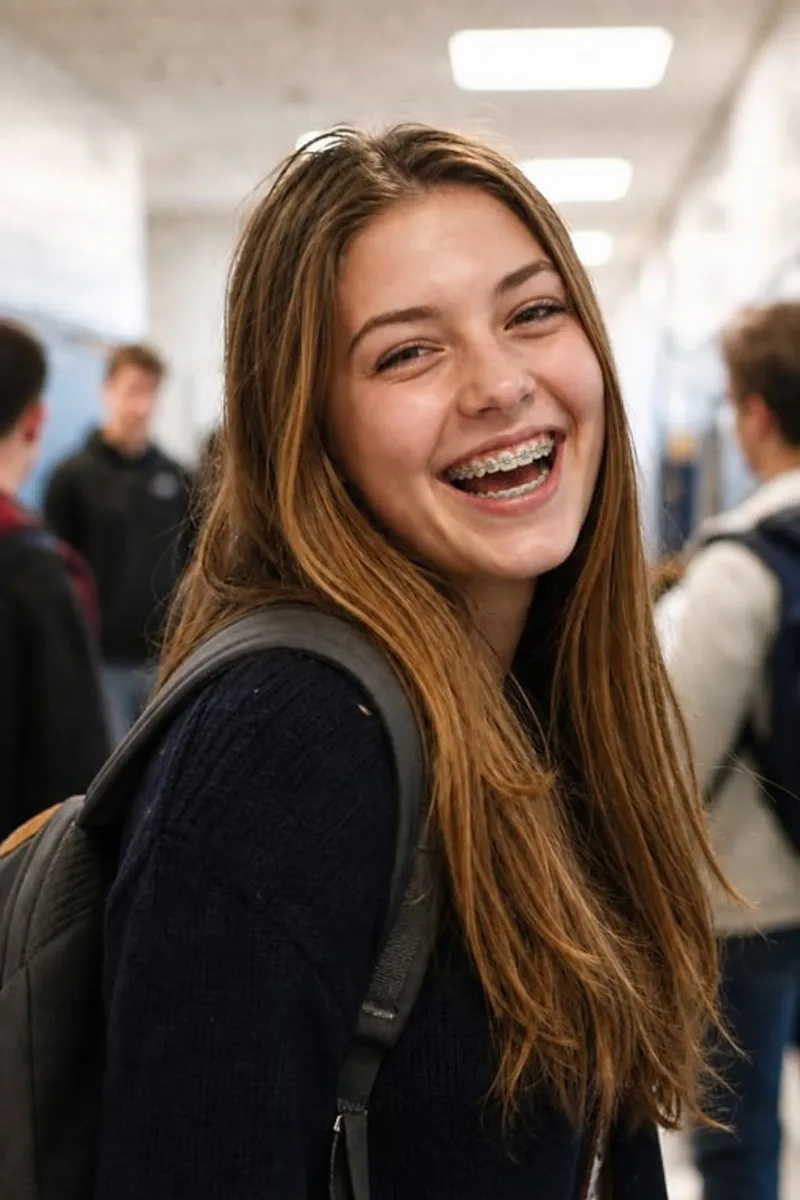
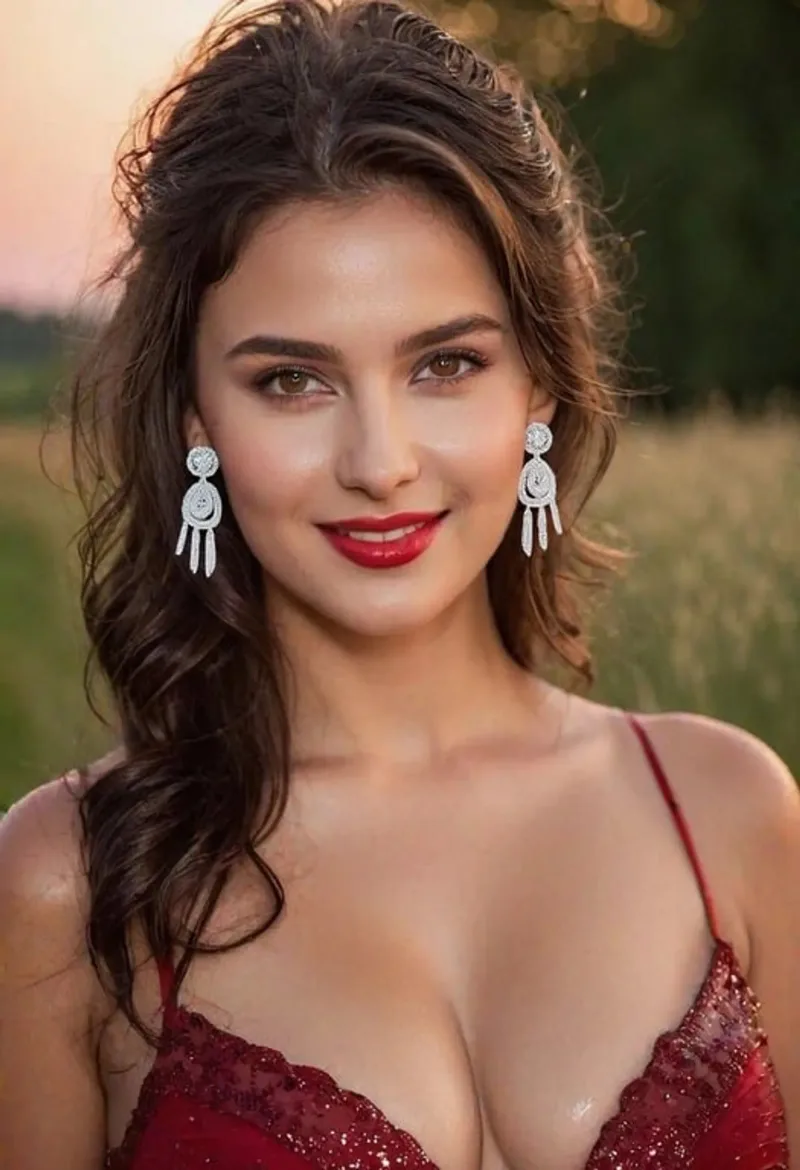
Upload a portrait and Toty removes the hair, keeping the face, expression, clothes and background. The scalp follows your head shape, like a real shaved head.
Sign in to generate. Failed runs are free.
Examples
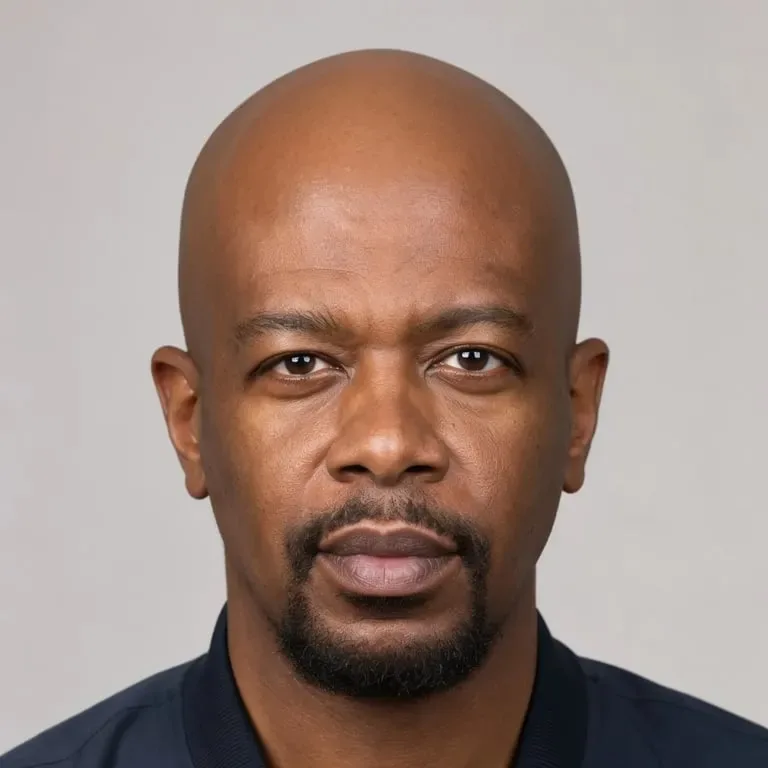
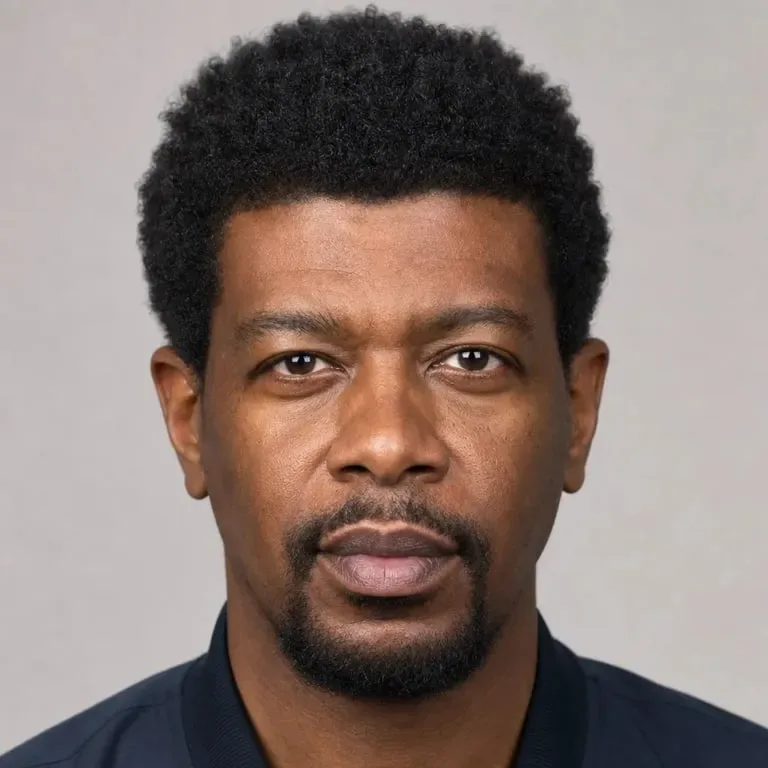


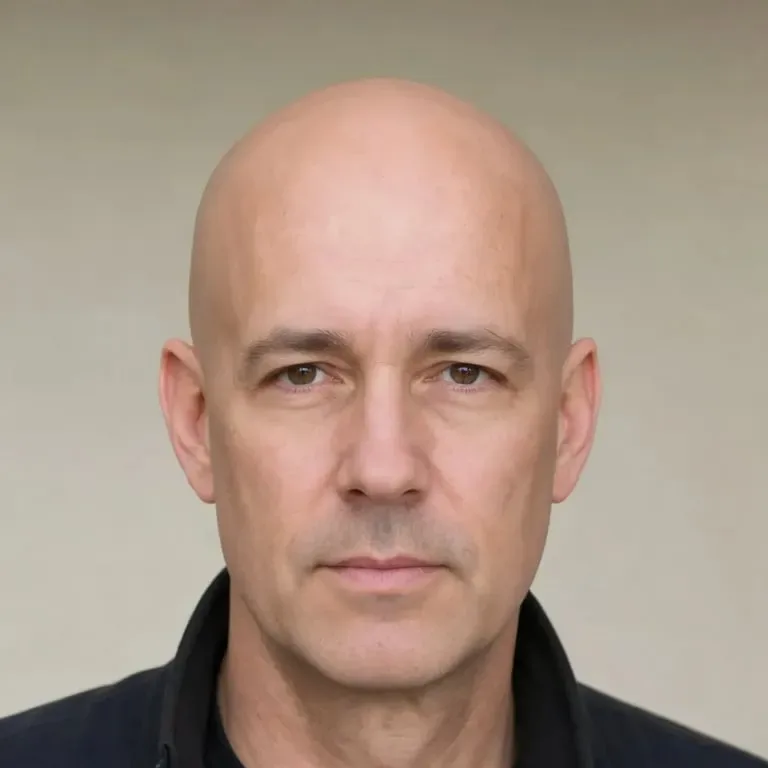
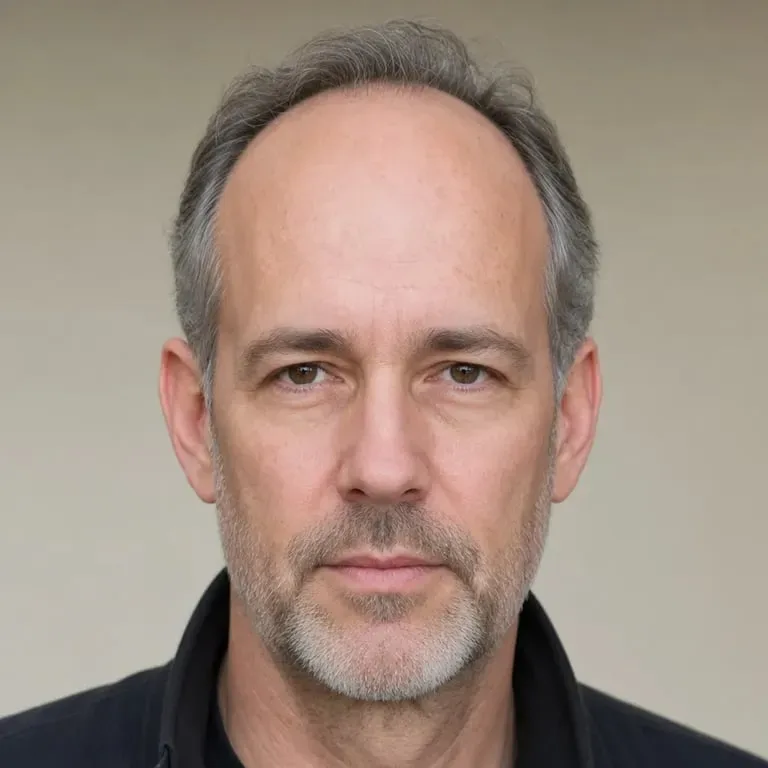
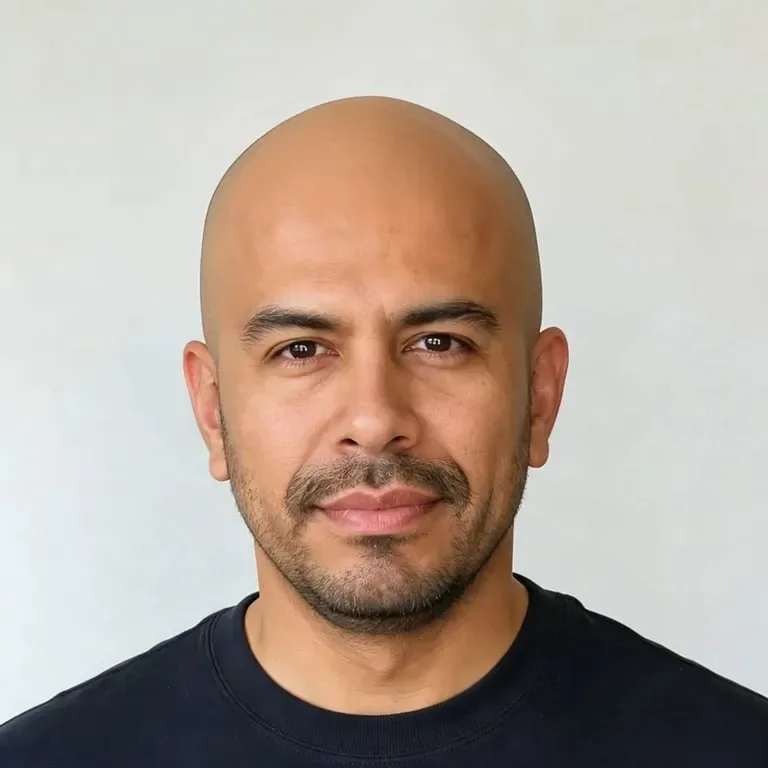

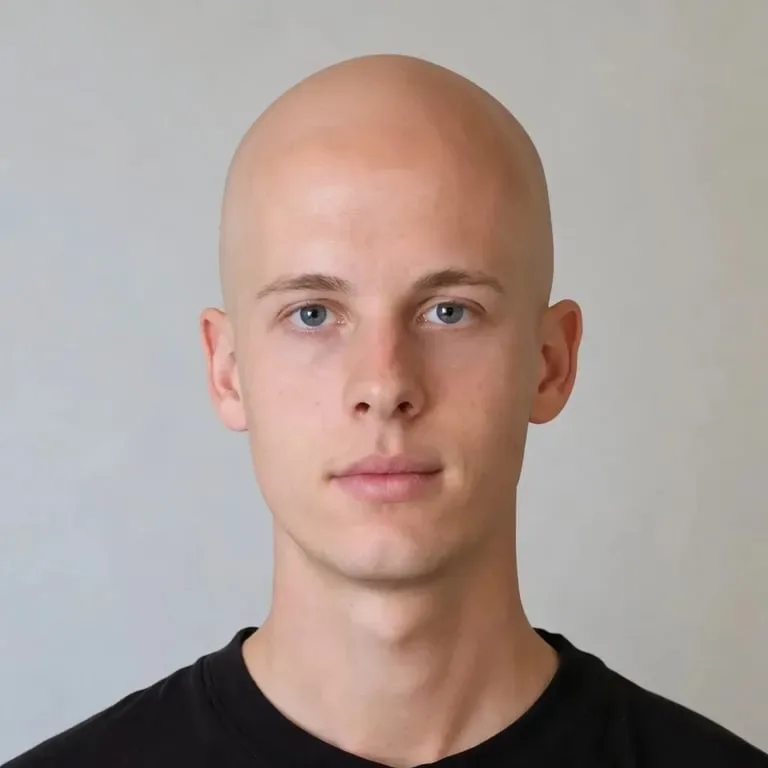


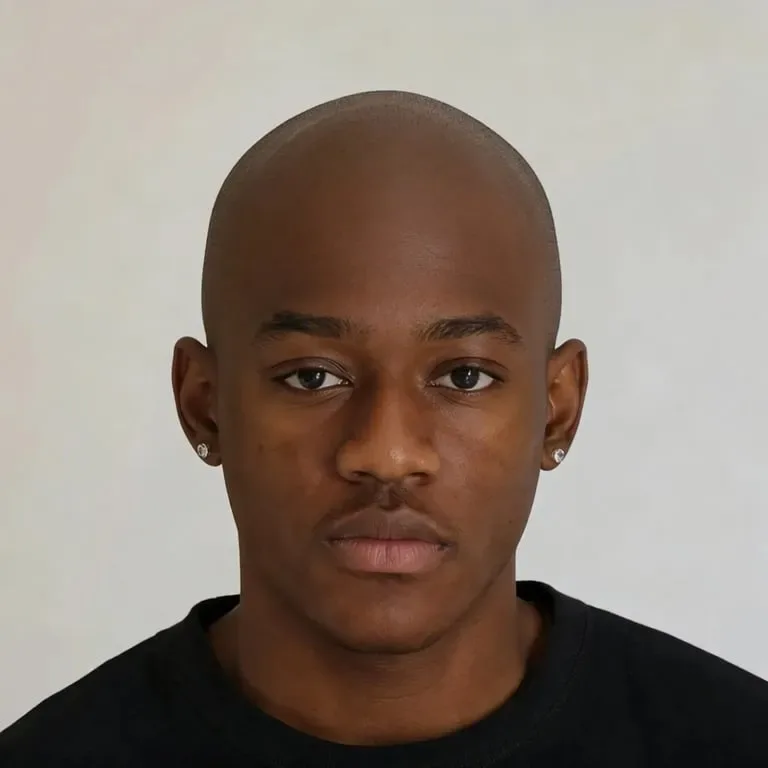
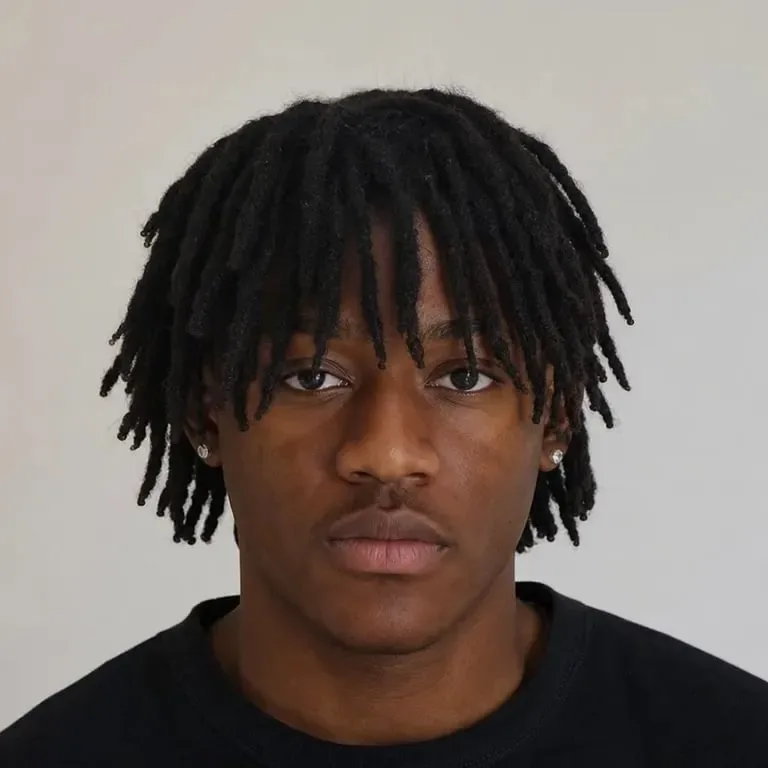
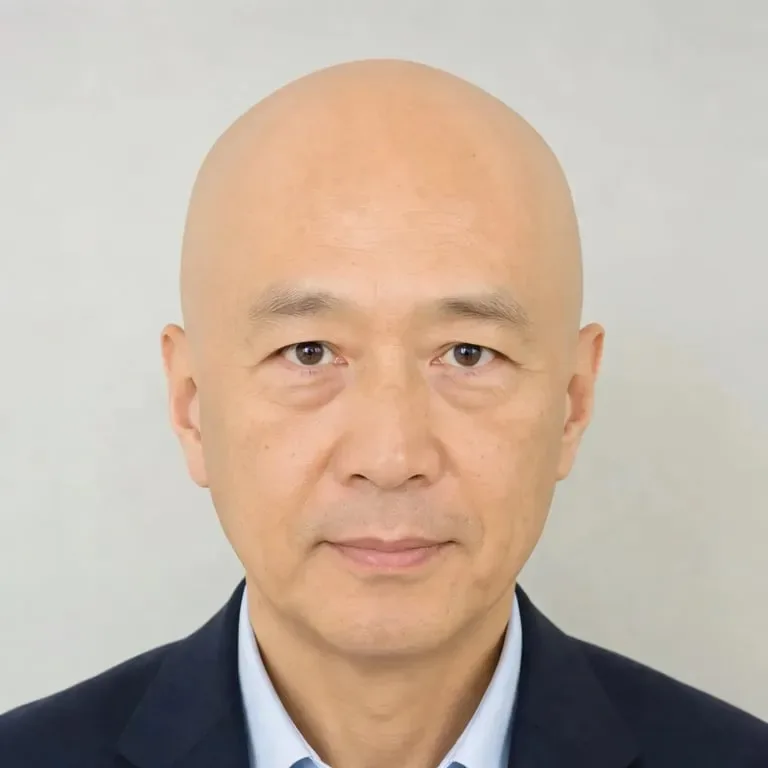

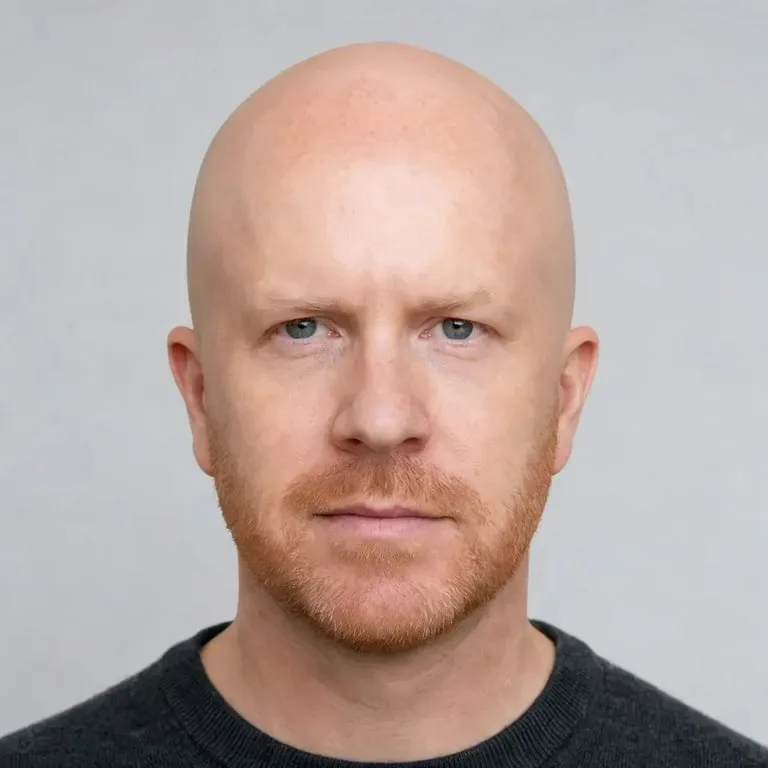
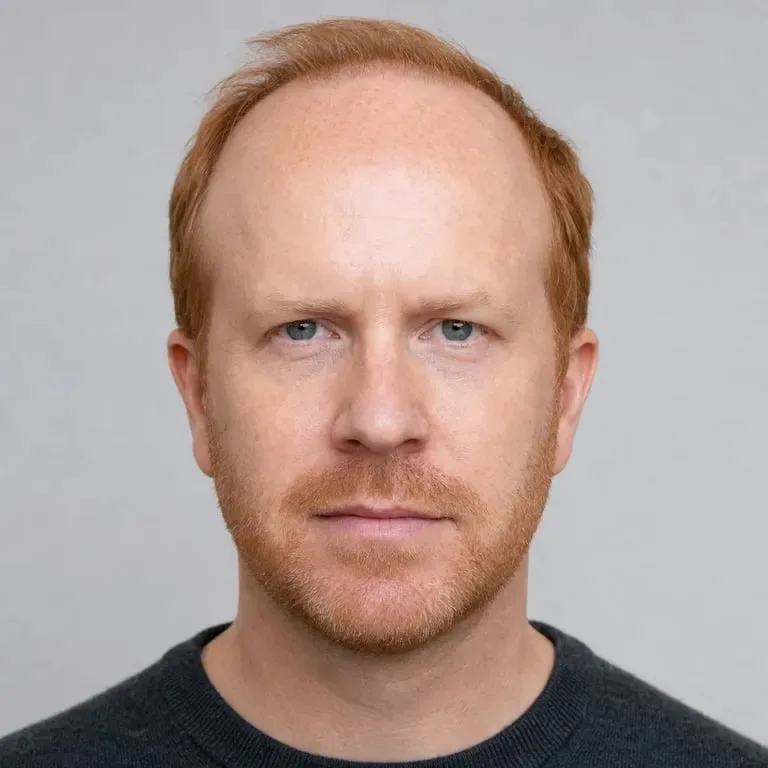
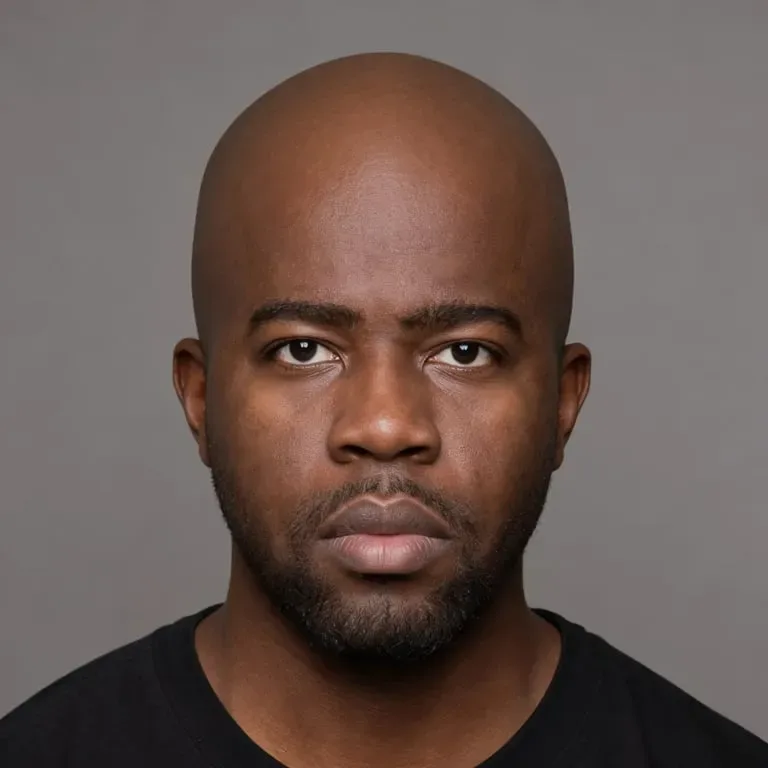
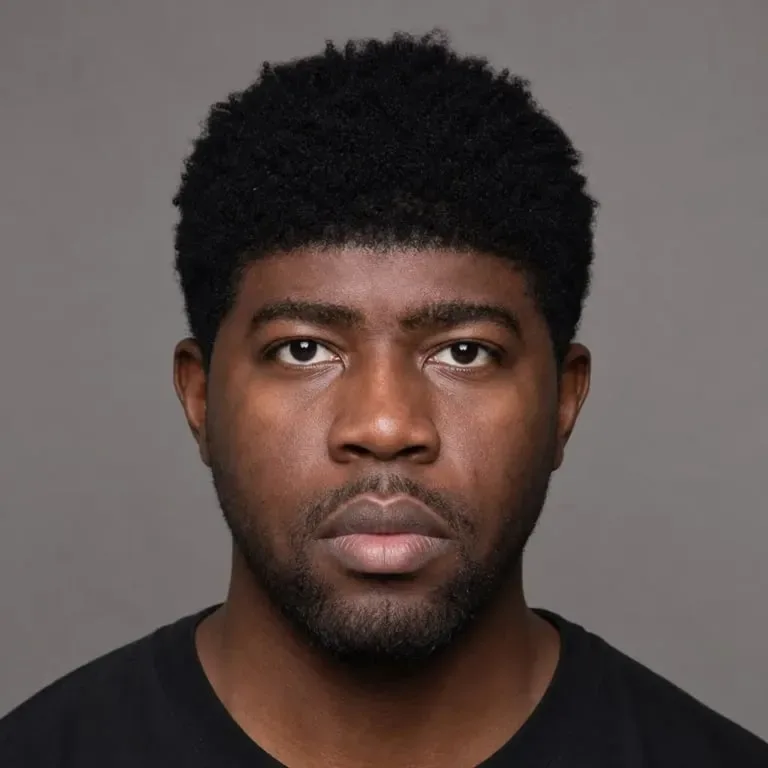
How people use the AI Bald Filter


Preview a shaved head before you commit
Thinking about buzzing it all off? Upload a clear front-facing photo and see how a bald look suits your face shape, ears, and forehead before you sit down in the barber's chair.
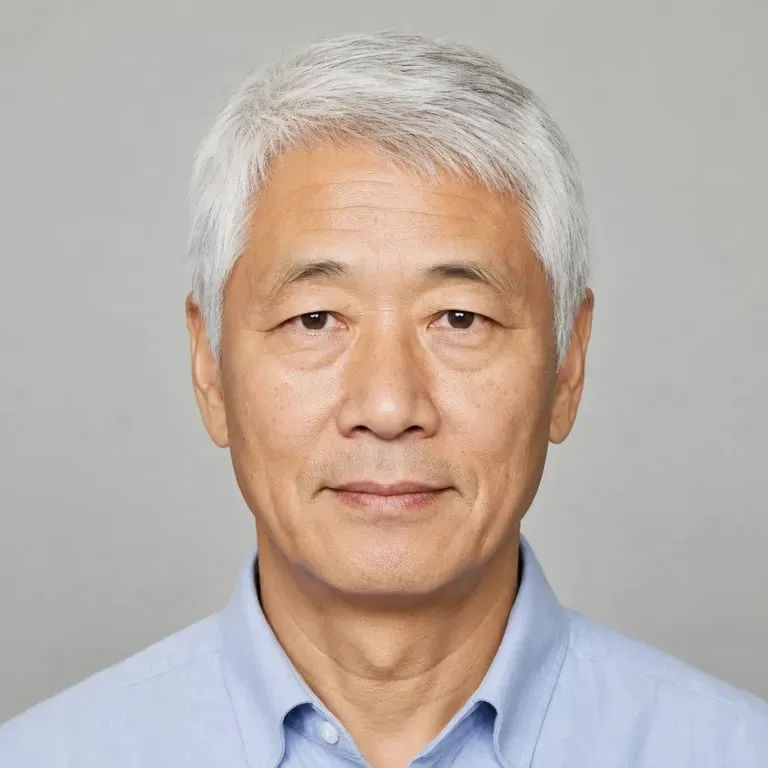
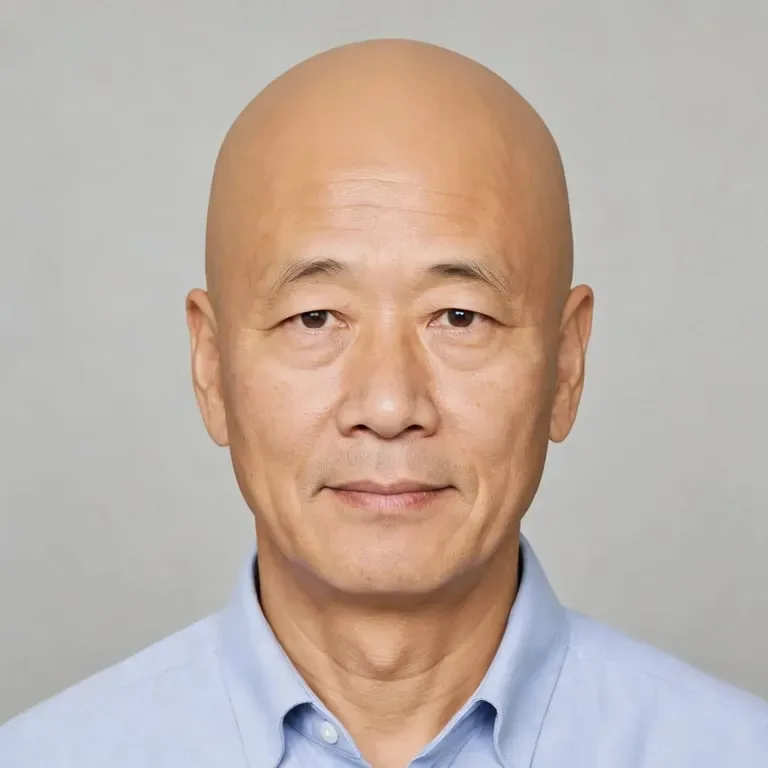
Make funny content and pranks
A convincing bald version of a friend, a pet owner, or yourself makes a quick reaction video or group-chat joke. Keep the original background so the edit is hard to spot.

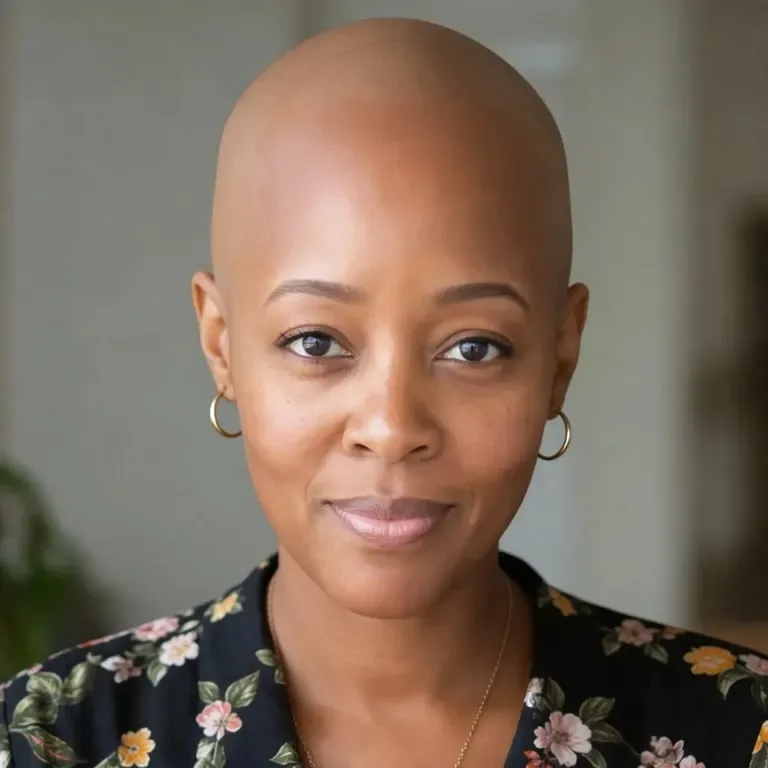
Show clients a new look
Barbers and stylists can show a client what a clean shave would look like on their own photo, which makes the conversation about a big change easier.
Why Toty
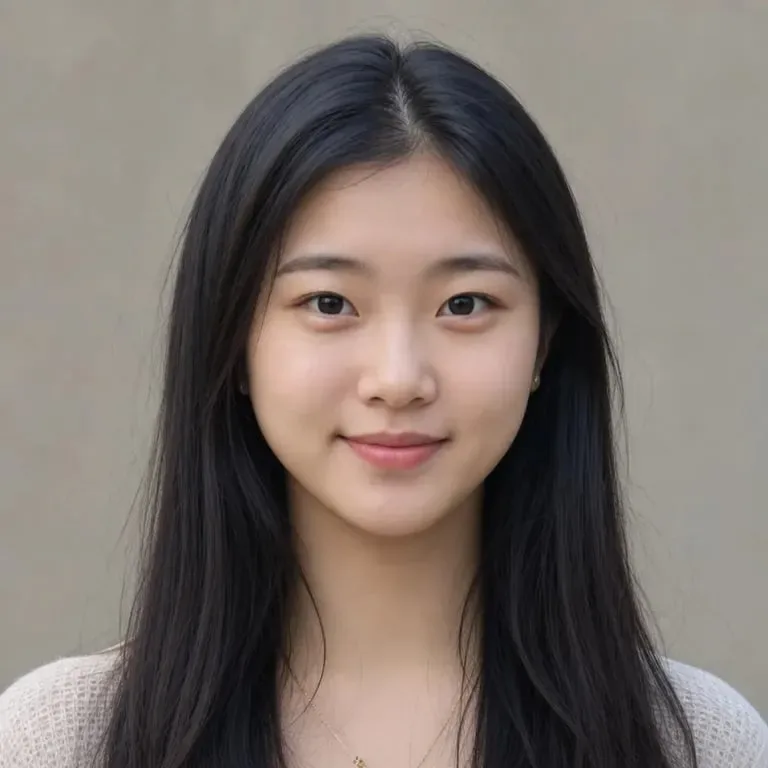
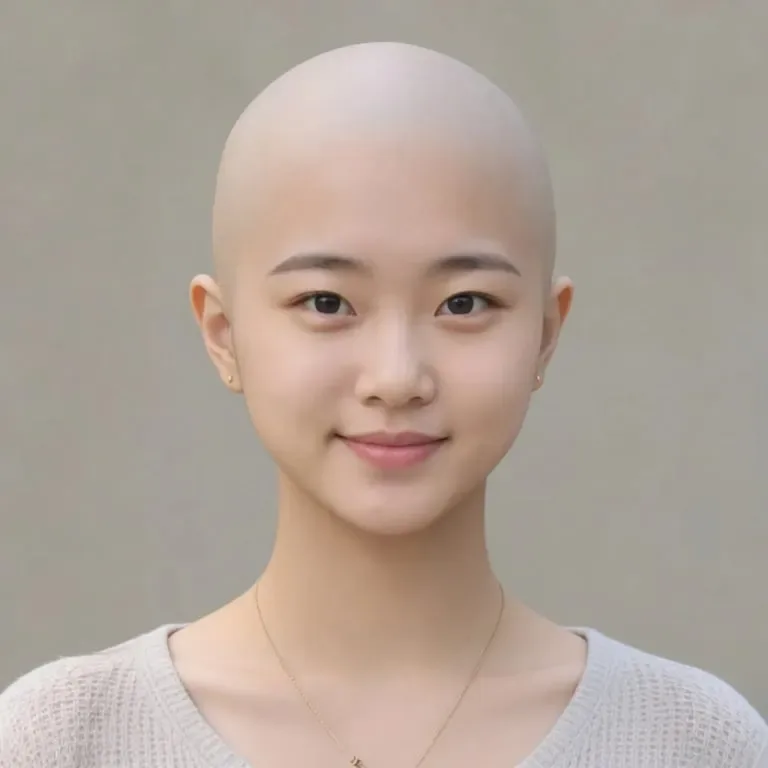
Keeps the person recognisable
The prompt keeps the face, expression, clothing, and background unchanged, and only replaces the hair with scalp.


Follows your hairline and head shape
Describe a low, medium, or high forehead and the scalp starts where your natural hairline would be.


Clear credit cost
Sign in to generate. The button shows the credits the selected model and resolution will use before you submit, and a failed task costs nothing.
How to create with Toty
- Upload photo
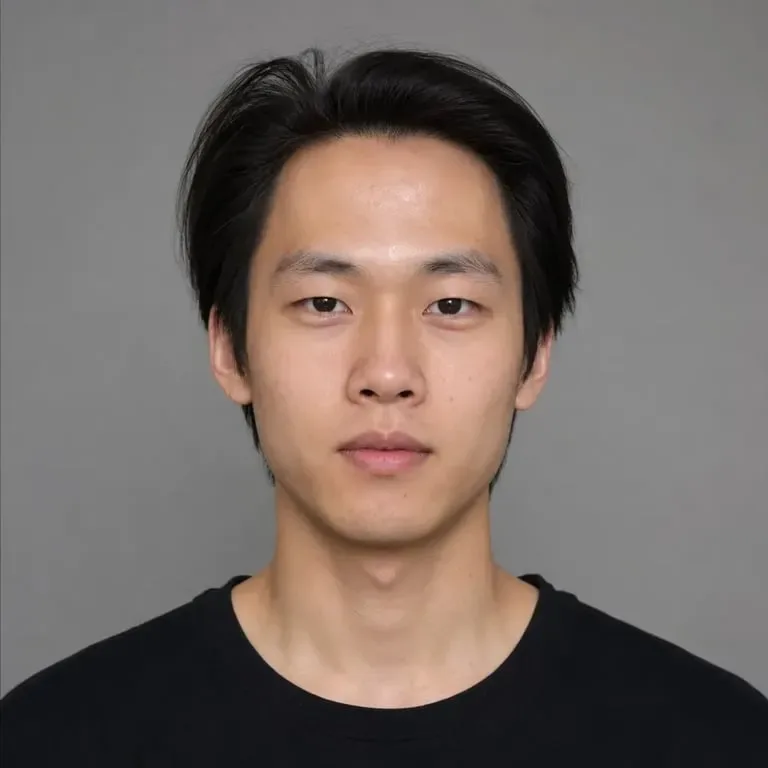 Step 1
Upload your photo
Use a clear, well-lit portrait where the head and hairline are visible. JPEG, PNG, and WebP are supported.
Same person, same face, same expression, same clothing, same background. Remove all hair, make him completely bald. His naturally HIGH forehead should be clearly visible when bald. Keep everything else identical.
2K3:4GenerateStep 2Adjust the prompt
Start from the default prompt and describe the forehead height or anything to keep, such as earrings or a beard.
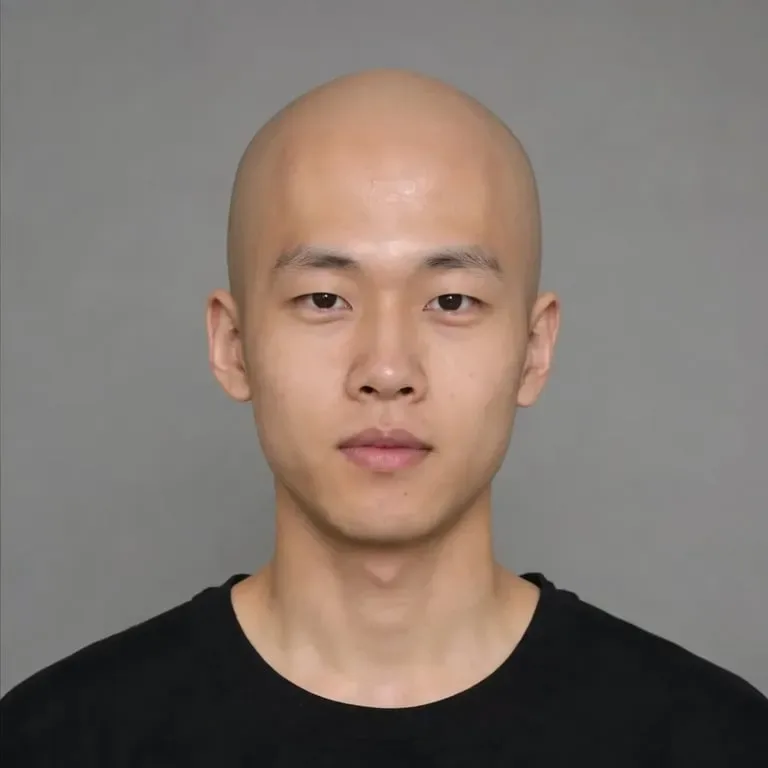 DownloadStep 3
Generate and download
Sign in, check the credit cost on the button, and generate. Download the result when it is ready.
Frequently Asked Questions
It sends your photo and the prompt to an image model that removes the hair and fills in the scalp while keeping the rest of the photo the same.
Yes. Generating needs a Google or email account. New accounts receive a few welcome credits to try it.
Each generation uses credits based on the model, resolution, and image count. The submit button shows the exact amount, and failed tasks are not charged.
Usually between ten seconds and a minute, depending on the model and how busy it is.
Yes. The model removes long, short, curly, or braided hair. A clear photo of the hairline gives the most natural result.
Keep exploring
New models and popular tools, one click away.