Prompt
Upload an image
Please upload an image first.
Sign in to generate. Failed runs are free.
AI Earth Zoom – Fly from Space Down to Your Photo
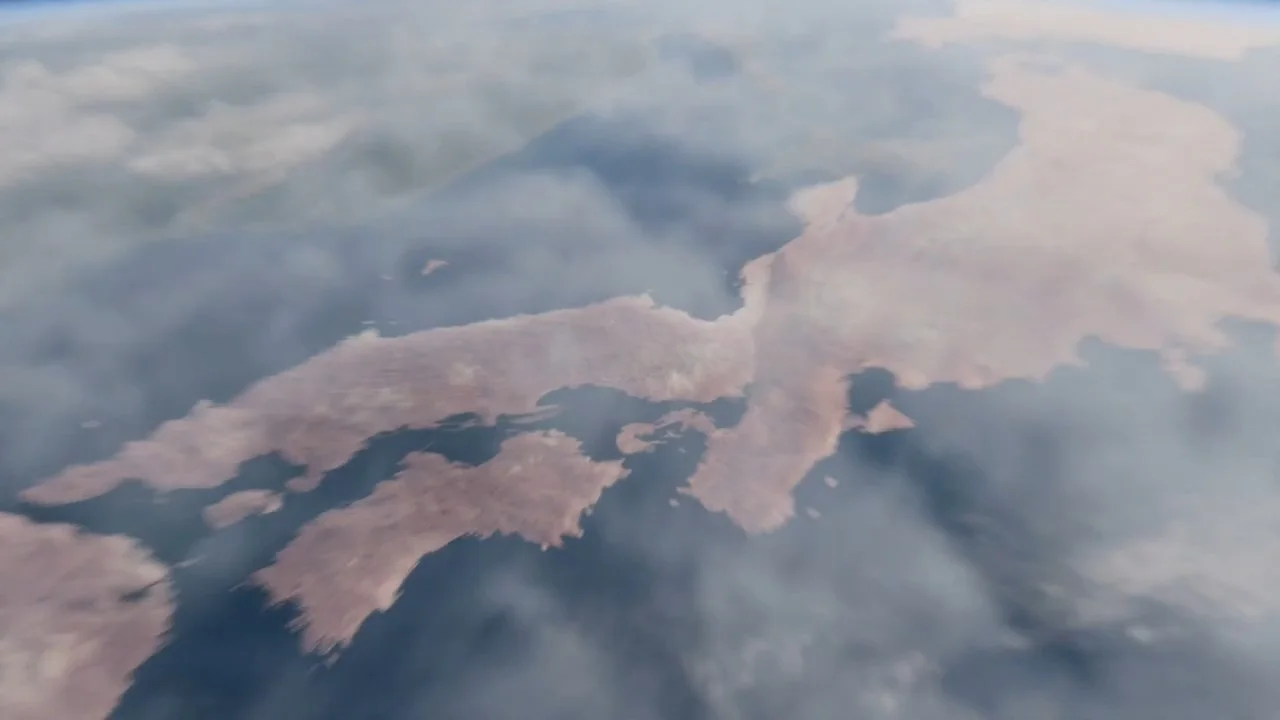
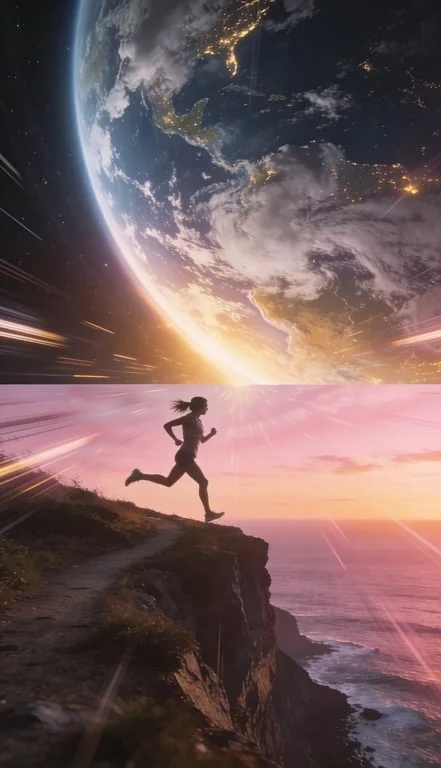
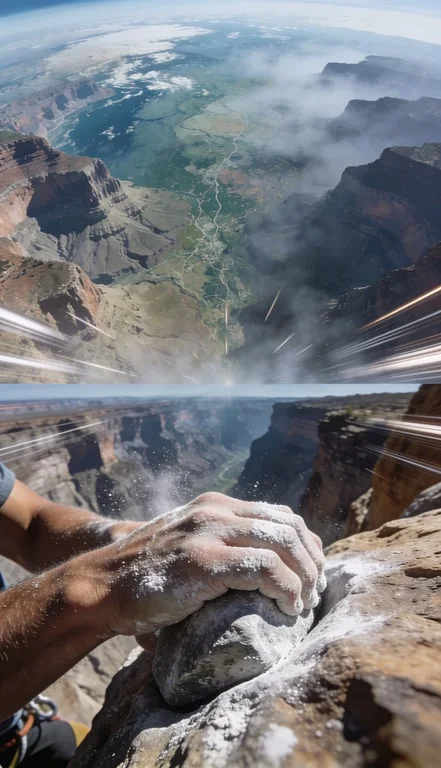
Upload a photo and Toty makes one continuous shot from Earth in space, through the clouds, down into your photo's scene.
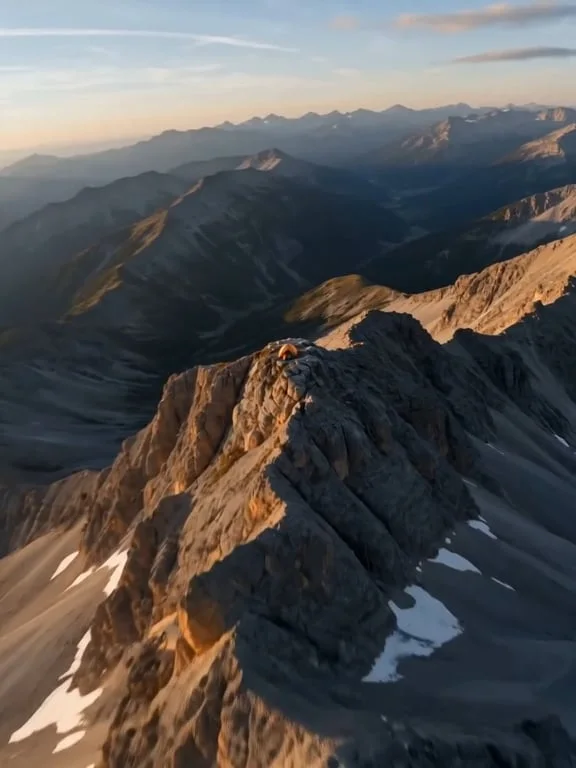
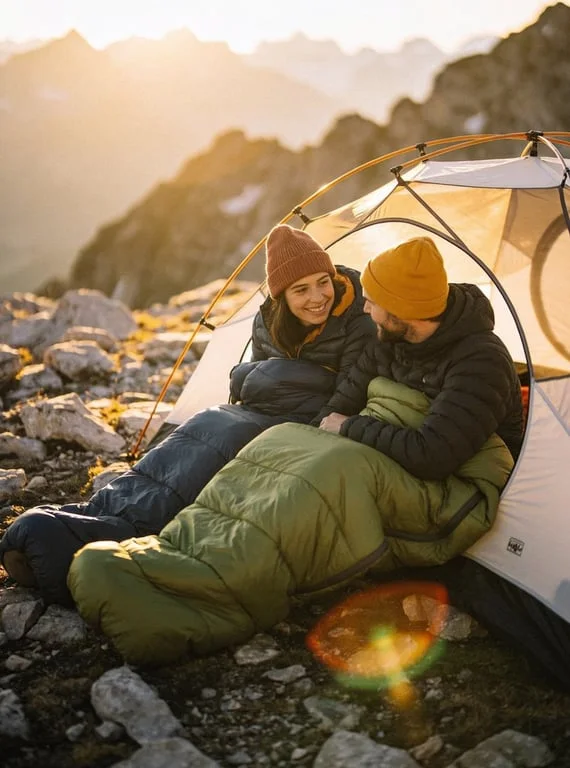
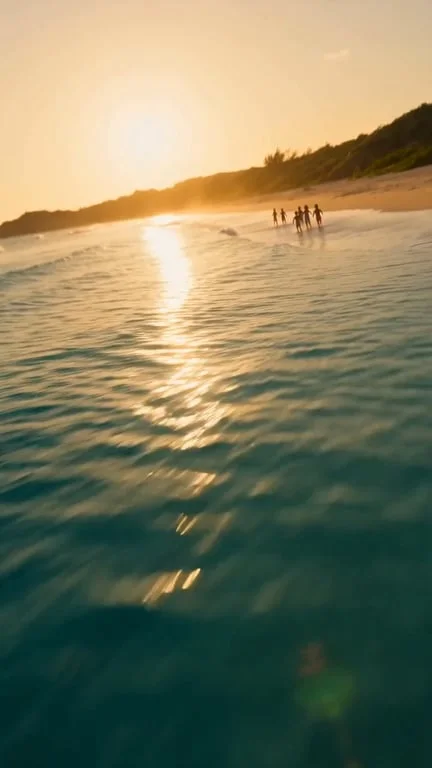

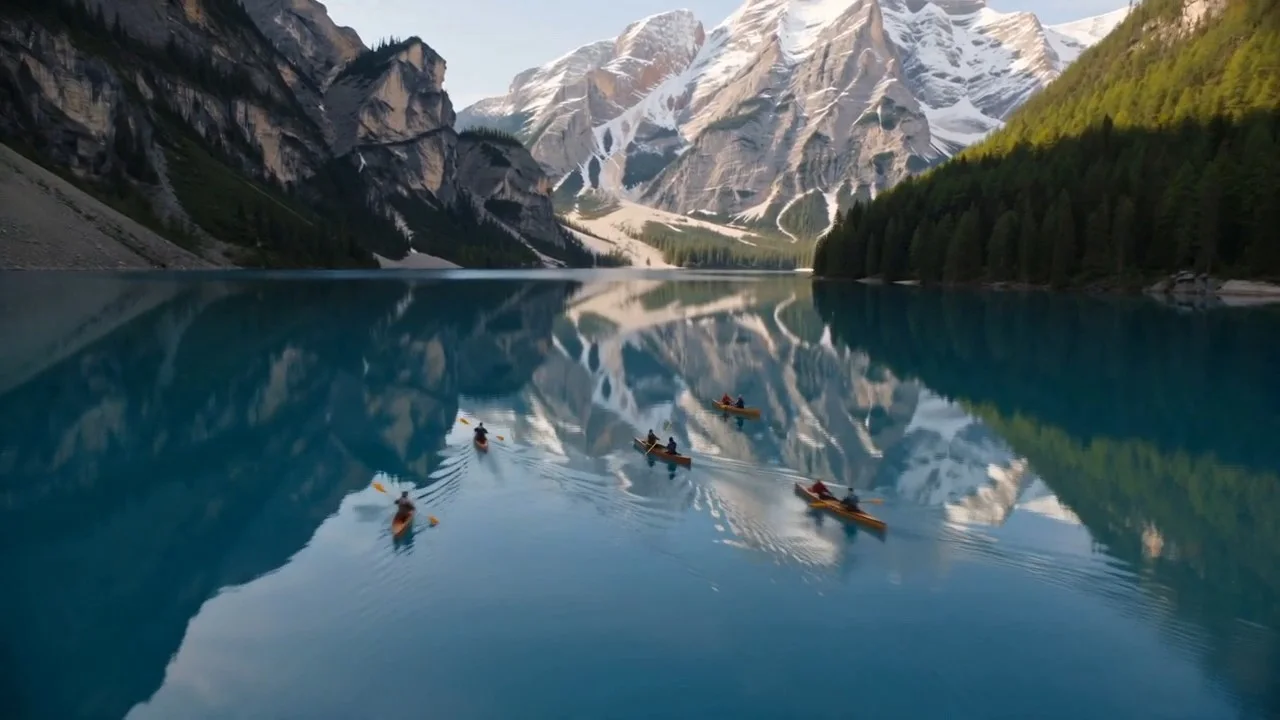
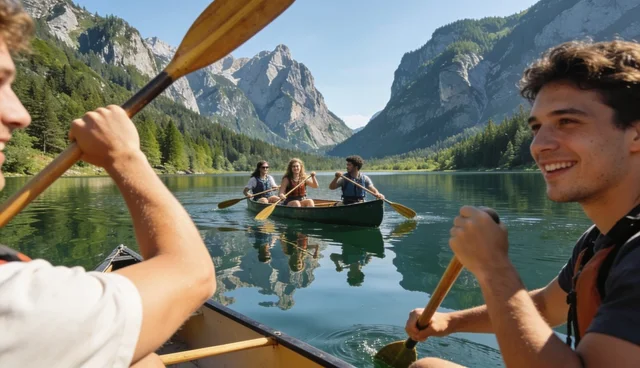
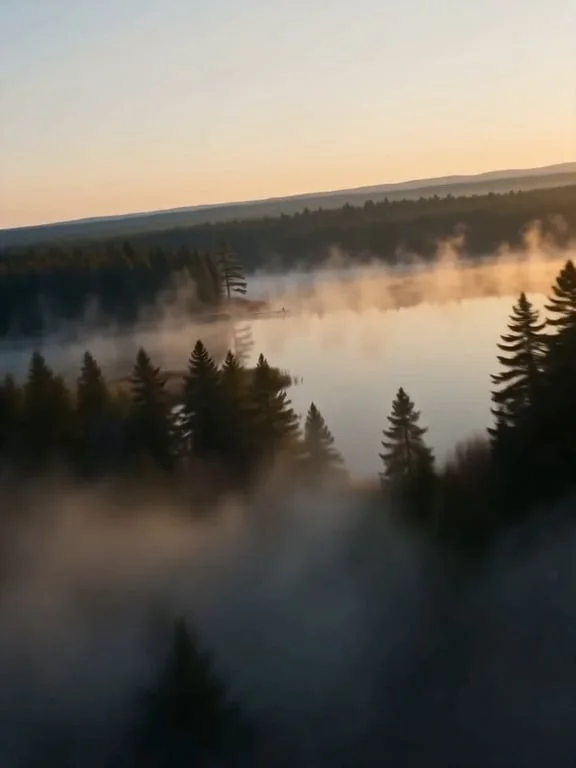
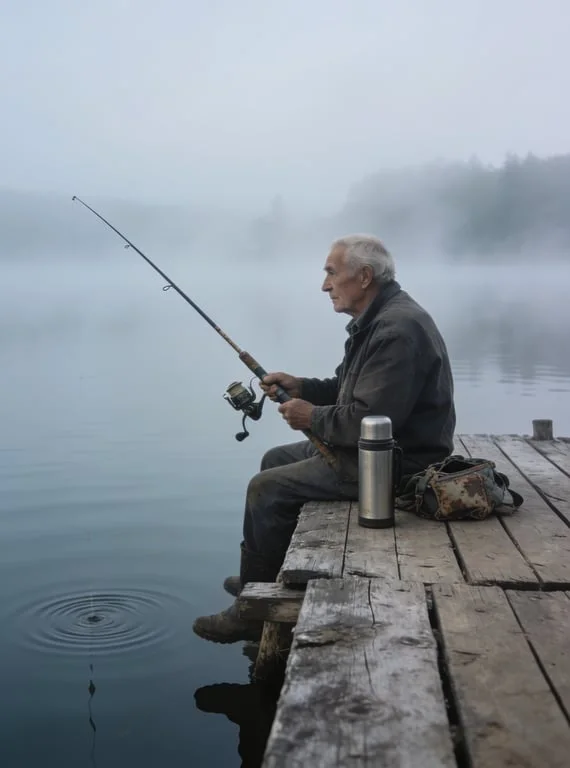
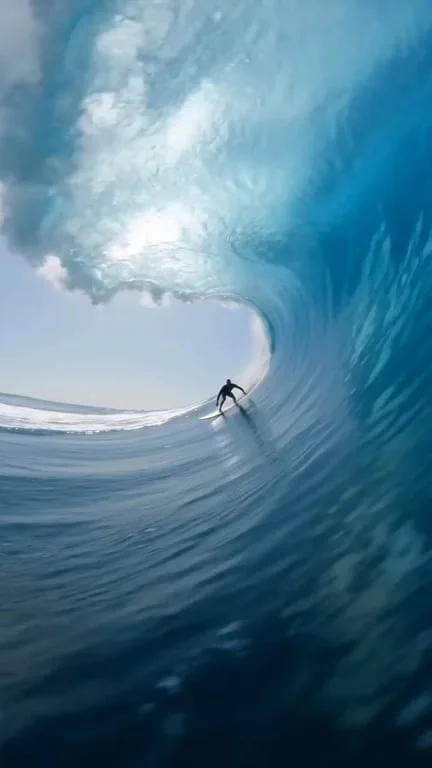
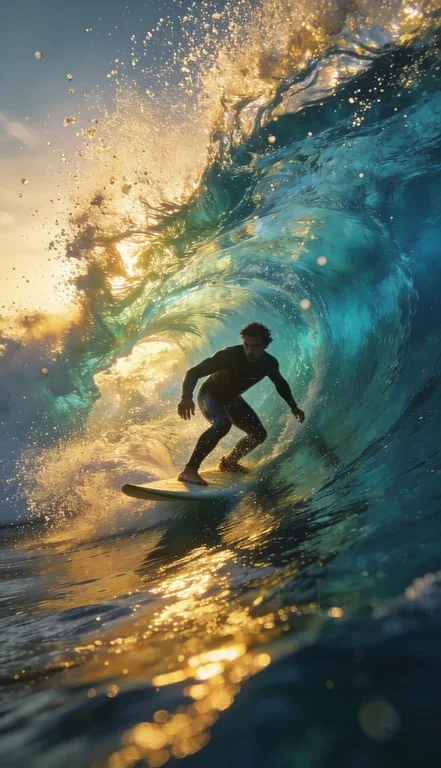
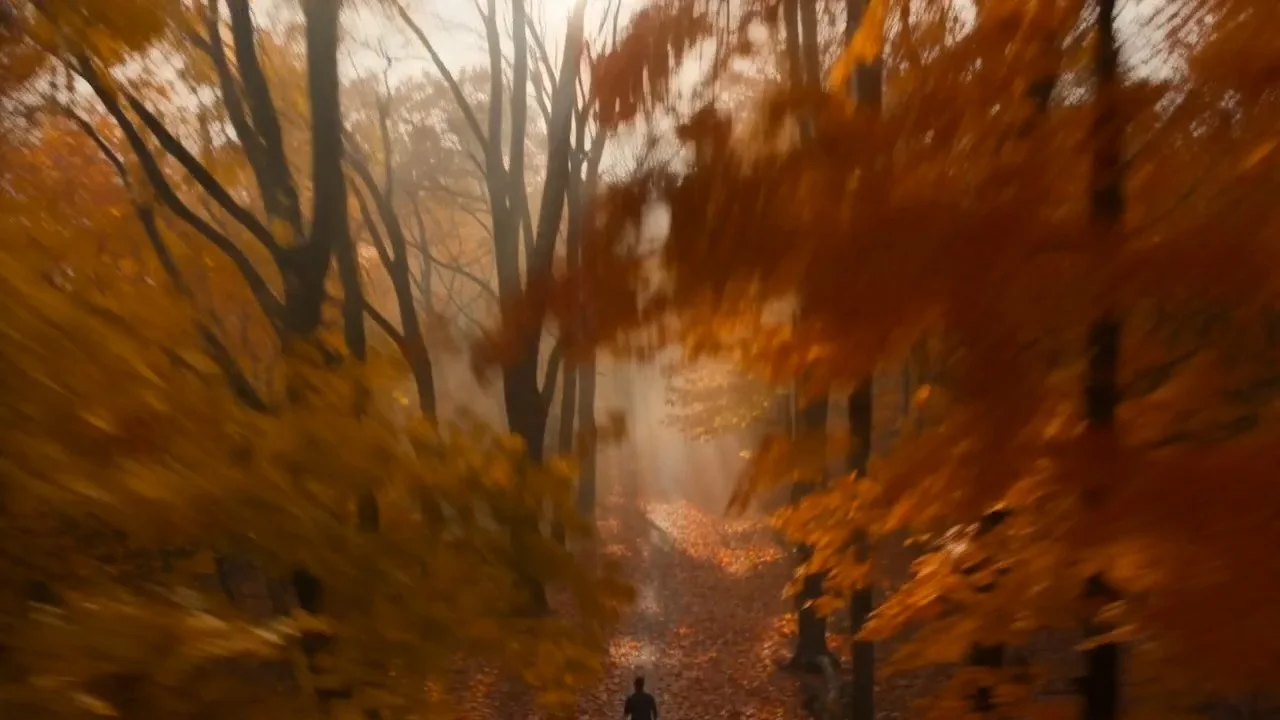


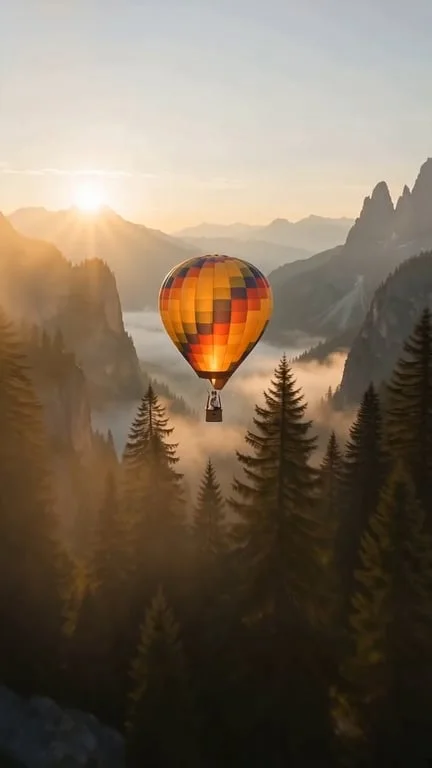
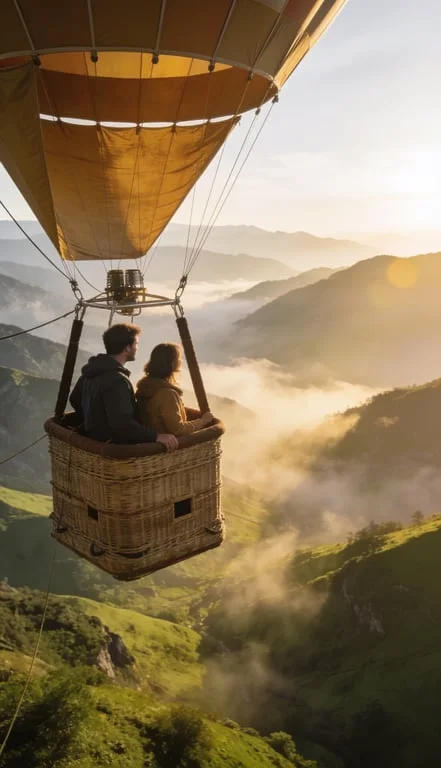
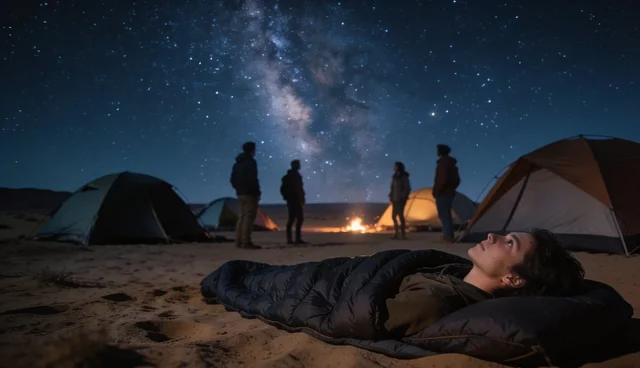
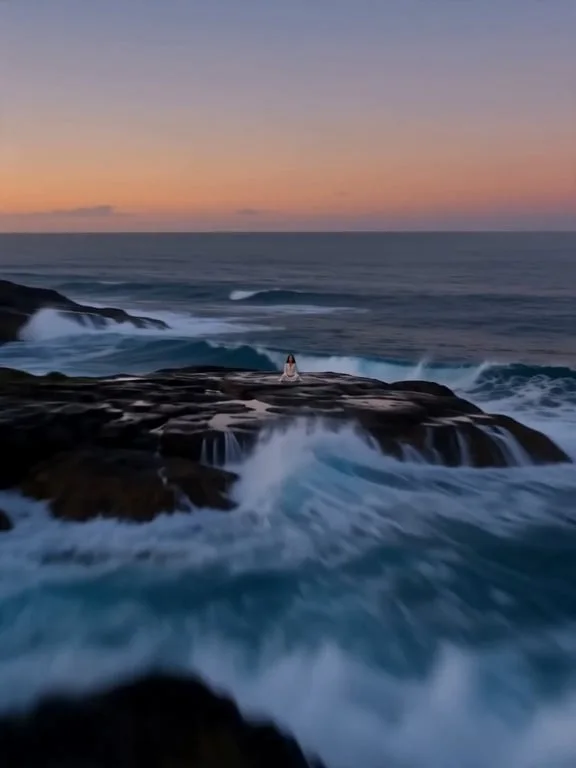
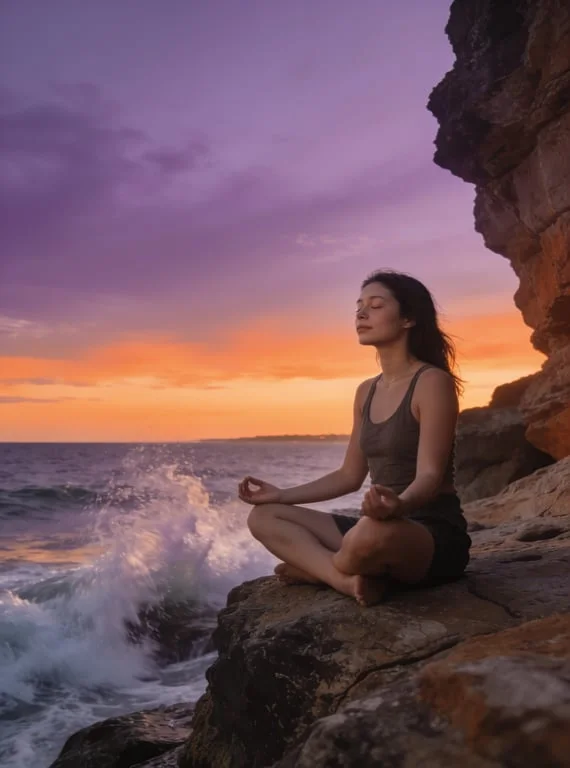
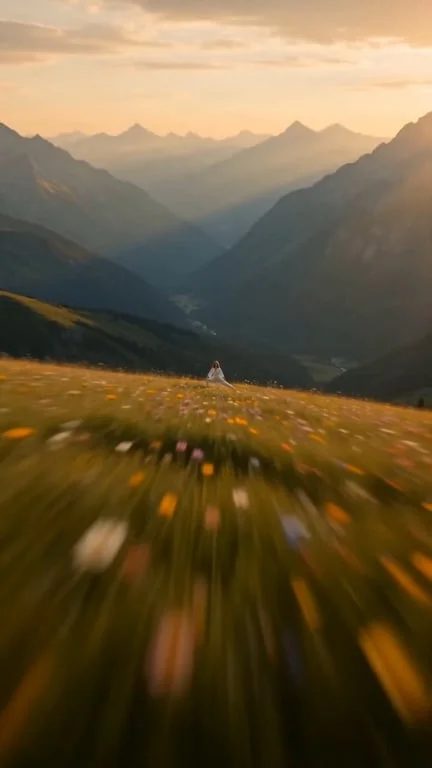
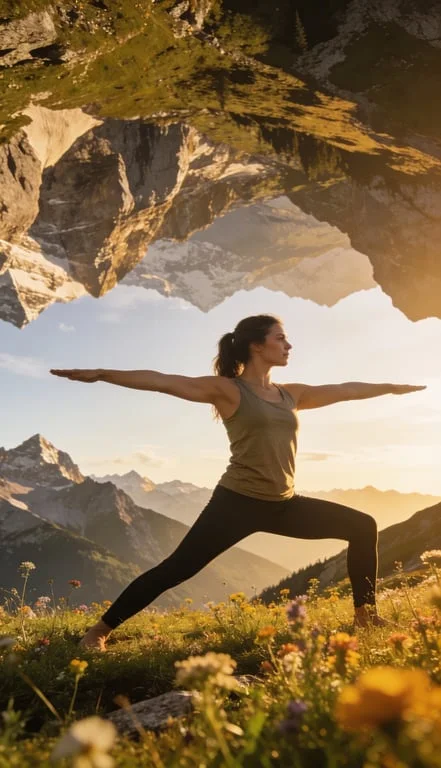
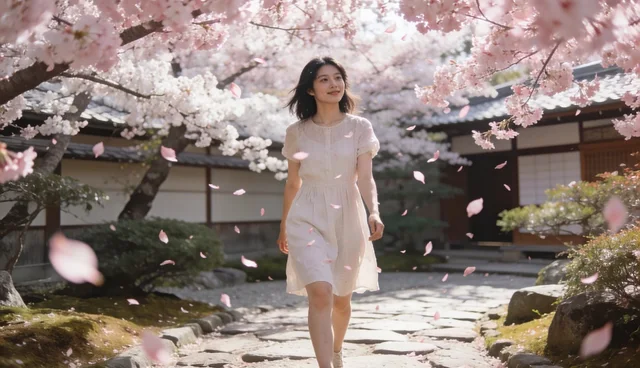
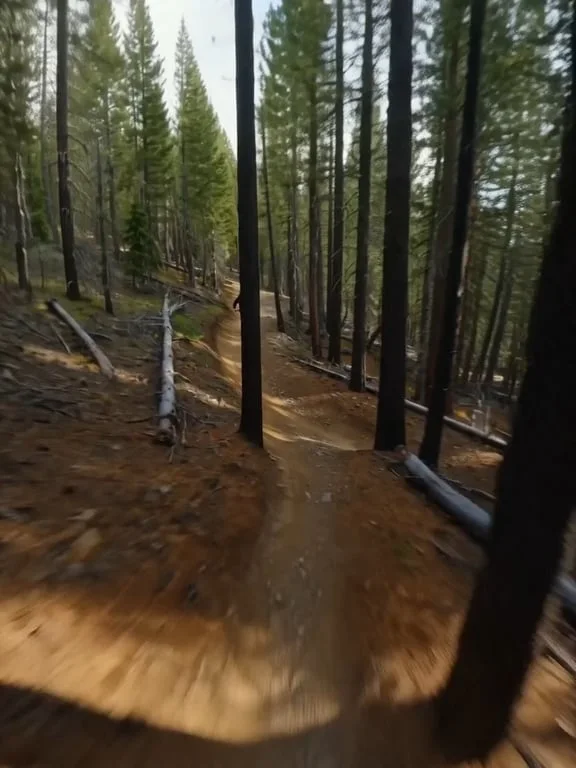

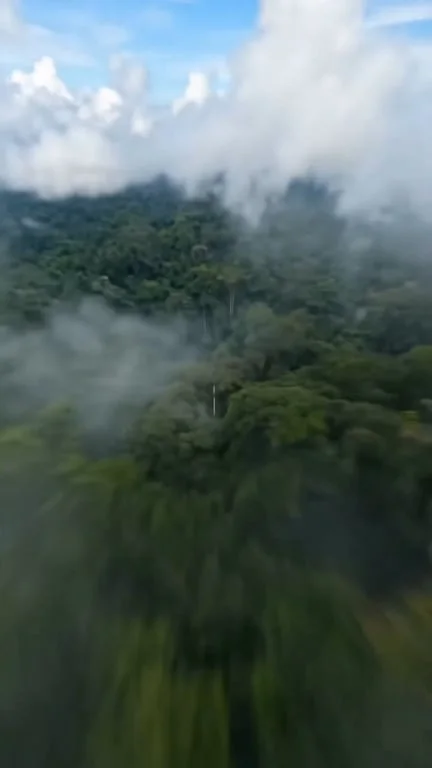
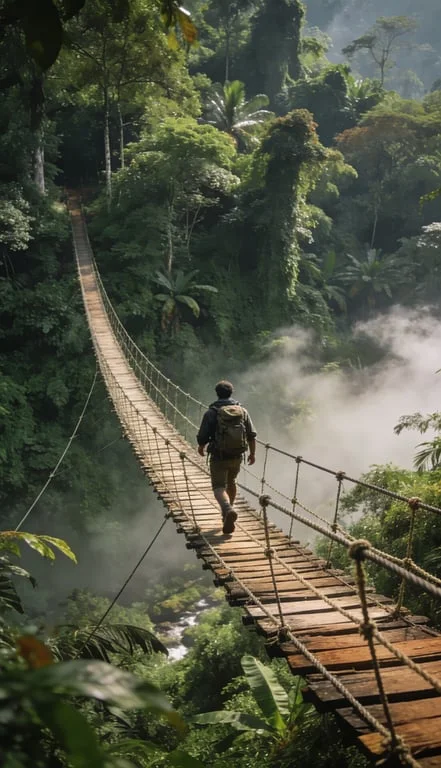
What people use the Earth zoom for
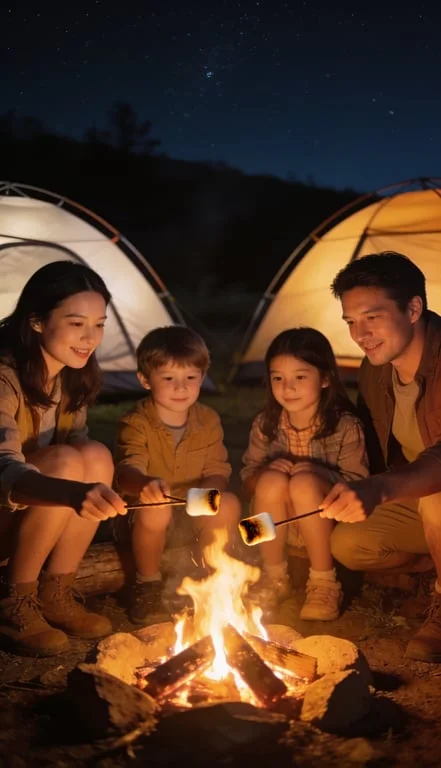
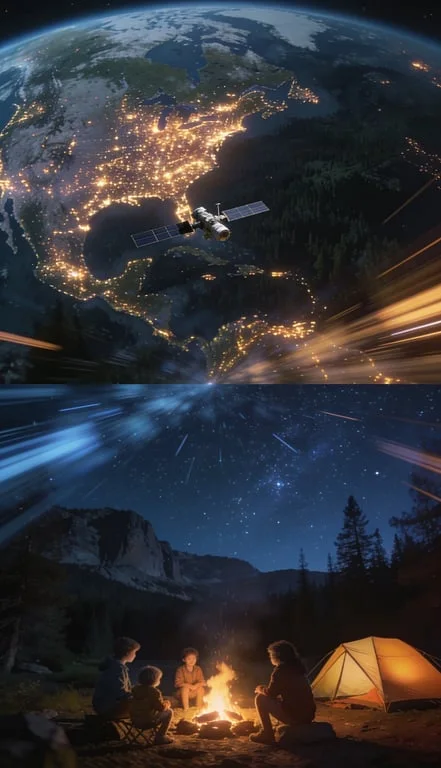
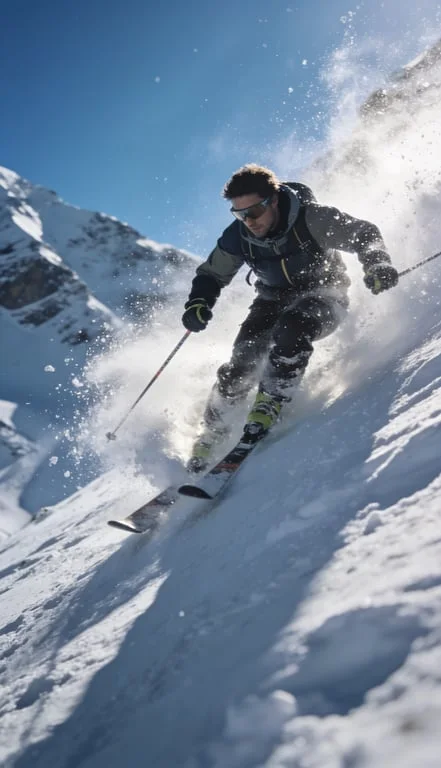
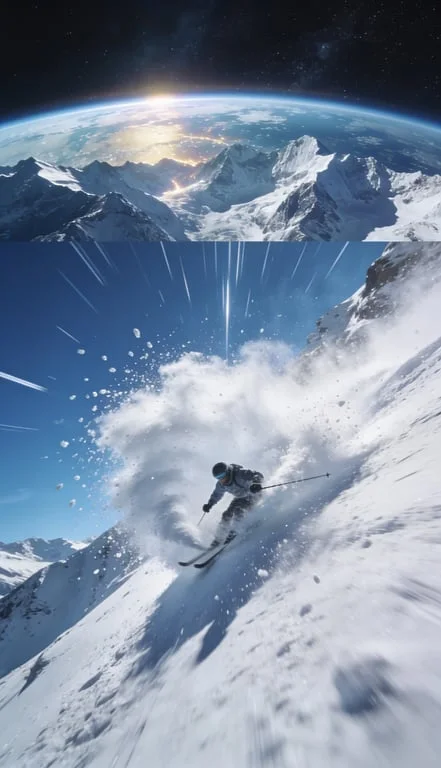
Why use Toty for the Earth zoom
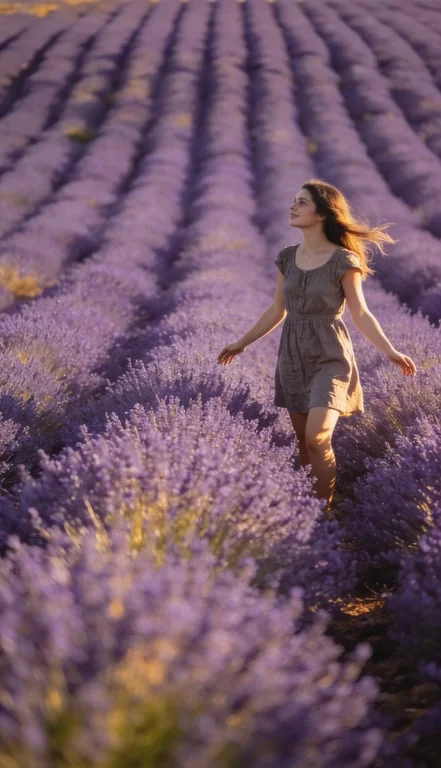
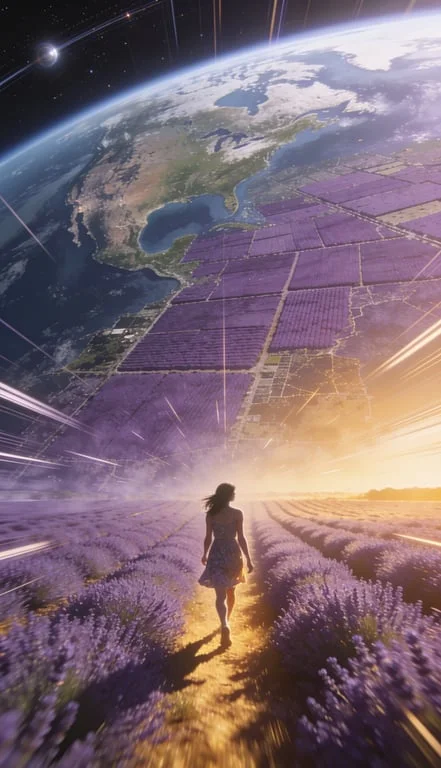
Keeps the original composition
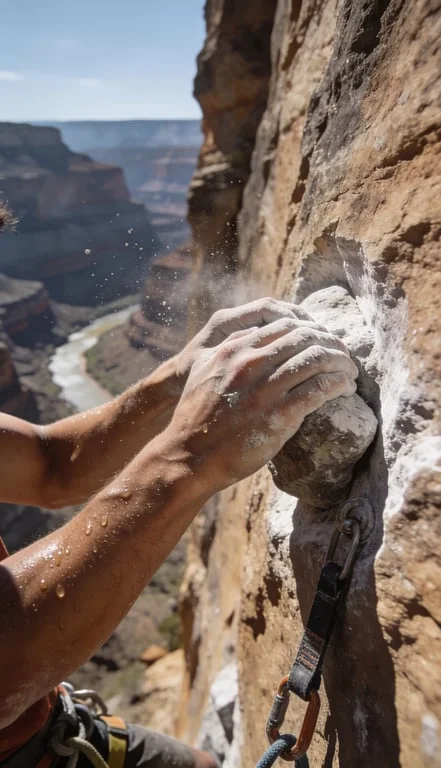
The default prompt keeps the subject and framing of your photo and changes only the style or detail you describe.
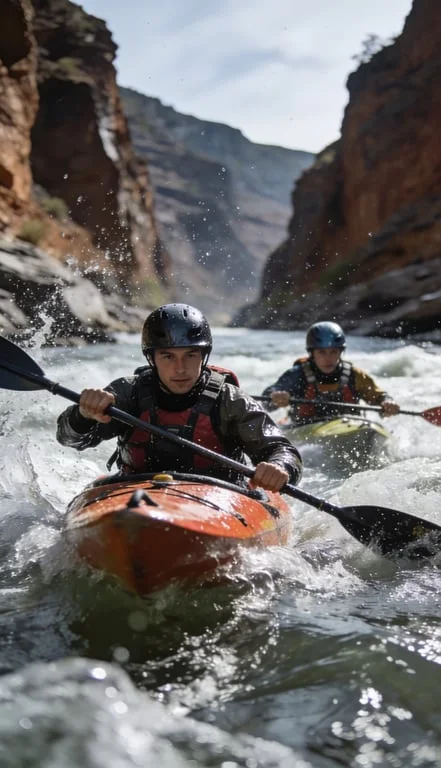
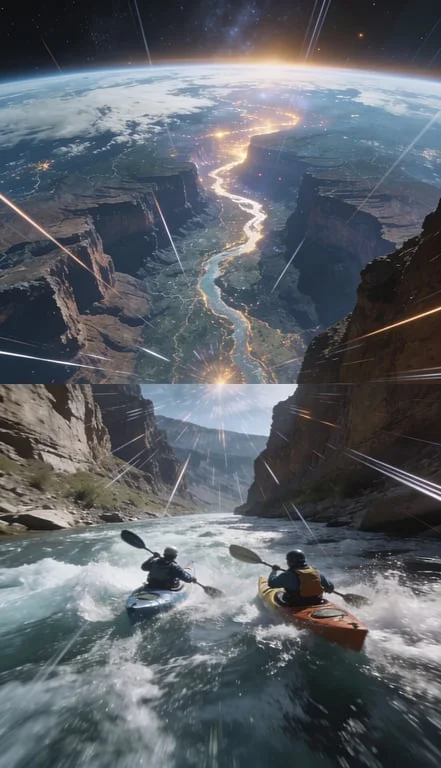
Pick your video model
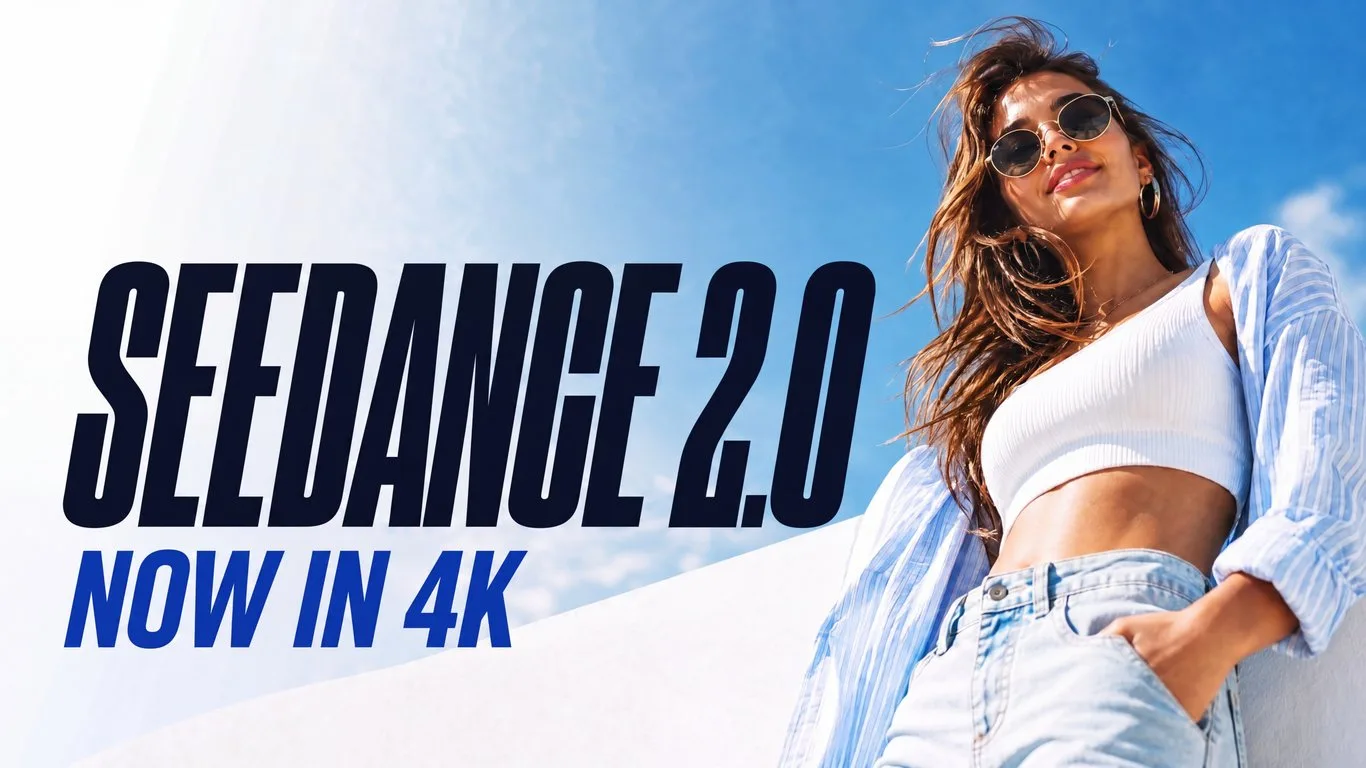
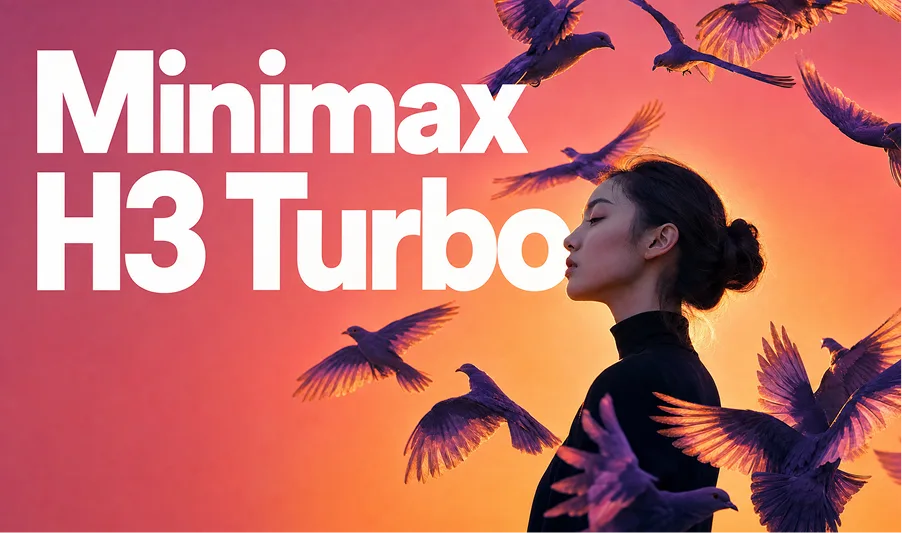
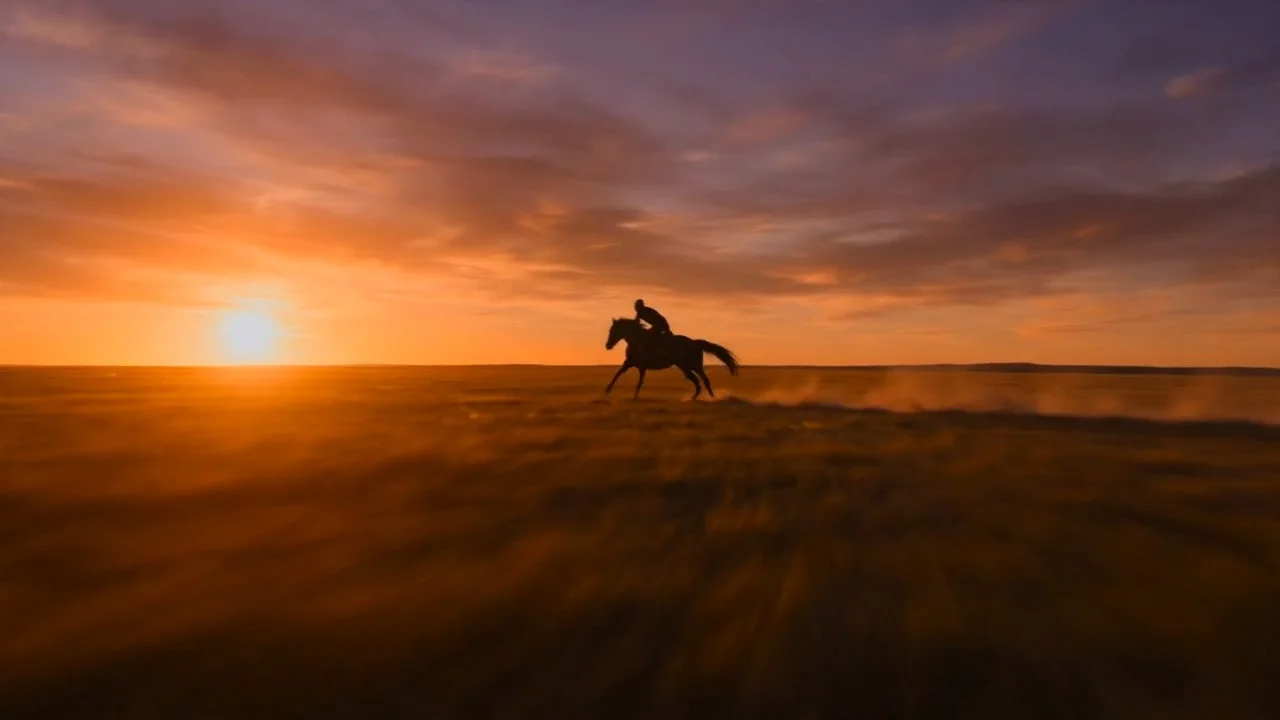
Seedance, MiniMax H3, Kling and more are available, so you can choose by look and per-second price.
Clear credit cost
Sign in to generate. The submit button shows the credits the selected model and resolution will use, and a failed task costs nothing.
How to use the Earth zoom
- Upload photo
 Step 1
Upload a photo
Pick a photo with a clear subject and a simple background; it becomes the first frame. JPEG, PNG and WebP are supported.
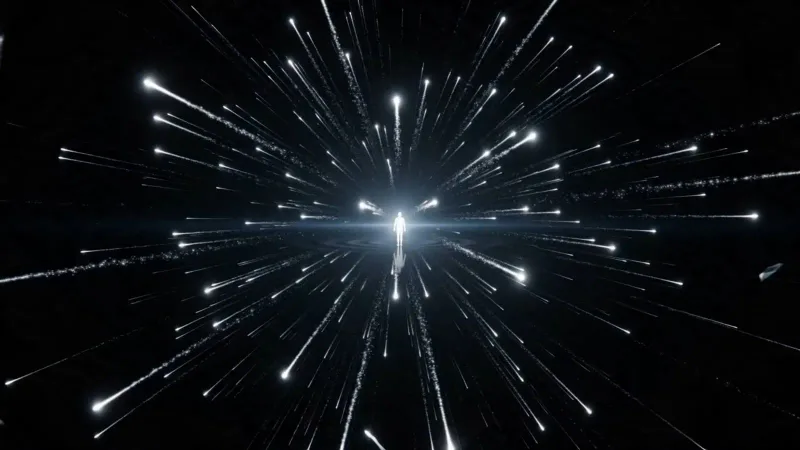
Start from a satellite view of Earth in deep space, the camera accelerates through the atmosphere, through clouds, and descends to the subject, slowing to eye level in a smooth continuous zoom.
720p5sGenerateStep 2Adjust the prompt
Give a location hint and pace, such as Asia first, then a coastal city, ending on the person.
- DownloadStep 3
Generate and download the video
Choose the length and resolution, check the credit cost on the button, and generate. Download the clip when it is ready.
Frequently Asked Questions
The shot is generated; the geography is illustrative, not a real map.
Yes. Generating needs a Google or email account. New accounts receive a few welcome credits to try it.
Each generation uses credits based on the model, resolution and image count. The submit button shows the exact amount, and failed tasks are not charged.
Videos usually take one to a few minutes, depending on the model, length and queue.
Keep exploring
New models and popular tools, one click away.