Remove Background
Remove backgrounds from images in seconds and download high-resolution transparent PNGs with clean edges. Everything runs in this browser tab, so the photo never leaves your device. Add fills, outlines, paper cutouts, shapes, filters, and text, then export.
Choose an image
Drag one in, or paste it from your clipboard
JPG, PNG, or WebP • 25MB per file • Up to 50 images at once
Upload ImagesSelected photos stay in this browser and are never uploaded for processing.
Fits common workflows for
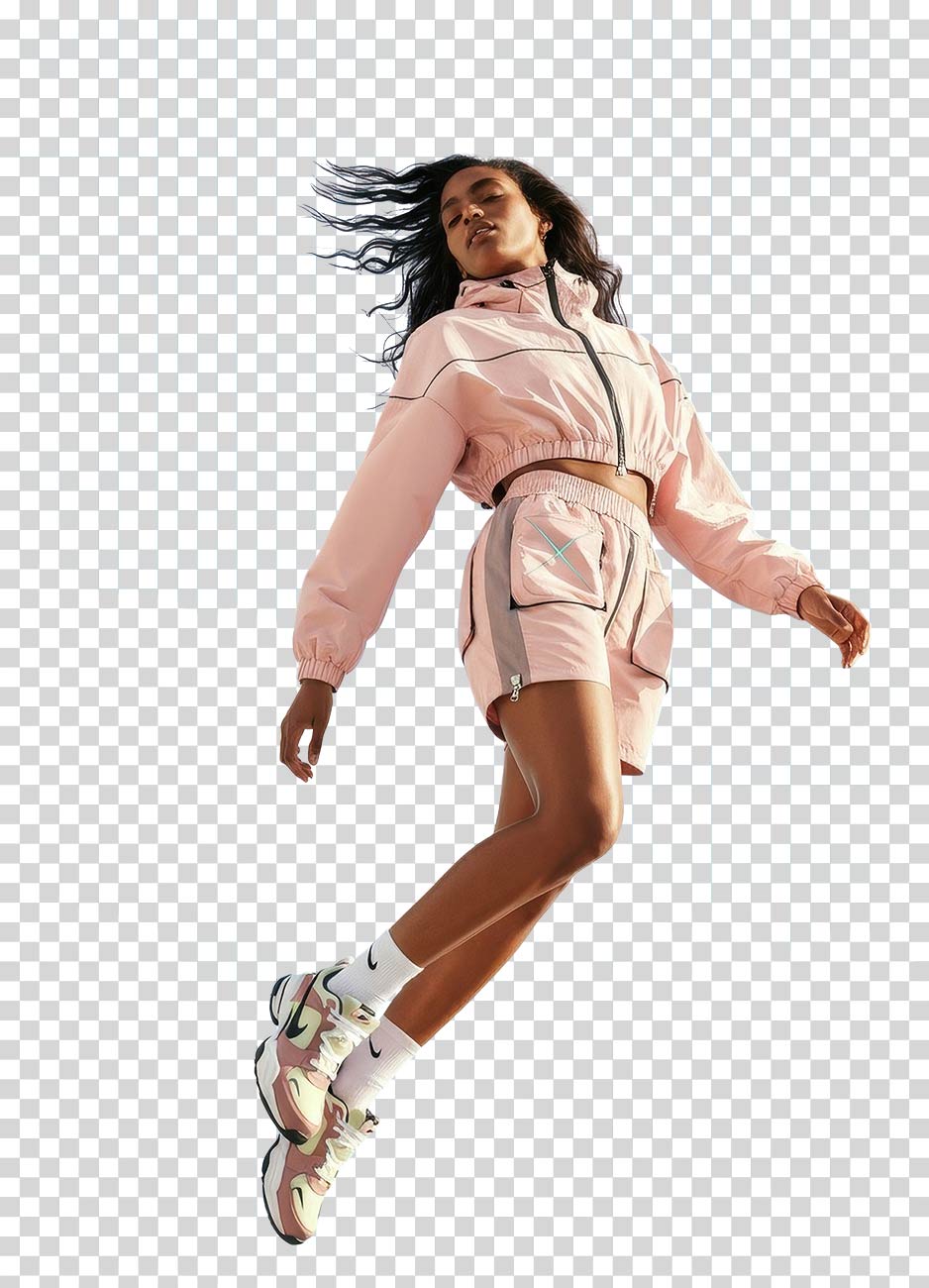
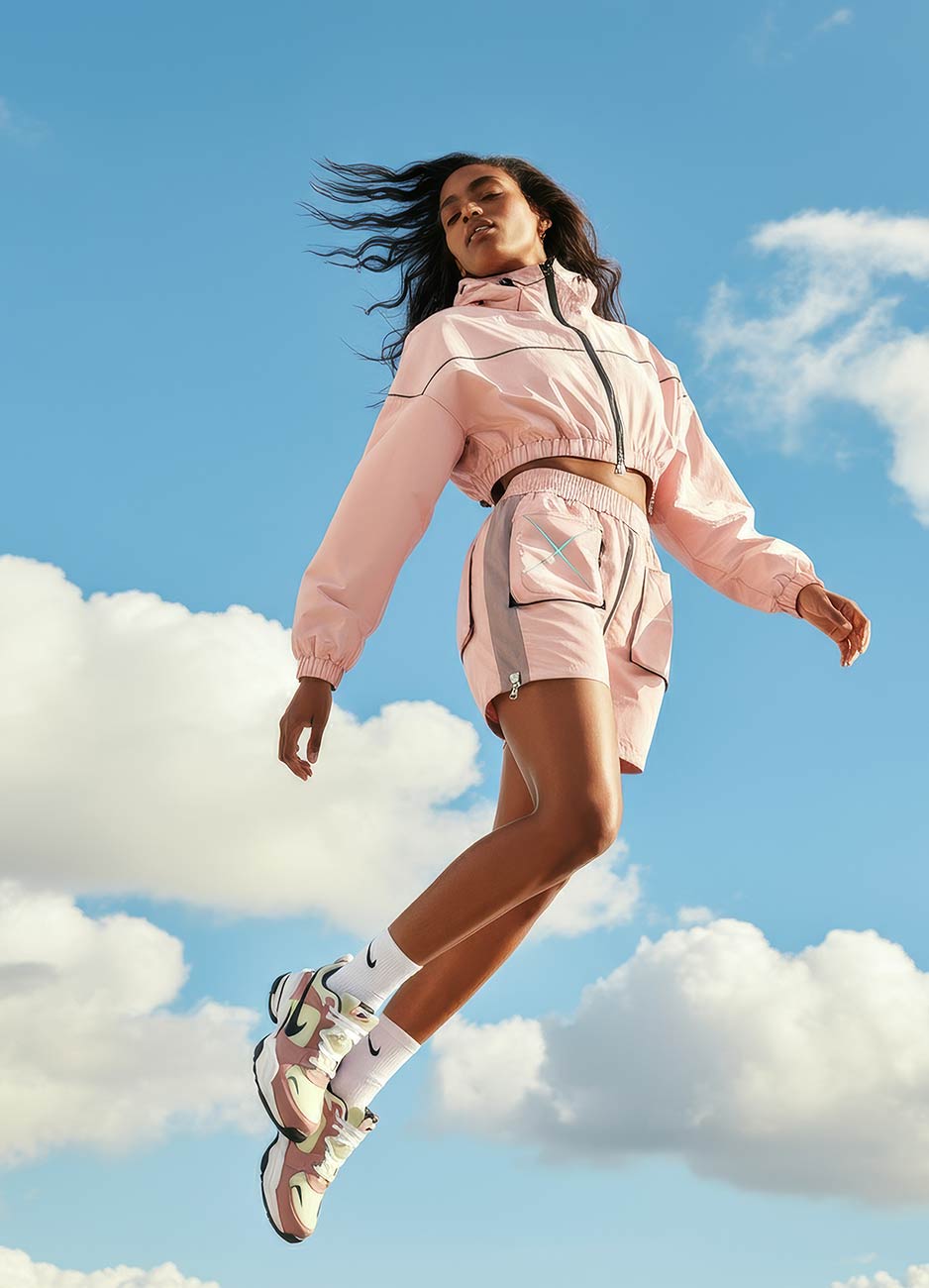
Remove Background from Images Instantly with Clean, High-Resolution Results
Drop any photo and download a clean transparent PNG in seconds. Edges stay sharp enough for web, social, and print-style layouts. No watermark, and no upload to a processing server.
Try it now

Apply Free Image Filters After Removing a Background
After the cutout, adjust the look in one click. Warm, cool, film, vivid, and other filters sit on the transparent PNG so you can finish stickers, listings, and social graphics without another app.
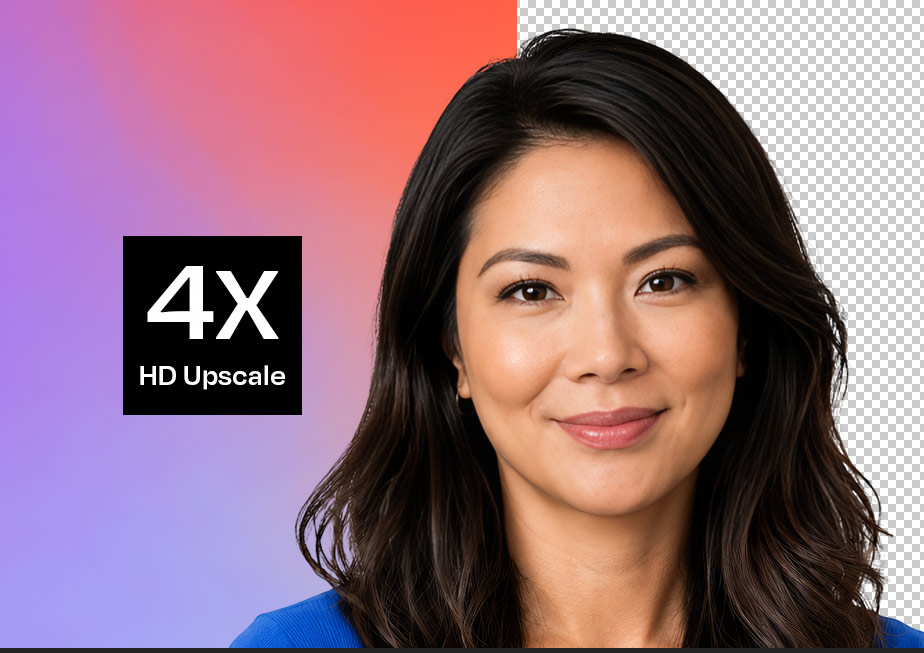
Keep original resolution when you remove a background
The cutout keeps the original pixels of your photo. Fine hair, product edges, and logos stay in the source resolution. Export PNG, JPEG, or WebP at the original long edge, or pick a smaller size if you need a lighter file.
Free online background remover with a local image editor
Add layered outlines, custom strokes, and paper cutout effects
The local editor does more than punch a hole in the background. Place the subject in a shape, fill with color, gradient, or a photo, stack outlines, add paper cutouts, filters, and text. Erase or restore with a brush. All of it stays on this device.
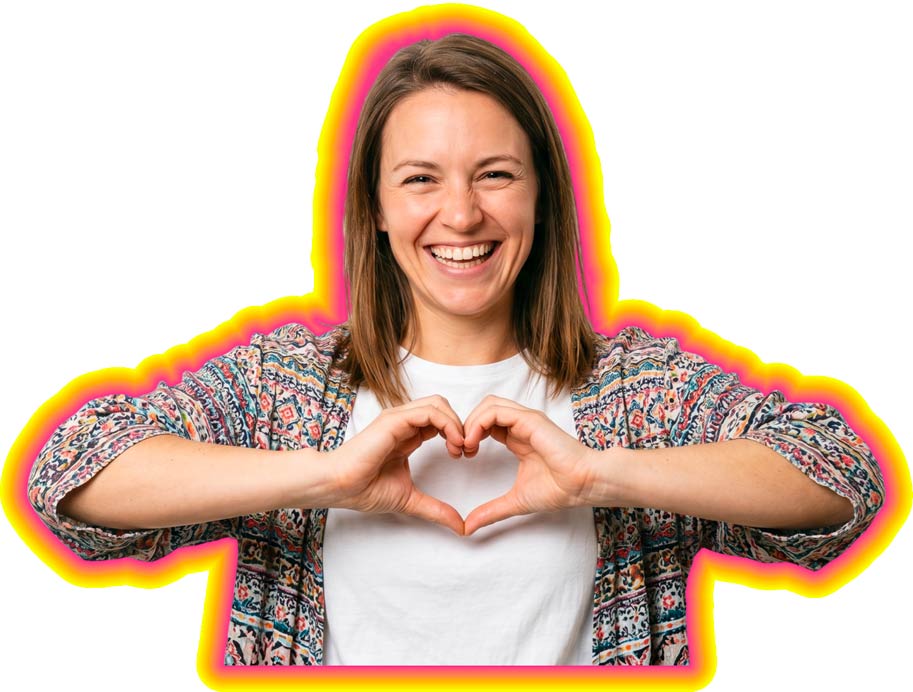
Clean Image Cutouts with Sharp, Precise Edges for Any Design
Get usable cutouts with smooth edges instead of jagged halos. Portraits, products, and graphics all go through the same local model, then you can tidy the mask if a detail needs a restore stroke.
Try it now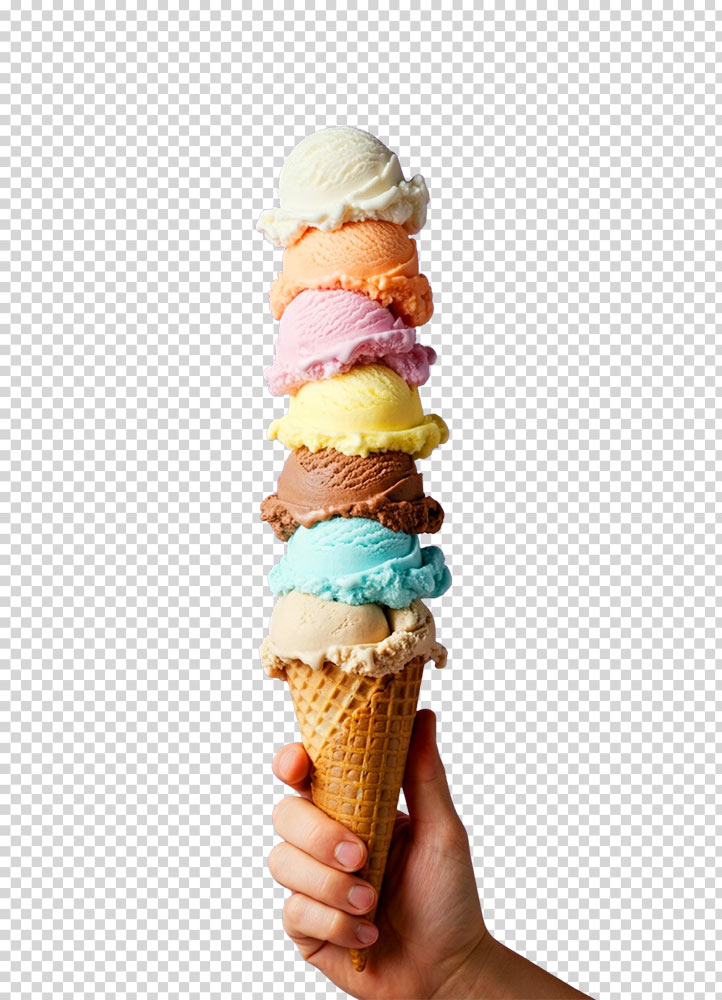
Remove Background Before and After Results
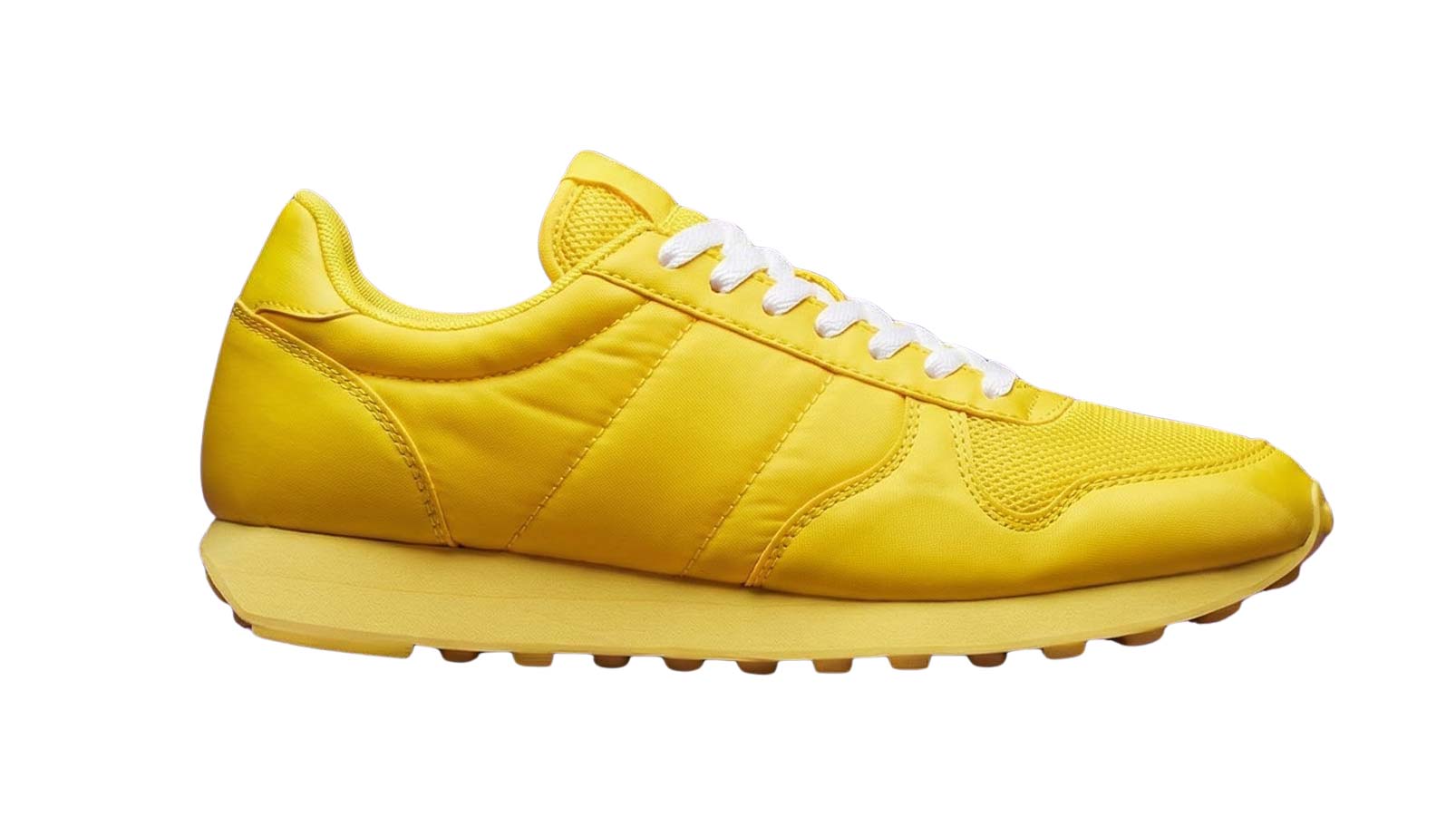
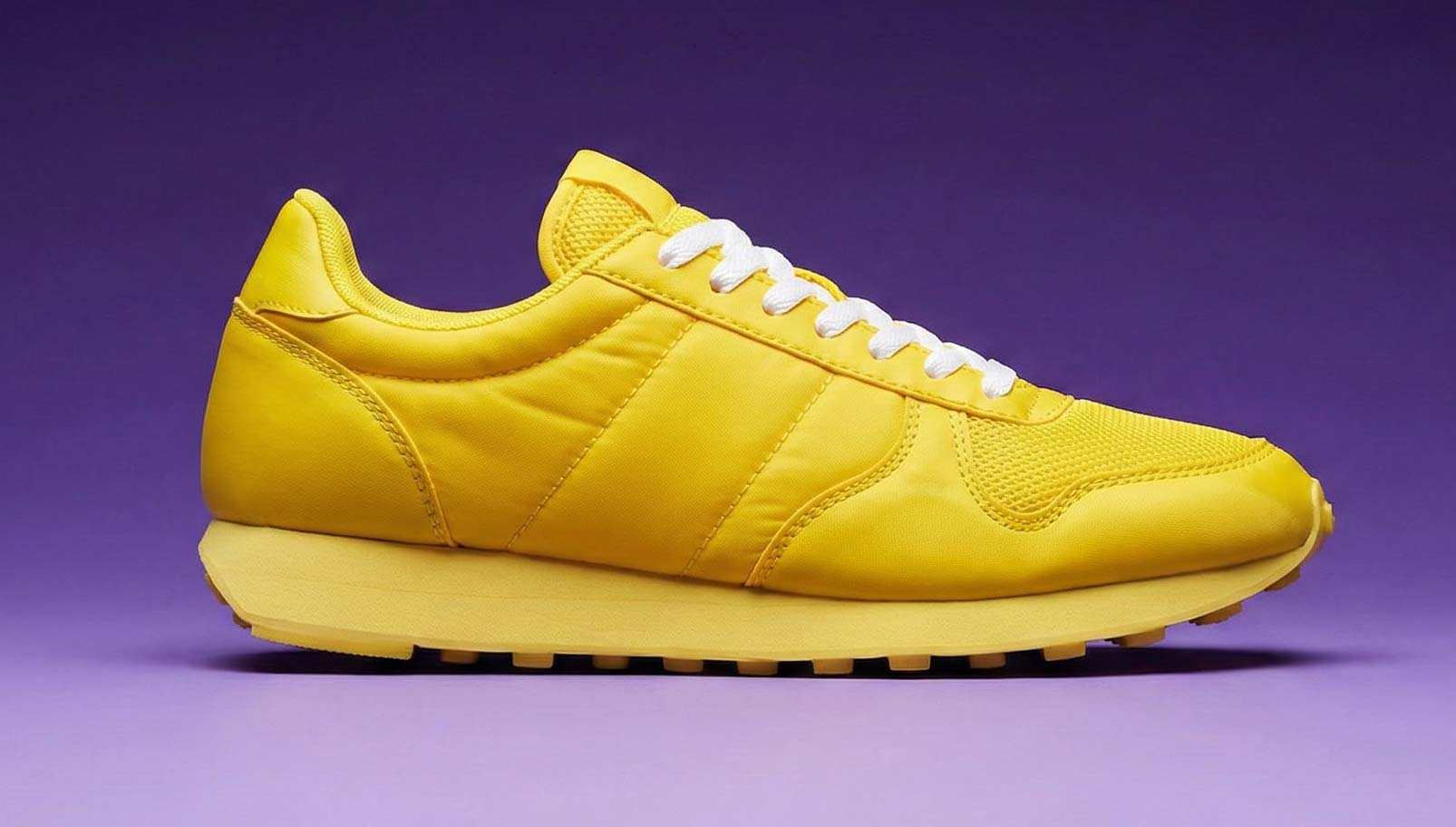
See the original scene on one side and a transparent PNG on the other. That is the file you download, ready to drop onto a new background or into a layout.
Background Removal Quality That Holds Up Across Web and Real-World Uses
Quality shows up at the edges. Hair, soft shadows, and curves are where a rough cut becomes obvious.
Toty runs a compact cutout model in your browser and keeps the full-resolution photo in memory. The mask is for isolation; the color you export still comes from the original file.
The result is a transparent PNG you can use in listings, social graphics, packaging mockups, and other layouts where a cheap halo would show.
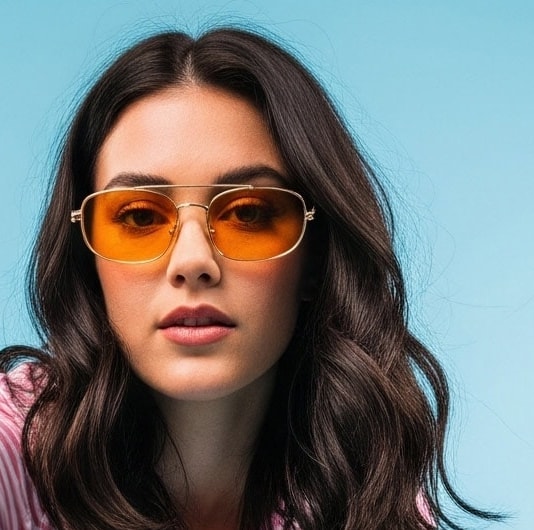
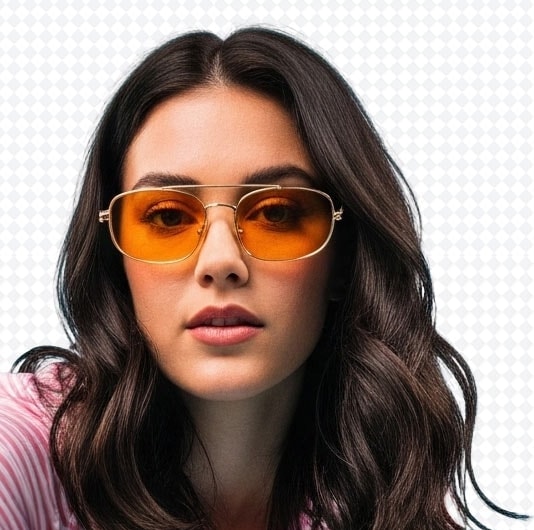
Clean, Sharp Edges with No Rough Outlines
Hair, shadows, and curves stay usable, with a brush if a strand still needs a restore.
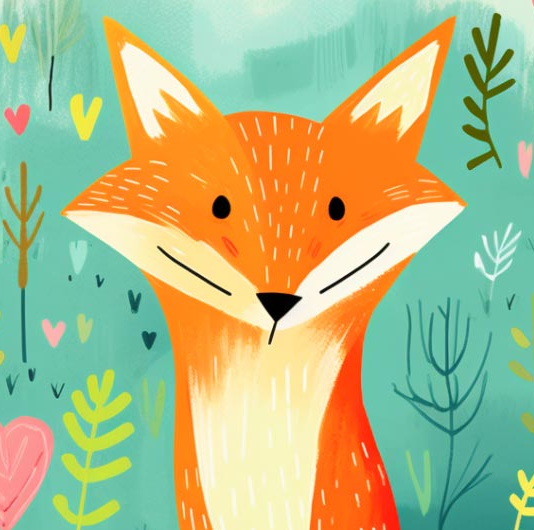
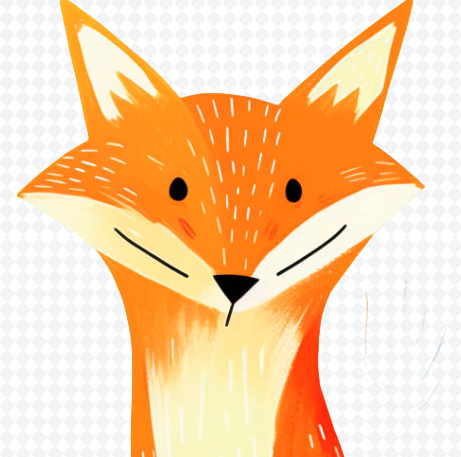
Works Across Photos, Logos, and Graphics
Portraits, products, and flat graphics all export as transparent PNGs for web or print-style work.
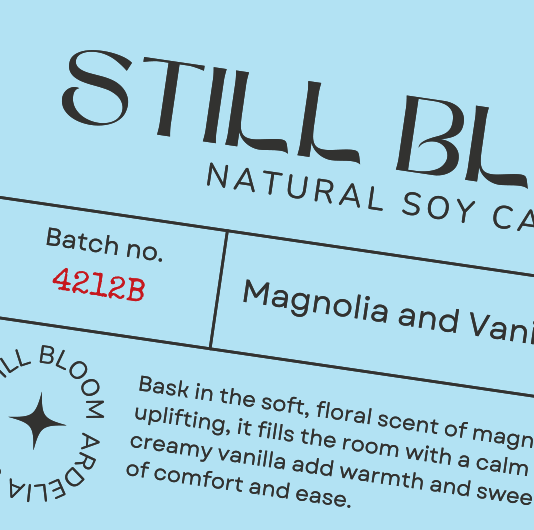
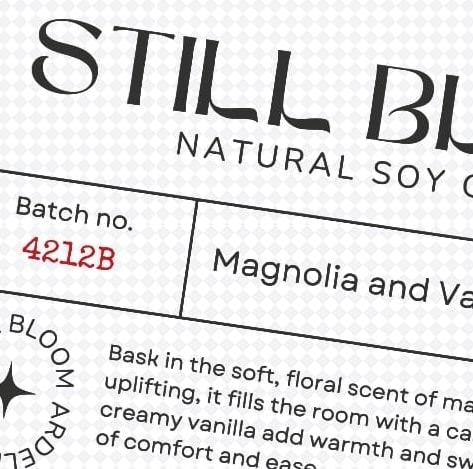
Clean Results That Hold Up in Real-World Use
Use the cutout on packaging drafts, shop photos, and branded layouts without sending the file out.
How to remove background from image
Drop in your image and get a cutout in seconds. No tracing, no lasso.
The local model looks for the subject and builds a soft mask. Wispy hair and curved product edges are included in that pass.
You get a natural-looking cutout with the original detail intact, then you can edit or download immediately.
Download a transparent PNG and place it on a new background, a product mockup, or a social graphic.
- No manual selection needed
- Fine details like hair and shadows stay in the mask
- Instant transparent PNG download
- Built for social, web, and print-style layouts
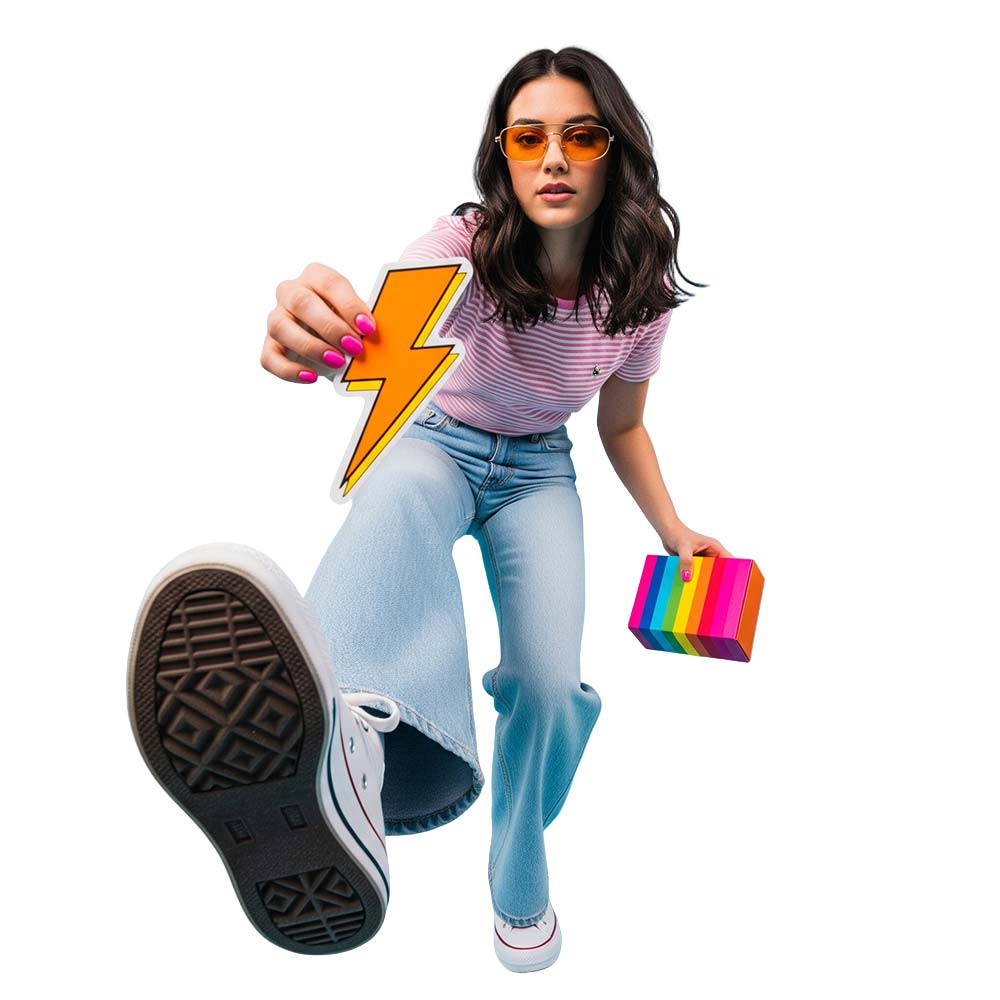
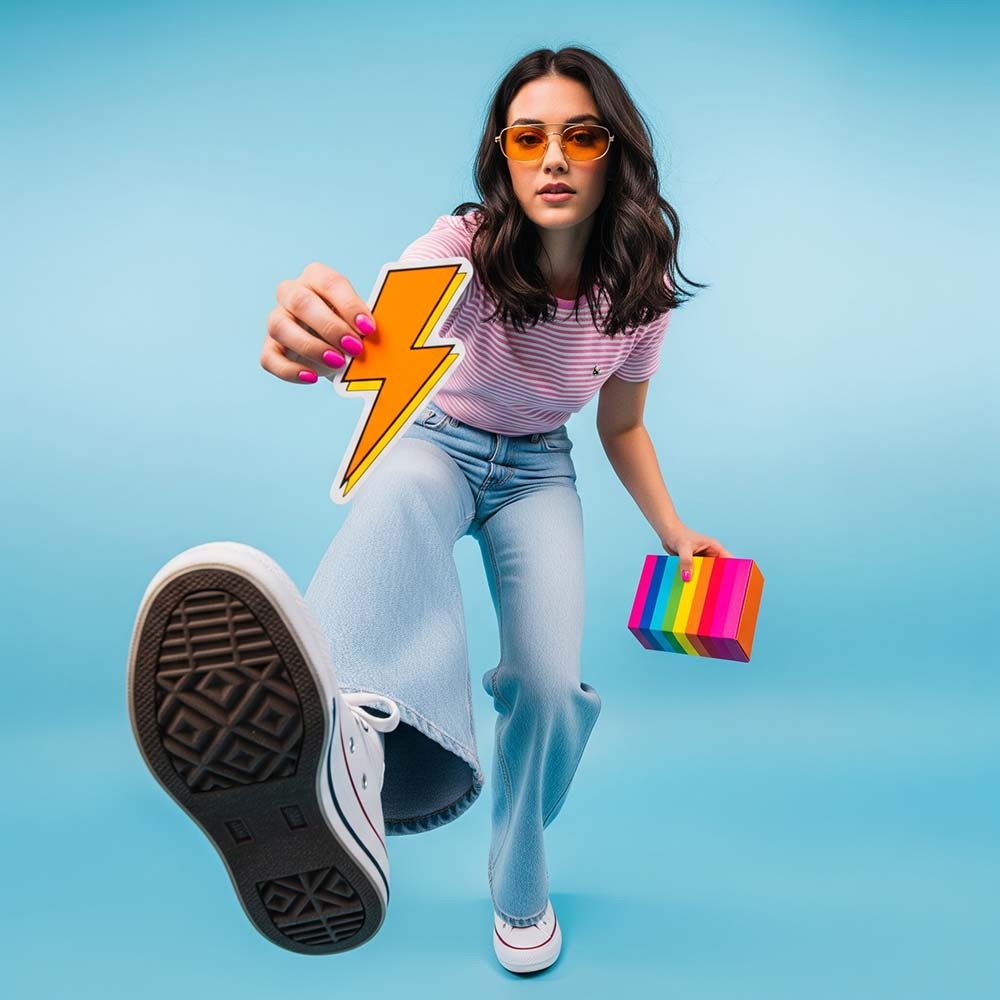
Background Removal for Photos, Products, and Design Projects
Turn images into high-resolution transparent PNGs in seconds.
Photos for products
Clean product shots for websites, marketplaces, packaging, and catalogs.
Logos and graphics
Turn logos and illustrations into transparent PNGs you can reuse on web, social, and print drafts.
Stickers and print
Cutouts for stickers, labels, and print-ready artwork, including die-cut style shapes in the editor.
Toty vs Cloud Cutout Tools vs Design Suites
Compare where the photo is processed, batch limits, transparent PNG export, and whether an editor is included.
| Feature | Toty | Cloud cutout sites | Design suites |
|---|---|---|---|
| Where it runs | On this device, in the tab | Usually on a remote server | In the suite, often with cloud sync |
| Batch | Up to 50 images in one pass | Varies; high-res may be paid | Folder tools vary by plan |
| File types | JPG, PNG, or WebP, 25MB each | Vendor limits apply | Vendor limits apply |
| Transparent PNG | Original resolution, or Low / Med / High long-edge | Preview size may be capped | Export depends on the plan |
| Editor | Fills, outlines, paper, shapes, filters, text, scale, brushes | Some include a brush | Full canvas, heavier workflow |
| Privacy | Selected photos are not uploaded | The file is sent for processing | Depends on the product |
This comparison describes Toty as it works in this browser. Other products change often; check their current docs before you rely on a limit.
Common Questions.
Yes. Selected photos stay in this browser tab and are never uploaded for processing. The cutout model runs locally in a Web Worker. The site only downloads its interface and the on-device model files.
Upload or drop a JPG, PNG, or WebP (up to 25MB), wait for the local model, then download. There is no signup, no paid preview, and no watermark on the export.
Yes, all on this device: color, gradient, photo, or scene fills; layered outlines and paper stacks; shape masks; filters; text; scale and position; plus erase or restore brushes. Hold the eye tool or B to compare with the original.
Yes. The default export is a PNG with an alpha channel. Choose JPEG or WebP when you want a smaller file with a fill behind the subject. The download menu also offers Low, Med, and High long-edge sizes (High keeps the original longest side).
Up to 50 images per batch, 25MB each, as JPG, PNG, or WebP. Download one by one, or export all as a ZIP with the same look applied.
There is no AI upscaler. The export keeps your photo’s resolution (High = original long edge). You can scale and reposition the subject in the editor, or pick Med / Low in the download menu for a lighter file.
A clear subject against a simpler background works best. Very busy scenes, tiny subjects, or heavy motion blur can confuse the mask. Use the restore and erase brushes when a strand or edge needs a fix.
Yes. Export a transparent PNG, or place the subject in a shape mask in the editor before you download. Outlines and paper-cut styles are available in the same local editor.
Yes. There is no account wall, no paid preview, and no watermark on downloads.