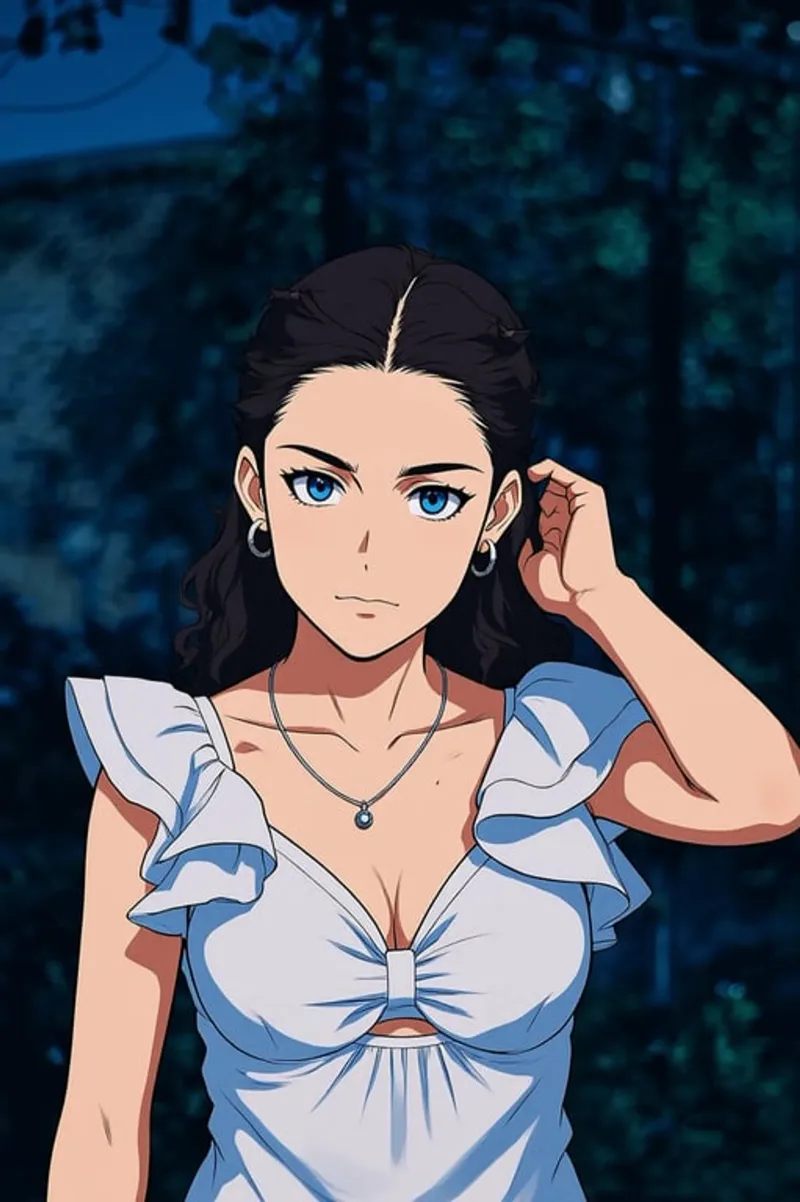
AI Cut-Out Cartoon Turn a Photo into a Cartoon
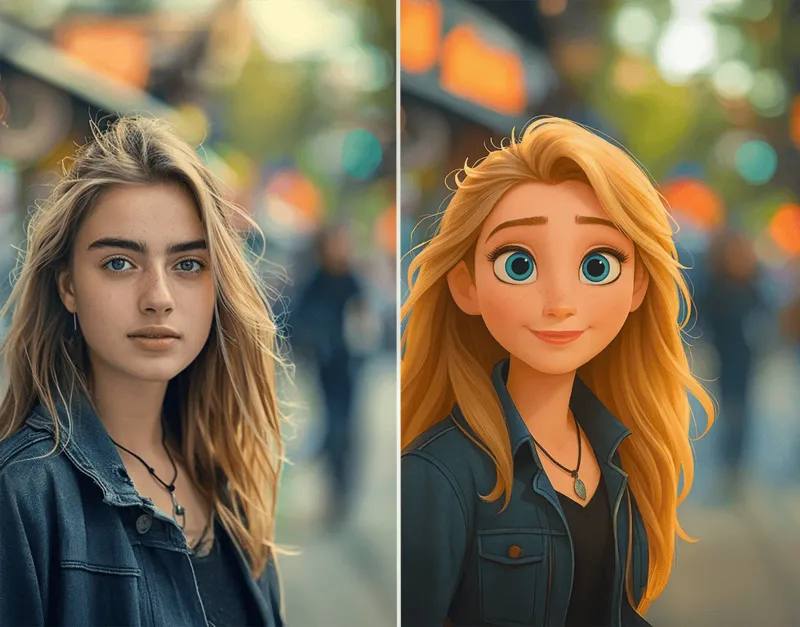
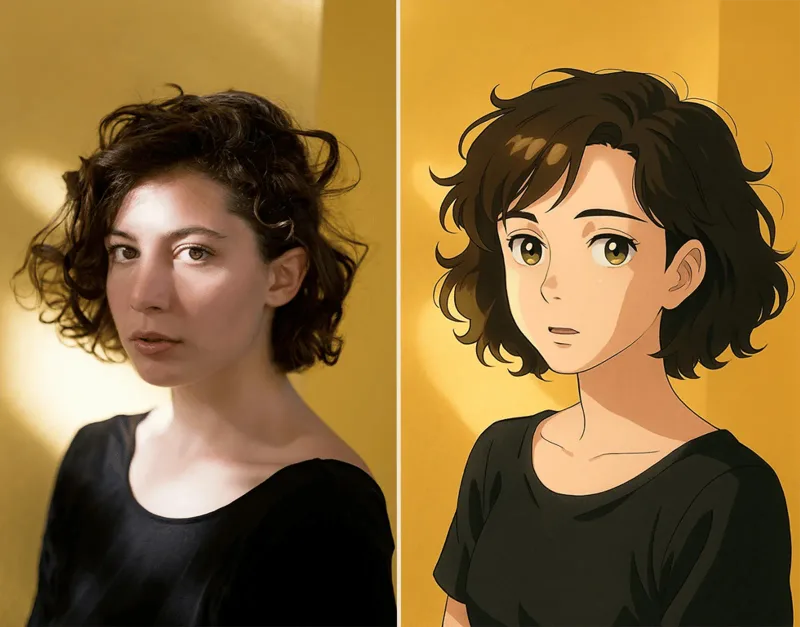
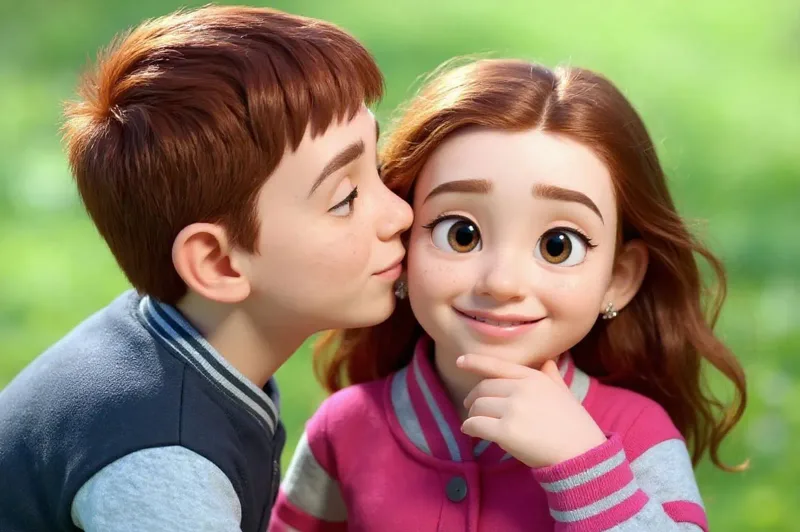
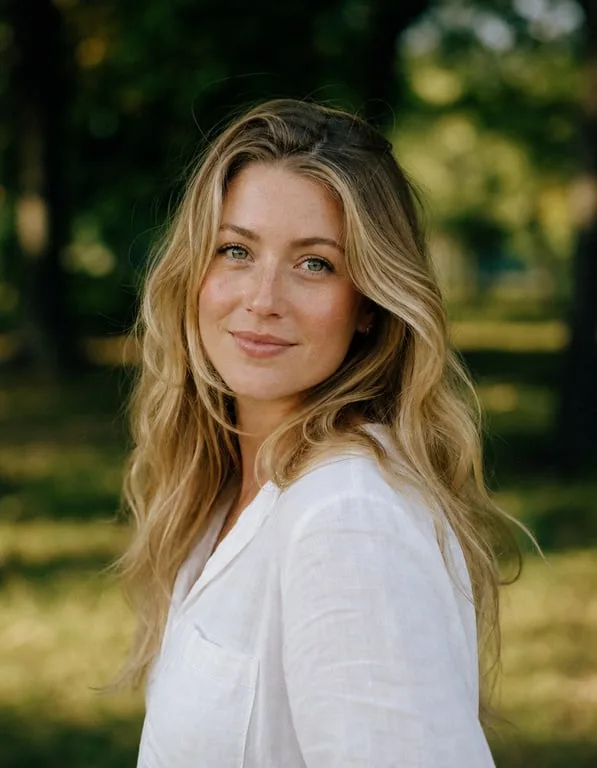
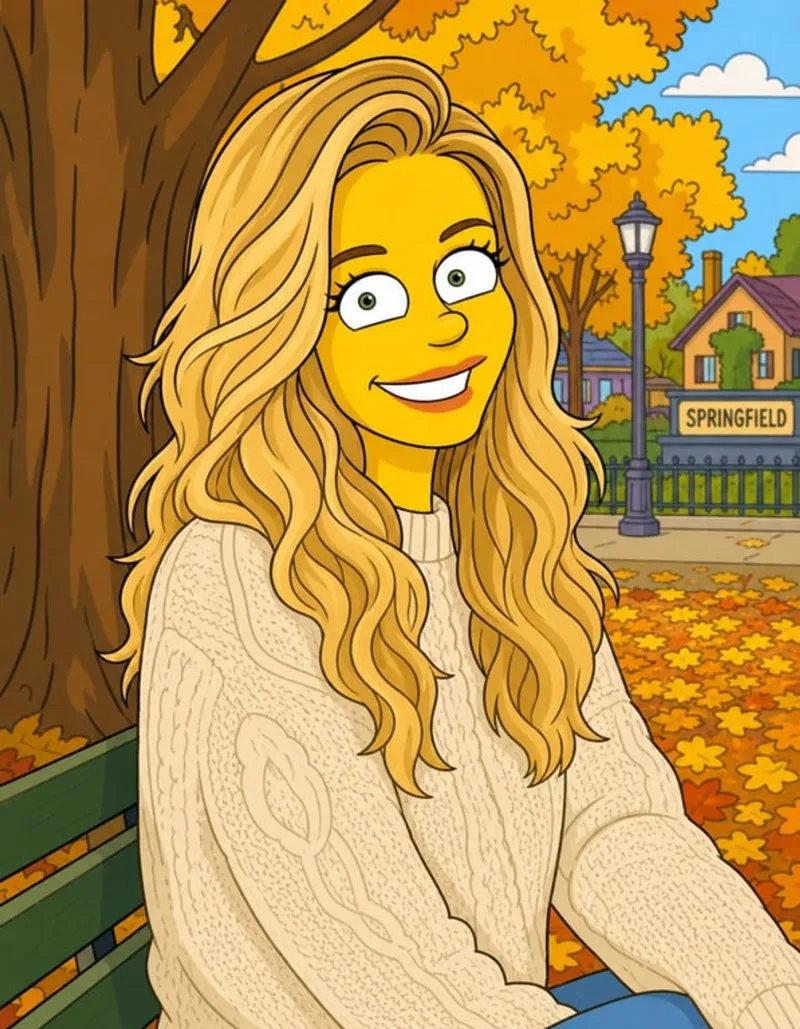
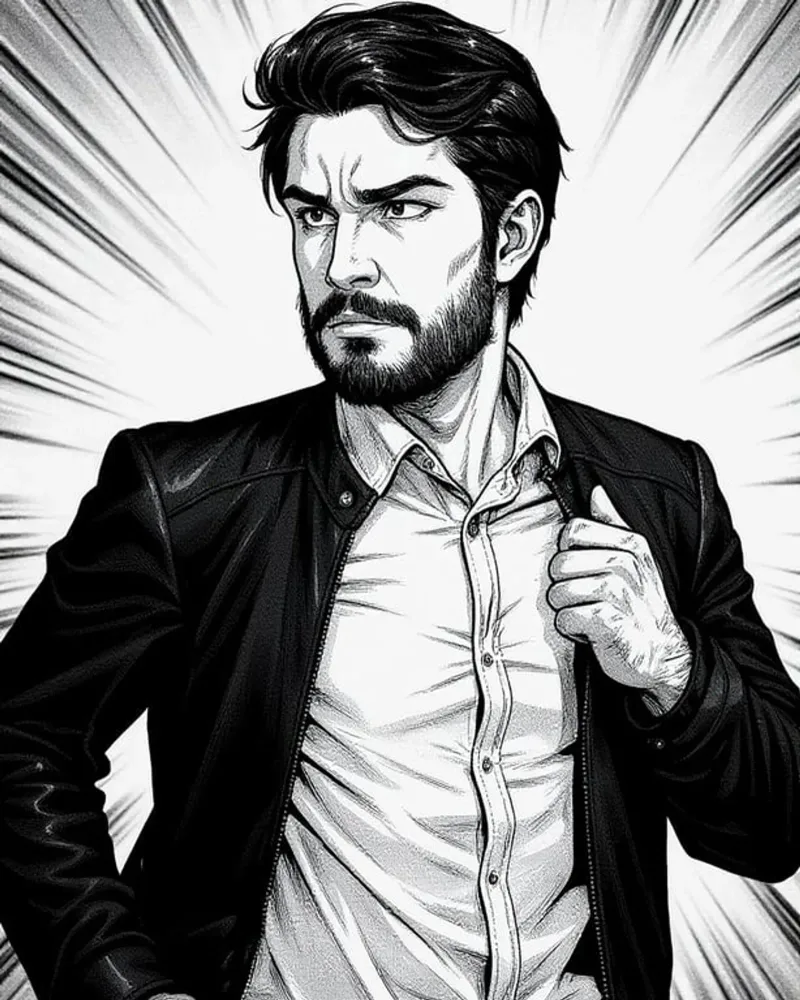
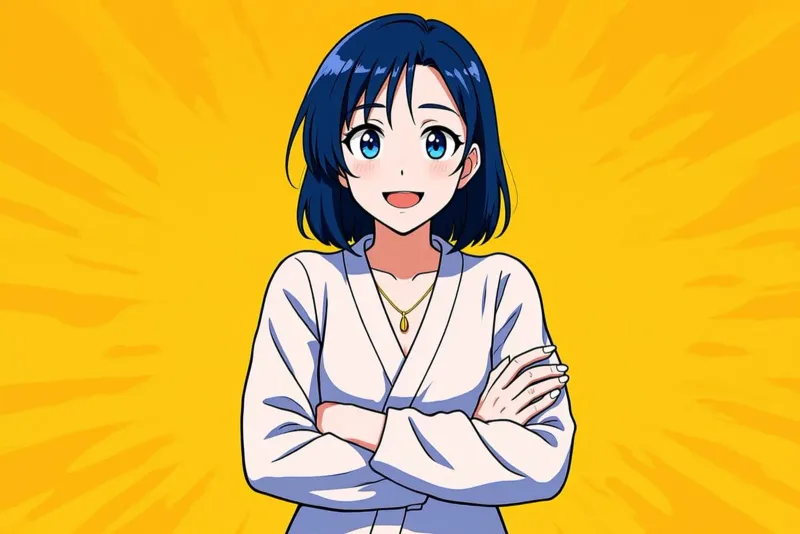
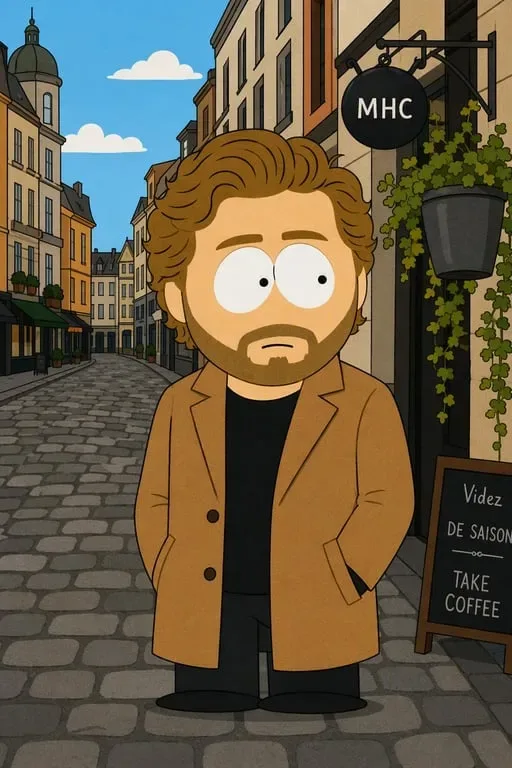
Upload a portrait and Toty draws it as a round-headed, simple cut-out cartoon, keeping hair, clothes and colors.
Sign in to generate. Failed runs are free.
Examples
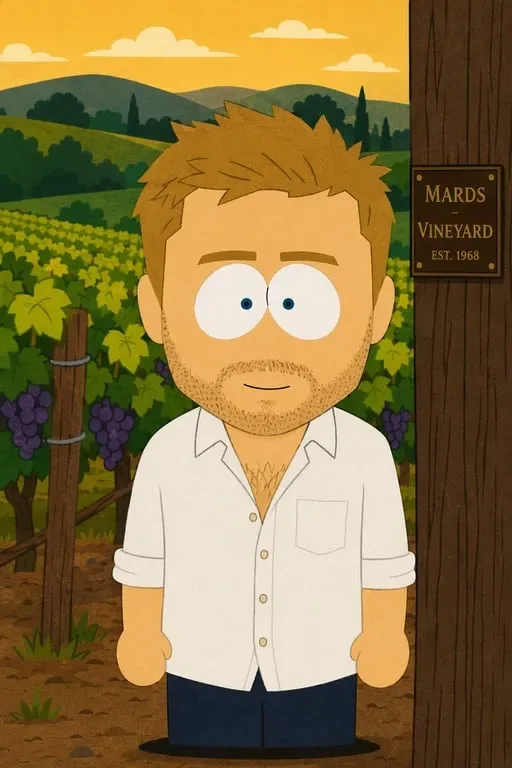
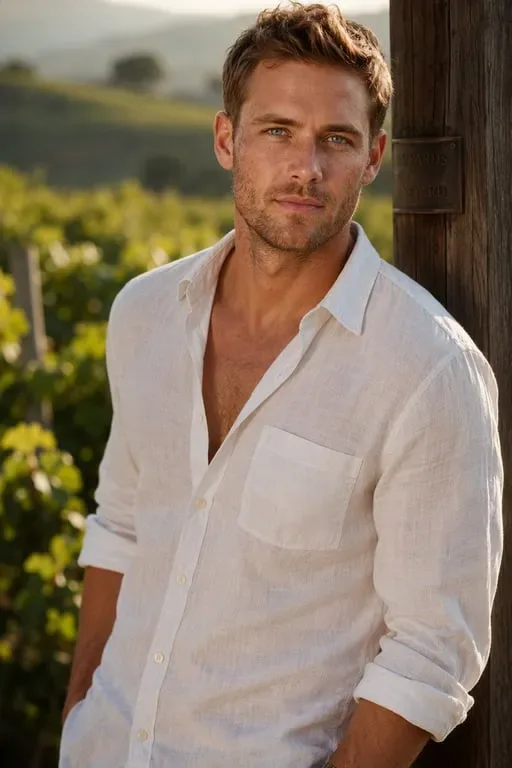
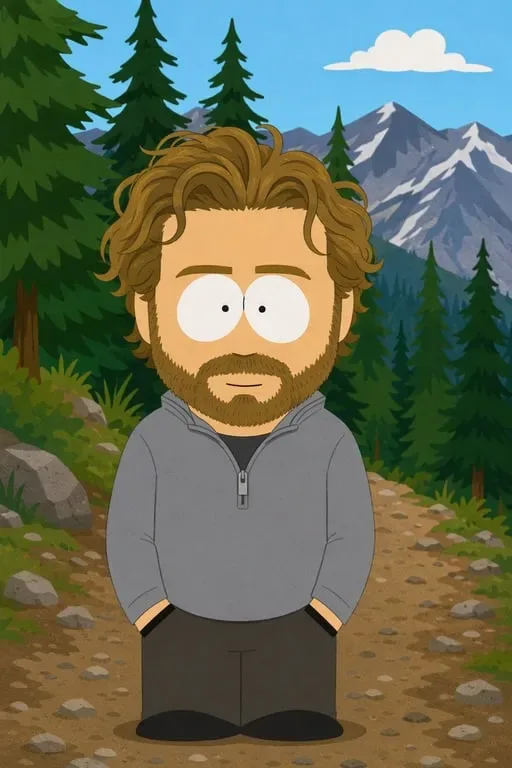
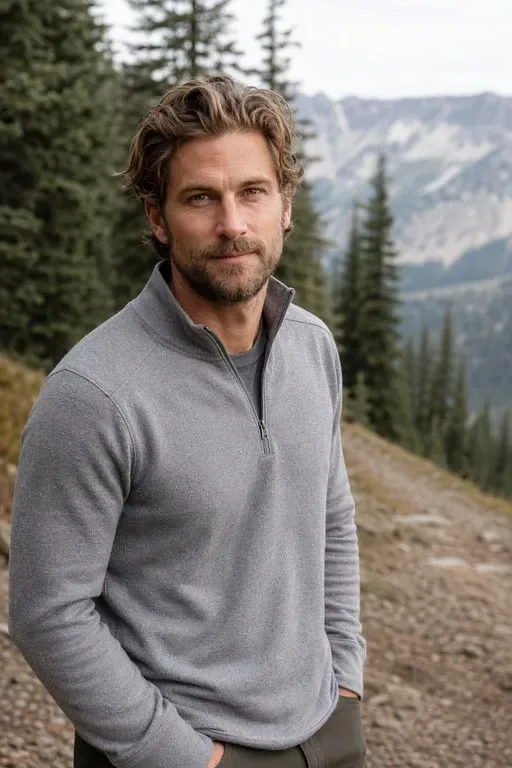
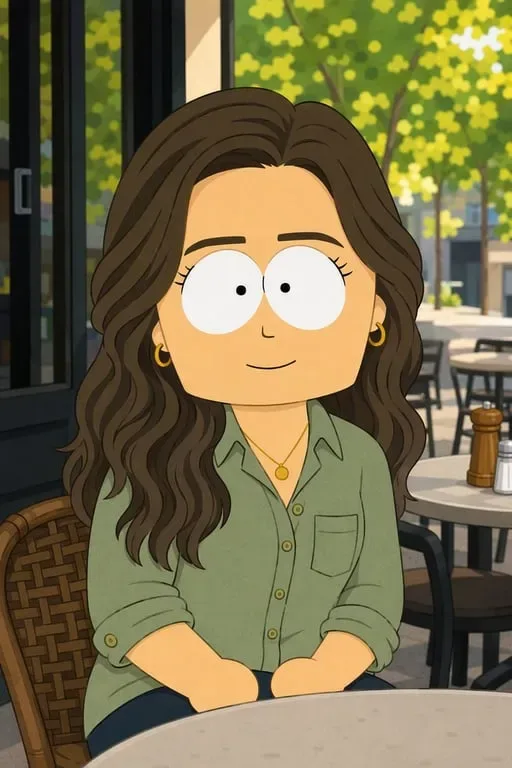
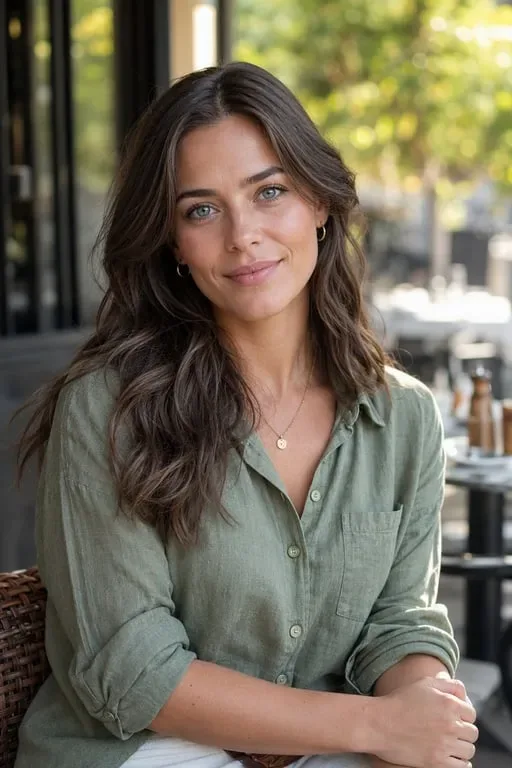
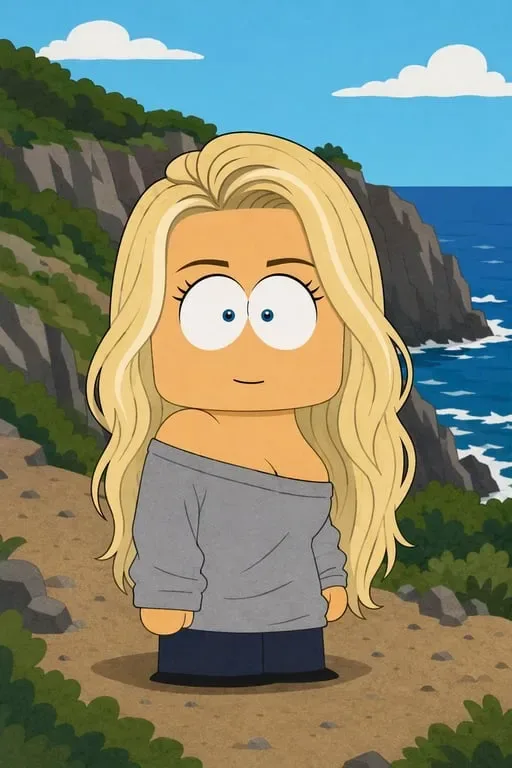
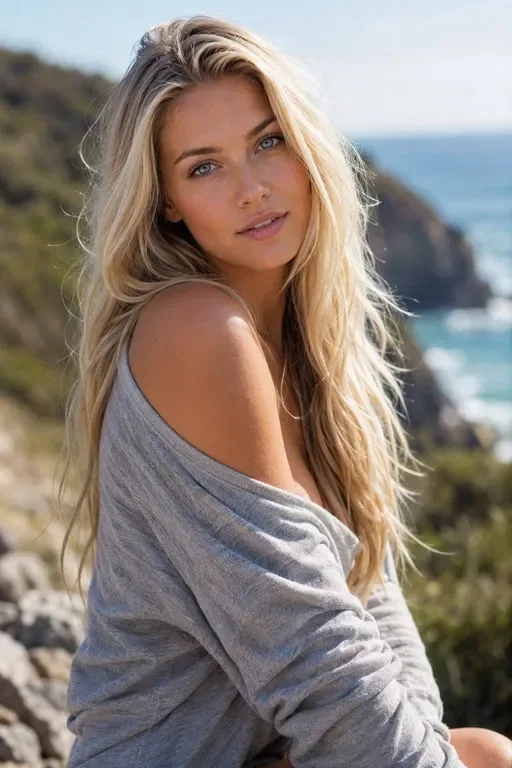
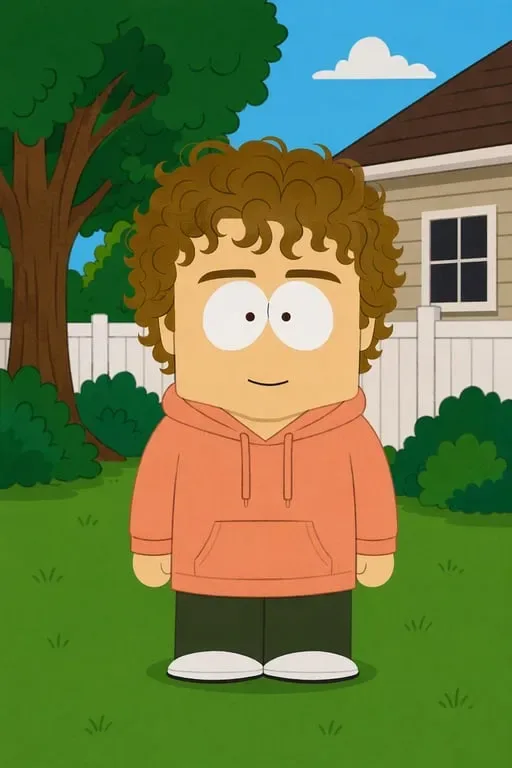
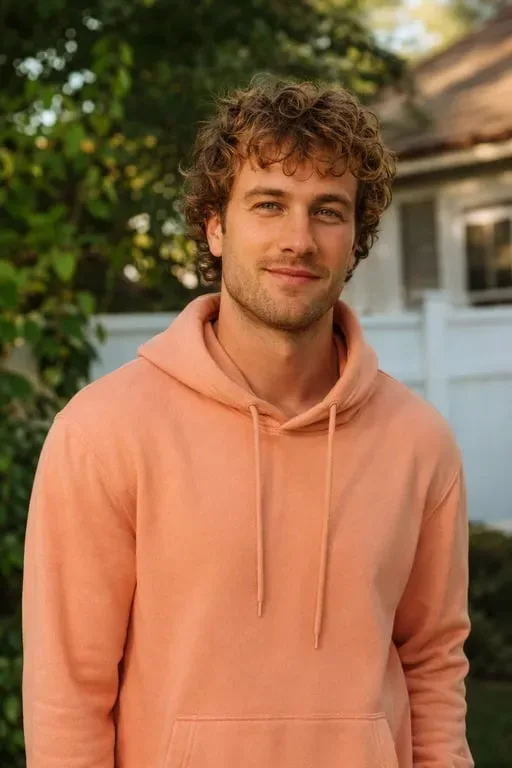
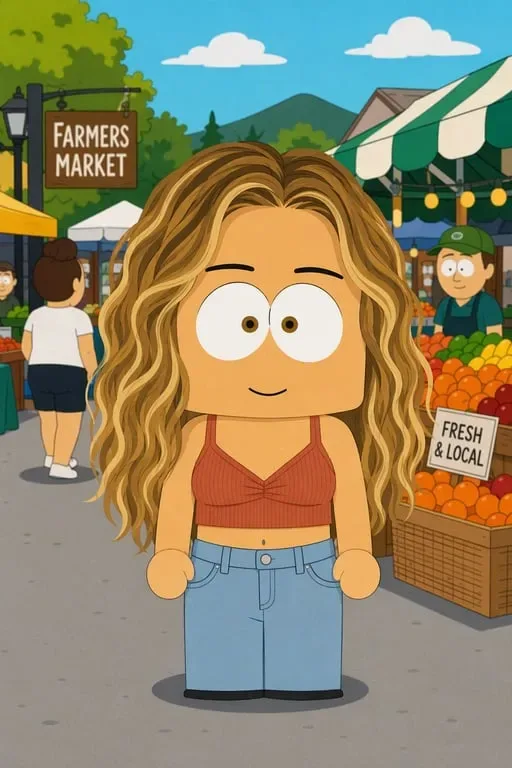
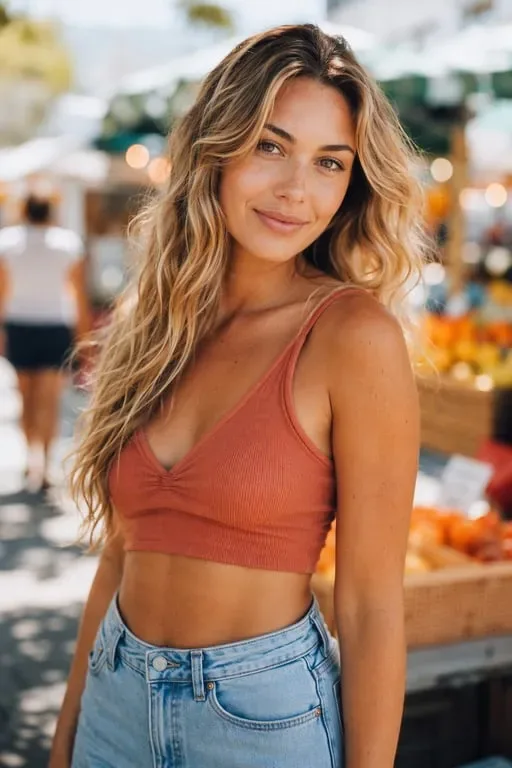
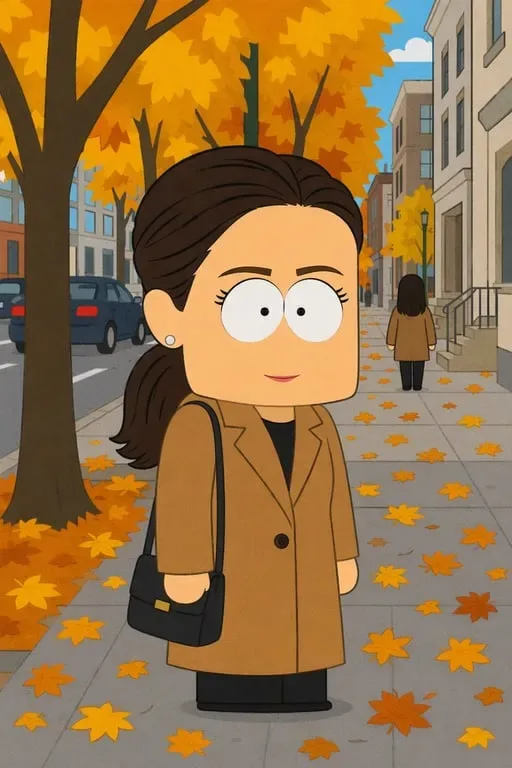
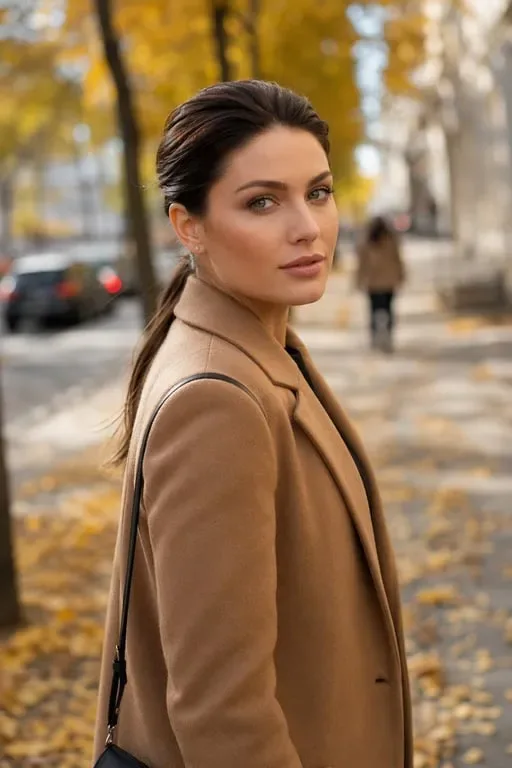
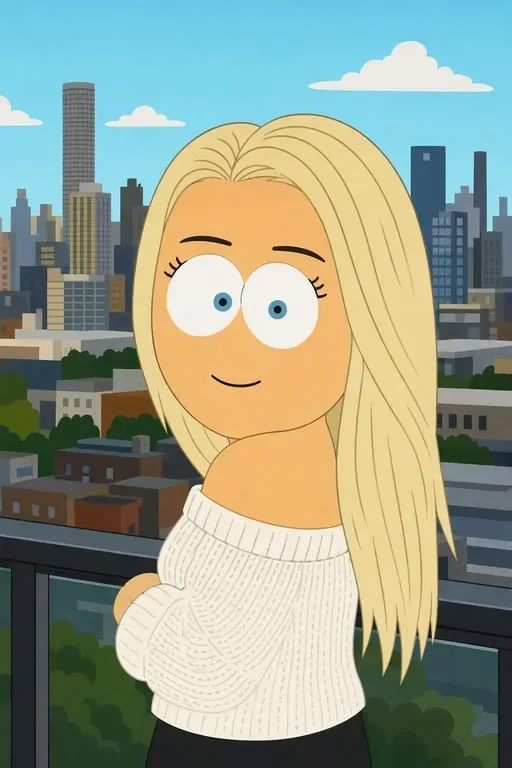
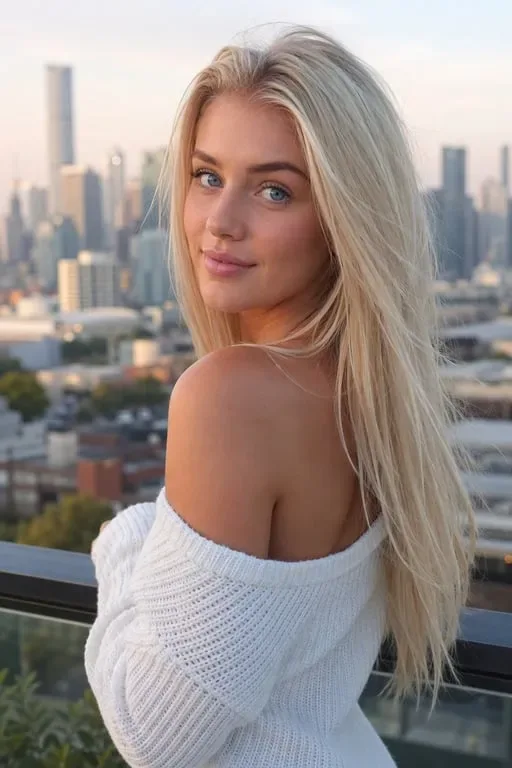
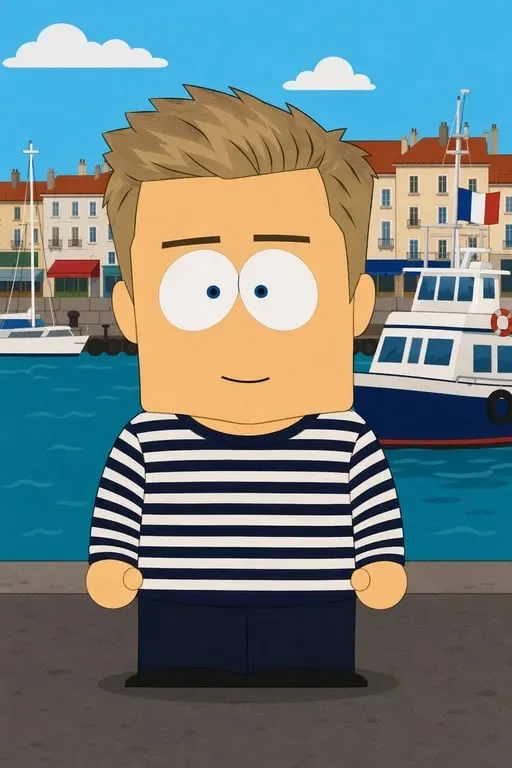
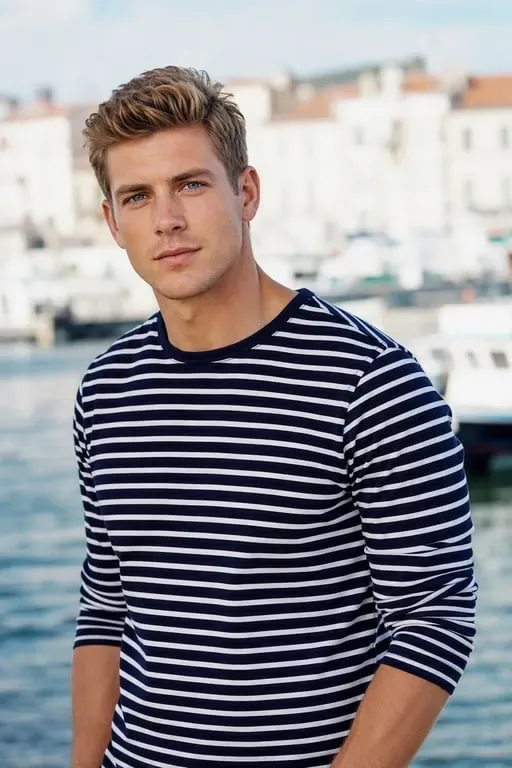
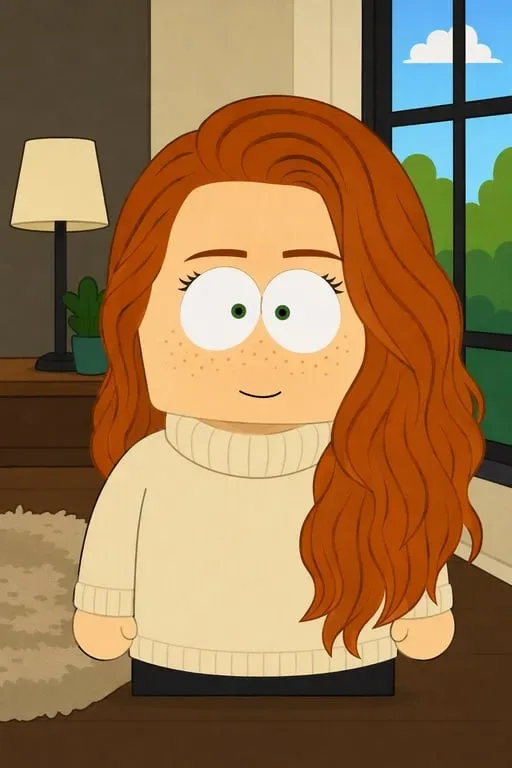
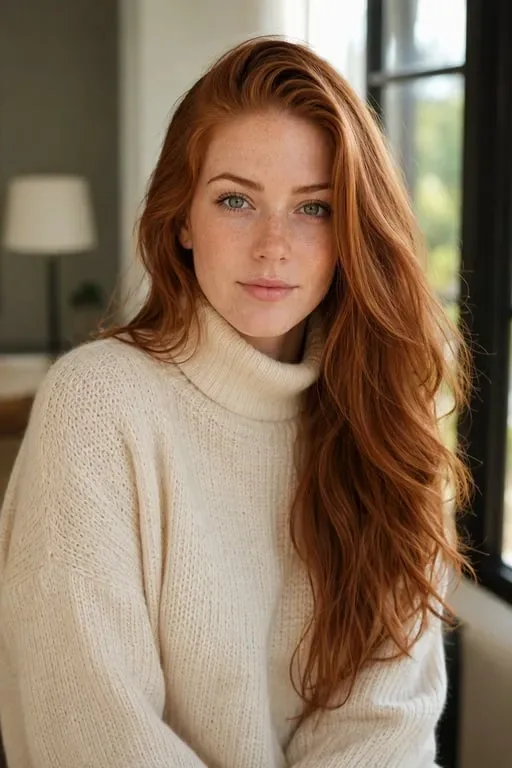
What people use the cut-out cartoon style for
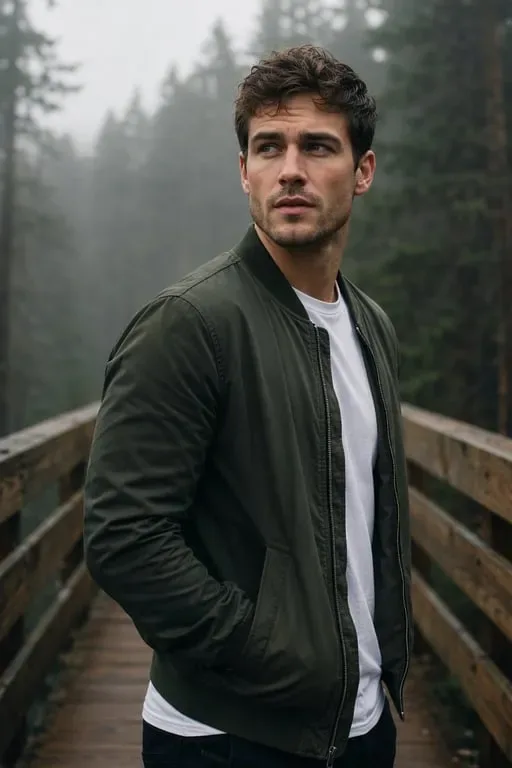
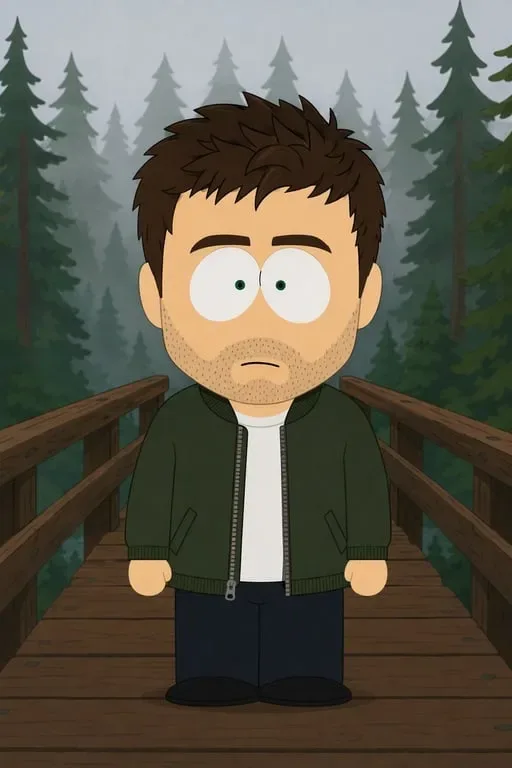
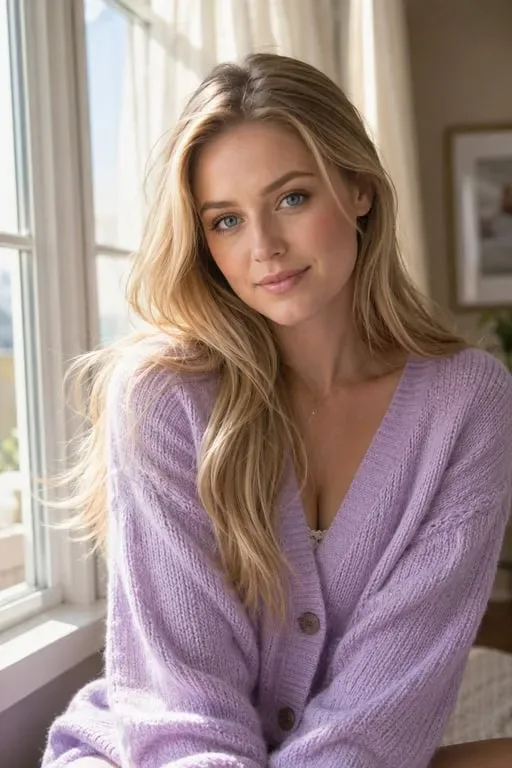
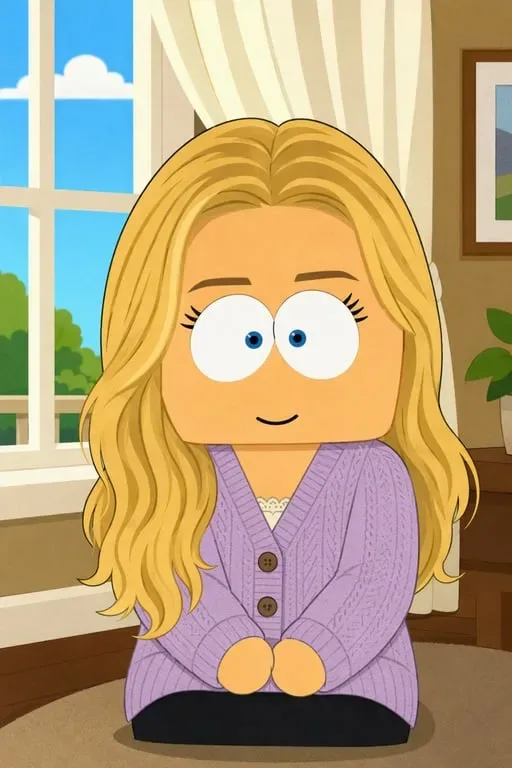
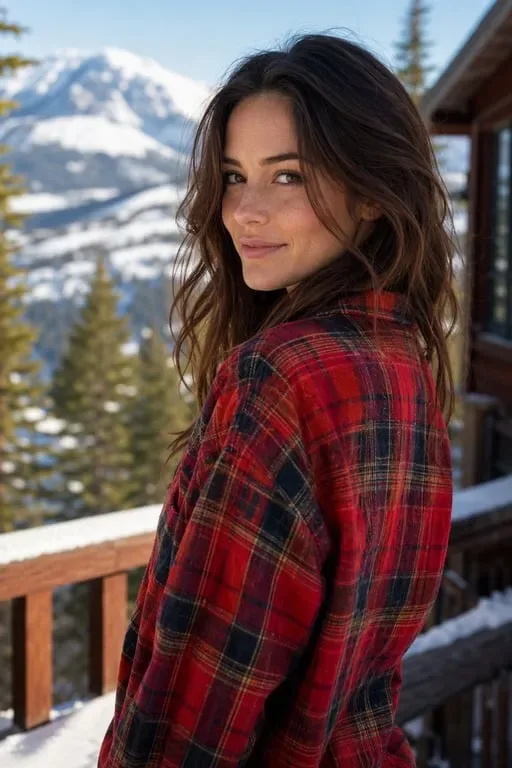
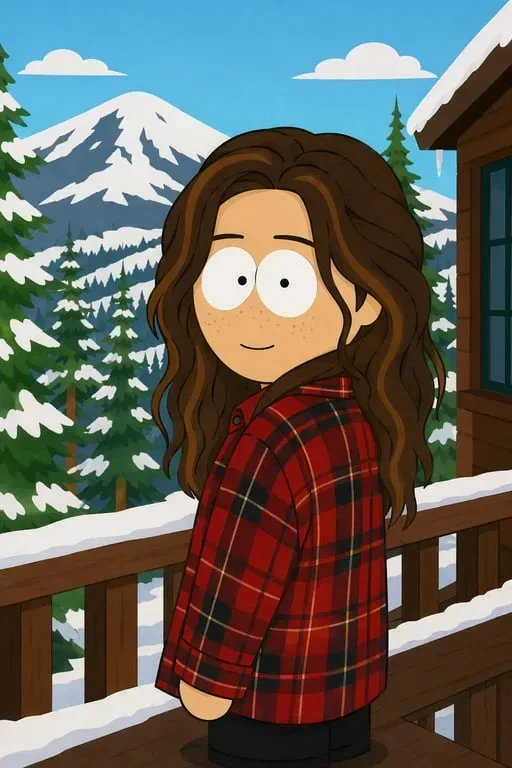
Why use Toty for the cut-out cartoon style
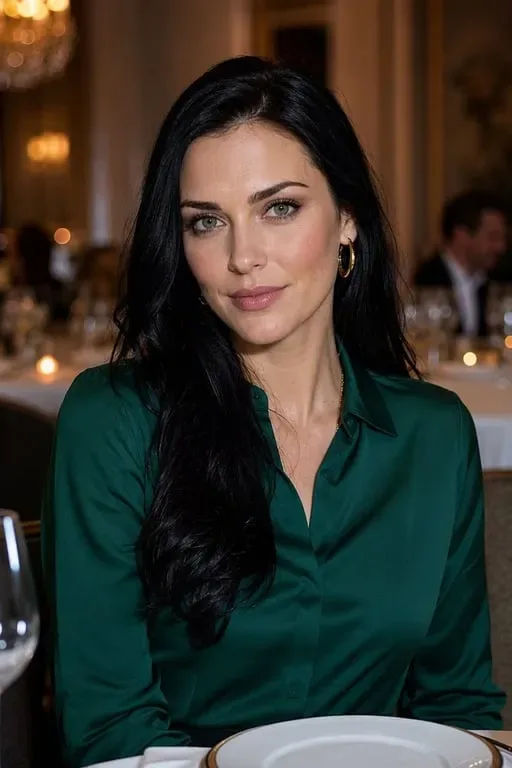
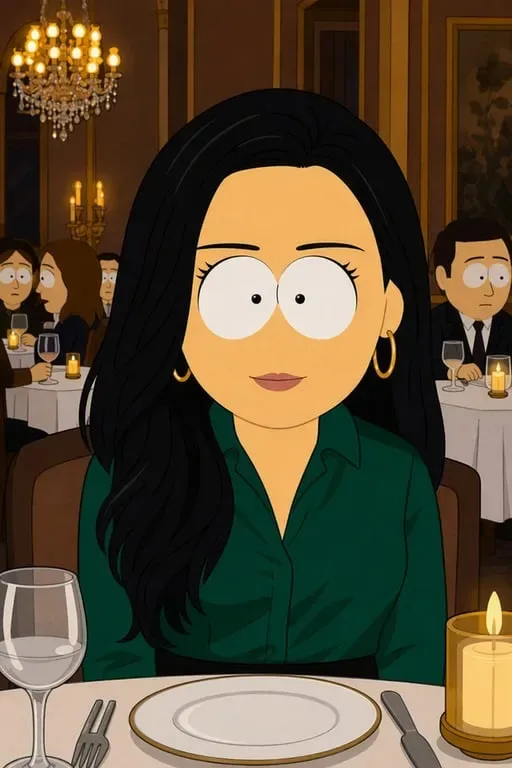
Keeps the original composition
The default prompt keeps the subject and framing of your photo and changes only the style or detail you describe.
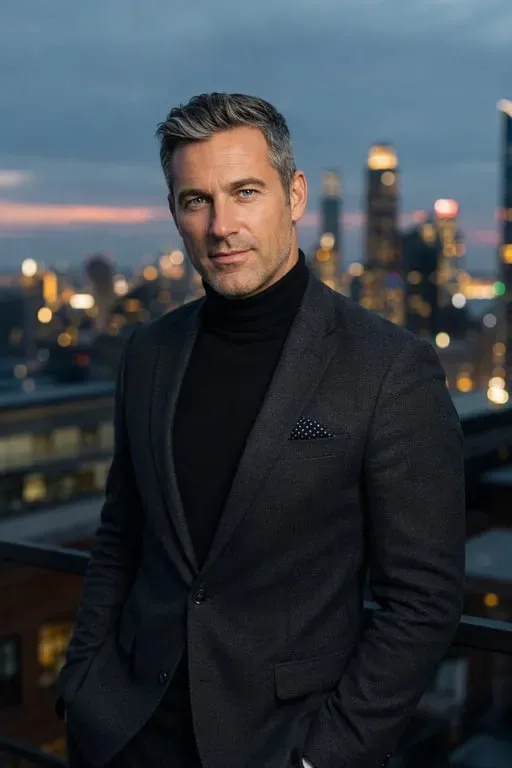
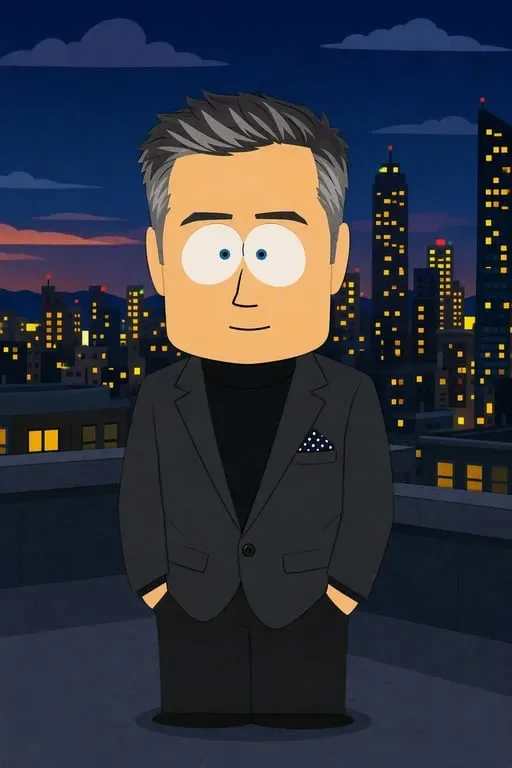
Pick your model
GPT Image, Nano Banana, Seedream and more are available, so you can choose by look and price.
Clear credit cost
Sign in to generate. The submit button shows the credits the selected model and resolution will use, and a failed task costs nothing.
How to use the cut-out cartoon style
- Upload photo
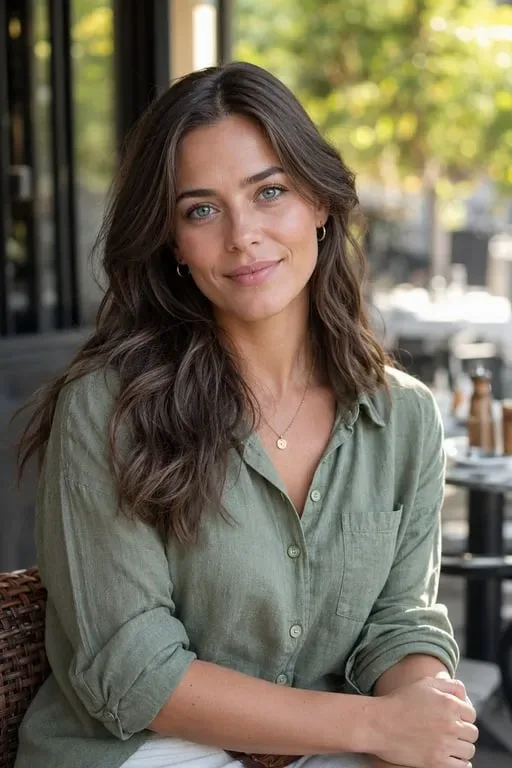 Step 1
Upload a photo
Use a clear, well-lit photo. JPEG, PNG and WebP are supported.
Apply a balanced South Park character filter with clean paper-cut art styling, flat solid colors, and signature animated features. Keep the subject's exact posture, clothing silhouette, and background elements strictly identical.
2K3:4GenerateStep 2Adjust the prompt
Add a background and expression, such as a small-town street and a surprised face.
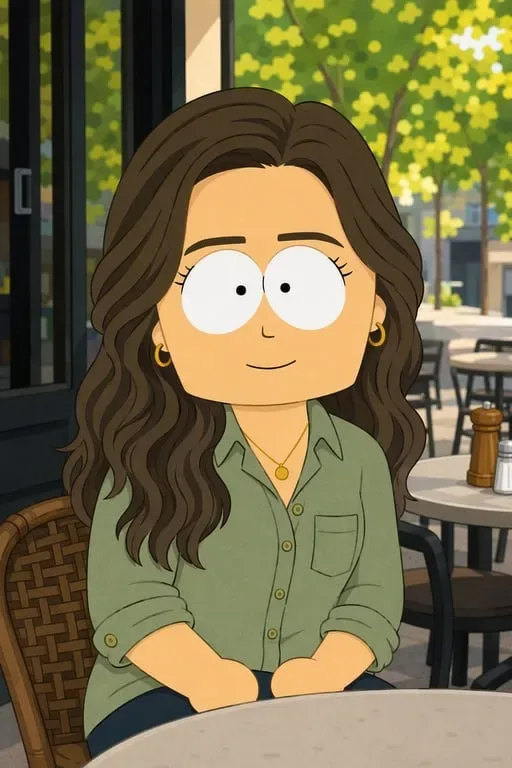 DownloadStep 3
Generate and download
Sign in, check the credit cost on the button, and generate. Download the result when it is ready.
Frequently Asked Questions
No. Toty is not affiliated with any show; it creates a similar style for personal use only.
Yes. Generating needs a Google or email account. New accounts receive a few welcome credits to try it.
Each generation uses credits based on the model, resolution and image count. The submit button shows the exact amount, and failed tasks are not charged.
Usually between ten seconds and a minute, depending on the model and how busy it is.
Keep exploring
New models and popular tools, one click away.