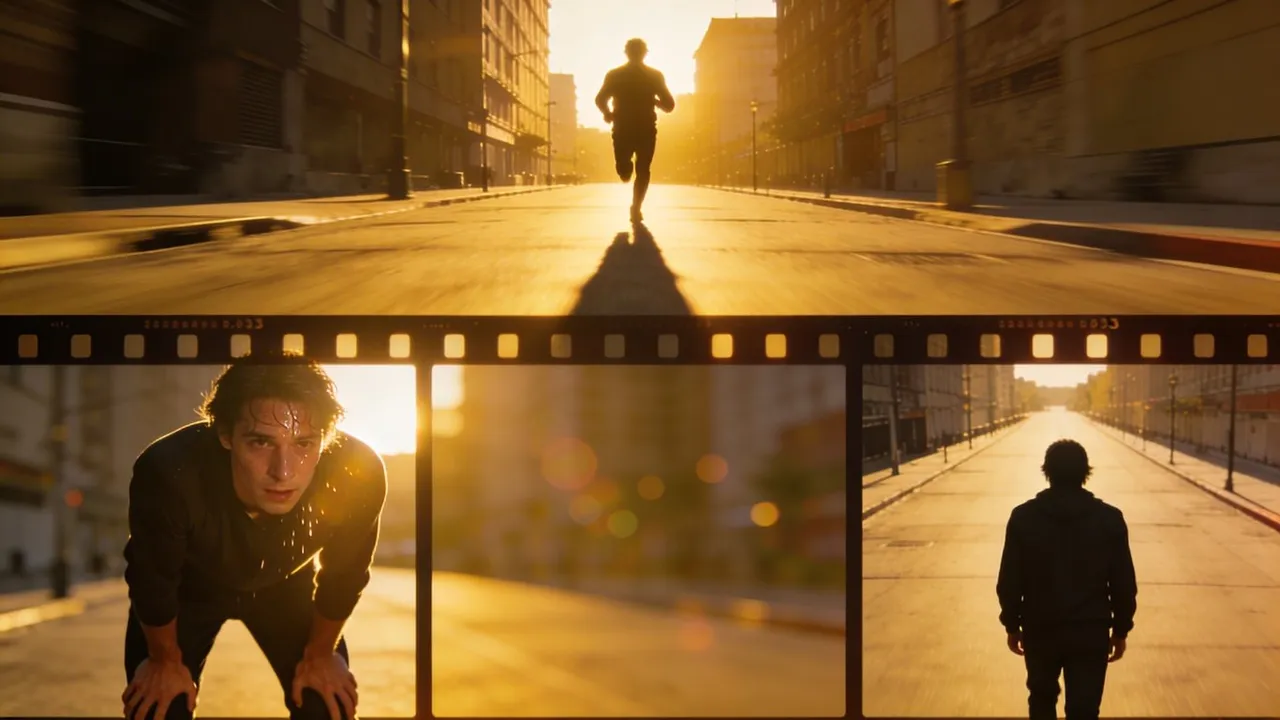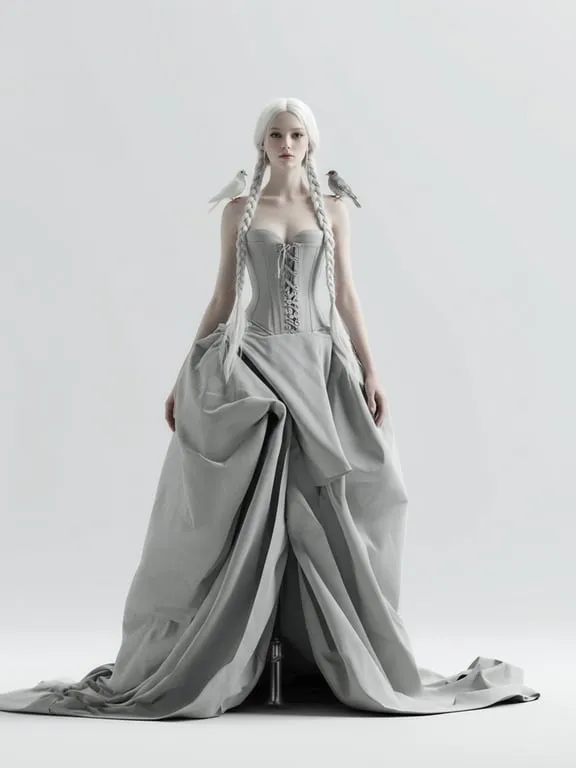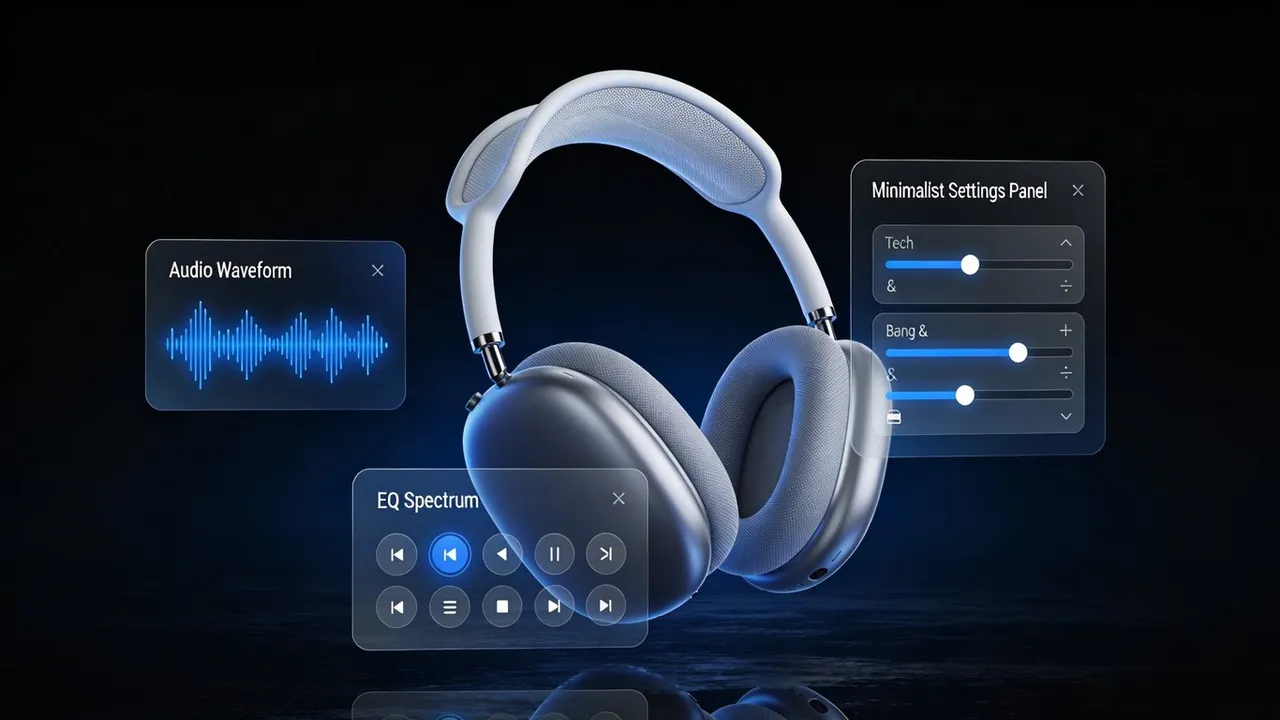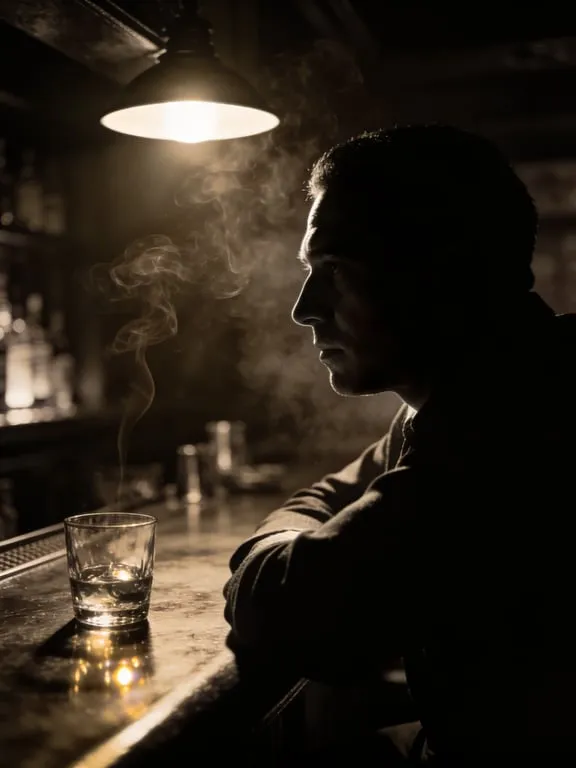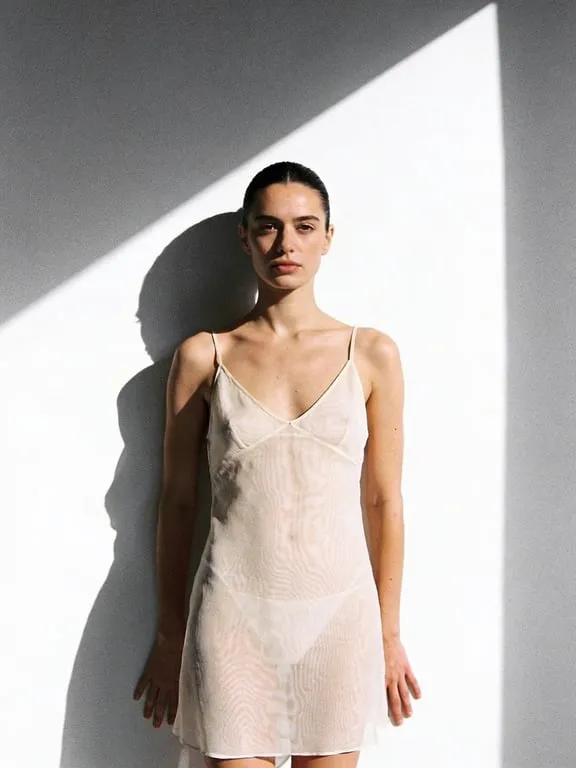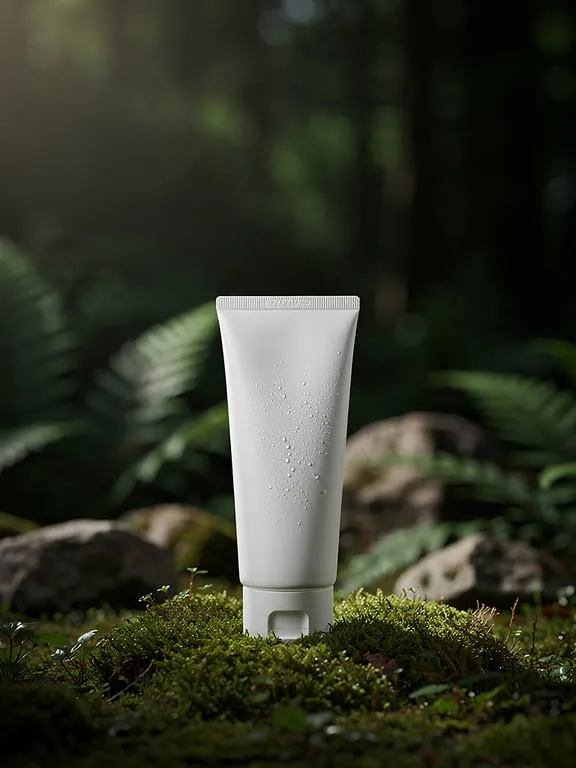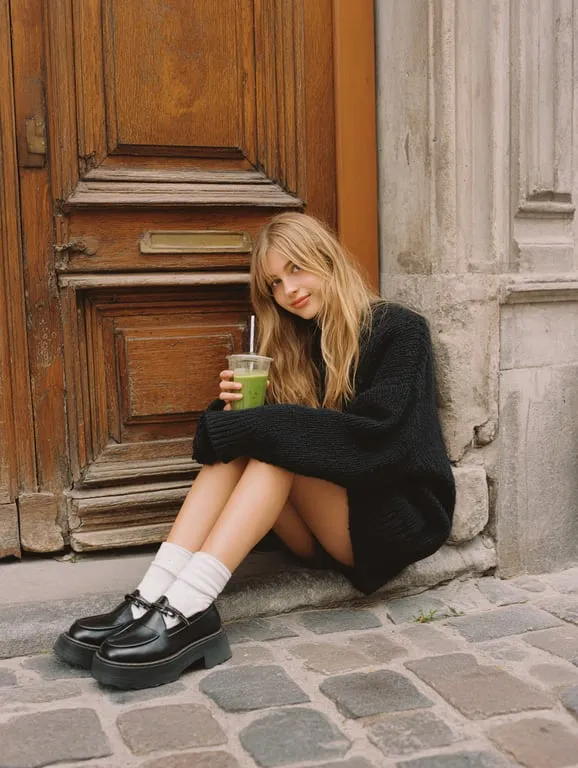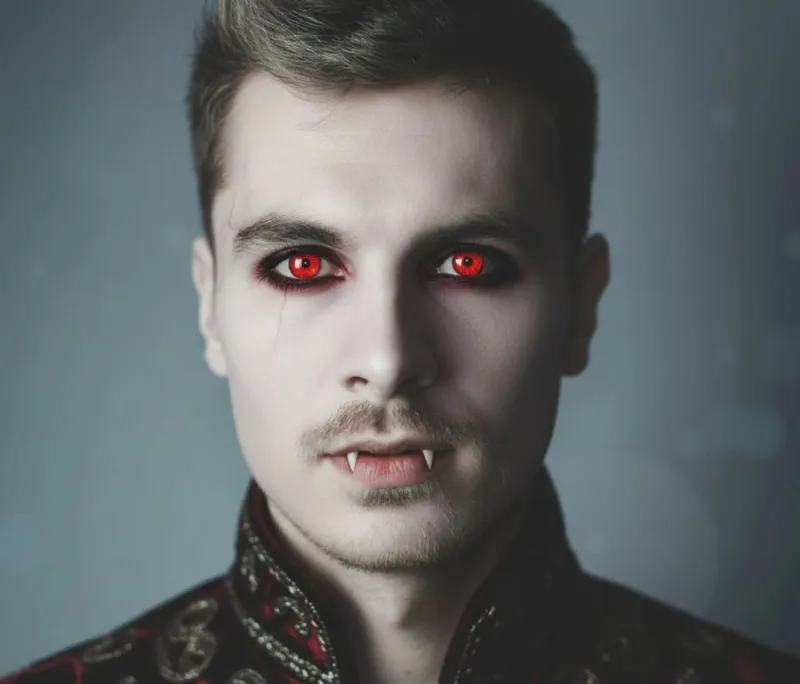
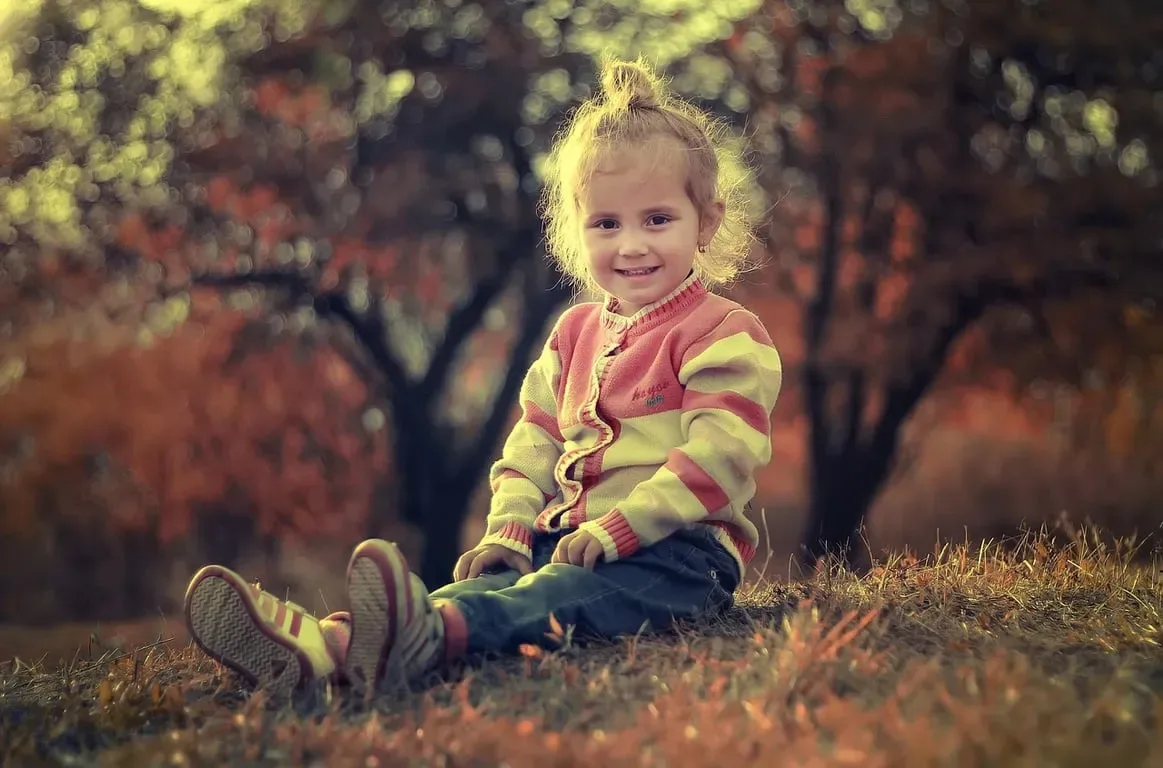

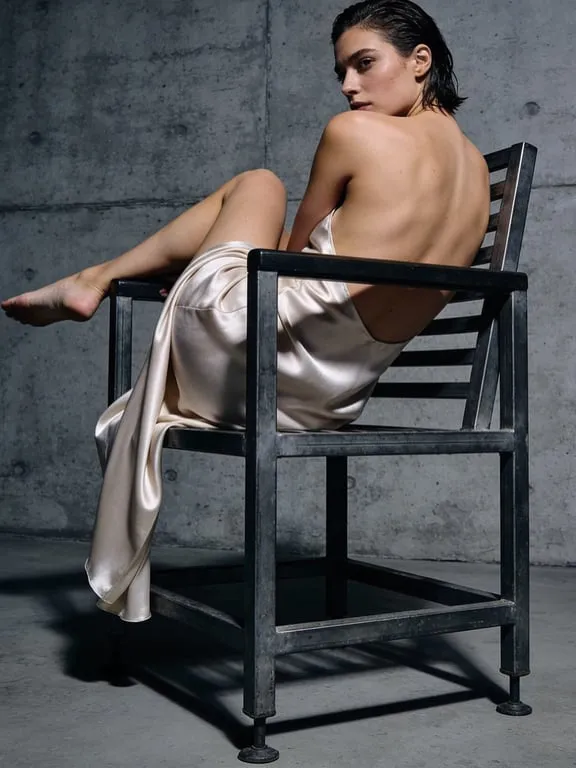
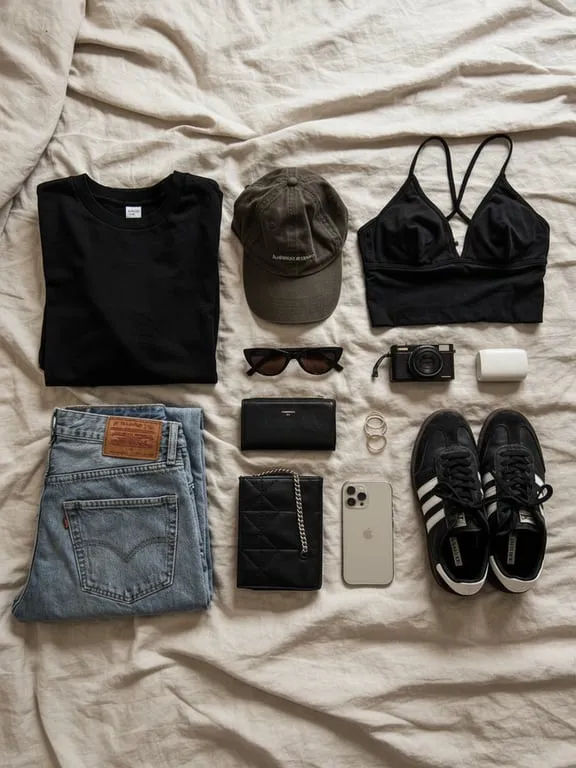
GPT Image, Nano Banana, Seedream, Seedance and Kling in one studio.One base price per model; resolution, count and length are fixed multiples.
Starting prices; the submit button shows the exact cost
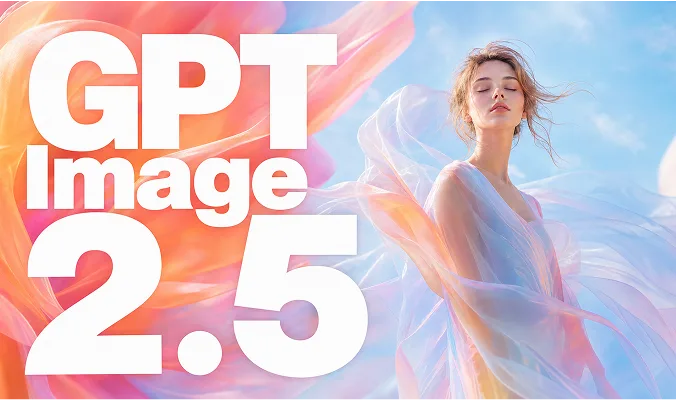
OpenAI · 1K · 2K · 4K
–cr / image
Google · 1K · 2K · 4K · references
–cr / image
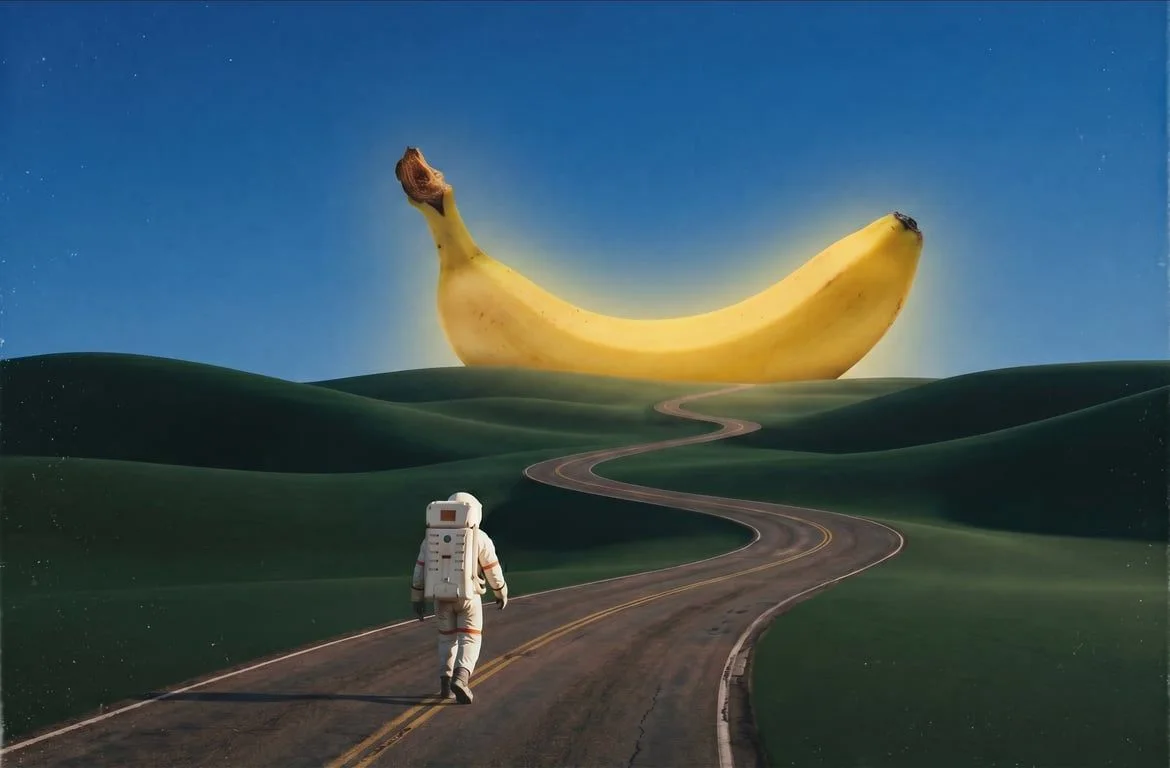
Google · 1K · 2K · 4K
–cr / image
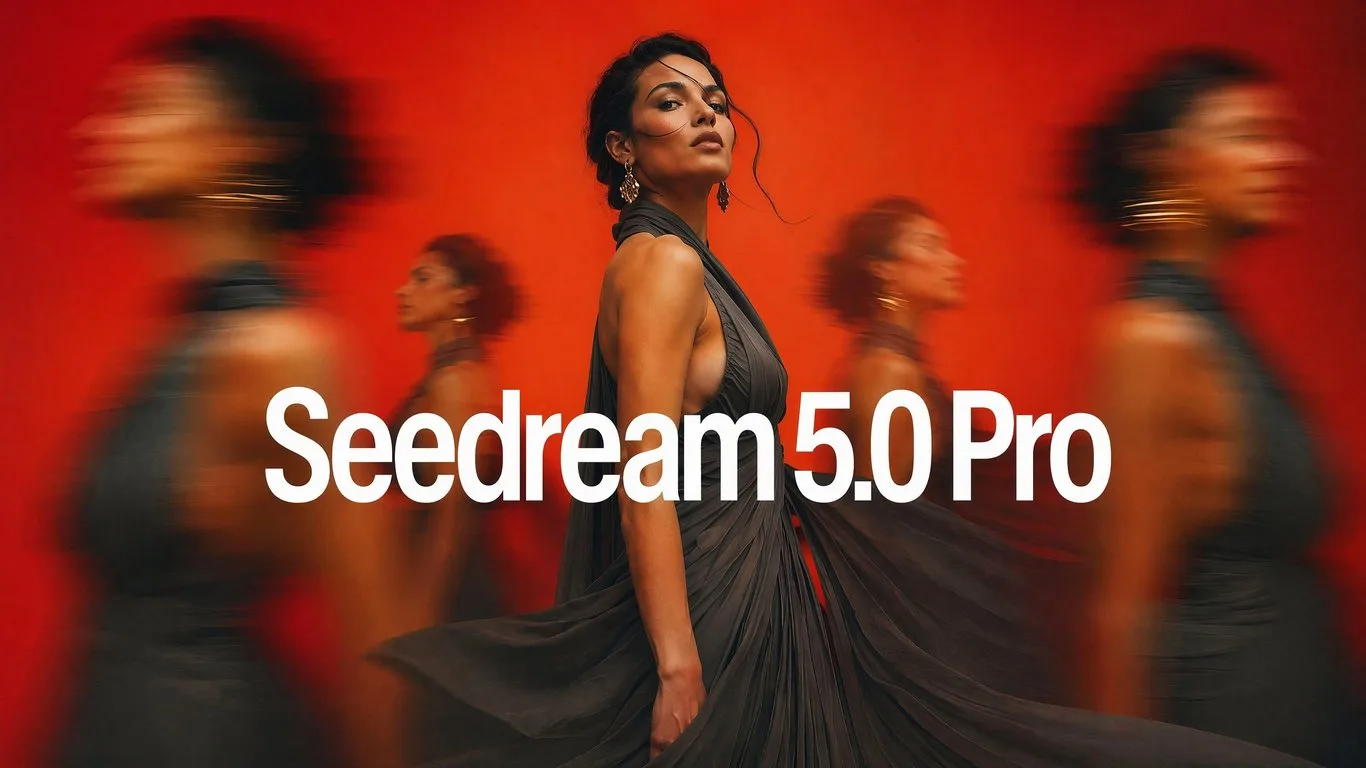
ByteDance · 1K · 2K · up to 4 references
–cr / image
MiniMax · 480P–1080P · 5–15 s
–cr / sec
MiniMax · 768P · 2K · 5–15 s
–cr / sec
Kuaishou · 720p · 1080p · 5 / 10 s
–cr / sec
ByteDance · 480p–4K · 4–15 s
–cr / sec
ByteDance · 480p–1080p · 4–30 s
–cr / sec
Image = base × resolution × count
Video = per second × resolution × seconds
Failed runs are free · Plans →One photo can become an illustration, a portrait, or a product shot.Or change the outfit, clear a watermark and blur, or turn it into a short video.
See all tools Try
TryRemove or replace the clothes in a photo while keeping the face, pose and background.
 Try
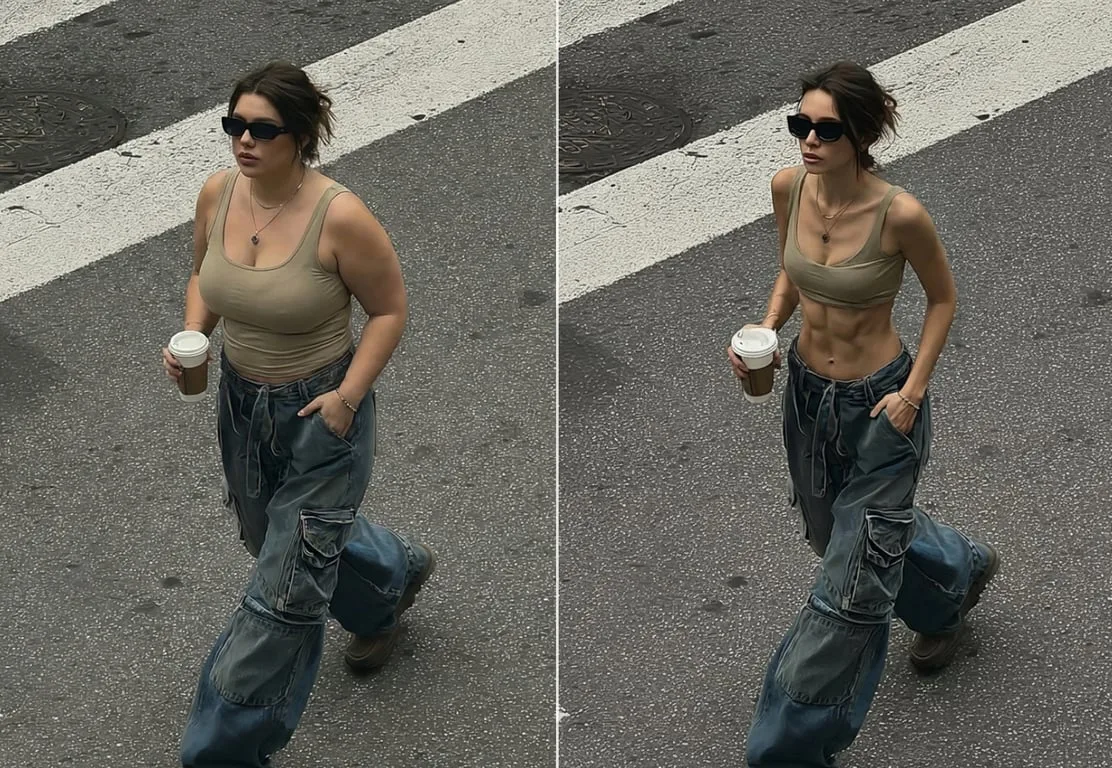
TryAdjust body shape while keeping the face, clothes and background.
 Try
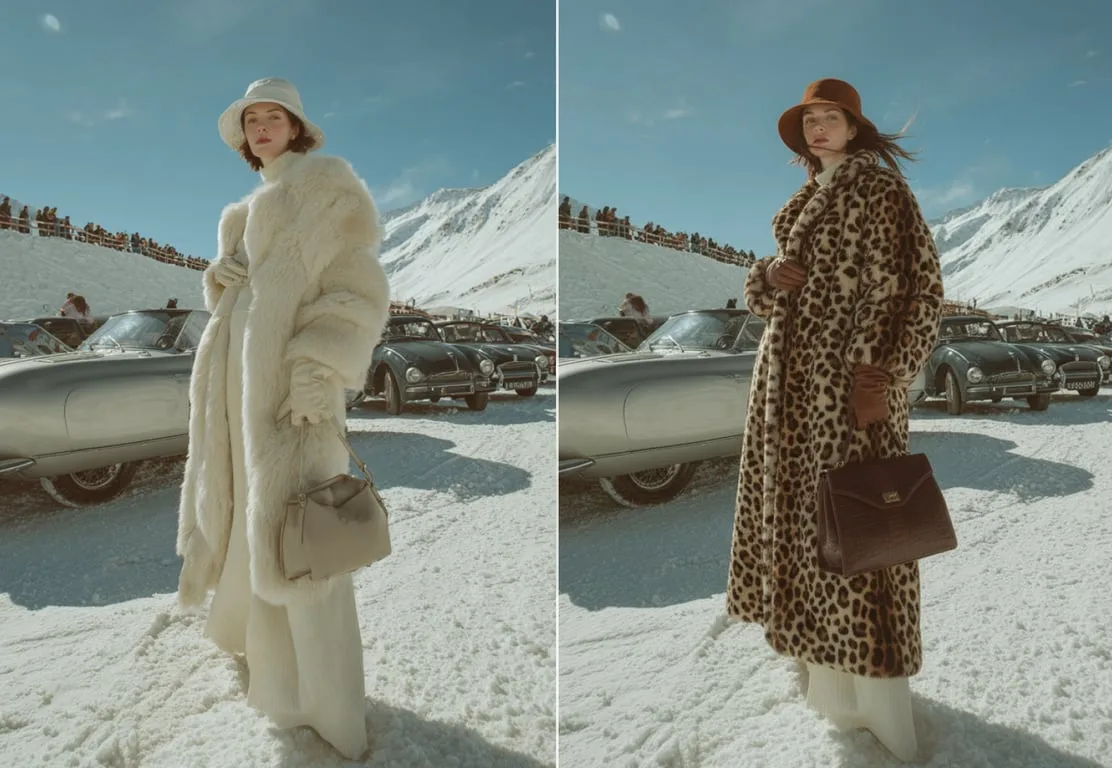
TryChange an outfit with one line while keeping the person and pose.
 Try
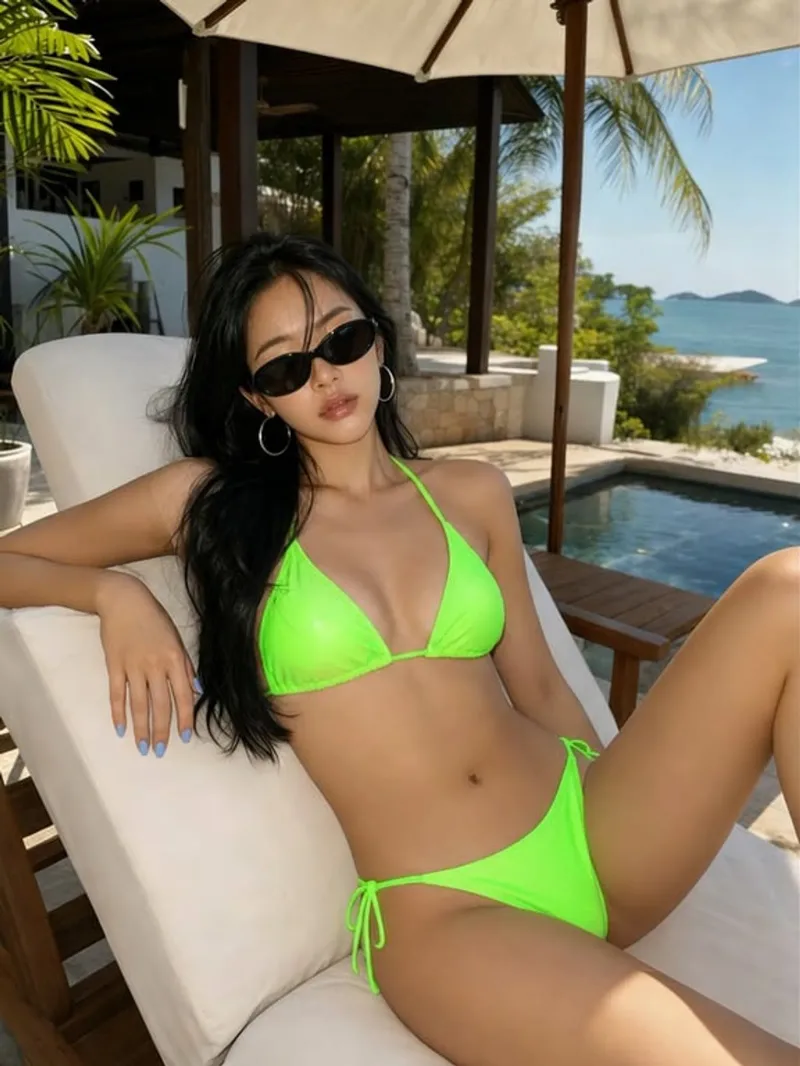
TryChange the swimwear while keeping the face, figure and background.
 Try
TryTurn a product photo into a white-background or styled listing image.


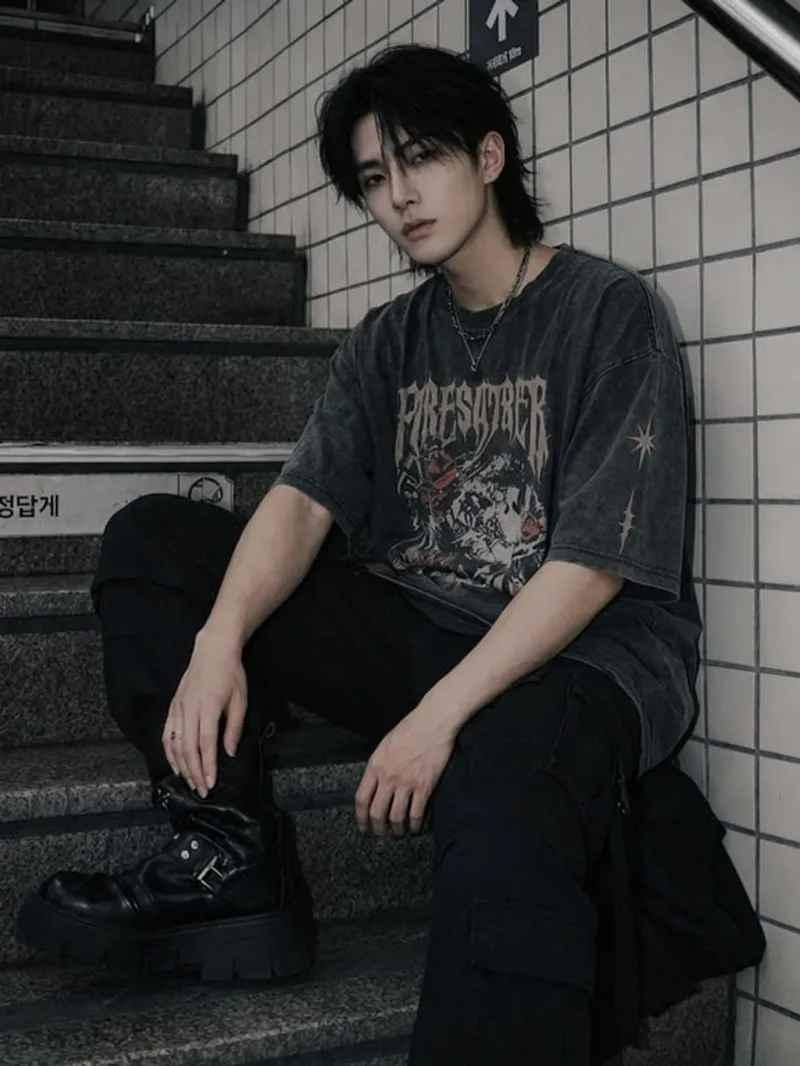
Remove a watermark, logo or text from your own photo and fill the area naturally.
 Try
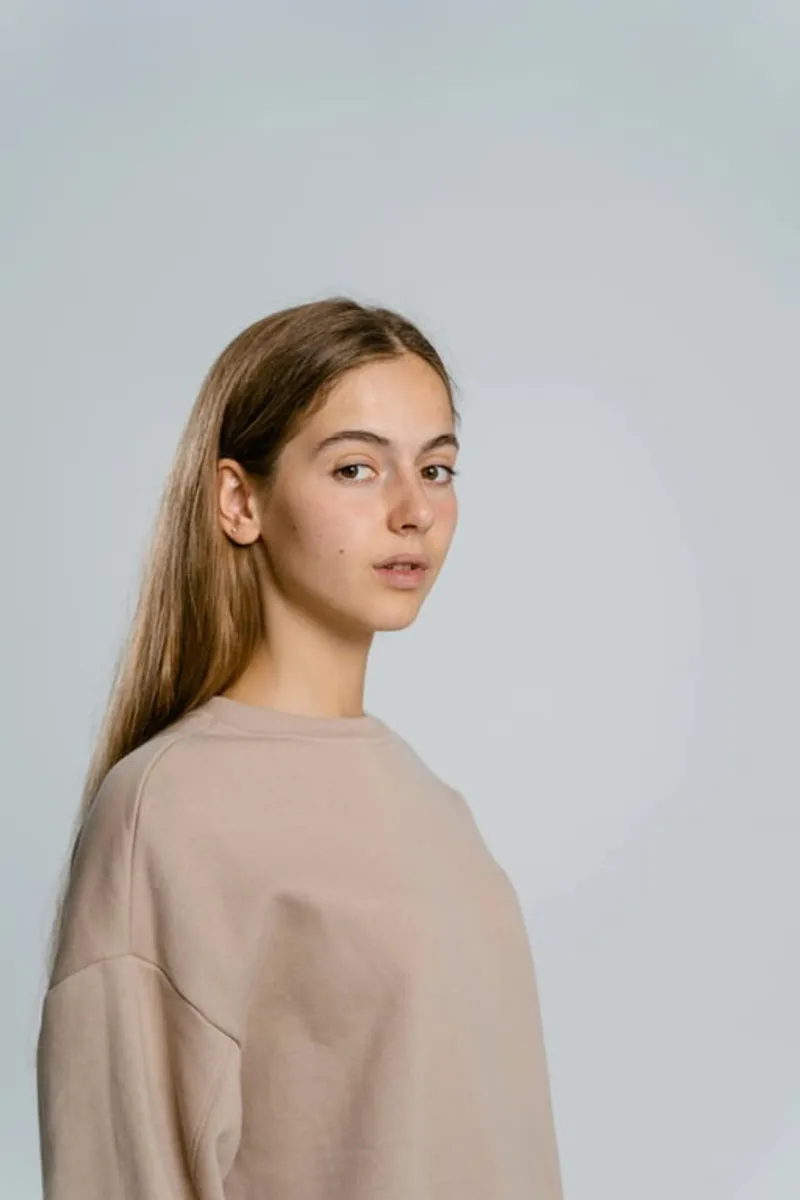
TryAdjust the hair, contours and makeup to show another gender while staying recognisable.
 Try
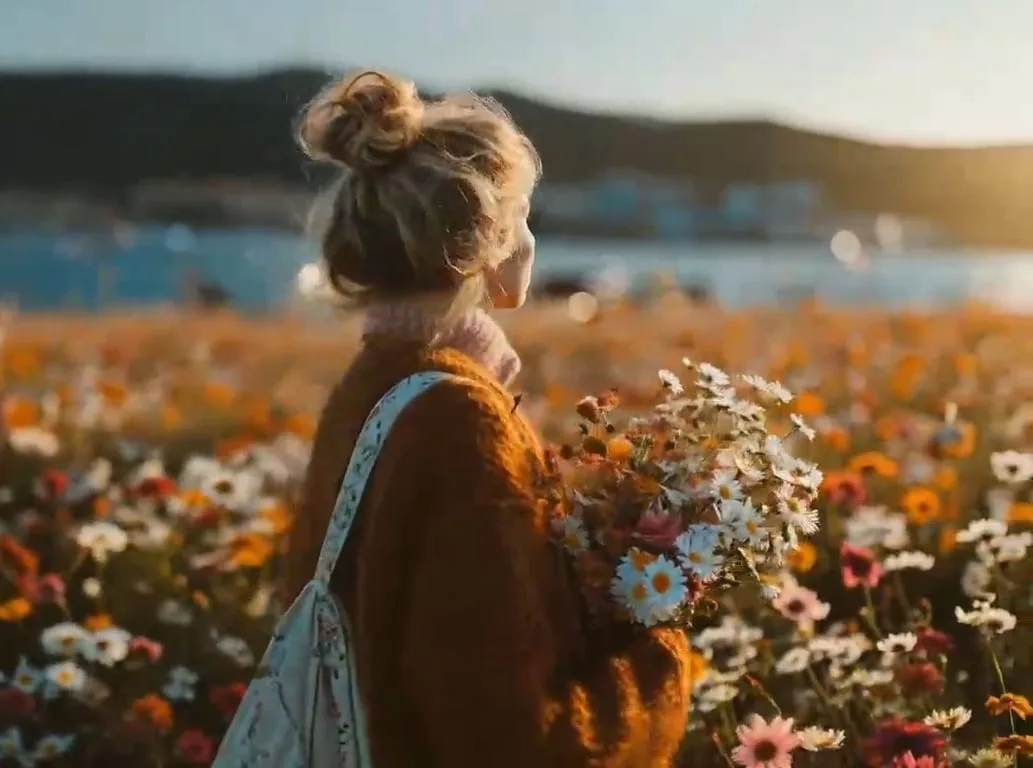
TryAdjust skin color evenly while keeping texture, shading and features.
 Try
Try Try
Try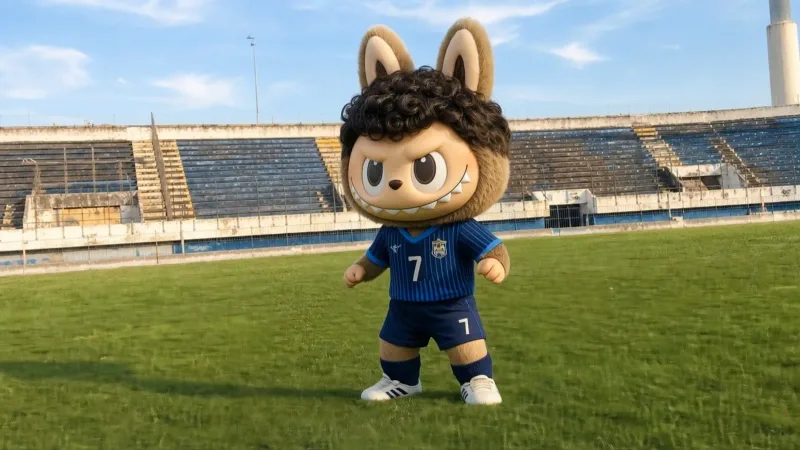 Try
Try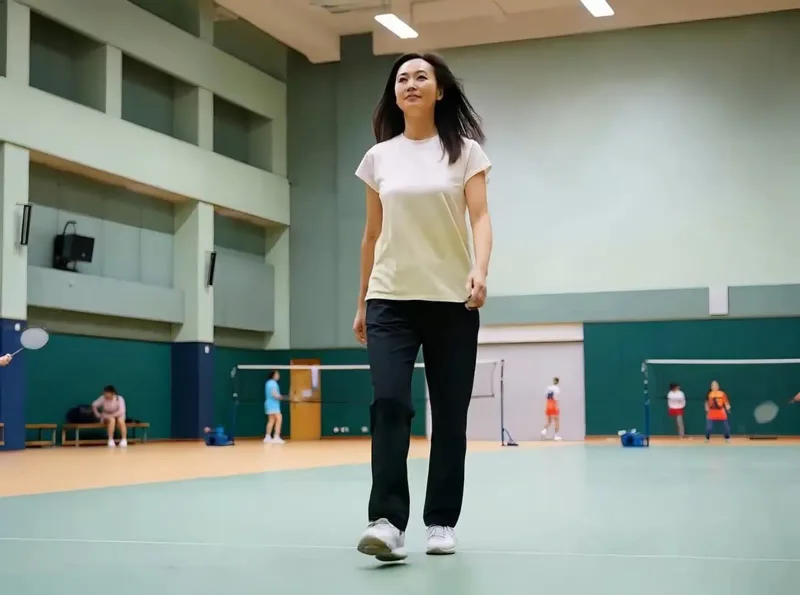 Try
Try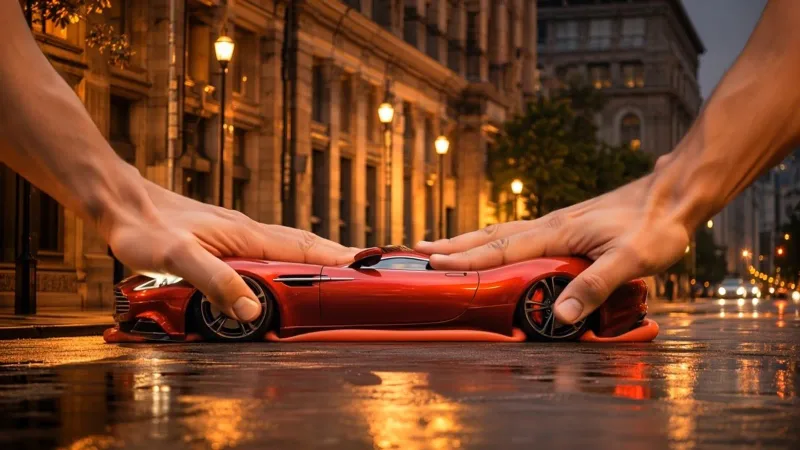 Try
Try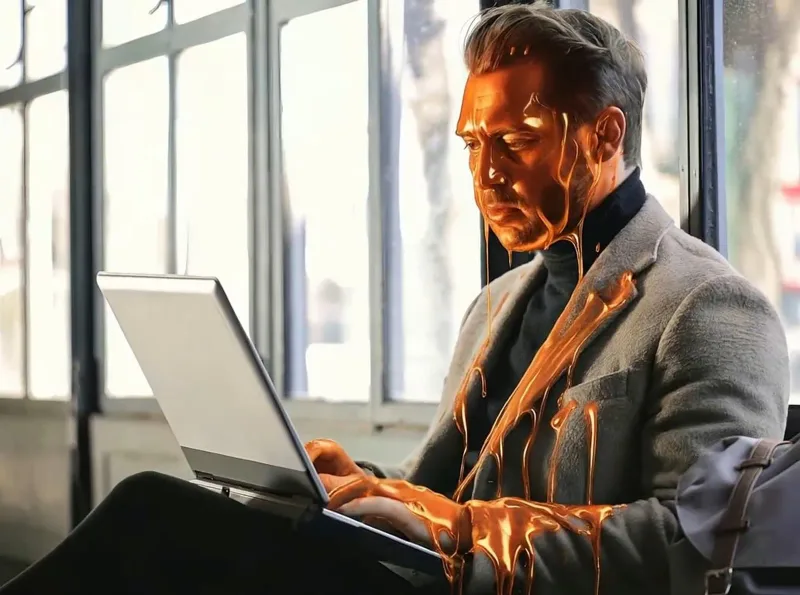 Try
Try Try
Try Try
Try Try
Try Try
Try Try
Try Try
Try Try
Try Try
Try Try
Try Try
Try Try
Try Try
Try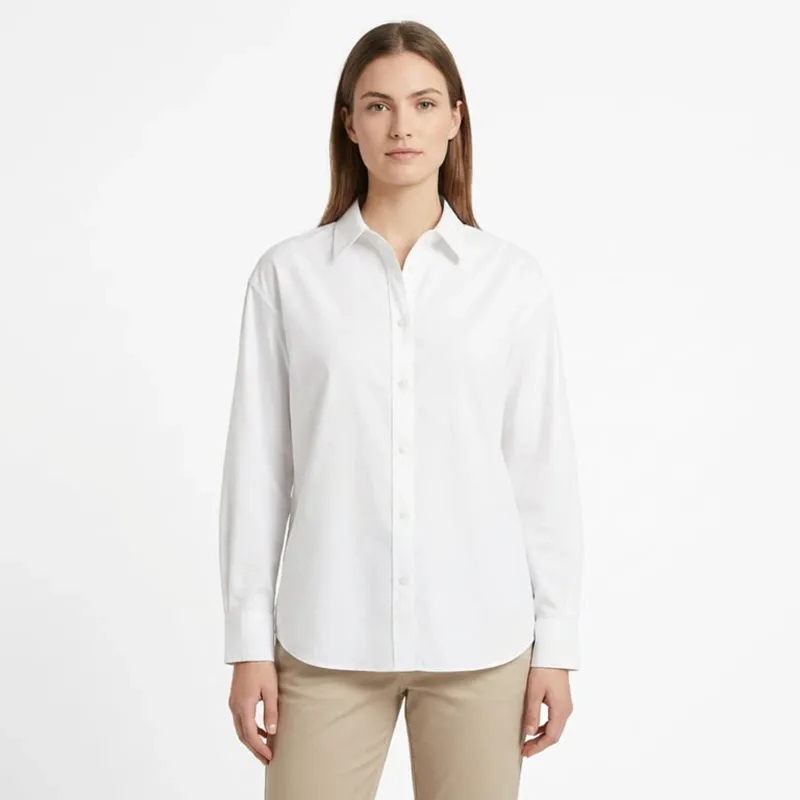 Try
Try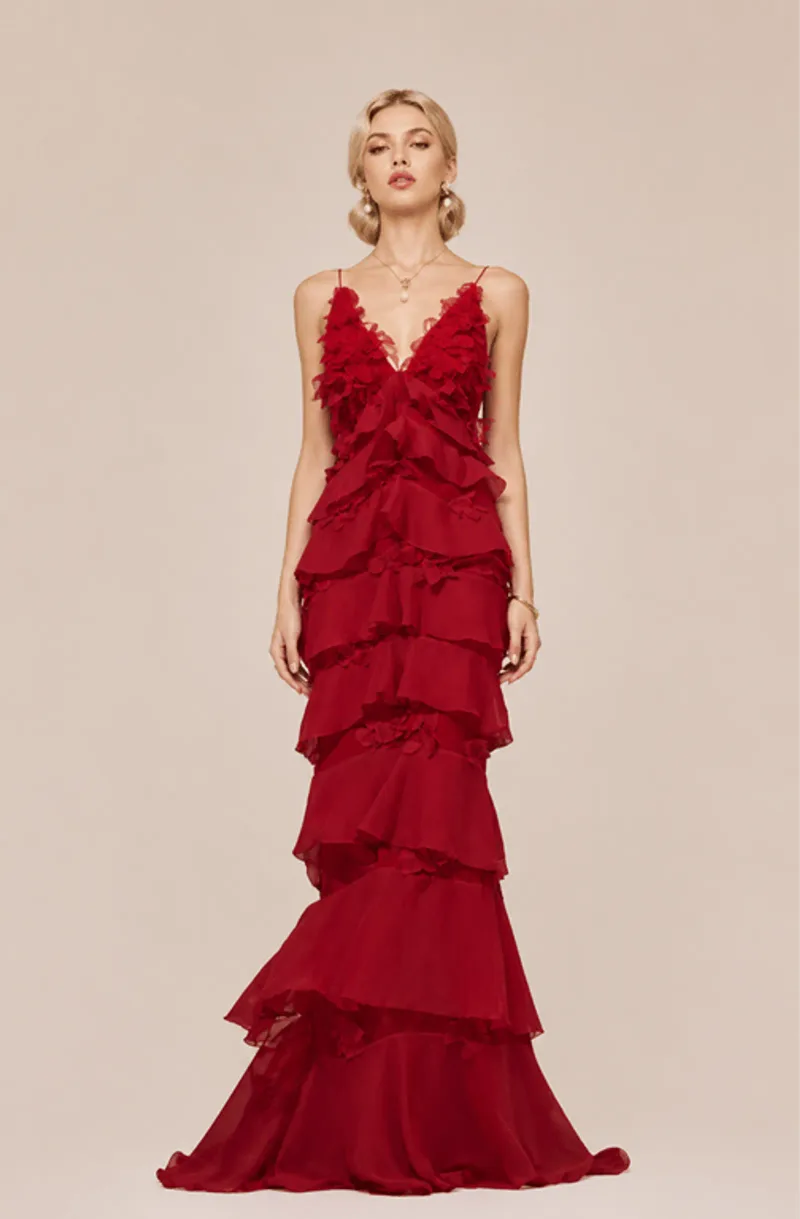 Try
Try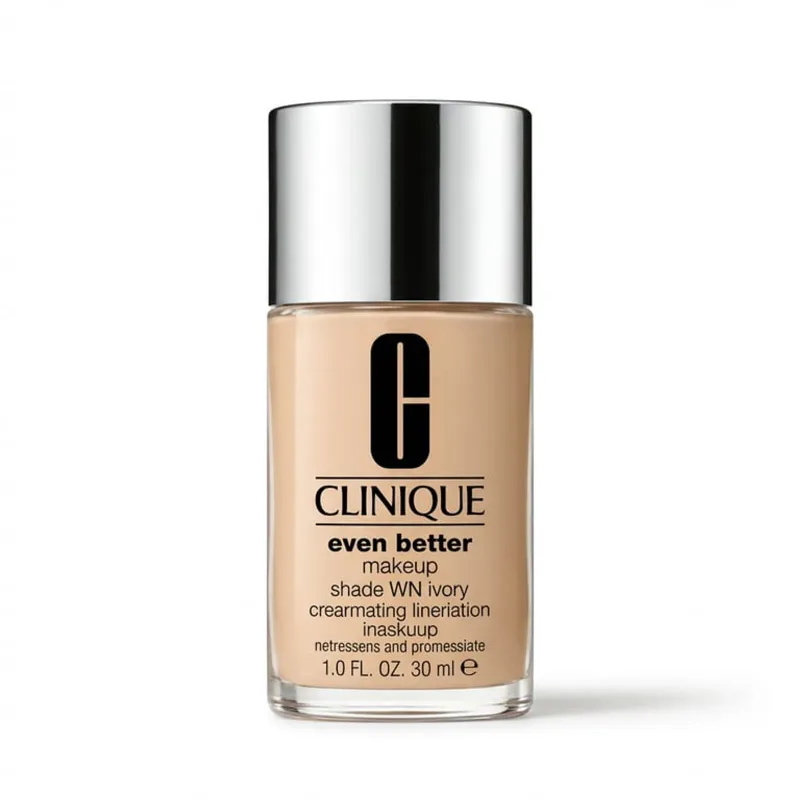 Try
Try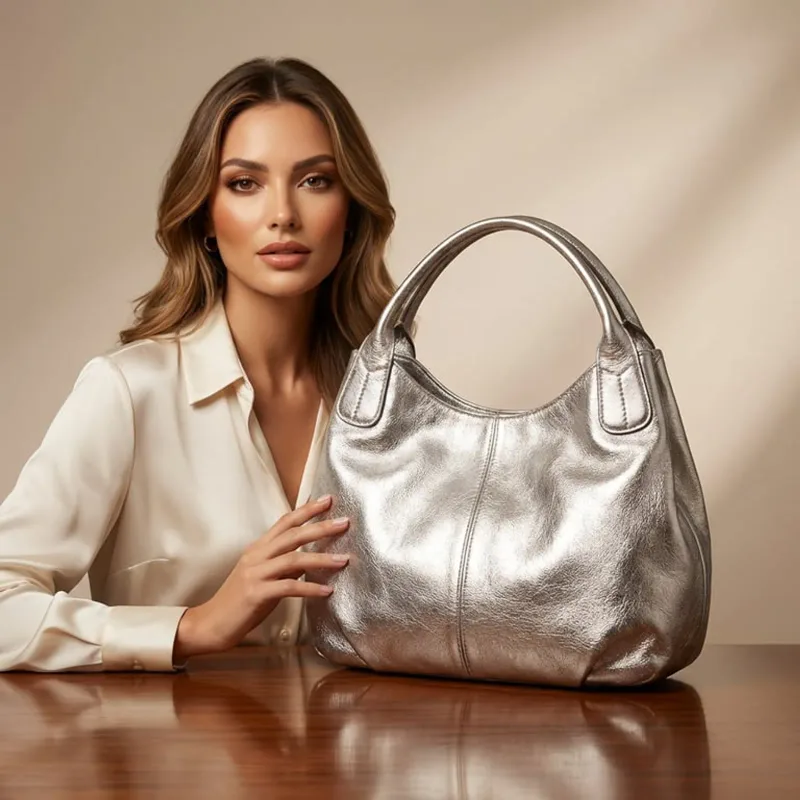 Try
Try Try
Try Try
Try Try
Try Try
Try TryTry
 TryTry
 Try
Try Try
Try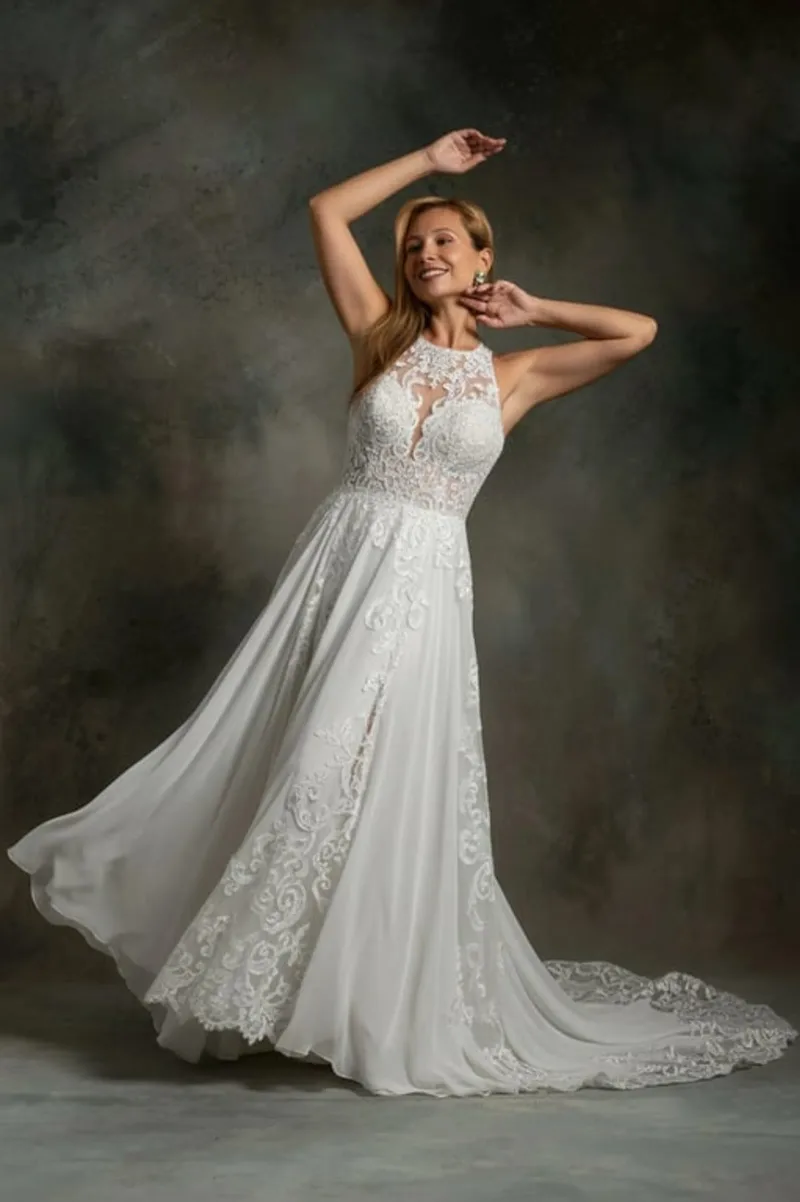 Try
Try Try
Try Try
Try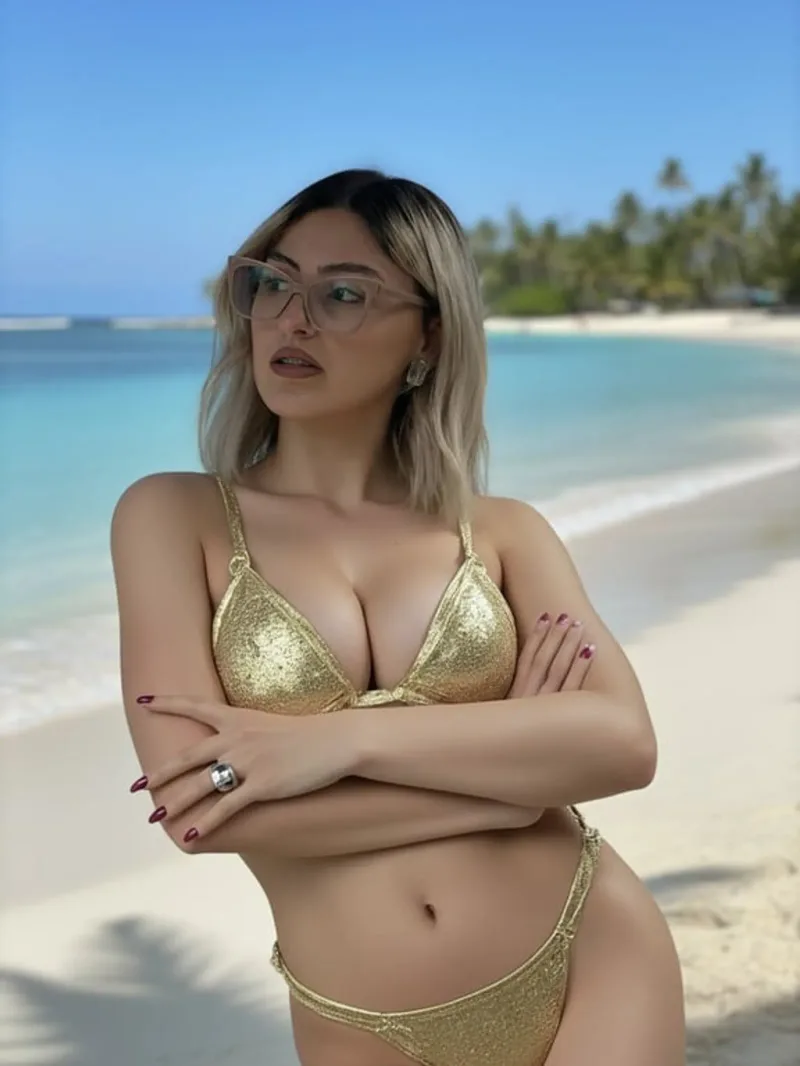 Try
Try Try
Try Try
Try Try
Try TryTry
 Try
Try Try
Try Try
Try Try
Try Try
Try TryTry
 Try
Try Try
Try Try
Try Try
Try Try
Try Try
Try Try
Try Try
Try Try
Try Try
Try Try
Try Try
Try Try
Try Try
Try Try
Try Try
Try Try
Try Try
Try Try
Try TryTry
 Try
Try Try
Try Try
Try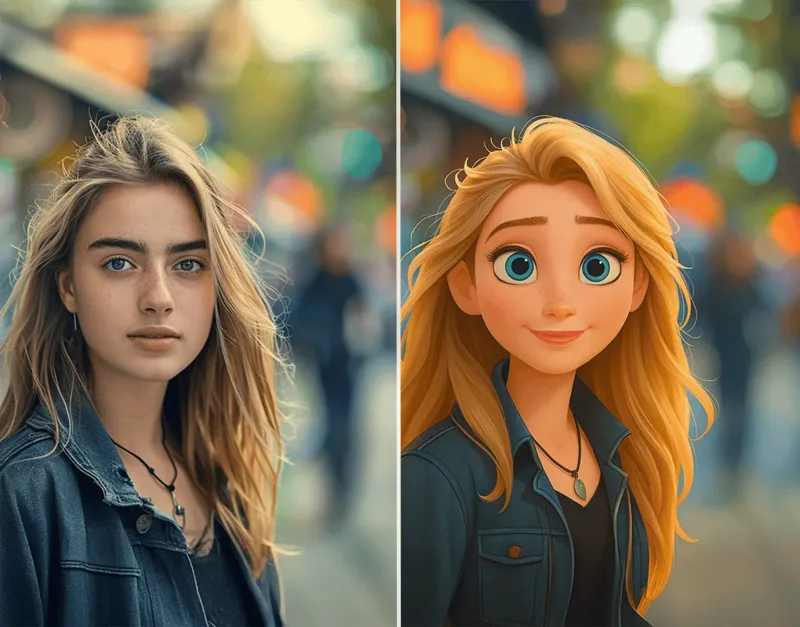 Try
Try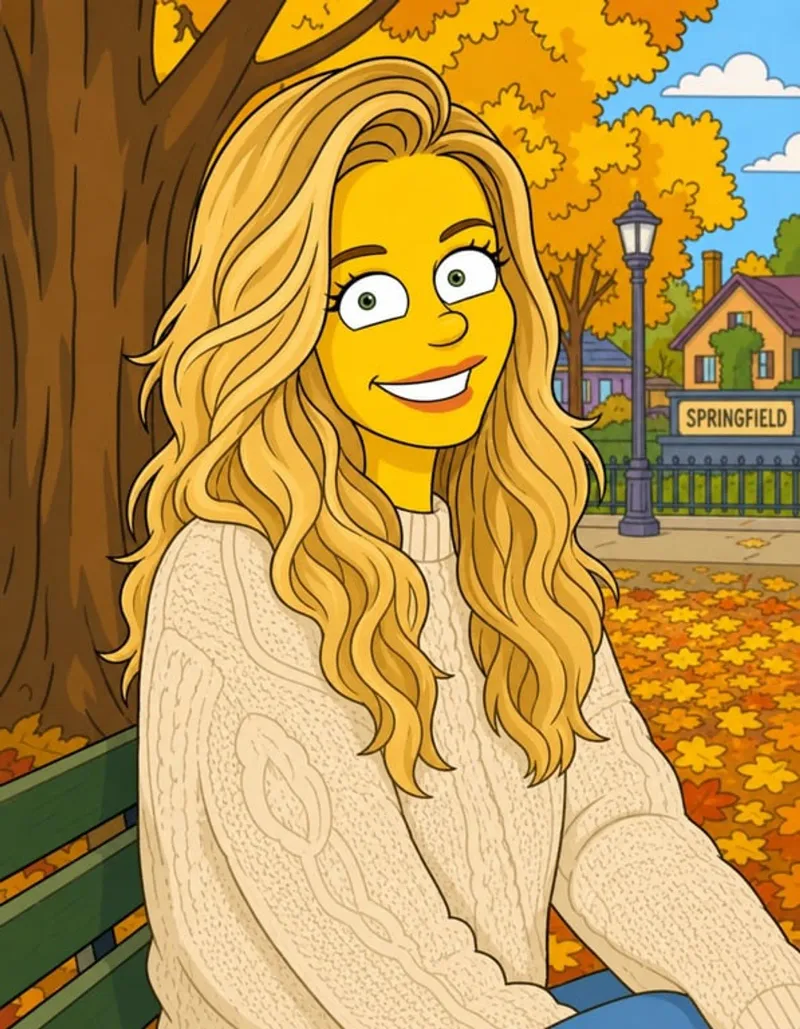 Try
Try Try
Try Try
Try Try
Try Try
Try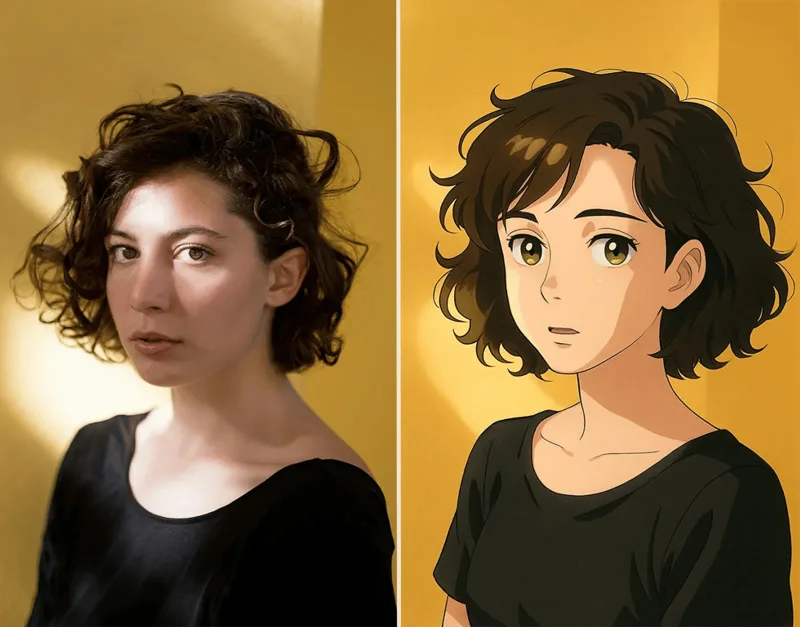 Try
Try Try
Try Try
Try Try
Try Try
Try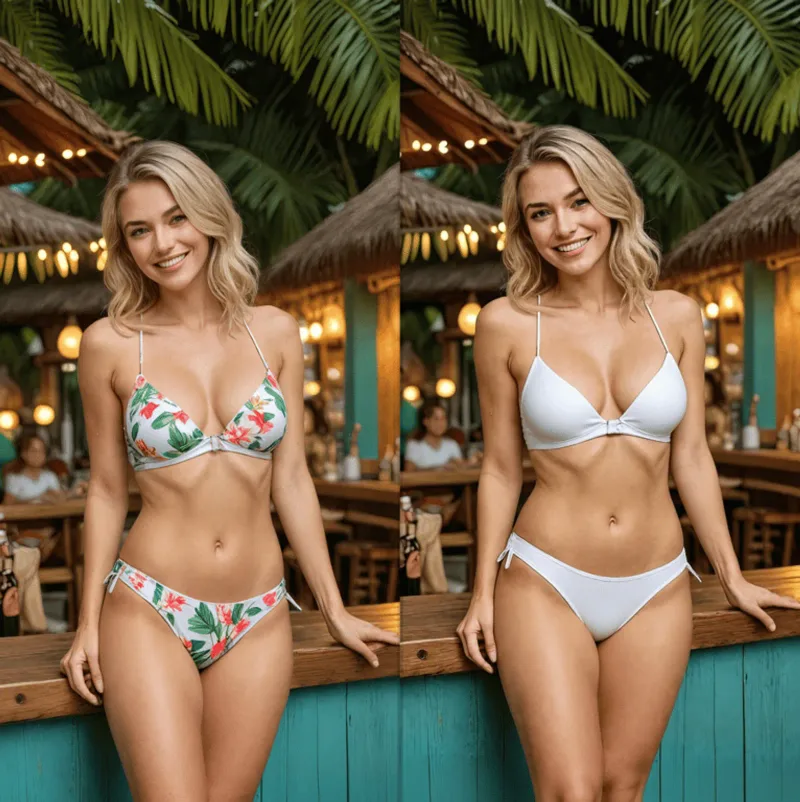 Try
Try Try
Try Try
Try Try
Try Try
Try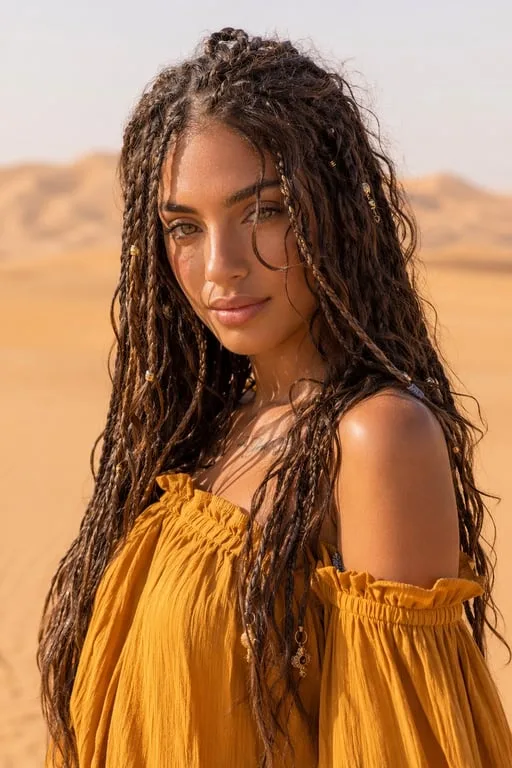 Try
Try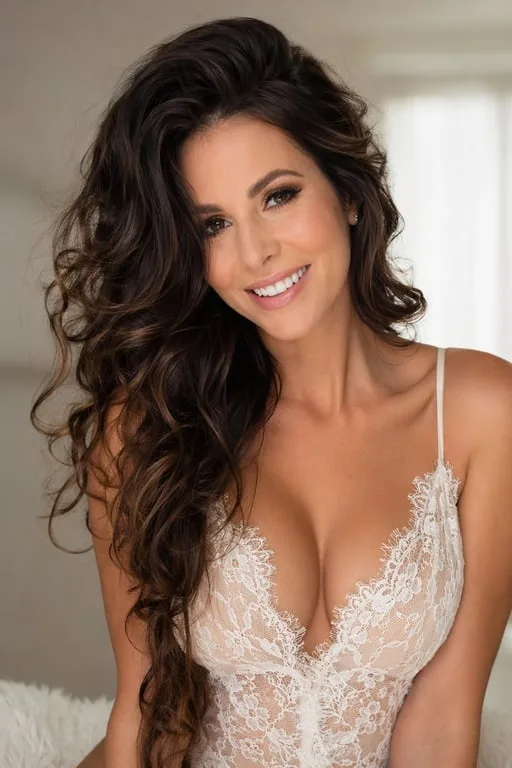 Try
Try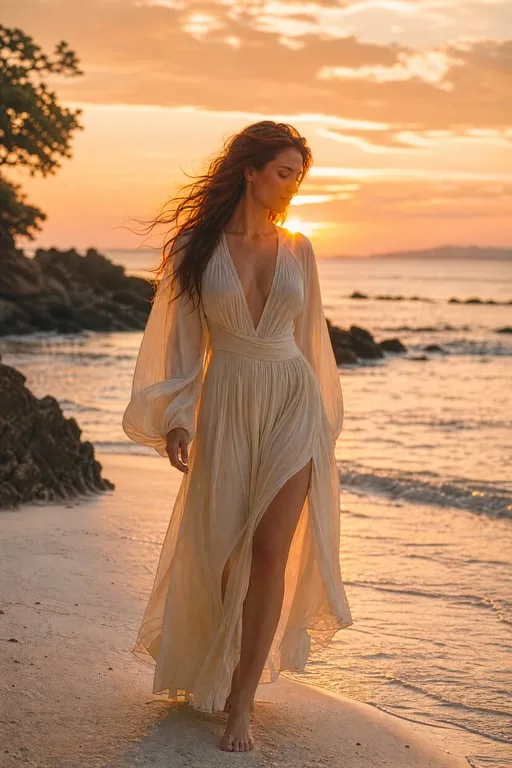 Try
Try Try
Try Try
Try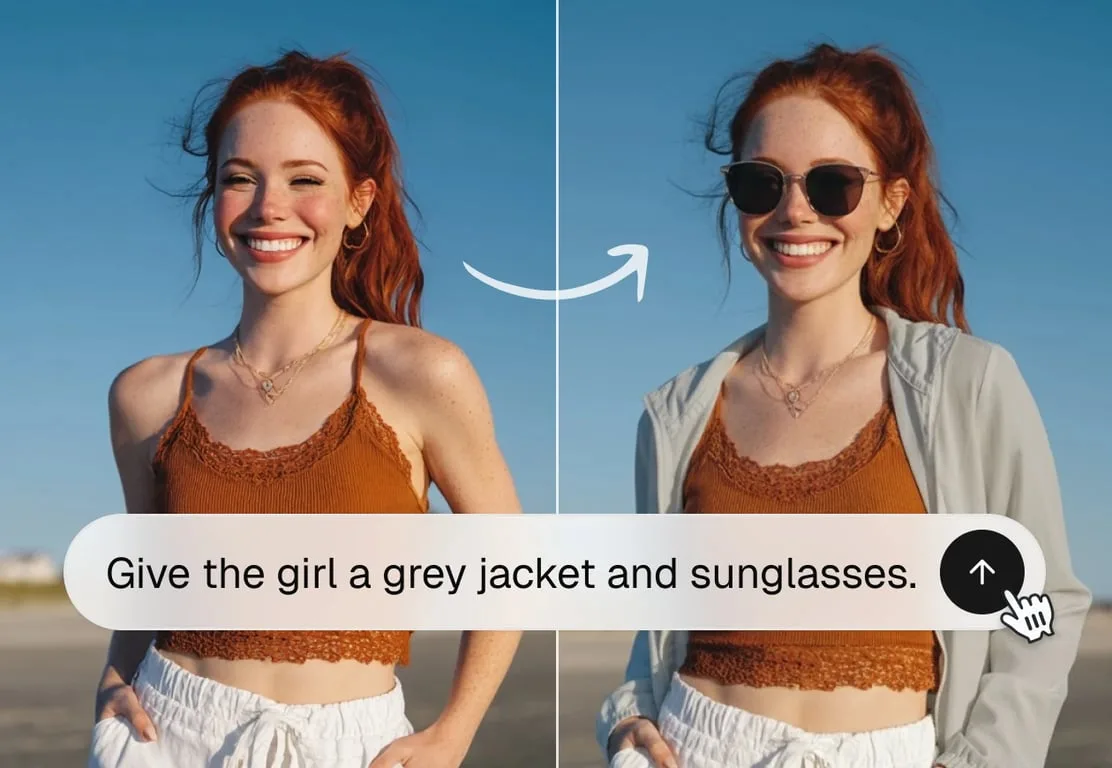 Try
Try Try
Try Try
Try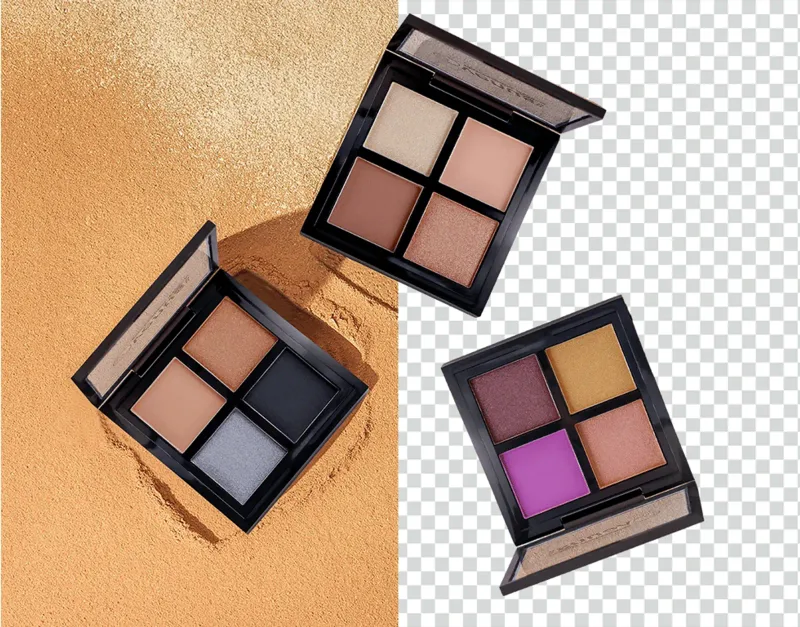 Try
Try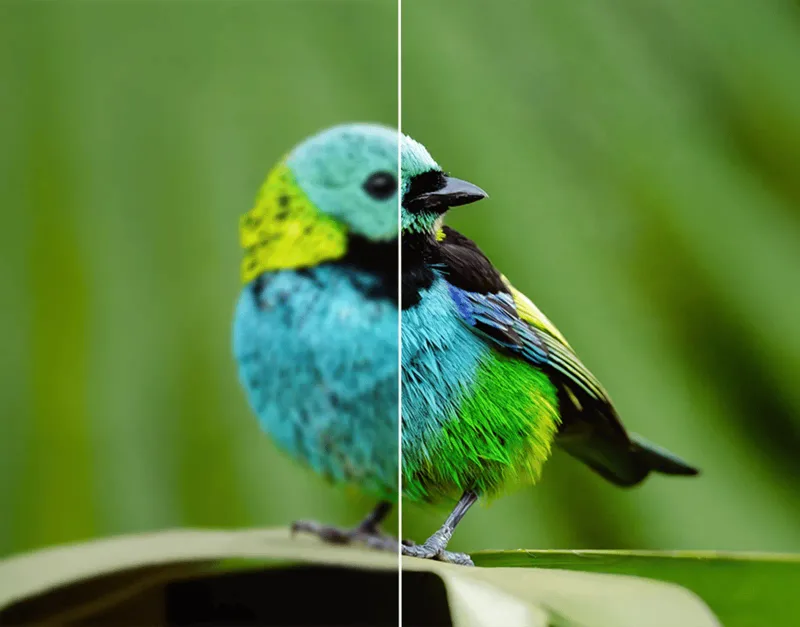 Try
Try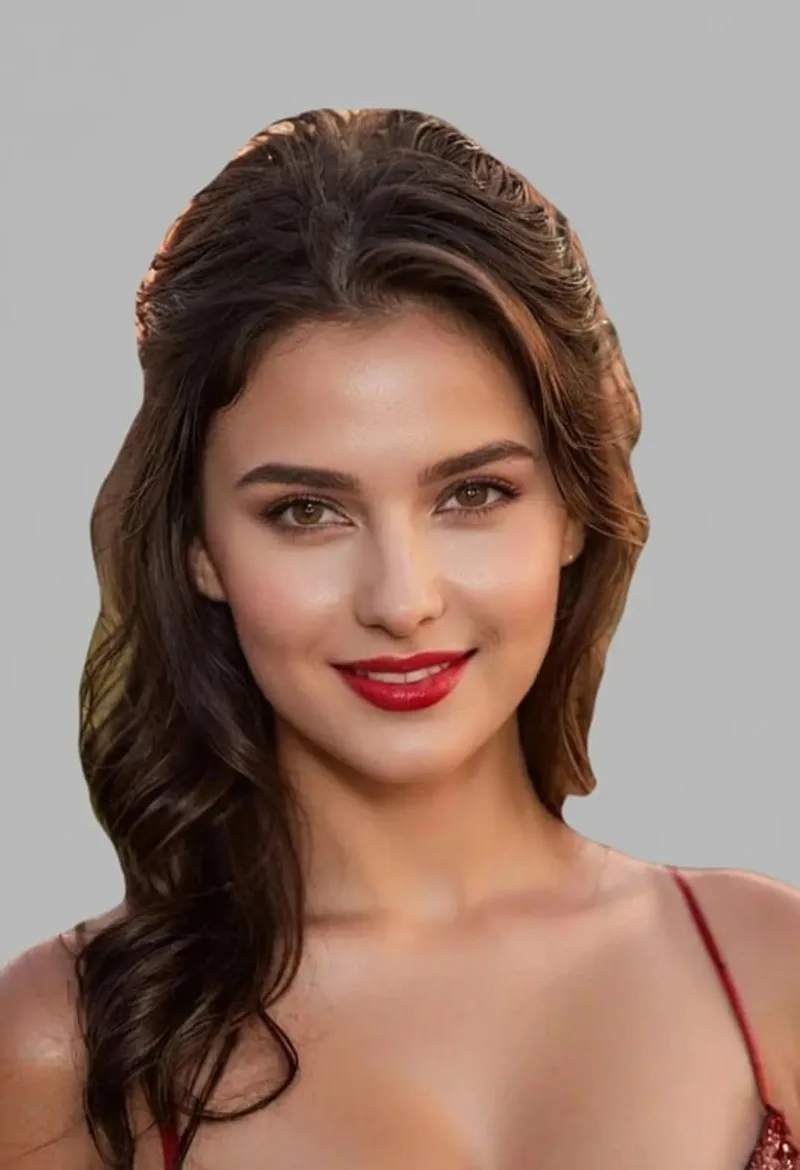 Try
Try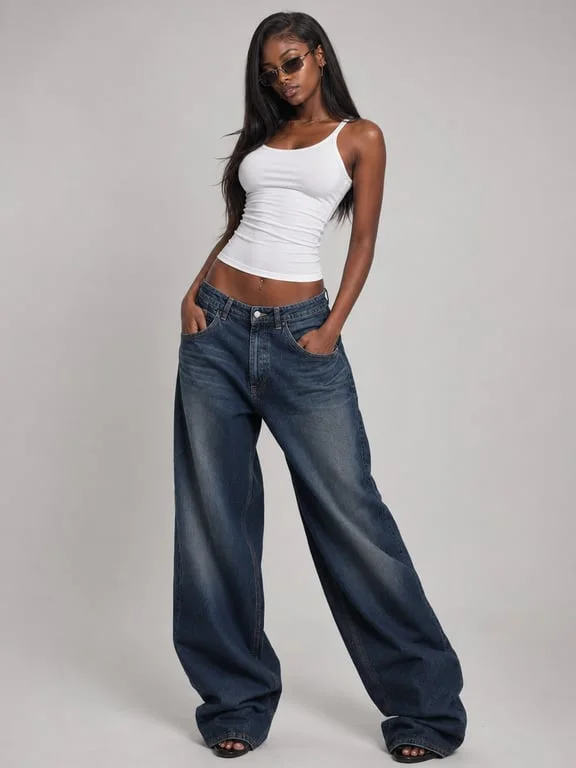 Try
Try Try
Try Try
Try Try
Try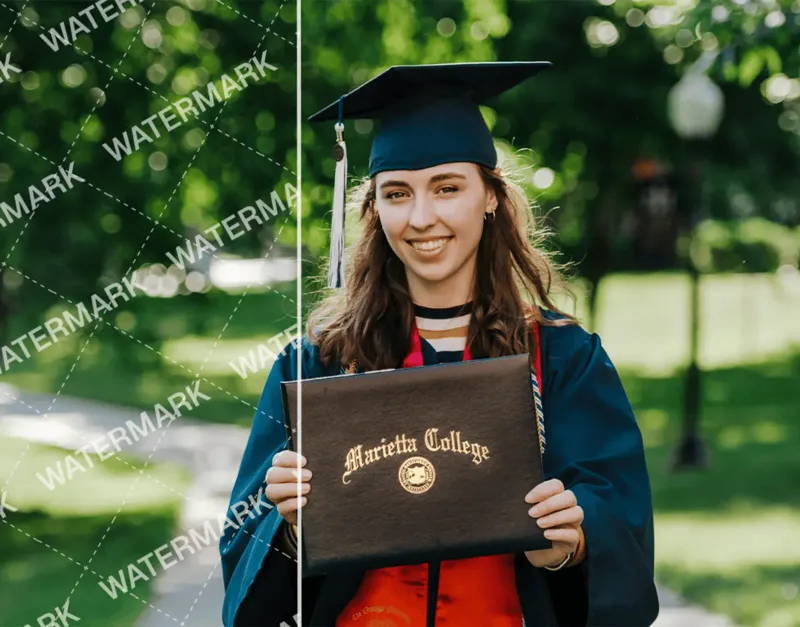 Try
Try Try
Try Try
Try Try
Try Try
Try Try
Try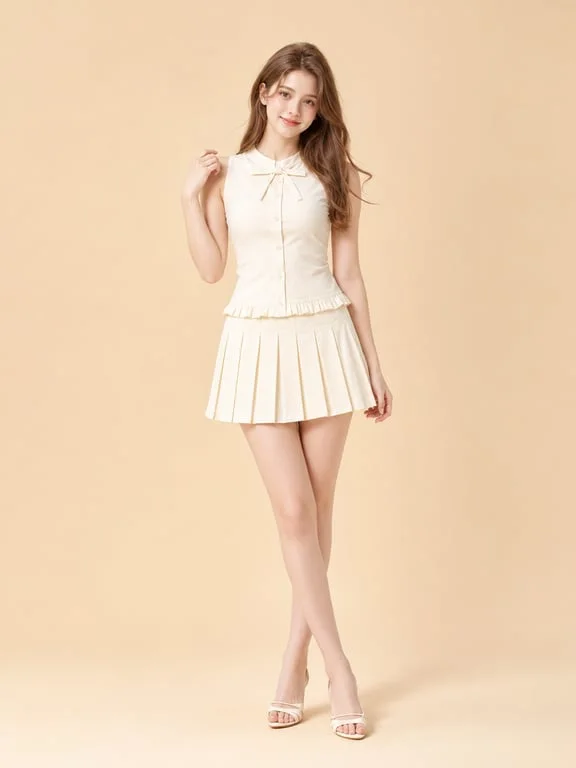 Try
Try Try
Try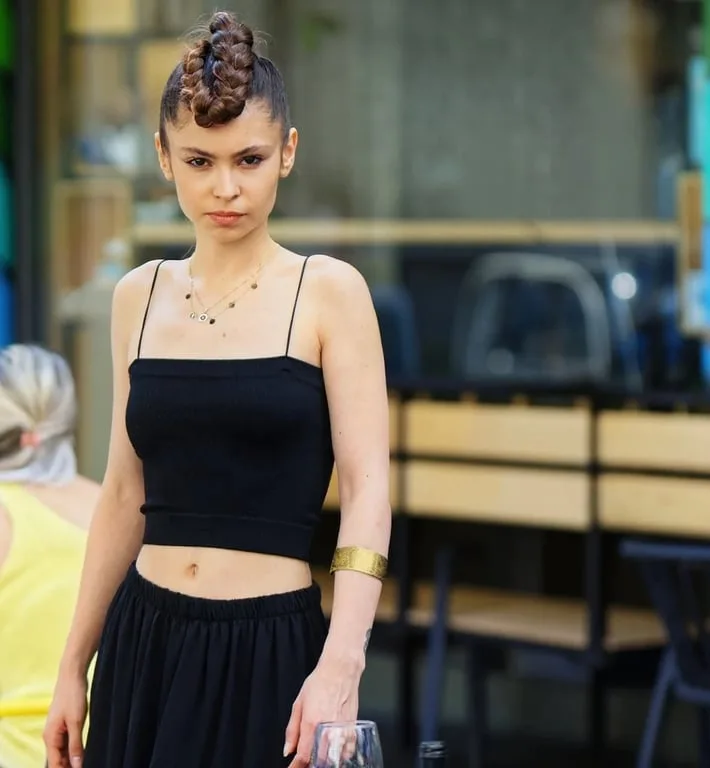 Try
Try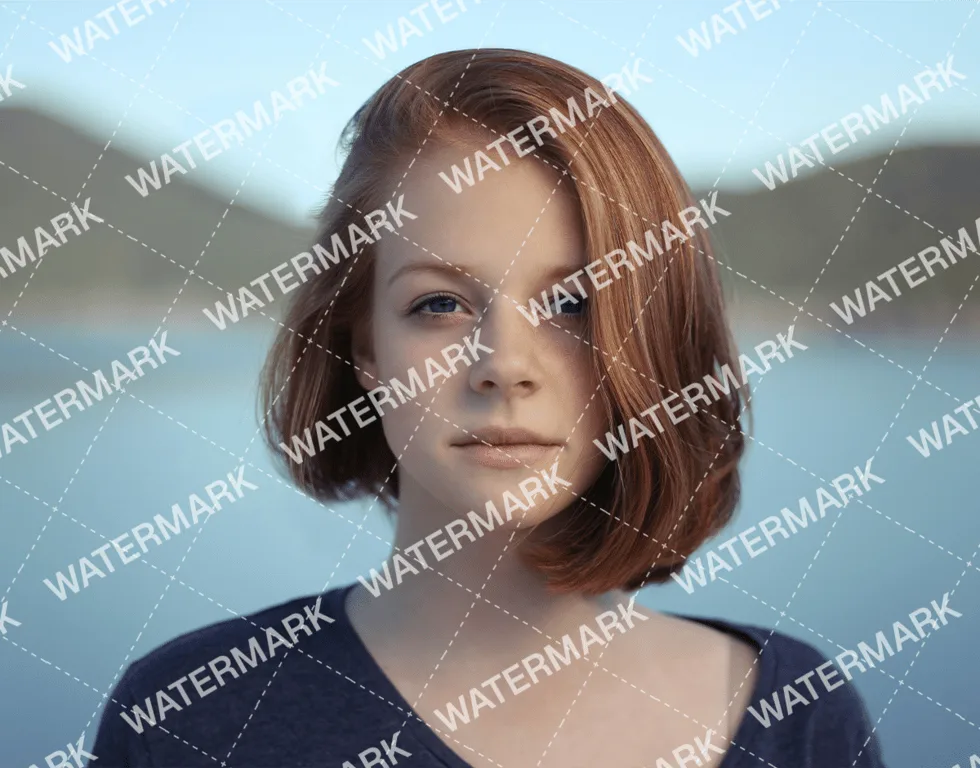 Try
TryConvert images and video between PNG, JPG, WebP, SVG, HEIC, MP4, and GIF in one place.
PNG · JPG · WebP · SVG · HEIC · MP4 · GIF
Merge, split, compress and rotate PDFs, convert to and from JPG, remove watermarks, extract text.
PDF · JPG · PNG · WebP
Reduce file size while keeping the image clear.
JPG · PNG · WebP
Scale an image to exact pixels, with optional aspect lock.
JPG · PNG · WebP
Flip an image horizontally or vertically.
JPG · PNG · WebP
Convert an image to grayscale.
JPG · PNG · WebP
Crop the center of an image.
JPG · PNG · WebP
Add a border around an image.
JPG · PNG · WebP
Split an image into four pieces and download a ZIP.
JPG · PNG · WebP
Add a line of text to the bottom of an image.
JPG · PNG · WebP
Turn an image into a pixel look.
JPG · PNG · WebP
Crop an image into a transparent circle.
PNG
Boost color saturation.
JPG · PNG · WebP
Upscale an image 2x locally.
JPG · PNG · WebP
Sharpen edges locally.
JPG · PNG · WebP
Arrange several photos into a collage.
JPG · PNG · WebP
Join images side by side.
JPG · PNG · WebP
See size, type, and file details.
JPG · PNG · WebP · HEIC · GIF
Cut out a subject in the browser, then edit background, outline, text, and collage.
JPG · PNG · WebP · BMP
Remove supported visible Gemini and Veo marks from images and video, locally in the browser.
PNG · JPG · WebP · MP4 · MOV · WebM
Remove the audio track from a video.
MP4 · MOV · WebM
Extract MP3 audio from a video.
MP4 · MOV · WebM
Shrink a video in the browser.
MP4 · MOV · WebM
Scale a video by width.
MP4 · MOV · WebM
Cut a clip by start and end seconds.
MP4 · MOV · WebM
Encode an image as a Data URL you can copy.
PNG · JPG · WebP · GIF
Toty is an online AI image and video generator. One studio gives you GPT Image, Nano Banana and Seedream for images, Seedance, Kling and MiniMax for video, plus 150+ ready-made editing, outfit and effect tools.
Image models include GPT Image 2.5, Nano Banana Pro, Nano Banana 2 and Seedream 5.0 Pro; video models include Seedance 2.0 / 2.5, Kling 3.0 and MiniMax H3. Each model's price and resolutions are on its card on the homepage.
Each model has a base price. Images cost base × resolution multiplier × count, where 2K is twice 1K and 4K is four times; video costs per-second price × resolution multiplier × seconds. The submit button shows the exact credits before you run.
Yes. Sign up with Google or email to get 4 welcome credits for a few test images. Local tools that run in your browser, such as format conversion, PDF and compression, are free and need no account.
No. Failed tasks are not charged; only successful results use credits.
AI generation and AI tools need a Google or email account. Local tools process files in your browser with no upload and no sign-in.
You may use them for lawful purposes, including commercial use. Toty claims no ownership of results, but you must follow the selected model provider's terms and have the rights to what you upload. See the Terms.
Only upload material you own or are licensed to use. For real people, only edit yourself or people who agreed. Watermark tools must not be used to get around copyright.
Sign in for welcome credits and see the cost before every run.