AI face retouch
Remove a beard, add makeup, change eye color, clear blemishes or fix eye contact, changing only what you ask for.
14 tools
 Try
TryAI No Beard Filter
Upload a photo with a beard and Toty removes it with natural skin underneath, keeping the face shape and expression.
 Try
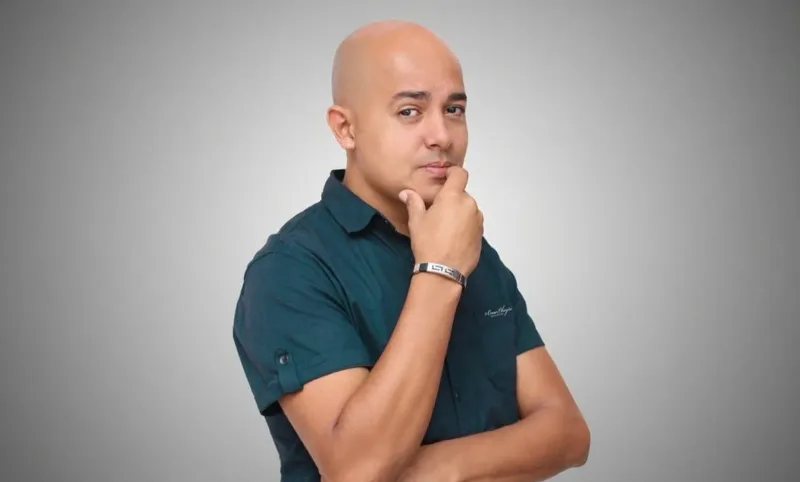
TryBald Filter
Upload a portrait to remove the hair while keeping the face, expression and background.
 Try
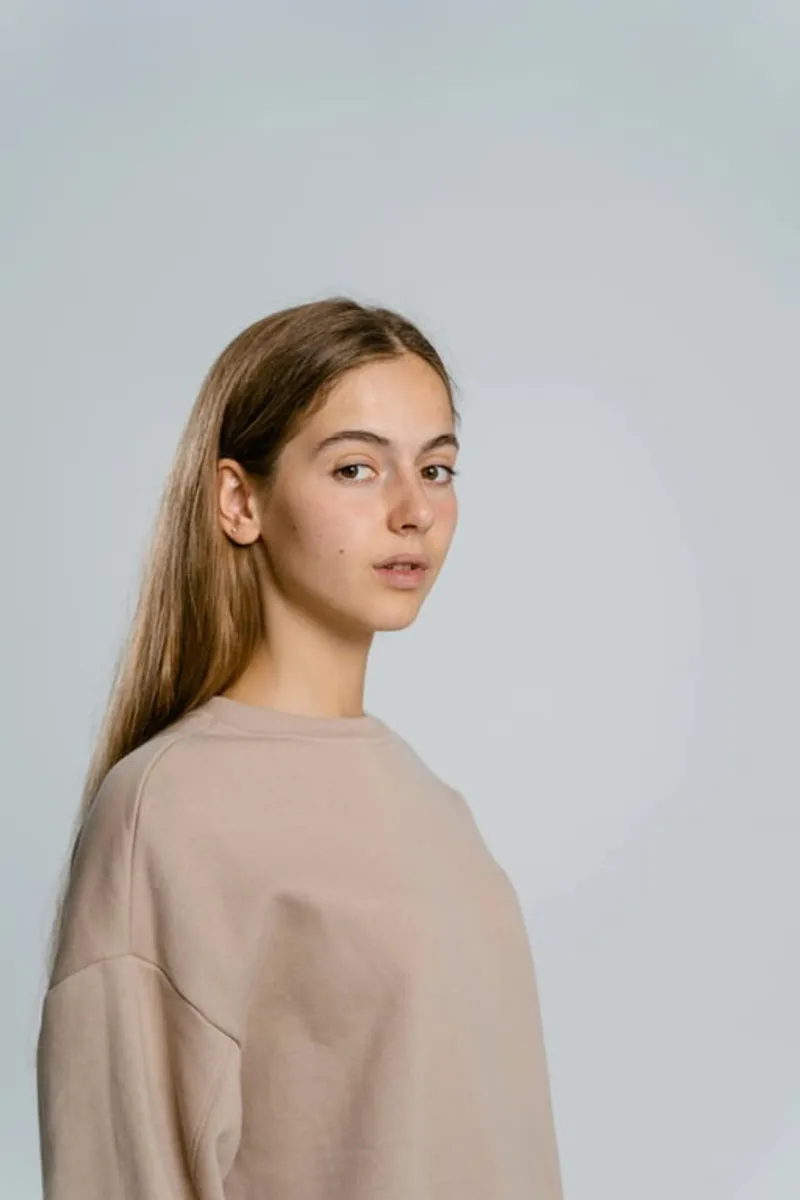
TryAI Skin Color Changer
Upload a portrait, describe the tone, and Toty adjusts skin color evenly while keeping texture, shading and features.
 Try
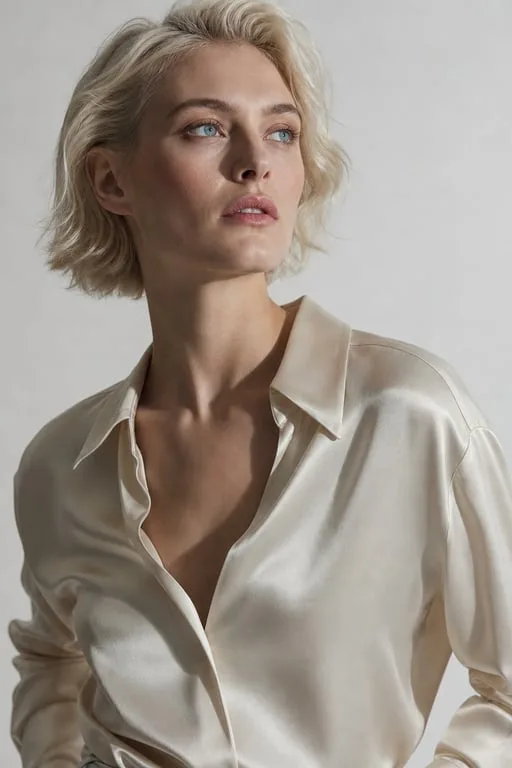
TryAI Eye Contact Correction
Upload a photo where someone looks away and Toty turns the eyes toward the camera, leaving everything else as it is.
 Try
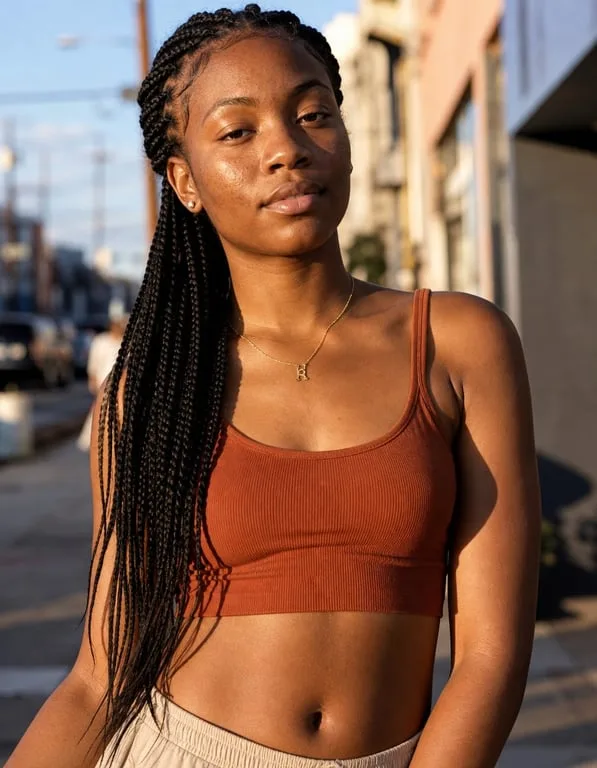
TryMakeup Filter
Upload a bare or light-makeup photo, describe the look, and Toty applies it naturally while keeping skin texture and features.
 Try
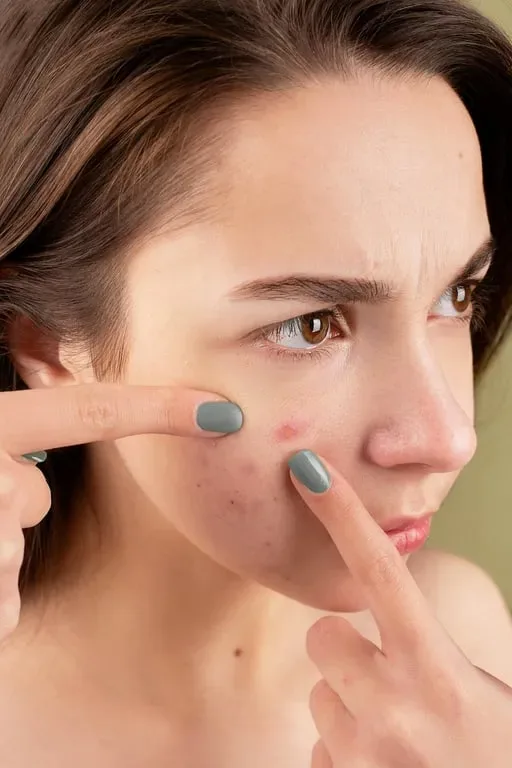
TryBlemish Remover
Soften acne marks, spots and blemishes while keeping natural skin texture.
 Try
TryEye Color Change
Upload a photo where the eyes are clear, choose a color, and Toty changes only the iris while keeping highlights and texture.
 Try
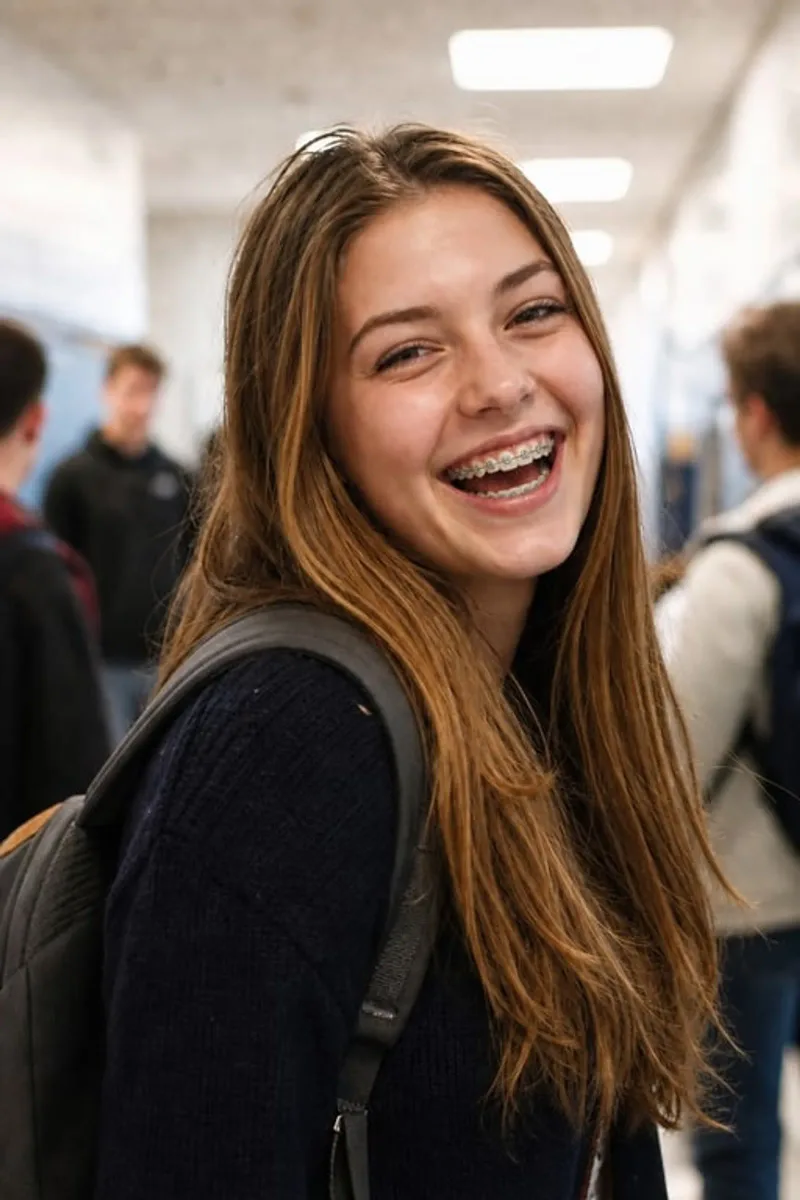
TryBraces Filter
Upload a smiling photo and Toty adds metal or clear braces while keeping your face and expression.
 Try
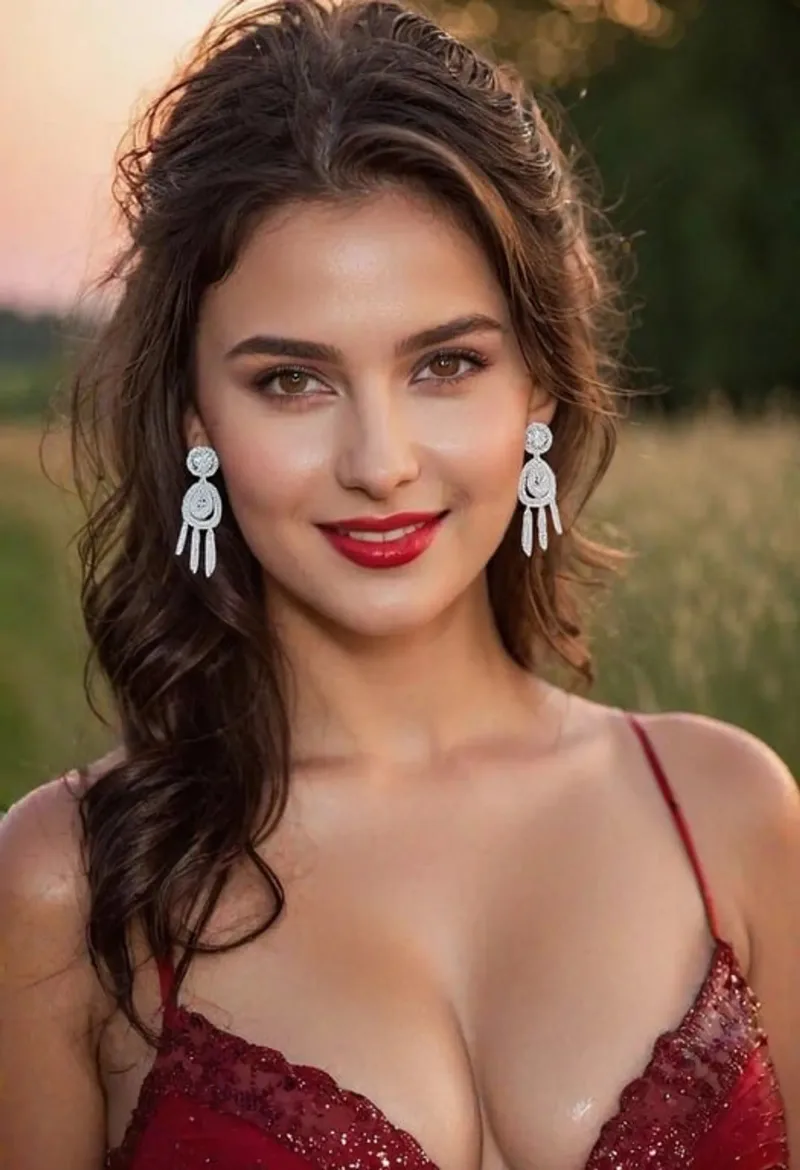
TryAI Piercing Filter
Upload a photo, choose a spot and jewelry, and Toty adds an earring, nose ring or lip ring naturally.
 Try
TryAI Add Glasses
Upload a front-facing photo, describe the frames you want, and Toty fits the glasses naturally while keeping the face and expression.
 Try
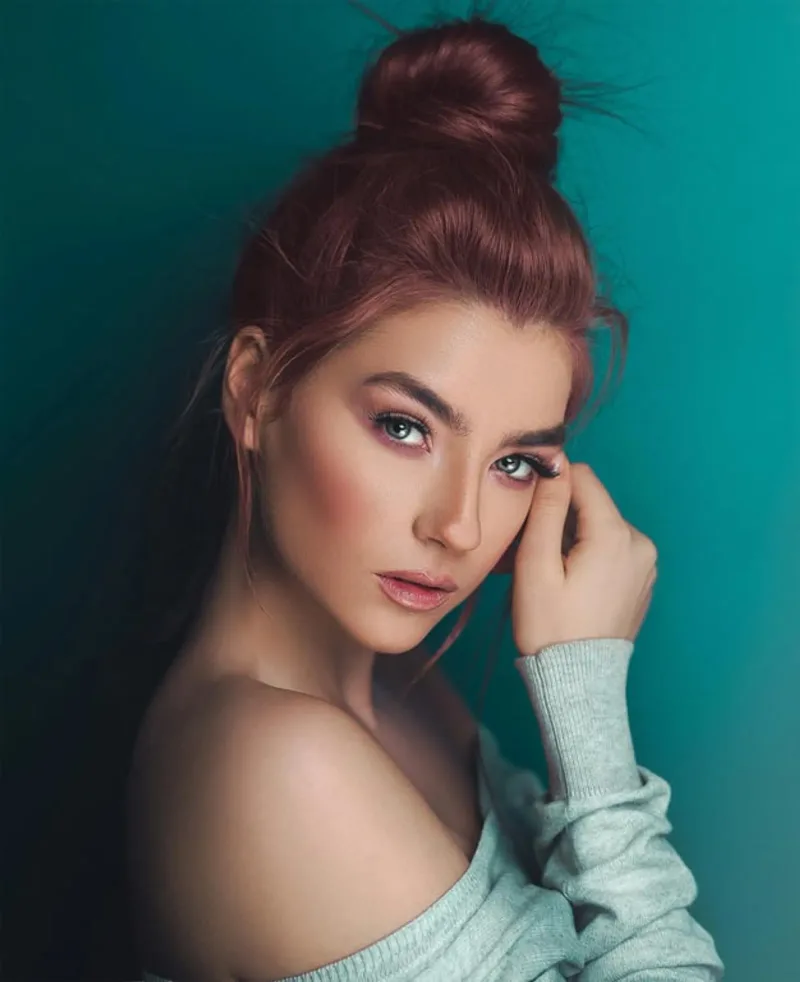
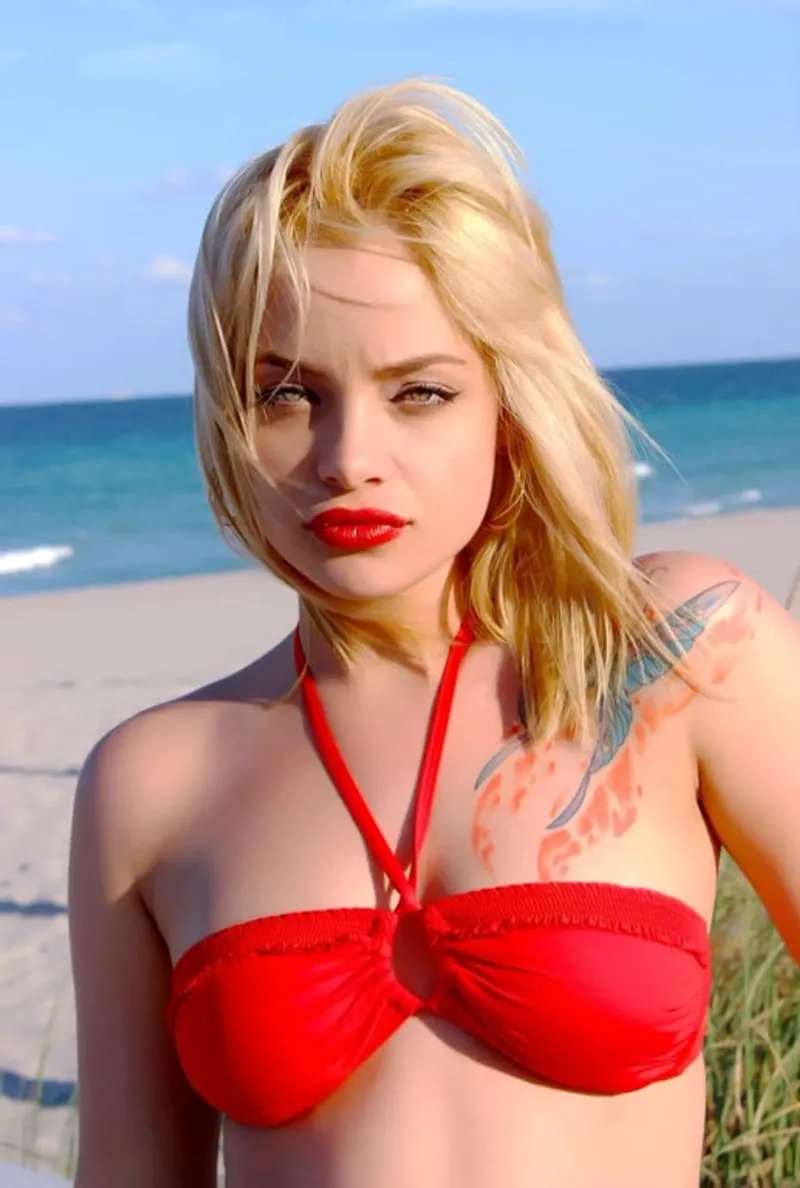
TryAI Beauty Filter
Upload a portrait and Toty softens blemishes, evens skin tone and lifts the light while keeping skin texture so it still looks real.
 Try
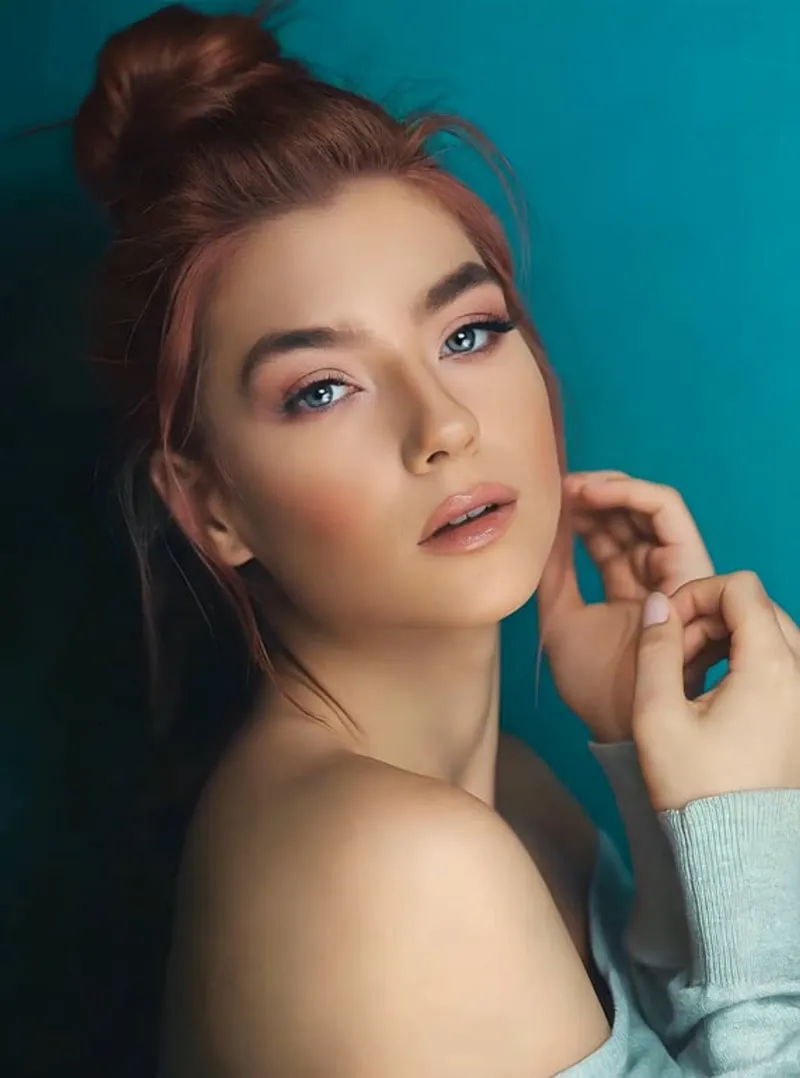
TryAI Face Slimmer
Upload a portrait and Toty slims the jaw and cheeks slightly while keeping proportions and background free of warping.
 Try
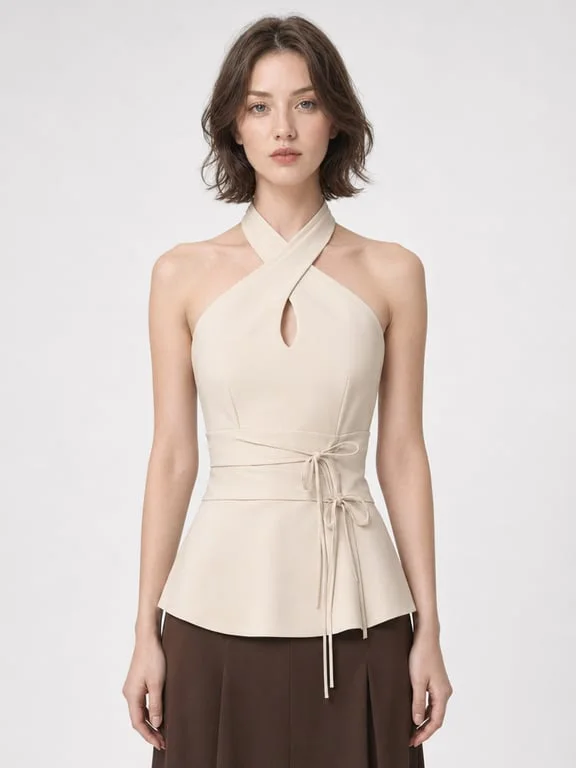
TryAI Face Zoom Filter
Create a zoom-in effect that moves from the full scene to the face.
 Try
TryOpen closed eyes
When someone blinked, open the eyes naturally toward the camera. The face, clothes, and background stay as they are.