AI remove and cut out
Remove watermarks, text, people, stickers and signatures from your own images, or cut out the subject onto white, black or a new scene.
13 tools
 Try
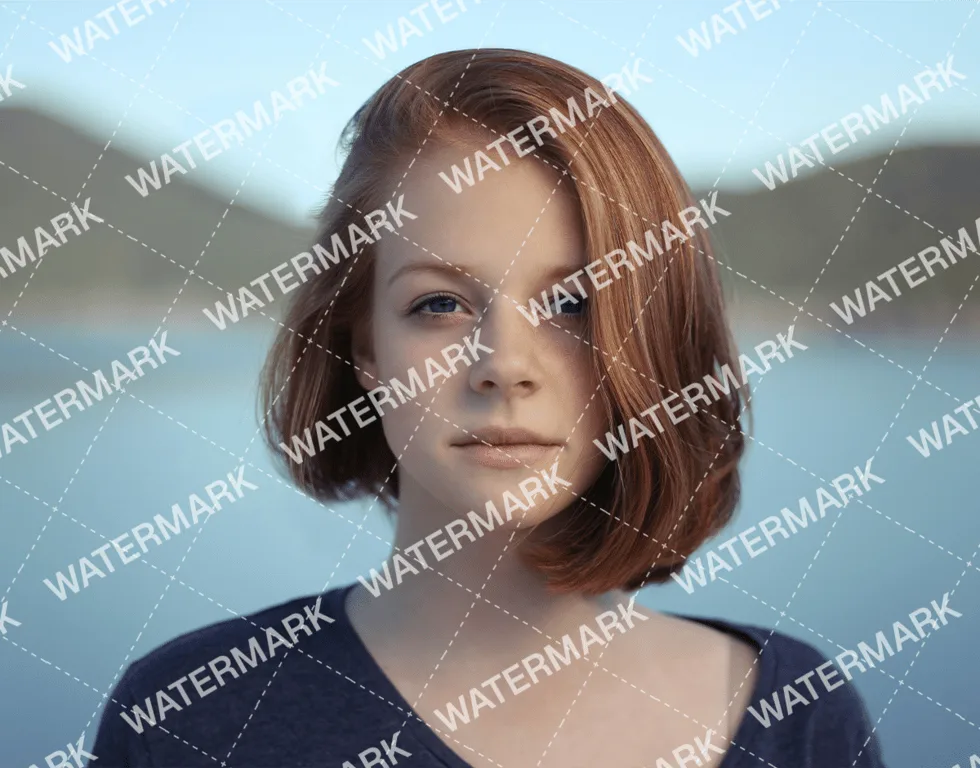
TryWatermark Removal
Remove a watermark, logo or text from your own image and fill the area from its surroundings.
 Try
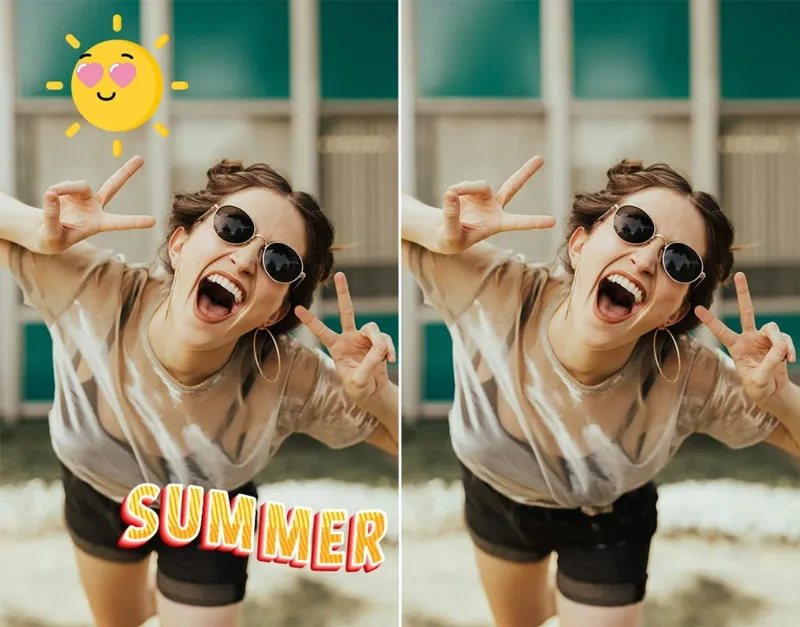
TrySticker Remover
Remove stickers, emoji and decorations from a photo and restore what they covered.
Try
Logo Remover
Remove a logo or icon from your own image and fill the area from its surroundings.
 Try
TryText Remover
Remove text, titles and captions from an image and rebuild the background behind them.
 Try
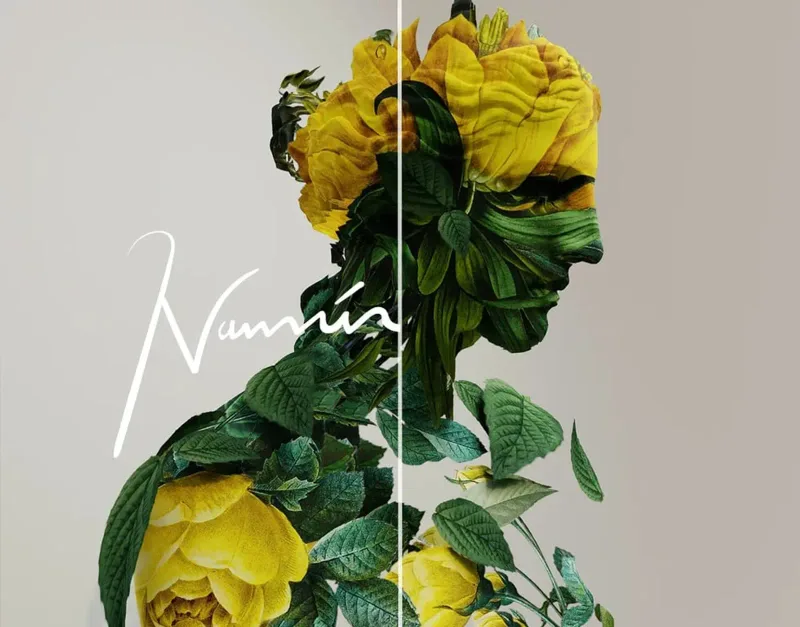
TryRemove Signature
Remove signatures, handwriting and marks from your own documents or images while keeping the rest.
 Try
TryBackground Remover
Cut out the subject and remove the background, then export a transparent PNG or a solid color.
 Try
TryRed Eye Remover
Upload a photo with red eye and Toty restores a natural pupil color and highlight, leaving the rest unchanged.
 Try
TryRemove People from Photos
Remove unwanted people from a photo and fill the space with the surrounding scene.
 Try
TryPhoto Stamp Remover
Remove date stamps, seals or text marks from a photo and fill the covered area naturally.
Try
White Background Maker
Place the subject on a clean white background for store listings, ID photos and product shots.
Try
Black Background Maker
Place the subject on a clean black background for product shots, portraits and high-contrast images.
 Try
TryAI Remove Watermark from Getty Images
Clean leftover watermarks and text from stock images you have licensed.
 Try
TryBackground swap
Replace the background with a scene whose light matches the subject. The person and clothes stay, without a hard cutout edge.