AI photo filters
Turn a photo into a sketch, line drawing, painting, silhouette or black and white, plus looks like 90s and aesthetic filters.
10 tools
 Try
TryStencil Maker
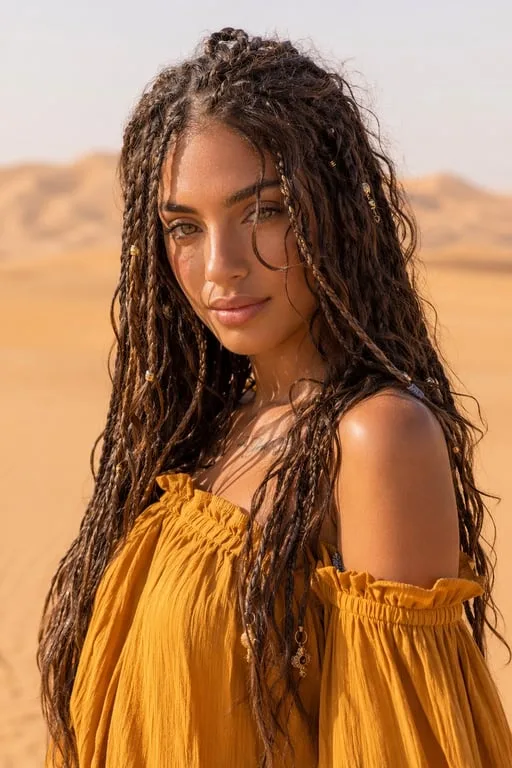
Upload a photo and Toty turns it into a high-contrast black-and-white stencil with connected shapes for spray paint, engraving and cutting.
 Try
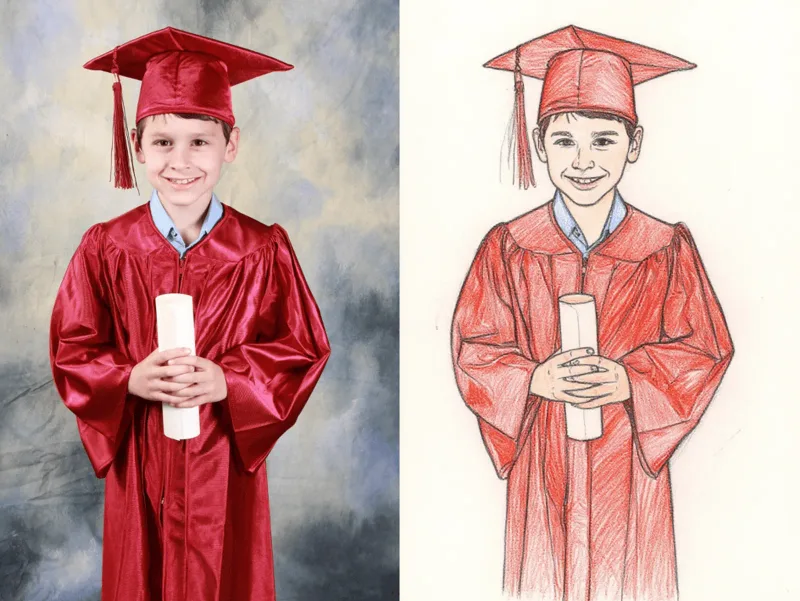
TryTurn Photo into Sketch
Upload a photo and Toty draws it as a shaded pencil sketch while keeping the people and composition.
 Try
TryTurn Photo into Line Drawing
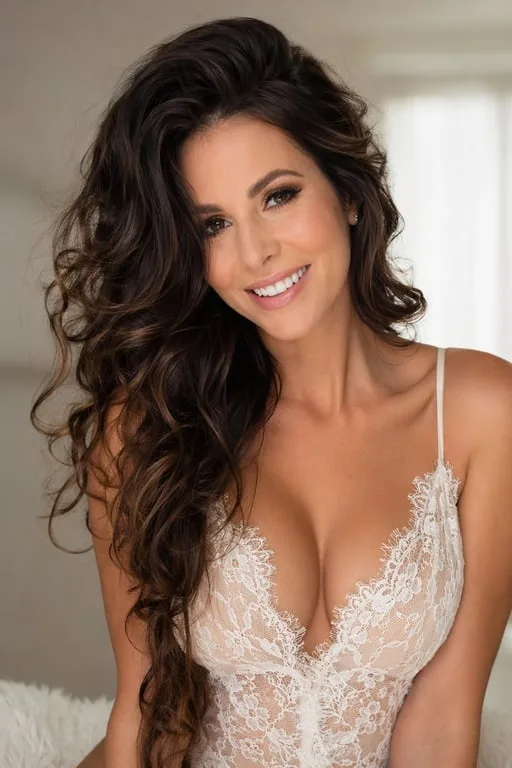
Upload a photo and Toty traces the main outlines into clean black-and-white line art you can color or print.
 Try
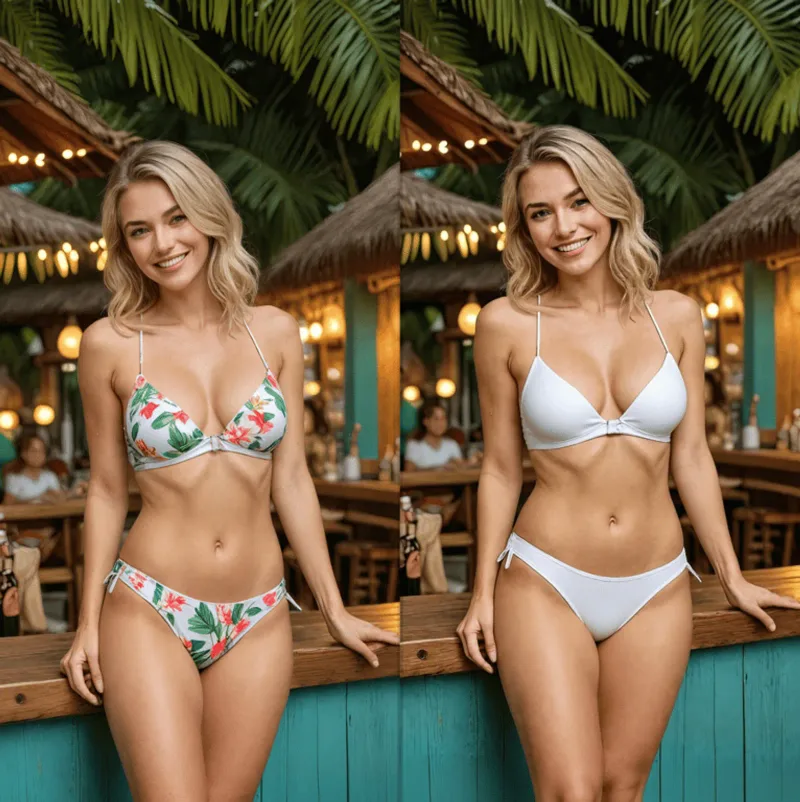
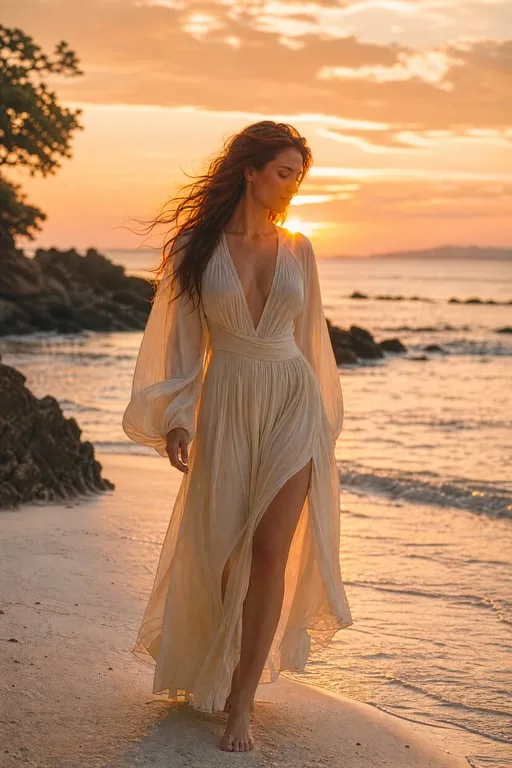
TryChange Color of Image
Change the color of clothing, objects or the background in a photo, keeping the rest the same.
 Try
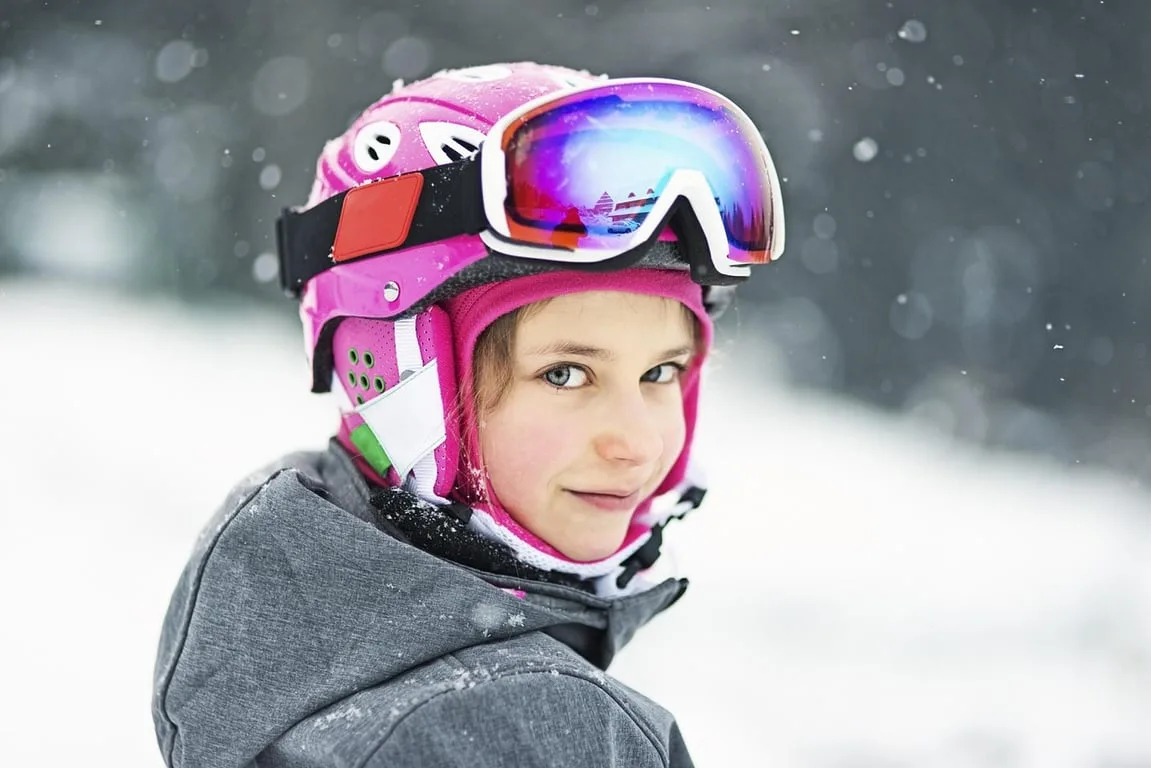
TrySilhouette Maker
Upload a photo of a person or object and Toty makes a solid silhouette with crisp edges, ready for design work.
 Try
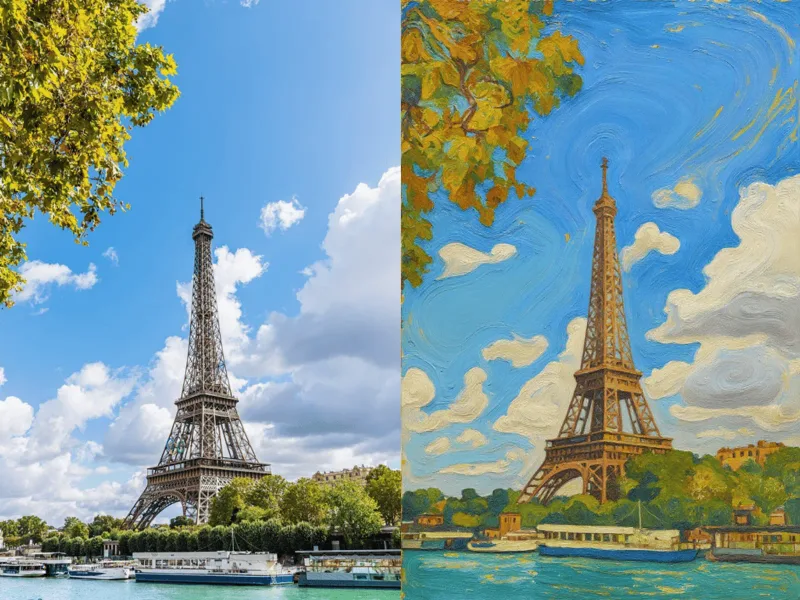
TryBlack and White Photo
Turn a color photo into black and white with full tonal range, soft or high-contrast.
 Try
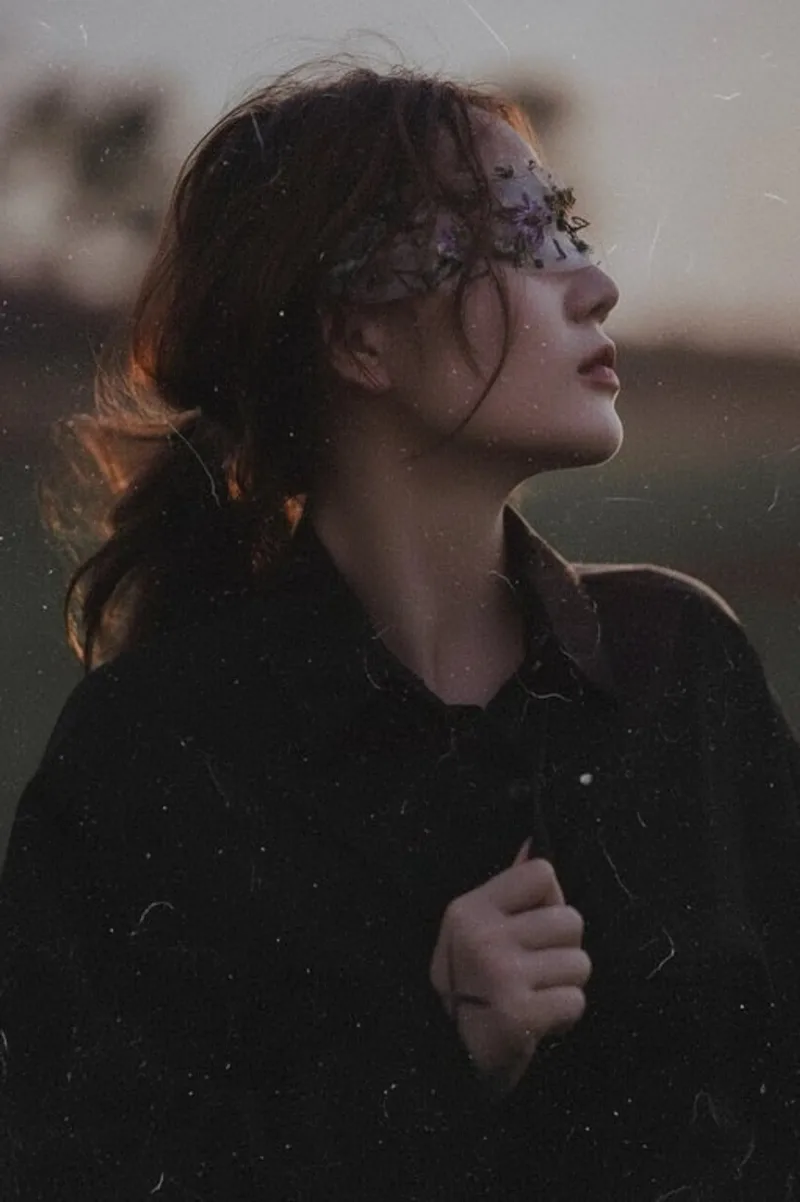
TryTurn Photo into Painting
Upload a photo, choose a medium, and Toty paints it with visible brushwork while keeping the composition and people.
 Try
TryAI 90s Filter
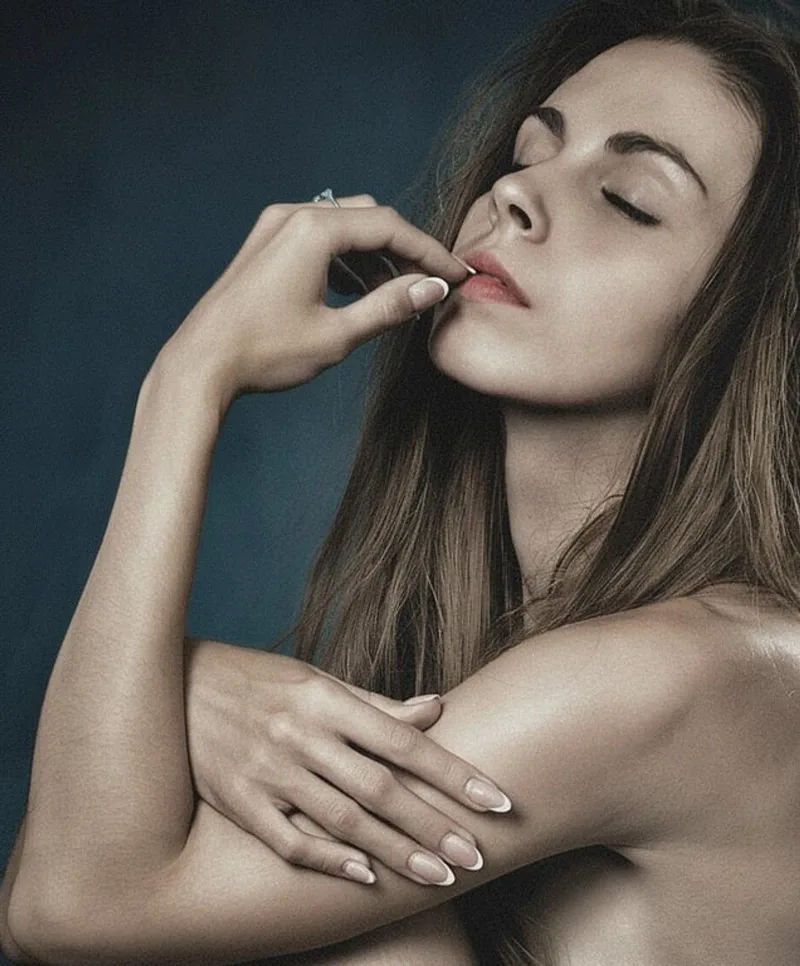
Upload a photo and Toty adds nineties film color, grain and on-camera flash while keeping the people and framing the same.
 Try
TryAI Aesthetic Filter
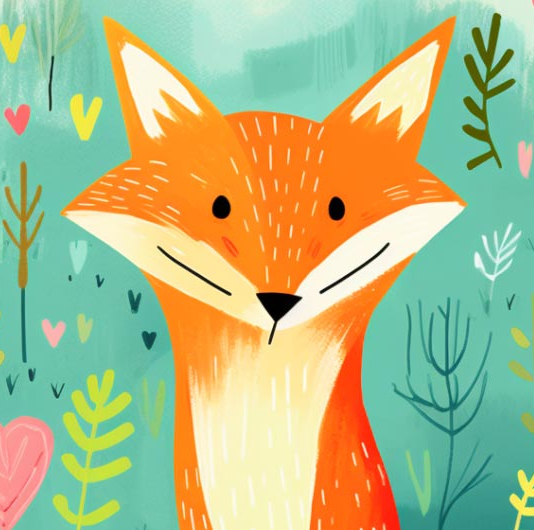
Give a photo a film, soft-light or vintage mood.
 Try
TryStyle transfer
Turn a photo into an illustration that still shows the subject, or open a live style page such as Ghibli, anime, or painting.